Oops! Something went wrong while submitting the form.
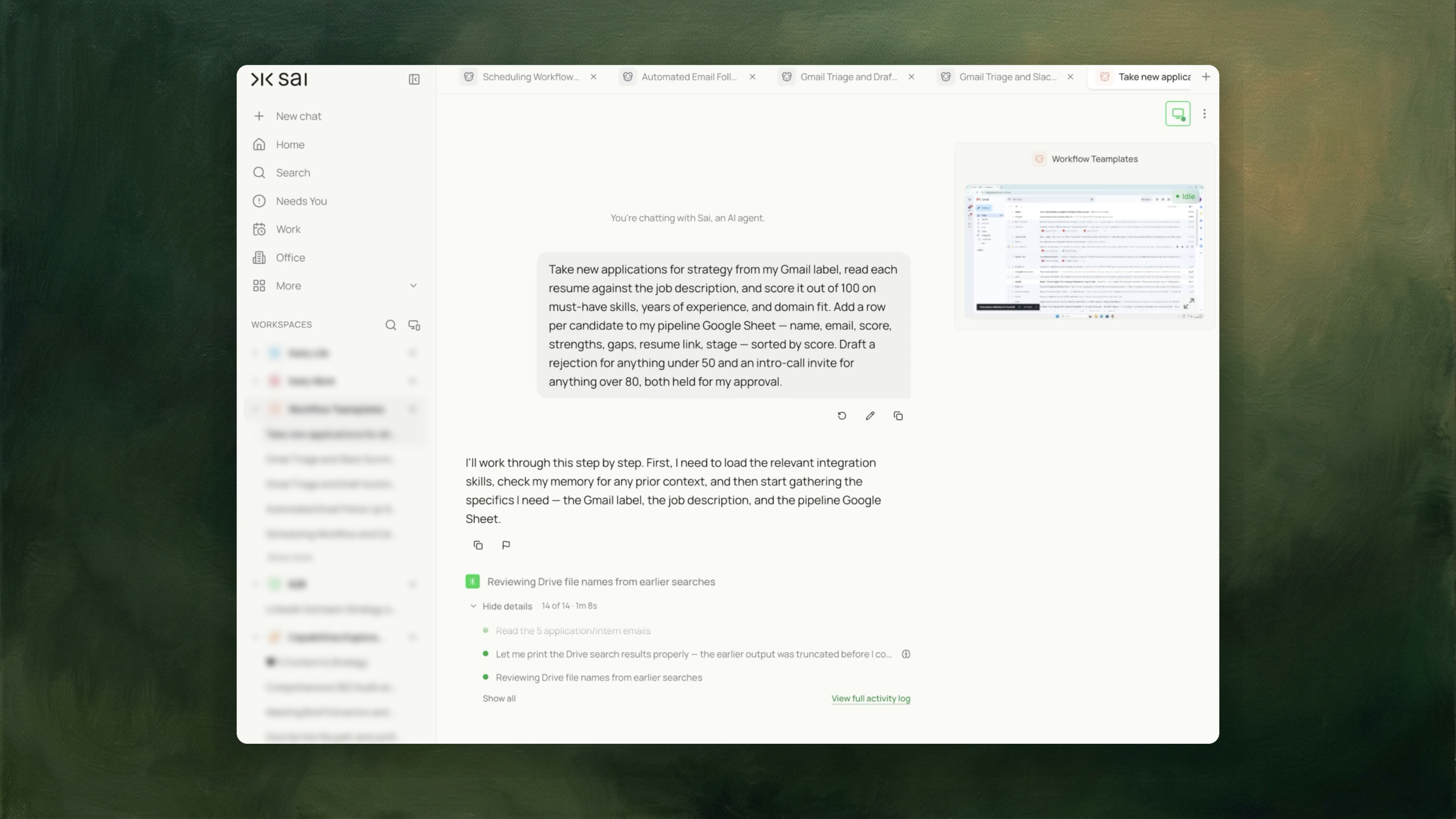
Reads each resume against the job description, scores it, logs a row per candidate with strengths and gaps, and drafts rejections and interview invites — all held for your approval.



The recording is a real session. The sheet on the right is what it produced.
Sai opens each profile, pulls the signal, and writes the row, live, in a real browser.
Eight columns, sorted by score, with a source link behind every claim.
AI recruitment tools are software that applies machine learning to some part of hiring — sourcing candidates, parsing resumes, ranking applicants against a role, scheduling interviews, or conducting screening conversations.
The category covers several distinct product types. Applicant tracking systems such as Greenhouse, Lever, Ashby and Workable manage the pipeline as a system of record. Sourcing tools such as SeekOut and hireEZ find candidates outside the applicant pool. Assessment products such as HireVue and Vervoe evaluate candidates through structured exercises. Conversational tools such as Paradox handle scheduling and initial screening by chat.
These solve different problems and are frequently used together. A company may run an ATS as the pipeline, a sourcing tool to fill it, and an assessment product to evaluate what arrives.
Where a tool influences a hiring decision, it can carry legal obligations. New York City's Local Law 144, in effect since 5 July 2023, applies to Automated Employment Decision Tools. New York City's Department of Consumer and Worker Protection states that an employer using one must make sure the required bias audit was done, post a summary of the results of the bias audit, and give required notices. The obligation sits with the employer using the tool, not only with the vendor supplying it.
Most evaluation tools output a number. The number is the easy part of the problem.
What follows is harder and less discussed. Somebody decides which candidates advance. Somebody writes to the ones who do not. If a rejected applicant later asks why, somebody needs the record of what was assessed and on what basis. If a hiring manager disagrees with a ranking, they need to see the reasoning rather than the score.
A score alone supports none of that. It compresses the assessment into one figure and discards the strengths and gaps that produced it, which is precisely what a review or a challenge needs to examine.
This is also where the legal exposure sits. The distinction that matters under Local Law 144 is not whether software was involved but how much the output determined the outcome. A score a person reads before deciding is a different arrangement from a score that advances or rejects candidates on its own — and the difference is a matter of how the process is built, not of which vendor supplied the model.
Founders and hiring managers without an ATS. Applications arrive in an inbox. The pipeline is a spreadsheet. There is no system enforcing that every applicant is assessed the same way or that anyone hears back.
Recruiters running high-volume roles. The first pass through a hundred applications is the bottleneck, and the rejections at the bottom of the list are the ones that go out latest, or not at all.
Small teams hiring occasionally. The volume does not justify an ATS subscription, but the obligation to respond to applicants does not scale down with volume.
Operations staff supporting a hiring process they do not own. They need the pipeline legible to the person who does own it.
Reading applications manually scores full marks on every column. It is listed first because it is the standard the automated methods are measured against, and none of them exceeds it on judgement. Its constraint is that the hundredth resume does not receive the attention the first one did.
An ATS is the correct answer for a company hiring continuously. This task addresses the case where there is no ATS, or where a role is being run outside it.
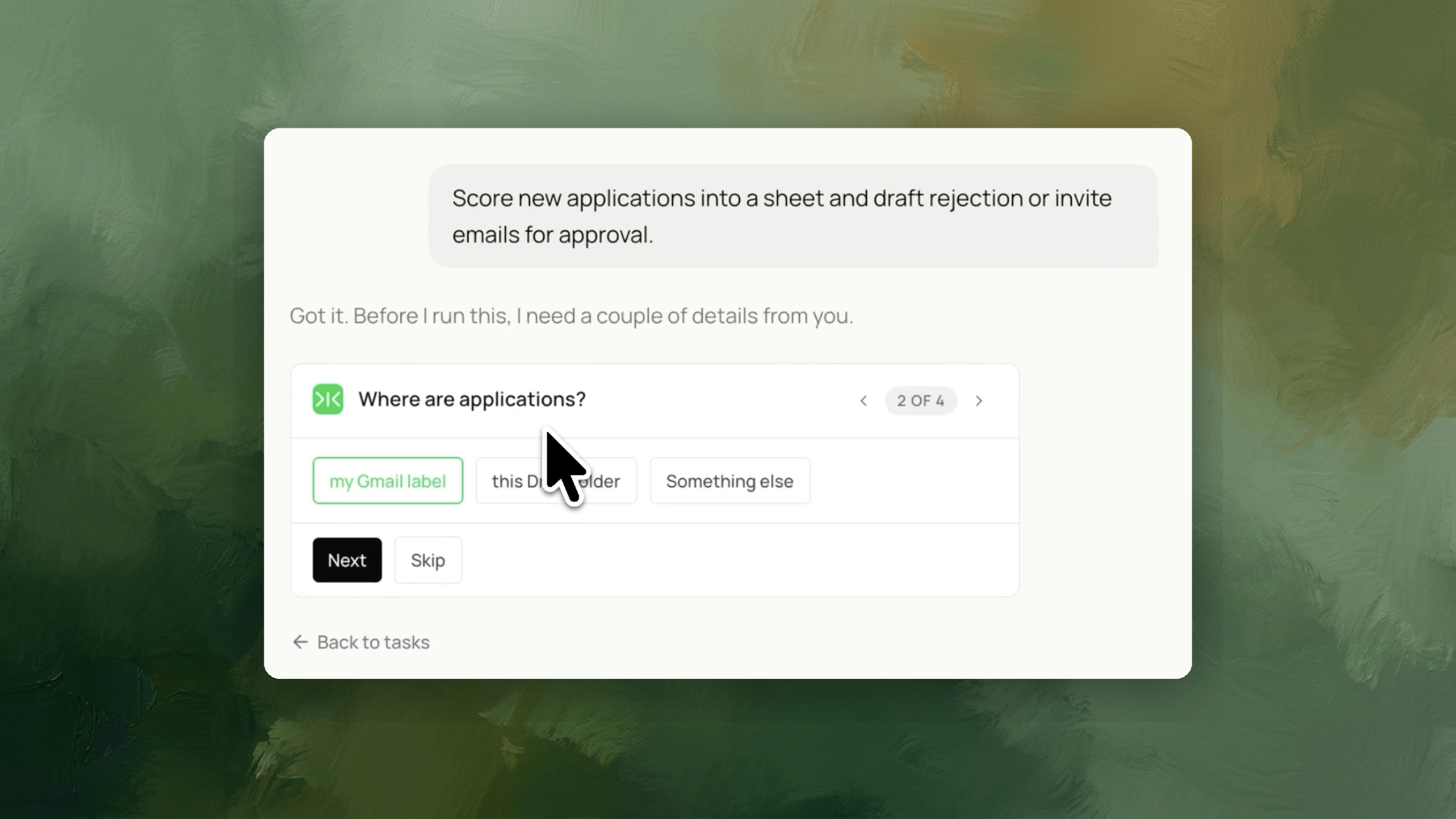
Sai reads the applications in the Gmail label or Drive folder you name, reads each resume against the job description, and scores it on the criteria you specify.
Each candidate becomes a row in your pipeline sheet: name, email, score, strengths, gaps, resume link, and stage. Rows are sorted by score. The strengths and gaps columns carry the reasoning behind the number, which is what a hiring manager reviews and what a later question about a decision refers back to.
Below your lower threshold, a rejection is drafted. Above your upper threshold, an intro-call invitation is drafted. Both are held unsent.
The thresholds are yours to set. The band between them is deliberate — candidates falling there get a row and no draft, because that is the range where a person needs to read the resume.
The task drafts candidate emails and sends none of them.
This is the distinction that determines what the process is. A tool that scores a candidate and sends the rejection has made the decision. A tool that scores a candidate and prepares the message a person then sends has prepared work for a decision. New York City's Local Law 144 turns on this kind of distinction, and the compliance obligations it places on employers — bias audit, published summary, candidate notice — attach to the employer running the process.
There is a practical reason as well. A resume with an unusual career shape, a career break, or a non-standard route into the field is where automated scoring is least reliable and where the consequence of an unreviewed rejection is largest. Holding the drafts puts a person between the score and the candidate at exactly that point.
The approval step is not a delay in the workflow. It is the part of the workflow that determines what the rest of it is.
The pipeline sheet is the output that persists after the run.
It provides three things a score alone does not. It records what was assessed for each candidate, so a hiring manager reviewing the shortlist can see reasoning rather than ranking. It holds every applicant in one place, so the ones who fall between thresholds do not disappear. And it is a record — of who applied, what was assessed, and what stage they reached.
The stage column is what makes it a pipeline rather than a scored list. It is updated by the person running the process as candidates move, and it is what makes the sheet still useful a month later.
The two thresholds define three groups, and the middle one is the point of the arrangement.
Set them close together and nearly every candidate gets an automatic draft, which moves the process toward automated decisions and away from reviewed ones. Set them far apart and most candidates land in the review band, which is more work but more deliberate.
A wide band is the safer starting position. The first run shows how the scores actually distribute for the role, and the thresholds can be narrowed once that distribution is visible. Setting thresholds before seeing a score distribution is guesswork.
Scores are relative to the job description supplied. A vague description produces vague scoring, and the criteria named in the instruction — must-have skills, years of experience, domain fit — are only as discriminating as the description they are read against.
Applications arrive continuously and get reviewed in batches, which is why response times to applicants vary so widely within a single hiring process.
Running the task each morning scores what arrived overnight and adds the rows before the day begins. The drafts are waiting for review rather than waiting to be written, which is what shortens the time between an application arriving and the applicant hearing back.
The review step stays daily too. That is the intended shape.
For scoring resumes against a role without the pipeline sheet and drafted replies, screening resumes against a job description covers that narrower step.
Where applications arrive as email and the requirement is structured fields rather than scores, extracting sender details into JSON covers that pattern.