
죄송합니다!양식을 제출하는 중에 문제가 발생했습니다.
"AI 코딩 에이전트"라는 용어는 너무 광범위하게 사용됩니다. GitHub Copilot은 한 줄을 자동 완성하고 스스로를 에이전트라고 부릅니다. Devin은 완전한 VM을 실행하고 몇 시간 동안 자율적으로 작동합니다. 이들은 근본적으로 다른 문제를 해결하는 근본적으로 다른 도구들이지만, 모두 같은 명칭을 사용합니다.
여기 중요한 차이점이 있습니다.
핵심적인 차이점: 어시스턴트는 당신이 무엇을 해야 할지 지시할 때까지 기다립니다. 에이전트는 무엇이 필요한지 파악하고 스스로 처리합니다.
"최고의" 코딩 에이전트는 전적으로 당신의 작업 방식에 달려 있습니다. 다음은 결정 프레임워크입니다.
"하루 종일 에디터에 AI가 내장되어 있기를 원합니다." --> Cursor (Pro+를 감당할 수 있다면) 또는 Windsurf (강력한 무료 티어를 원한다면)
"터미널에서 주로 작업하며 복잡하고 대규모 코드베이스를 다룹니다." --> Claude Code -- 비교할 수 없는 코드베이스 이해력과 터미널 기반의 자율성
"우리 팀은 GitHub에 전적으로 의존합니다. 이슈, PR, 액션 등 모든 것을요." --> GitHub Copilot -- 이 정도의 GitHub 통합 깊이를 가진 다른 도구는 없습니다.
"전체 작업을 위임하고 완성된 코드를 받고 싶습니다." --> Devin (완전한 자율성을 위해) 또는 OpenAI Codex (클라우드에서 병렬 작업을 위해)
"AWS를 기반으로 구축하며 내 인프라를 이해하는 AI가 필요합니다." --> Amazon Q Developer -- CloudFormation과 CDK를 기본적으로 이해하는 유일한 에이전트입니다.
"PR 검토, 스탠드업, Slack 메시지, CI/CD 알림에 파묻혀 있습니다. 코딩 자체보다는요." --> Sai -- 코드 자체가 아닌, 코드 주변의 개발자 워크플로우를 자동화합니다.
2026년 대부분의 개발자들은 단일 코딩 에이전트를 사용하지 않을 것입니다. 그들은 스택을 구축할 것입니다.
이 "계층형 에이전트" 접근 방식은 하나의 도구가 모든 것을 하도록 강요하는 대신, 각 도구가 가장 잘하는 일을 하도록 합니다.
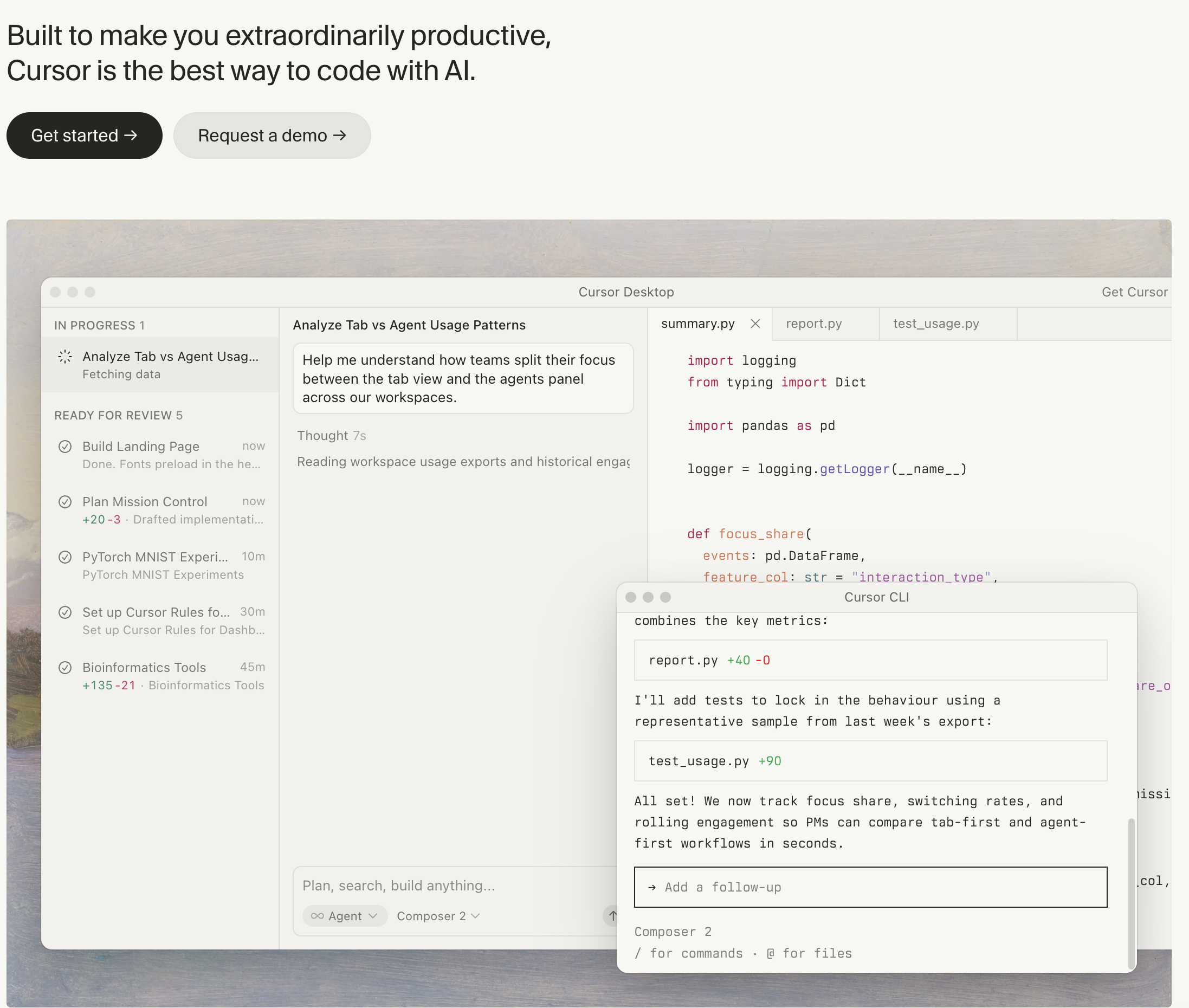
가격: 무료 / $20 Pro / $60 Pro+ / $200 Ultra (cursor.com/pricing) 플랫폼: 데스크톱 앱 (VS Code 포크) 에이전트 유형: 백그라운드 실행 기능을 갖춘 IDE 내장형 에이전트
Cursor 는 많은 전문 개발자들에게 VS Code를 대체한 AI 우선 IDE입니다. VS Code를 기반으로 구축되었지만 AI를 중심으로 재구축되었습니다. 모든 기능은 당신의 워크플로우에 AI가 관여하기를 원한다고 가정합니다.
주요 에이전트 기능:
제한 사항: 무료 티어는 한 달에 50개의 느린 프리미엄 완성으로 제한되어 진지한 사용에는 충분하지 않습니다. 진정한 성능은 Pro($20/월)부터 시작됩니다. 컨텍스트 창 제한으로 인해 에이전트가 대규모 코드베이스를 놓칠 수 있지만, Cursor의 코드베이스 인덱싱이 이를 완화합니다. 일부 개발자들은 모호한 프롬프트를 주었을 때 에이전트 모드가 불필요한 변경을 한다고 보고합니다.
가장 적합한 대상: 가장 세련되고 통합된 AI 코딩 경험을 원하며 이를 위해 월 $20-60를 지불할 의향이 있는 개발자.
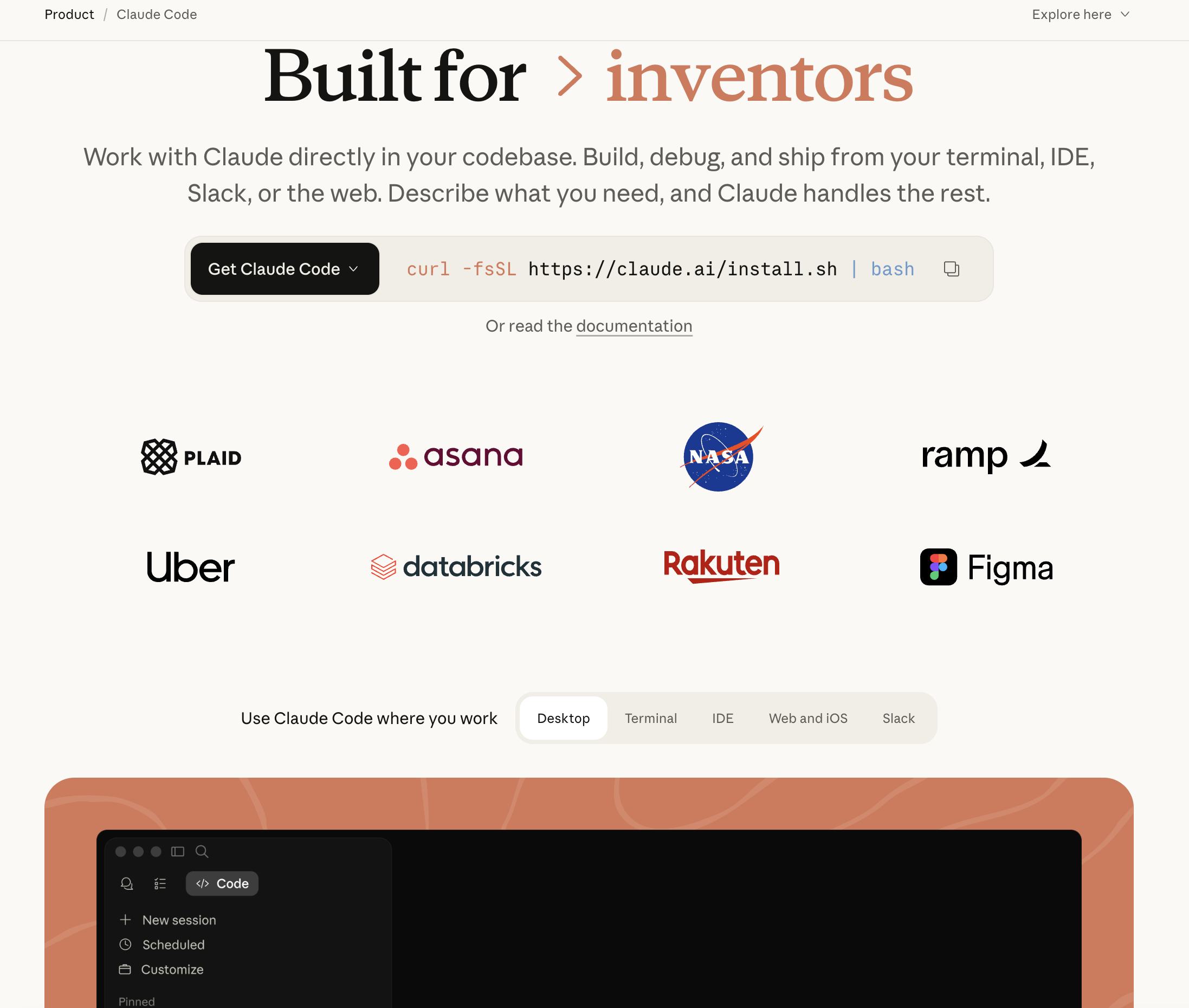
가격: Anthropic API를 통한 사용량 기반 또는 Claude Max($100/월) 및 Claude Team($30/사용자/월)에 포함 (claude.ai/pricing) 플랫폼: 터미널 (CLI 도구) 에이전트 유형: 심층적인 코드베이스 이해력을 갖춘 터미널 기반 에이전트
Claude Code 는 Anthropic의 에이전트형 코딩 도구로, 터미널에서 직접 실행됩니다. IDE 내장형 도구와 달리 Claude Code는 프로젝트 수준에서 작동합니다. 전체 코드베이스 구조를 이해하고, 파일을 읽고, 코드를 편집하고, 테스트를 실행하며, Git 작업을 관리합니다. 이 모든 것이 명령줄에서 이루어집니다.
주요 에이전트 기능:
제한 사항: 사용량 기반 요금제는 대규모 프로젝트에서 비용이 많이 들 수 있습니다. 헤비 유저들은 월 $50-100 이상의 API 비용을 보고합니다. 터미널 우선 인터페이스는 GUI 기반 도구에 익숙한 개발자들에게 학습 곡선이 있습니다. 일부 에이전트 루프(Claude Code가 여러 접근 방식을 시도하는 경우)는 명확한 진행 없이 토큰을 빠르게 소모할 수 있습니다.
가장 적합한 대상: 터미널에서 작업하고 복잡한 코드베이스를 관리하며, 아키텍처와 파일 간 종속성에 대해 깊이 추론할 수 있는 에이전트를 원하는 숙련된 개발자와 파워 유저.
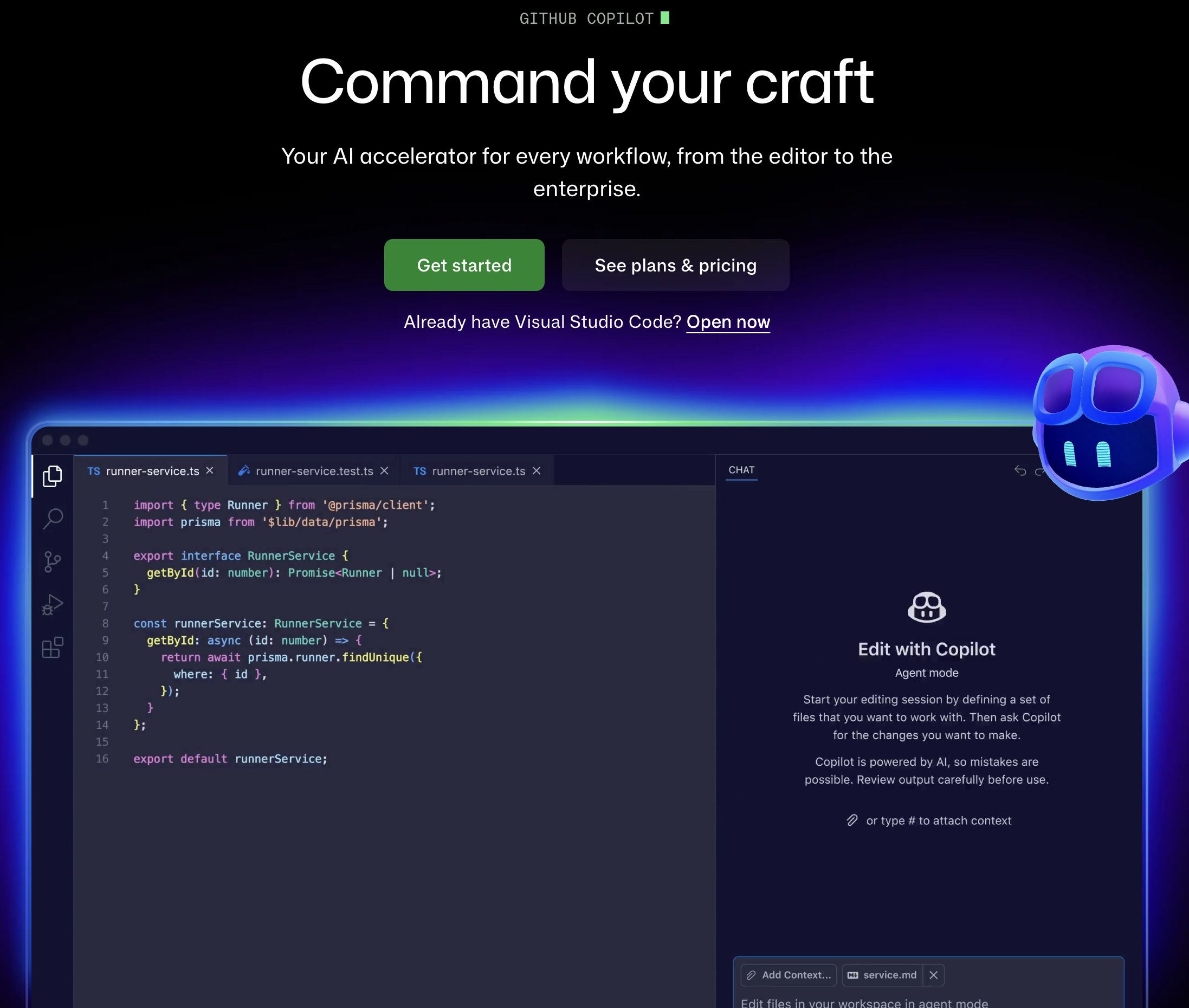
가격: 무료 티어 / $10 Pro / $19 Pro+ / $39 Business / $75 Enterprise (github.com/features/copilot/plans) 플랫폼: VS Code, JetBrains, Neovim, Xcode 및 github.com 에이전트 유형: GitHub 네이티브 통합을 지원하는 IDE + 클라우드 에이전트
GitHub Copilot 은 자동 완성 기능을 훨씬 뛰어넘어 발전했습니다. 최신 버전에는 Copilot Workspace(리포지토리 전반의 변경 사항을 계획하고 구현할 수 있는 클라우드 기반 에이전트), 코딩 에이전트(GitHub 이슈를 할당받아 자율적으로 작동), 그리고 GitHub의 전체 플랫폼(이슈, PR, 액션, 코드 검토)과의 심층 통합이 포함됩니다.
주요 에이전트 기능:
제한 사항: 무료 티어는 관대하지만(월 2,000회 완성 + 50개 채팅 메시지), 에이전트 기능(Workspace, 코딩 에이전트)은 Pro+($39/월) 이상이 필요합니다. 코딩 에이전트는 아직 미리 보기 단계이며 복잡하고 여러 단계로 이루어진 작업에서 어려움을 겪을 수 있습니다. Copilot의 제안이 프로젝트별 규칙과 충돌하는 경우도 있습니다.
적합 대상: GitHub 생태계에 깊이 관여하고 있으며, 이슈, PR, CI/CD 파이프라인을 기본적으로 이해하는 AI를 원하는 팀.
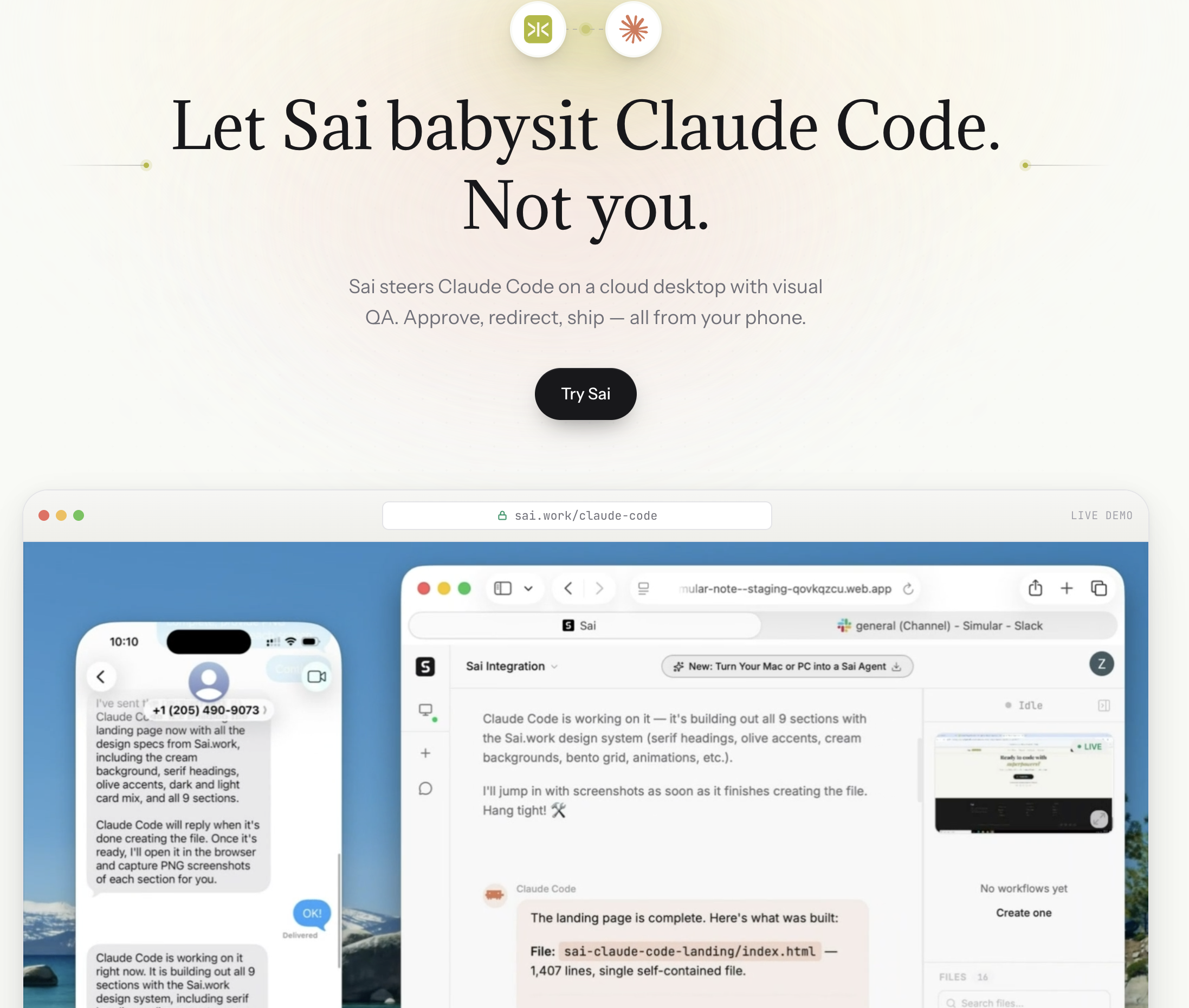
가격: 무료 티어 / $20 Pro 플랫폼: 클라우드 데스크톱 에이전트 (macOS, Windows) 에이전트 유형: 개발자 워크플로우 자동화를 위한 자율 데스크톱 에이전트
Sai 는 코드 작성 도구가 아닙니다. 개발자 워크플로우 에이전트입니다. -- 코딩 프로세스 주변에서 엔지니어링 팀의 속도를 늦추는 모든 것을 자동화합니다.
대부분의 개발자는 단지 시간의 30-40%만 코드를 작성하는 데 사용합니다.나머지는 PR 검토, Slack 메시지, 스탠드업 보고서, CI/CD 모니터링, Jira 티켓 관리, 문서 업데이트, 도구 간 커뮤니케이션에 할애됩니다. Sai는 이러한 운영 오버헤드를 자동화합니다.
이 목록의 다른 모든 도구와 다른 점:
제한 사항: Sai는 코드를 작성하지 않습니다. 기능 구현, 함수 작성 또는 로직 디버깅을 위한 AI가 필요하다면 Cursor, Claude Code 또는 이 목록의 다른 코딩 에이전트를 사용하세요. Sai는 코딩이 아니지만 출시를 위해 필수적인 개발자 시간의 60-70%를 차지하는 워크플로우 계층을 처리합니다.
Sai가 스택에 어떻게 통합되는가:
적합 대상: PR 관리, CI/CD 모니터링, 스탠드업 보고서, 도구 간 커뮤니케이션, 프로젝트 추적 등 코딩 외적인 오버헤드를 자동화하려는 개발자와 엔지니어링 리더.
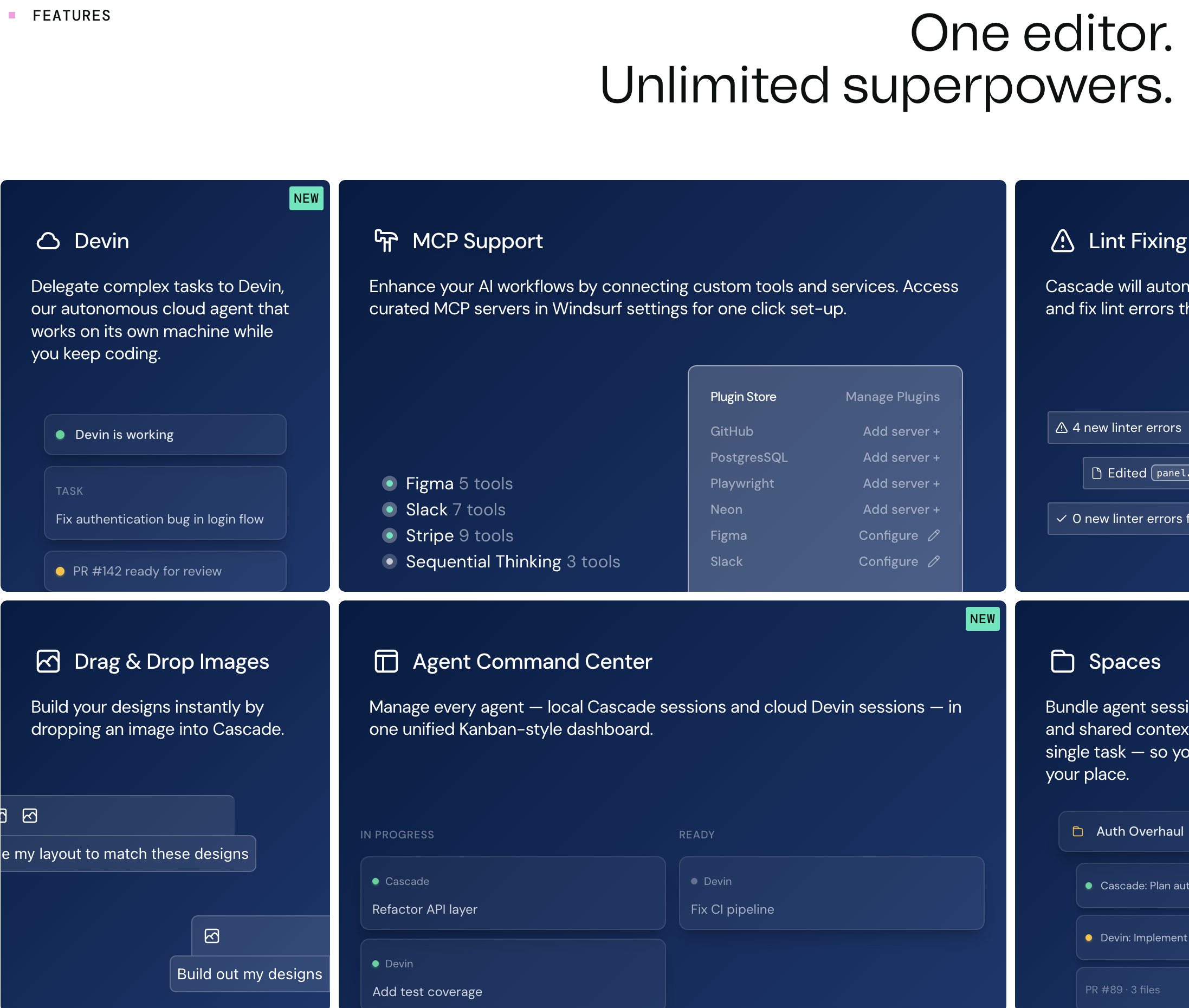
가격: 무료 티어 / $15 Pro / $60 Teams (windsurf.com/pricing) 플랫폼: 데스크톱 앱 (VS Code 포크) 에이전트 유형: Cascade 다단계 추론 기능을 갖춘 IDE 내장 에이전트
Windsurf는 이전에 Codeium으로 알려졌으며, Cursor에 대항하여 AI IDE로서의 입지를 다지기 위해 리브랜딩했습니다. 핵심 차별점은 Cascade 시스템입니다. 이는 단순한 채팅 기반 에이전트보다 더 구조화된 추론으로 코딩 작업을 계획, 실행 및 반복하는 다단계 에이전트 플로우 엔진입니다.
주요 에이전트 기능:
제한 사항: Cascade는 다단계 계획 오버헤드로 인해 간단한 작업에서는 Cursor의 에이전트 모드보다 느릴 수 있습니다. 확장 및 플러그인 생태계는 Cursor보다 작습니다. 모델 선택은 Cursor의 모델 선택기보다 제한적입니다.
적합 대상: 월 $20의 진입 비용 없이 에이전트 기반 IDE 경험을 원하거나 Cursor 대안을 평가하는 팀의 개발자.
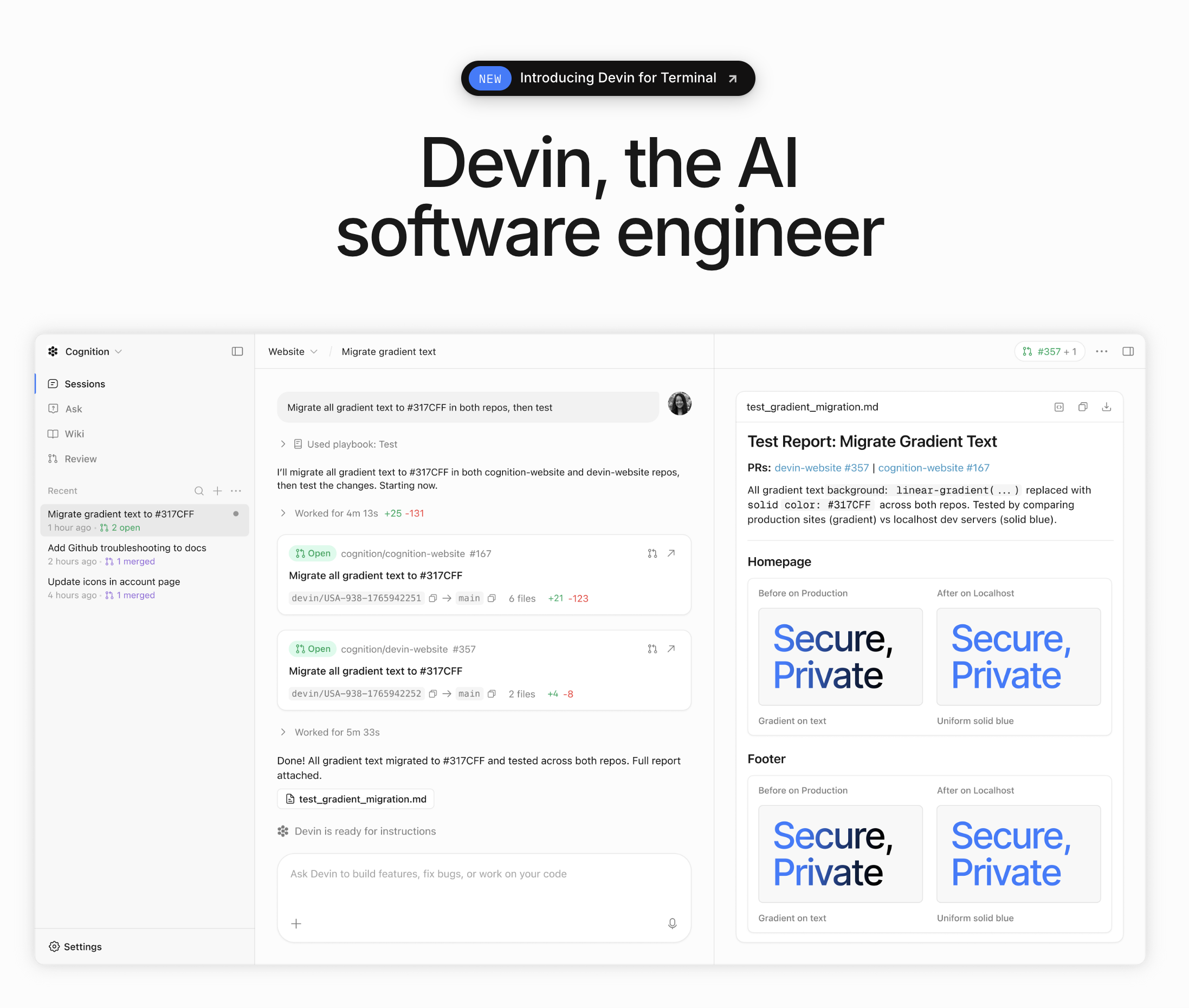
가격: Core $20/월부터 + ACU(Agent Compute Unit) 사용량 (devin.ai/pricing) Platform: Cloud-based (browser interface) Agent type: Fully autonomous software engineering agent
Devin is the most autonomous coding agent available. It operates in its own cloud environment -- a full VM with a code editor, terminal, and browser. You assign a task (via chat, Slack, or a linked GitHub issue), and Devin plans, codes, debugs, and deploys independently. It's designed to work like a remote junior developer, not a copilot.
Key agentic features:
Limitations: Devin is impressive for well-defined, isolated tasks but struggles with ambiguous requirements, large codebase refactors, and tasks that require deep domain knowledge. ACU-based pricing can be unpredictable -- complex tasks consume more compute units. The output often needs human review before merging, which reduces the "autonomous" advantage.
Best for: Teams that want to delegate well-scoped coding tasks (bug fixes, small features, migration scripts) to an autonomous agent and review the output.
Pricing: Free tier / $19/user/month Pro (aws.amazon.com/q/developer) Platform: VS Code, JetBrains, CLI, AWS Console, and GitLab Agent type: IDE-embedded agent + cloud agent with deep AWS integration
Amazon Q Developer is AWS's AI coding assistant, and its primary advantage is deep integration with AWS services. It understands CloudFormation, CDK, Lambda, S3, DynamoDB, and the full AWS ecosystem at a level no other coding agent matches.
Key agentic features:
Limitations: Outside the AWS ecosystem, Q Developer is significantly less capable than Cursor, Claude Code, or Copilot. The AI model quality (based on Amazon's Bedrock models) trails Claude and GPT-4 for general coding tasks. The agent mode (/dev) is less polished than Cursor's implementation.
Best for: Teams building on AWS who want an AI agent that understands their infrastructure, not just their application code.
Pricing: Included with ChatGPT Pro ($200/mo), Plus ($20/mo), and Team ($25/user/mo) (openai.com/chatgpt/pricing) Platform: Cloud-based (ChatGPT interface + GitHub integration) Agent type: Cloud-based autonomous agent with parallel execution
OpenAI's Codex -- available through ChatGPT as a coding agent -- runs in a cloud-sandboxed environment connected to your GitHub repositories. Its distinctive feature is parallel execution: you can assign multiple tasks simultaneously, and each runs in its own isolated environment.
Key agentic features:
Limitations: Codex is cloud-only -- no local execution, which means your code leaves your machine. The ChatGPT Pro tier ($200/mo) is expensive. And while parallel execution is powerful, the results often need more human review than IDE-based agents that work interactively.
Best for: OpenAI-invested teams who want to delegate multiple coding tasks in parallel and review the results asynchronously.
The trajectory is clear: coding agents are moving from "assist" to "delegate." Three trends to watch:
1. Background agents become default. Cursor's background agents -- where you assign a task and the agent works autonomously while you do something else -- will become standard across all tools. Expect GitHub Copilot and Windsurf to ship similar features by mid-2026.
2. Multi-agent orchestration. Instead of one agent doing everything, we'll see specialized agents collaborating -- a planning agent, a coding agent, a testing agent, and a review agent working in sequence. OpenAI's Codex already hints at this with parallel task execution.
3. The "full-stack AI developer" stack. The most effective setup won't be a single tool but an orchestrated stack: coding agent (Cursor/Claude Code) + workflow agent (Sai) + code review agent (Copilot) + deployment agent (Q Developer/custom). The developer becomes the orchestrator, not the typist.