
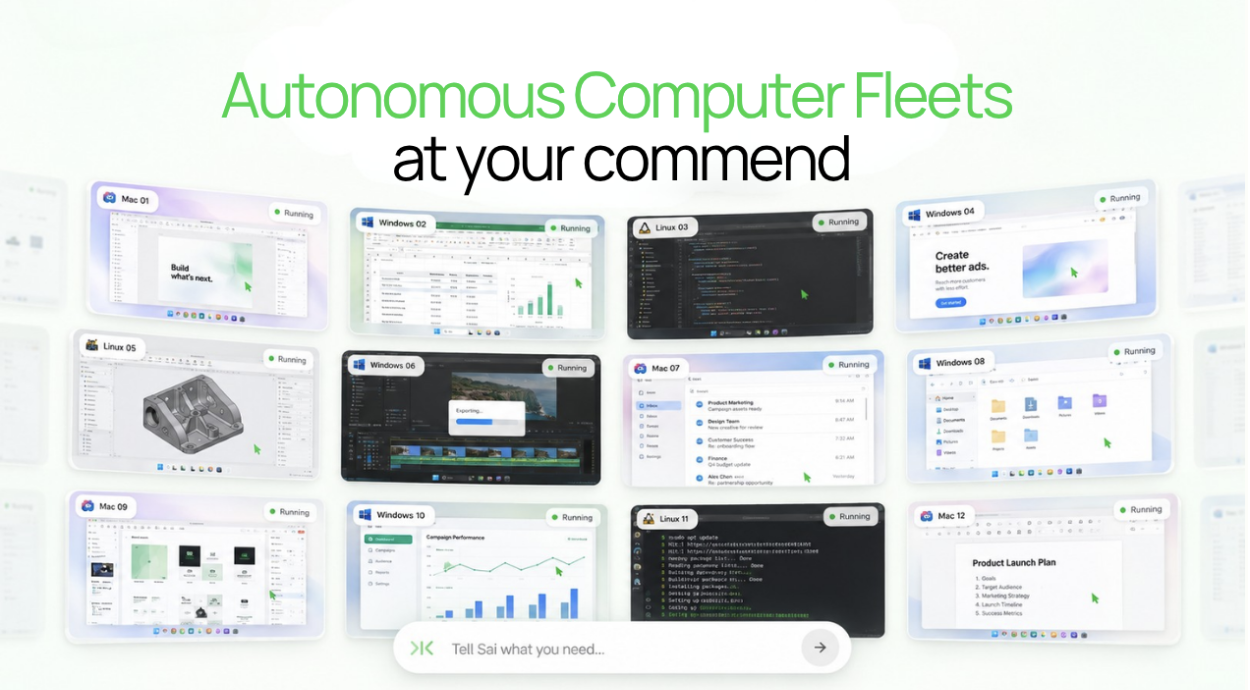
ロボ・セクレタリーとは何か?――自律型コンピュータ群を運用するコンピュータ・エージェント
November 19, 2026
Short answer: Claude and ChatGPT can each use a computer today, but each uses a different one. Claude's computer use in Cowork and Claude Code operates your own Mac or Windows PC, which has to stay on. A ChatGPT dot works on its own cloud computer that keeps running when your devices are off. Neither chatbot can use the other's computer. To give both the same computer, with the same files and Chrome logins, connect them to one cloud computer such as Simular Box: add it in Claude as a connector, and in ChatGPT open Plugins, search for box by Simular and install it in one click.
Definition. Giving an AI chatbot its own computer means letting it click, type and browse on a machine with a desktop and a browser, instead of only answering in a chat window. That machine can be your own computer, a cloud computer the chatbot's maker runs for it, or a cloud computer you connect to the chatbot yourself.
This guide compares the five ways to do it in November 2026, using Anthropic's and OpenAI's own documentation, and explains when you would want Claude and ChatGPT to share one machine.
The 5 ways at a glance
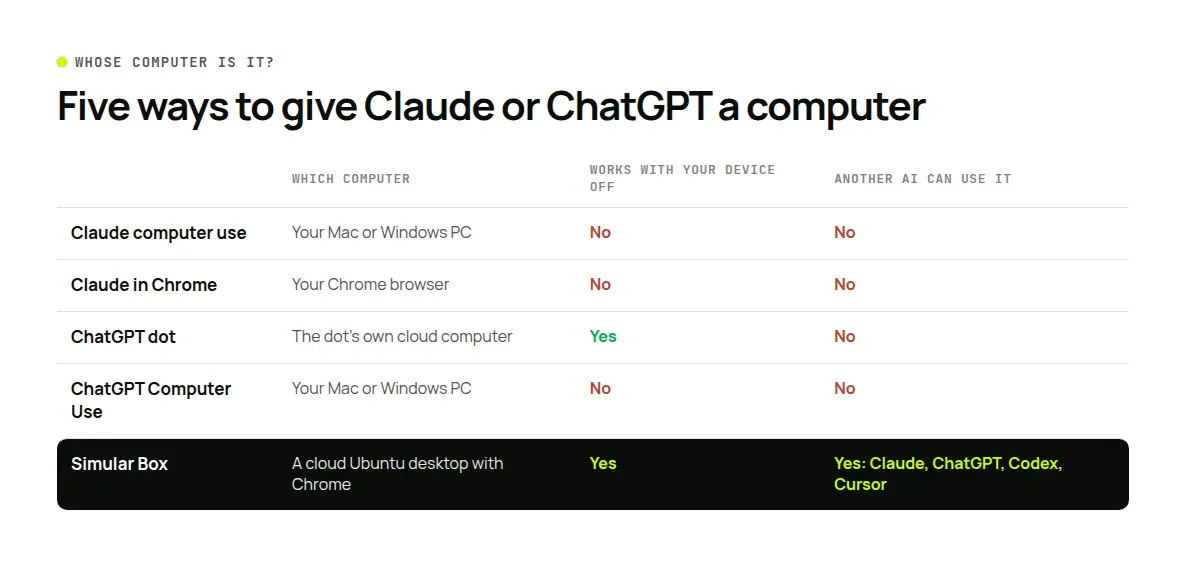
| Way | Which computer | Keeps working with your device off | Your logins | Can another AI use it | Plans |
|---|---|---|---|---|---|
| 1. Claude computer use (Cowork, Claude Code) | Your Mac or Windows PC | No, your computer must be on | Yours, in your apps | No | Pro, Max, Ultra; Team and Enterprise in beta |
| 2. Claude in Chrome | Your Chrome browser | No | Yours, in your Chrome | No | Paid Claude plans |
| 3. A ChatGPT dot | The dot's own cloud computer | Yes | Separate; you sign in once in its browser | No | Rolling out to Pro, Business Premium, Enterprise |
| 4. ChatGPT Computer Use | Your Mac or Windows PC | No | Yours, in your apps | No | ChatGPT desktop app with Work or Codex |
| 5. Simular Box | A cloud Ubuntu desktop with Chrome | Yes, the box keeps its files and logins | Separate; you sign in once and they stay | Yes: Claude, ChatGPT, Codex, Cursor and other MCP apps | $5 free credit; from $19 a month |
Checked against the vendors' documentation on November 19, 2026.
1. Claude computer use: Claude operates your own computer
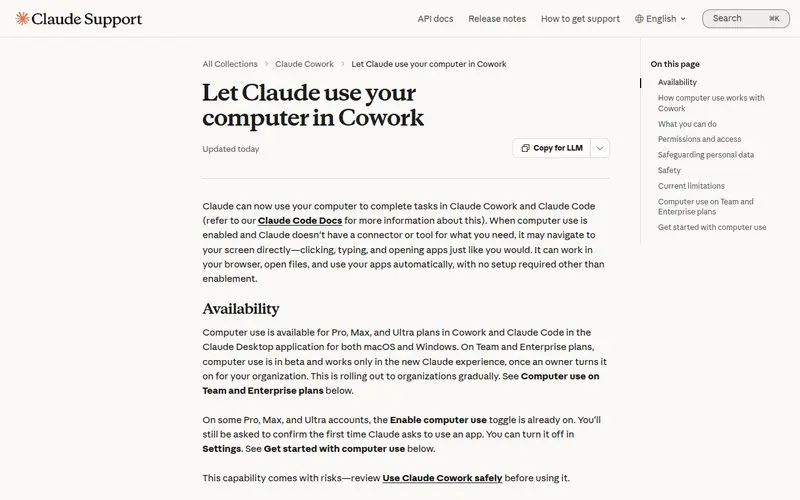
What it is. In the Claude Desktop app, computer use in Cowork lets Claude click, type and open apps on your Mac or Windows PC when it has no connector for the job. Claude Code has the same ability in the terminal as a built-in MCP server called computer-use, documented in Let Claude use your computer from the CLI.
How Claude picks a tool. Anthropic documents an order: a connector first (Gmail, Google Drive, Slack), then a browser, and screen control only when nothing else reaches the app. Pulling Slack messages through a connector takes seconds; clicking through Slack on screen is slower and more error-prone.
What it can and cannot touch. Claude asks before it uses each app. In browsers and in many trading and crypto apps it can see but not click or type; in terminals and code editors it can click and scroll but not type. Music, video and e-book apps are off limits, and you can block others. On macOS 15 or later it works in background windows, so you can keep using your computer.
Who can use it. Pro, Max and Ultra plans, in Cowork and Claude Code in the Claude Desktop app on macOS and Windows. On Team and Enterprise it is in beta and an owner has to turn it on. In the Claude Code CLI it is a research preview on macOS for Pro, Max and Ultra, and it does not run in non-interactive mode (-p).
The catch. Claude works on the computer in front of you. Anthropic's help page says it plainly: Claude keeps working while you step away, but your computer has to be on. Close the lid and the task stops.
Best for: one person who wants Claude to use apps already installed and signed in on their own machine.
2. Claude in Chrome: Claude uses your browser
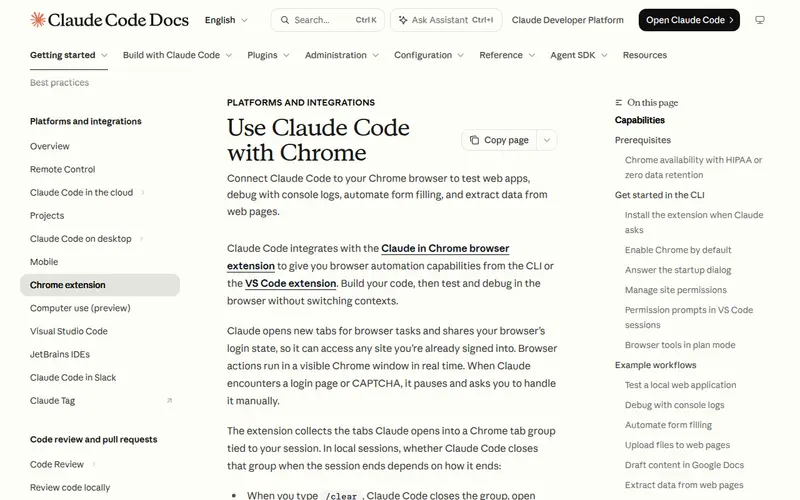
What it is.Claude in Chrome is a browser extension that lets Claude read, click and navigate websites in your own Chrome. You start tasks from Chrome's side panel, from Cowork or from Claude Code.
Why people use it. It works inside the browser you already use, so the sites you are signed in to are available to Claude without signing in again. With Claude Code it closes a build, test and verify loop: Claude can read console errors, network requests and the page's DOM.
Who can use it. Paid Claude plans: Pro, Max, Ultra, Team and Enterprise. On Enterprise an owner has to enable it.
The catch. It is your browser on your computer, so it stops when your computer sleeps, and it cannot reach desktop apps outside Chrome.
Best for: web tasks on sites you are already signed in to, while you are at your computer.
3. A ChatGPT dot: ChatGPT gets its own cloud computer
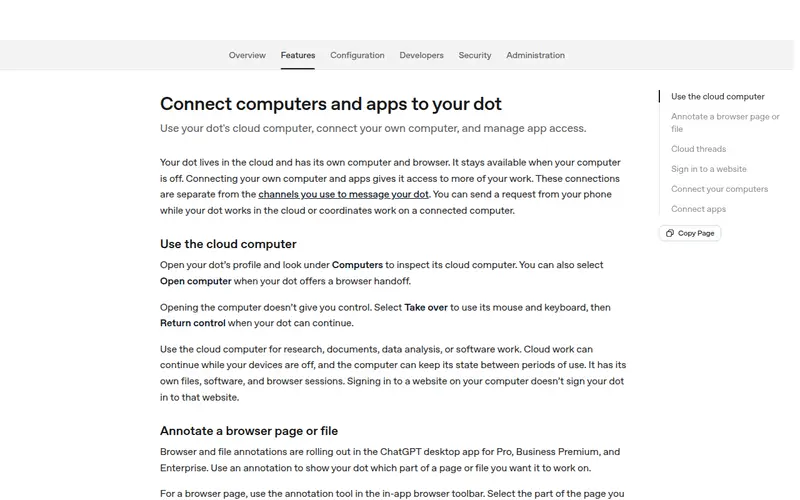
What it is. A dot is OpenAI's always-on agent inside ChatGPT. OpenAI's documentation says your dot "lives in the cloud and has its own computer and browser", so it can keep working when your computer is off. You can message it from the ChatGPT mobile app, the desktop app, a desktop browser, Slack, or call it.
How its computer works. Per OpenAI's page on computers and apps:
- You can open the dot's cloud computer from its profile. Opening it doesn't give you control; you select Take over, then Return control.
- The computer keeps its state between periods of use, with its own files, software and browser sessions.
- It does not inherit your browser's logins. When a site needs one, the dot sends a private sign-in form, or you sign in yourself in takeover mode, and the session can stay available for later work.
- You can also connect your own computer so the dot can use local files and apps, as long as that computer is online with the ChatGPT app open.
Who can use it. OpenAI is rolling dots out gradually: Pro 100, Pro 200 and Pro 500 for people 18 and older outside the EEA, the UK and Switzerland; Business Premium; and eligible Enterprise, Edu and Healthcare workspaces.
The catch. The cloud computer belongs to your dot. Claude, or any other AI app you use, cannot work on it.
Best for: ChatGPT users on an eligible plan who want long tasks to run in the cloud with ChatGPT only.
4. ChatGPT Computer Use: ChatGPT operates your own computer
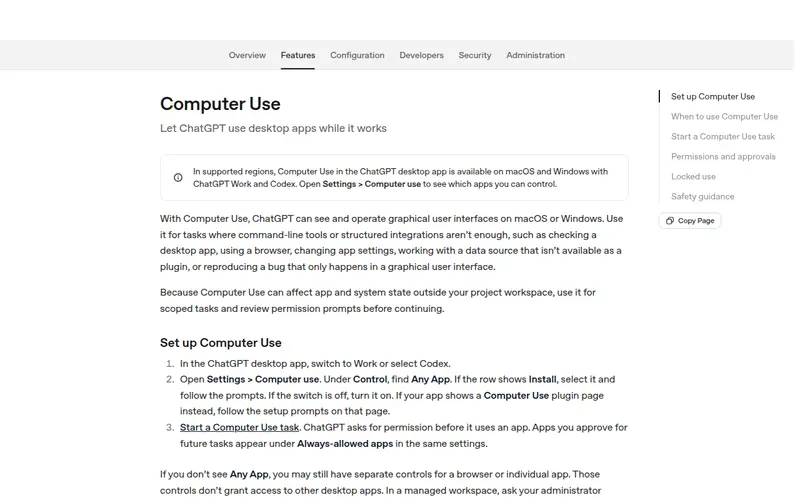
What it is.Computer Use in the ChatGPT desktop app lets ChatGPT see and operate apps on your Mac or Windows PC, in ChatGPT Work or Codex. You turn it on under Settings > Computer use and mention @Computer or an app name in your request.
What it can do. OpenAI lists testing a desktop app, using your web browser, changing app settings, reading data from an app that has no plugin, reproducing a bug that only shows in the interface, and workflows that span several apps. ChatGPT asks before using each app, and you can mark apps as Always allow.
The limits. On macOS you grant Screen Recording and Accessibility, and ChatGPT can work in the background. On Windows it runs in the foreground and moves your pointer, so OpenAI suggests keeping the device unlocked or running the app in a Windows virtual machine. An opt-in "locked use" mode on macOS lets a task continue after your Mac locks.
For web pages only, ChatGPT also has a built-in browser on the web and in the desktop app, with its own profile separate from your usual browser.
Best for: ChatGPT users who want it to work in their own desktop apps.
5. Simular Box: one cloud computer Claude and ChatGPT share
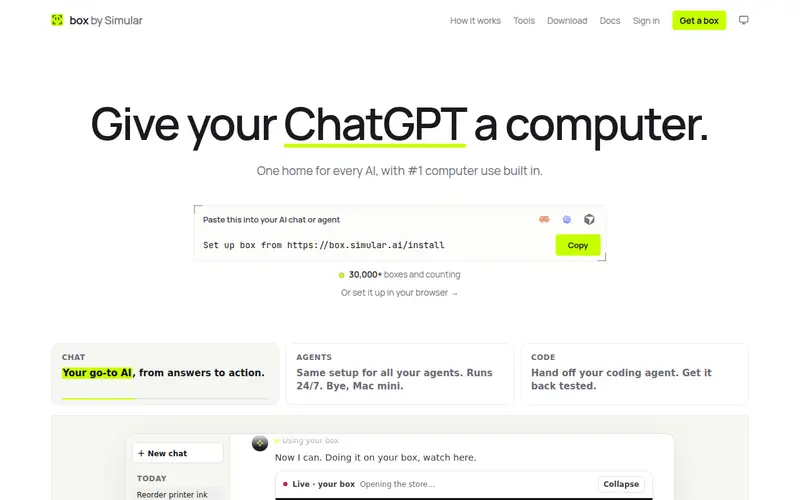
What it is.Simular Box (box by Simular) is a cloud Ubuntu desktop with Chrome and a shell that your AI apps use through one remote MCP server. Claude, ChatGPT, Claude Code, Codex, Cursor and other MCP apps connect to the same box, so they work on the same files and the same signed-in Chrome.
How it connects. In Claude, you add box as a connector; the box docs have an Add to Claude link that works on a phone too. In ChatGPT, open Plugins, search for box by Simular and install it in one click. Every other app's steps are on the box MCP docs page.
What you get.
- A real desktop: Chrome, files and a terminal on a full Ubuntu desktop, not only a browser tab.
- State that stays: installed apps, files and Chrome sign-ins remain on the box between tasks, and across apps.
- A live view: watch the screen at box.simular.ai/box or inside the Claude and ChatGPT phone apps, and use Take control for a password, a 2FA code or a payment, then hand it back. In the Claude desktop app the live view shows in Chat and Code.
- Keys kept out of the chat: commands on the box can use API keys you store in box's Secrets while the AI sees only a stand-in.
- Your computer stays free: the work happens on the box, so your laptop can sleep.
An example: family bills, two chatbots, one computer. On your phone, you ask ChatGPT to use box to download this month's utility and phone bills. The first time, you sign in to each site yourself with Take control, and the logins stay in the box's Chrome. That evening, on your laptop, you ask Claude to use box to read the PDFs in the downloads folder and build a spreadsheet of amounts and due dates. Claude works on the files ChatGPT saved, with no upload in between. Agents take turns on a box rather than working on it at the same moment, and box's agent never enters payment details: if a bill needs paying, you take control and pay it.
Pricing. $5 of free credit once; Small $19 a month (sleeps when idle); Medium $39 a month (never sleeps). See box pricing.
The catch. The box runs Linux only for now, and it is a computer, not an agent: the work is done by the AI app you connect.
Best for: people who use more than one AI app and want them all to work on one computer, or anyone who wants Claude to work while their own computer is off.
For more on sharing one machine between people and AI apps, see our guide to sharing a cloud computer with AI.
Logins, payments and safety
- Passwords stay in the browser, not the chat. On a dot or a box you sign in yourself, in takeover mode, and the session stays in that computer's browser. Claude's computer use is trained to avoid typing passwords and card numbers.
- A person makes payments. Claude is trained to avoid high-risk actions such as trades; box's agent never enters payment details. Take control for checkout.
- Page content is not an instruction. Anthropic and OpenAI both tell their models to treat what they see on screen as information. Keep tasks scoped and review what the chatbot proposes before it submits a form or sends a message.
- Scope what the AI can reach. Approve only the apps a task needs on your own computer; on a cloud computer, sign in only to the accounts the task needs.
For a deeper look at isolation, see do AI agents need a virtual machine?
Which way should you use?
- You use Claude and want it to work in apps on your own Mac or PC: Claude computer use in Cowork.
- You use Claude and the work is on websites you are signed in to: Claude in Chrome.
- You use ChatGPT on an eligible plan and want work to continue when your devices are off: a ChatGPT dot.
- You use ChatGPT and want it in your own desktop apps: ChatGPT Computer Use.
- You use Claude and ChatGPT, or want any AI app to keep its own computer with files and logins: Simular Box.
If you are building your own agent rather than using a chatbot, read what computer use is and our comparison of computer use MCP servers. Teams comparing Claude's own option with others can see Claude computer use alternatives for teams.
FAQ
Can Claude control my computer?
Yes. In the Claude Desktop app on macOS and Windows, Pro, Max and Ultra users can turn on computer use in Cowork and Claude Code; Claude asks before it uses each app. Your computer must stay on while it works.
How do I have Claude control my computer?
Turn on computer use in the Claude Desktop app's settings, then give Claude a task that needs an app. Claude asks permission for each app the first time. Anthropic's help page has the current steps.
Does ChatGPT have its own computer?
A ChatGPT dot does. OpenAI says each dot lives in the cloud with its own computer and browser and keeps working when your computer is off. Dots are rolling out to Pro, Business Premium and eligible Enterprise workspaces.
Can Claude and ChatGPT use the same computer?
Not through their built-in features: Claude's computer use runs on your machine and a dot's computer belongs to ChatGPT. Connect both to one cloud computer such as Simular Box and they share the same desktop, files and Chrome logins.
Does Claude computer use work when my Mac is off?
No. It runs on your own computer, which has to be on. To keep working with your computer off, Claude needs a cloud computer, such as a box connected as a connector.
Can ChatGPT log in to my accounts safely?
A dot sends a private sign-in form, or you sign in yourself in takeover mode; its browser does not inherit your personal logins. On Simular Box you also sign in yourself with Take control, and the AI never sees the password.
What can ChatGPT's agent features do?
OpenAI's documentation describes dots, ChatGPT Work and Computer Use: research, documents, data analysis and software work in the cloud, and operating desktop apps on your Mac or PC.
How much does it cost to give Claude or ChatGPT a computer?
Claude's computer use comes with Pro, Max and Ultra plans; a dot comes with eligible ChatGPT plans. Simular Box starts with $5 of free credit, then $19 or $39 a month.
Sources
- Anthropic: Let Claude use your computer in Cowork · Computer use in the Claude Code CLI · Get started with Claude in Chrome
- OpenAI: Meet dots · Connect computers and apps to your dot · Computer Use · Browser
- Simular: box MCP docs · box Secrets
- All checked November 19, 2026.
自律型コンピュータを構築しても、人間が置き換えられるわけではありません。それは協力を意味する。
コンピューターから手を離してください。Simular を今すぐ無料でダウンロードしてください。
