
Oops! Something went wrong while submitting the form.
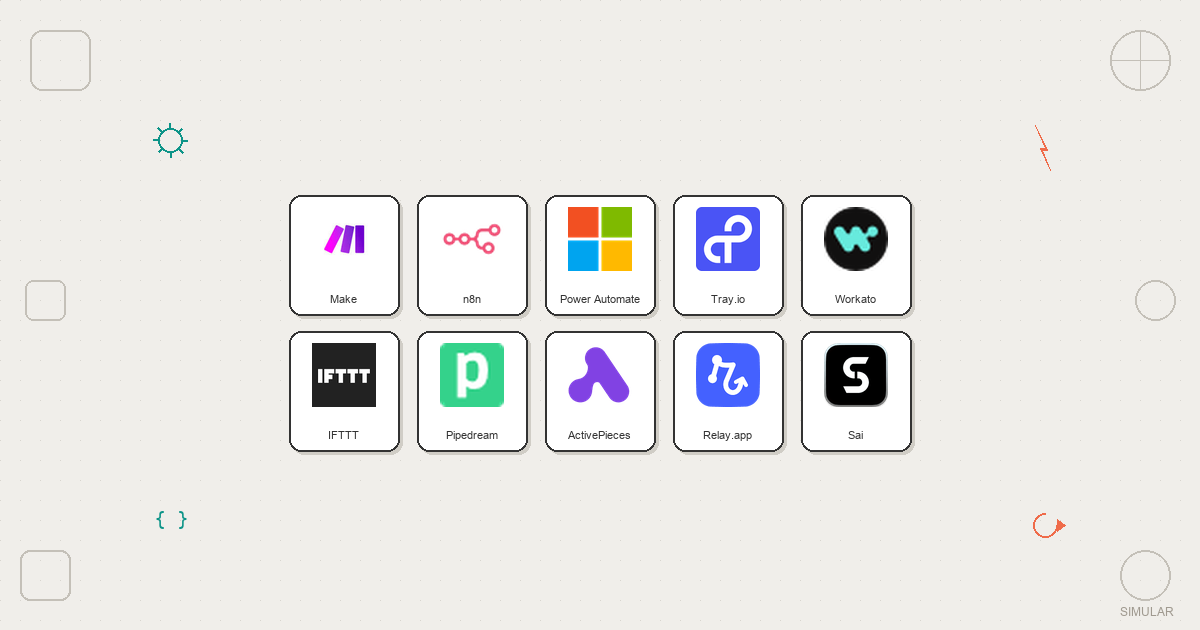
On a Tuesday night, somewhere between your fifth follow-up email and yet another spreadsheet export, you realise you’re not really doing marketing anymore. You’re babysitting tabs. You set up a few Zaps to help, but now you’re maintaining automations more than campaigns. It feels like you hired a robot intern and still have to stand over its shoulder.
That’s the gap tools like Sai and Zapier sit on opposite sides of. Zapier is the veteran connector, wiring apps together with triggers and actions. Sai is a newer class of AI computer agent that actually drives a full desktop for you. Where Zapier waits for webhooks and APIs, Sai opens a browser, clicks buttons, types into CRMs, runs terminal commands, and completes multi-step workflows autonomously. Zapier shines at predictable, API-based flows but struggles with complex branching and can get pricey at scale, as many reviewers point out (see this detailed Zapier review or critiques like ‘You Shouldn’t Need Zapier to Connect Two Tools’). Sai, by contrast, trades some setup simplicity for real-world execution power across any app you can open on a computer.
If you’re a founder, agency, or growth marketer, you probably live somewhere between those worlds: you want Zapier’s reliability and ecosystem, but you’re tired of it only nudging data around while you still do the “real work” on your laptop. In this guide we’ll explore Sai vs Zapier directly, then walk through five of the best alternatives that give you more autonomy, better economics, or deeper control over how work actually gets done.
To compare Sai, Zapier, and the best alternatives, we borrowed a page from hands-on reviews like Vellum’s Zapier guide and Simular’s own AI assistant benchmarks, then adapted it for business owners, agencies, and go-to-market teams.
Our evaluation process combines real workflows, structured scoring, and qualitative notes:
The result is a practical, opinionated view: which tools can you trust to actually do the work for you, and which ones still expect you to be the glue?
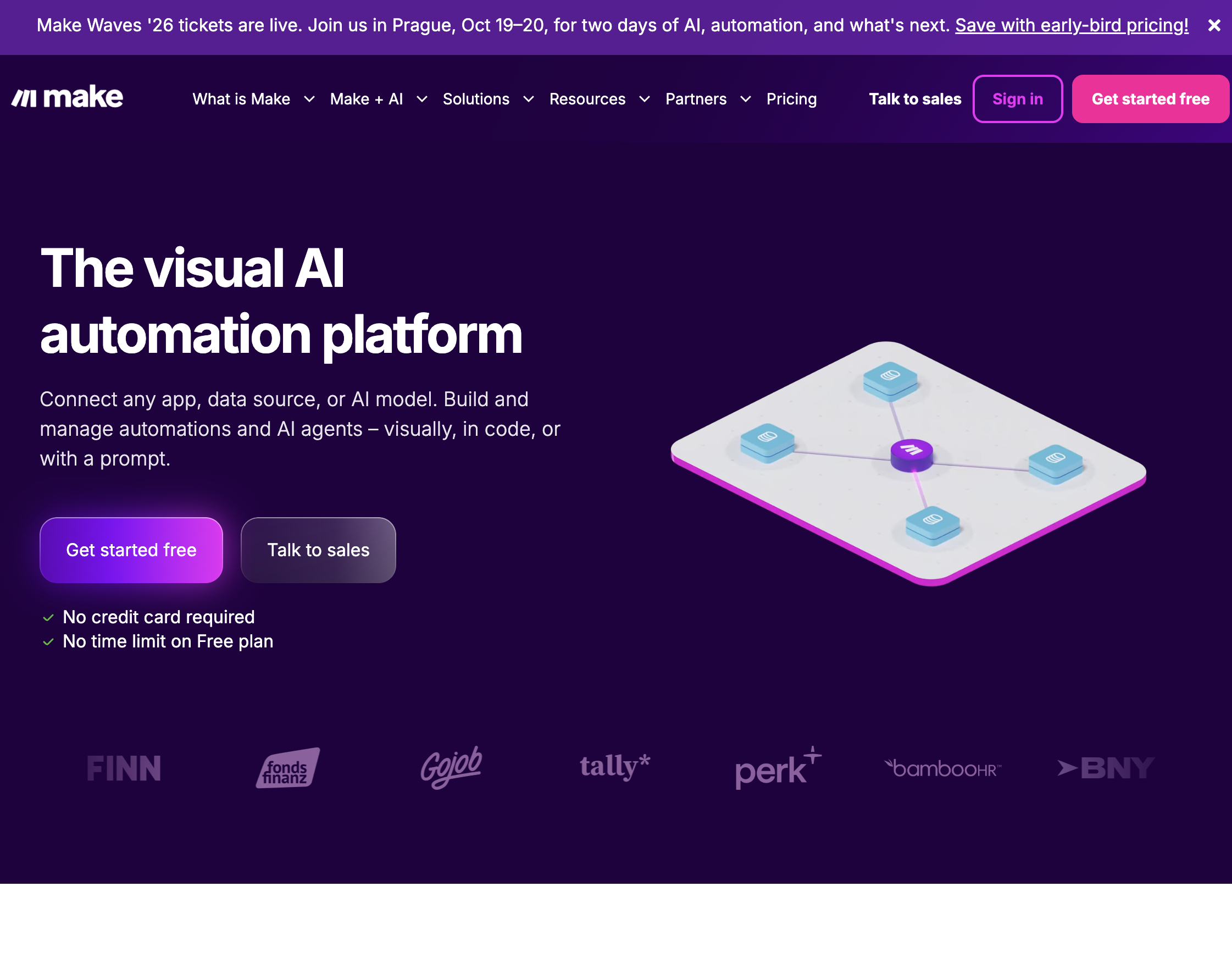
Pricing: Free (1,000 ops/month); paid from $10.59/month Open source: No
Make is the most common Zapier alternative, and for good reason. Its visual workflow builder lets you drag, drop, and connect modules on a canvas. Each step shows inputs, outputs, and data transformations in real time.
Where Zapier uses a linear trigger-action chain, Make uses a visual flowchart. This makes branching logic, error handling, and parallel paths significantly easier to build and understand. For complex workflows with conditional routing, Make is more capable than Zapier at every price tier.
What it does well:
Where it falls short:
Make is the best choice for teams that have outgrown Zapier's linear workflow model and need more control over logic, error handling, and data transformation.
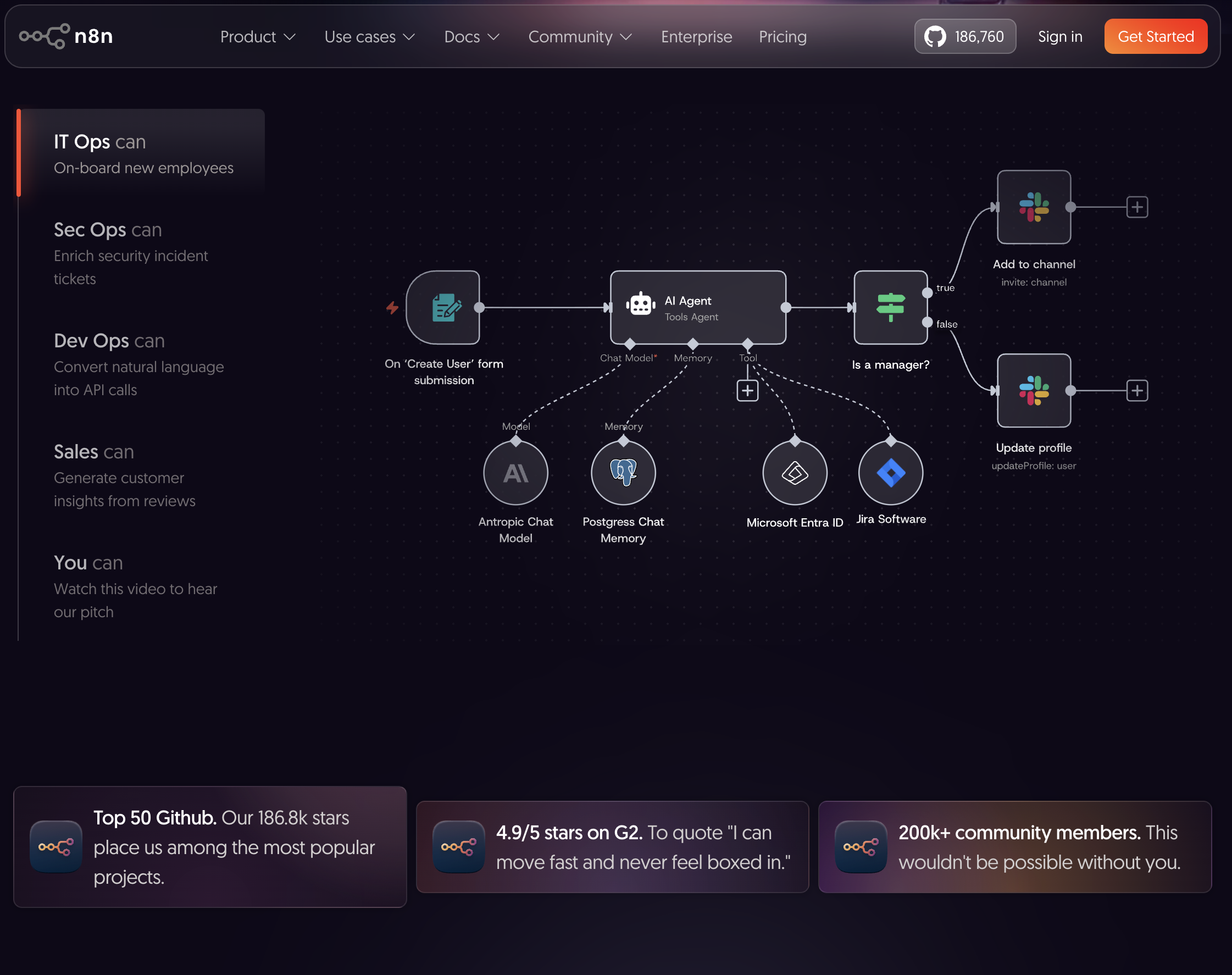
Pricing: Free (self-hosted); cloud from $24/month Open source: Yes (fair-code license)
n8n is an open-source workflow automation tool you can self-host on your own servers. This means your data never leaves your infrastructure -- a critical requirement for healthcare, finance, legal, and any organization with strict compliance needs.
The workflow builder is similar to Make's visual canvas, but n8n adds something most tools lack: a built-in code editor. At any point in a workflow, you can drop in a JavaScript or Python function node to handle custom logic that no pre-built connector covers.
What it does well:
Where it falls short:
n8n is ideal for technical teams that need data sovereignty, unlimited executions, and the ability to write custom code within their automation workflows.
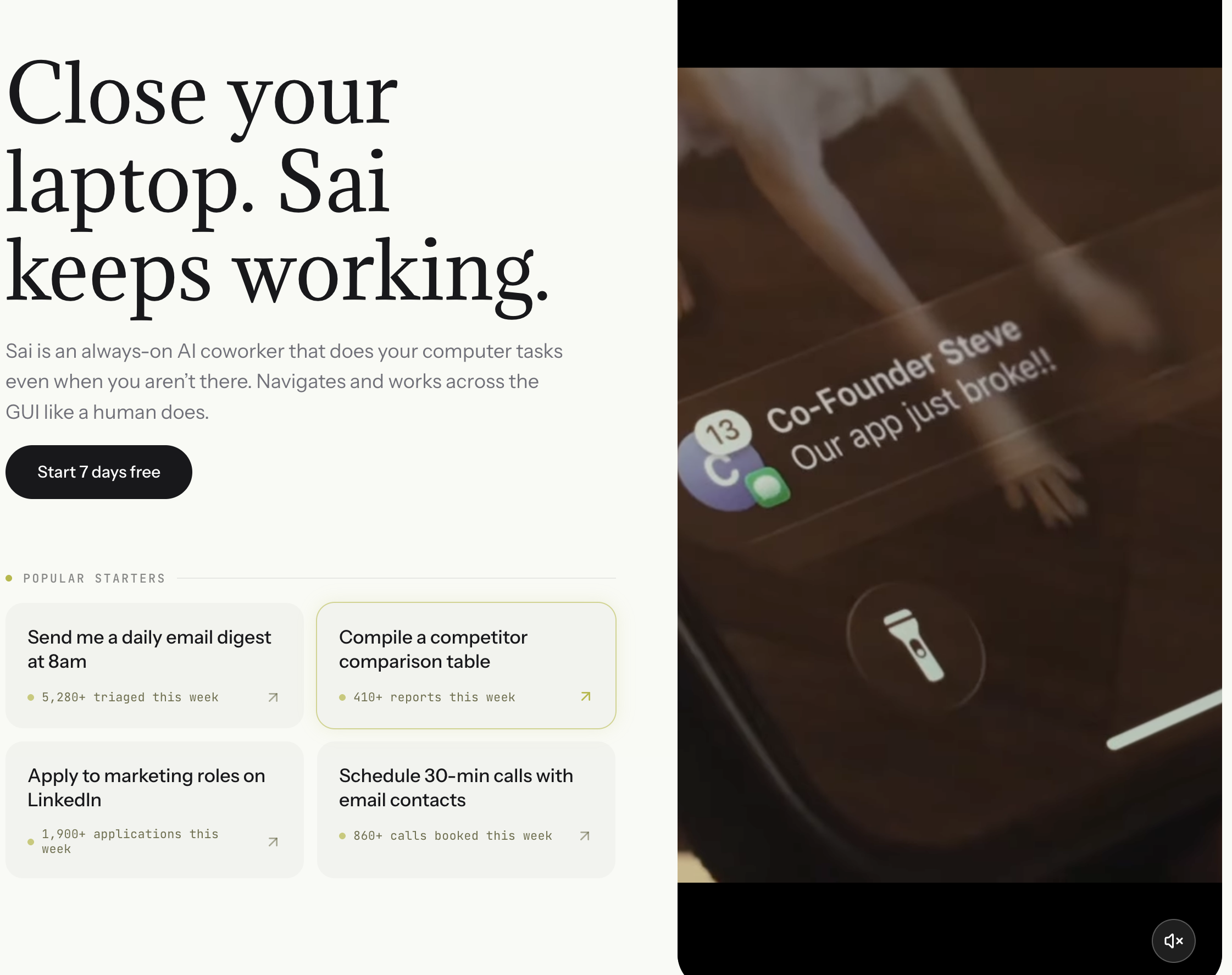
Pricing: 7-day Free Trial; Starter: $20/mo (Plus tier); Pro: $500/mo; Users can now sign up without an invite code Open source: No
Every other tool on this list automates through API connectors. If an app has an API and a pre-built integration, these tools work well. If it does not -- if you need to automate a legacy CRM, a government portal, an internal admin dashboard, or any tool that was never built for automation -- they cannot help.
Sai works differently. It is an AI desktop agent that operates software the way a human does: opening applications, clicking buttons, reading screens, filling forms, and navigating between tools. It does not need APIs or pre-built connectors. If you can do it on a computer, Sai can automate it.
What it does well:
Where it falls short:
When Sai makes sense vs Zapier:
Use Zapier when the apps you need have pre-built connectors and the workflow is a simple trigger-action chain. Use Sai when your workflow involves apps without APIs, requires visual verification, spans both web and desktop, or needs judgment calls that a connector cannot make.
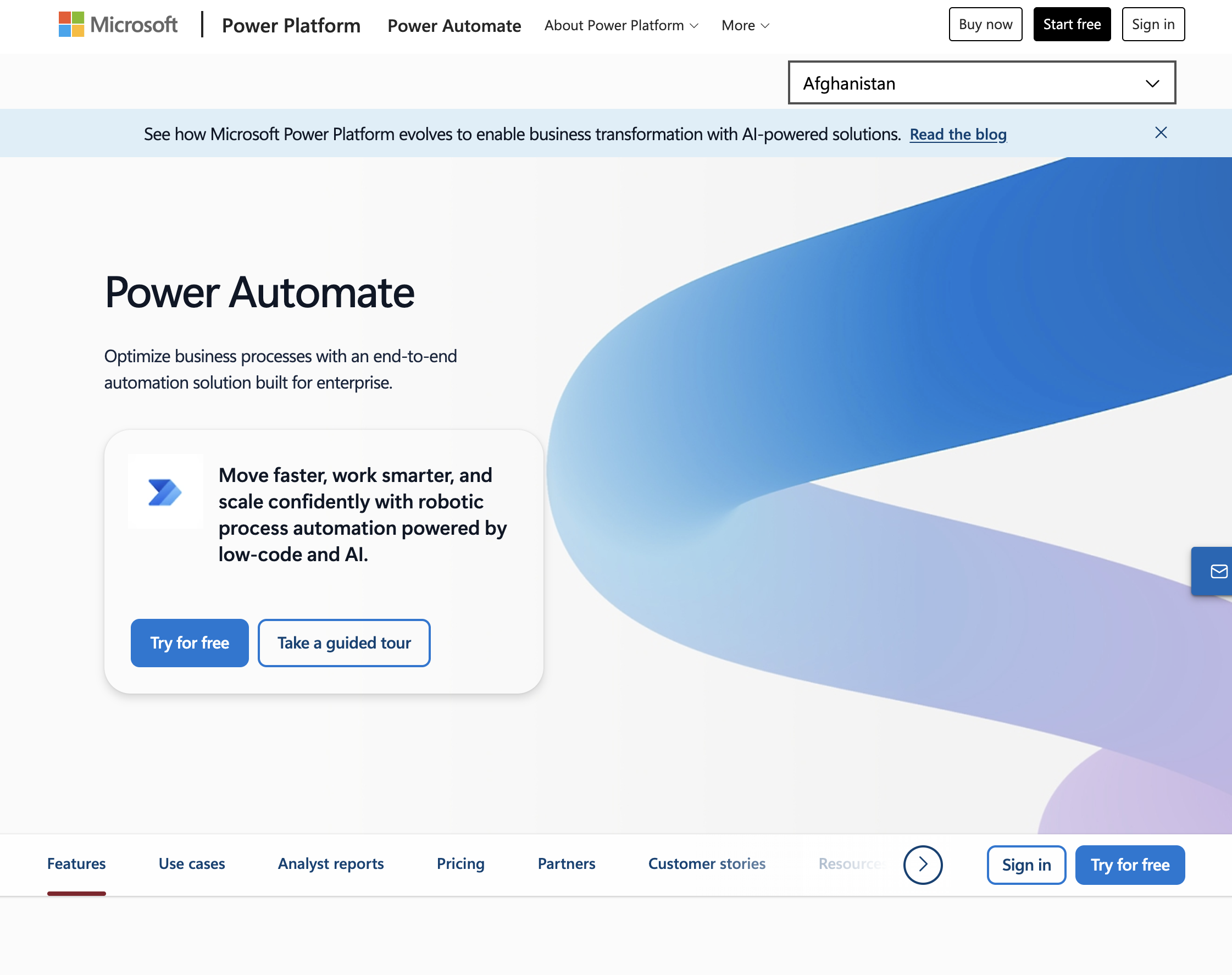
Pricing: Included with Microsoft 365; standalone from $15/user/month Open source: No
If your organization runs on Microsoft 365 -- Outlook, Teams, SharePoint, Dynamics -- Power Automate is the most tightly integrated automation tool available. It connects natively to every Microsoft product with deeper access than any third-party connector.
Power Automate also offers desktop flows (RPA) for automating legacy Windows applications that do not have APIs. This makes it one of the few tools on this list that can automate both cloud services and desktop software.
What it does well:
Where it falls short:
Power Automate is the obvious choice for Microsoft-heavy organizations. For teams using Google Workspace, Slack, or non-Microsoft tools, other options are better.

Pricing: Custom (typically $600+/month) Open source: No
Tray.io targets enterprise teams that need to orchestrate complex integrations across dozens of SaaS tools. It handles high-volume data syncs, multi-step API orchestrations, and compliance-grade audit logging that Zapier and Make cannot match.
The platform includes a visual builder similar to Make, but with enterprise features: role-based access control, SOC 2 compliance, dedicated infrastructure, and an API-first architecture that lets developers embed automations into their products.
What it does well:
Where it falls short:
Tray.io is built for mid-market and enterprise companies with complex integration needs and the budget to match. If your workflows involve syncing data across Salesforce, Marketo, NetSuite, and custom APIs, Tray handles it well.
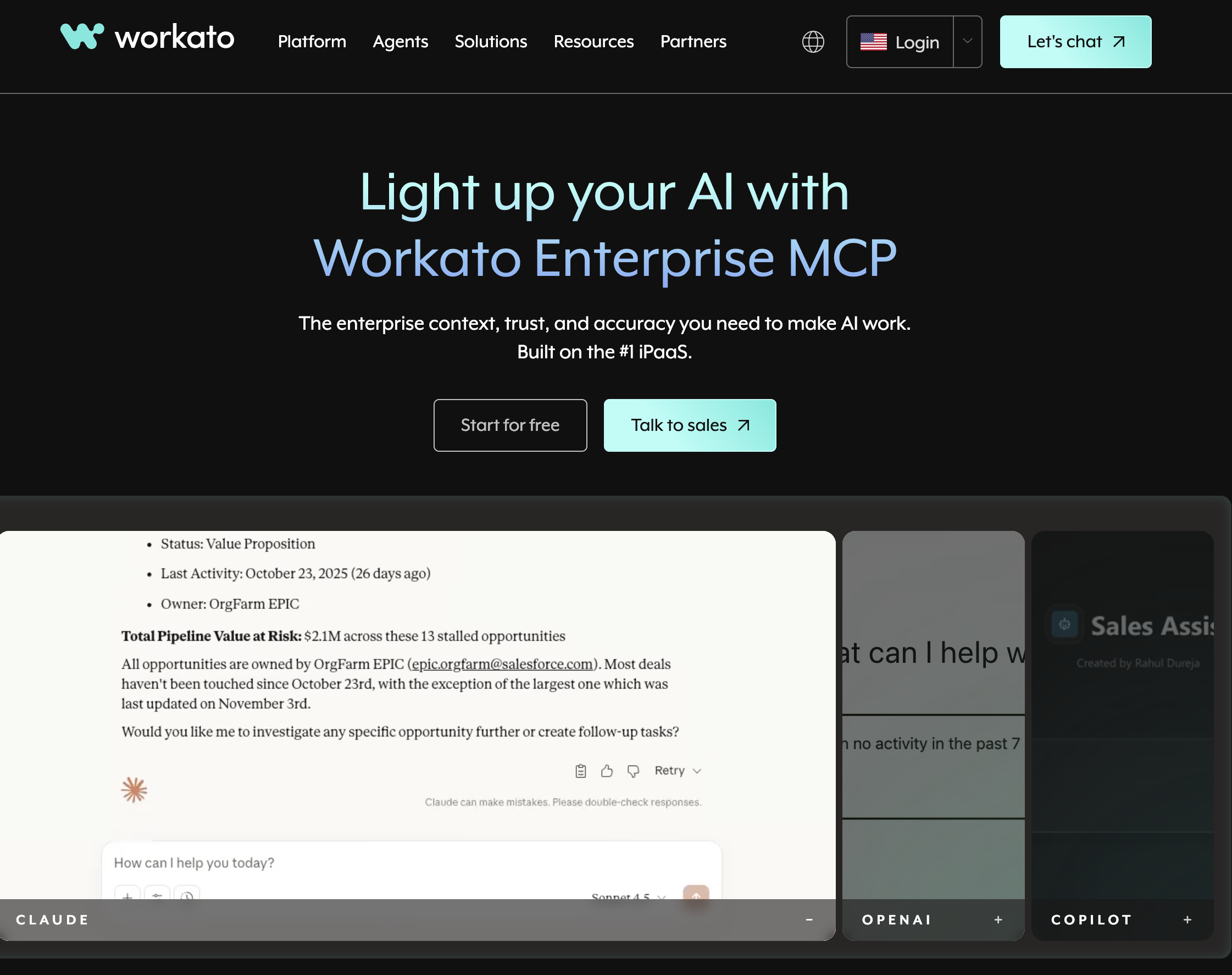
Pricing: Custom (typically $10,000+/year) Open source: No
Workato positions itself as an "enterprise automation platform" that bridges IT and business teams. IT controls governance, security, and approved connectors. Business users build automations using pre-approved building blocks. This shared model works well in organizations where both teams need to automate but with different permissions.
Workato also offers "recipes" -- pre-built automation templates shared by a community of users. For common use cases like Salesforce-to-Slack notifications or Jira-to-spreadsheet syncs, you can start with a recipe and customize it.
What it does well:
Where it falls short:
Workato is a strong choice for large organizations that need centralized automation governance with distributed execution across departments.
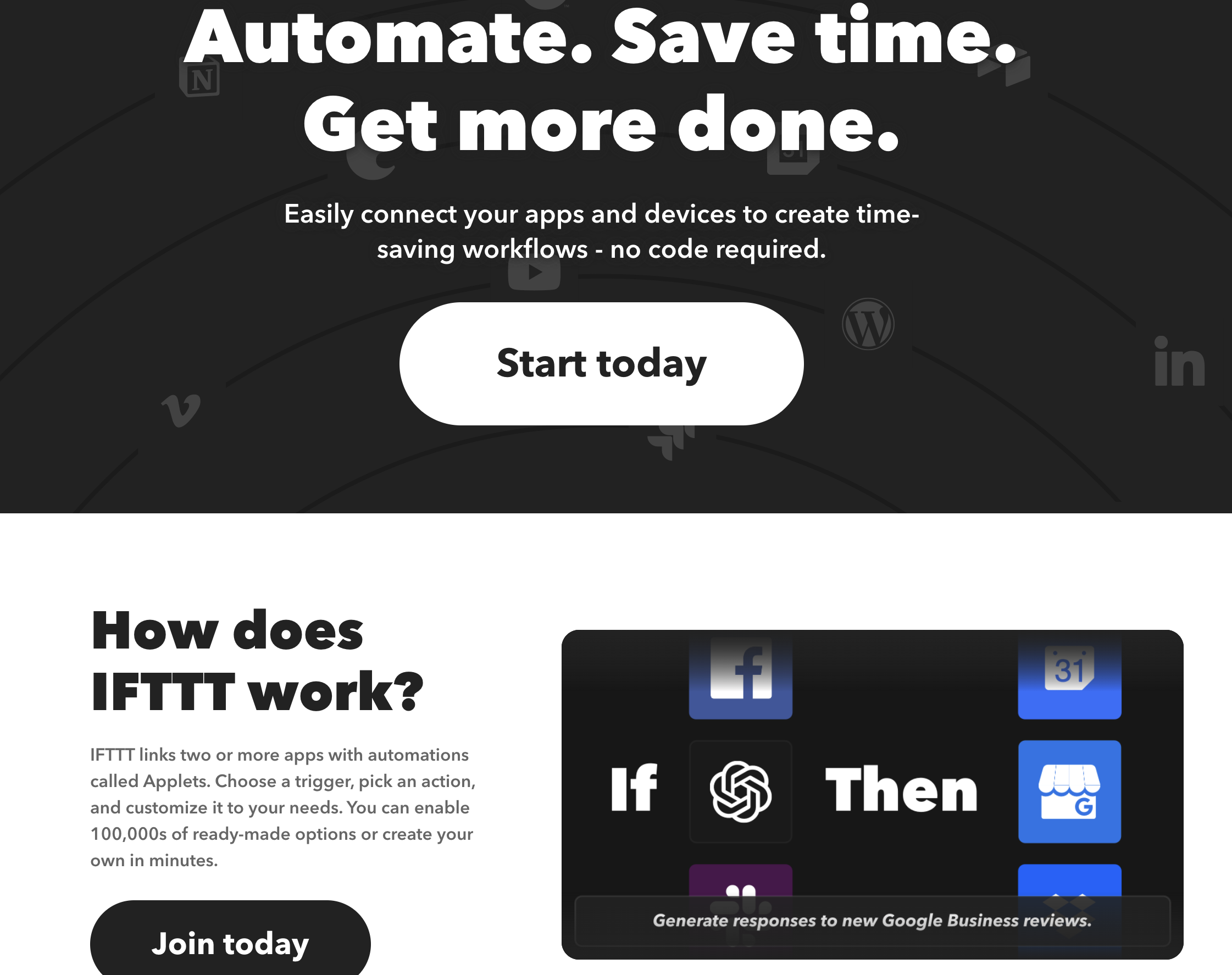
Pricing: Free (2 applets); Pro from $3.49/month Open source: No
IFTTT is the simplest automation tool on this list. It handles one-trigger, one-action automations -- what it calls "applets." Turn on your Philips Hue lights when you get home. Save Instagram photos to Dropbox. Get a notification when it might rain.
IFTTT is not a Zapier competitor for business workflows. It is a consumer-friendly tool for personal automations and smart home control. It appears on this list because many people search for "Zapier alternatives" when they actually need something simpler and cheaper.
What it does well:
Where it falls short:
IFTTT is best for personal use and smart home automation. For anything business-related, look elsewhere on this list.
Pricing: Free (limited); paid from $29/month Open source: Partially (open-source components)
Pipedream is built for developers who want the flexibility of code with the convenience of pre-built connectors. Every step in a Pipedream workflow can be a pre-built action, a custom Node.js function, a Python script, or a raw HTTP request. You get a full development environment inside the workflow builder.
Unlike Zapier, where code is an escape hatch, Pipedream treats code as a first-class citizen. You can import npm packages, use environment variables, and write async functions directly in your workflow steps.
What it does well:
Where it falls short:
Pipedream is the best choice for developers who find Zapier's no-code approach too restrictive and want to write real code within their automation workflows.
Pricing: Free (self-hosted, unlimited); cloud from $5/month Open source: Yes (MIT license)
ActivePieces is a fully open-source automation platform with an MIT license -- meaning you can self-host it for free with no usage limits and no licensing restrictions. The interface is clean and modern, closer to Zapier's simplicity than n8n's developer-oriented approach.
For small teams and startups that need automation but cannot justify Zapier's pricing, ActivePieces offers a surprisingly capable free alternative. The trade-off is a smaller integration library and a younger, less battle-tested platform.
What it does well:
Where it falls short:
ActivePieces is the best option for teams that want a free, self-hosted Zapier alternative without the complexity of n8n or the licensing restrictions of other open-source tools.
Pricing: Free (limited); paid from $9/month Open source: No
Relay.app adds a feature most automation tools lack: human approval steps. Instead of fully automating a workflow end-to-end, Relay lets you insert approval points where a team member reviews, edits, or approves before the automation continues.
This is useful for workflows where full automation is risky -- sending client emails, publishing content, making financial transactions. Relay also integrates AI directly into workflows, letting you use GPT to draft messages, summarize data, or classify inputs as part of the automation.
What it does well:
Where it falls short:
Relay.app is the best choice for teams that want to automate repetitive work but need human oversight at critical decision points.