
Oops! Something went wrong while submitting the form.
Pitch is one of the best-designed presentation platforms available. The 2.0 update added AI slide generation, continuity transitions, and a redesigned editor that makes building decks feel more like working in a modern design tool than a slide editor. For teams that collaborate on presentations daily, Pitch's real-time editing, shared template libraries, and status workflows are genuinely difficult to match.
The reasons people leave Pitch are not about quality. They are about fit.
Pitch charges per seat. At $19/seat/month for teams and $25/seat/month for business plans, a 10-person team pays $190-$250/month for a presentation tool. For organizations where presentations are one part of the workload — not the primary deliverable — that per-seat cost is hard to justify when Google Slides is free and PowerPoint is already included in Microsoft 365.
The PPTX export is functional but imperfect. Pitch's internal format maps reasonably well to PowerPoint's slide dimensions, but advanced animations, custom transitions, and some font choices do not survive the conversion. If your clients or partners open your deck in PowerPoint (not in Pitch's web viewer), they see a slightly degraded version of what you built.
And Pitch's AI, while solid for generating first drafts, is constrained to Pitch's ecosystem. You cannot point the AI at your company's existing PowerPoint template and say "use this." Every AI-generated deck starts from Pitch's template library, not your brand system.
This guide covers 10 alternatives across three categories: AI-first tools that generate presentations from descriptions, collaborative platforms that compete with Pitch on teamwork, and cost-effective options for teams that need good presentations without per-seat pricing. We tested each by building the same 15-slide quarterly business review, evaluating collaboration features, export quality, AI capabilities, and total cost of ownership.
Pitch is genuinely well-made. The reasons people switch are specific to their workflow:
1. Per-seat pricing. Pitch's free tier supports 1-5 users with limited features. Team plans cost $19/seat/month. Business plans cost $25/seat/month. For a 20-person marketing department, that is $380-$500/month for a presentation tool alone. Most organizations cannot justify that cost when the rest of their productivity suite (Docs, Sheets, Email) charges a flat fee or nothing for slides.
2. Ecosystem fragmentation. Pitch is a standalone tool. It does not live inside Google Workspace or Microsoft 365. This means another login, another file system, another search scope, and another collaboration space. For teams that have standardized on Google or Microsoft, adding Pitch creates a productivity island — presentations live in one place, everything else lives in another.
3. PPTX export limitations. Pitch's export is better than Gamma's or Tome's (because Pitch uses fixed slide dimensions internally), but it is not perfect. Custom animations, continuity transitions, and certain font/color combinations do not survive the conversion. If your final deliverable must be a pristine .pptx file, Pitch introduces a translation step that can degrade quality.
4. Template lock-in. Pitch offers a curated template library and shared team templates within the platform. But you cannot import an existing PowerPoint template — your company's fonts, colors, slide masters, and layouts — and ask Pitch to use it. Every deck starts from Pitch's design system, not yours.
5. AI limitations. Pitch 2.0's AI generator creates structured first drafts, but the output requires significant editing to reach presentation-ready quality. The AI cannot access your company data, previous presentations, or brand guidelines to inform its output. It generates generic structure, not personalized content.
We evaluated each tool against Pitch 2.0 by building the same 15-slide quarterly business review (title slide, executive summary, 4 KPI slides with charts, team updates, competitive landscape, 3 initiative deep-dives, timeline, budget overview, and closing CTA). This controlled for content complexity and realistic business use.
Six evaluation criteria:
1. Collaboration quality. Can multiple people edit simultaneously? Are there comments, version history, and permission controls? How does it compare to Pitch's real-time editing experience?
2. AI generation. Does the tool offer AI-powered slide creation? How useful is the output compared to Pitch 2.0's AI generator?
3. Export reliability. Does the file open cleanly in PowerPoint, Google Slides, and Keynote? We tested all three, comparing against Pitch 2.0's export.
4. Template flexibility. Can you import existing PowerPoint templates? Use custom brand kits? Build and share team templates?
5. Total cost of ownership. What does the tool cost for a 10-person team over one year? Per-seat pricing vs flat-rate vs free.
6. Design quality. How polished does the output look without manual design work?
Sai is an AI agent that generates presentations as native PowerPoint files. You describe what you need in natural language, and Sai builds a complete deck where every element — text box, chart, table, image, shape — is a real PowerPoint object you can edit in PowerPoint, Google Slides, or Keynote.
Pitch and Sai solve the same problem (creating professional presentations) through fundamentally different architectures. Pitch is an editor — you work inside Pitch's environment, collaborating in real time, and export when finished. Sai is a generator — you describe what you need, receive a finished file, and edit it in whatever application you prefer.
Three specific advantages over Pitch 2.0:

Where Pitch is better: Real-time collaborative editing. Pitch's live editing experience — multiple cursors, inline comments, slide-level status tracking — is purpose-built for teams working on the same deck simultaneously. Sai generates a file; the collaboration happens in whatever tool you open it with (Google Slides, PowerPoint). If your workflow is "5 people editing the same deck at the same time with inline feedback," Pitch's collaboration layer is superior.
Pricing: Free tier available. Pro plans at simular.ai.
Best for: Consultants and agencies delivering .pptx files to clients. Corporate teams that need brand-consistent decks without per-seat presentation tool costs. Anyone who wants AI generation that respects their existing PowerPoint template. For a broader comparison of AI slide tools, see our guide to the best AI presentation makers.
Google Slides is the obvious alternative that is easy to overlook. Free real-time collaboration, version history, comments, suggestion mode, and seamless integration with Google Drive, Docs, and Sheets — the core collaboration features that make Pitch attractive, available at no additional cost for teams already on Google Workspace.
Google Slides is free for everyone and included in Google Workspace subscriptions. For a 20-person team, the presentation tool cost is $0 vs $380-$500/month in Pitch. That alone is the reason most teams considering Pitch alternatives look at Google Slides first.
The collaboration experience is comparable to Pitch for basic workflows: simultaneous editing, comments, version history, and sharing permissions. Where Pitch adds value is in presentation-specific features — curated templates, slide-level status tracking (Draft/Review/Final), branded workspace templates, and analytics on who viewed your deck. Google Slides has none of these.
The design quality gap is real but narrowing. Google Slides' default templates are utilitarian — functional but not impressive. Pitch's templates are designer-grade. However, third-party template sites (Slides Carnival, SlidesMania) provide free Google Slides templates that close most of this gap.
Where Pitch is better: Design quality and presentation-specific workflows. Pitch looks and feels like a modern design tool; Google Slides feels like a 2015 web app. If your presentations are client-facing or investor-facing, Pitch's polish is noticeable. For internal team updates and project reviews, the design gap rarely matters.
Pricing: Free (personal). Included in Google Workspace ($7-$25/user/month, but you pay for Workspace, not for Slides separately).
Best for: Teams already on Google Workspace who need collaborative presentations without adding another tool or cost. Internal presentations, project updates, and team decks where collaboration speed matters more than design polish.
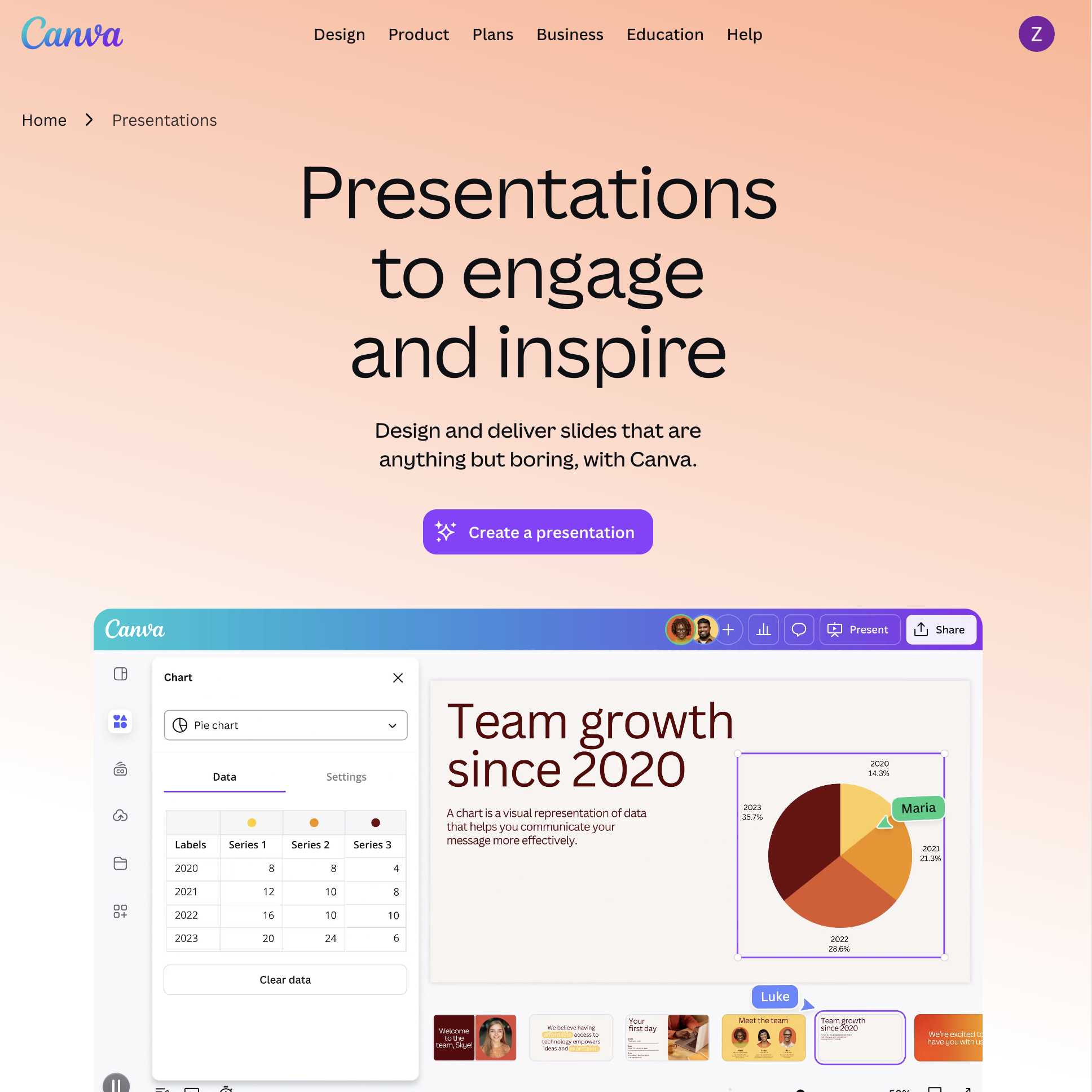
Canva is a full design platform that includes presentation creation as one of many capabilities. For teams that need presentations AND social media graphics, marketing materials, video content, and brand management, Canva consolidates multiple tools into one platform.
Pitch is a presentation specialist. Canva is a design generalist. The difference matters most for teams whose work extends beyond slides.
In Pitch, you create presentations. In Canva, you create presentations AND Instagram posts AND YouTube thumbnails AND event flyers AND brand guidelines AND video clips — all from the same editor, with the same brand kit, using the same asset library of 100M+ photos, videos, icons, and illustrations.
Canva's presentation AI (Magic Design) generates complete decks from text prompts or uploaded documents. The output is visually rich — Canva pulls from its massive asset library to create slides that feel designed, not generated. Pitch 2.0's AI generates cleaner structural layouts but with less visual variety.
Canva's collaboration features are mature: real-time editing, comments, version history, brand kits, and team template libraries. Not as presentation-specific as Pitch (no slide-level status tracking), but sufficient for most teams.
Where Pitch is better: Presentation workflow management. Pitch's status system (Draft > Review > Final), analytics (who viewed which slide), and presentation-specific collaboration tools make it better for teams where presentations are the primary deliverable — consulting firms, agencies, and sales teams. Canva treats presentations as one content type among many, without the workflow depth.
Pricing: Free (limited). Pro: $13/month (annual). Teams: $10/user/month (annual, minimum 3).
Best for: Marketing teams and agencies that create presentations alongside other visual content. Teams that want one design platform instead of separate tools for slides, social media, and print materials. For a comparison with other template-based tools, see our guide to Slidesgo alternatives.
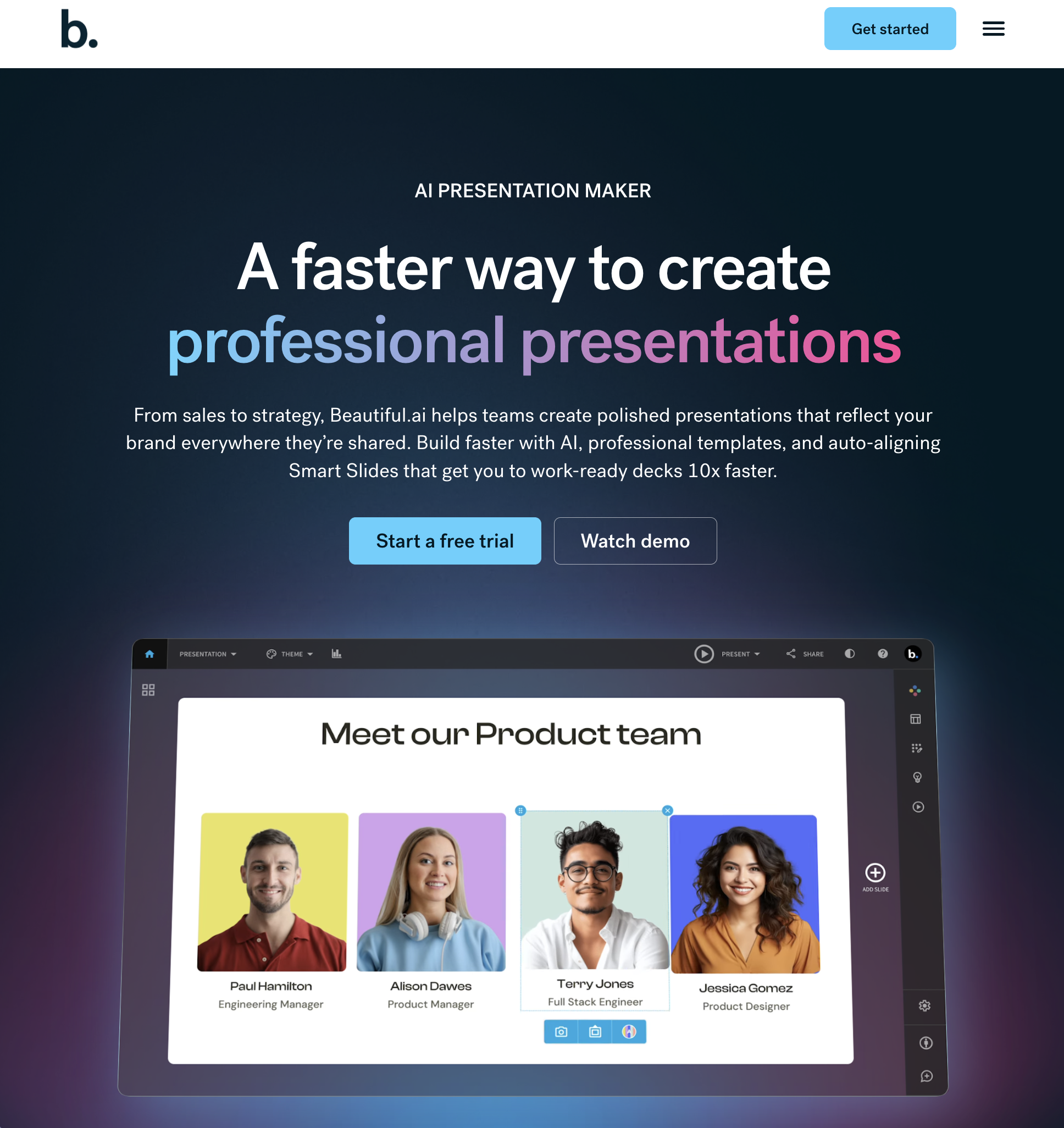
Beautiful.ai is the closest alternative to Pitch in design philosophy — both believe presentations should look polished without requiring design skills. But where Pitch provides curated templates, Beautiful.ai provides automatic design rules that apply to any content you add.
Beautiful.ai inverts the presentation workflow. In Pitch, you choose a template, then add content, then adjust the design. In Beautiful.ai, you add content, and the AI applies design rules automatically — alignment, spacing, hierarchy, color balance, and typography. Every slide follows professional design principles without you making a single layout decision.
The "smart slides" system includes 60+ layout types that auto-adjust when content changes. Add a bullet point, and the text reflows. Remove an image, and the remaining elements rebalance. This is different from Pitch's templates, which require manual adjustment when content does not fit the original layout.
Beautiful.ai's PPTX export is also strong — comparable to Pitch's, because both use fixed 16:9 slide dimensions internally. What you see is close to what opens in PowerPoint.
The collaboration features are less mature than Pitch's. Beautiful.ai offers team workspaces, shared templates, and commenting, but lacks Pitch's slide-level status tracking, granular permissions, and presentation analytics.
Where Pitch is better: Creative flexibility and collaboration depth. Beautiful.ai's design guardrails are absolute — you cannot override the automatic layout decisions. Pitch gives you a polished starting point but allows full creative control. If you need to create an unconventional layout (overlapping elements, asymmetric compositions, custom animations), Pitch accommodates that; Beautiful.ai does not.
Pricing: Free trial. Pro: $12/month (annual). Team: $40/user/month (annual).
Best for: Sales teams producing proposal decks at volume. Non-designers who want polished presentations without learning design. Teams where "consistently good" matters more than "occasionally great."

Papermark is an open-source document sharing platform designed specifically for pitch decks, proposals, and sales materials. It does not create presentations — it transforms how you share and track them.
Pitch creates presentations and lets you share them via link. Papermark takes the presentations you have already created (in any tool) and adds a sharing layer with features that Pitch does not offer: page-by-page analytics, viewer identification, virtual data rooms, custom branding, password protection, email capture, and NDA requirements before viewing.
For startups raising funding, this is the critical missing piece. You build a pitch deck in whatever tool you prefer, upload the PDF or link it to Papermark, and get detailed analytics: which investors opened it, how long they spent on each slide, which slides they returned to, and whether they forwarded it. Pitch's analytics show view counts and basic engagement; Papermark shows investor-level behavioral data.
Papermark is also open-source (GitHub: mfts/papermark), which means you can self-host it, audit the code, and customize the sharing experience. No vendor lock-in, no proprietary platform risk.
Where Pitch is better: Presentation creation. Papermark does not create slides — it shares them. If you need both creation and sharing, you need Papermark plus another tool on this list. Pitch provides an integrated experience where you build, collaborate, and share within one platform.
Pricing: Free (open-source, self-hosted). Cloud: Starter free, Business $39/month, Data Rooms $79/month.
Best for: Startup founders sharing pitch decks with investors. Sales teams tracking which prospects engaged with proposals. Anyone who needs page-level analytics and viewer identification on shared presentations. Pairs well with Sai (for creation) or Google Slides (for editing).
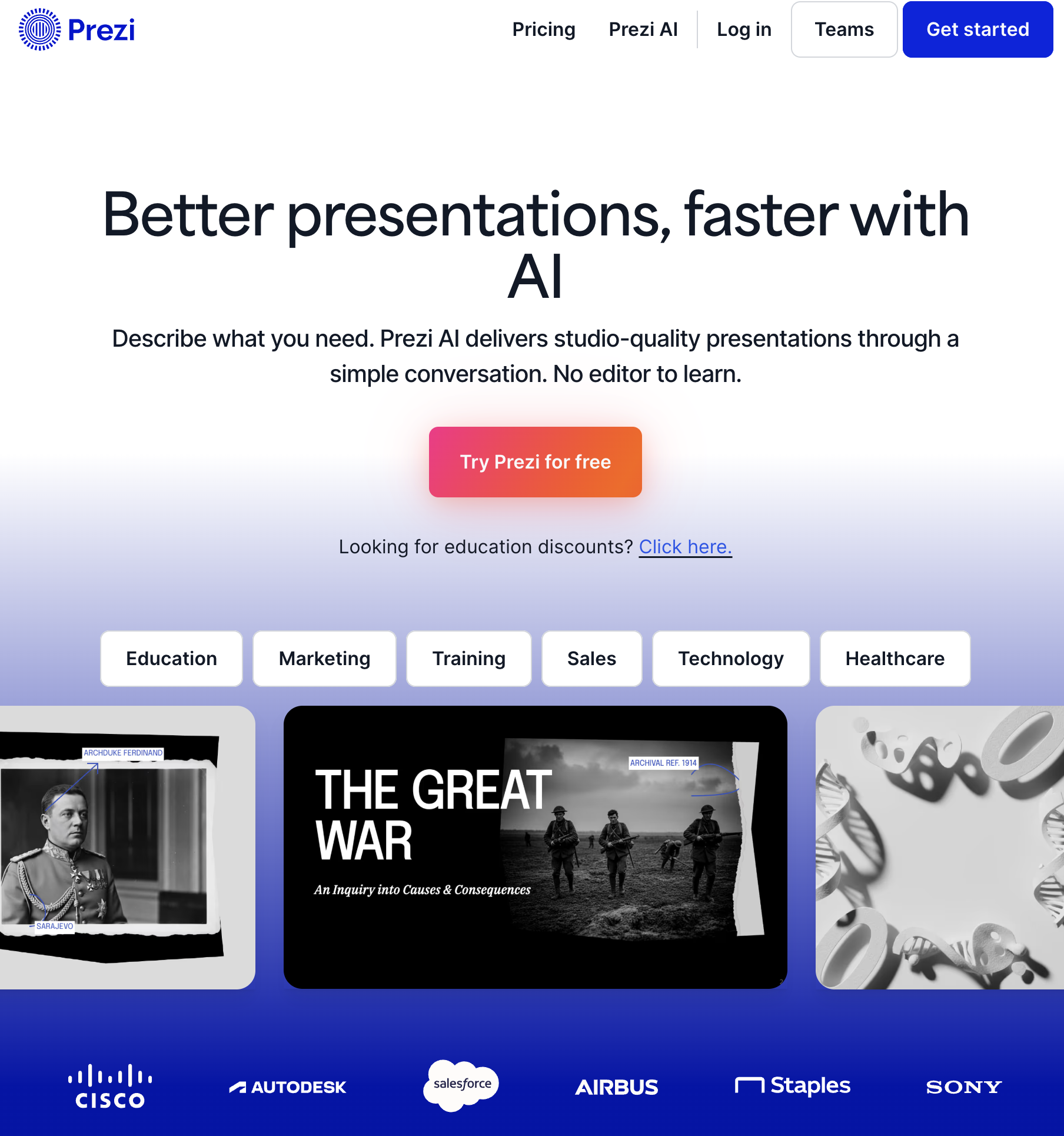
Prezi is the presentation tool that challenged the slide-by-slide format. Instead of a linear sequence of slides, Prezi uses a zoomable canvas where you move between topics spatially — zooming in for details, zooming out for context, and panning between related concepts.
Pitch follows the traditional slide paradigm: Slide 1 > Slide 2 > Slide 3 > ... > Slide N. Prezi abandons that paradigm entirely. You place content on a large canvas and create a "path" that zooms between elements. The presentation becomes a spatial journey through ideas rather than a linear sequence of frames.
This creates a fundamentally different presentation experience. Prezi presentations are more engaging for audiences because the spatial movement adds visual variety and context that static slides cannot provide. Zooming in on a detail, then pulling back to show where it fits in the bigger picture, is a storytelling technique that linear slides cannot replicate.
Prezi also offers Prezi Video, which overlays your presentation content next to your webcam feed during video calls — essentially a polished virtual background that shows your slides. Pitch does not offer anything similar.
The tradeoff is production time. A good Prezi presentation takes significantly longer to build than a good Pitch deck. The spatial layout requires intentional design — you need to decide where each element lives on the canvas and how the zoom path connects them. A linear slide sequence is faster to assemble.
Where Pitch is better: Speed, team collaboration, and corporate appropriateness. Pitch decks take minutes to build; Prezi presentations take hours. Pitch's collaboration tools are more mature. And for formal business contexts (board meetings, quarterly reviews, investor updates), Prezi's zooming animation can feel gimmicky rather than professional.
Pricing: Free (basic). Standard: $7/month (annual). Plus: $15/month (annual). Premium: $19/month (annual). Teams: Custom.
Best for: Educators, conference speakers, and sales presenters who want to stand out visually. Presentations where spatial relationships between ideas matter (architecture, strategy maps, product ecosystems). Not ideal for formal corporate settings.
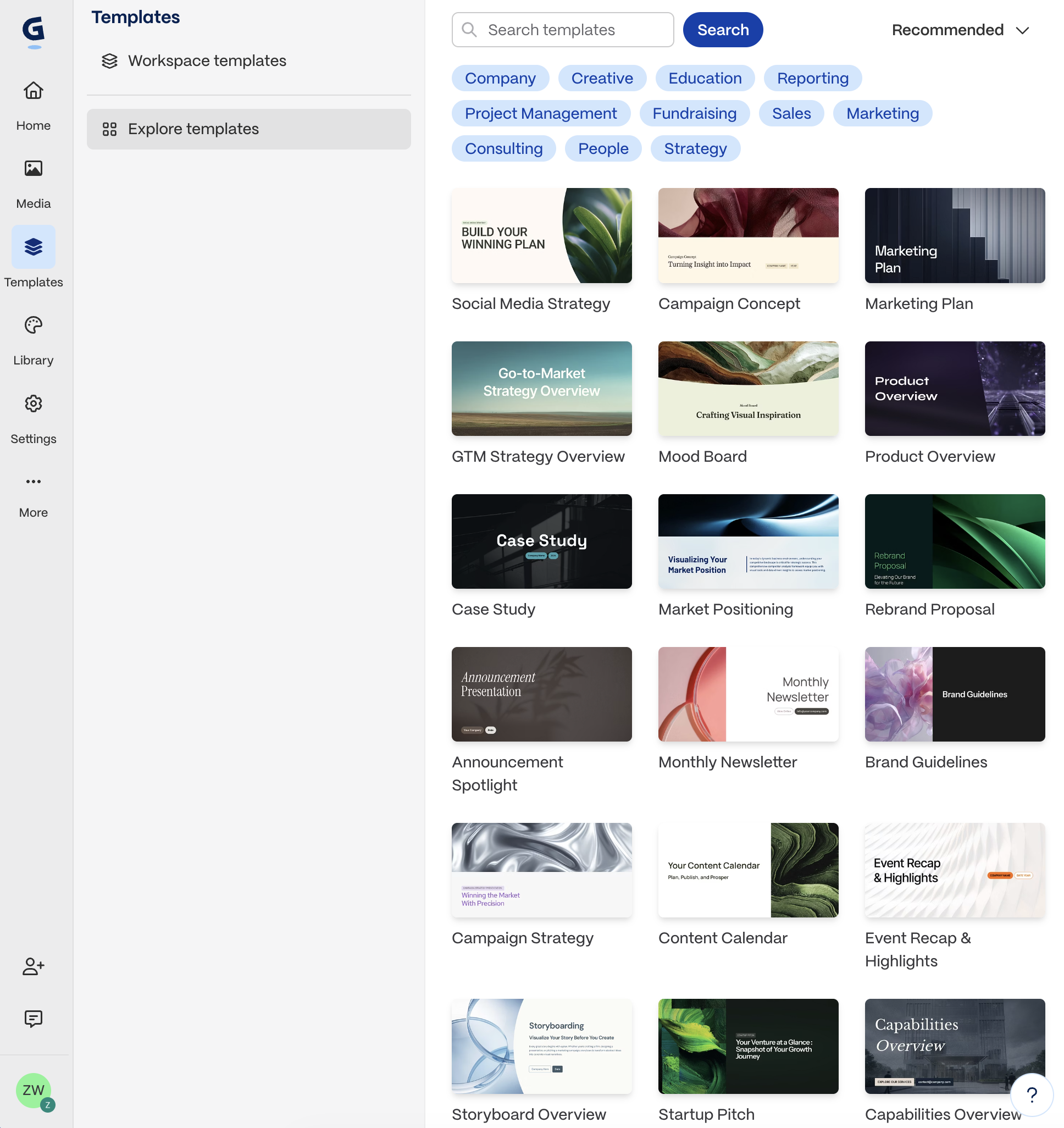
Gamma's AI focuses on what to say, not how it looks. Describe your topic, audience, and objective, and Gamma generates a complete narrative — the actual words on each slide, organized into a logical argument with a clear flow from introduction to conclusion.
Pitch 2.0's AI generates slide layouts and structure — a reasonable starting point that you fill with content. Gamma's AI generates the content itself — the arguments, supporting points, and narrative flow. For people who know their data but struggle to structure a compelling story, Gamma's content generation is genuinely more useful than Pitch's layout generation.
Gamma's presentations are web-native — modern, card-based layouts with embedded media and responsive design. They look impressive when shared via link. But the PPTX export is weak — the same problem as Tome and any web-native tool. Web layouts do not convert cleanly to fixed-dimension slides.
Gamma also includes built-in analytics (view tracking, engagement metrics) that are comparable to Pitch's sharing analytics — and available on the free tier, whereas Pitch reserves analytics for paid plans.
Where Pitch is better: File format flexibility and collaborative editing. Pitch produces better PowerPoint exports and offers a more mature real-time editing experience. If you need to hand someone a .pptx file or have 4 people editing the same deck simultaneously, Pitch is superior. For a deeper analysis, see our Gamma AI alternatives guide.
Pricing: Free (limited credits). Plus: $10/month. Pro: $20/month.
Best for: Founders building pitch narratives, executives preparing strategy presentations, and anyone who needs AI to generate the content, not just the design.
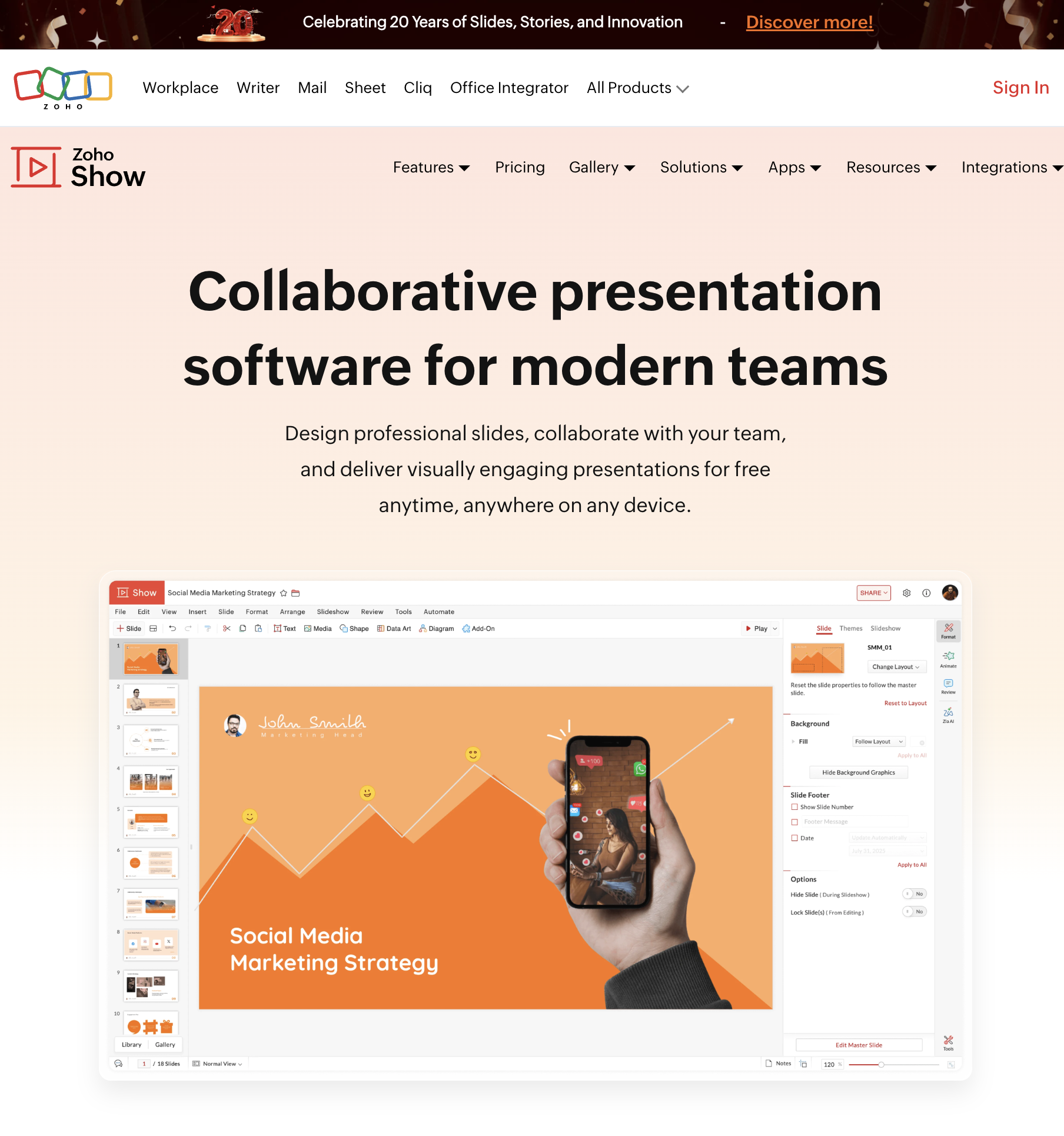
Zoho Show is a cloud-based presentation tool that is part of the Zoho Workplace suite. For organizations already using Zoho CRM, Zoho Projects, or Zoho Workplace, it is the natural presentation solution — fully integrated with no additional cost.
Zoho Show costs $0 as part of Zoho Workplace ($3/user/month for the entire suite: email, docs, sheets, presentations, chat). Compare that to Pitch's $19-$25/seat/month for presentations alone. For a 20-person team, that is $60/month for the full Zoho suite vs $380-$500/month for Pitch alone.
The collaboration features are solid: real-time co-editing, comments, version history, and role-based access. Not as refined as Pitch's presentation-specific workflows, but functional for most team use cases.
Zoho Show includes Zia AI, Zoho's built-in AI assistant, which generates slide content and design suggestions. The AI is less capable than Pitch 2.0's generator but is improving rapidly and is included at no extra cost.
The PPTX import and export is reliable — Zoho Show was designed for interoperability with PowerPoint from the start. Files open cleanly in both directions, with minimal formatting loss.
Where Pitch is better: Design quality and presentation-specific features. Pitch's templates are designer-grade; Zoho Show's are functional but plain. Pitch's slide-level status tracking, presentation analytics, and brand workspace features have no equivalent in Zoho Show. If presentations are your primary deliverable and design quality directly impacts your revenue, Pitch's premium is justified.
Pricing: Free (5 users). Part of Zoho Workplace: $3/user/month. Standalone: Free with Zoho account.
Best for: Organizations already in the Zoho ecosystem. Budget-conscious teams that need collaborative presentations without per-seat presentation tool costs. Small businesses where $3/user/month for an entire office suite is more attractive than $19/user/month for slides alone.
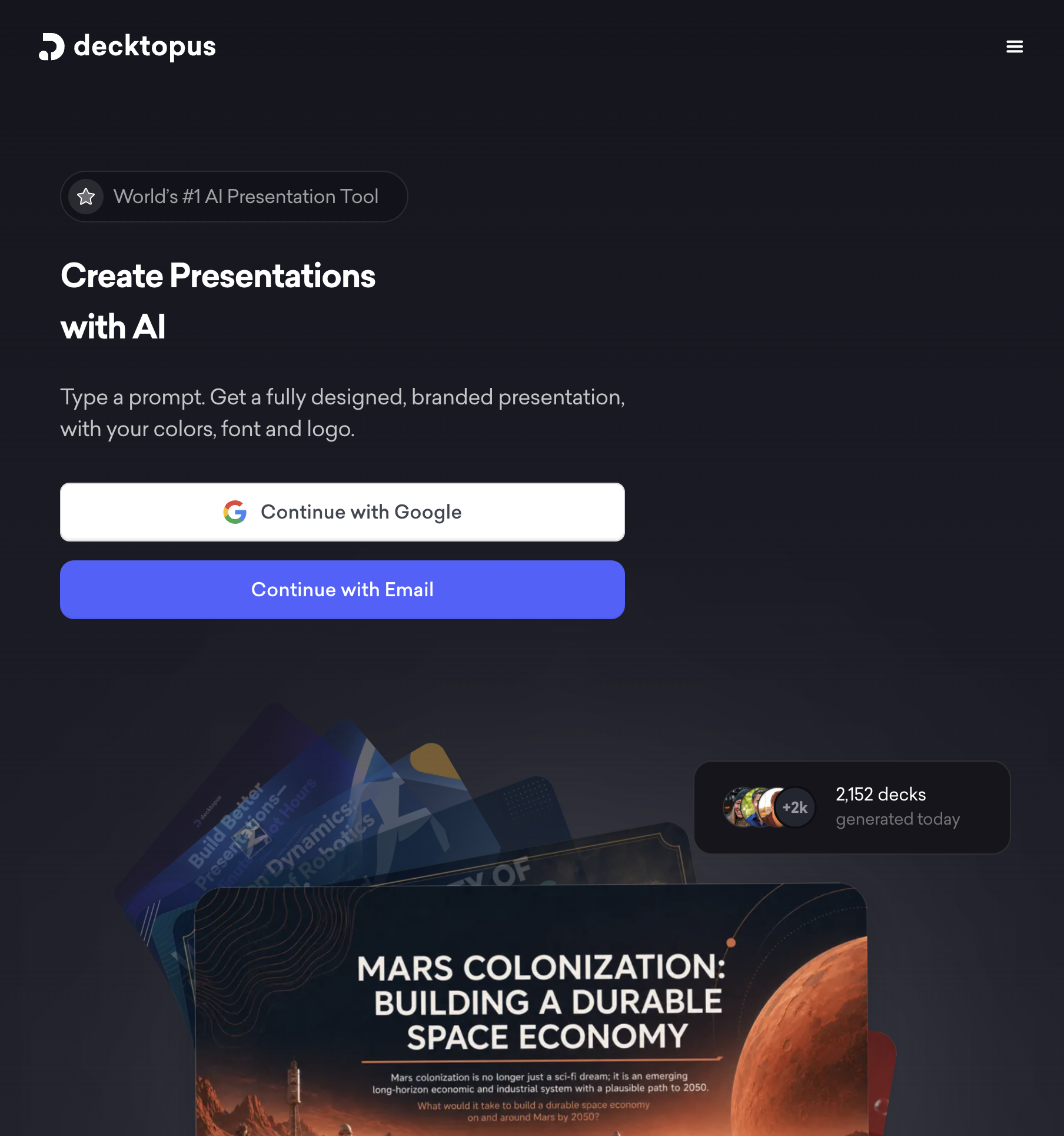
Decktopus is an AI-driven presentation tool that combines generation with interactive elements: embedded forms, surveys, quizzes, CTAs, and custom domains. It turns presentations into interactive experiences rather than static slide sequences.
Pitch creates polished slide decks. Decktopus creates interactive presentation websites. The output is different: Pitch decks are documents you present; Decktopus decks are experiences your audience interacts with.
Decktopus's AI generates complete presentations from a topic or uploaded content (documents, URLs, YouTube videos), adding design and interactivity automatically. The AI also suggests speaker notes, talking points, and audience engagement strategies — going beyond layout into presentation coaching.
The interactive elements are the key differentiator. Embed a feedback form on Slide 8. Add a quiz on Slide 12. Include a CTA button that links to your pricing page on the final slide. Track which interactive elements your audience engaged with. Pitch does not offer any of this.
Where Pitch is better: Design refinement and team collaboration. Pitch gives you fine-grained control over every design element; Decktopus prioritizes speed over control. Pitch's collaboration features (multiple editors, comments, version control) are more mature. If you are a team of 5 iterating on a client deck, Pitch is better suited. If you are a solo presenter who wants an interactive deck in 10 minutes, Decktopus wins.
Pricing: Free (limited). Pro AI: $9.99/month (annual). Business AI: $36/month (annual).
Best for: Sales teams who want interactive proposals with embedded CTAs and forms. Educators building quizzes into lesson presentations. Solo creators who need a complete presentation quickly with audience engagement tools.
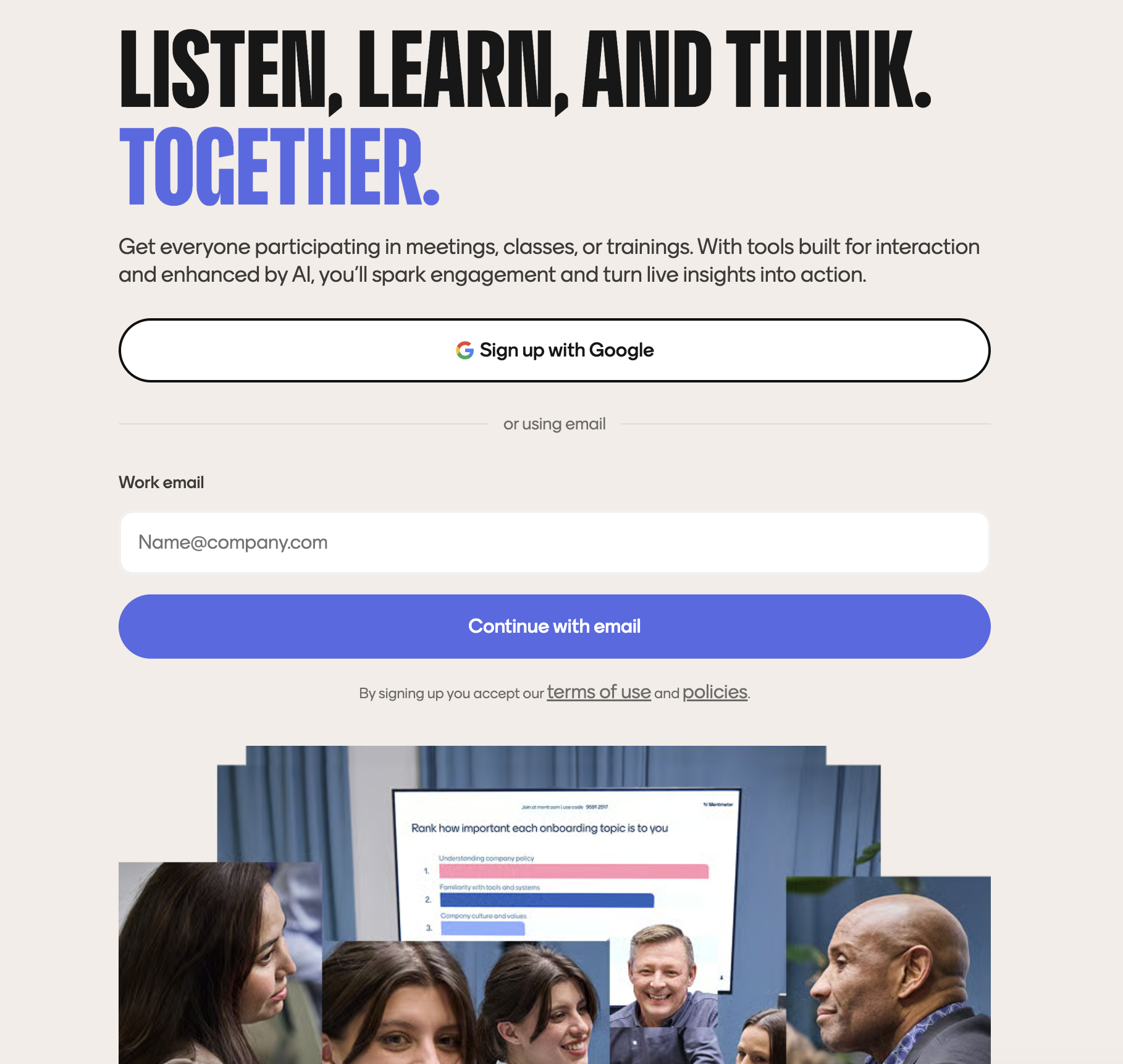
Mentimeter is not a presentation creation tool in the traditional sense — it is a live audience interaction platform that includes presentation capabilities. Polls, quizzes, word clouds, Q&A sessions, and reaction tracking happen in real time as you present.
Pitch optimizes for the creation phase — building a polished deck collaboratively before the presentation. Mentimeter optimizes for the delivery phase — engaging your audience during the presentation. They solve different halves of the same problem.
With Mentimeter, you create slides that include interactive elements: live polls ("Which priority should we focus on?"), word clouds ("Describe our Q3 in one word"), quizzes ("Test your product knowledge"), open-ended Q&A ("Ask anything"), and reaction tracking (thumbs up/down during specific slides). The audience participates via their phones in real time, and results display live on your slides.
No other tool on this list — including Pitch — offers real-time audience participation at this depth. Pitch presentations are one-directional: you present, they watch. Mentimeter presentations are bidirectional: you present, they respond, and the responses shape the conversation.
Where Pitch is better: Everything except audience interaction. Pitch's design quality, template variety, collaboration features, AI generation, and export reliability are all superior. Mentimeter's slides are functional but visually basic — they exist to carry interactive elements, not to look impressive. If you need a polished client-facing deck, Pitch is the right tool. If you need a training session where 200 employees vote on priorities in real time, Mentimeter is the right tool.
Pricing: Free (limited). Basic: $11.99/presenter/month. Pro: $24.99/presenter/month. Enterprise: Custom.
Best for: Corporate trainers running workshops, conference speakers engaging large audiences, educators teaching live classes, and all-hands meetings where leadership wants real-time employee feedback. Pairs well with Sai or Canva for the static slide portions of a hybrid presentation.