
Oops! Something went wrong while submitting the form.
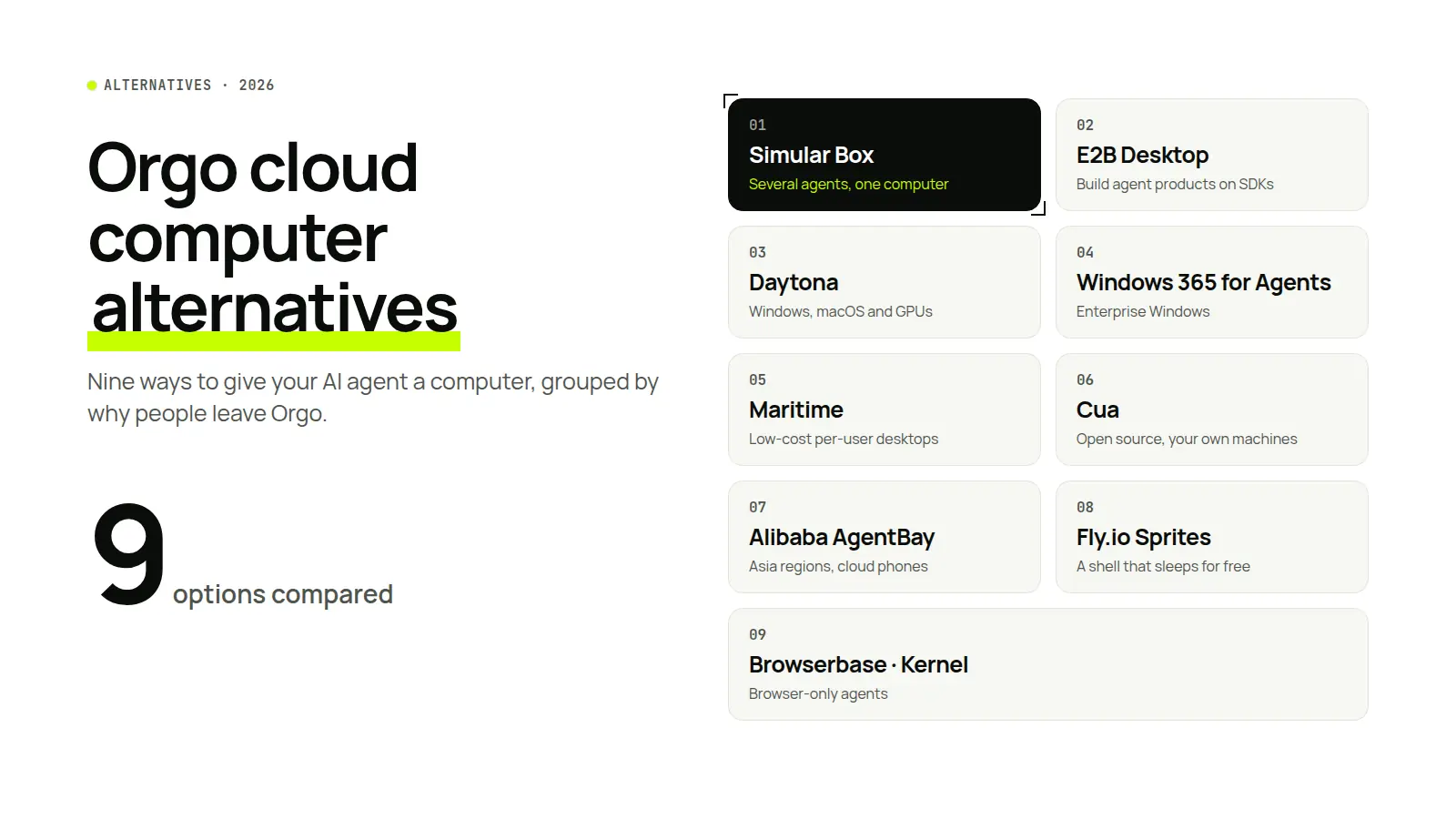
Short answer: The best Orgo cloud computer alternative depends on why you are looking.
Definition. Orgo is a cloud computer service for AI agents: it gives each agent an always-on virtual machine with a desktop, a browser and a terminal, which the agent drives through an API, SDK, CLI or MCP server. An Orgo cloud computer alternative is any service that gives an agent its own computer in a different way, whether shared, short-lived, self-hosted, Windows-first or browser-only.
We looked at each service the way an agent would use it. Can the agent get a full desktop, or only a shell or browser? Which operating systems are offered? How does an agent connect: a hosted MCP server, a local MCP server, or SDK code you write? Does the computer keep files and logins between tasks? Can a person watch, take over and hand back? And how does billing work when the computer is idle? We used vendor documentation and pricing pages, and ran the hosted MCP services from Claude Code where we could. Facts were checked on vendor docs and pricing pages, 6–11 November 2026.
| Alternative | What the agent gets | Operating systems | How agents connect | Best if you want |
|---|---|---|---|---|
| Simular Box | One cloud computer shared by all your agents | Linux | Hosted MCP with OAuth; one-line installer; custom connector in Claude, ChatGPT, Gemini | Your existing agents on one computer, same files and logins |
| E2B Desktop | A sandbox with a Linux desktop | Linux | Python and JavaScript SDKs | To build an agent product from code |
| Daytona | Sandboxes with desktop, Windows, macOS and GPU options | Linux; Windows on Tier 3+; macOS via partner | SDKs, REST, local MCP | Infrastructure with Windows, macOS or GPUs |
| Windows 365 for Agents | Managed Windows 11 Cloud PCs | Windows | Per-session MCP; Copilot Studio; Agent 365 | Enterprise Windows under Entra and Intune |
| Maritime | A desktop per end user | Linux; Android in testing; Windows alpha | Hosted MCP, CLI | Many low-cost per-user desktops |
| Cua | Shared desktops on machines you supply | macOS, Linux, Windows (yours) | Local MCP, skills, CLI | Open source and your own hardware |
| Alibaba AgentBay | Desktops, phones and browsers in one API | Linux, Windows, Android, browser | Hosted MCP, SDKs | Asia regions and cloud phones |
| Fly.io Sprites | A persistent Linux machine, no desktop | Linux (headless) | Hosted OAuth MCP, CLI | A shell that sleeps for free |
| Browserbase / Kernel | Cloud browsers only | Browser | Hosted MCP, SDKs | Web-only agents |
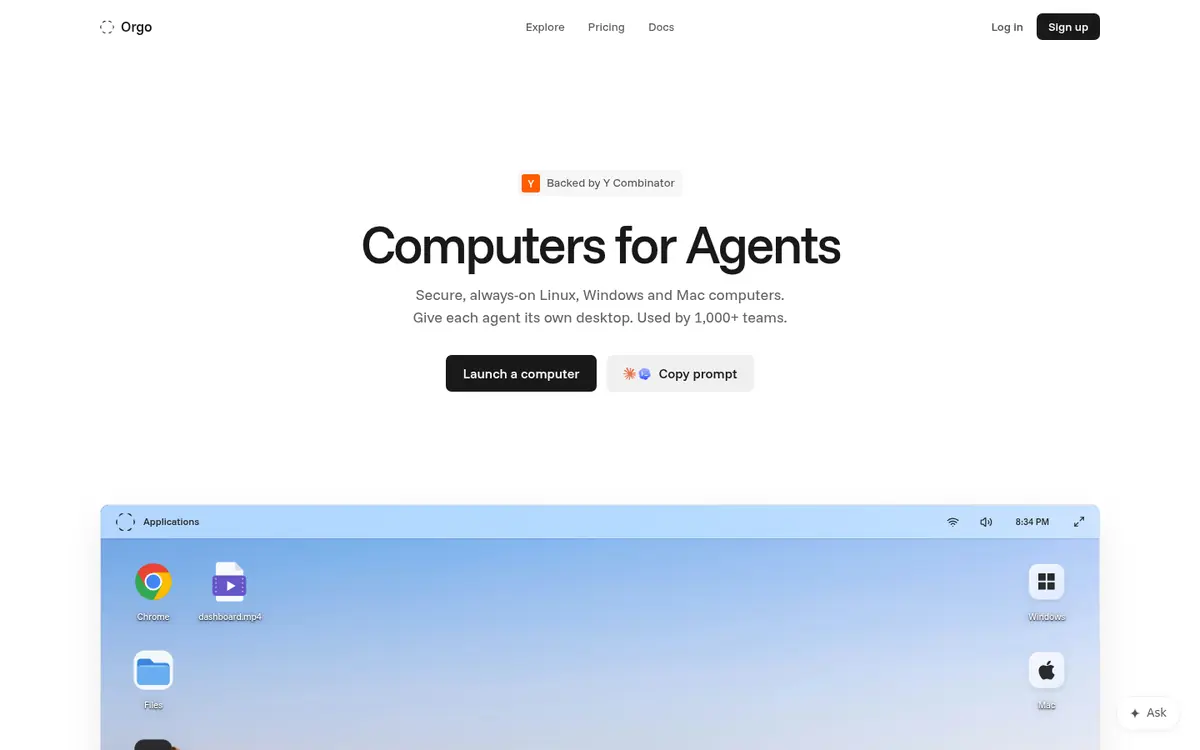
Orgo describes itself as "computers for agents", and it is a strong default. Every paid computer stays on and is never suspended, so an agent can run around the clock and come back to the same files. Linux is available on every plan, Windows is available on the Scale plan or as an add-on, and Mac minis and physical iPhones can be requested. Orgo backs up running Linux and Windows computers daily and keeps the backups for seven days.
Orgo also does a lot of the set-up for you. You can launch Hermes Agent, OpenClaw, Claude Code or Codex with one click, connect about 1,400 apps through Composio, and give an agent up to four screens on one Linux computer. For agencies, a Clients API lets you run computers on behalf of customers and bill them. Claude Code users can add Orgo's hosted MCP server with a single command.
So why do people search for Orgo cloud computer alternatives? From reviews, community threads and our own testing, five reasons come up most:
The nine alternatives below each solve at least one of these.
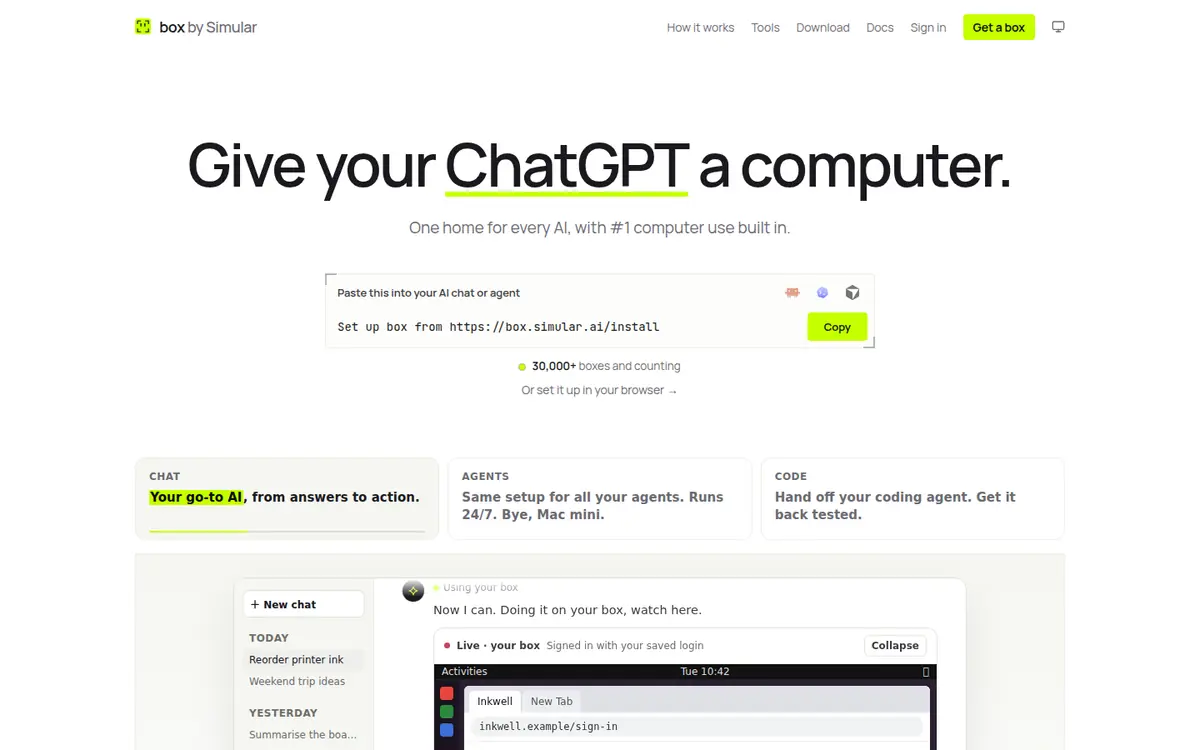
Simular Box (box by Simular) is one cloud computer that all your AI agents share. It is a Linux desktop with Chrome, files and a terminal, and every agent reaches it through one remote MCP server with OAuth sign-in.
How it works. You add the box to the agents you already use, once:
npx @simular-ai/box connect, and it adds the box to Claude Code, Codex, Cursor, OpenCode, Hermes and VS Code in each app's own format.From then on, any of those agents can open Chrome, run commands, read and write files and use desktop apps on the same box.
Pricing: $5 of free credit to start, about 50 hours on a 2 vCPU / 4 GB box. After that, pay as you go from $0.10/hour, billed per second while the box is awake and nothing while it sleeps. Plans are Small at $19/month (5,000 credits a month, box sleeps when idle) and Medium at $39/month (10,000 credits a month, box never sleeps).
Best for: people and small teams who already use Claude, ChatGPT, Codex or Cursor and want them to work on one computer with shared logins, without writing code.
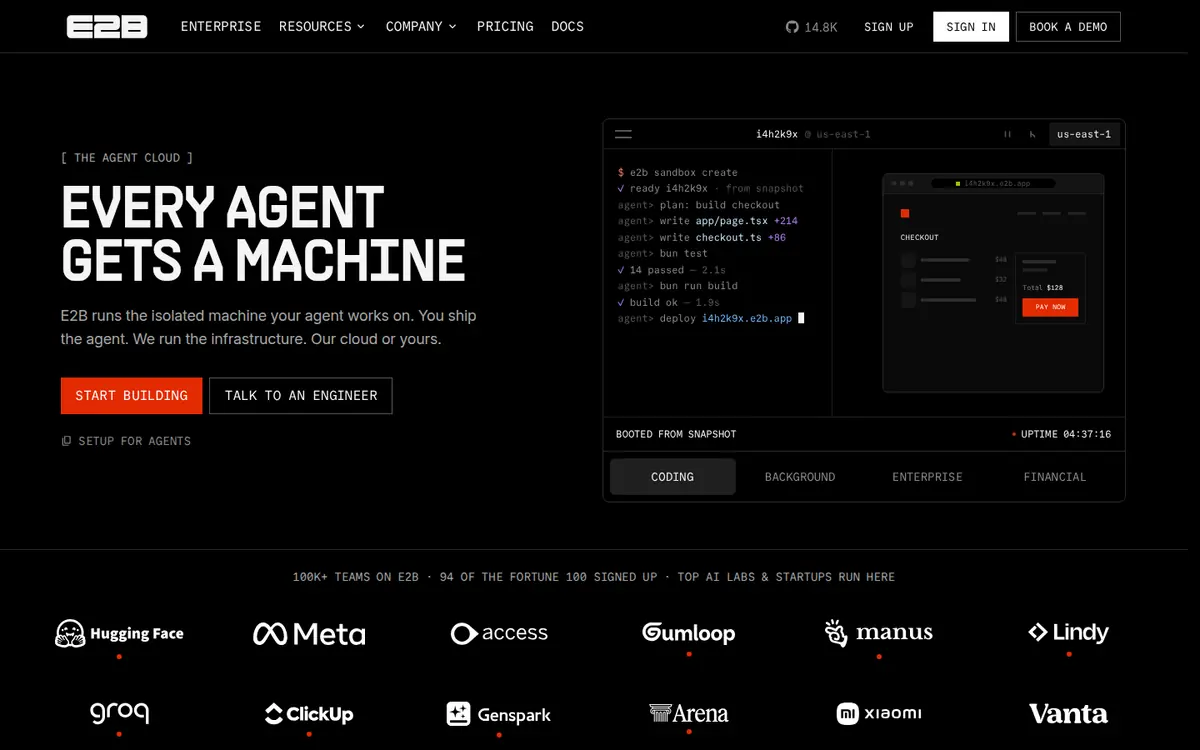
E2B runs isolated sandboxes for AI agents on Firecracker microVMs, each with its own kernel. Its Desktop template adds an Ubuntu desktop with XFCE, a browser and LibreOffice, plus a noVNC stream.
How it works. You create and control sandboxes from the Python or JavaScript SDK: take screenshots, click, drag, scroll, type and press keys, launch apps and open files or URLs. A sandbox can pause, keeping its disk and memory, and resume later.
Pricing: Hobby is free with a one-time $100 credit; Pro is $150 a month plus usage.
Best for: engineering teams building an agent product who need isolated machines at scale.
Daytona runs sandboxes for AI agents, evaluations and training. It offers Linux containers and VMs, Windows VMs on higher tiers, macOS on Apple silicon through a partner, and GPUs from RTX 4090 to B300.
How it works. Sandboxes are created through SDKs or the REST API and persist by default. The computer-use API covers screenshots, mouse and keyboard, an accessibility tree with find, focus and invoke actions, and screen recording with playback. Signed preview URLs let you share a running sandbox.
Pricing: pay as you go per second, with $200 of free compute to start.
Best for: teams that need many sandboxes, GPUs, or Windows and macOS under one API.
Windows 365 for Agents gives agents Windows 11 Enterprise Cloud PCs, managed like the rest of a company's PCs.
How it works. An agent checks out a Cloud PC from a pool and drives it through a per-session MCP server with screenshot, click, type and clipboard tools, a Windows UI Automation tree, OCR with bounding boxes and Edge DOM tools. A Screenshare SDK embeds a live view, and people can take control and release it. It is built into Copilot Studio computer use and exposed to other agents through Agent 365.
Pricing: listed at $0.40 an hour per Cloud PC in the US, rounded up to the hour.
Best for: IT teams that need agents on Windows under existing Microsoft governance.
Maritime (YC, Fall 2026) gives each end user or agent its own Linux desktop with Chromium and LibreOffice, on a Firecracker microVM.
How it works. Agents connect through a hosted MCP server or the Maritime CLI, with a pinned URL per user. Tools include screenshots, clicks, typing, zoom and a batch call for many actions. Templates cover Claude Code, Codex, OpenClaw, Hermes and DeepSeek Harness. Server-enforced watch and control links let a person step in.
Pricing: free plan with three agents (one awake); Starter $20 a month.
Best for: startups giving every end user their own agent computer.
Cua is an open-source computer-use driver and SDK. Its Spaces let people and agents share desktops on computers you supply: your Mac, your PC or your own cloud account.
How it works. Cua runs macOS VMs on Apple silicon, Linux containers and VMs, and Windows VMs, and connects to agents through a local MCP server, skills and a CLI. Each person and agent gets its own cursor on a shared desktop. Actions use the accessibility tree with per-step checks, and recorded trajectories can replay.
Pricing: free; Pro $18 a month; Teams $30 per seat a month; plus your own compute.
Best for: developers who want open source and control of the hardware.
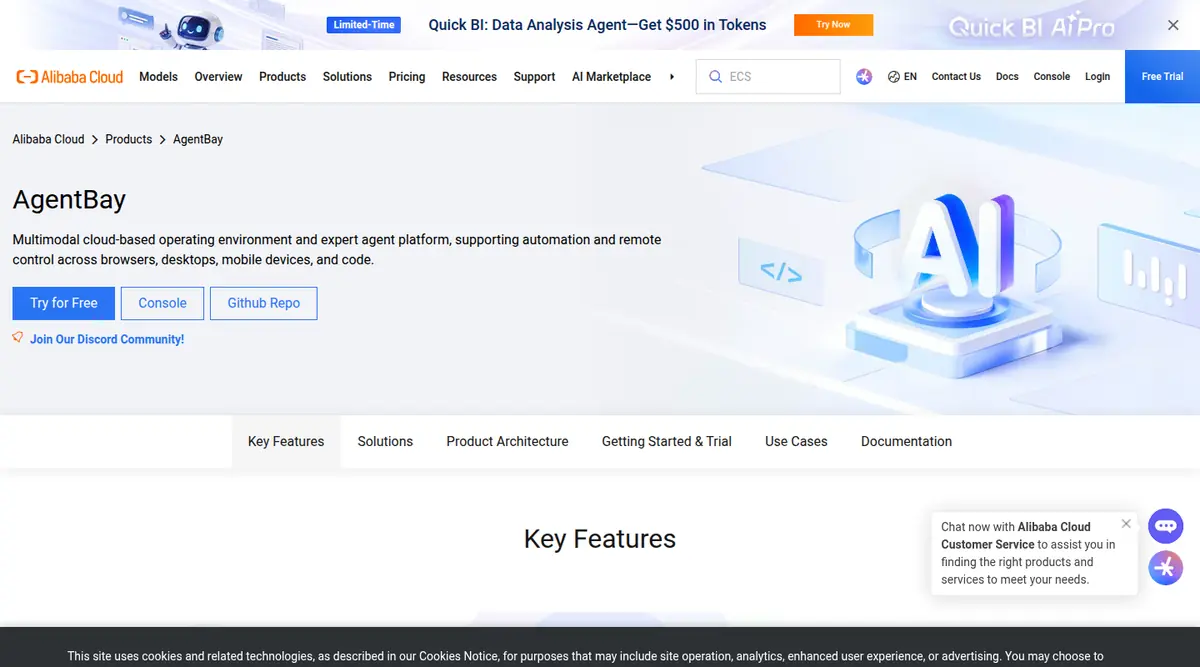
AgentBay offers Linux and Windows desktops, cloud browsers, code environments and Android phones through one API and a hosted MCP server.
How it works. You choose an image (Linux, Windows, browser, code or mobile) and drive it with screenshot, mouse and keyboard tools. Files and browser profiles can persist through its Context feature; by default an environment resets after each session. Its default region is China (Shanghai), with Singapore also available.
Where it beats Orgo: cloud Android phones and per-second compute in Asian regions.
Trade-offs: an Alibaba Cloud account is required; pixel-coordinate tools only; no Mac.
Pricing: pay as you go per second, by CPU core and memory.
Best for: teams building agents for Asian markets or Android apps.
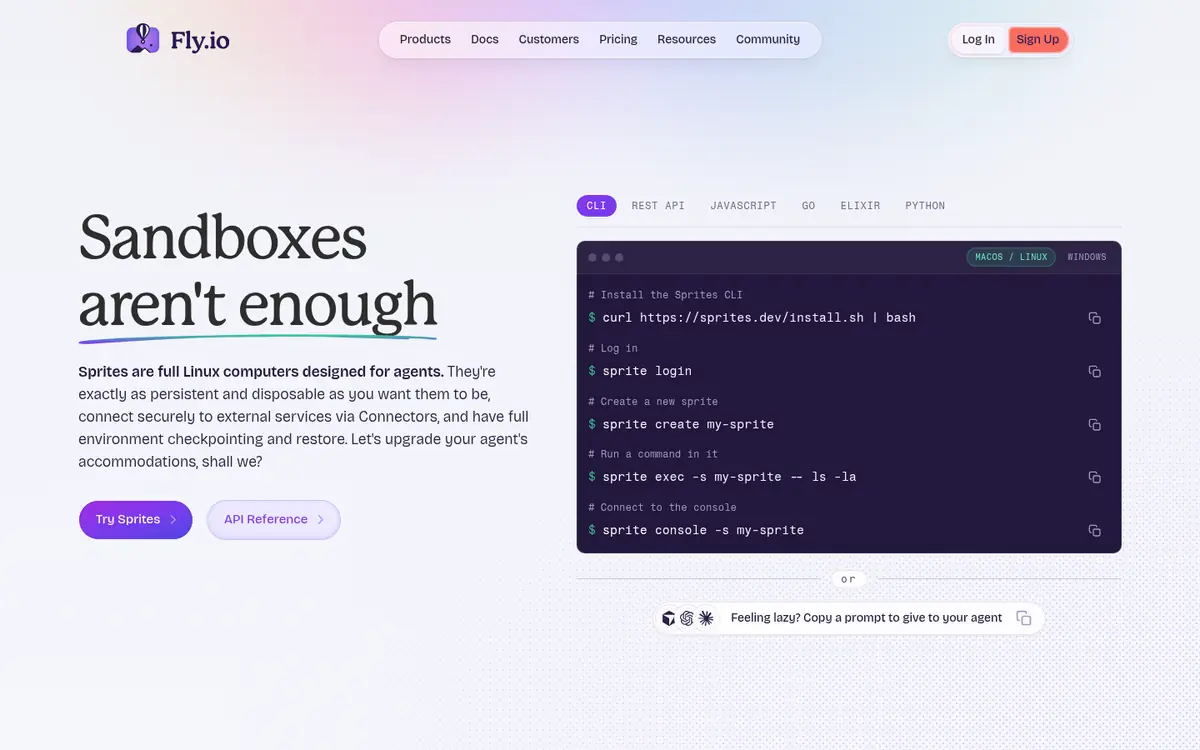
Sprites are persistent Linux machines (8 vCPU, 100 GB disk) that wake on request and checkpoint automatically.
How it works. A Sprite keeps its disk across sleep and syncs it to object storage. Agents connect through a hosted OAuth MCP server listed in Claude's Connectors Directory, a Codex plugin or the CLI. Each Sprite gets an HTTPS URL.
Where it beats Orgo: idle CPU is not billed, and a Sprite wakes in about a second.
Trade-offs: no desktop. GUI work is only possible through Cursor's own computer use on a Sprite.
Pricing: usage-based per CPU-hour and GB-hour, with a $30 trial credit.
Best for: coding agents that need a shell and a disk, not a screen.
Browserbase and Kernel run cloud browsers for agents, with live view, saved sessions, proxies and hosted MCP servers.
How it works. Browserbase pairs cloud Chromium with Stagehand, which lets an agent act, observe and extract with natural language. Kernel runs each browser in its own unikernel, keeps profiles between sessions and does not bill while idle.
Where they beat Orgo: faster, cheaper and easier to scale for web-only tasks; both have SOC 2 Type II.
Trade-offs: there is no desktop, file system or terminal, so desktop apps and local downloads are out of reach.
Pricing: Browserbase has a free tier and a $20-a-month Developer plan; Kernel bills per GB-hour.
Best for: agents whose every task happens on websites.
For a deeper three-way comparison, see Orgo vs E2B vs Daytona vs Simular Box. For the wider market, see cloud computers for AI agents. Not sure whether you need a computer or a sandbox? Read what an AI sandbox is.
| Service | Entry price | How it bills |
|---|---|---|
| Orgo | Free $5 credit; Starter $29/month ($23/month yearly) for one always-on computer; $0.055/hour hourly | Plans bill while idle |
| E2B | Hobby free with one-time $100 credit; Pro $150/month + usage | Per second while running |
| Daytona | Pay as you go; $200 free compute | Per second while running |
| Windows 365 for Agents | $0.40/hour per Cloud PC (US) | Per hour, rounded up |
| Maritime | Free (3 agents, 1 awake); Starter $20/month for 20 machines | Flat monthly |
| Cua | Free; Pro $18/month; plus your own compute | Subscription |
| Fly.io Sprites | $30 trial credit; usage-based | No compute charge while asleep |
| Browserbase | Free tier; Developer $20/month | Monthly plan + browser hours |
| Simular Box | Free $5 credit; pay as you go from $0.10/hour; Small $19/month, Medium $39/month | Per second while awake; nothing while asleep |
Do I need a full desktop or just a browser? If every task happens on websites, a cloud browser such as Browserbase is enough. If the agent opens desktop apps, downloads files or uses a terminal, choose a full computer such as Simular Box, Orgo, E2B Desktop or Daytona.
Is Orgo a sandbox? No. Orgo sells always-on virtual machines with a desktop, meant to persist. Sandboxes such as E2B are usually short-lived and controlled from code.
Which Orgo alternative is cheapest for idle agents? Services that sleep or bill per second cost least when idle: Fly.io Sprites, Maritime, Kernel, E2B and Daytona. Simular Box also bills per second while the box is awake and charges nothing while it sleeps, from $0.10/hour for a 2 vCPU / 4 GB box.