OpenClaw vs Claude Computer Use vs Sai: Which AI Agent Should You Use in 2026?

April 20, 2026

OpenClaw vs Claude Computer Use vs Sai: Which AI Agent Should You Use in 2026?

AI desktop agents can now control your computer -- clicking buttons, filling forms, navigating browsers, and running workflows -- without you touching a mouse. But the three leading tools in this space take fundamentally different approaches to how they work, what they cost, and how much control they give you.

This article compares OpenClaw (open-source, developer-focused), Claude Computer Use (Anthropic's sandboxed desktop automation), and Sai by Simular (managed agent with built-in safety guardrails) across setup complexity, pricing, security model, and real-world task performance. Every claim is sourced from official documentation and verified as of April 2026.

Quick verdict:

How we evaluated

We evaluated each tool across five criteria:
  1. Setup Speed. Time from download to first successful automated task, including all prerequisite installations.
  2. Task Completion. Whether the agent could reliably complete common workflows: web searches, form fills, email drafts, and file management.
  3. Security Model. What guardrails exist to prevent the agent from executing unintended destructive actions (deleting files, sending emails, making purchases).
  4. Customizability. How much control users have over the agent's behavior, model selection, and integration with other tools.
  5. Total Monthly Cost. All-in pricing including software fees, API usage, and infrastructure costs.

Comparison Summary

Feature OpenClaw Claude Computer Use (Cowork) Sai by Simular
Best For Developers who want full open-source control Anthropic users who want sandboxed desktop automation Non-technical users who want secure, zero-setup automation
Pricing Free (open-source) + API costs ($5-50/mo) [source] $100/mo (Claude Max) [source] 7-day free trial, then $20/mo (Plus) or $500/mo (Pro) [source]
Setup Time 15-30 minutes -- requires Node.js 22.14+, npm, API key configuration [source] 10-20 minutes -- requires Docker Desktop installation and container configuration [source] Under 2 minutes -- download app, sign in, start automating [source]
Safety / Approval System No -- runs with full local access, no user-approval gate before destructive actions [source] Partial -- Docker container provides isolation from host system, but no per-action approval within the sandbox [source] Yes -- requires explicit user approval before sending emails, deleting files, or executing any sensitive action [source]
Automation Method Multi-modal -- accessibility APIs, browser automation, terminal commands [source] Screenshot-based visual reasoning with mouse/keyboard simulation [source] Accessibility tree-based -- uses native OS APIs for faster, more reliable element identification [source]
Supported OS macOS, Linux, Windows (WSL2 recommended) [source] Linux only (inside Docker container) [source] macOS and Windows (native app) [source]
AI Model Support Multi-provider -- Claude, GPT, Gemini, Ollama (local) [source] Claude only [source] Managed model infrastructure -- no API key required [source]
Open Source Yes -- MIT license, 361K+ GitHub stars [source] No -- proprietary Anthropic product [source] No -- closed-source managed product [source]
Built-in Integrations Telegram, Discord (via configuration) [source] Claude ecosystem (artifacts, projects, API) [source] Gmail, Google Calendar, Google Sheets, Google Drive, Google Docs, GitHub [source]
Scheduled Workflows Possible via cron jobs or custom scripting [source] Not built-in -- requires external orchestration [source] Yes -- built-in cron schedules and webhook-triggered workflows [source]
Free Trial / Free Tier Permanently free software (pay only for API usage) [source] No free tier -- requires Claude Max ($100/mo) [source] 7-day free trial of the full product [source]

1. OpenClaw -- Best for Developers Who Want Full Open-Source Control

What it is: OpenClaw is an open-source AI agent framework with 361,000+ GitHub stars. It lets you build, customize, and deploy computer-use agents that control your browser, desktop, and terminal. It runs locally on your machine via Node.js and connects to any major AI model provider.

Who it is for: Software developers, DevOps engineers, and technical power users who want full visibility into agent behavior, the ability to modify the source code, and no vendor lock-in on model providers.

How it works: You clone the repository, install Node.js 22.14+, configure an API key for your preferred AI model (Anthropic Claude, OpenAI GPT, Google Gemini, or local models via Ollama), and run the agent from your terminal. OpenClaw uses a combination of browser automation, accessibility APIs, and shell commands to execute tasks on your behalf.

Key strengths:

  • Multi-model support. Switch between Anthropic Claude, OpenAI GPT, Google Gemini, or run fully local models with Ollama -- no vendor lock-in.
  • Full source code access. MIT-licensed, 361K+ GitHub stars, active community with regular contributions. You can inspect, modify, and extend every line of code.
  • Messaging channel integrations. Built-in support for Telegram and Discord, allowing you to interact with your agent from messaging apps.
  • No subscription fees. The software itself is permanently free. You only pay for model API usage, which typically ranges from $5-50/month depending on volume

Key limitations:

  • Terminal setup required. You need to install Node.js 22.14+, clone a repo, configure environment variables, and manage API keys. Not accessible for non-technical users
  • No built-in safety guardrails. OpenClaw does not include an approval system -- the agent can execute any action (including destructive ones like file deletion or email sending) without asking for confirmation
  • You manage the infrastructure. Updates, security patches, model configuration, and troubleshooting are your responsibility
  • API costs are variable. Heavy usage of premium models like Claude 3.5 Sonnet or GPT-4 can add up quickly

Pricing: Free (open-source, MIT license) + API costs for model providers
2. Claude Computer Use (Cowork) -- Best for Anthropic Users Who Want Sandboxed Desktop Automation

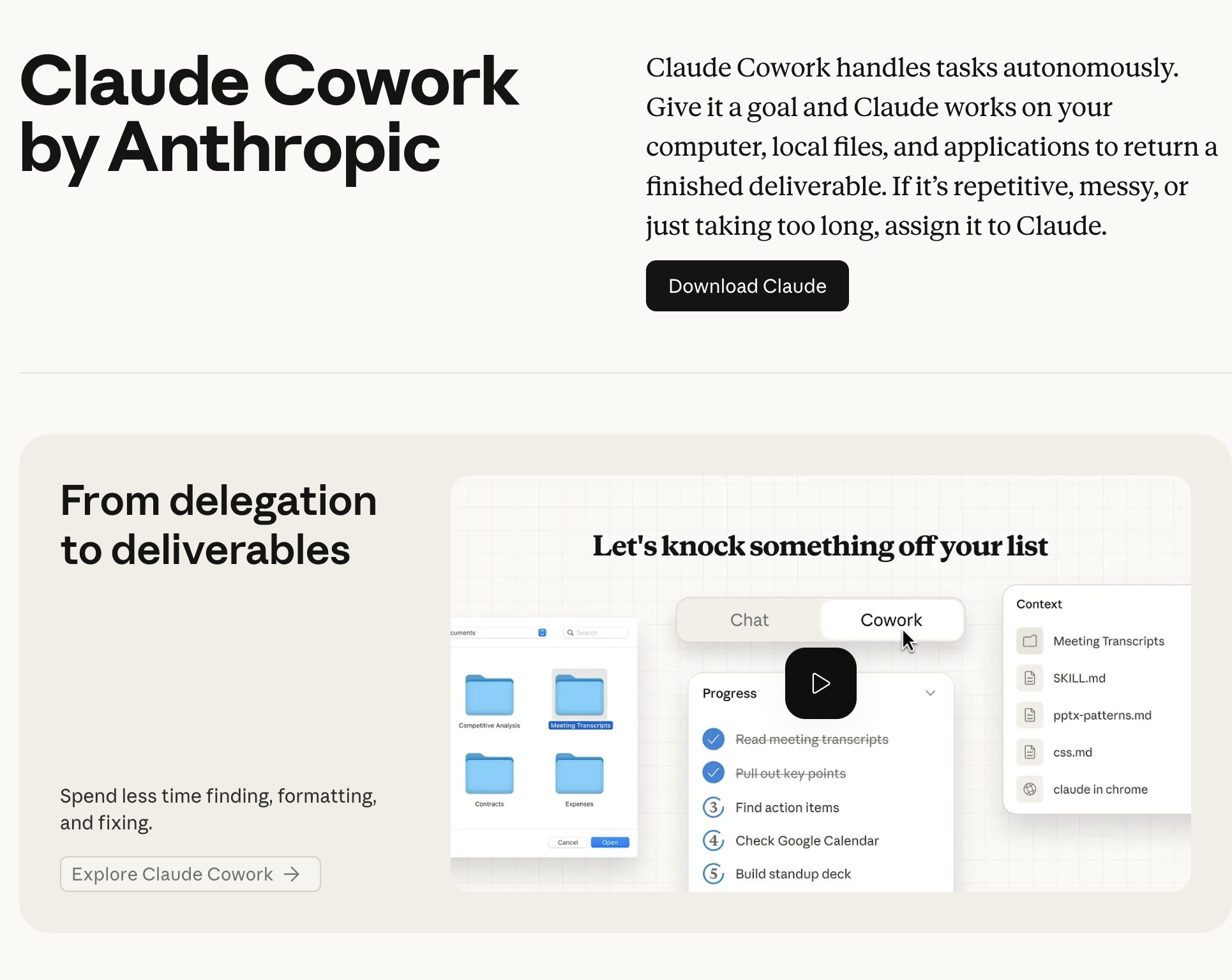
What it is: Claude Computer Use -- now branded as Cowork -- is Anthropic's built-in computer control feature. It lets Claude see your screen via screenshots, move the mouse, type on the keyboard, and interact with any desktop application inside a Docker-based sandbox environment.

Who it is for: Teams and individuals already subscribed to Claude Max ($100/month) or Claude Team/Enterprise plans who want AI desktop automation without installing a separate agent framework.

How it works: Claude Computer Use runs inside a Docker container that provides a sandboxed Linux desktop environment. The agent takes screenshots of the virtual desktop, uses vision-based reasoning to identify UI elements, then sends mouse and keyboard commands. It does not interact directly with your host operating system -- everything happens inside the container.

Key strengths:

  • Container-based isolation. The Docker sandbox means Claude cannot accidentally modify files on your host machine or access sensitive system resources
  • No API key management. If you already have a Claude Max subscription, computer use is included -- no separate billing for model access
  • Strong vision reasoning. Claude's multimodal capabilities allow it to interpret complex UIs, read text from screenshots, and navigate applications visually
  • Tight ecosystem integration. Works seamlessly with other Claude features like artifacts, projects, and the Claude API

Key limitations:

  • Screenshot-based approach is slower. Each action requires taking a screenshot, sending it to the model for analysis, then executing the action. This adds latency compared to agents that use accessibility trees or native APIs (source).
  • Docker setup required. You need Docker Desktop installed and configured, which adds a setup step for non-technical users (source).
  • Linux-only sandbox. The Docker container runs a Linux desktop environment, so you cannot automate native Windows or macOS applications directly (source).
  • Locked to Anthropic models. You can only use Claude models -- no option to switch to GPT, Gemini, or local models (source).

Pricing: Included in Claude Max at $100/month. Also available via API with usage-based pricing
3. Sai by Simular -- Best for Non-Technical Users Who Want Secure, Zero-Setup Automation

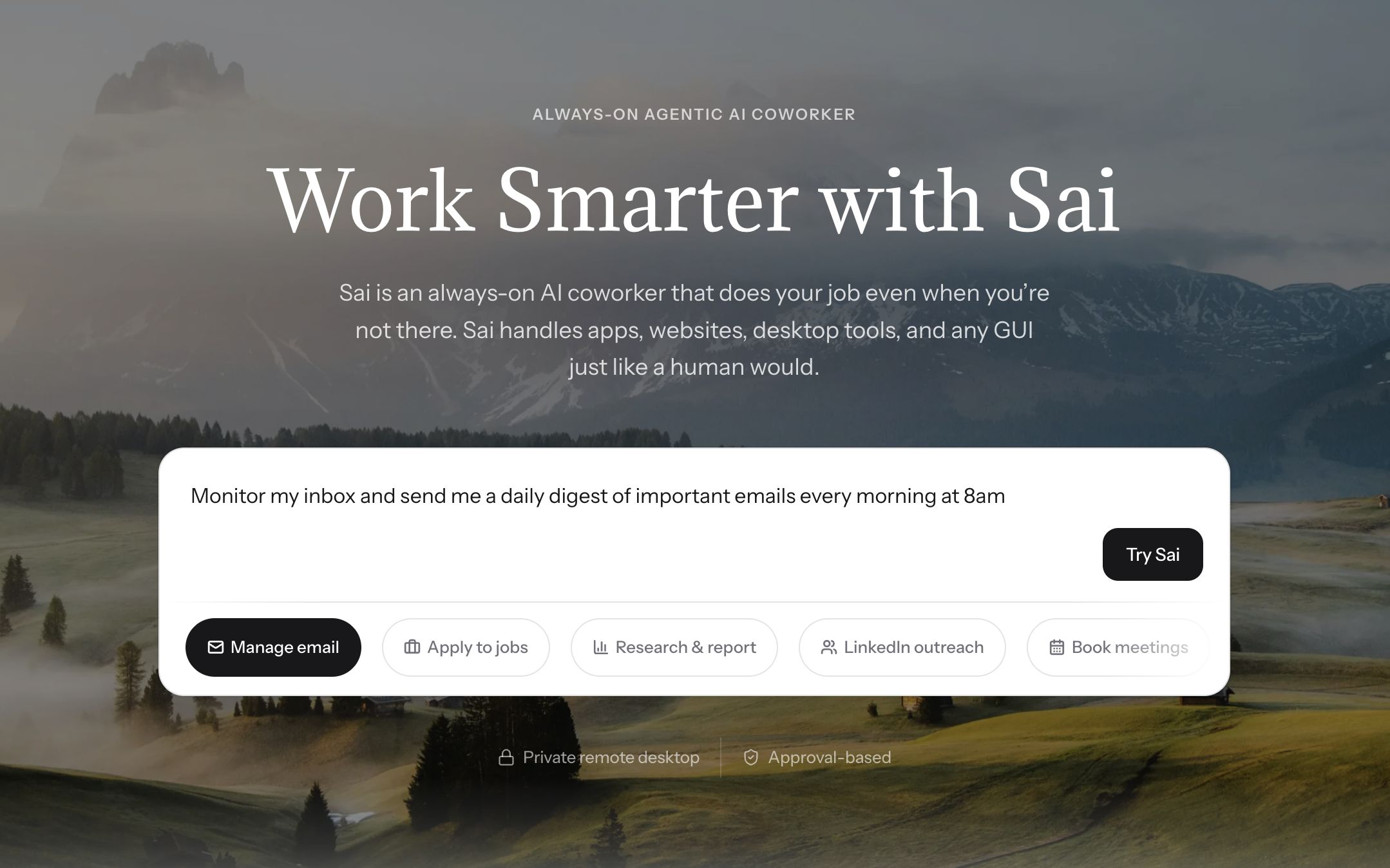
What it is: Sai is a managed desktop AI agent built by Simular that controls your actual computer -- both desktop applications and browser -- through native accessibility APIs rather than screenshots. It runs as a downloadable app on macOS and Windows with no terminal, Docker, or API keys required.

Who it is for: Business professionals, marketers, ops teams, and anyone who wants an AI agent that automates real computer work without writing code or managing infrastructure.
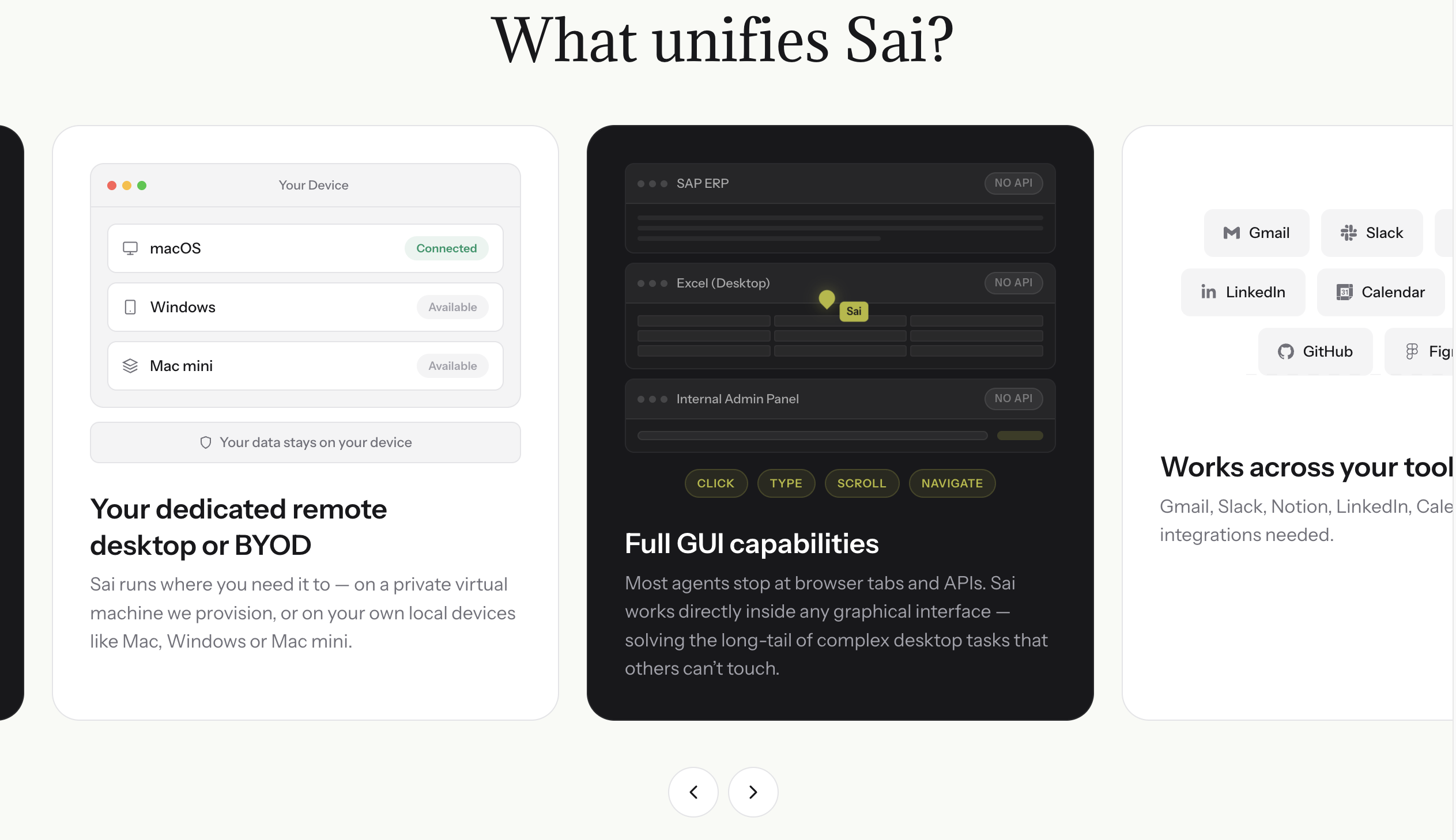
How it works: You download the Sai app, sign in, and start giving instructions in natural language. Sai uses accessibility tree-based automation (not screenshots) to interact with your desktop and browser, which is faster and more precise than vision-based approaches. Before executing any sensitive action -- sending an email, deleting a file, making a purchase -- Sai requires explicit user approval through a built-in approval system.

Key strengths:
  • 7-day free trial. Try the full product with no commitment before subscribing. Start automating immediately without entering payment details
  • Built-in approval system. Sai asks for your explicit permission before sending emails, deleting files, or executing any destructive action. You stay in control
  • Zero terminal setup. Download, install, sign in. No Node.js, no Docker, no API keys. Under 2 minutes from download to first automated task
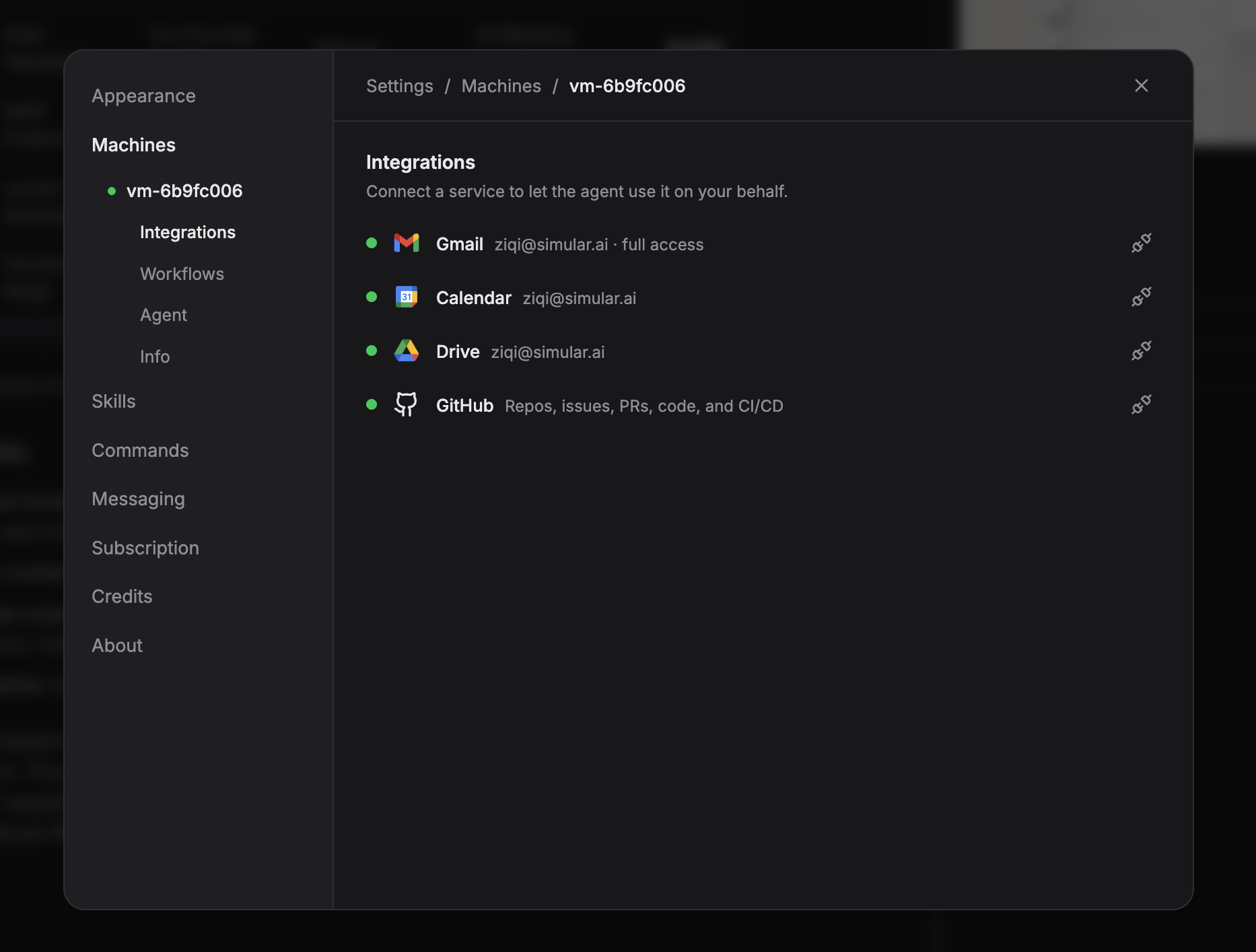
  • Native Google integrations. Built-in connections to Gmail, Google Calendar, Google Sheets, Google Drive, and Google Docs -- no configuration required beyond OAuth sign-in
  • Scheduled workflows. Set up recurring automations on cron schedules or triggered by external events like GitHub webhooks
  • Accessibility tree automation. Uses native OS accessibility APIs instead of screenshots, which means faster, more reliable element identification and interaction

Key limitations:

  • Closed source. You cannot audit the agent code or modify its behavior at the framework level, unlike OpenClaw (source).
  • Monthly subscription required. Sai costs $20/month (Plus) or $500/month (Pro) after the 7-day free trial (source).
  • Currently invite-only. Access requires an invitation or referral, though the waitlist is actively being cleared (source).

Pricing: 7-day free trial, then $20/month (Plus) or $500/month (Pro). Plus includes 10,000 credits; Pro includes unlimited credits and 1 free deployment agent

Which Tool Should You Choose?

Choose OpenClaw if you are a developer who wants full control over your AI agent, prefers open-source software, and is comfortable with terminal-based setup. OpenClaw gives you the most flexibility and community support, but requires technical knowledge and comes with no built-in safety guardrails.

Choose Claude Computer Use (Cowork) if you already have a Claude Max subscription and want desktop automation that is sandboxed inside a Docker container. It is the safest option for technical users who want isolation from their host system, but it is limited to Linux environments inside the container and locked to Anthropic models.

Choose Sai by Simular if you want a ready-to-use AI agent that works on your actual desktop and browser without any terminal setup. Sai is the only option with a built-in approval system that asks before executing sensitive actions, and the 7-day free trial lets you test the full product before committing to a subscription.

Stop doing repetitive tasks. Let Sai handle them for you.

Sai is your AI computer use agent — it operates your apps, automates your workflows, and gets work done while you focus on what matters.

Try Sai

FAQS