
Oops! Something went wrong while submitting the form.

Your LinkedIn profile already contains most of what goes on a resume — job titles, companies, dates, skills, education. The problem is formatting. LinkedIn profiles are not resumes. Recruiters expect a one- or two-page PDF with clean layout, quantified achievements, and ATS-compatible formatting.
A LinkedIn resume builder takes your profile data and converts it into a structured, downloadable resume. Some import your profile automatically. Some require manual copy-pasting. Some rewrite your bullet points with AI. If you are still building out your LinkedIn presence, start with our guide on how to use LinkedIn before focusing on resume exports.
We tested 7 tools that connect to LinkedIn (or import LinkedIn data) and evaluated them on import accuracy, template quality, ATS compatibility, and how much editing you need after the initial import.
We imported the same LinkedIn profile into all 7 tools and compared:
What it does: LinkedIn's own built-in feature that generates a resume directly from your profile data.
How to access it: Go to your LinkedIn profile, click "More" > "Build a resume." LinkedIn pre-fills your experience, education, and skills. Select a template, edit sections, and download as PDF.
Key features:
Limitations: Only 3 basic templates — all plain and text-heavy. Limited formatting control (cannot adjust margins, fonts, or section order). No DOCX export — PDF only. The resume quality is functional but generic — it will not stand out visually.
Pricing: Free (included with all LinkedIn accounts).
Best for: Quick resume generation when you need something fast and free. Good enough for Easy Apply submissions where the resume is secondary to your profile. For tips on uploading your finished resume, see our guide on how to add your resume to LinkedIn.
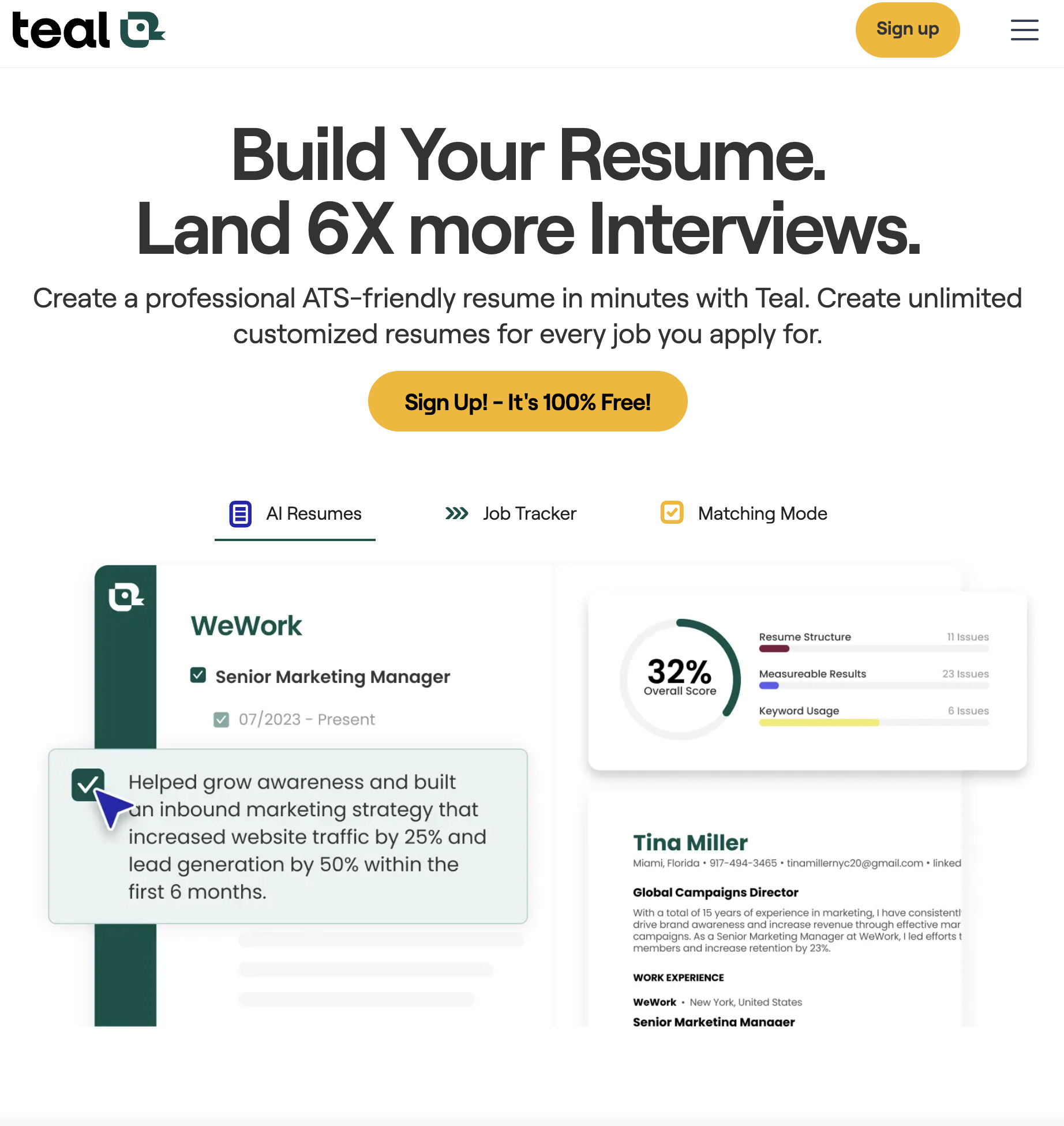
What it does: A job search platform with a built-in resume builder that imports LinkedIn profile data via Chrome extension.
Key features:
Limitations: The free tier limits you to 3 resume tailors per day. Template selection is limited compared to dedicated resume builders. AI rewriting of bullet points requires the paid plan.
Pricing: Free (3 tailors/day). Pro: $9/week or $29/month.
Best for: Job seekers who want resume building and application tracking in one platform. Especially useful if you are already using Teal for your LinkedIn job search.
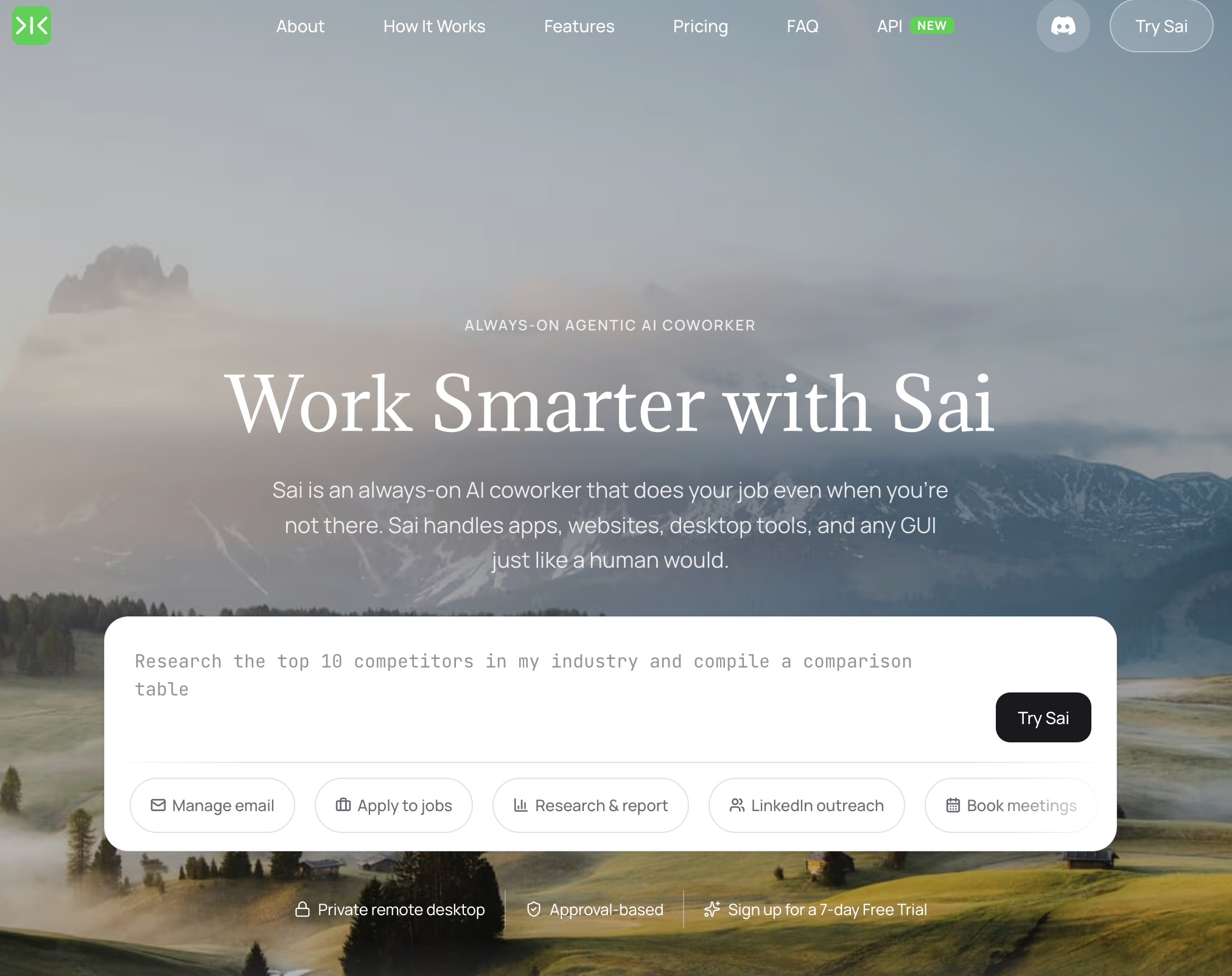
What it does: An AI agent that reads your LinkedIn profile and generates a complete, ATS-optimized resume — formatted, tailored to a target role, and ready to download as PDF.
Key features:
Limitations: Requires a computer running Sai (macOS or Windows). The AI generates the resume, but you should review and edit the output — especially bullet point rewrites, which can occasionally over-optimize for keywords at the expense of natural language.
Pricing: $20 Pro plans at simular.ai.
Best for: Job seekers who want a finished, role-specific resume generated directly from their LinkedIn profile without spending hours in a template editor. Especially useful when applying to multiple roles that require different keyword emphasis — Sai handles the versioning automatically.
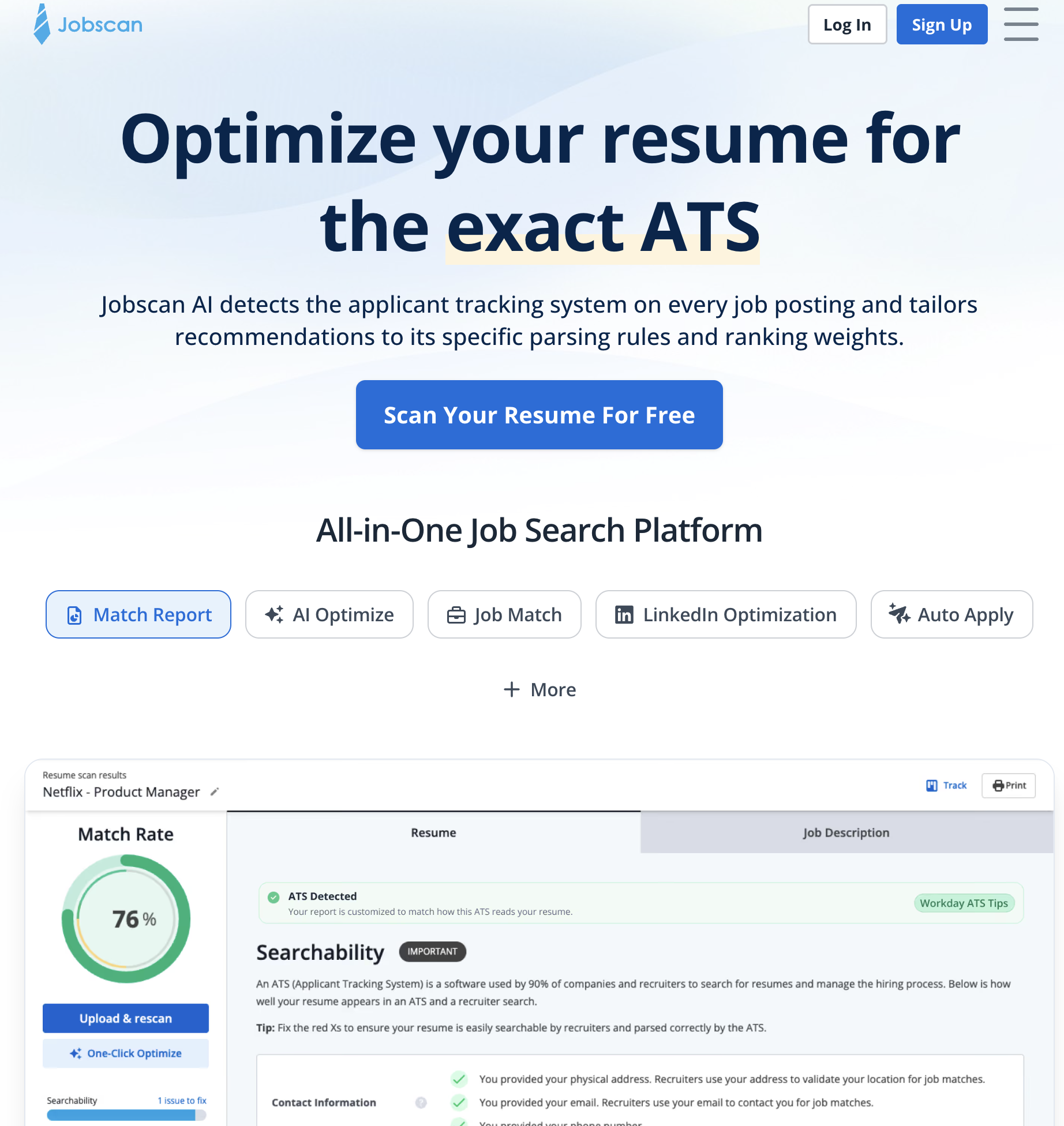
What it does: Primarily a resume scanner, but also includes a resume builder that imports LinkedIn data and optimizes for ATS parsing.
Key features:
Limitations: The resume builder is secondary to the scanning tool — templates are basic and the editor feels less polished than dedicated builders. The free tier (5 scans/month) is too limited for active job seekers.
Pricing: Free (5 scans/month). Premium: $49.95/month or $89.95/quarter.
Best for: Job seekers who prioritize ATS pass rate over visual design. Pair with a better-designed template from another tool if aesthetics matter for your industry.

What it does: A resume builder with 40+ modern, designer-quality templates and LinkedIn profile import.
Key features:
Limitations: The free tier only allows one resume with a limited template selection and includes an Enhancv watermark on exports. Most useful templates and the watermark removal require the paid plan. LinkedIn import occasionally misses certifications or volunteer experience.
Pricing: Free (1 resume, watermark). Pro: $19.99/month or $44.99/quarter.
Best for: Professionals in design-forward industries (marketing, product, UX) where resume aesthetics matter. Also strong for career changers who need a functional resume format that emphasizes skills over chronological history.
What it does: A resume builder with step-by-step guidance, real-time content suggestions, and LinkedIn import.
Key features:
Limitations: Free tier limits you to one resume with basic templates. The content suggestions are generic — they work as starting points but need heavy customization to sound authentic. LinkedIn import sometimes requires manual cleanup of date formats and job descriptions.
Pricing: Free (1 resume). Premium: $19.99/month or $39.99/quarter.
Best for: First-time resume writers or career changers who need guidance on what to include in each section. The step-by-step approach reduces the "blank page" problem.
What it does: An AI-powered platform that scores both your resume and LinkedIn profile, then gives actionable improvement suggestions.
Key features:
Limitations: No actual resume builder — Resume Worded reviews and improves existing resumes but does not create one from scratch. You need to build the resume elsewhere, then upload it for scoring. The free tier provides only a limited score without detailed recommendations.
Pricing: Free (basic score). Pro: $19/month or $49/quarter.
Best for: Job seekers who already have a resume and want to improve it. Use Resume Worded alongside a builder (LinkedIn's free tool, Enhancv, or Novoresume) for the best results. For more on optimizing your LinkedIn profile separately, see our guide on LinkedIn profile optimization.