
Oops! Something went wrong while submitting the form.
Short answer: A cloud PC is a personal desktop computer that runs in a cloud data center and streams to whatever device you sign in from. Windows 365 is Microsoft's Cloud PC service and the best-known option for people at work; Amazon WorkSpaces Personal is AWS's equivalent. If the user is an AI agent rather than a person, use a cloud computer built for agents, such as Simular Box or Windows 365 for Agents.
A cloud PC is a personal desktop (operating system, apps, files and settings) that lives on a server in a data center instead of on the device in front of you. You connect to it through an app or a web browser, and it shows up as a normal desktop. Because the computer itself is in the cloud, you can reach the same desktop from a laptop, a tablet, a thin client or a borrowed machine, and it keeps running when your own device is off.
Three things set a cloud PC apart from other remote setups:
Microsoft describes the Cloud PC at the heart of Windows 365 as a virtual Windows desktop hosted in the Microsoft Cloud, and the term is now used for hosted personal desktops in general, Windows or Linux. In 2026 a new kind of user has arrived: AI agents that need a computer of their own to browse, click and run commands. Microsoft built a separate class of Cloud PCs for them, and cloud computers such as Simular Box are built for the same job.
We compared seven cloud PC options on what matters when you pick one for a person or for an AI agent:
Prices are from each vendor's public pricing page, checked on the date shown in Sources. We didn't run paid performance benchmarks, so we don't rank on speed.
| Option | Best for | OS | Published pricing (checked Nov 23, 2026) | How an AI agent uses it |
|---|---|---|---|---|
| Simular Box | AI agents that need their own computer | Linux desktop | Free plan with 5,000 credits ($5); S $19/mo; M $39/mo | One remote MCP server (Claude, ChatGPT, Codex, Cursor and more) |
| Windows 365 Business | Employees on Windows desktops, up to 300 users | Windows | From $36/user/month (2 vCPU, 8 GB, 128 GB) | Through a remote-desktop session |
| Windows 365 for Agents | Enterprise agents governed by Agent 365 and Intune | Windows | Consumption-based; new customers billed in Copilot Credits | Agents check out a Cloud PC, then check it back in |
| Amazon WorkSpaces Personal | AWS customers; full-time or part-time desktops | Windows, Linux | Monthly (AlwaysOn) or monthly fee + hourly (AutoStop); free tier for new customers | Through a remote-desktop session |
| Microsoft Dev Box | Existing Azure developer setups | Windows | Retires Sept 18, 2028 | Through a remote-desktop session |
| Google Cloud Workstations | Developer teams on Google Cloud | Linux | $0.05 per vCPU-hour management fee + $0.20/hour per cluster, plus Compute Engine | Developer workstation |
| VPS with a desktop (Hetzner Cloud) | Cheapest do-it-yourself option | Linux (you install the desktop) | From €5.49/month, excl. VAT | Whatever you install |
People use “cloud PC” loosely. These four terms overlap but aren't the same thing:
| Cloud PC | VDI | VPS | Code sandbox | |
|---|---|---|---|---|
| What you get | A personal, persistent desktop as a service | Desktops hosted on servers and handed out to users | A bare virtual server | A short-lived environment to run code |
| Who runs it | The provider | Your IT team, on premises or in the cloud | You, on the provider's hardware | The provider or your platform |
| Desktop included | Yes | Yes | No, install your own | Usually no |
| Keeps state | Yes | Personal desktops do; pooled desktops start fresh each sign-in | Yes | Usually ends with the session |
| Pricing | Per user per month, or hourly | Licenses plus infrastructure | Per server per month | Per second or hour of compute |
| Examples | Windows 365, Amazon WorkSpaces Personal, Simular Box | Self-hosted or cloud-hosted desktop pools | Hetzner Cloud | E2B, Daytona, Modal |
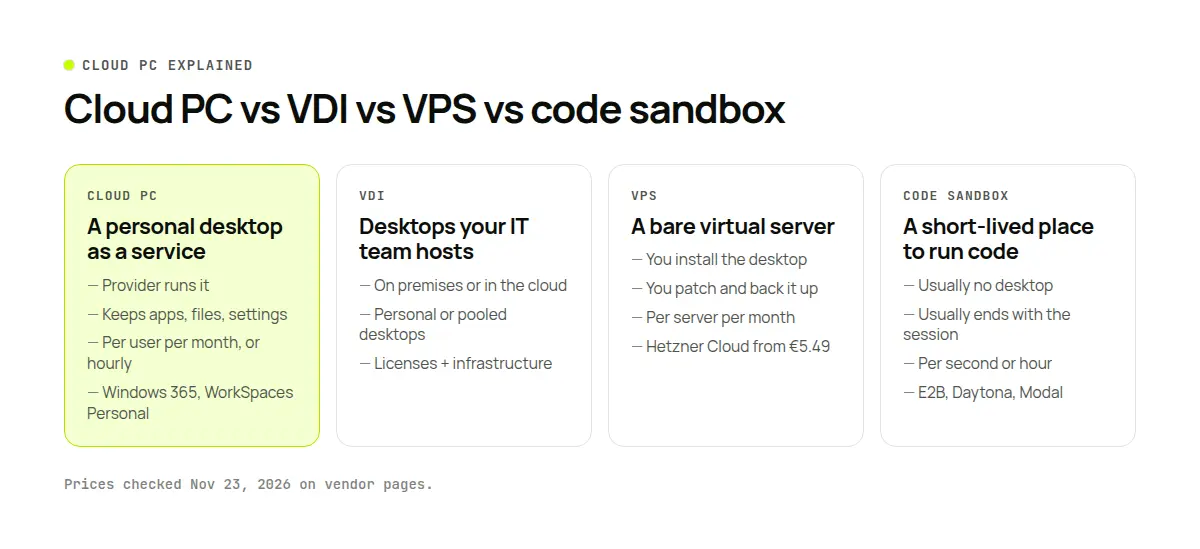
The short version: a cloud PC is a managed, personal VDI desktop sold as a subscription. A VPS is the raw server you could turn into one yourself. A sandbox is built to be thrown away. For more on the last two, see our guide to cloud computer vs sandbox vs VM.
Windows 365 is Microsoft's Cloud PC service and the product most people mean by “cloud PC”. Each user gets a personal Windows desktop hosted in the Microsoft Cloud that supports the desktop versions of Microsoft 365 apps, Outlook, OneDrive and Teams. Windows 365 Business is sold per user per month for up to 300 users and managed in the Microsoft 365 admin center, the Windows App or Microsoft Intune; Windows 365 Enterprise and Flex cover larger, IT-managed fleets.
Amazon WorkSpaces is AWS's desktop-as-a-service. WorkSpaces Personal gives each user a persistent desktop (the cloud PC model): they get the same desktop every time and keep their apps, files and settings. Desktops run Windows or Linux (Ubuntu, Red Hat Enterprise Linux, Rocky Linux or Amazon Linux). Billing is either AlwaysOn, a flat monthly rate for full-time users, or AutoStop, a low monthly fee plus an hourly rate that stops when the desktop isn't in use. The non-persistent WorkSpaces Pools option no longer accepts new customers.
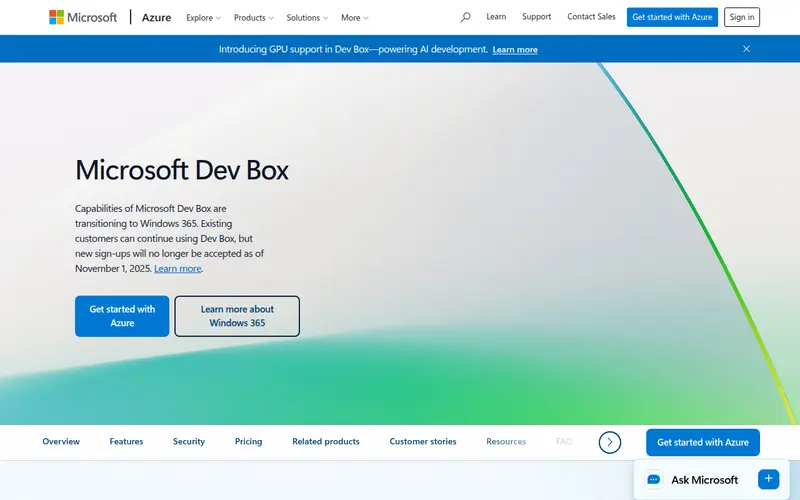
Microsoft Dev Box gives developers Windows workstations in Azure. Microsoft has announced that Dev Box retires on September 18, 2028, with a closing-down period that began on September 14, 2026, and recommends Windows 365 as the path forward (Microsoft Learn, checked November 23, 2026). Existing deployments stay supported during the transition, but Microsoft advises against creating new long-lived dependencies on it, and the Dev Box product page says new sign-ups have not been accepted since November 1, 2025.
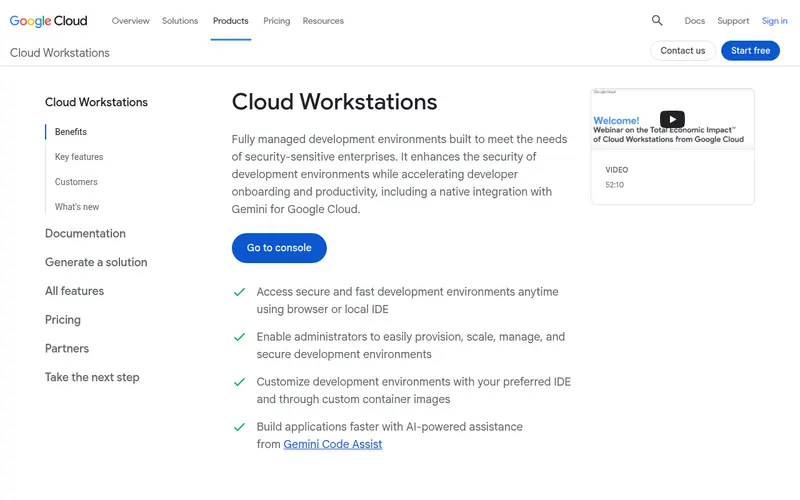
Google Cloud Workstations is a managed development environment on Google Cloud. Workstations run on Compute Engine virtual machines with Persistent Disks, and you can set an inactivity limit that stops them automatically. You pay for the Compute Engine and disk resources, plus a management fee of $0.05 per vCPU per hour while a workstation runs and a control plane fee of $0.20 per hour per cluster (checked November 23, 2026).
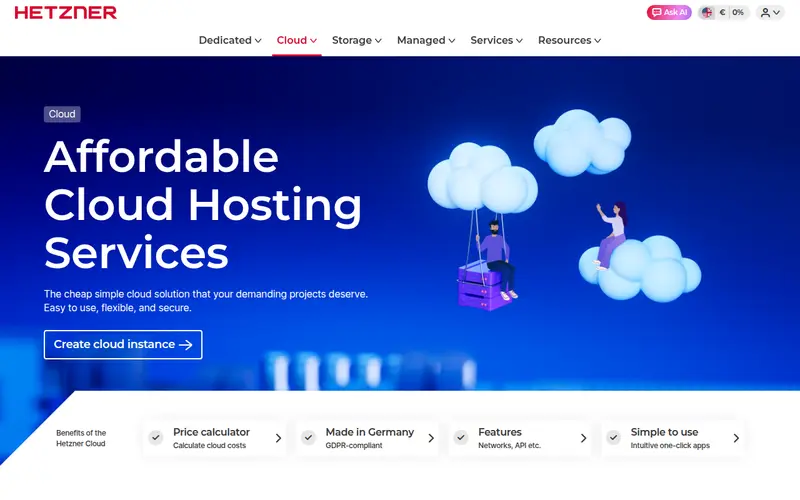
The cheapest “personal cloud computer” is a virtual private server with a desktop you install yourself: a Linux server, a lightweight desktop and a remote-desktop server. Hetzner Cloud offers Ubuntu, Debian, Fedora and other Linux images, with servers from €5.49 a month excluding VAT (checked November 23, 2026). You get full control and a low bill, and you take on setup, security updates, backups and the remote-desktop configuration yourself. Our guide to a Linux desktop in the cloud walks through it.
A cloud PC built for a person assumes someone is looking at the screen: you sign in, stream the desktop, and use a mouse and keyboard. AI agents work differently. They act through tools (a shell, a browser API, screenshots and clicks), they may run for hours or overnight, and they often hand work from one agent to another. A cloud PC for an agent needs:
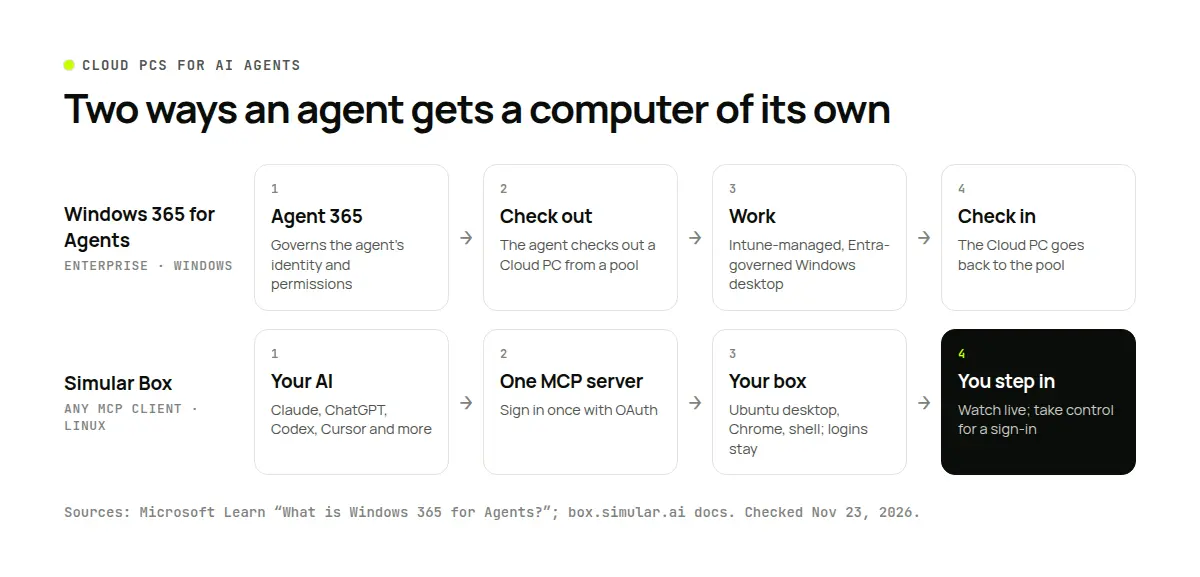
Two options are built around this today.
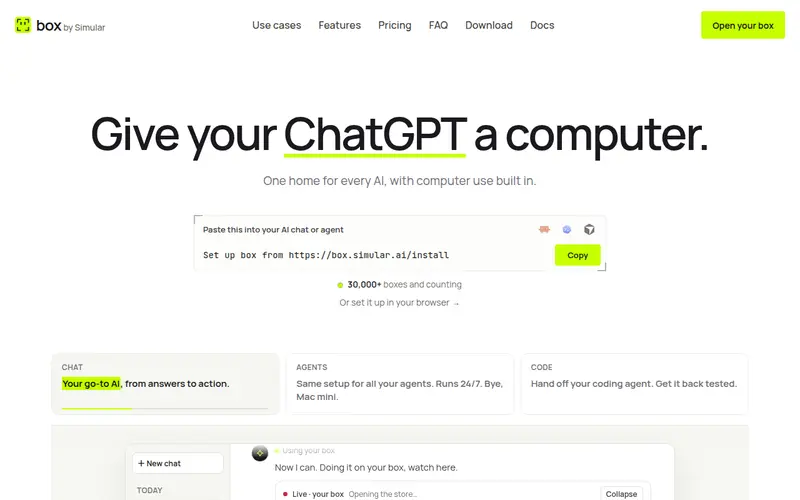
Simular Box (box by Simular) is a cloud computer for AI agents. Each box is a Linux desktop with Chrome, a shell and files, served as one remote MCP server, so the agent you already use can run commands, browse, look at the screen, click and type on it.
Windows 365 for Agents is a class of Cloud PCs built for agents on the same platform as Windows 365 Enterprise and Business. Agents check out a Cloud PC when they need one for a task and check it back in afterwards. The Cloud PCs are domain-joined and managed in Microsoft Intune, governed by Microsoft Entra ID, and orchestrated through platform APIs, with session logs and human-in-the-loop controls. It entered public preview in the US on May 1, 2026 and became generally available the week of June 1, 2026. Since November 2026, new customers using it through Agent 365 are billed in Copilot Credits (Microsoft Learn, checked November 23, 2026).
Other cloud computers for agents (such as Orgo, and sandbox providers that offer desktop images) are compared in cloud computers for AI agents and Orgo vs E2B vs Daytona.
Start with who will use it.
Then check three things before you buy: the OS your apps need (Windows-only apps rule out Linux options), how many hours a month the desktop will actually be used (hourly billing wins for light use), and whether it must keep running when no one is connected.
A cloud PC runs on a virtual machine, but it adds a desktop, user sign-in, streaming and management. A plain VM is just the server.
It depends on the service and billing mode. Amazon WorkSpaces AutoStop desktops stop billing when not in use and keep their apps and data until you sign in again, while AlwaysOn desktops are ready instantly. For AI agents, Simular Box's M plan never sleeps; on other plans the box sleeps when idle and keeps its programs, files and logins.