
Oops! Something went wrong while submitting the form.
Short answer: The best Claude Code plugins in 2026 are Frontend Design for UI work, Superpowers for test-first workflows, Code Review for pull requests, Context7 for current library docs, Playwright and Chrome DevTools for the browser, and GitHub for repository work. Most come from Anthropic's official marketplace, claude-plugins-official, which Claude Code adds for you. If Claude Code needs a computer of its own, with Chrome, files and logins that stay, Simular Box adds one as a custom plugin from Simular's own marketplace.
A Claude Code plugin is a package that adds skills, agents, hooks and MCP or language servers to Claude Code in one install. Claude Marketplace listed 539 plugins when we checked on November 22, 2026 (install counts below are from each plugin's Claude Marketplace page on that date), so the hard part is no longer finding plugins. It is picking the few that earn their place in every session. This guide ranks 15 by the job they do, then explains how to install them and how plugins differ from skills and MCP servers.
We read each plugin's listing on Claude Marketplace and its source repository, and checked the install flow against Anthropic's plugin documentation. We scored on five things:
No plugin on this list paid to be included.
| # | Plugin | Best for | Publisher | Marketplace | Installs (Nov 22) | Price |
|---|---|---|---|---|---|---|
| 1 | Simular Box | A cloud computer with Chrome for Claude Code | Simular | Simular's own (custom) | Not listed (custom) | $5 free credit, then from $19/mo |
| 2 | Frontend Design | UI that does not look generic | Anthropic | Official | 1,134,112 | Free |
| 3 | Superpowers | Test-first, plan-first workflows | Jesse Vincent (obra) | Official | 1,009,371 | Free |
| 4 | Code Review | Multi-agent pull request review | Anthropic | Official | 438,525 | Free |
| 5 | Context7 | Current, version-specific docs | Upstash | Official | 417,801 | Free tier |
| 6 | Playwright | Browser automation and end-to-end tests | Microsoft | Official | 319,887 | Free |
| 7 | GitHub | Issues, pull requests and repos | GitHub | Official | 319,381 | Free (your GitHub plan) |
| 8 | Feature Dev | Planned feature work with agents | Anthropic | Official | 256,017 | Free |
| 9 | Security Guidance | Security checks on generated code | Anthropic | Official | 241,800 | Free |
| 10 | Chrome DevTools | Debugging a live Chrome | Chrome DevTools team | Official | 102,569 | Free |
| 11 | Language servers (LSP) | Real types and diagnostics | Anthropic | Official | 212,522 (TypeScript LSP) | Free |
| 12 | Ralph Loop | Long, iterate-until-done tasks | Anthropic | Official | 196,527 | Free |
| 13 | Commit Commands | Commit, push and open a PR | Anthropic | Official | 171,244 | Free |
| 14 | Figma | Design files to code | Figma | Official | 167,556 | Your Figma plan |
| 15 | Vercel | Build and deploy web apps | Vercel | Official | 227,688 | Your Vercel plan |
Anthropic's docs define installing a plugin as adding "its skills, agents, hooks, and MCP servers to Claude Code". One plugin can bundle all of these:
/<plugin>:<skill>.Plugins come from marketplaces, which are catalogs in a GitHub repository. Anthropic runs two general ones, per its marketplace docs:
claude-plugins-official): plugins Anthropic maintains, plus plugins from partners and other authors. Claude Code adds it the first time you start an interactive session.claude-community): third-party plugins submitted to Anthropic. You add it yourself.Anything else is a third-party marketplace, usually the author's own repository. Anthropic does not review those, so read what a plugin installs before you add it.
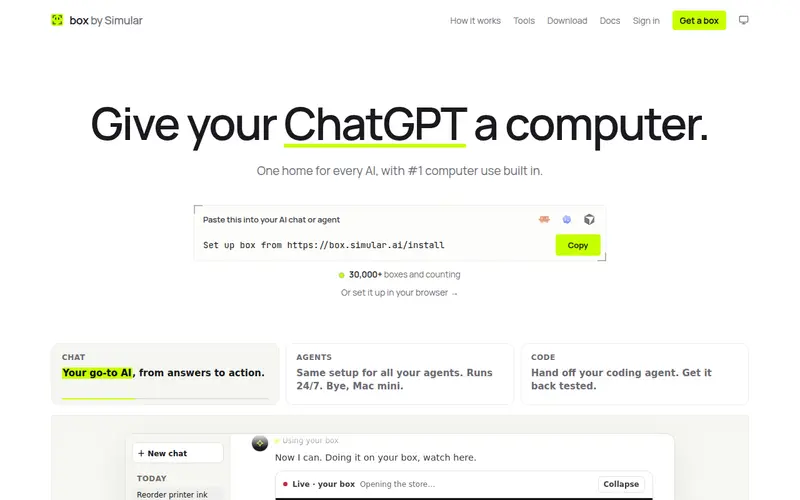
Type: custom plugin from Simular's own marketplace (not in Anthropic's official marketplace) | Adds: one remote MCP server and a skill | Price: $5 of free credit; Small $19/month; Medium $39/month, which never sleeps
Most plugins on this list change how Claude Code writes code. Simular Box changes where it can work. box is a cloud Ubuntu desktop with Chrome and a shell that Claude Code drives over one remote MCP server, while your own computer stays free. The box installer adds it to Claude Code as the simular-box plugin; you can also add the same server by hand.
What it adds to a Claude Code session:
claude -p can use box tools when you allow them for the run; see Headless agents.Key strengths: a full desktop, not only a browser tab; works from the terminal, the desktop app's Code tab and headless runs; the same box is reachable from other AI apps.
Limitations: it is a custom plugin, so it is not listed in Anthropic's official marketplace and does not show the official context-cost estimate; usage is paid after the free credit; the box runs Linux, so it is not for macOS-only apps.
Best for: developers whose Claude Code tasks need a browser, a signed-in account or a desktop they can watch. Setup is in the box docs for Claude Code. For a worked example, see Claude Code browser testing.
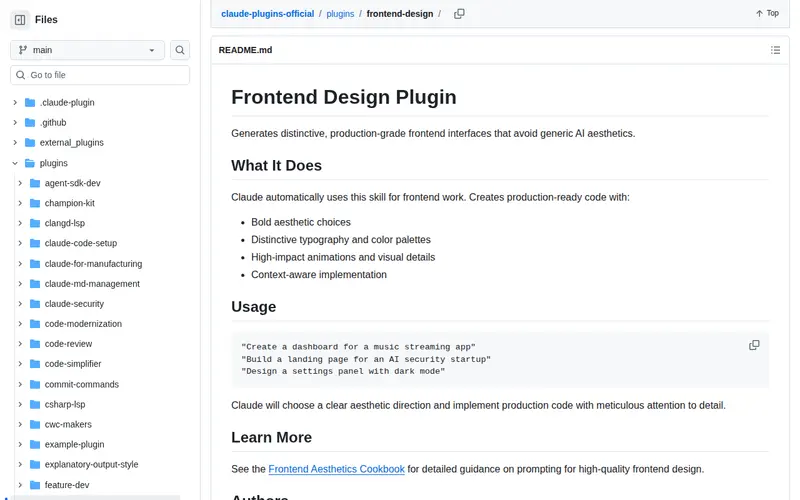
Publisher: Anthropic | Marketplace: official | Installs: 1,134,112 | Price: free
Frontend Design is a skill for UI and UX implementation. It steers Claude Code away from the default, template-looking interface toward deliberate layout, typography and visual choices. With more than 1.1 million installs, it is the most-installed plugin on Claude Marketplace and a common first install for anyone building web front ends. Per its listing, it sets a design framework before coding (purpose, audience, tone) and then commits to bold typography, color palettes and motion.
Key strengths: first-party; no account or key; noticeably better first drafts of pages and components.
Limitations: it shapes taste, not your design system, so it still needs your tokens and components; adds context on turns where you only change logic.
Best for: product engineers and solo founders shipping UI without a designer on every change. Pair it with Playwright or Chrome DevTools to check the rendered result.
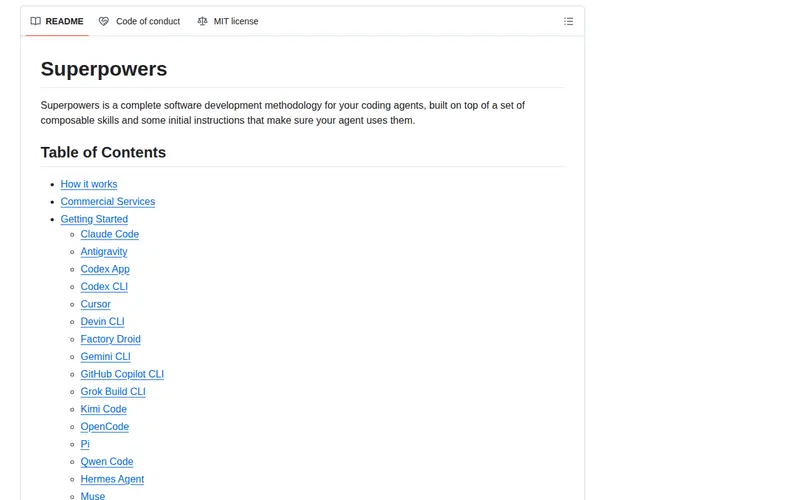
Publisher: Jesse Vincent (obra/superpowers) | Marketplace: official | Installs: 1,009,371 | Price: free, open source
Superpowers is described on Claude Marketplace as a "core skills library for Claude Code: TDD, debugging, collaboration patterns, and proven techniques". It pushes Claude Code into a sequence of brainstorm, plan, write the failing test, implement, review, instead of jumping straight to code.
Key strengths: consistent behavior across a team; strong debugging and planning skills; you can write your own skills in the same style.
Limitations: opinionated, and it slows down quick one-line fixes; more turns means more tokens.
Best for: teams that want every engineer's Claude Code to work the same disciplined way.
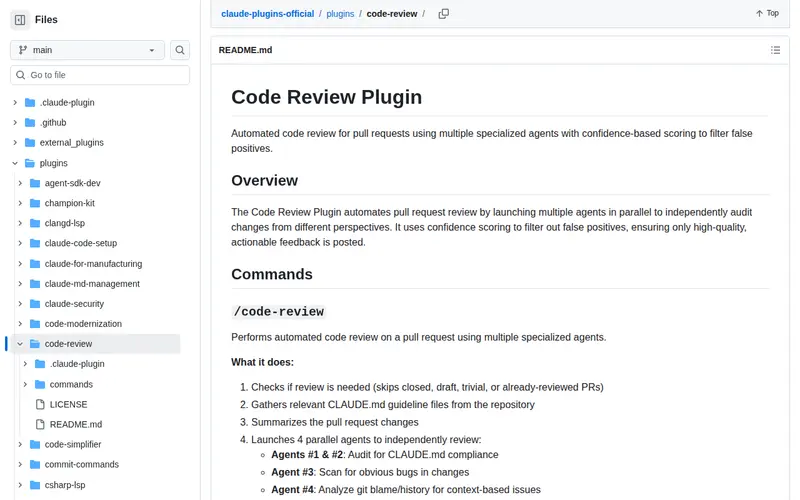
Publisher: Anthropic | Marketplace: official | Installs: 438,525 | Price: free
Code Review runs "automated code review for pull requests using multiple specialized agents with confidence-based scoring", per its listing. Separate agents look at different concerns, and low-confidence findings are filtered out so you see fewer false alarms. Its sibling, PR Review Toolkit, adds agents focused on comments, tests, error handling and type design.
Key strengths: first-party; catches issues before a human reviewer spends time; confidence scores reduce noise.
Limitations: a first pass, not a replacement for a reviewer who knows the system; large diffs use a lot of tokens.
Best for: teams that review many pull requests a day. If you want reviews to run on their own schedule, see our Claude Code review use case.
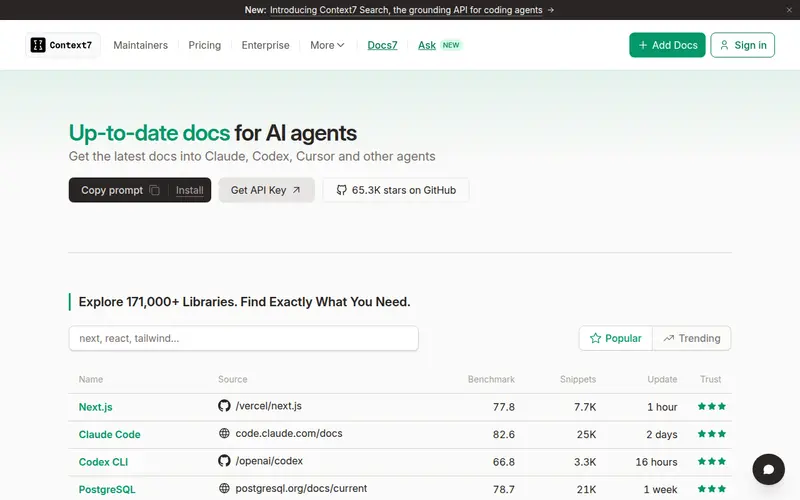
Publisher: Upstash | Marketplace: official | Installs: 417,801 | Price: free tier
Context7 connects Claude Code to a hosted MCP server that pulls "version-specific documentation and code examples directly from source repositories", per its listing. Instead of guessing an API from training data, Claude reads the docs for the version you use. The plugin uses the hosted server, so no local Node.js is needed.
Key strengths: fewer invented methods and outdated APIs; broad library coverage; light setup.
Limitations: each lookup adds tokens and a network round trip; niche libraries may not be indexed; sign-in is required.
Best for: projects on fast-moving frameworks such as Next.js, Tailwind or the AI SDKs.
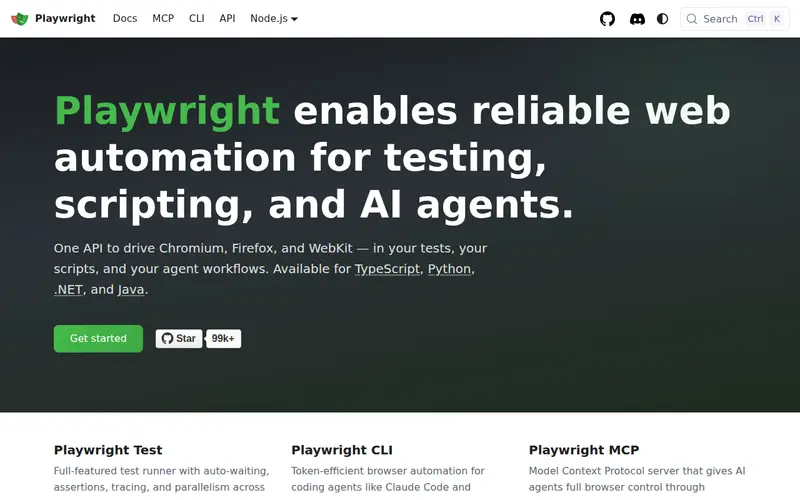
Publisher: Microsoft | Marketplace: official | Installs: 319,887 | Price: free, open source
The Playwright plugin adds Microsoft's Playwright MCP server, which lets Claude Code open pages, click, fill forms and take screenshots. It works from the page's accessibility tree rather than pixels, so actions are deterministic, and it is a natural fit for writing and running end-to-end tests.
Key strengths: reliable, structured browser control; Chromium, Firefox and WebKit; strong for test authoring.
Limitations: runs a browser on your machine, separate from your everyday Chrome profile; Microsoft now suggests its CLI with skills for coding agents when token use matters.
Best for: teams that want Claude Code to verify UI changes and leave a regression test behind. More options in our browser MCP guide.
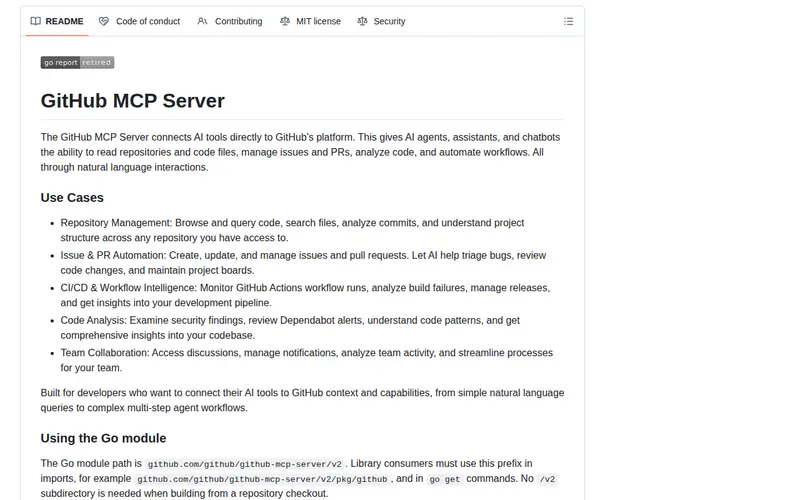
Publisher: GitHub | Marketplace: official | Installs: 319,381 | Price: free (your GitHub plan applies)
The GitHub plugin adds GitHub's official MCP server: "create issues, manage pull requests, review code, search repositories, and interact with GitHub's full API directly from Claude Code", per its listing.
Key strengths: maintained by GitHub; covers most of what you do in the GitHub web UI; works across repositories.
Limitations: scope your token carefully, because a wide token is a wide blast radius; overlaps with the gh CLI if you already use it.
Best for: teams that live in pull requests and issues.
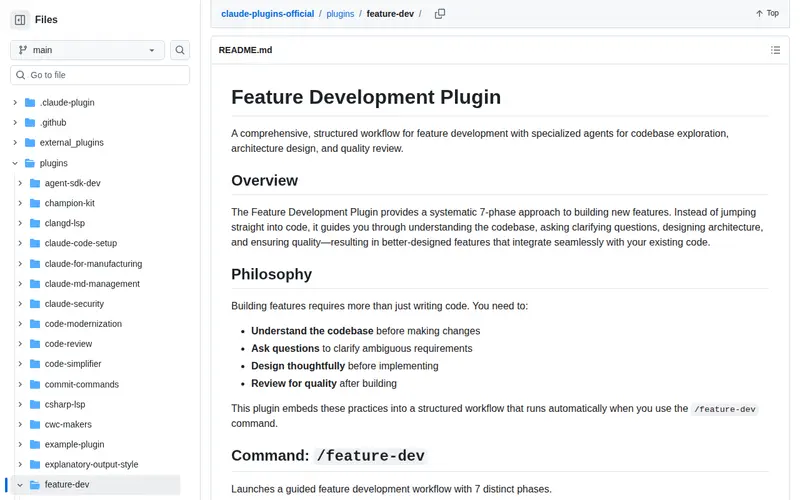
Publisher: Anthropic | Marketplace: official | Installs: 256,017 | Price: free
Feature Dev is a "comprehensive feature development workflow with specialized agents for codebase exploration, architecture design, and quality review". It walks a feature from understanding the codebase to a design to implementation and review, with a subagent for each step.
Key strengths: good on unfamiliar codebases; makes Claude explain its plan before editing; first-party.
Limitations: heavier than you need for small changes; several agents means more tokens.
Best for: multi-file features in large or unfamiliar repositories.
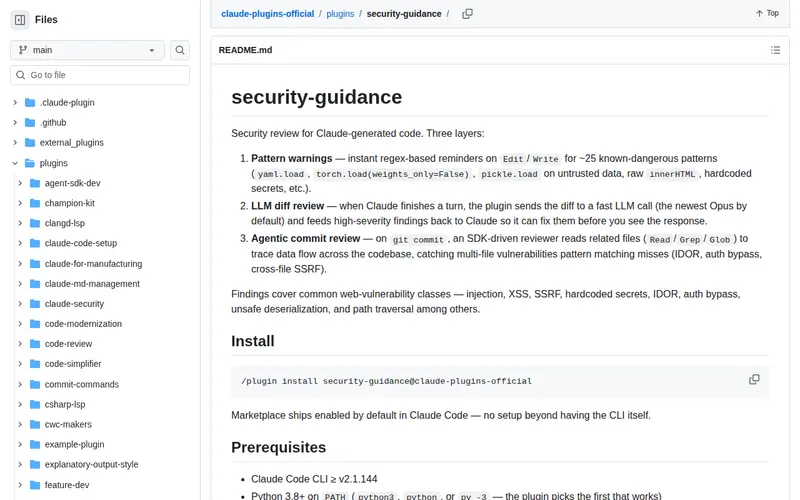
Publisher: Anthropic | Marketplace: official | Installs: 241,800 | Price: free
Security Guidance gives "pattern-based warnings on edits, LLM-powered diff review on Stop, and an agentic commit reviewer" that looks for injection, XSS, SSRF, hardcoded secrets and more than 25 other vulnerability classes, per its listing.
Key strengths: catches common mistakes at the moment they are written; no separate scanner to run.
Limitations: not a replacement for a full static analysis tool or a security review; warnings add some friction.
Best for: any team letting Claude Code write code that touches auth, input handling or secrets.
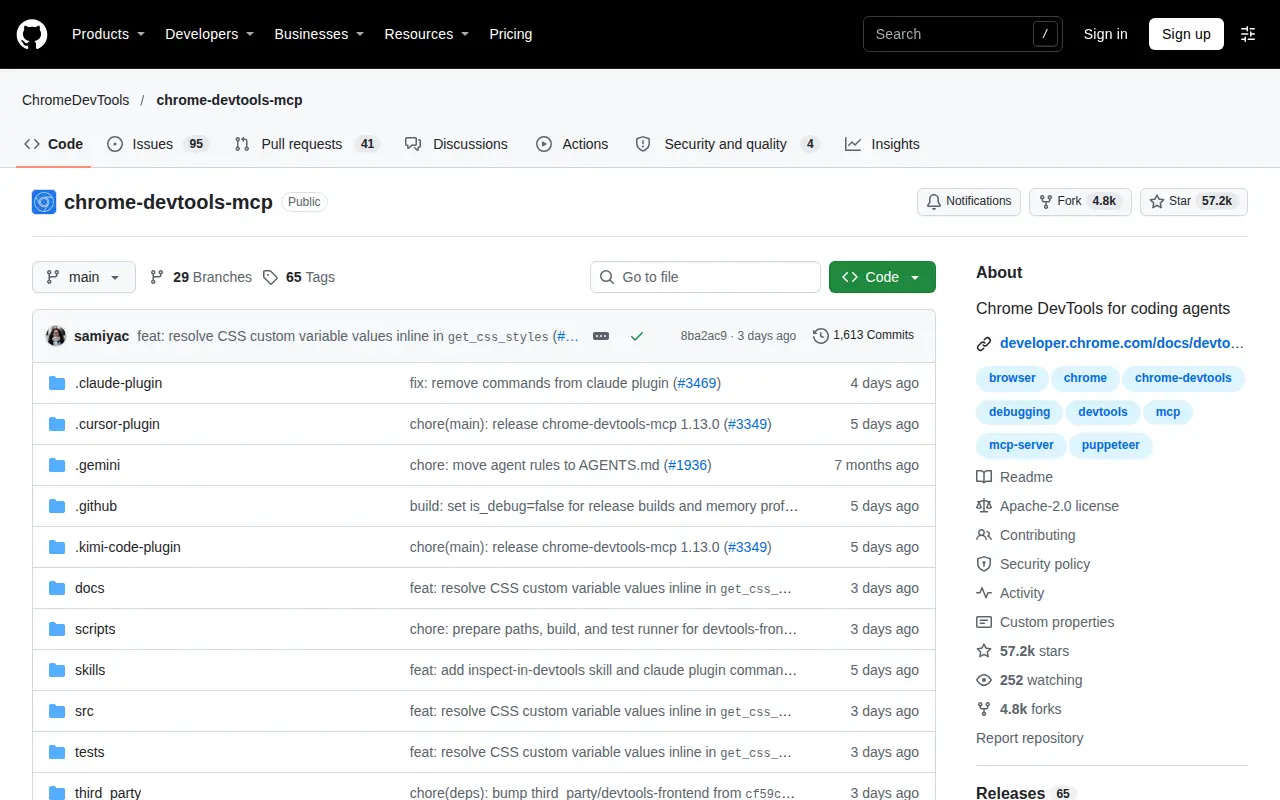
Publisher: Chrome DevTools team | Marketplace: official | Installs: 102,569 | Price: free, open source
The Chrome DevTools plugin lets Claude Code "control and inspect a live Chrome browser": record performance traces, read network requests and console messages with source-mapped stack traces, and take screenshots. We cover it in depth in our Chrome DevTools MCP guide.
Key strengths: real DevTools data, including performance traces; maintained by the Chrome team.
Limitations: officially supports Google Chrome and Chrome for Testing only; it exposes browser content to the AI, so keep sensitive accounts out of that profile.
Best for: front-end bugs and performance problems that only show up in the browser.
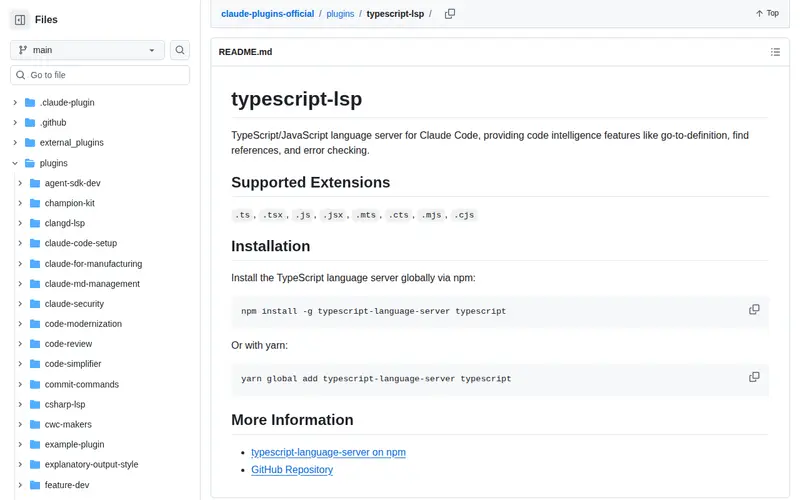
Publisher: Anthropic | Marketplace: official | Installs: 212,522 for TypeScript LSP | Price: free
Anthropic publishes language server plugins one language at a time, such as TypeScript LSP and Pyright LSP for Python. With one installed, Claude Code gets the same go-to-definition, references and diagnostics your editor has, instead of reading files and guessing.
Key strengths: fewer type errors and broken refactors; install only the languages you use.
Limitations: little value for untyped code; language servers can use a lot of memory on big monorepos.
Best for: typed codebases and refactors that touch many files.
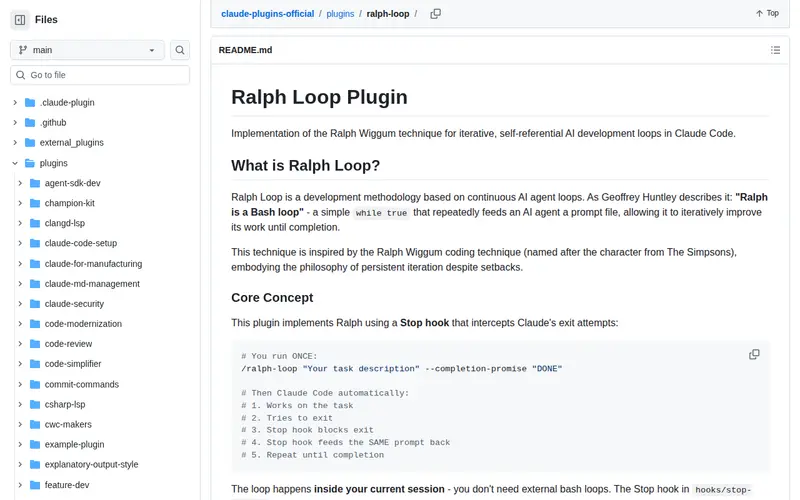
Publisher: Anthropic | Marketplace: official | Installs: 196,527 | Price: free
Ralph Loop runs "Claude in a while-true loop with the same prompt until task completion". It was called ralph-wiggum before; Anthropic's docs note the rename to ralph-loop. It suits tasks with a clear finish line, such as "make every test in this folder pass".
Key strengths: keeps going without you re-prompting; simple to start.
Limitations: a vague goal can loop for a long time and burn usage; needs a clear, checkable stopping condition.
Best for: well-specified tasks you want finished while you do something else. If the laptop has to close, see our guide to Claude Code remote.
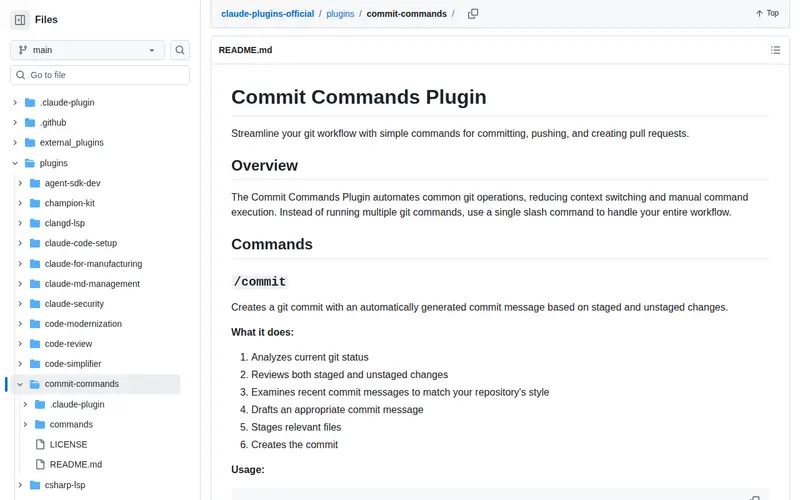
Publisher: Anthropic | Marketplace: official | Installs: 171,244 | Price: free
Commit Commands adds commands for "committing, pushing, and creating pull requests", such as /commit-commands:commit. It is the example plugin in Anthropic's install guide, which makes it a good first install to learn how plugins work.
Key strengths: tiny, low context cost; consistent commit messages.
Limitations: convenience only; you could ask Claude Code to do the same without it.
Best for: anyone new to plugins, and teams that want uniform commits.
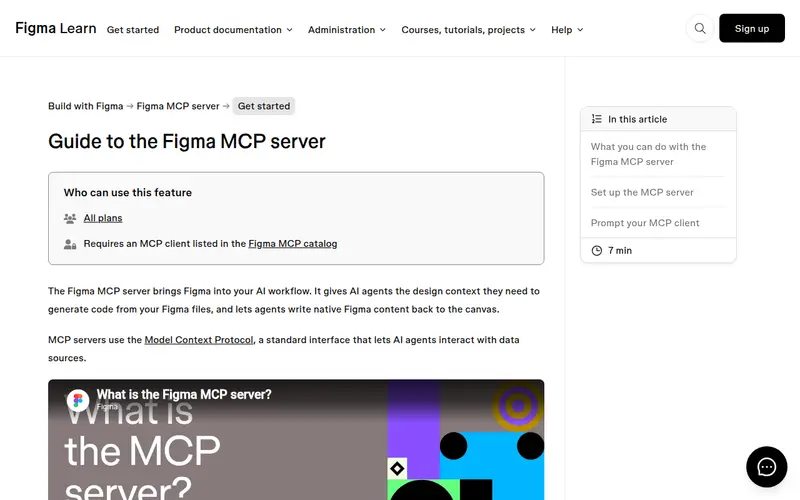
Publisher: Figma | Marketplace: official | Installs: 167,556 | Price: your Figma plan
The Figma plugin lets Claude Code "access design files, extract components, read tokens, translate to code". Instead of describing a screen in words, you point Claude at the frame.
Key strengths: works from the real design, tokens included; maintained by Figma.
Limitations: needs a Figma account and access to the file; complex auto-layout still needs review.
Best for: teams with a design system in Figma.
Publisher: Vercel | Marketplace: official | Installs: 227,688 | Price: your Vercel plan
The Vercel plugin helps Claude Code "build and deploy web apps and agents": read deployment logs, check previews and ship.
Key strengths: closes the loop from code to a live preview URL; maintained by Vercel.
Limitations: only useful if you deploy on Vercel; production deploys deserve a human check.
Best for: Next.js and front-end teams on Vercel.
Also worth a look: Supabase (database, auth and storage), CLAUDE.md Management (keeps project memory current), Claude Code Setup (recommends hooks, skills and MCP servers for your repo) and Atlassian (Jira and Confluence).
The steps below summarize Anthropic's install guide as of November 22, 2026.
/plugin and pick a plugin on the Discover tab, or type /plugin install <name>@claude-plugins-official. The details pane shows what the plugin will install..claude/settings.json) or local (you, in this repository only)./ and look for the plugin's skills as /<plugin>:<skill>, or run claude plugin list in your shell./plugin marketplace add <owner>/<repo>, then install with /plugin install <plugin>@<marketplace-name>.In the desktop app's Code tab, use + > Add plugins. In VS Code, type /plugins. Cloud sessions at claude.ai/code do not load plugins you installed at user or local scope.
| What it is | How you add it | Use it when | |
|---|---|---|---|
| Skill | A folder of instructions Claude loads when relevant | A SKILL.md in your project or home folder, or inside a plugin | You want Claude to follow a procedure |
| MCP server | A connection to an outside tool or service | claude mcp add, or inside a plugin | Claude needs data or actions from another system |
| Plugin | A package of skills, agents, hooks, MCP and LSP servers | /plugin install from a marketplace | You want several of these installed, versioned and shared as one unit |
A plugin is the delivery format; skills and MCP servers are what it delivers. If you only need one skill, you do not need a plugin. If your team needs the same five things in every repository, a plugin is the clean way to ship them.
Start with three to five and add more only when a task needs them. Each enabled plugin adds to the context Claude reads on every turn.
Yes. The terminal, the desktop app's Code tab and the VS Code extension on one computer read the same settings files, so a plugin installed at user scope in one is available in the others.
No. Simular Box is a custom plugin from Simular's own marketplace on GitHub, not a plugin in Anthropic's official marketplace. The box installer adds it to Claude Code as the simular-box plugin; the box docs have the steps.