
Oops! Something went wrong while submitting the form.
The best AI agent builder in 2026 depends on who is building and where the agent has to work. If the agent must finish jobs inside software with no API (a supplier portal, an admin console, a desktop app), Simular Platform is the strongest choice: you describe the task in plain language, Sai does it on its own cloud computer, and the platform saves what worked as code so it runs again reliably and cheaply. If your company lives in Microsoft 365, Copilot Studio is the natural no-code builder. If you want to self-host and keep control of every step, choose n8n. For business teams that want to build agents by chatting, Gumloop and Lindy are the most polished. For the widest catalogue of SaaS actions, Zapier Agents reaches more than 9,000 apps. Open-source teams should look at Dify and Langflow.
Two things changed this year that most lists have not caught up with. OpenAI is shutting down its visual Agent Builder on 30 November 2026. And "computer use", letting an agent operate a browser or desktop like a person, went from demo to shipping feature in Copilot Studio, Gumloop, Lindy and Simular Platform. We compared ten builders as they stand on 28 October 2026, using each vendor's own documentation and pricing pages.
An AI agent builder is a tool for creating AI agents without writing the agent loop yourself. You describe what the agent should do, in a prompt, on a visual canvas or in a few lines of code; connect it to the apps and data it needs; decide when it runs (on demand, on a schedule or when an event fires); and set what it may do without asking. The builder then runs the agent and shows you what it did.
Builders sit on a spectrum. No-code builders (Lindy, Zapier Agents, Gumloop, Copilot Studio) let business users create agents from a prompt. Low-code builders (n8n, Dify, Langflow) use visual workflows that developers can extend with code. Code-first platforms (the OpenAI Agents SDK, LangGraph, CrewAI) suit engineering teams; we compare those in our guide to the best AI agent platforms.
A workflow follows the steps you drew. An agent decides the steps. Most builders now do both, and the difference shows up in three places. Reach: an agent connected only through integrations can act only where an integration exists, while one that can operate a browser or desktop can act anywhere a person can. Reliability: an agent that reasons from scratch on every run can take a different path each time, so the better builders let you pin down a procedure once it works. Cost: an agent that calls a model for every step costs the same on the hundredth run as on the first, unless the builder can turn proven runs into something cheaper.
Those three tests decided our ranking more than the number of templates or integrations.
We judged each builder on six criteria: who can build with it (and how); the models it supports; integrations and MCP support; whether its agents can operate a browser or computer; how agents are triggered and deployed; and pricing, including a free tier. Every fact comes from the vendor's own website, documentation or launch post, read on 28 October 2026. Where a vendor does not publish a price, we say so.
| Builder | Best for | How you build | Integrations | Browser or computer use | Free tier | Paid from |
|---|---|---|---|---|---|---|
| Simular Platform | Agents that work in apps with no API | Plain-language task; API, MCP or your coding agent | Any app on screen, plus REST/MCP | Yes: full Windows or Linux cloud computer, or your Mac or PC | Yes, daily credits | $50/mo |
| Microsoft Copilot Studio | Microsoft 365 organisations | Natural language or low-code canvas | 1,400+ connectors, MCP | Yes: computer-using agents (GA) | No | $200/mo for 25,000 credits |
| n8n | Technical teams who self-host | Visual workflows + code; n8n Agents in plain language | Large node library, MCP | Not built in | Self-hosted Community Edition | €20/mo (annual) |
| Gumloop | Business teams building by chat | Natural language | 300+ connectors, MCP | Yes: Gumloop Browser (cloud Chromium) | 14-day Pro trial | $37/mo |
| Lindy | Non-technical teams wanting an AI teammate | Natural language | 1,500+, MCP | Yes: Autopilot on cloud computers | $50 credits for 7 days | $49.99/user/mo |
| Zapier Agents | Reaching thousands of SaaS apps | Natural language, templates | 9,000+ apps | Web browsing and a Chrome extension | 400 activities/mo | $33.33/mo (annual) |
| Relevance AI | Multi-agent sales and ops teams | Canvas or "Build with AI"; API and SDK | 1,000+ apps, MCP | Not stated | No | Enterprise (sales-led) |
| Dify | Open-source visual agent workflows | Visual canvas; goal-based Build mode | Plugin marketplace, MCP | No | Sandbox plan; free self-host | $59/workspace/mo |
| Gemini Enterprise | Google Workspace organisations | Prompt, then visual Workflow Builder | Workspace and connected data, MCP | Not stated for no-code agents | 30-day trial | Per seat, via Google Cloud |
| Langflow | Python developers who want a visual builder | Low-code canvas, Python | Components; flows deploy as MCP servers | Not built in | Open source (MIT) | Self-hosted |
Most agent builders can only act where an integration exists. Simular Platform removes that limit. You build an agent by describing the job in plain language, for example "download this month's invoices from the supplier portal and log them in our spreadsheet". Sai, Simular's computer-use agent, does it on a Windows or Linux cloud computer (or your own Mac or PC), seeing the screen and clicking and typing like a person, and asks you before sign-ins and other sensitive steps. Because it works through the screen, the agent can use any website, admin console or desktop application, including ones that will never have an API.
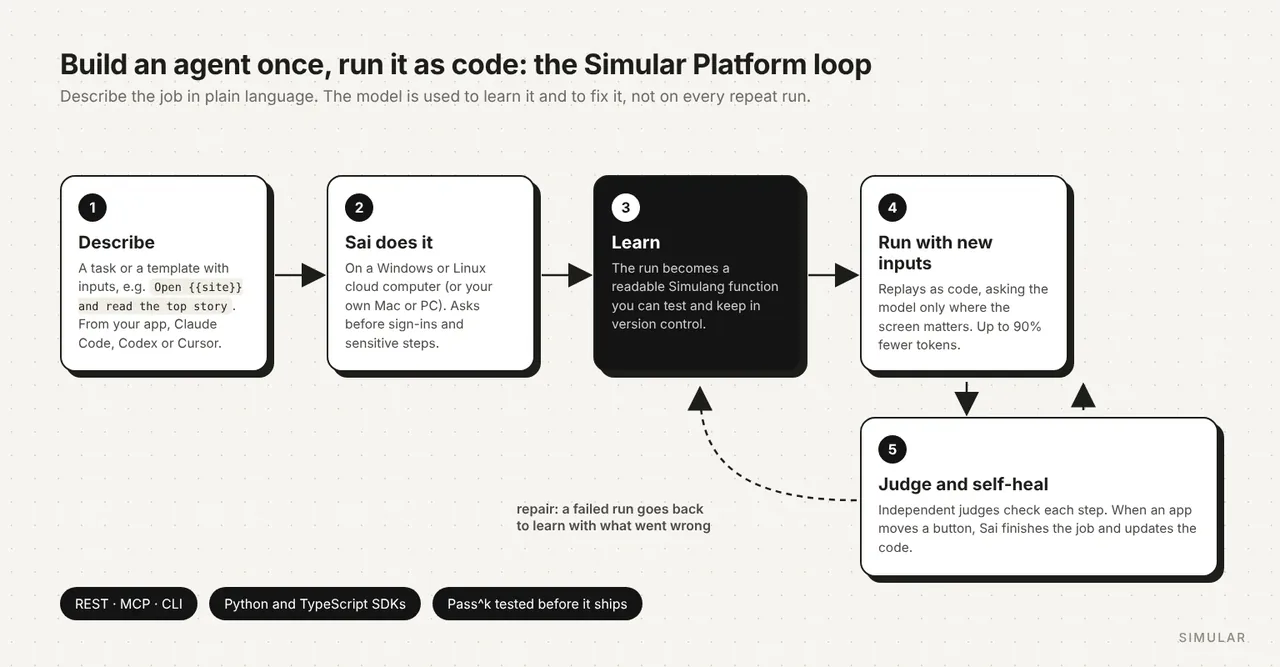
The part that makes it a builder rather than a remote control is what happens after the first run. Simular Platform turns a run that worked into a readable Simulang function with named inputs, tests it over several runs, and replays it as code next time, asking the model only where the screen matters. Simular reports up to 90% fewer tokens on repeat runs. When an app changes its layout, independent judges catch it before the next step and Sai finishes the job and updates the code, so the agent repairs itself instead of breaking. This is the core idea behind an autonomous computer: the agent learns the work once and improves with practice.
There are two ways to build. Developers paste one line, set up https://platform.simular.ai/agent-setup.md, into Claude Code, Codex or Cursor, and the coding agent installs the Sai MCP server and skill on its own, so you can build an agent by talking to your coding assistant; the personal-agent cookbook builds one in about ten minutes. Teams that want to call it from their product use the REST API or the Python and TypeScript SDKs, and drop it into n8n, LangGraph or any other builder as the step that handles screens. The agent underneath holds the highest partial score on the official OSWorld 2.1 leaderboard, 79.38% in October 2026, at a published $14.34 per task.
Key strengths: Reaches any app a person can use, not only apps with integrations. Proven runs become code that is cheaper and more predictable. Self-heals when interfaces change. Approval before sensitive steps and a history of every run. Works alongside the builders below rather than replacing them.
Limitations: It is not a drag-and-drop canvas; you describe tasks in words or call the API. For work that is purely API-to-API, an integration-first builder such as Zapier or n8n is simpler. Logins and passwords are completed by a person through a secure approval link, by design.
Best for: Operations, finance, QA and engineering teams whose agents have to work in portals, consoles and desktop tools; developers who want to build agents from Claude Code, Codex or Cursor.
Pricing: Free plan with daily credits and limited access to a cloud Windows computer. Pay as you go at $50/month for 50,000 credits ($50 of usage), with a dedicated cloud computer billed only while it runs or your own device at no computer cost. Sai Unlimited at $500/month. Enterprise is custom (pricing).
Copilot Studio is Microsoft's no-code platform "for creating and managing custom agents, workflows, and apps". Makers describe an agent in natural language or use the low-code canvas, connect it to more than 1,400 connectors or MCP servers, and publish it to Teams, SharePoint, Microsoft 365 Copilot, websites or voice. Computer-using agents became generally available in May 2026: the agent drives a Windows machine with a virtual mouse and keyboard on websites and desktop apps, running on a hosted Windows 365 for Agents browser, a Cloud PC pool or your own machine with Power Automate for desktop (docs). It supports GPT and Anthropic models.
Key strengths: Deep Microsoft 365 integration and governance. Large connector library. Computer use with enterprise device management.
Limitations: Best value only inside Microsoft 365. Credit-based pricing is hard to forecast. The hosted computer-use browser is in preview and not intended for production.
Best for: IT and business teams standardised on Microsoft 365.
Pricing: $200 per month for 25,000 Copilot Credits, or pay as you go through Azure. Building internal agents is included with Microsoft 365 Copilot at $30 per user per month (annual) (pricing).
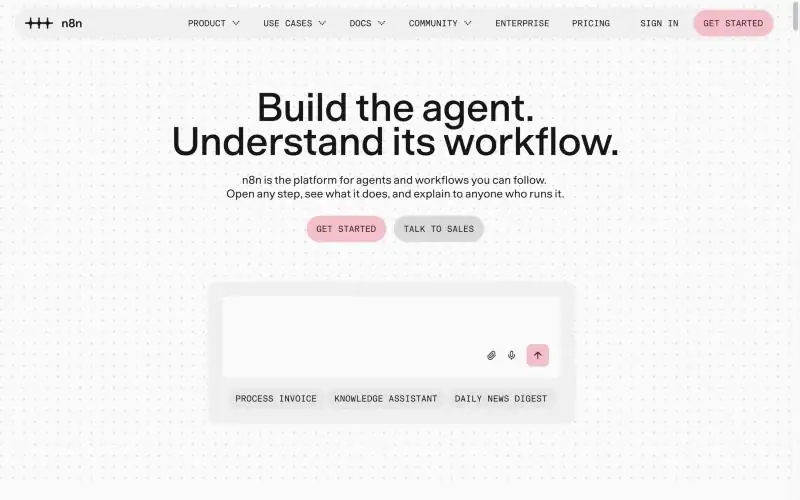
n8n is "the platform for agents and workflows you can follow": a visual automation canvas you can self-host, with an AI Agent node and, since September 2026, a separate n8n Agents type written in plain language that runs in Slack, Telegram, Linear and Discord, on schedules or inside workflows (announcement). Any model works with your own credentials, and MCP servers can be added as tools. n8n 3.0 entered beta on 27 October 2026.
Key strengths: Full control and self-hosting. Every step is visible and debuggable. Mix code and no-code freely.
Limitations: Aimed at technical users. Self-hosting is real operations work. No built-in browser or desktop control; add a computer-use step such as Simular Platform for apps without a node. See our n8n alternatives for other options.
Best for: Engineering and ops teams who want transparent, self-hosted automation with AI agents inside.
Pricing: Free self-hosted Community Edition. Cloud Starter €20/month (2,500 executions), Pro €50/month (10,000), Business €667/month, billed annually (pricing).
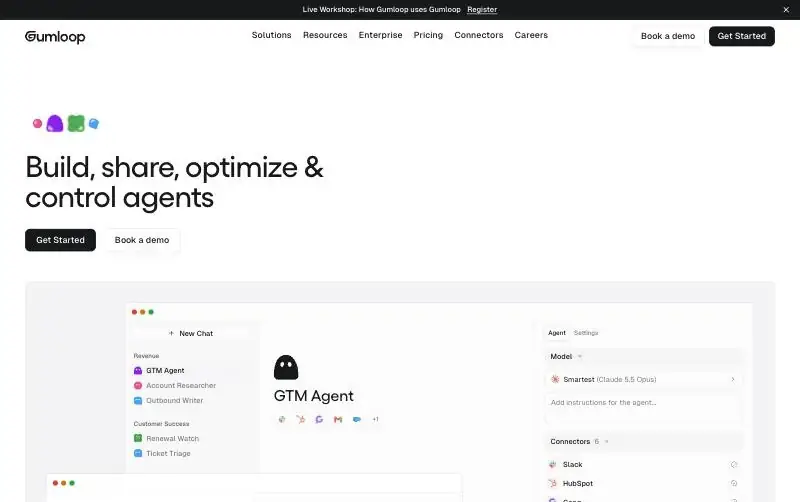
Gumloop lets you "build, share, optimize and control agents" from a chat window. You add connectors, run a task, and ask the agent to write its own instructions or skills from what worked. It offers 300+ connectors, custom MCP servers, a model router, and channels including Slack, Teams, email and voice. Gumloop Browser, launched in October 2026, gives agents isolated cloud Chromium sessions with a credential vault, 1Password support and session recordings (announcement).
Key strengths: Polished no-code experience. Agents that improve their own instructions. Cloud browser for web apps.
Limitations: Browser-only, so desktop software is out of reach. Credit costs are hard to predict. Not open source or self-hostable.
Best for: Marketing, sales and ops teams who want to build agents without engineers.
Pricing: Pro $37/month for 20,000 credits; overage $0.005 per credit; Enterprise custom. The current docs mention a 14-day Pro trial (credits docs).
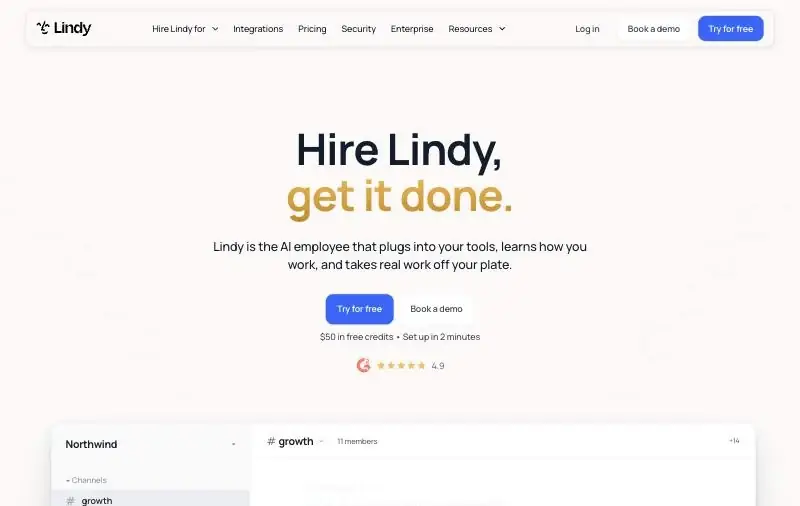
Lindy positions itself as "the AI employee that plugs into your tools, learns how you work, and takes real work off your plate". You create agents by describing them, connect 1,500+ integrations or hosted MCP servers, and reach them in Slack, iMessage, email, a Chrome extension or by phone. Its Autopilot agents can operate their own cloud computers, and 2026 updates added memory, skills and a "watch and learn" mode.
Key strengths: Very low barrier to entry. Broad integrations and channels. Computer use for tasks without an integration.
Limitations: Per-seat pricing grows quickly for large teams. Less suited to complex, deterministic data pipelines. The pricing page lists computer use for plans that do not appear in its price table, so check which plan includes it.
Best for: Founders, executives and small teams who want an assistant that handles email, scheduling and follow-ups.
Pricing: $50 in free credits for seven days; Team $49.99 per user per month for 5,000 credits; Enterprise custom (pricing).
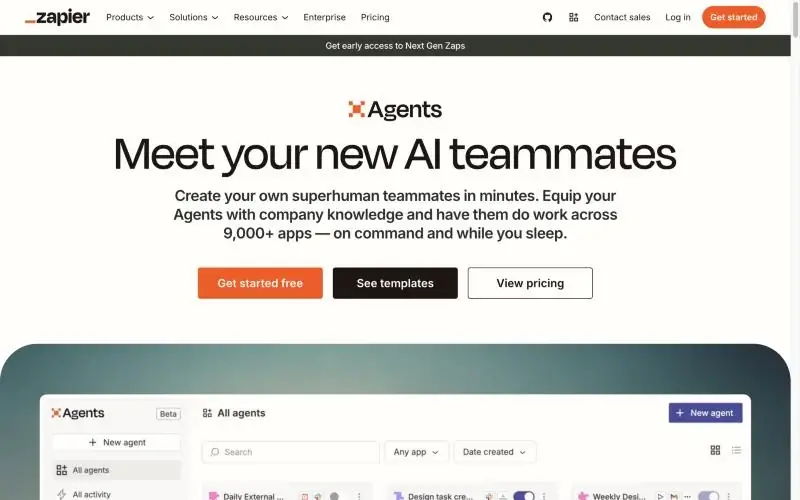
Zapier Agents let you "create your own superhuman teammates in minutes" that act across 9,000+ apps, on command, on a schedule or when an app event fires. You write instructions in natural language or start from templates. Agents can browse and scrape the web and use a Chrome extension, and Zapier MCP exposes more than 30,000 actions to outside AI tools.
Key strengths: The largest app catalogue. Familiar to anyone who has used Zaps. A real free tier.
Limitations: No full computer use. Zapier's own guide says agents fit tasks where "80% accuracy is acceptable", so keep critical steps in deterministic Zaps. Activity-based billing caps runs on lower plans. Compare with our Zapier alternatives.
Best for: Teams already on Zapier who want agents to tie their SaaS tools together.
Pricing: Free with 400 activities a month; Pro $33.33/month billed annually with 1,500 activities; Enterprise custom (pricing).
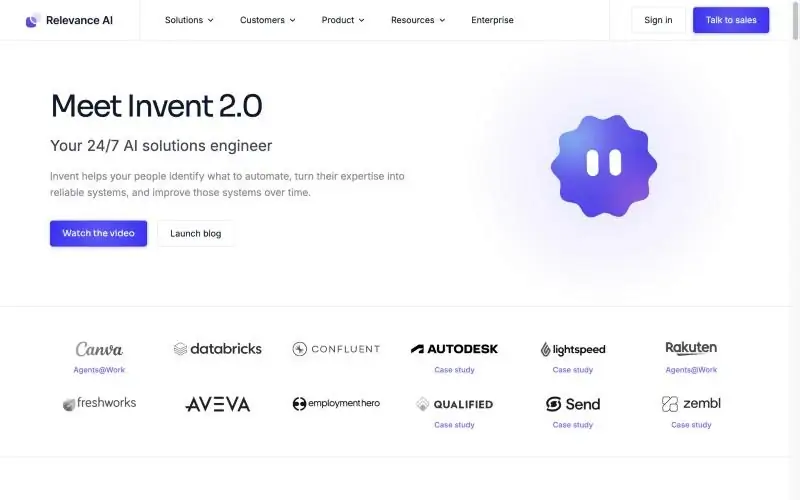
Relevance AI builds and runs single agents and multi-agent "Workforces". Business users design on a drag-and-drop canvas or let its Invent builder draft the agent; engineers can work through the API, SDK, CLI or MCP. It supports the major model providers with routing and fallback, 1,000+ app integrations, and triggers from schedules, webhooks, Slack, Teams, chat and voice.
Key strengths: Strong multi-agent orchestration. Built for revenue and operations use cases. Both no-code and developer access.
Limitations: The public pricing page shows only Enterprise, so expect a sales process. No free plan. Computer use is not described in its documentation.
Best for: Mid-size and enterprise sales, support and operations teams.
Pricing: Enterprise, by quote (pricing).
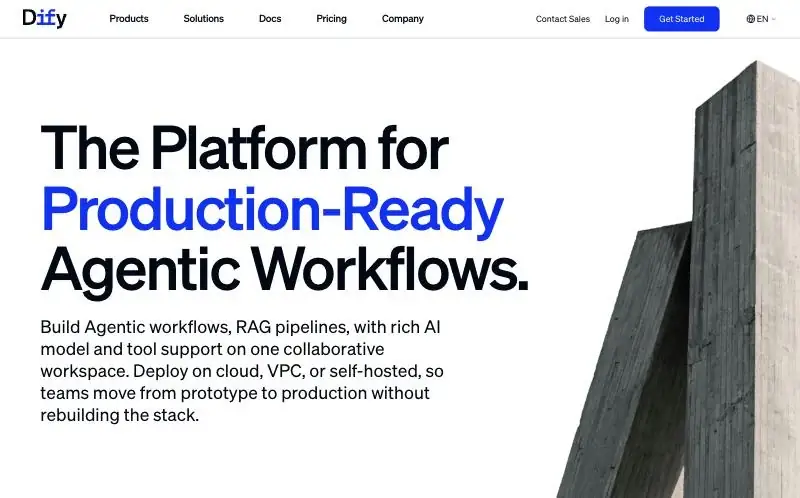
Dify is an open-source "platform for production-ready agentic workflows": a visual canvas for agents and RAG pipelines that you can run on Dify Cloud, in your VPC or self-hosted. The new Dify Agent (August 2026) adds a Build mode that configures an agent from a described goal. It works with commercial and self-hosted models, and uses marketplace plugins, MCP servers and your own APIs as tools.
Key strengths: Open source with a large community. Strong RAG tooling. Flexible deployment.
Limitations: Agents run tools and code, not browsers or desktops. Better suited to technical builders than business users.
Best for: Teams that want a self-hostable visual builder for knowledge-heavy agents.
Pricing: Sandbox free (200 message credits); Professional $59 per workspace per month; Team $159 per month; self-hosting free (pricing).
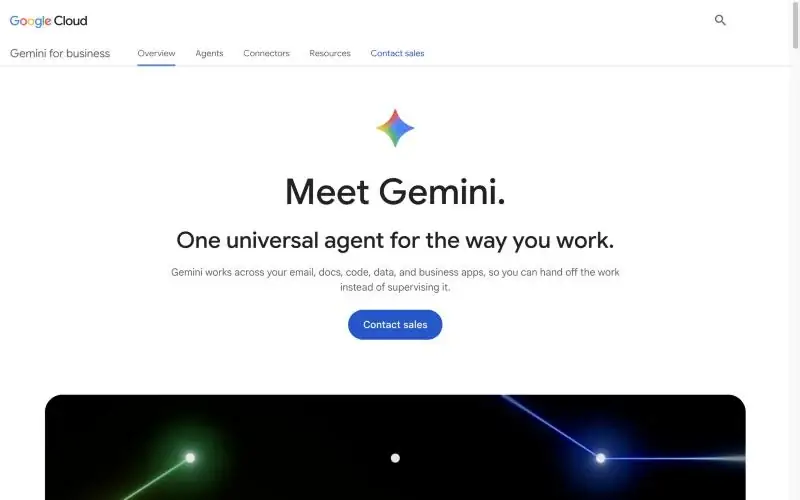
Google's business agent product, presented as Gemini for business, includes a no-code builder: you describe the agent in a prompt, Workflow Builder generates it, and you refine sub-agents and model choice in a visual flow builder, then schedule it and publish it inside the Gemini Enterprise app (docs). Developers who need more can move to Google's Agent Development Kit.
Key strengths: Works across Gmail, Docs and connected business data. Managed by Google Workspace admins. A path from no-code to code.
Limitations: Product naming and packaging changed several times in 2026. No self-serve free tier. Computer use is not documented for no-code agents.
Best for: Organisations standardised on Google Workspace.
Pricing: Per seat through Google Cloud sales; the Gemini Enterprise Plus edition can be tried free for 30 days.
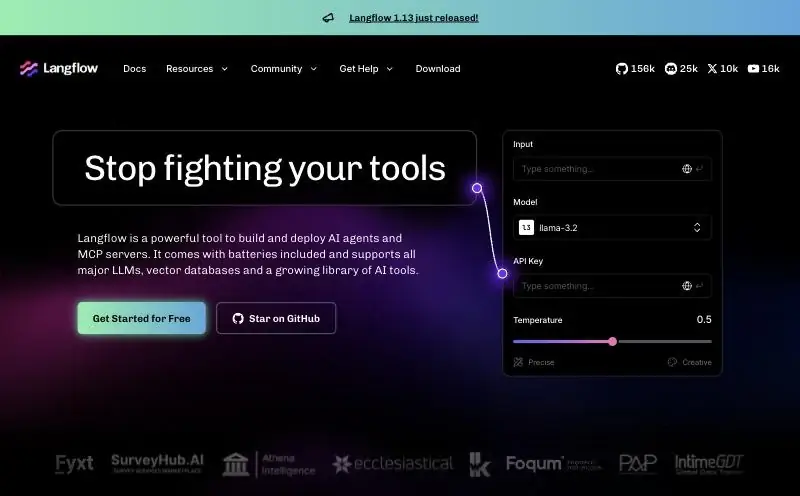
Langflow is an MIT-licensed visual builder for agents and MCP servers, written in Python, with support for all major models and vector databases. Flows deploy as an API, as MCP servers, in Docker or in the desktop app, and version 1.13 added audit logs and Google Workspace, Microsoft 365 and Slack connections.
Key strengths: Free and open source. Every component is editable Python. Easy to expose agents as MCP servers.
Limitations: You host and operate it yourself. Not designed for business users. No built-in browser or computer control.
Best for: Python developers prototyping and shipping agents with a visual canvas.
Pricing: Free open source; hosting costs are yours.
Simular Platform is built for work that happens on a screen. If every app in your workflow has a solid integration, Zapier Agents or n8n will be faster to set up and cheaper to run. If you want business users dragging boxes on a canvas, Copilot Studio or Gumloop will feel more familiar. If your agent's main job is answering questions from documents, a RAG-focused builder such as Dify is a better fit. And if you need everything on your own servers today, n8n, Dify and Langflow offer self-hosting; Simular Platform runs on Simular's cloud computers or on your own Mac or PC.
OpenAI deprecated Agent Builder in June 2026 and shuts it down on 30 November 2026. Its replacements are workspace agents in ChatGPT for no-code users and the Agents SDK for developers.
A builder focuses on creating agents quickly, often without code. A platform covers the full lifecycle for developers: framework, hosted runtime, tools and governance. Our guide to the best AI agent platforms compares those.
Related reading: Best AI Agent Platforms in 2026 · Best Autonomous Computers · What Is an Autonomous Computer? · AI Agents That Control Your Mouse and Keyboard · n8n Alternatives
Product details and prices were checked on each vendor's official website on 28 October 2026.