
Oops! Something went wrong while submitting the form.
Most AI presentation makers promise "beautiful slides in seconds." What they deliver is a locked template with placeholder text and stock images — fine for a quick internal meeting, unusable for anything client-facing or high-stakes.
The real question is not whether a tool can generate slides. It is whether the output is editable. Can you move elements, change fonts, swap layouts, and adjust spacing the way you would in PowerPoint or Google Slides? Or are you stuck with whatever the AI decided?
We tested 8 AI presentation makers and evaluated them on three things most reviews ignore: (1) how editable the output actually is, (2) whether it exports to standard formats your team can open, and (3) whether the design holds up against manually built presentations.
We gave each tool the same prompt — "Create a 10-slide investor pitch deck for a Series A SaaS startup" — and scored the output on:
We did not score based on speed alone. Every tool generates slides quickly. The difference is what you can do with them afterward.
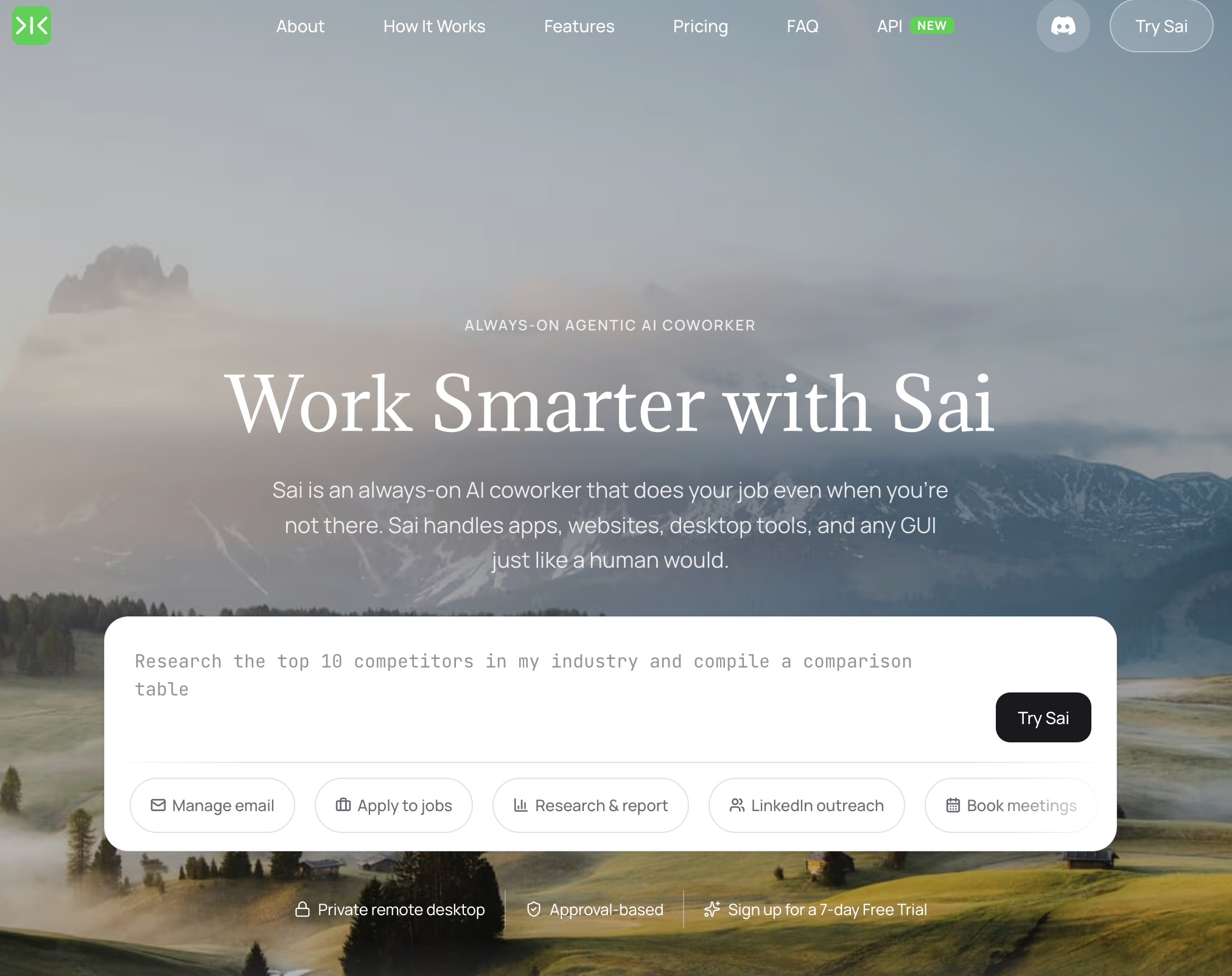
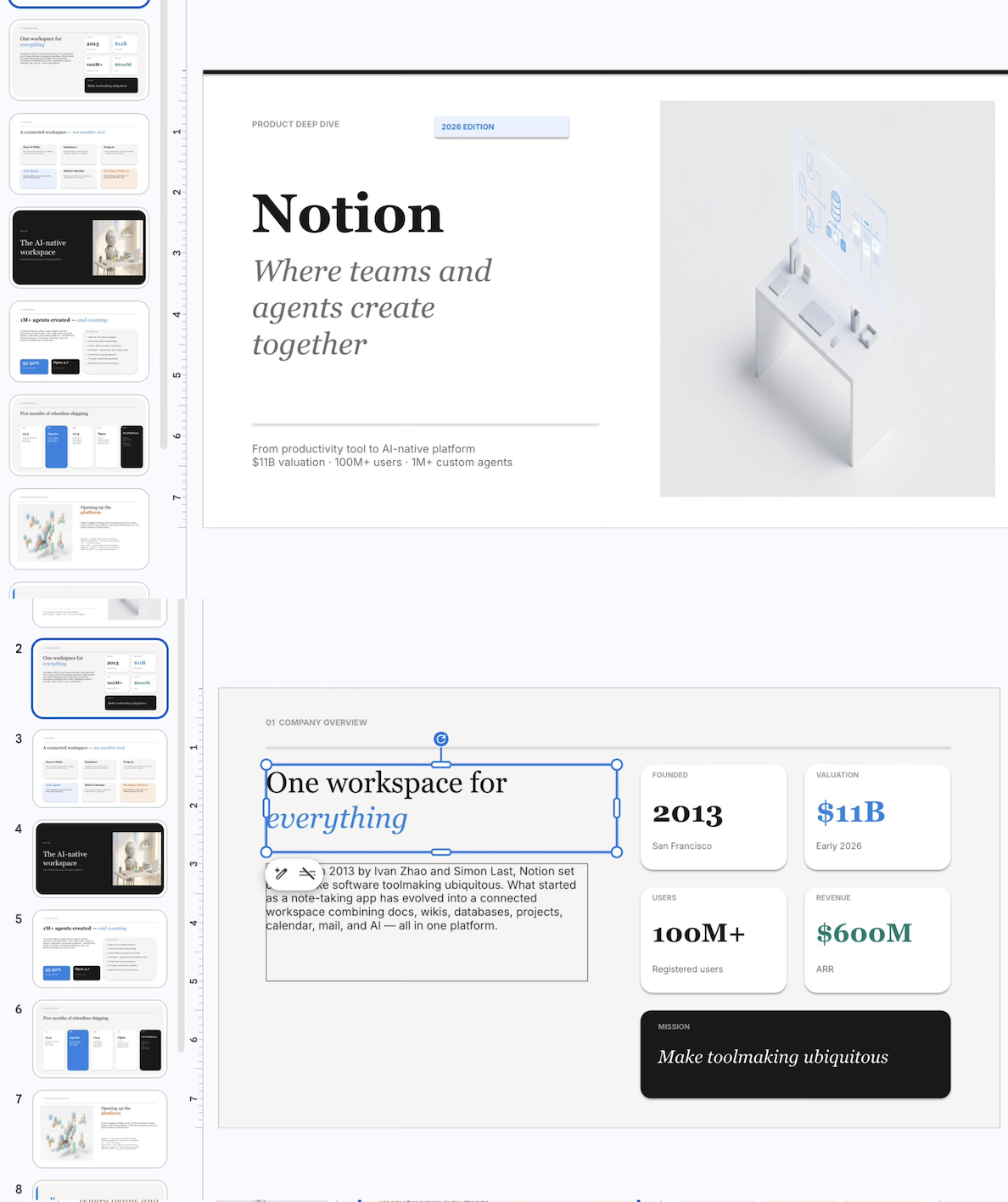
What it does: An AI agent that generates complete presentations as native PPTX files — every text box, shape, chart, and image is a real PowerPoint object you can edit directly in PowerPoint, Google Slides, or Keynote.
Key features:
Editability: Full — this is the core differentiator. Every element in the output is a native object. Select any text box and change the font. Drag any image to a new position. Resize any shape. Add or delete slides. The file behaves exactly like a presentation you built manually in PowerPoint or Google Slides. There are no "AI artifacts" — elements that look editable but are actually flattened images or grouped objects that break when you try to modify them.
Export: PPTX (native), HTML (web presentation), PDF. The PPTX file is the primary output — not a secondary export from a proprietary format.
Limitations: Requires a computer running Sai (macOS or Windows). Generation takes 2-5 minutes for a 15-slide deck (longer than cloud-native tools that generate in seconds, because Sai builds each slide as a real object rather than applying a template). Design quality depends on prompt specificity — vague prompts produce generic output, detailed briefs produce polished results.
Pricing: Free tier available. Pro plans at simular.ai.
Best for: Professionals who need presentation files they can actually edit — consultants delivering client decks, teams collaborating in Google Slides, anyone who has received an "AI-generated" presentation and spent an hour fighting locked elements. Especially valuable when you need to match an existing brand template or hand off the deck to someone else for further editing.
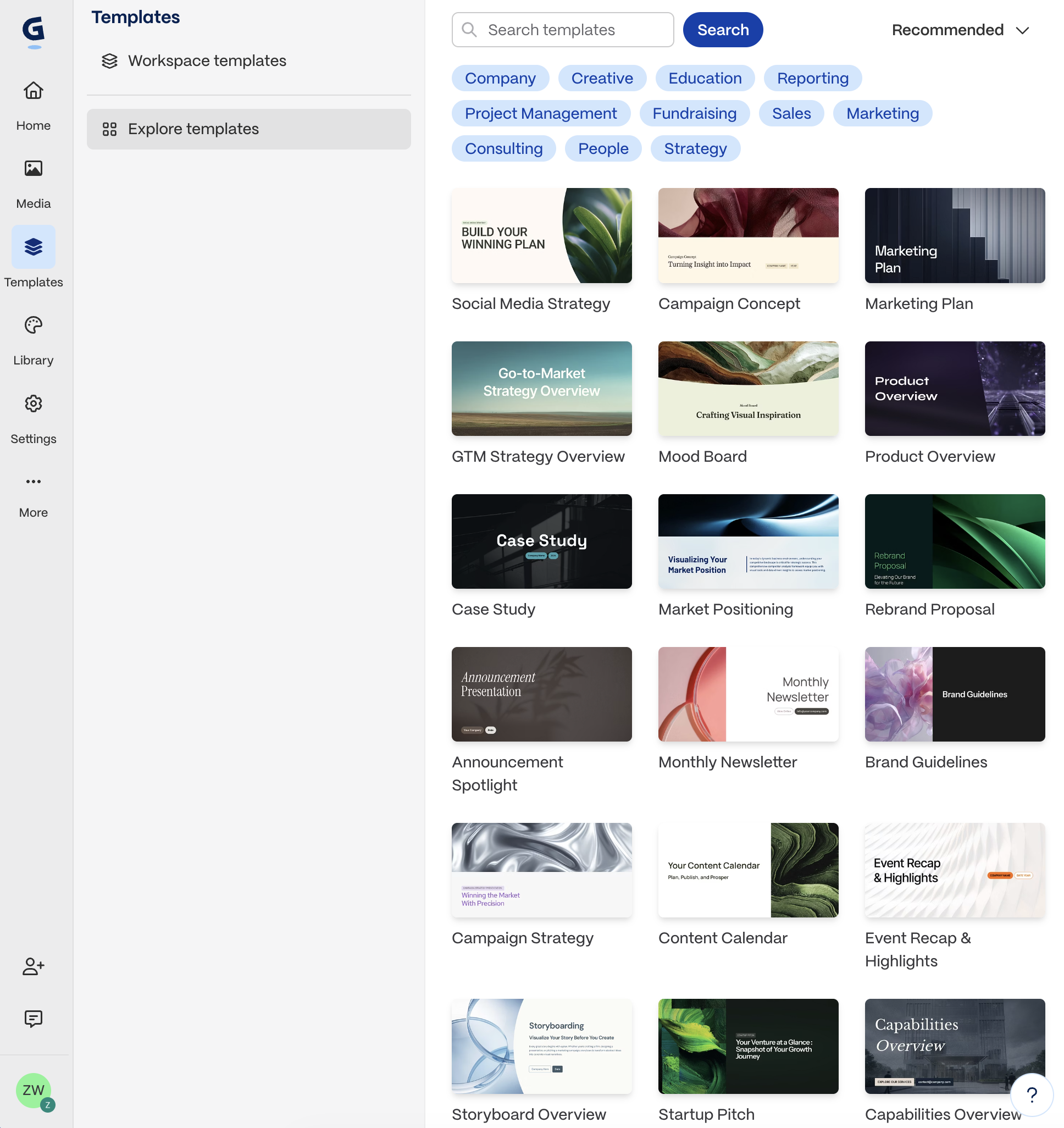
What it does: An AI-powered presentation tool that creates interactive, web-based slide decks with built-in analytics.
Key features:
Editability: High within Gamma's editor. You can edit text, swap images, rearrange slides, and adjust layouts freely. However, Gamma uses a card-based system, not traditional slide dimensions — so the editing experience feels more like Notion than PowerPoint.
Export: PDF and PPTX available, but the PPTX export loses interactive elements and some formatting. The best experience is presenting directly from Gamma's web link.
Limitations: Not a traditional slide format — clients or investors expecting a .pptx file may be confused by the web link. PPTX export quality is inconsistent, especially for complex layouts. No offline presentation mode without exporting.
Pricing: Free (up to 10 AI-generated cards). Plus: $10/month. Pro: $20/month.
Best for: Internal presentations, sales decks shared via link, and content that benefits from analytics (knowing who viewed which slides). Less suited for formal settings where a .pptx file is required.
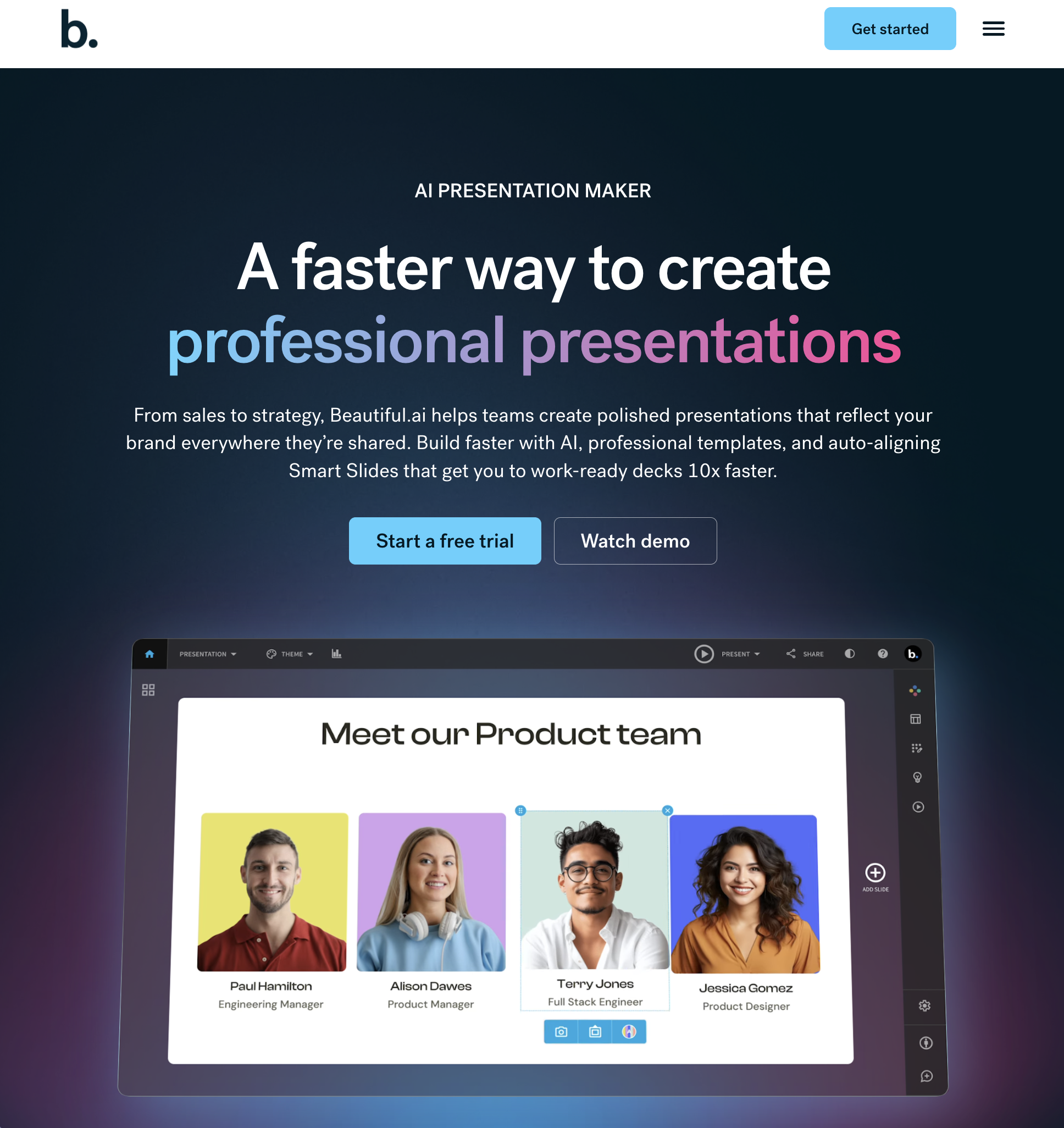
What it does: An AI presentation tool that applies design rules automatically — every slide follows professional layout principles without manual alignment.
Key features:
Editability: Medium. You can edit content freely, but layout changes are constrained by the template system. You cannot drag elements to arbitrary positions — the AI controls placement to maintain design consistency. This is a feature for non-designers, but a limitation for people who want pixel-level control.
Export: PPTX and PDF. The PPTX export is functional but loses some of Beautiful.ai's dynamic formatting — elements may shift slightly when opened in PowerPoint.
Limitations: The design guardrails that make it easy for beginners also limit experienced designers. Cannot import existing .pptx files for editing. Limited chart and data visualization options compared to PowerPoint.
Pricing: Free trial. Pro: $12/month (annual). Team: $40/user/month.
Best for: Non-designers who need professional-looking slides without learning design software. Marketing teams and sales reps who produce high volumes of client-facing decks.
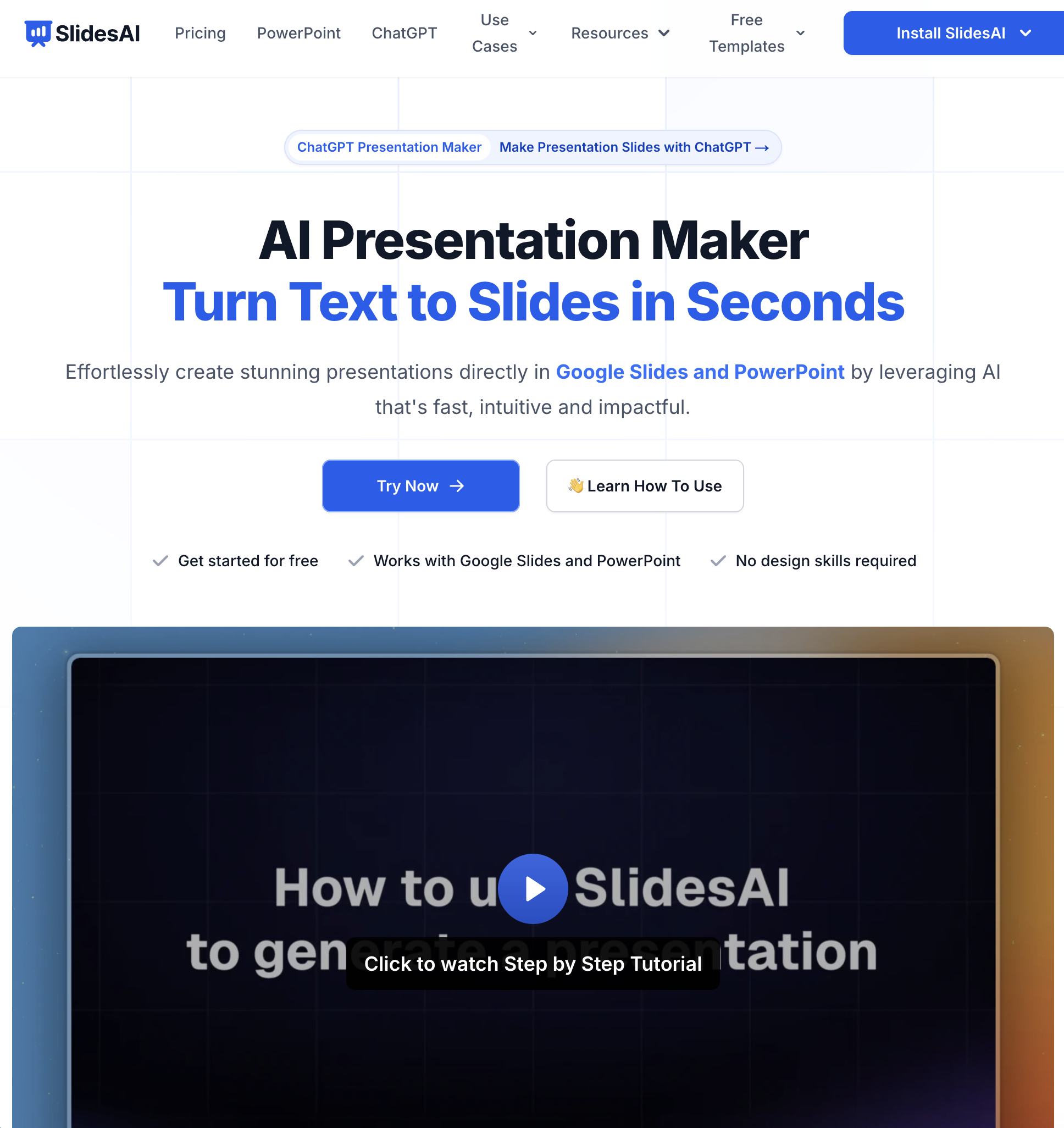
What it does: A Google Slides extension that generates presentations directly inside Google Slides from a text prompt or document.
Key features:
Editability: Full. Because SlidesAI generates native Google Slides, every element is fully editable — text boxes, shapes, images, layouts. You edit exactly as you would any Google Slides presentation. This is the key advantage over proprietary tools.
Export: Google Slides native (so PPTX, PDF, and all standard Google export options are available).
Limitations: Design quality is basic — generated slides look like Google Slides templates, not designer-quality work. Limited AI image generation (relies on stock images). The free tier allows only 3 presentations per month.
Pricing: Free (3 presentations/month). Basic: $10/month. Premium: $20/month.
Best for: Teams already using Google Workspace who want AI slide generation without leaving their existing workflow. Especially useful for educators and internal teams where function matters more than design polish.

What it does: An AI presentation tool focused on storytelling — generates slide decks that read like a narrative rather than a bullet-point list.
Key features:
Editability: High within Tome's editor. Full control over text, images, layout, and slide order. The editor is intuitive and flexible.
Export: PDF export is clean. PPTX export is available but the output is basic — complex layouts simplify significantly, and AI-generated images sometimes lose resolution.
Limitations: Designed for web sharing, not offline PowerPoint presentations. The AI storytelling engine works well for conceptual presentations but poorly for data-heavy decks (quarterly reviews, financial models). Free tier is very limited (50 AI credits total, not per month).
Pricing: Free (50 AI credits). Pro: $16/month (billed annually).
Best for: Founders creating pitch decks, marketers building thought-leadership presentations, and anyone whose slides need to tell a story rather than display data. Not ideal for corporate environments that require .pptx files.
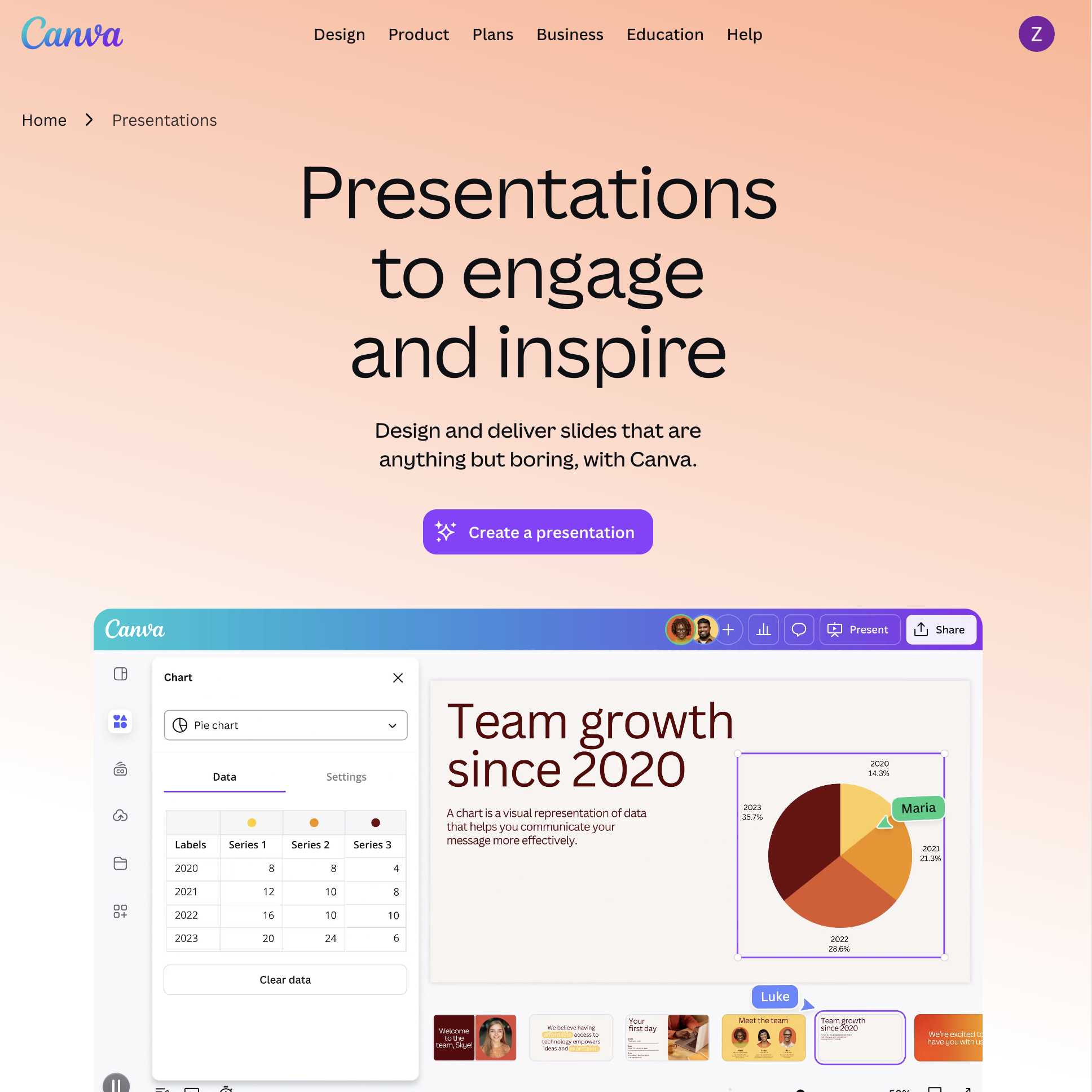
What it does: The design platform that now includes AI presentation generation — leveraging Canva's massive library of templates, images, and design elements.
Key features:
Editability: High within Canva. Full drag-and-drop control over every element — text, images, shapes, charts. Canva's editor is more flexible than most AI slide tools because it is a full design platform, not just a slide generator.
Export: PPTX, PDF, video, and shareable link. PPTX export is decent — most elements transfer correctly, though some Canva-specific effects (animations, certain text styles) may not survive the conversion.
Limitations: AI generation quality is inconsistent — Magic Design sometimes produces generic layouts that need heavy customization. The free tier includes AI features but limits template access. PPTX export occasionally misaligns elements.
Pricing: Free (limited AI features). Pro: $13/month (annual). Teams: $10/user/month (annual, minimum 3).
Best for: Teams that need visual variety and already use Canva for other design work. Marketing and social media teams who repurpose presentation content across formats (slides, social posts, documents). For teams that also manage project workflows visually, see our guide on how to create a Kanban board.
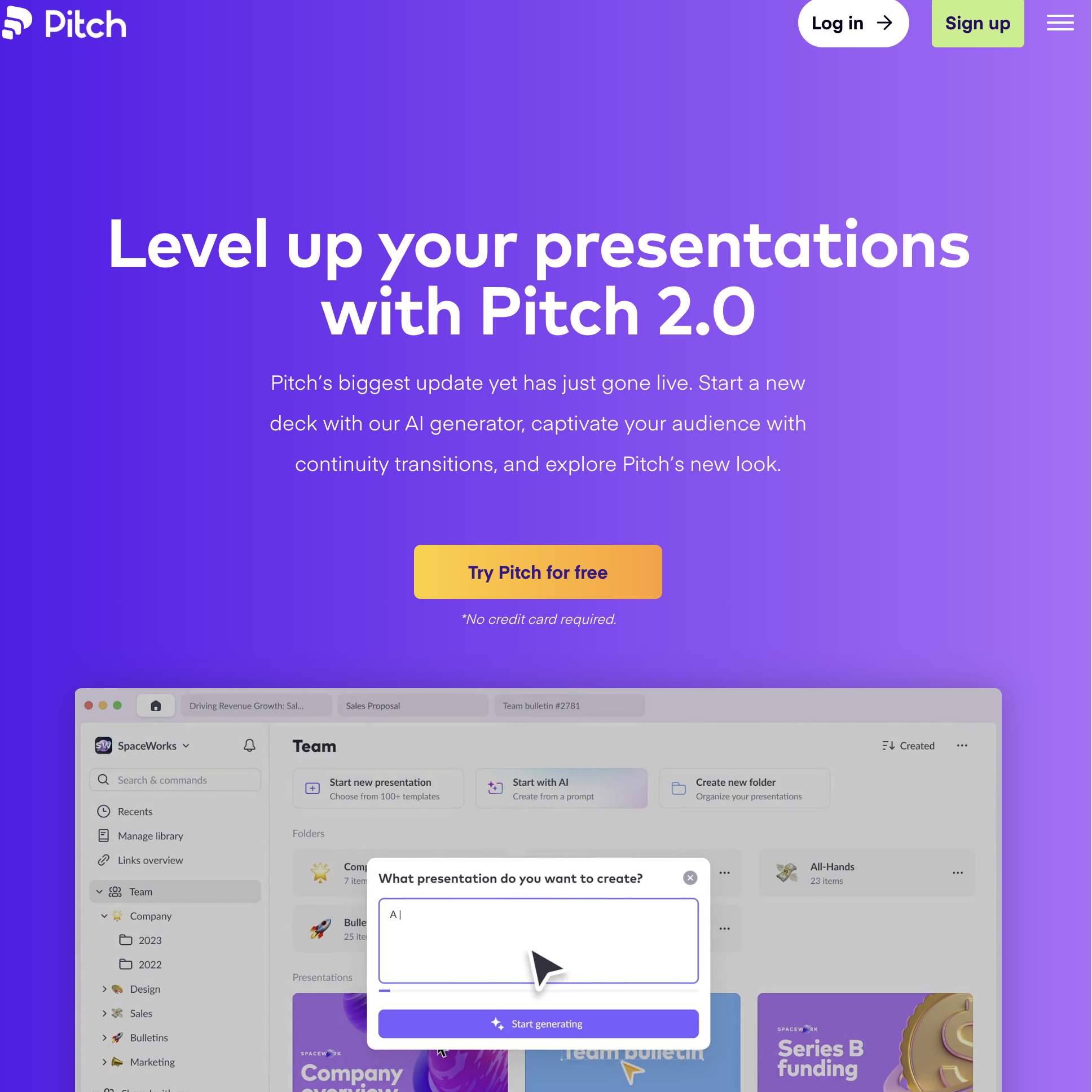
What it does: A presentation platform built for teams — real-time collaboration, shared workspaces, and AI-assisted slide creation.
Key features:
Editability: Full. Pitch uses a traditional slide editor with full control over every element. The editing experience is clean and modern — faster than PowerPoint, more flexible than most AI tools.
Export: PPTX and PDF. PPTX export quality is strong — Pitch was designed with PowerPoint compatibility in mind.
Limitations: AI generation is a first-draft tool, not a finished product — expect to spend 15-30 minutes refining after generation. Smaller template library than Canva or Beautiful.ai. Less name recognition means some collaborators may not have Pitch accounts.
Pricing: Free (unlimited presentations). Pro: $22/user/month (annual).
Best for: Teams that build presentations collaboratively and need version control, comments, and shared template libraries. Startups and agencies where multiple people contribute to the same deck.

What it does: An AI presentation maker specifically designed for startup pitch decks — with templates based on real funded decks and content coaching.
Key features:
Editability: Medium. You can edit content freely, but design changes are constrained by Slidebean's template system. The tool prioritizes design consistency over creative freedom — similar to Beautiful.ai's approach.
Export: PDF and PPTX. PPTX export is functional but basic.
Limitations: Narrow focus — excellent for pitch decks, less useful for general business presentations (quarterly reviews, training, workshops). Pricing is higher than competitors. The AI content suggestions are helpful for first-time founders but generic for experienced operators.
Pricing: Free trial. Starter: $8/month. Premium: $19/month. Founder: $149/year (includes consulting).
Best for: Early-stage startup founders creating their first investor pitch deck who need structure, content guidance, and professional design without hiring a designer.
Most AI presentation makers generate slides in a proprietary format and offer PPTX export as an afterthought. The result: elements shift, fonts change, layouts break, and interactive features disappear. You end up spending more time fixing the export than you would have spent building the deck from scratch.
This matters in three common scenarios:
1. Client handoff. You build a deck for a client. They want to edit it in PowerPoint. If your tool exports a degraded .pptx, you look unprofessional.
2. Team collaboration. Your team uses Google Slides. You generate a deck with an AI tool. When you upload the .pptx to Google Drive, half the formatting breaks. Now two people spend 30 minutes fixing alignment instead of reviewing content.
3. Brand compliance. Your company has a PowerPoint template with specific fonts, colors, and layouts. You need the AI to use that template — not generate its own and hope it matches. This is similar to the consistency challenge in LinkedIn content strategy — your brand identity needs to carry through every deliverable, whether it is a social post or a board presentation.
The tools in this list fall into two categories:
Choose based on your workflow. If you present from a web link and never touch PowerPoint, proprietary tools are excellent. If your slides need to survive a .pptx export, prioritize standard-format tools.