
Oops! Something went wrong while submitting the form.


.svg)
If you ship anything regularly—products, pallets, freight—you know the invoice is where cash becomes real. A solid shipping invoice template gives your team one clear, repeatable way to capture every detail: PO, BOL, line items, taxes, surcharges, and payment terms. In Google Sheets or Excel, it becomes a living system: easy to tweak for new offers, duplicate for repeat customers, and share with accounting, fulfillment, or your bookkeeper.
Where it gets interesting is when an AI computer agent joins the loop. Instead of a human copying order data into the template, the agent can read emails, pull order info from portals, paste it into your Sheet or workbook, check totals, and save PDFs. You get the consistency of a template with the speed of automation—fewer disputes, faster payments, and a team that spends time on revenue, not data entry.
Before you bring in automation, you need a clean base.
In Google Sheets:
Invoice, Items, and Clients.Invoice, lay out the essentials: logo, company info, client info, ship-to address, invoice no., date, terms.=B12*C12 for line totals and =SUM(F12:F40) for subtotals.In Excel:
Subtotal, TaxRate) to make formulas easier to manage..xltx template so your team always starts from a consistent file.Pros (Manual): Full control, no setup cost, easy to adjust fields. Cons (Manual): Time-consuming, error-prone, scales poorly as orders grow.
Here’s what most teams quietly do every day:
This works when you’re small. But once you’re doing dozens or hundreds of shipments a week, this workflow becomes a tax on your smartest people. Every copy-paste is a chance for a typo that delays payment.
This is where Simular’s AI computer agents change the game. Instead of coding rigid RPA scripts, you give the agent a goal like:
“For each new shipment, create a shipping invoice from our template, fill in all fields from our order sources, save a PDF, email it, and log it in our tracker.”
Because Sai can use the computer like a human, it can:
You keep your familiar tools; the agent just takes over the clicks and keystrokes.
If you’re not ready to go fully hands-off, start with a hybrid:
INV-2025-00123_ClientA.pdf).Pros:
Cons:
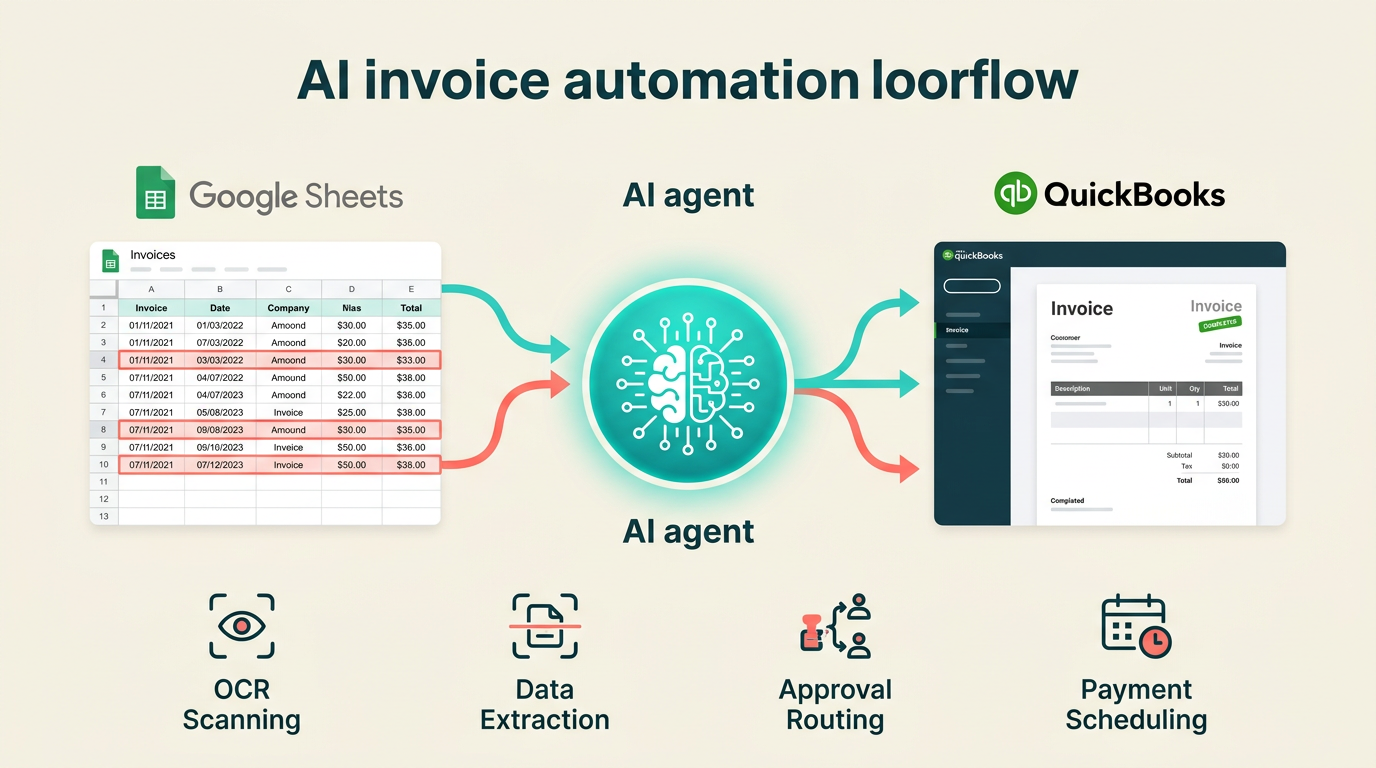
Where shipping invoices get complicated -- and where Sai helps most. Shipping invoices involve variables that standard templates struggle with: fluctuating freight charges, duty calculations that differ by destination country, multi-currency conversions, and line items that span partial shipments.
Sai reads your Google Sheets shipping log, pulls the latest exchange rates from the web, applies destination-specific duty percentages, calculates dimensional weight vs. actual weight charges, and populates your invoice template with the correct totals. It then cross-references against your carrier's rate card to flag any discrepancies before you approve.
This is especially useful for businesses processing 20+ shipments per week where manual invoice creation becomes a bottleneck. For a general walkthrough of automated invoicing, see our invoice creation guide. If you're comparing tools for this workflow, check our invoice automation tools review.
End-to-End Flow Example:
Pros (Automated):
Cons (Automated):
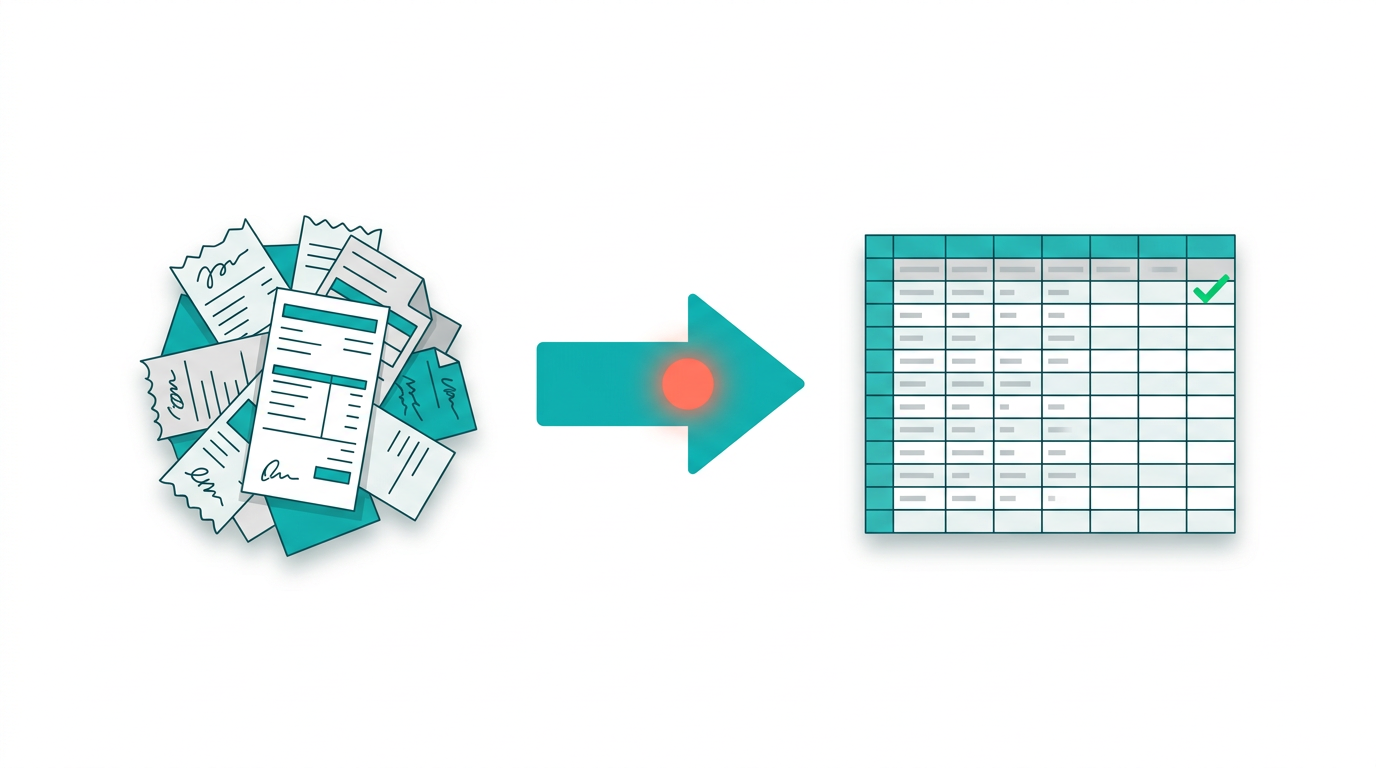
If you’re a small agency or freight broker, you might start with:
If you’re a growing logistics company or e‑commerce brand:
The pattern is simple: keep your shipping invoice template as the single source of truth, and let the AI computer agent become your tireless billing coordinator, quietly stitching data from everywhere into clean, reliable invoices.
.png)
%20(1).svg)