
Oops! Something went wrong while submitting the form.


.svg)
Most teams know they should track competitors, but the reality is messy tabs, outdated screenshots, and half-filled spreadsheets. A structured competitor audit template changes that. By defining clear columns for pricing, positioning, offers, channels, and sentiment, you turn random notes into a decision system. In Google Sheets or Excel, you can compare rivals side by side, spot gaps in minutes, and tie your findings directly to campaigns and sales plays.
The power move is pairing that template with an AI agent. Instead of interns copy-pasting from websites, your Simular AI agent can open browser tabs, scan pricing pages, scrape reviews, and log everything into Sheets or Excel on a schedule. You go from quarterly “we should really do this” projects to a living radar. Delegate the drudgery to the agent and reserve human time for interpreting the story behind the numbers and launching bolder moves.
Here’s how to build and scale a competitor audit template that starts in Google Sheets or Excel and grows into a fully delegated workflow with an AI agent.
Section 1: Manual methods (the starter playbook)
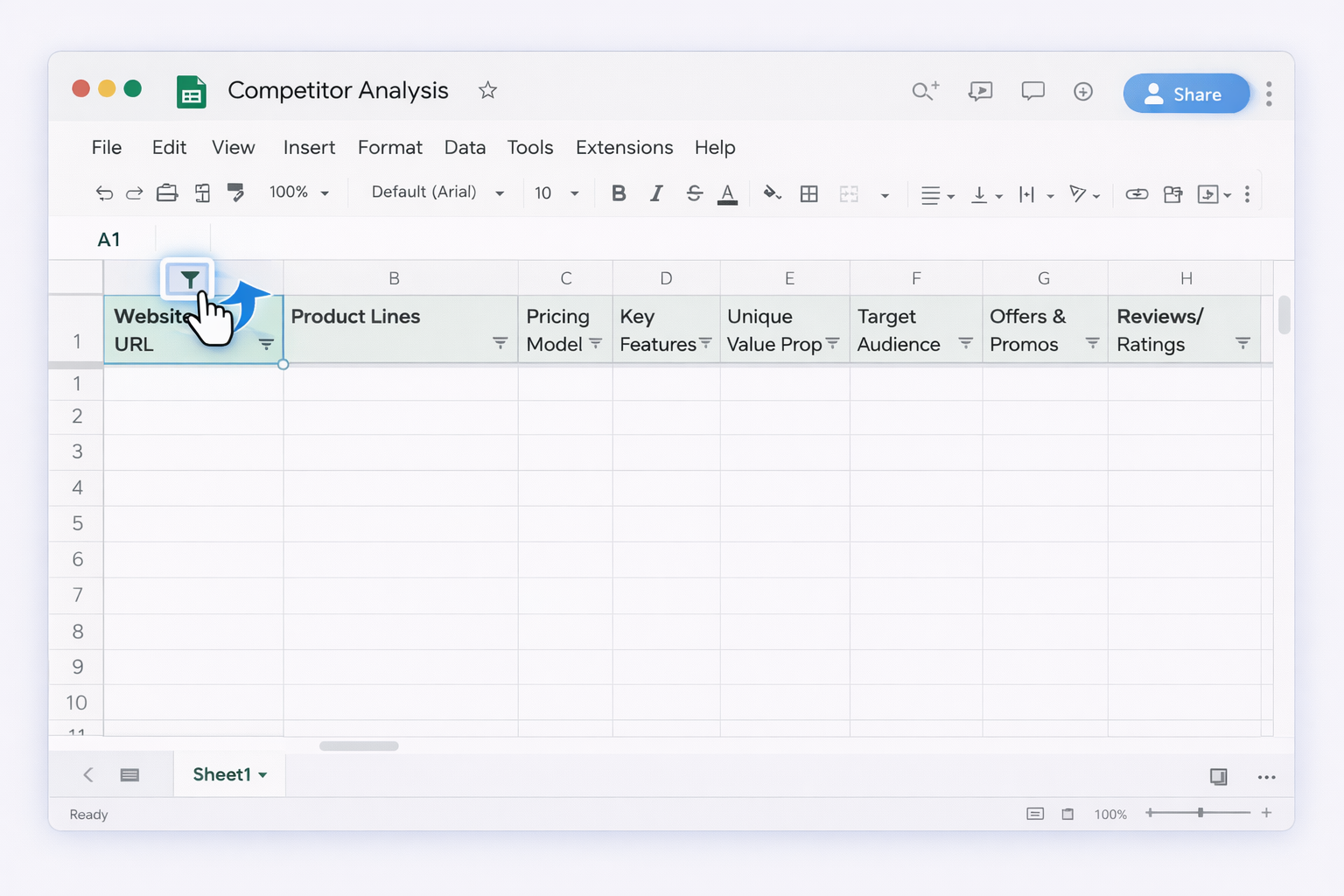
Pros of manual methods: maximum control, deep familiarity with competitors, no tooling overhead. Cons: highly time-consuming, easy to let it go stale, hard to repeat at scale for dozens of competitors or weekly refreshes.
Section 2: No-code automation with common tools
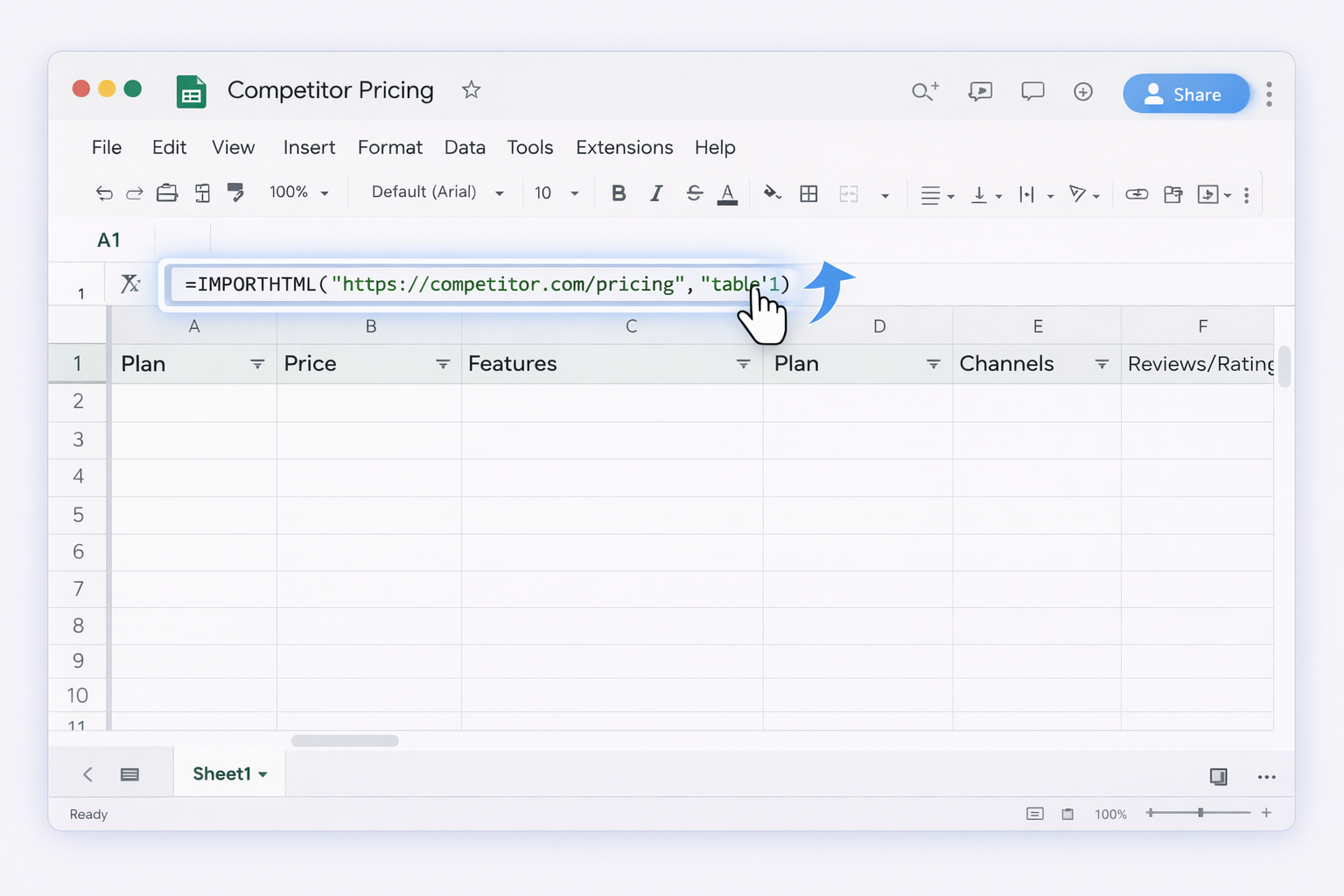
Section 3: Scaling with an AI agent (Simular)
This is where you stop being the data entry clerk and become the strategist.
Stitching it all together, you start with a clean Google Sheets or Excel template, layer in a bit of no-code automation, and then hand off the repetitive research and data entry to a Simular AI agent. Your job shifts from copy-pasting to asking sharper questions and acting faster than your competitors.
.png)
%20(1).svg)