

Oops! Something went wrong while submitting the form.

.svg)
In a growing business, your Postgres schema is never truly finished. New campaigns, pricing models, attribution rules, and compliance needs all demand fresh data points. That means you’re constantly adding columns to tables that already power dashboards, ads, billing, and CRM syncs.
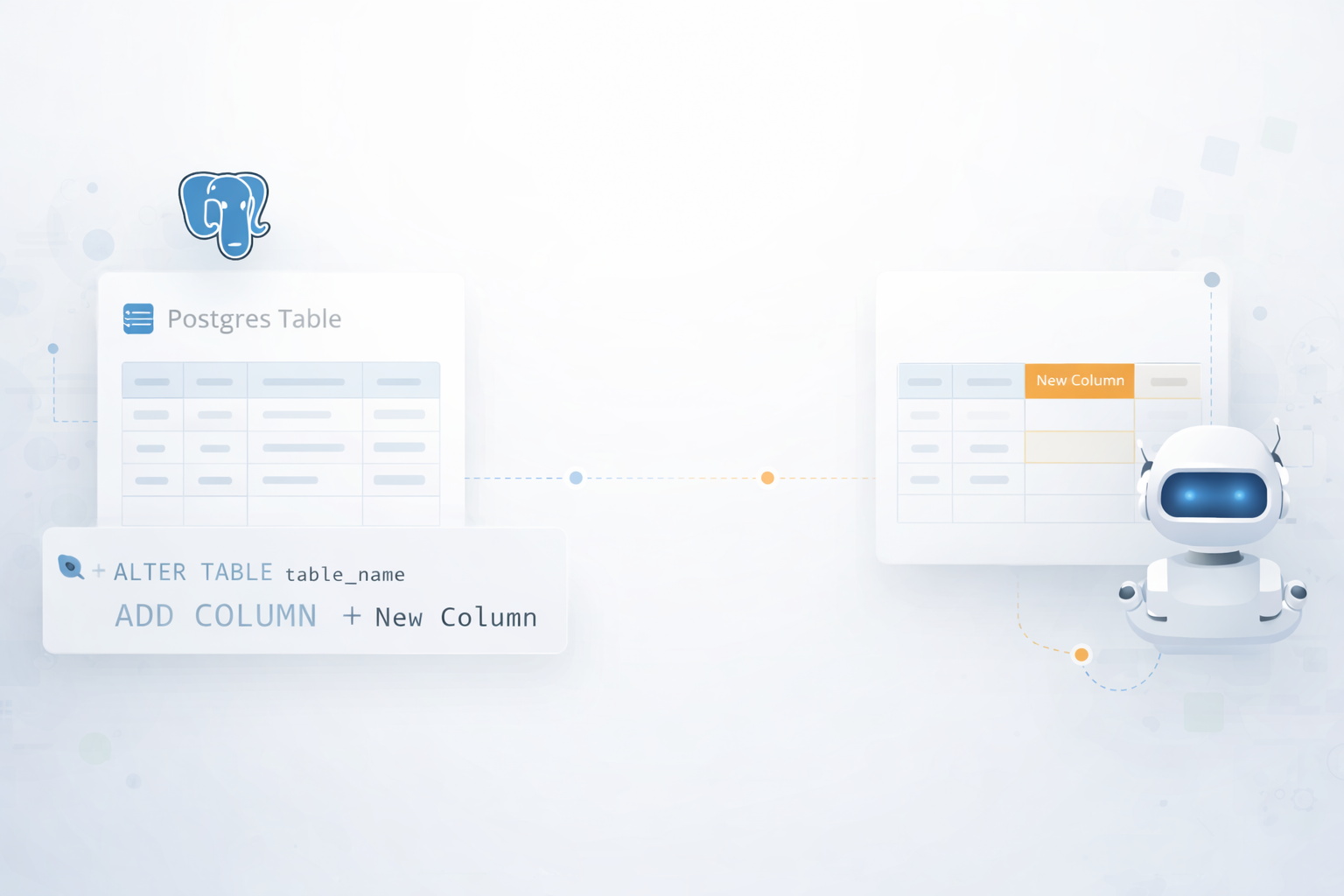
Done carefully, ALTER TABLE ... ADD COLUMN lets you extend tables without rewriting history. You can introduce nullable fields, backfill values, and later tighten constraints as the model stabilises. Done carelessly, a single command on a large table can lock writes, break integrations, or silently introduce NULLs where your sales team expects clean numbers.
This is why delegating the mechanics to an AI computer agent matters. Imagine describing the new metric you need (say, lead_source_detail on your leads table) in plain language. The agent checks Postgres docs, drafts ALTER TABLE statements, runs them in staging, verifies impact, and then schedules low-traffic deployment to production. Instead of founders and marketers babysitting terminals, your AI assistant quietly reshapes the schema in the background while you focus on closing deals and launching campaigns.
When you or your engineer are doing this by hand, you’re usually living in psql, pgAdmin, or a SQL client. Here’s how that looks when you’re the one clicking and typing.
psql "postgres://user:password@host:5432/dbname"
\d customers;
ALTER TABLE customers
ADD COLUMN lead_source VARCHAR(100);
ALTER TABLE customers
ADD COLUMN lifecycle_stage VARCHAR(50) DEFAULT 'lead' NOT NULL;
\d customers;
SELECT id, lifecycle_stage FROM customers LIMIT 5;
Reference: official ALTER TABLE docs – https://www.postgresql.org/docs/current/sql-altertable.html
If the table already has rows, adding a NOT NULL column directly will fail. The safer pattern is:
ALTER TABLE customers
ADD COLUMN contact_name VARCHAR(255);
UPDATE customers
SET contact_name = 'Unknown contact'
WHERE contact_name IS NULL;
ALTER TABLE customers
ALTER COLUMN contact_name SET NOT NULL;
This pattern is highlighted in many tutorials and is compatible with https://www.postgresql.org/docs/current/.
For many agencies and business owners, GUIs feel safer than terminals:
customers) → Properties.campaign_idUUID or VARCHAR(50)Behind that UI is still ALTER TABLE customers ADD COLUMN campaign_id UUID; as documented at https://www.postgresql.org/docs/current/sql-altertable.html.
Most modern apps (Django, Rails, Laravel, NestJS, etc.) use migration files to add columns:
python manage.py makemigrations
After adding a field in your model:class Customer(models.Model):
...
ad_platform = models.CharField(max_length=50, null=True)
python manage.py migrate
The framework will generate SQL similar to the docs’ pattern:
ALTER TABLE app_customer ADD COLUMN ad_platform VARCHAR(50);
If you’re a marketer or agency operator, you might prefer tools that hide SQL but still let you reshape Postgres.
Hosted Postgres providers, BI tools, or internal admin tools often expose a Schema editor:
You can create an internal schema admin panel:
ALTER TABLE {{ table_name }}
ADD COLUMN {{ column_name }} {{ data_type }};
Workflow tools like Zapier, Make, or n8n typically speak to Postgres via connectors. Many of them support “Run SQL” actions.
ALTER TABLE leads ADD COLUMN {{new_field}} VARCHAR(255);
Pros
Cons
Manual and no-code methods work until you have:
This is where an AI computer agent like Simular Pro becomes powerful. Simular is designed to behave like a reliable operator on your desktop and browser, following long, multi-step workflows with transparent actions.
Docs: https://www.simular.ai/simular-pro and company overview at https://www.simular.ai/about
Workflow
utm_campaign (VARCHAR 150, nullable) to the leads table in all EU production databases.”\d leads; to confirm the column doesn’t already exist.ALTER TABLE leads ADD COLUMN utm_campaign VARCHAR(150);
Pros
Cons
For agencies running many client accounts, safety matters.
Workflow
Pros
If you manage many Postgres instances (per-customer databases), consistency is hard.
Workflow
\d output with the target schema.ALTER TABLE ... ADD COLUMN statements.Pros
Cons
In short: manual methods are fine for occasional changes. No-code gets non-engineers into the game. But if you’re an agency or growth team repeatedly reshaping Postgres schemas, delegating those ALTER TABLE chores to a Simular AI computer agent turns a fragile, human-intensive task into a reliable background workflow.




%20(1).svg)
