Oops! Something went wrong while submitting the form.
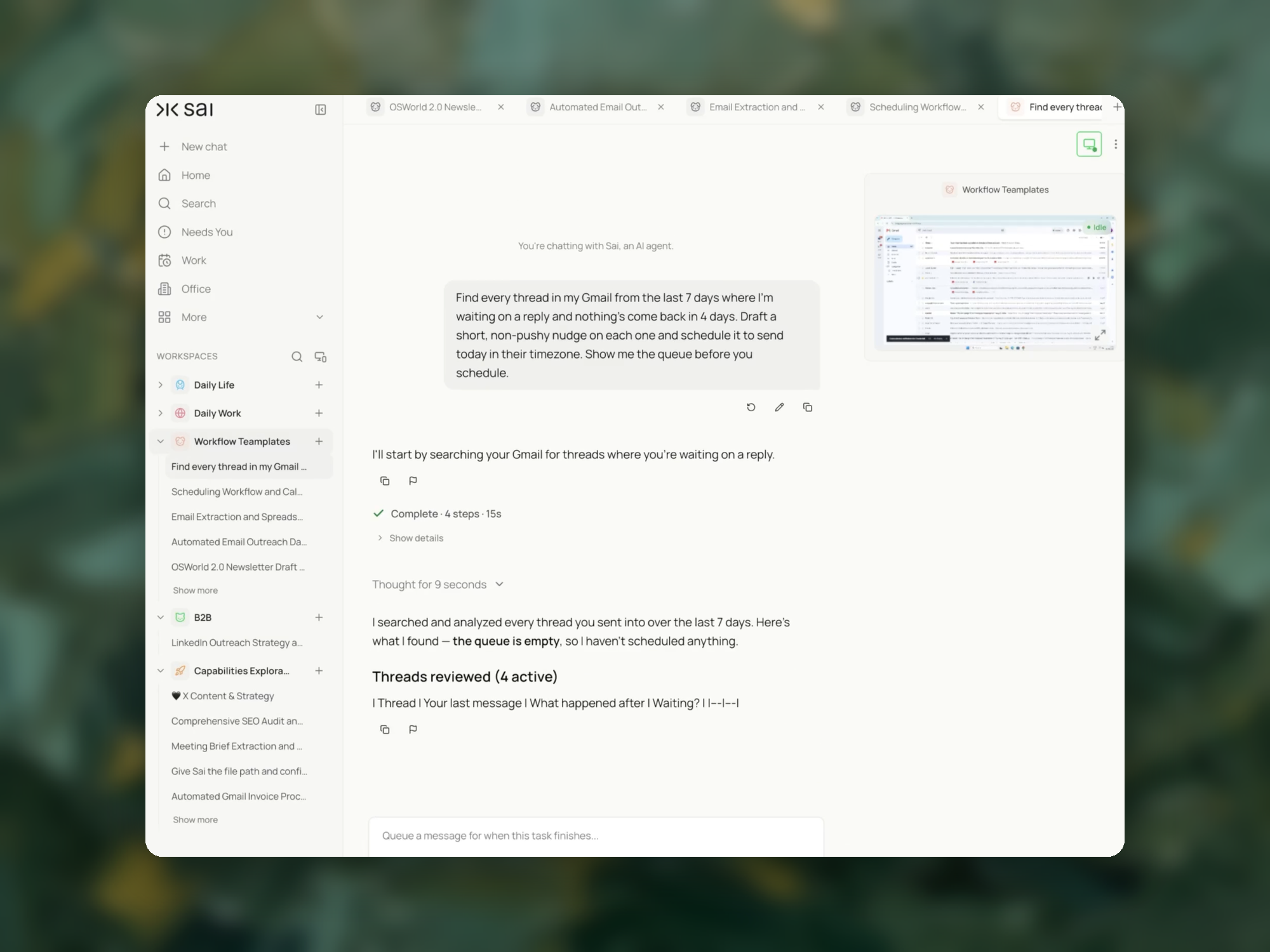
Gmail's Schedule send handles the email you have already written. This finds the threads where you sent the last message and nothing came back, drafts a short nudge on each, and shows you the queue before anything is scheduled. In the recorded run it reviewed four active threads, found none that qualified, and scheduled nothing.


The recording is a real session. The sheet on the right is what it produced.
Sai opens each profile, pulls the signal, and writes the row, live, in a real browser.
Eight columns, sorted by score, with a source link behind every claim.
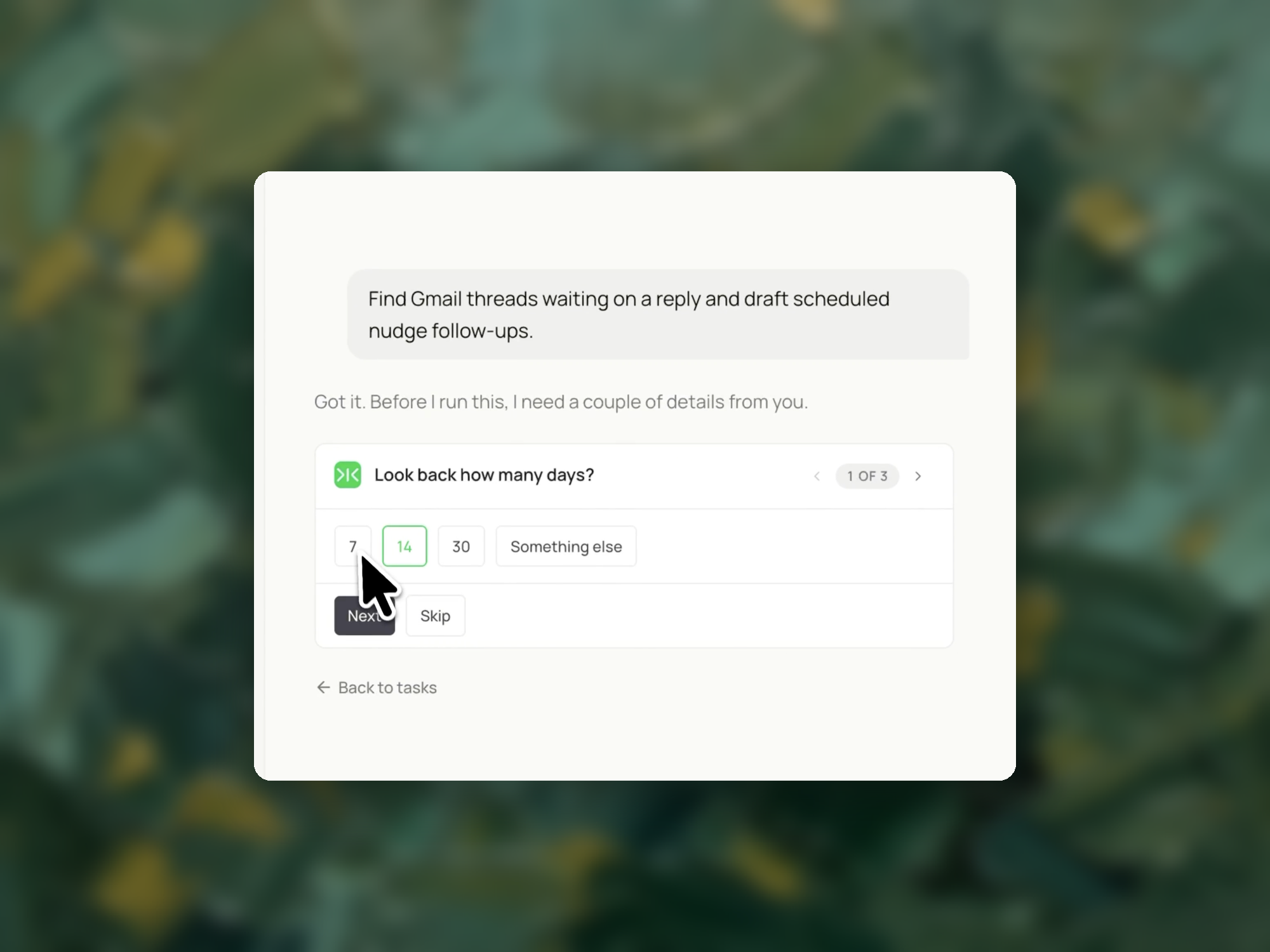
Gmail access. A look-back window (7 days), a waiting threshold (4 days), and the send time you want.
A queue for approval: each stalled thread with the date of your last message, days waited, what you asked for, and a drafted nudge. Nothing is scheduled until you approve. If no threads qualify, an empty queue plus the list of threads reviewed.
Every Monday morning, so the week starts with the stalled threads identified and the nudges drafted.
Scheduling an email in Gmail means composing a message now and setting a future date and time for Gmail to deliver it. The message sits in a Scheduled folder until that time arrives, and it leaves your account automatically without you being present.
This is a delivery-timing feature, not a writing or sequencing feature. Gmail holds the message and releases it; it does not decide whether the message should go, who should receive it, or how it relates to anything else in your inbox.
On desktop
On mobile (iOS and Android)
Scheduled messages appear in the Scheduled label in the left sidebar. To change one, open it, click Cancel send, edit, and schedule again.
These come from Google's official Gmail help documentation and each one changes how the feature should be used.
Delivery is approximate, not exact. Google states that scheduled emails "may be sent a few minutes after the scheduled time." If your use case depends on a message landing at an exact minute — a bid deadline, a coordinated announcement, a time-stamped submission — Schedule send is the wrong mechanism.
The timezone is yours, not the recipient's. Emails send based on the timezone you were in when you scheduled them. Scheduling from New York for "9:00 AM" and expecting a London recipient to receive it at their 9:00 AM will be off by five hours.
You can have up to 100 scheduled emails at a time. Past that, you must cancel or let existing ones send before scheduling more.
Cancelling converts the message to a draft. It is not deleted. This means a cancelled scheduled email quietly accumulates in Drafts, where it can be forgotten or accidentally sent later.
People writing outside working hours. Composing at 11 PM and not wanting the timestamp to signal it. The scheduling decision here is cosmetic and one message at a time — Gmail's native feature is fully sufficient.
People coordinating across timezones. Sending to recipients in other regions, where the timezone behavior above is the entire problem. The fix is arithmetic, not tooling.
Salespeople running sequences. Scheduling as one step in a multi-touch cadence, where the relevant question is what happens if the recipient replies before step two sends. Gmail does not answer that question; sequencing tools do.
People managing a reply backlog. Writing several deferred replies at once and needing to decide order and priority across them. This is where scheduling stops being the actual problem.
Schedule send answers one question: when does this message leave? It assumes you have already answered three others — whether the message should go at all, who it goes to, and where it sits relative to everything else waiting for a reply.
For a single message written late at night, those three are already settled and Gmail's built-in feature is all that is needed. For a Monday inbox holding fourteen threads that each want a response, they are not settled, and no scheduling feature resolves them.
Sai reads the inbox, groups the threads that need replies, and proposes what to send for each — the recipient, the content, and the send time — before anything is scheduled. Each draft is written into Gmail's Drafts folder and scheduled through Gmail's own Schedule send, so the messages behave exactly as natively scheduled ones do, including appearing in the Scheduled label and remaining editable.
Nothing sends without review. The output is a queue you approve, not a queue that has already left.
If the harder part of your morning is deciding which threads deserve a reply at all, see how to triage a Gmail inbox into categories before replying. For messages that need to go out repeatedly after an initial send, see how to automate Gmail follow-up emails. For writing the content rather than timing it, see email personalization strategies and our comparison of AI email writing tools.