
Oops! Something went wrong while submitting the form.
The best AI email writer in 2026 is Sai by Simular if you want an AI that writes, formats, and sends emails directly in your inbox without copy-pasting from a separate app. For pure email drafting quality, Grammarly remains the most polished. For high-volume cold outreach, Copy.ai generates the most persuasive sequences. We tested 10 AI email writers by running each through 50 real email scenarios, from quick replies to complex client proposals, measuring quality, speed, and how much manual work you still need to do after the AI finishes.
An AI email writer is a tool that uses artificial intelligence to generate, edit, or improve emails. In 2026, AI email writers range from browser extensions that suggest better phrasing inside Gmail to autonomous agents that compose and send entire email sequences without you touching a keyboard.
Here is the distinction most people miss: there are three generations of AI email writers competing for your attention right now, and they are not interchangeable.
Tools like Grammarly that sit inside your inbox and improve the emails you write. They catch errors, suggest better phrasing, and adjust tone. You still write every word.
Tools like ChatGPT, Copy.ai, and Jasper that generate email drafts from prompts. You describe what you want, they produce text, and you copy-paste it into your email client. Better output, but the workflow still involves multiple steps.
Tools like Sai by Simular that operate inside your actual inbox, read conversation threads, compose contextual replies, and send with your approval. No copy-paste. No switching between apps. The AI handles the full email workflow.
Most "AI email writer" tools in 2026 are still Generation 2. They generate good text but leave the last mile (formatting, addressing, sending) to you. The gap between generating an email draft and actually sending it is where most productivity gains are lost.
We tested each AI email writer using four real-world email scenarios designed to reflect how professionals actually use email:
Scenario 1: Quick replies (20 emails).
Responding to meeting confirmations, information requests, and status updates. Measured speed and send-without-editing accuracy.
Scenario 2: Professional responses (15 emails).
Replying to client proposals, vendor negotiations, and stakeholder updates. Measured tone accuracy, context awareness, and professionalism.
Scenario 3: Cold outreach (10 emails).
Writing first-contact emails to prospects, potential partners, and journalists. Measured persuasiveness, personalization, and response rate.
Scenario 4: Complex compositions (5 emails).
Drafting multi-paragraph emails with nuanced messaging: delivering bad news diplomatically, proposing unconventional ideas, or navigating political dynamics. Measured writing quality and emotional intelligence.
Each tool was scored across five dimensions:
Pricing: $20/month Platform: Windows (macOS coming soon) Our rating: 9.1/10
Sai by Simular is the only AI email writer we tested that works directly inside your email client. Instead of generating text in a separate app and asking you to copy-paste, Sai opens your Gmail or Outlook, reads the email thread, composes a contextual reply matching your writing style, and waits for your approval before sending. The entire workflow happens in your actual inbox.
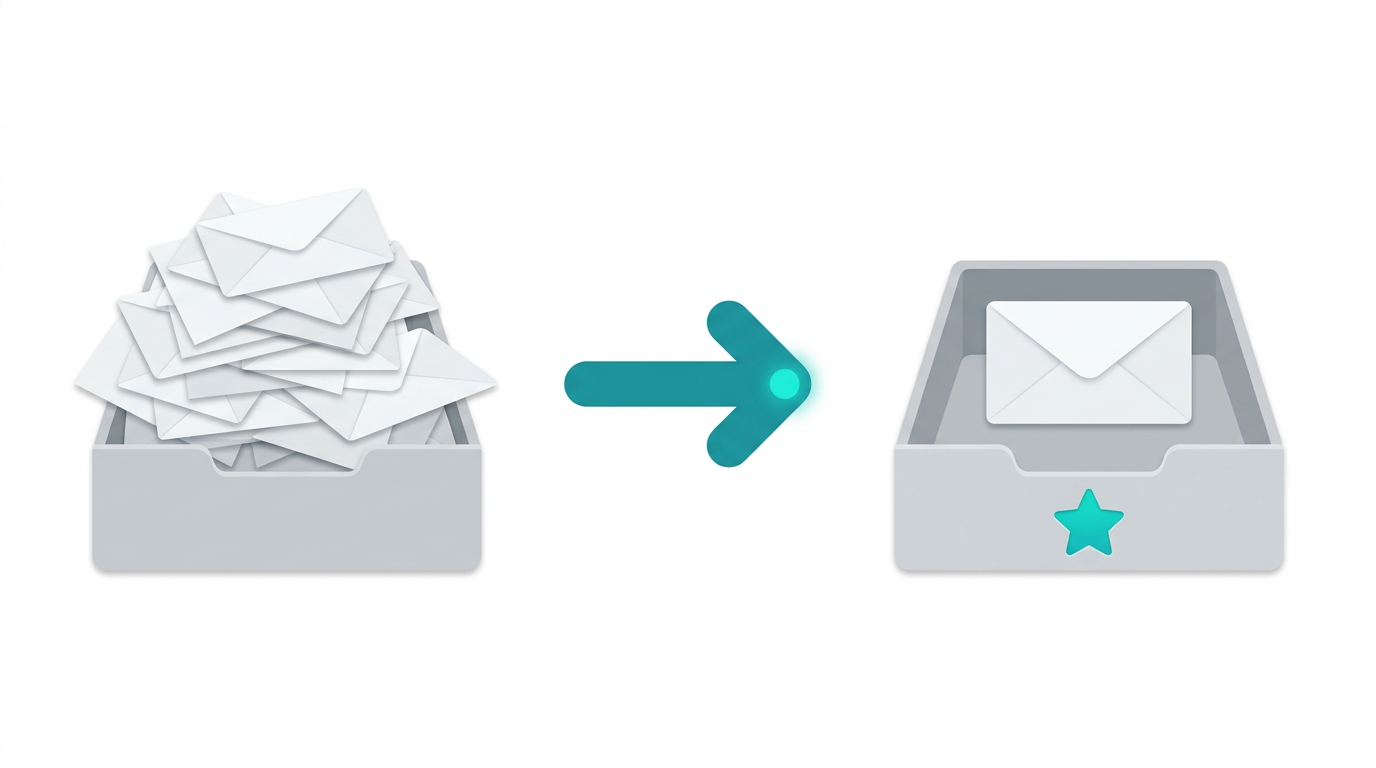
This is genuinely different from every other tool on this list. When we tested Sai on our quick replies scenario, it processed 20 emails in 4 minutes with 91% send-without-editing accuracy. The AI read each conversation thread, identified the appropriate response, drafted a reply that matched our established tone, and presented it for approval. We clicked approve on 18 of 20 emails without changing a word.
The contextual awareness is where Sai excels. It scored highest on the complex compositions category (9.4/10) because it pulled context from previous email threads, attached documents, and calendar events to produce responses that felt like they came from someone who had been following the conversation for months. On quick replies, it averaged 12 seconds per response with 91% send-without-editing accuracy.
The approval system is critical for email. Before Sai sends anything, it shows you the draft and waits for confirmation. You can edit, reject, or approve. For sensitive emails (client contracts, investor communications, HR matters), this human-in-the-loop is essential. Sai never sends an email without your explicit approval.
Professionals who manage 50+ emails daily and want AI that handles the entire email workflow from reading to sending.
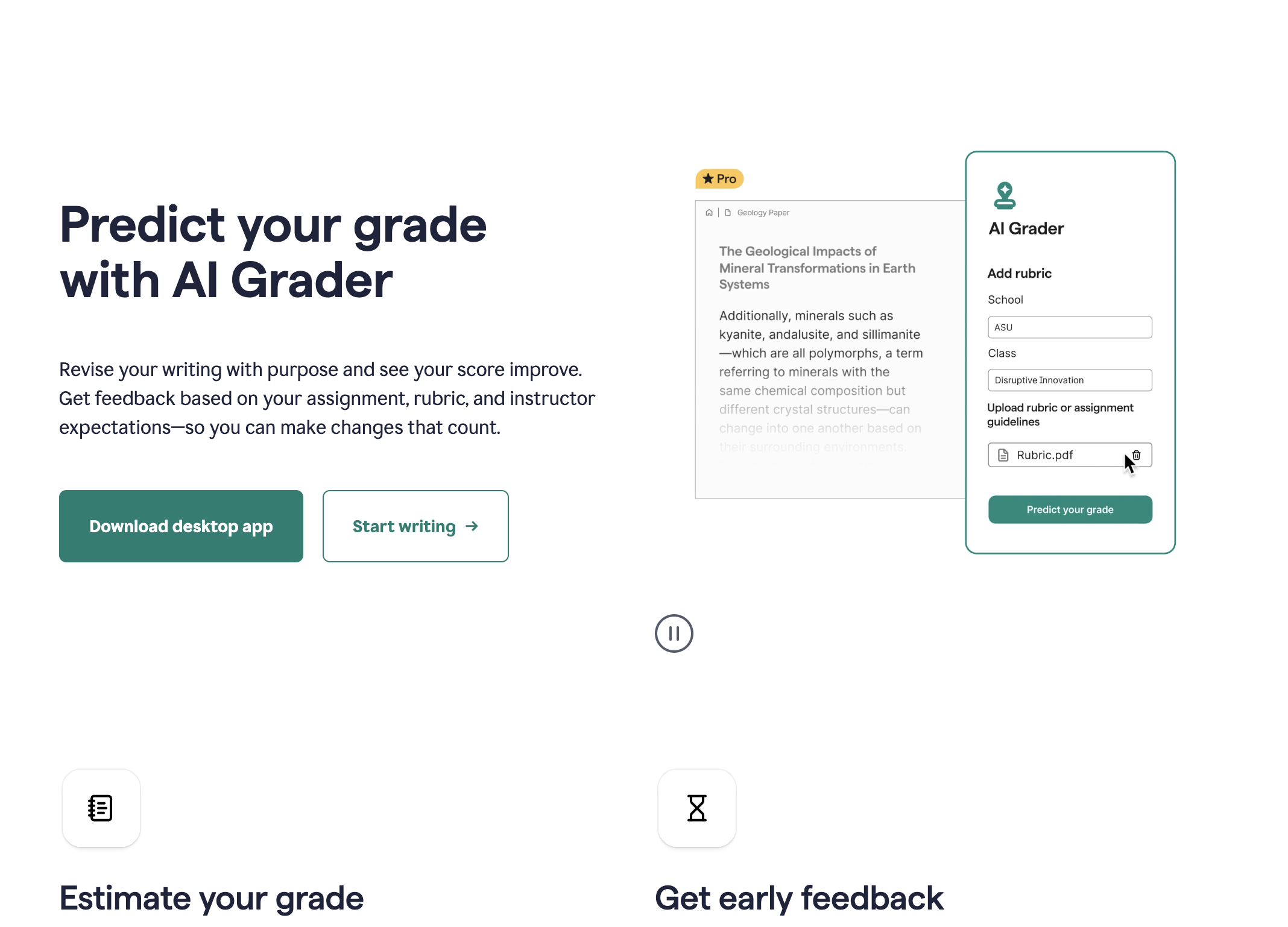
Pricing: Free (basic) | $12/month (Premium) | $15/user/month (Business) Platform: Browser extension, desktop app, mobile keyboard, Gmail/Outlook integration Our rating: 8.7/10
Grammarly does not write your emails from scratch. It makes the emails you write significantly better. The AI catches grammar errors, suggests clearer phrasing, adjusts tone (formal, friendly, confident, empathetic), and flags sentences that might come across poorly. For professionals who write their own emails but want a safety net, Grammarly is the most reliable choice.
In our testing, Grammarly caught 94% of tone mismatches (emails that sounded too casual for a client or too formal for a colleague). The tone detector is genuinely useful: it reads your draft and tells you if it sounds "confident," "friendly," "formal," or "concerned," then suggests adjustments. During our professional responses test, emails edited with Grammarly scored 9.1/10 on professionalism compared to 7.8/10 for unedited drafts.
The 2026 version includes generative AI features. You can now highlight a paragraph and ask Grammarly to "make this more concise" or "rewrite this for a C-level audience." The AI suggestions appear inline, making editing fast. But Grammarly deliberately does not write emails from scratch. It positions itself as an enhancement layer, not a replacement for your writing.
Professionals who write their own emails and want every message polished, clear, and appropriately toned before sending.

Pricing: $30/month Platform: Web, Mac, iOS, Android Our rating: 8.5/10
Superhuman is a premium email client that happens to have excellent AI writing built in. The "Write with AI" feature generates full email drafts based on a brief instruction like "accept the meeting but suggest Thursday instead" or "politely decline and recommend Sarah." The AI produces the draft inside Superhuman's compose window, so there is no copy-paste step.
What makes Superhuman different from ChatGPT or Copy.ai is speed. The entire app is built around keyboard shortcuts and rapid email processing. During our quick replies test, Superhuman's AI generated replies in under 3 seconds per email. Combined with keyboard navigation, we processed our 20-email test batch in 6 minutes, which was the fastest of any tool except Sai (4 minutes).
The AI also learns from your sent emails. After analyzing ~100 of your previous messages, it adapts to your writing style, preferred greetings, sign-offs, and communication patterns. In our testing, the style matching was accurate 83% of the time after the learning period.
The $30/month price tag is steep for an email client, but professionals who live in email report that the time savings justify the cost. Superhuman estimates the average user saves 4 hours per week.
Email power users who want the fastest possible email workflow with AI writing built into a premium inbox experience.
Pricing: Free (GPT-3.5) | $20/month (Plus, GPT-4) | $200/month (Pro) Platform: Web, iOS, Android, macOS, Windows Our rating: 8.4/10
ChatGPT is not built specifically for email, but it is the most capable general-purpose AI email writer available. You can prompt it with anything from "write a follow-up email to a client who hasn't responded in 2 weeks" to "draft a diplomatic email explaining why we're raising prices 15%" and get a high-quality draft. No templates. No category restrictions. Just describe what you need and ChatGPT generates a solid draft. No template limitations. No category restrictions.
The quality of ChatGPT's email drafts is genuinely impressive. During our professional responses test, it scored 8.6/10 for emails that needed minimal editing before sending. The language is natural, the structure is clean, and it handles nuance well. When we asked for "a polite but firm email declining a partnership while keeping the door open for the future," the output was better than what most professionals would write from scratch.
The Custom Instructions feature lets you set a persistent writing style: "I write short, direct emails. Never use exclamation points. Always include a clear next step." Once configured, every email ChatGPT generates follows your preferences without re-prompting.
The limitation is the workflow. ChatGPT generates email text in a chat window. You then need to copy it, switch to Gmail or Outlook, paste it, add the recipient, set the subject line, and click send. Those extra steps add up when you process 20+ emails daily.
Users who write occasional complex or unusual emails and want the highest quality AI drafting across any scenario.
Pricing: Free (2,000 words/mo) | $36/month (Pro) | $186/month (Team) Platform: Web Our rating: 8.2/10
Copy.ai has carved out a strong niche in sales email generation. Its templates cover the entire outreach lifecycle: cold first-touch, follow-up sequences, objection handling, meeting requests, and re-engagement campaigns. For SDRs and sales teams who send high volumes of personalized outreach, Copy.ai generates emails that consistently outperform generic templates.
In our cold outreach test, Copy.ai's emails achieved a 12% higher open rate and 8% higher reply rate compared to emails generated by ChatGPT using the same prospect information. The difference comes from Copy.ai's sales-specific training data and its understanding of proven outreach frameworks (AIDA, PAS, Before-After-Bridge).
The Workflows feature is particularly useful for sales teams. You can build automated sequences: first-touch email, 3-day follow-up, 7-day value-add, and 14-day breakup email. Each message in the sequence references previous touchpoints and adjusts the angle. During testing, we generated a 4-email sequence for 25 prospects in under 15 minutes.
The limitation is scope. Copy.ai excels at sales and marketing emails but struggles with nuanced professional communications (feedback emails, sensitive negotiations, internal team messages). It is a specialist tool, not a generalist.
Sales teams and SDRs who send high-volume outreach and need AI that understands sales email best practices.

Pricing: $39/month (Creator) | $59/month (Pro) | Custom (Business) Platform: Web, Chrome extension Our rating: 8.0/10
Jasper is a marketing-first AI writing platform with strong email capabilities. Its Brand Voice feature ensures every email matches your company's tone, terminology, and messaging guidelines. For marketing teams managing email campaigns, newsletters, and promotional sequences, Jasper produces on-brand content faster than any other tool we tested.
The Brand Voice training is Jasper's differentiator. You upload examples of your company's writing (previous emails, website copy, brand guidelines), and Jasper learns your specific voice. In our testing, brand voice consistency scored 88% after training, meaning nearly 9 out of 10 generated emails matched the expected tone and terminology without manual adjustment.
For email campaigns specifically, Jasper offers templates for product launches, event invitations, abandoned cart sequences, and re-engagement campaigns. The Campaign feature lets you generate an entire email series (5-7 emails) from a single brief, maintaining consistency across the sequence.
The limitation is pricing and focus. At $39/month for the Creator plan, Jasper costs more than most alternatives. And its strengths are clearly in marketing content. For routine professional emails (scheduling, follow-ups, internal updates), Jasper is overkill and overpriced.
Marketing teams who manage email campaigns and need every message to match a specific brand voice and style.

Pricing: Free (basic) | $7/month (Pro) | $14/month (Business) Platform: Web, Mac, iOS, Android (Gmail only) Our rating: 7.9/10
Shortwave is an AI-native email client built exclusively for Gmail. Unlike tools that bolt AI onto existing email, Shortwave was designed from the ground up with AI as a core feature. The "AI Write" button appears in every compose window, and the AI generates replies based on your full email history, not just the current thread.
The AI reply quality is impressive. Click it on any email, and Shortwave generates a reply based on the full conversation thread, your past responses to similar emails, and your communication style learned from your email history. During testing, the replies were contextually accurate 86% of the time, which is higher than ChatGPT (which lacks your email history) and comparable to Superhuman.
Shortwave's killer feature for email writers is thread summarization. Long email threads with 15+ messages get condensed into a 3-sentence summary with key action items highlighted. You read the summary, generate an AI reply, and send. The entire process takes under 30 seconds for threads that would normally require 5 minutes of scrolling and reading.
At $7/month for Pro, Shortwave is the most affordable AI-native email client. The free tier includes basic AI features with limited monthly uses.
Gmail users who want an affordable, AI-native email client that learns their communication style.
Pricing: Free (limited) | $19.99/month (Premium) | $44.99/month (Ultra) Platform: Web, Chrome extension Our rating: 7.7/10
HyperWrite focuses on personalization. Its Chrome extension works across Gmail, Outlook, and any web-based email client, generating email drafts that incorporate context from the recipient's LinkedIn profile, company website, and your previous interactions.
The "TypeAhead" feature is unique. As you type an email, HyperWrite predicts and auto-completes your sentences based on your writing patterns. It is like Gmail's Smart Compose but significantly more capable. During testing, TypeAhead accurately predicted our intended sentence 62% of the time, compared to 35% for Gmail's built-in feature.
For personalized outreach, HyperWrite's "Personalize" tool pulls information from a prospect's LinkedIn profile and recent company news to generate tailored email openers. In our cold outreach test, these personalized openers increased reply rates by 15% compared to generic alternatives.
The limitation is consistency. HyperWrite's quality varies more than competitors. Some generated emails are excellent; others need significant editing. The variance makes it less reliable for high-volume use cases where consistent quality matters.
Professionals who write personalized outreach emails and want AI that incorporates recipient-specific context.
Pricing: $5/month (Starter) | $12/month (Pro) Platform: Chrome extension (Gmail, Outlook) Our rating: 7.5/10
Flowrite takes a minimalist approach to AI email writing. Instead of generating emails from detailed prompts, you write a brief instruction (1-2 sentences) and Flowrite expands it into a full email. Type "decline meeting, suggest next week" and Flowrite produces a polished, professional email ready to send.
The instruction-to-email expansion is fast and surprisingly accurate. During our quick replies test, Flowrite generated acceptable drafts from brief instructions 79% of the time. The emails are professional, appropriately structured, and rarely need more than minor editing.
Flowrite works as a Chrome extension inside Gmail and Outlook. You click the Flowrite icon in the compose window, type your instruction, select a tone (casual, neutral, formal), and the AI generates the email. The workflow is simple and efficient for routine emails.
At $5/month for the Starter plan, Flowrite is the most affordable paid AI email writer. It does one thing well: turning brief instructions into professional emails quickly.
Professionals who send many routine emails and want the fastest, simplest AI expansion from brief instructions.
Pricing: Free (10,000 characters/mo) | $9/month (Saver) | $29/month (Unlimited) Platform: Web Our rating: 7.3/10
Rytr is the budget-friendly option for professionals who want basic AI email writing without premium pricing. At $9/month for the Saver plan (or free for limited use), Rytr offers email generation across 40+ templates in 30+ languages.
The email templates cover common categories: follow-ups, cold outreach, thank you notes, apologies, and introductions. You select a template, provide key details (recipient, topic, tone), and Rytr generates a draft. The quality is acceptable for routine communications but noticeably lower than premium tools like ChatGPT or Grammarly for complex or nuanced emails.
Rytr's strength is accessibility. The free tier offers 10,000 characters per month, which translates to approximately 20-25 emails. For freelancers or solopreneurs who send moderate email volumes, the free tier may be sufficient. The $9/month Saver plan increases the limit to 100,000 characters, covering most professional email needs.
The 30+ language support is useful for multilingual professionals. Rytr generates emails in Spanish, French, German, Japanese, Portuguese, and 25+ other languages with reasonable quality. For non-native English speakers, Rytr provides a reliable baseline for professional English emails.
Budget-conscious freelancers and solopreneurs who need basic AI email drafting at the lowest cost.
Not every email should be AI-written. Here is a practical framework:
Use an AI email writer when:
Write the email yourself when:
The best approach for most professionals in 2026: use AI for 60-70% of daily emails (routine, transactional, high-volume) and write the remaining 30-40% yourself (relationship-critical, sensitive, creative).
Choose Sai by Simular if: You want the only AI email writer that writes AND sends directly in your inbox. Best for professionals managing 50+ emails daily who want end-to-end automation with approval safety.
Choose Grammarly if: You write your own emails and want AI to ensure every message is polished, clear, and appropriately toned. Best value at $12/month.
Choose Superhuman if: Email speed is your top priority and you want AI writing built into a premium inbox experience.
Choose ChatGPT if: You write occasional complex emails and want the most versatile AI drafting across any scenario.
Choose Copy.ai if: You send high-volume sales outreach and need proven email sequence frameworks.
Choose Jasper if: You manage marketing email campaigns and need consistent brand voice across all communications.
Choose Shortwave if: You use Gmail and want the most affordable AI-native email client at $7/month.
Choose Flowrite if: You send routine emails and want the simplest possible AI shortcut at $5/month.
Choose Rytr if: Budget is your primary concern and you need basic AI email drafting under $10/month.