
Oups ! Une erreur s'est produite lors de l'envoi du formulaire.

.svg)
If you sell to humans, Linkedin is where they already are. Every job change, promotion, and company move turns into fresh intent data and up-to-date contact info. A Linkedin email finder lets you convert that living graph into clean, verified inbox-ready leads instead of guesswork. When you hand this workflow to an AI agent, it can open Linkedin, apply filters, visit profiles, trigger enrichment, and log results for hours without getting tired, freeing you to write messages, not copy names.
Every founder, consultant, or SDR has lived this scene: you open LinkedIn “for 20 minutes” to find a few decision‑makers… and two hours later you’re still clicking profiles, guessing emails, and wrestling with a half‑broken CSV export.
LinkedIn is a goldmine, but email finding is the pickaxe work. Let’s walk through how to do it well manually, then how to turn most of it over to an AI computer agent so you can operate at true scale.
Before you touch a keyboard, be specific:
This clarity keeps your searches tight and your list high‑intent.
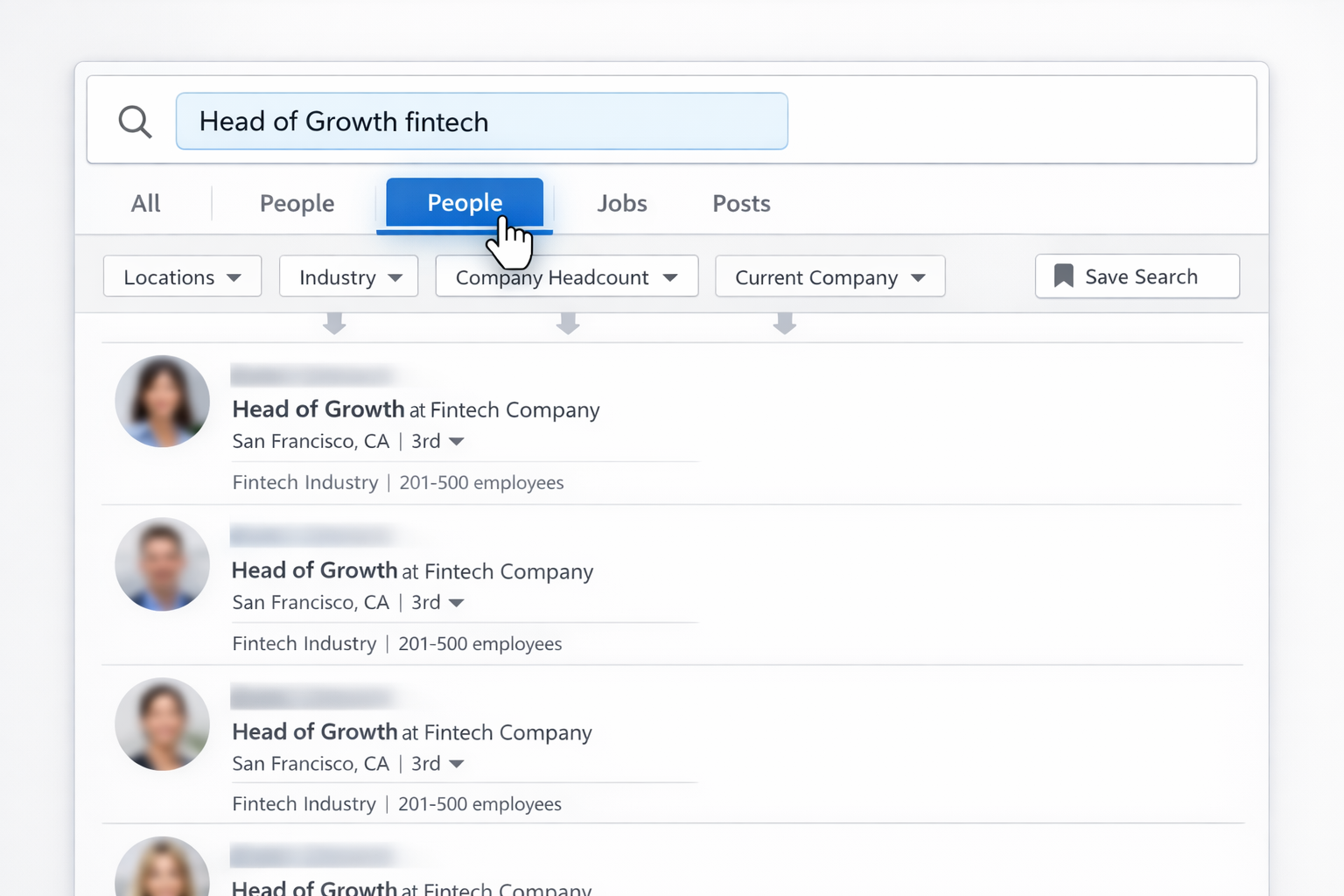
Now you have a focused list of profiles instead of random people.
There are three main manual paths:
A. Check Contact Info
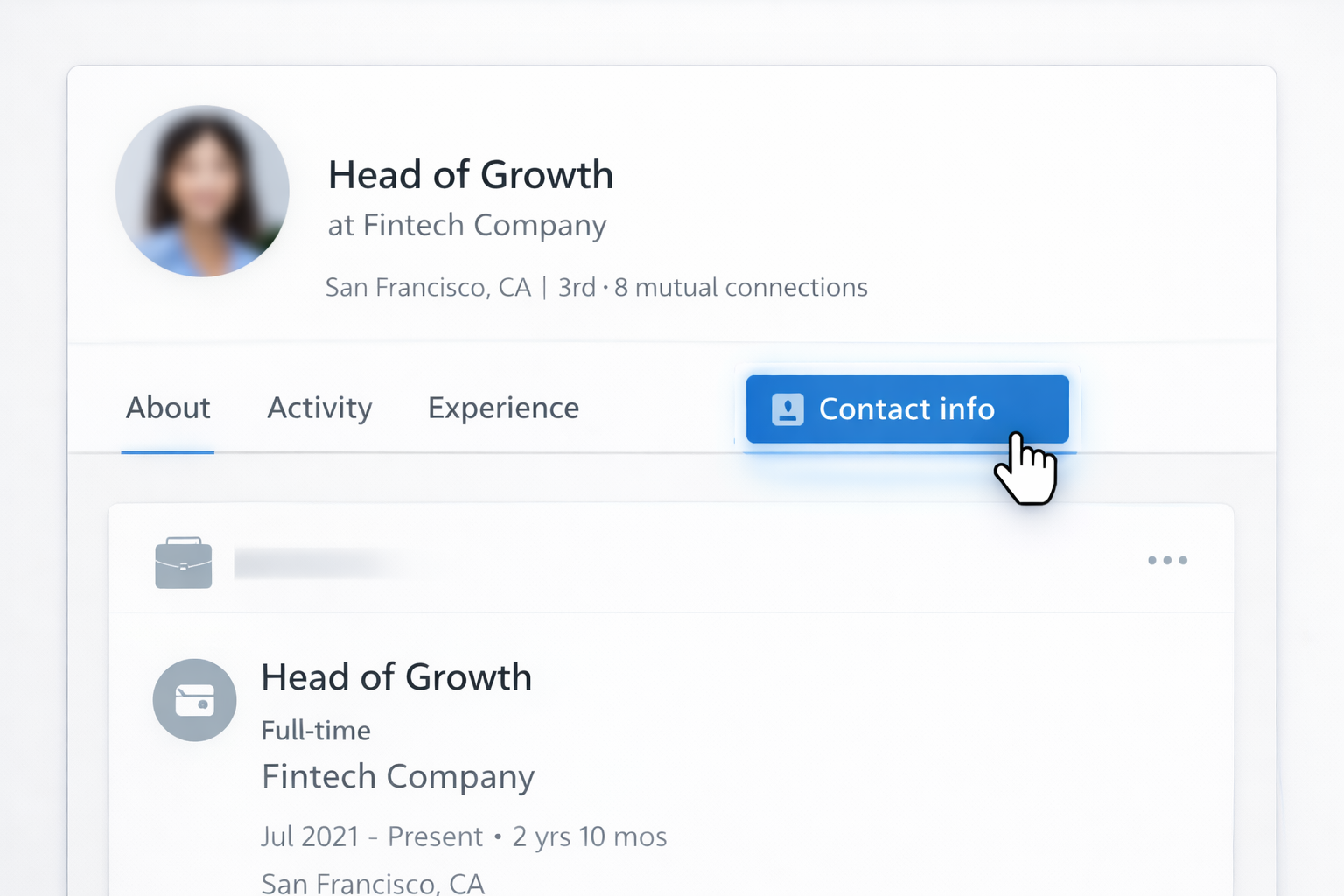
Pros: 100% accurate, fully consent‑based.
Cons: Very low volume; most people hide emails.
B. Pattern Guessing With Company Domains
Pros: Cheap, works when you know the domain.
Cons: Time‑consuming, error‑prone, can hurt deliverability if you skip verification.
C. Use Single‑Lookup Email Finder Tools
Tools like Mailmeteor, Skrapp, Snov.io, GetProspect and others let you paste a LinkedIn URL or a name + company and return a likely verified business email.
Pros: Faster and more accurate than guessing.
Cons: Still one‑by‑one work; you’re the glue between tabs.
Once you’re tired of copying and pasting, extensions are the next step.
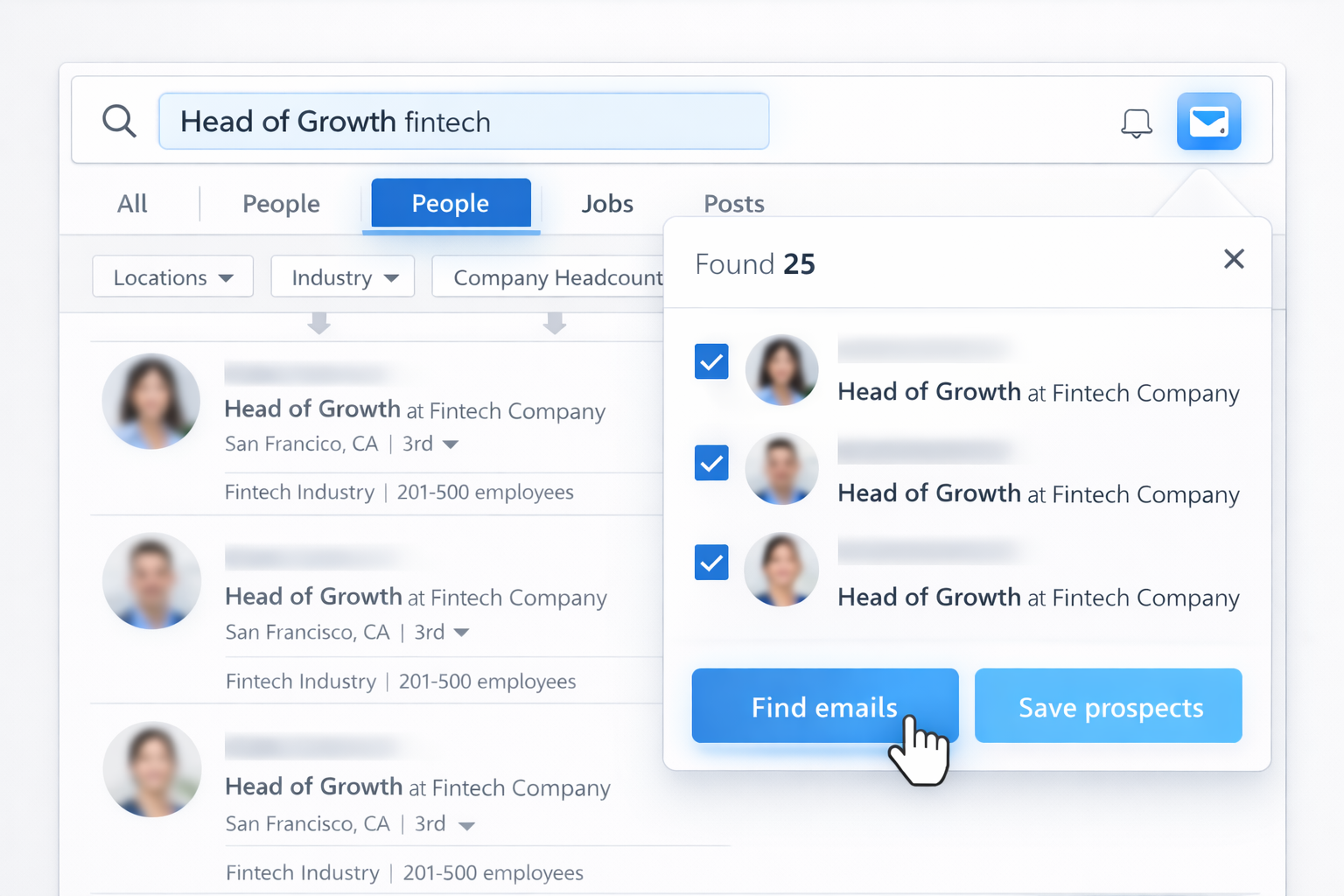
Many email finder tools offer a browser extension that sits on top of LinkedIn:
Pros: Huge speed boost over pure manual work; some verification built in.
Cons: You’re still orchestrating every run: opening pages, clicking buttons, exporting, uploading.
If you already have names, roles, and companies from another source:
Pros: Great when LinkedIn is only part of your data pipeline.
Cons: Still multiple tools, manual file shuffling, and no real‑time refresh.
Manual and semi‑automated flows are fine for 100 contacts a week. They break when you need thousands of fresh, verified prospects every month, across segments and markets. That’s where an AI computer agent such as Simular Pro becomes your always‑on SDR assistant.
Simular’s computer‑use agent operates like a tireless teammate sitting at your Mac:
You define the playbook once:
You run the workflow once with the agent watching and then refine its script.
Pros
Cons
Rule of thumb: if you’re spending more than 2–3 hours a week doing the same LinkedIn prospecting routine, you’re a good candidate for delegation.
Once the AI computer agent is trained, your job shifts from "clicking" to "deciding": who to target, what to say, and which offers to test next.





.svg)