
Oups ! Une erreur s'est produite lors de l'envoi du formulaire.
La plupart des fondateurs ne remarquent pas le moment où leur calendrier prend discrètement le contrôle de leur entreprise. Un jour, vous êtes proche de vos clients, vous rédigez des textes et concluez des affaires. Le lendemain, vous êtes piégé entre les onglets et les outils, approuvant des factures, relançant des prospects dans le CRM et rappelant à votre équipe une autre tâche en retard.
C'est précisément le nœud que les meilleurs outils d'automatisation de flux de travail IA promettent de démêler. À la base, ces plateformes connectent les systèmes que vous utilisez déjà — CRM, tableaux de projet, boîtes de réception, feuilles de calcul — et y ajoutent une couche d'intelligence. Au lieu de simplement déplacer des données d'un point A à un point B, les flux de travail IA modernes peuvent lire du texte non structuré, classer les demandes, rédiger des réponses et décider de la suite des opérations. Comme l'ont averti des auteurs comme Melissa Reeve dans des articles tels que « Pourquoi automatiser un flux de travail défaillant avec l'IA est un piège », l'objectif n'est pas de simplement aplanir les vieilles ornières de votre processus. Il s'agit de repenser la façon dont le travail circule au sein de votre entreprise. Les meilleurs outils vous aident à faire exactement cela, mais ils comportent des compromis : les constructeurs sans code, comme ceux examinés par Airtable dans son « Les 15 meilleurs outils d'automatisation de flux de travail IA pour 2026 » sont faciles à prendre en main mais restent souvent confinés au navigateur, tandis que les plateformes d'agents plus avancées peuvent sembler opaques ou fragiles si elles ne s'appuient que sur le raisonnement des LLM. Choisir la bonne alternative signifie équilibrer la portée (ordinateur de bureau vs navigateur), l'autonomie vs le contrôle, le prix vs l'échelle, et surtout, si l'outil corrige réellement le système au lieu de simplement accélérer les tâches répétitives.
Dans ce guide, nous allons nous pencher sur cinq des meilleures alternatives d'automatisation de flux de travail IA qui méritent une attention particulière si vous êtes un chef d'entreprise, un opérateur d'agence, un responsable des ventes ou un spécialiste du marketing prêt à déléguer de véritables tâches informatiques — et pas seulement de simples déclencheurs et "zaps". Nous commencerons par un agent d'utilisation informatique qui se comporte comme un coéquipier toujours disponible, puis nous le comparerons aux plateformes populaires sans code et à faible code dont vous avez probablement déjà entendu parler. À la fin, vous aurez une idée claire de l'option qui correspond à votre pile technologique actuelle — et de celle qui pourra devenir la pierre angulaire de votre stratégie d'automatisation au cours des prochaines années.
Pour distinguer les outils d'automatisation de flux de travail IA réellement utiles des tableaux de bord tape-à-l'œil, nous évaluons chaque plateforme de manière pratique en utilisant des flux de travail réels provenant d'agences, de fondateurs, d'équipes de vente et d'opérations marketing. Nos tests se concentrent sur quatre piliers :
Chaque candidat est soumis à des scénarios reproductibles : recherche et enrichissement de leads, opérations de contenu, reporting et administration de back-office. Nous évaluons la fiabilité (fréquence de succès des exécutions sans surveillance constante), l'observabilité (pouvez-vous voir et déboguer ce qui s'est passé ?) et le temps net qu'un travailleur du savoir typique gagne réellement après la configuration.
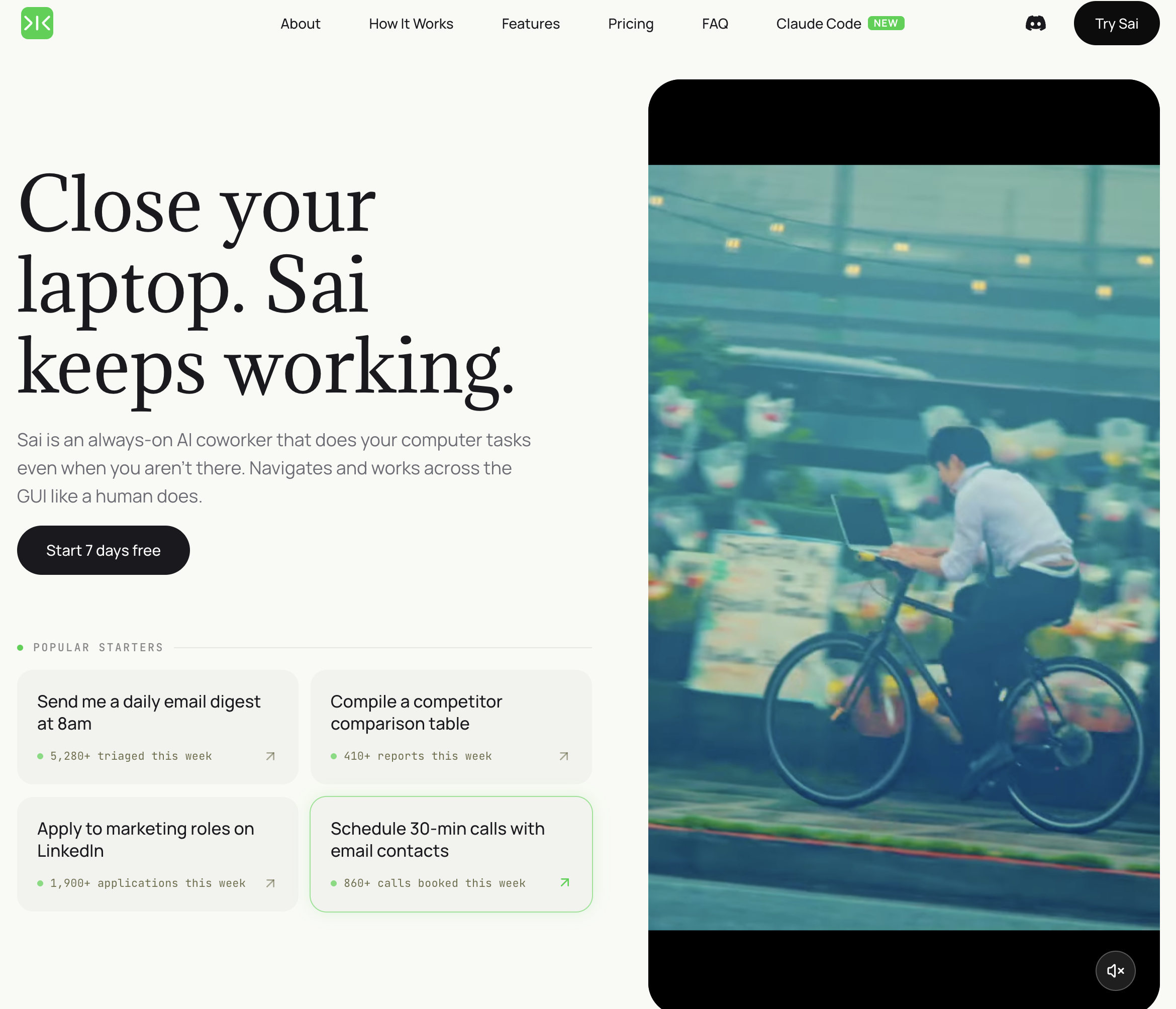
Tarification: Niveau gratuit disponible ; Pro à partir de 20 $/mois Plateforme: Agent IA de bureau (Windows/Mac) Idéal pour: PME avec des flux de travail qui touchent des applications sans API — logiciels hérités, outils basés sur navigateur, applications de bureau
Sai adopte une approche fondamentalement différente de l'automatisation. Au lieu de se connecter aux applications via des API, il opère directement sur votre ordinateur — en cliquant sur des boutons, en tapant du texte, en lisant des écrans et en naviguant entre les applications comme le ferait un assistant humain. Cela signifie qu'il peut automatiser des flux de travail qu'aucun autre outil de cette liste ne peut gérer.
Ce qui distingue Sai des autres outils :
Limitations: Nécessite que votre ordinateur soit en marche pendant l'exécution du flux de travail. La vitesse du flux de travail dépend des temps de chargement des applications (cliquer sur une application web lente prend plus de temps qu'un appel API). Non idéal pour les automatisations à haute fréquence qui doivent s'exécuter des milliers de fois par heure — les outils basés sur API sont plus rapides pour ce cas d'utilisation.
À qui s'adresse Sai: Les PME dont les flux de travail quotidiens impliquent des applications qui n'ont pas d'intégrations Zapier ou d'API — CRM hérités, logiciels spécifiques à l'industrie, outils basés sur navigateur, fichiers locaux. Si vous avez déjà dit « J'aimerais pouvoir automatiser cela, mais il n'y a pas d'intégration pour ça », Sai est conçu pour ce problème précis.
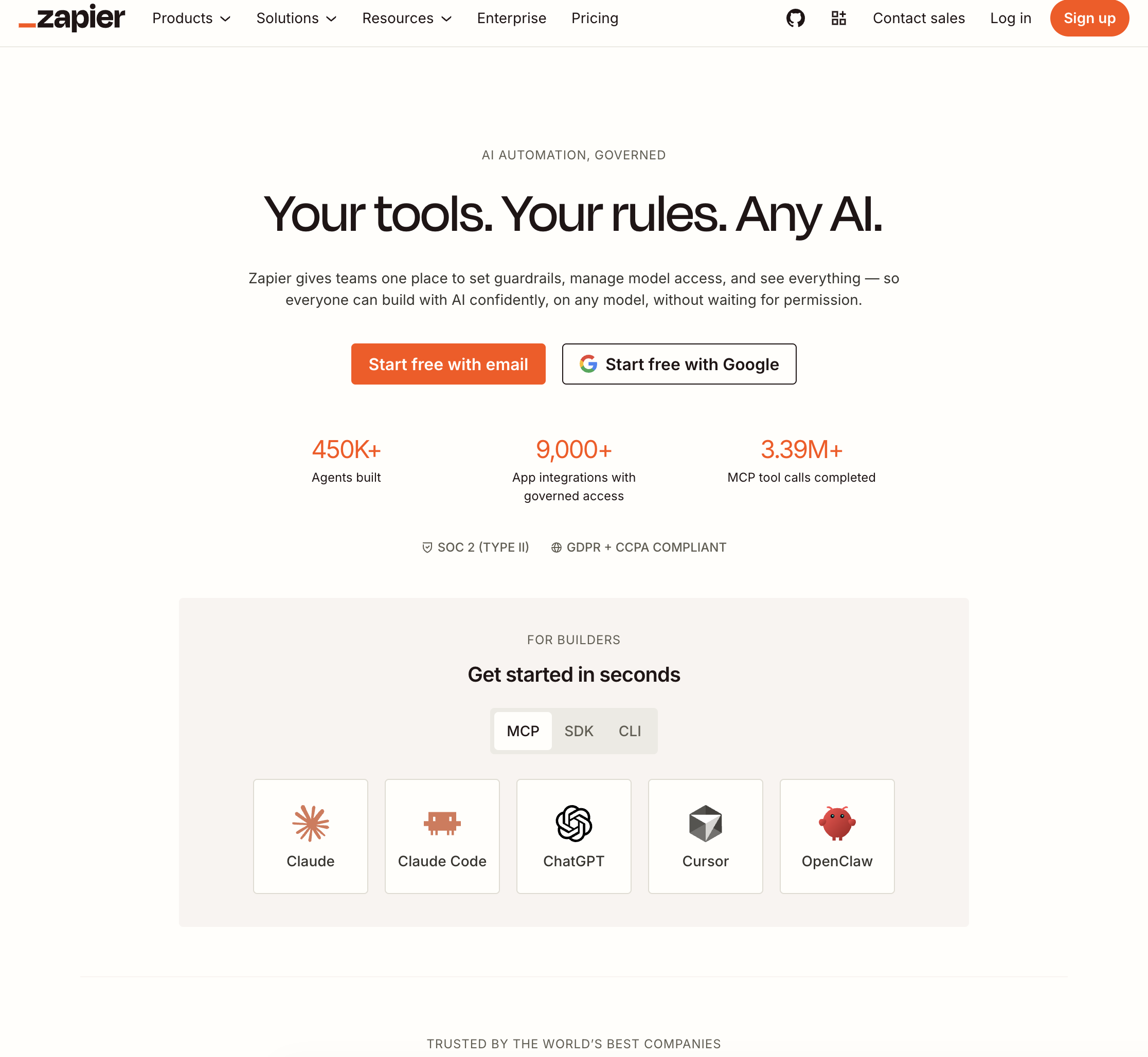
Tarification: Gratuit (100 tâches/mois) ; Forfait de démarrage à partir de 29,99 $/mois Plateforme: Basée sur le cloud Idéal pour: Les équipes qui ont besoin de connexions simples et fiables entre les applications SaaS populaires
Zapier est le choix par défaut pour l'automatisation SaaS-à-SaaS, avec plus de 7 000 intégrations d'applications et un constructeur sans code que les utilisateurs non techniques peuvent utiliser. Pour les flux de travail qui déplacent des données entre des applications cloud standard — du CRM à l'e-mail, du formulaire à la feuille de calcul, de la notification Slack au gestionnaire de tâches — Zapier est rapide, fiable et bien documenté.
Points forts :
Limites: Zapier ne peut automatiser que les applications qui disposent d'intégrations officielles — si votre outil ne figure pas dans leur bibliothèque, vous êtes bloqué. Les flux de travail complexes en plusieurs étapes avec une logique conditionnelle peuvent devenir coûteux (la tarification basée sur les tâches s'accumule). Ne peut pas interagir avec les applications de bureau, les fichiers locaux ou les outils basés sur un navigateur qui n'ont pas d'API. Les capacités d'IA sont limitées à la mise en forme de texte de base et à des étapes simples alimentées par l'IA.
À qui s'adresse Zapier: Les PME utilisant une pile entièrement cloud et SaaS où chaque outil dispose d'une intégration Zapier. Si vos flux de travail sont « quand X se produit dans l'application A, faites Y dans l'application B » et que les deux applications sont dans la bibliothèque de Zapier, c'est le chemin le plus rapide vers l'automatisation.
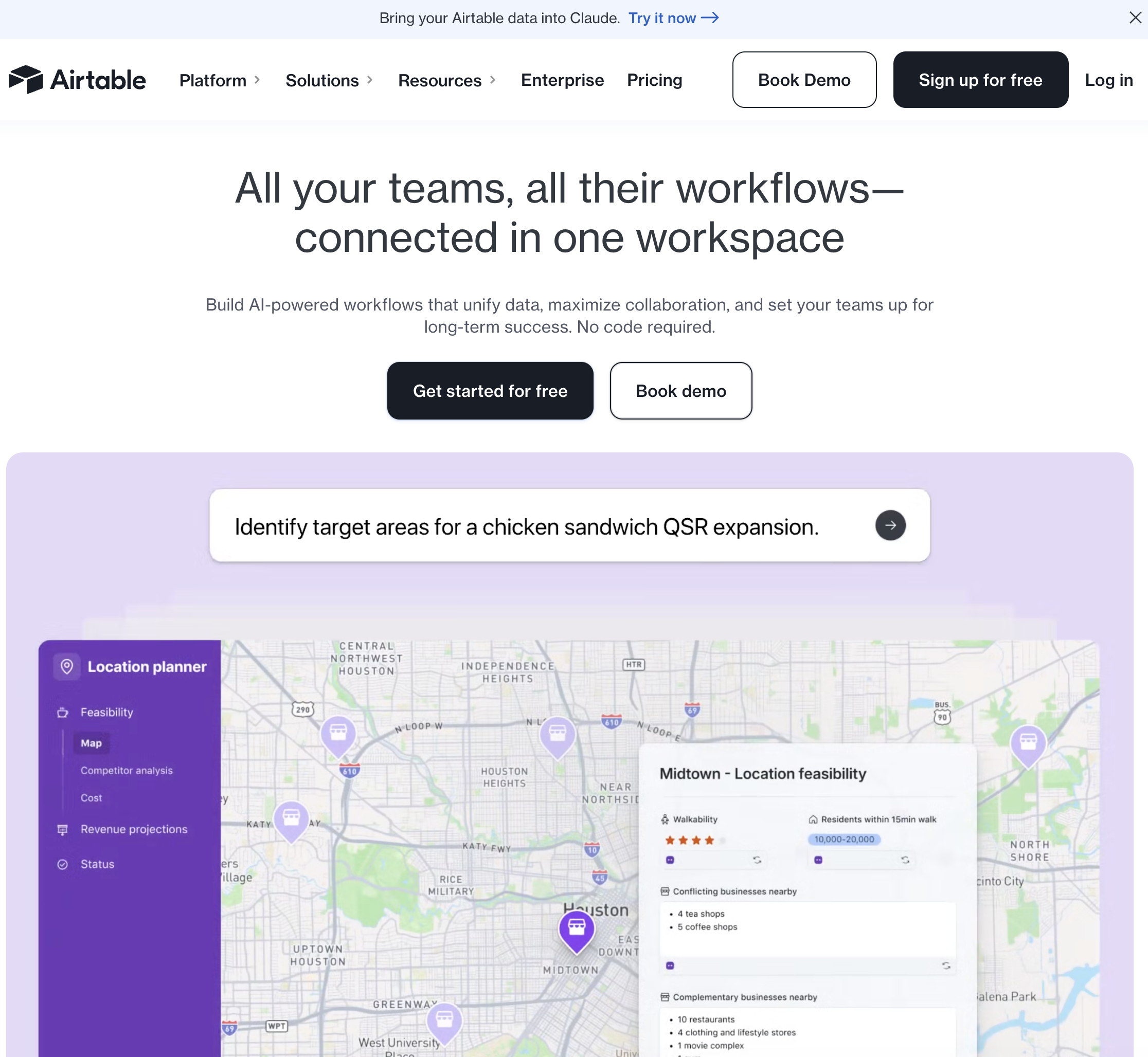
Tarification: Version gratuite ; Équipe à partir de 20 $/utilisateur/mois Plateforme: Solution cloud Idéal pour: Les équipes qui ont besoin d'automatiser des flux de travail autour d'une base de données centrale — gestion de projet, inventaire, calendriers de contenu
Airtable est principalement un outil de base de données et de gestion de projet, mais son moteur d'automatisation intégré en fait une plateforme d'automatisation de flux de travail performante pour les processus centrés sur les données. Si vos flux de travail s'articulent autour de la gestion, de la mise à jour et du routage d'enregistrements dans une base de données structurée, Airtable gère à la fois le stockage des données et la logique d'automatisation.
Points forts :
Limites: Les capacités d'automatisation sont limitées aux actions au sein d'Airtable et à un petit ensemble d'intégrations externes (Slack, e-mail, webhooks). Pour les flux de travail complexes impliquant plusieurs applications, vous aurez toujours besoin de Zapier ou d'un autre outil de connexion. La version gratuite limite le nombre d'exécutions d'automatisations. À mesure que votre base de données s'agrandit, Airtable peut devenir lent et coûteux — les équipes d'entreprise migrent souvent vers des bases de données conçues spécifiquement.
Qui devrait choisir Airtable: Les équipes dont le flux de travail principal s'articule autour de la gestion d'enregistrements structurés — calendriers de contenu, suivis de projet, pipelines de type CRM, gestion des stocks — et qui souhaitent que l'automatisation soit intégrée à leur couche de données plutôt que d'être ajoutée via un outil externe.
Tarification: Version gratuite disponible ; Pro à partir de 49 $/mois Plateforme: Concepteur de flux de travail basé sur le cloud Idéal pour: Les utilisateurs techniques qui souhaitent intégrer des étapes de raisonnement IA dans des flux de travail d'automatisation personnalisés
Gumloop est un concepteur de flux de travail visuel conçu spécifiquement pour l'automatisation basée sur l'IA. Alors que Zapier connecte les applications SaaS via des API, Gumloop vous permet d'enchaîner des appels de modèles d'IA, du web scraping, de la transformation de données et des actions d'API dans des pipelines personnalisés.
Points forts :
Limites: Nécessite une réflexion technique pour concevoir des flux de travail efficaces. Le constructeur visuel est puissant mais présente une courbe d'apprentissage — ce n'est pas un outil où l'on "décrit en langage courant". La fiabilité des flux de travail dépend de la stabilité des sources de données externes (les sites web changent, les API se cassent). Le débogage de pipelines complexes peut prendre du temps. Pas d'automatisation d'applications de bureau — uniquement basé sur le cloud et les API.
Qui devrait choisir Gumloop: Les ingénieurs de croissance, les équipes RevOps et les fondateurs techniques qui souhaitent une flexibilité maximale pour construire des pipelines d'automatisation basés sur l'IA. Si vous pensez en termes de "données entrantes → transformer → enrichir → sortie" et que vous voulez de l'IA à chaque étape, Gumloop répond à vos attentes.
Tarification: Inclus avec Microsoft 365 ; autonome à partir de 15 $/utilisateur/mois Plateforme: Basé sur le cloud + flux de bureau (RPA) Idéal pour: Les organisations utilisant Microsoft 365 qui souhaitent une automatisation étroitement intégrée à Outlook, Teams, SharePoint et Excel
Power Automate est la plateforme d'automatisation de Microsoft, offrant à la fois des flux de travail basés sur le cloud (connectant les services Microsoft et tiers) et des flux de bureau (automatisation robotisée des processus pour les applications héritées). Pour les équipes qui paient déjà pour Microsoft 365, les fonctionnalités d'automatisation de base sont incluses.
Points forts :
Limitations: L'interface est complexe — les utilisateurs non techniques trouvent souvent Power Automate plus difficile à apprendre que Zapier. Les flux de bureau (RPA) sont fragiles et se cassent lorsque les interfaces utilisateur des applications changent. La tarification peut être confuse — certaines fonctionnalités nécessitent des connecteurs premium à un coût supplémentaire. La bibliothèque d'intégrations tierces est plus petite que celle de Zapier. Le support Mac pour les flux de bureau est limité.
À qui s'adresse Power Automate: Aux organisations ayant déjà investi dans Microsoft 365 qui souhaitent automatiser sans ajouter un autre fournisseur. La tarification incluse avec 365 le rend pratiquement gratuit pour les automatisations de base. Les flux de bureau ajoutent de la valeur pour les équipes utilisant des applications Windows héritées.
Au-delà de ces cinq, il existe une multitude de prétendants à la meilleure automatisation de flux de travail IA : Vellum AI pour une orchestration LLM sophistiquée sans code et basée sur SDK ; n8n pour les constructeurs open-source et low-code ; Workato et Tray.io pour les cas d'utilisation iPaaS d'entreprise ; et des outils verticaux comme HubSpot, ClickUp et Notion qui intègrent l'automatisation directement dans leurs produits principaux.
Le schéma est clair pour tous : la plupart des outils excellent soit à connecter des SaaS ou à structurer les données et les processus. Très peu endossent le rôle d'un véritable collègue informatique. C'est là que Simular se distingue. En vous offrant un bureau cloud privé toujours actif et un agent qui l'utilise comme un humain — avec des journaux transparents, des garde-fous et une fiabilité de niveau recherche — vous pouvez enfin vous décharger des tâches fastidieuses qui se trouvent entre vos applications, et pas seulement à l'intérieur de celles-ci.
Si votre prochain trimestre dépend de la capacité à tirer davantage du même effectif, la décision la plus judicieuse est généralement un hybride : conservez vos automatisations SaaS préférées, mais améliorez le "dernier kilomètre" du travail avec un agent autonome d'utilisation informatique. C'est exactement pour cela que Simular Pro a été conçu.
Essayez Simular et découvrez ce qui se passe lorsque vous cessez de suivre les sentiers battus — et laissez un coéquipier IA vous aider à redessiner la carte.
Sai est un agent IA qui s'exécute directement sur votre ordinateur — pas de connecteurs API, pas d'extensions de navigateur, pas d'abonnements iPaaS. Trois capacités le rendent particulièrement adapté à l'automatisation des flux de travail pour les PME :