Hoppla! Beim Absenden des Formulars ist etwas schief gelaufen.
How to Build Rent Receipts in Google Sheets & Excel
Actionable guide to set up rent receipt templates in Google Sheets and Excel, then let an AI computer agent handle data entry, filing, and monthly updates.
Advanced computer use agent
Production-grade reliability
Transparent Execution
Why AI for Google Sheets & Excel
Every landlord knows the first of the month by feeling, not by date. Inboxes flood with screenshots of transfers, cash hits the office, a few tenants run late, and suddenly you are spending Saturday rebuilding who paid what in a fragile spreadsheet.
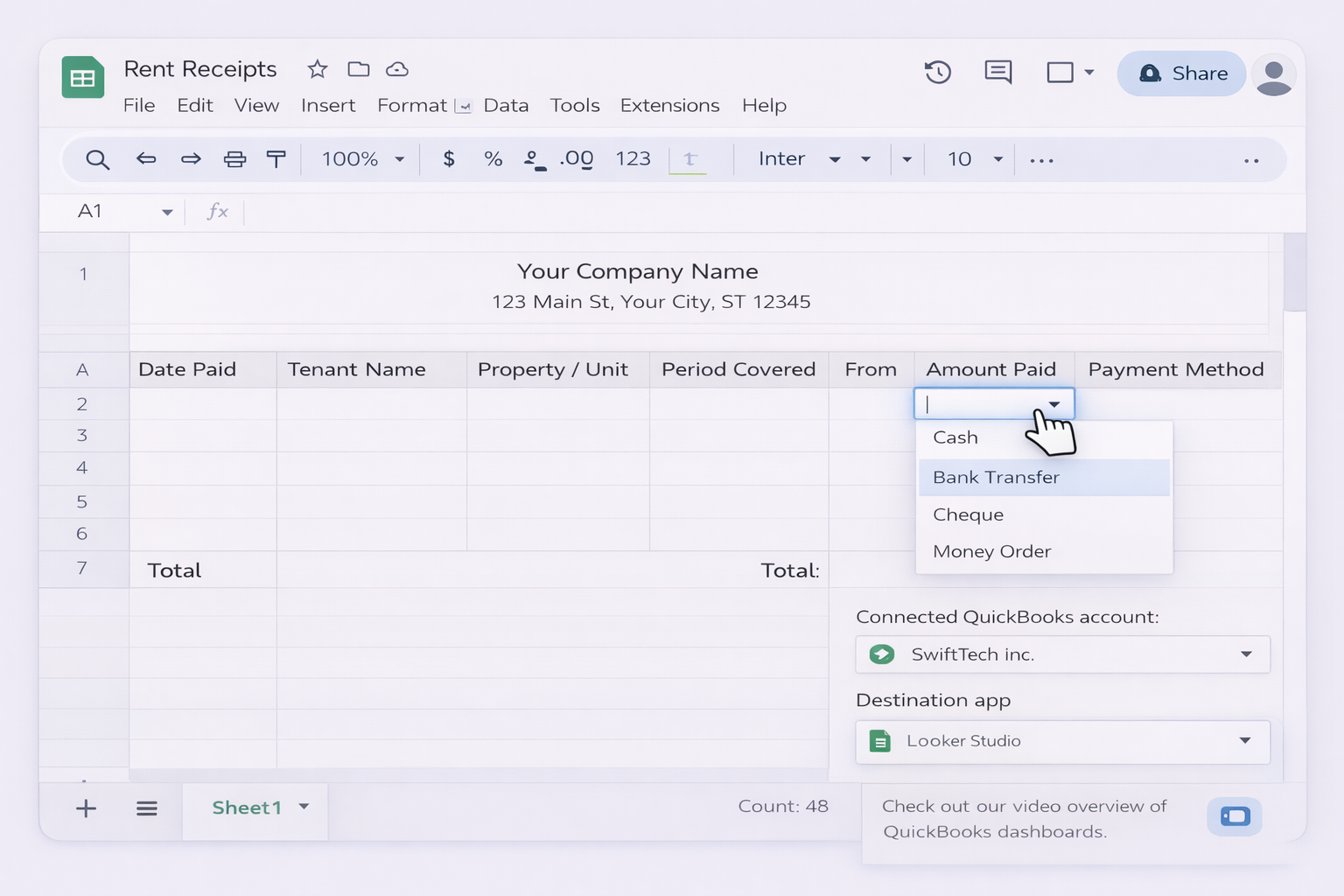
A rent receipt template in Excel or Google Sheets is the quiet infrastructure that keeps that chaos under control. Columns for property, tenant, period, method, amount, notes, even formulas that turn numbers into words and calculate balances. Templates from tools like Vertex42 or Smartsheet come pre formatted, printable, and consistent, so every receipt carries the same structure and fields. You can save a copy per tenant, keep a clean digital trail for audits and tax season, and avoid disputes because every payment is recorded the same way, every time.
But the real shift happens when you stop being the one who fills those templates. An AI computer agent can open Excel or Google Sheets, duplicate the right file, enter payment details from emails or banking exports, stamp dates, and file PDFs for tenants. Instead of you retyping line items at night, the agent quietly keeps your receipt system up to date in the background, and you only step in when there is an exception or a dispute.
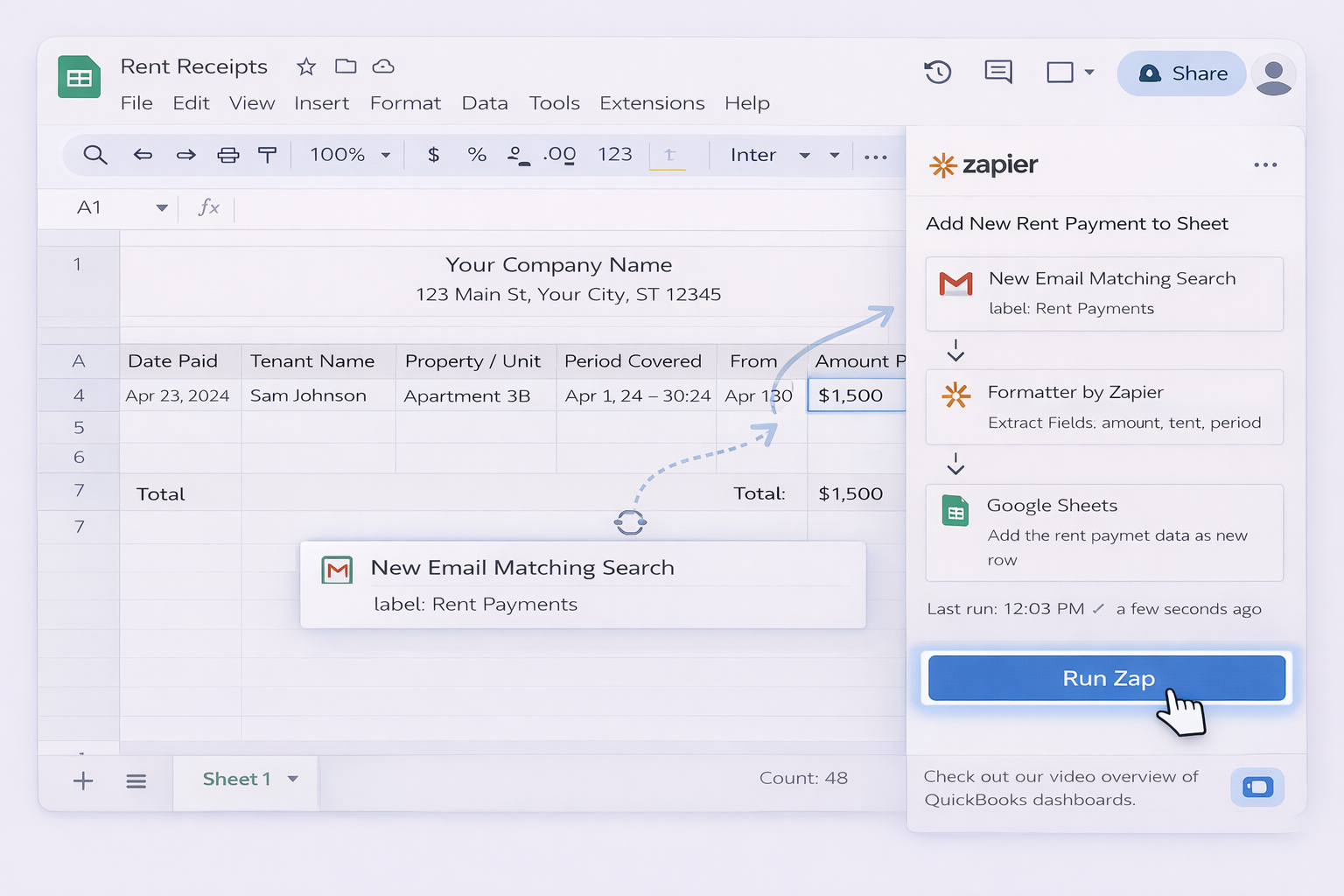
Use a flow that triggers on "When an item is created" in a list or "When a row is added" via Excel connector.
Generate a PDF from a template (via Word or Power Automate premium actions) and email it.
These no code paths remove a lot of clicking but still depend on you to design the flows and maintain rules.
3. At scale: AI computer agents running the workflow
Manual and no code setups assume the human is still the orchestrator. An AI computer agent can behave like a tireless operations assistant who knows how to use Excel, Google Sheets, email, and your browser together.
3.1 Agent that processes payments in batches
Imagine closing Friday with 120 payments to reconcile. Instead of a long night:
You export transactions from your bank as CSV.
The AI agent opens your laptop, launches Excel or Google Sheets, and loads the CSV.
It cleans payee names, maps them to tenants, infers the rent period from dates, and identifies late or partial payments.
For each tenant, it fills your rent receipt template, updates balances, and flags anomalies.
It then saves timestamped copies and stores them in structured folders (e.g., by property and month).
Pros:
Hands off batch processing of large volumes.
Works across desktop, browser, cloud apps without brittle APIs.
Can follow nuanced rules (e.g., how to allocate partial payments).
Cons:
Requires initial configuration and testing.
You must still review exceptions and edge cases.
3.2 Agent that generates and emails receipts automatically
Another pattern:
The agent monitors a shared "payments" inbox or folder.
On a new payment, it opens your rent receipt template (Excel or Sheets), duplicates a row or sheet, and populates all fields.
It exports a PDF, attaches it to an email, and sends it to the tenant and your bookkeeper.
Every action is logged: which file, which row, which email.
Pros:
End to end automation from payment to receipt.
Full traceability: you can inspect each step.
Integrates with existing templates, CRMs, and folders without changing tools.
Cons:
Needs clear instructions and access control.
You should implement spot checks, especially in the first month.
3.3 Agent assisted audit and dispute resolution
When a tenant disputes a charge, the AI agent can:
Search across your Excel files, Google Sheets, and email threads for all receipts related to that tenant.
Summarize the history: dates, amounts, late fees, balances.
Generate a clear timeline and even a drafted email response for you to edit and send.
Pros:
Saves hours during audits or legal processes.
Creates consistent, evidence based narratives.
Cons:
Still requires your judgment on sensitive cases.
Used well, AI computer agents turn your rent receipt templates from a static document into a living workflow that runs itself, leaving you to handle the strategy, not the spreadsheets.
Automate Rent Receipts with AI in Excel & Sheets
Onboard rental AI agent
Install Simular Pro, show it your Google Sheets and Excel rent receipt templates, and walk it through one full payment to receipt workflow so it can mirror your steps.
Test and refine AI agent
Run Simular Pro on a small batch of payments, review every step in its transparent action log, tweak instructions for edge cases, and rerun until receipts are 100% accurate.
Delegate and scale tasks
Once Simular Pro reliably updates Google Sheets and Excel, schedule it to handle monthly rent cycles, batch reconciliations, and tenant receipt emails while you oversee alerts.
Learn how to automate Google Sheets
Google Sheets lets landlords and agencies host shareable rent receipt templates online, update them in real time, and track payments across tenants and months.
Excel is ideal for detailed rent receipt templates with formulas, drop downs, and printable layouts, perfect for landlords needing offline, audit ready records.


.svg)