
Oops! Something went wrong while submitting the form.
Slidesgo is the go-to site for free presentation templates. Over 30,000 designs for Google Slides and PowerPoint, organized by topic, style, and industry. For a quick deck that looks better than a blank slide, it works.
The friction shows up when "quick" is not what you need.
Slidesgo's free tier limits you to 3 template downloads per month and requires attribution on every slide. The premium plan ($3/month) removes those limits, but the underlying workflow stays the same: browse templates, download one, then manually replace every placeholder with your actual content. For a 20-slide deck, that means editing 60-100 text boxes, swapping 15-20 images, and reformatting anything that breaks when your content is longer or shorter than the placeholder.
And if your company has a brand system — specific fonts, colors, layouts — none of Slidesgo's 30,000 templates match it. You start from their design, not yours.
This guide covers 10 alternatives across two categories: template marketplaces that compete directly with Slidesgo, and AI-powered tools that skip templates entirely and generate presentations from your content. We tested each one by building the same 15-slide company overview deck, evaluating design quality, customization depth, export reliability, and time from start to finished file.
We evaluated each tool by building the same 15-slide company overview presentation (title slide, team slide, product overview, 3 feature slides, pricing table, timeline, competitive landscape, 4 case study slides, and a closing CTA). This controlled for content complexity and let us compare directly.
Five evaluation criteria:
1. Design quality. How polished does the output look without manual adjustments? We scored raw output before any human editing.
2. Customization depth. Can you change fonts, colors, layouts, animations, and master slides? Or are you locked into the template's design system?
3. Export reliability. Does the file open correctly in PowerPoint, Google Slides, and Keynote? We tested all three.
4. Time to finished deck. From opening the tool to having a presentation-ready file, how long did the full process take?
5. Cost to quality ratio. What do you actually get at each price point, and how does it compare to Slidesgo's $3/month premium?
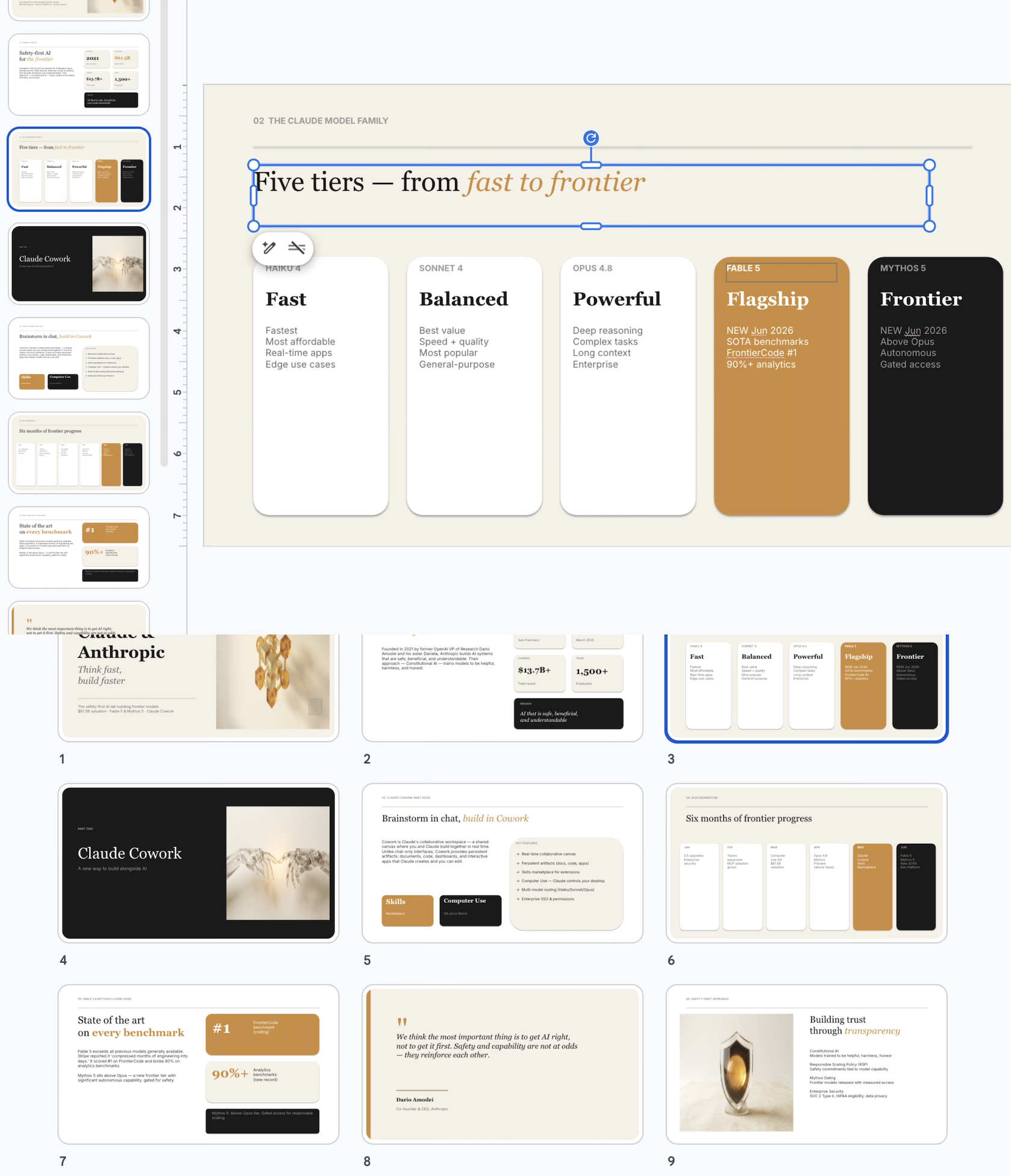
Sai is an AI agent that generates presentations from a text description — no template browsing, no placeholder editing. You describe what you need ("a 15-slide investor pitch for a fintech startup"), and Sai builds a complete presentation as a native PowerPoint file.
Slidesgo is a template library. You browse, download, and manually edit. Sai is an AI generator. You describe, and it builds.
The difference is fundamental to the workflow. With Slidesgo, you spend 5 minutes finding a template and 45 minutes editing it. With Sai, you spend 2 minutes describing what you need and 10 minutes reviewing and refining the output. The time savings compound with deck volume — teams producing 5-10 presentations per week save hours.
Three specific advantages over Slidesgo:
Where Slidesgo is better: Slidesgo's template library lets you visually browse 30,000 designs and pick one that matches your aesthetic preference. This visual shopping experience is something AI generation cannot replicate — you see exactly what you get before committing. If you enjoy browsing for design inspiration, Slidesgo's library is more satisfying than describing what you want in text.
Scaling slide and reporting workflows across teams:
While individual consultants use Sai to turn rough notes into polished slides without template friction, business teams deploy its autonomous execution across regular client and internal deliverables. For boutique firms, agencies, and small practices creating multiple custom pitch decks every week, Sai for SMBs automates the complete research-to-presentation pipeline without manual formatting. Cross-functional go-to-market and growth organizations use Sai for Marketing and Sai for Sales to generate on-brand sales collateral, case study decks, and recurring performance reviews directly from live data. For larger organizations requiring strict corporate brand governance, private template repositories, and centralized workspace management, explore Sai Enterprise.
Best for: Agencies, consultants, and revenue teams producing recurring client presentations. For organizations standardizing end-to-end presentation operations, explore Sai for Business Teams, or get started with Try Sai Free.
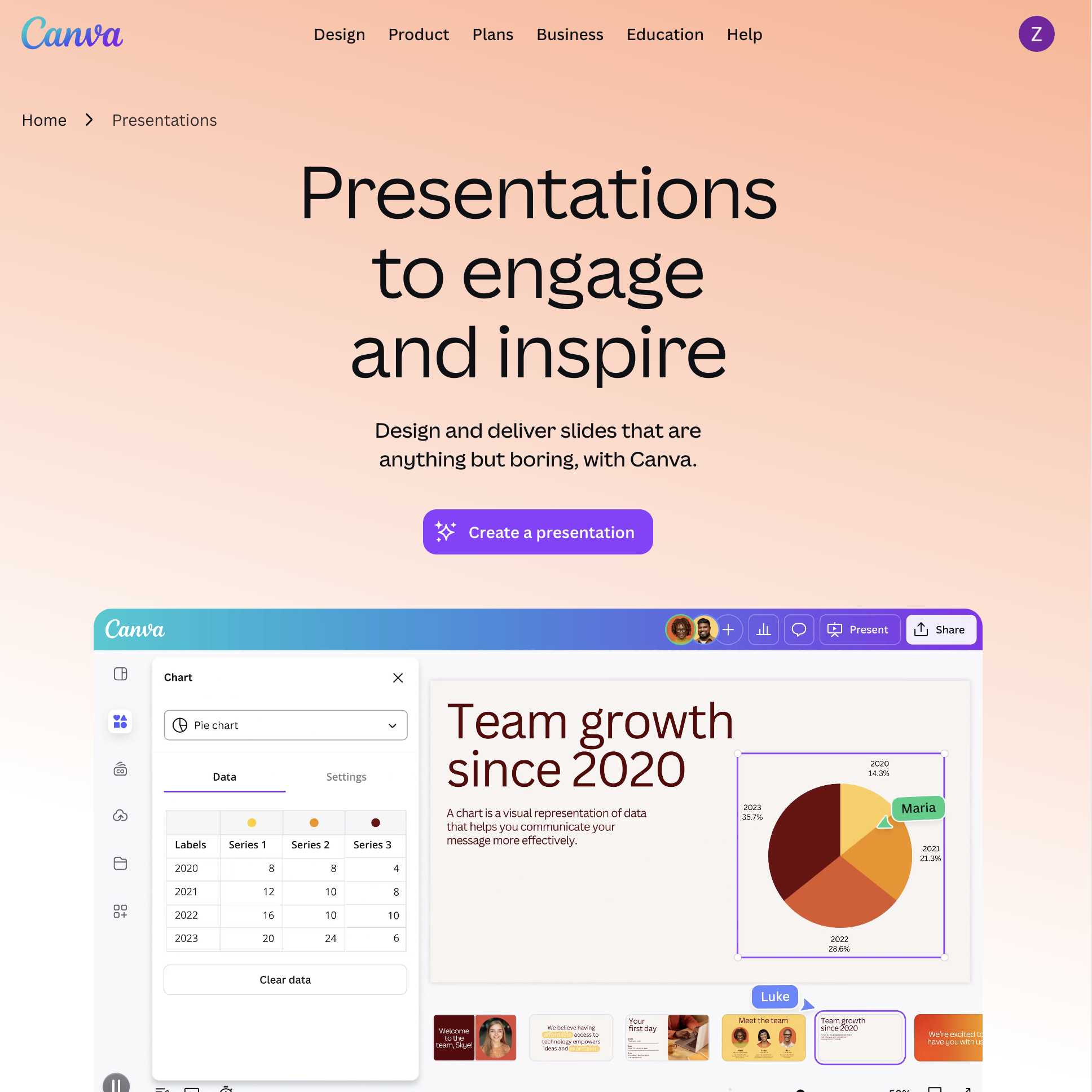
Canva is the closest direct competitor to Slidesgo in terms of template volume and variety — but it wraps templates inside a full design platform with AI generation, real-time collaboration, and multi-format export.
Canva and Slidesgo both offer thousands of presentation templates. The difference is what happens after you pick one.
In Slidesgo, you download a .pptx or Google Slides file and edit it in PowerPoint or Google Slides. The editing experience depends entirely on Microsoft's or Google's tools. In Canva, you edit in Canva's own editor — which includes drag-and-drop design tools, 100M+ stock assets (photos, videos, icons, illustrations), AI text generation, AI image generation, and brand kit management.
Canva also offers Magic Design, an AI feature that generates entire presentations from a text prompt or uploaded document. The output is a Canva presentation with real editable elements — not a flat export. You can then customize any slide using Canva's full design toolkit.
The tradeoff is ecosystem lock-in. Canva presentations look best in Canva. The PPTX export is functional but loses some Canva-specific effects (animations, certain fonts, gradient fills). If you need a clean PowerPoint file, Canva's export is better than Slidesgo's web-to-PPTX conversion but still imperfect.
Where Slidesgo is better: Slidesgo templates are designed specifically for Google Slides and PowerPoint — they are native files, not converted exports. If you plan to edit in PowerPoint or Google Slides (not in a separate editor), Slidesgo's templates will behave more predictably than Canva's exports.
Pricing: Free (limited templates and AI). Pro: $13/month (annual). Teams: $10/user/month (annual, minimum 3).
Best for: Marketing teams who need presentations plus social media graphics, infographics, and video — all from one platform. Teams already using Canva for other design work who want to consolidate their presentation workflow.
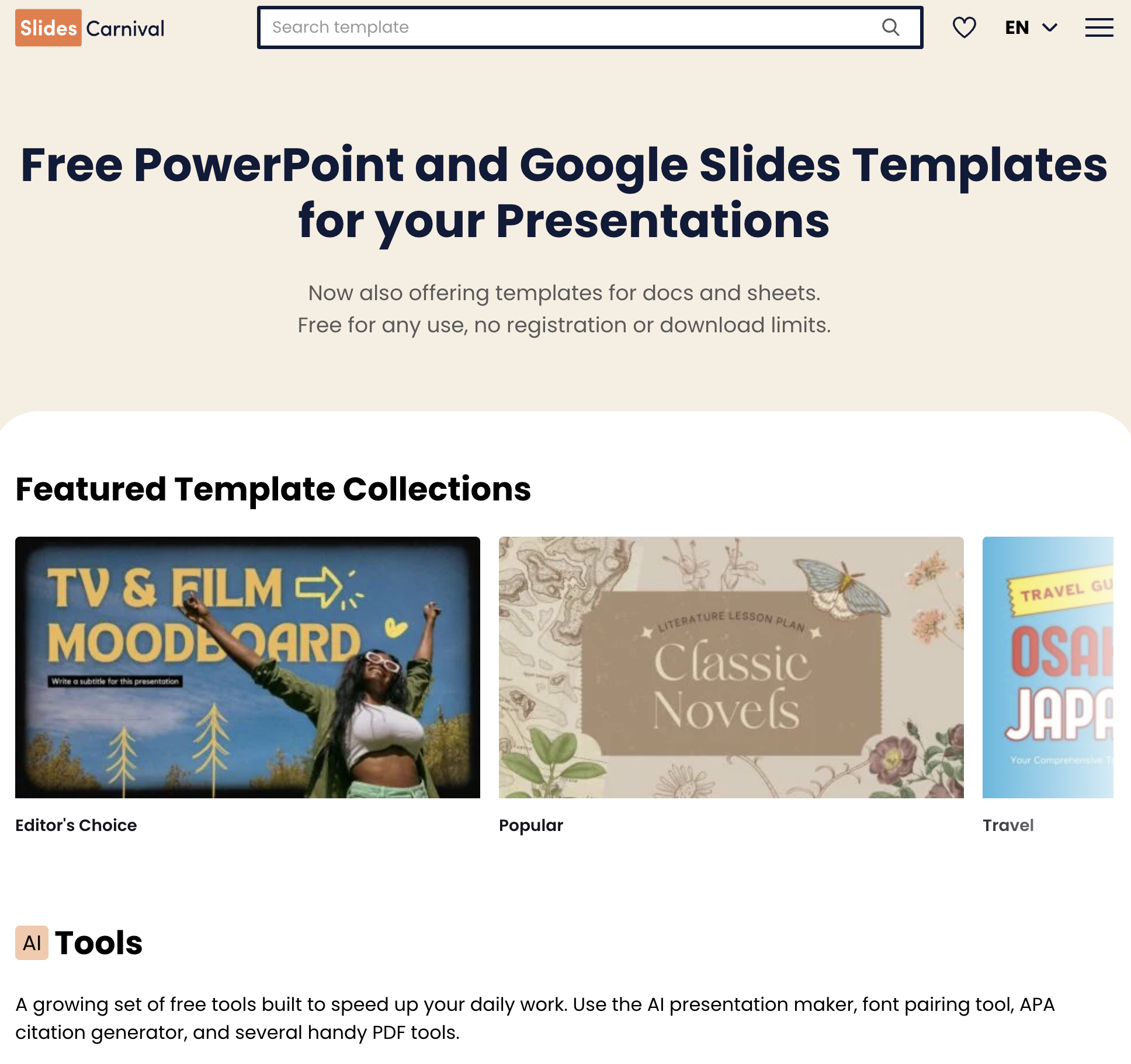
Slides Carnival is the most direct Slidesgo competitor for users whose primary concern is cost. Every template is free. No download limits. No attribution required. No premium tier gatekeeping the best designs.
The value proposition is simple: everything Slidesgo charges for, Slides Carnival gives away.
Slidesgo's free tier limits you to 3 downloads per month and requires a visible attribution slide. Slides Carnival has no download limits and no attribution requirement — ever. The templates are available as both Google Slides themes and PowerPoint files, same as Slidesgo.
The design quality is comparable but not identical. Slidesgo has more templates (30,000+ vs Slides Carnival's 300+), more variety in visual styles, and more industry-specific categories. Slides Carnival's library is smaller but curated — every template is genuinely well-designed, whereas Slidesgo's larger library includes more variation in quality.
Slides Carnival also organizes templates by use case (pitch decks, lesson plans, project proposals) rather than just visual style, which makes it faster to find something that matches your content type.
Where Slidesgo is better: Volume and variety. If you need a template for a very specific niche (medical research poster, Japanese restaurant menu, cryptocurrency whitepaper), Slidesgo's 30,000-template library is more likely to have something close. Slides Carnival's smaller collection means you may need to adapt a general template for specialized use cases.
Pricing: 100% free. No premium tier. Supported by sponsors and affiliate partnerships.
Best for: Students, educators, nonprofits, and freelancers who need professional templates without any cost or attribution burden. Anyone frustrated by Slidesgo's download limits on the free tier.
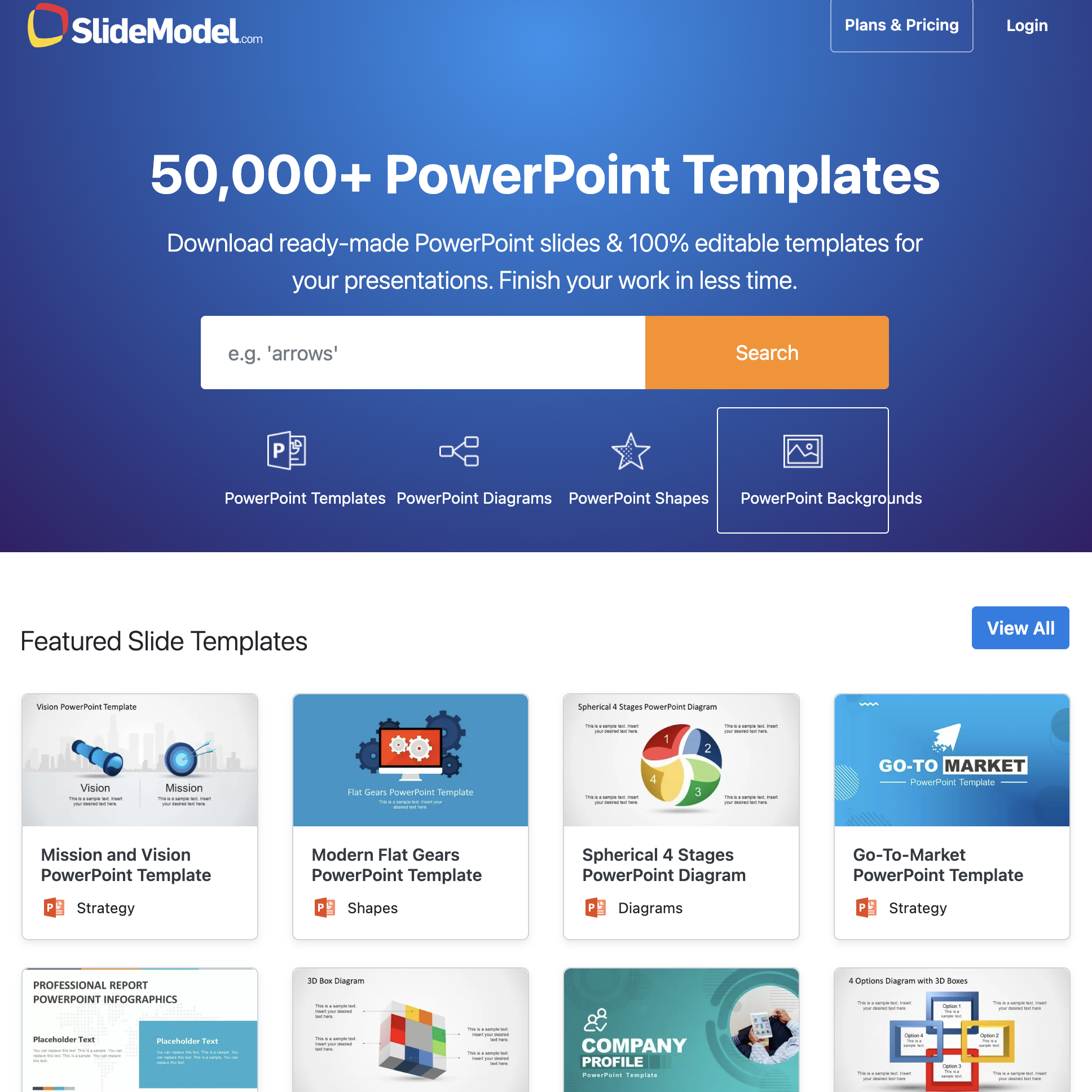
SlideModel targets a different audience than Slidesgo: business professionals who will pay for higher-quality, more detailed templates. Where Slidesgo optimizes for volume and visual variety, SlideModel optimizes for business utility — templates with pre-built data visualizations, editable charts, process diagrams, and organizational frameworks.
SlideModel templates are built for business content. A typical Slidesgo template gives you styled placeholder slides — you replace the dummy text and images. A typical SlideModel template gives you functional elements: editable Gantt charts, SWOT matrices, financial dashboards, org charts, and process flowcharts that work as real PowerPoint objects, not static images.
This means you spend less time rebuilding complex slides from scratch. If you need a quarterly business review with actual chart templates, SlideModel saves significant time compared to downloading a Slidesgo template and building the charts manually.
The quality ceiling is also higher. SlideModel's premium templates are designed by professional presentation designers and reviewed for consistency, alignment, and typography. The attention to detail — consistent spacing, proper font hierarchy, coherent color usage — is noticeable compared to Slidesgo's community-contributed designs.
Where Slidesgo is better: Price. Slidesgo Premium costs $3/month. SlideModel's plans start at $24.95/month (annual). For casual presentations where design quality is "good enough," Slidesgo delivers 80% of the value at 12% of the cost. SlideModel's premium pricing only makes sense if presentation quality directly impacts your revenue or reputation.
Pricing: Free (limited selection). Individual: $24.95/month. Annual: $199.90/year. Team plans available.
Best for: Management consultants, investment bankers, corporate strategists, and anyone whose presentations need to look like they were made by a design agency. Teams that build data-heavy business decks weekly.
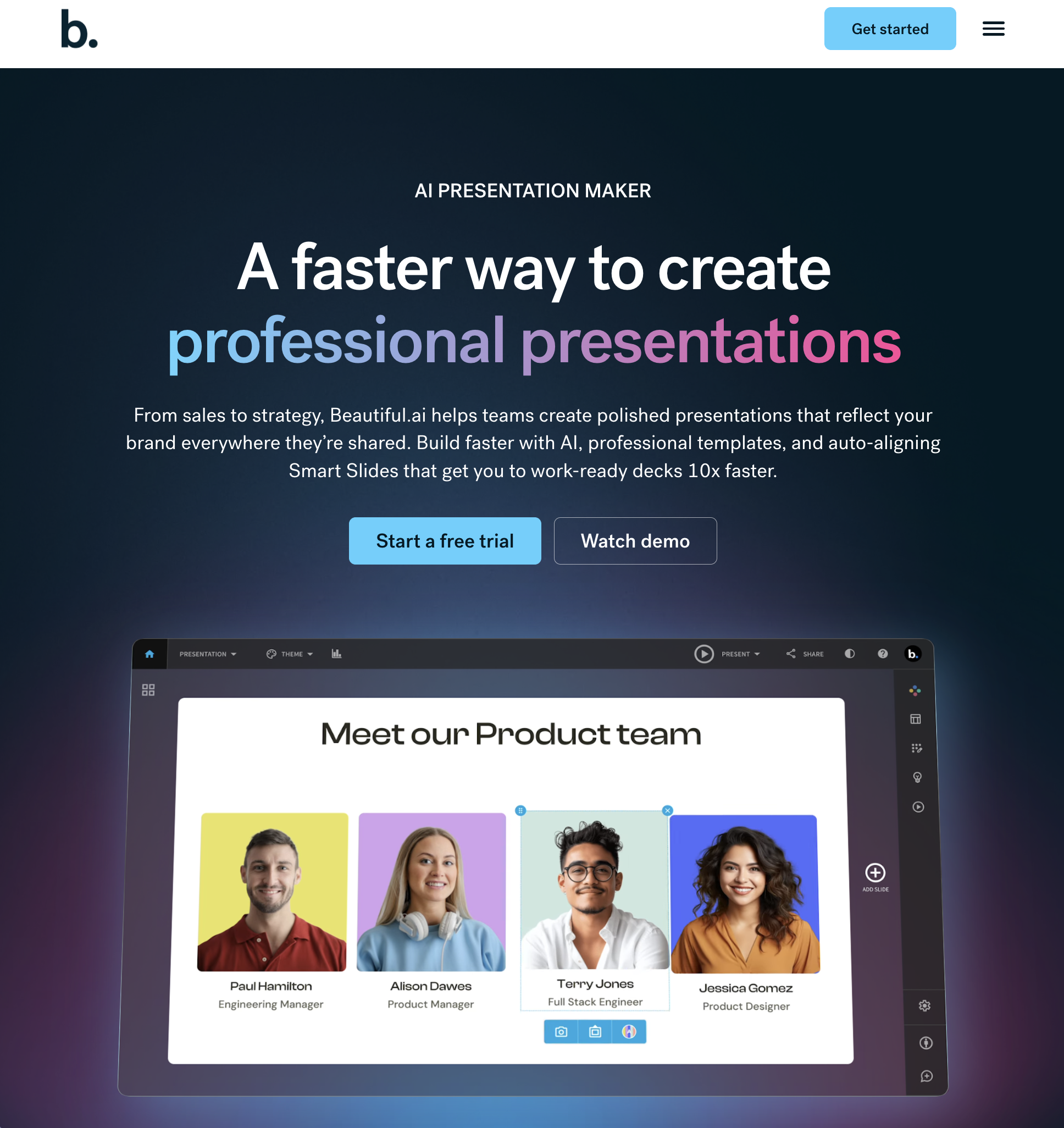
Beautiful.ai eliminates the template-browsing step entirely. You add content, and the AI applies professional design rules — alignment, spacing, hierarchy, color balance — automatically. Every slide looks polished without you making a single design decision.
The workflow is inverted. Slidesgo starts with design (pick a template) and then you add content. Beautiful.ai starts with content (type your text, add data) and then the AI adds design. For people who know what they want to say but not how it should look, this reversal is transformative.
Beautiful.ai's "smart slides" system offers 60+ layout types. When you add or remove content, the layout auto-adjusts — text reflows, images resize, charts rescale. You cannot create a misaligned slide even if you try. The design guardrails are absolute.
The PPTX export is cleaner than Slidesgo's because Beautiful.ai uses fixed slide dimensions (16:9) internally — the same format as PowerPoint. There is less to convert, so less breaks in the export.
Where Slidesgo is better: Creative control. Beautiful.ai's guardrails prevent bad design but also prevent intentional design choices. You cannot place an element at an arbitrary position, overlap text with an image for artistic effect, or create an asymmetric layout. Slidesgo templates, once downloaded, give you full control in PowerPoint — you can change anything. Beautiful.ai sacrifices that freedom for guaranteed quality.
Pricing: Free trial. Pro: $12/month (annual). Team: $40/user/month (annual).
Best for: Non-designers who need professional presentations without learning design principles. Sales teams producing proposal decks at volume. Teams where "consistently good" is more valuable than "occasionally great."
Envato Elements is not a presentation tool — it is a creative asset subscription that includes presentation templates alongside 70M+ other assets: stock photos, video templates, audio tracks, fonts, WordPress themes, and graphic templates. The presentation templates are a fraction of the library, but that fraction is massive.
Envato Elements solves a broader problem than Slidesgo. If you need a presentation template AND stock photos for the slides AND a custom font AND background music for a video version — Envato covers all of that under one $16.50/month subscription. Slidesgo covers only the template.
The presentation templates on Envato Elements are contributed by professional designers and reviewed before listing. Quality is generally higher than Slidesgo's free templates and comparable to SlideModel's premium offerings. Templates come as .pptx and Google Slides files with fully editable elements.
The licensing is also simpler. Every asset on Envato Elements is licensed for commercial use with no attribution required — including client work. Slidesgo's free tier requires attribution, and even the premium tier has restrictions on resale and redistribution.
Where Slidesgo is better: Discoverability. Slidesgo's entire platform is organized around finding presentation templates. Envato Elements houses 70M+ assets across dozens of categories — finding the right presentation template requires more searching. Slidesgo's category filters, style tags, and topic organization are purpose-built for presentation browsing. Envato's are general-purpose. Also, at $16.50/month vs $3/month, the cost is significantly higher if you only need presentation templates.
Pricing: Individual: $16.50/month (annual). Teams: $10.75/user/month (annual, minimum 3).
Best for: Creative agencies and freelancers who need presentation templates plus other design assets regularly. Anyone who already subscribes to Envato Elements for stock photos or video templates — the presentation templates are included at no extra cost.
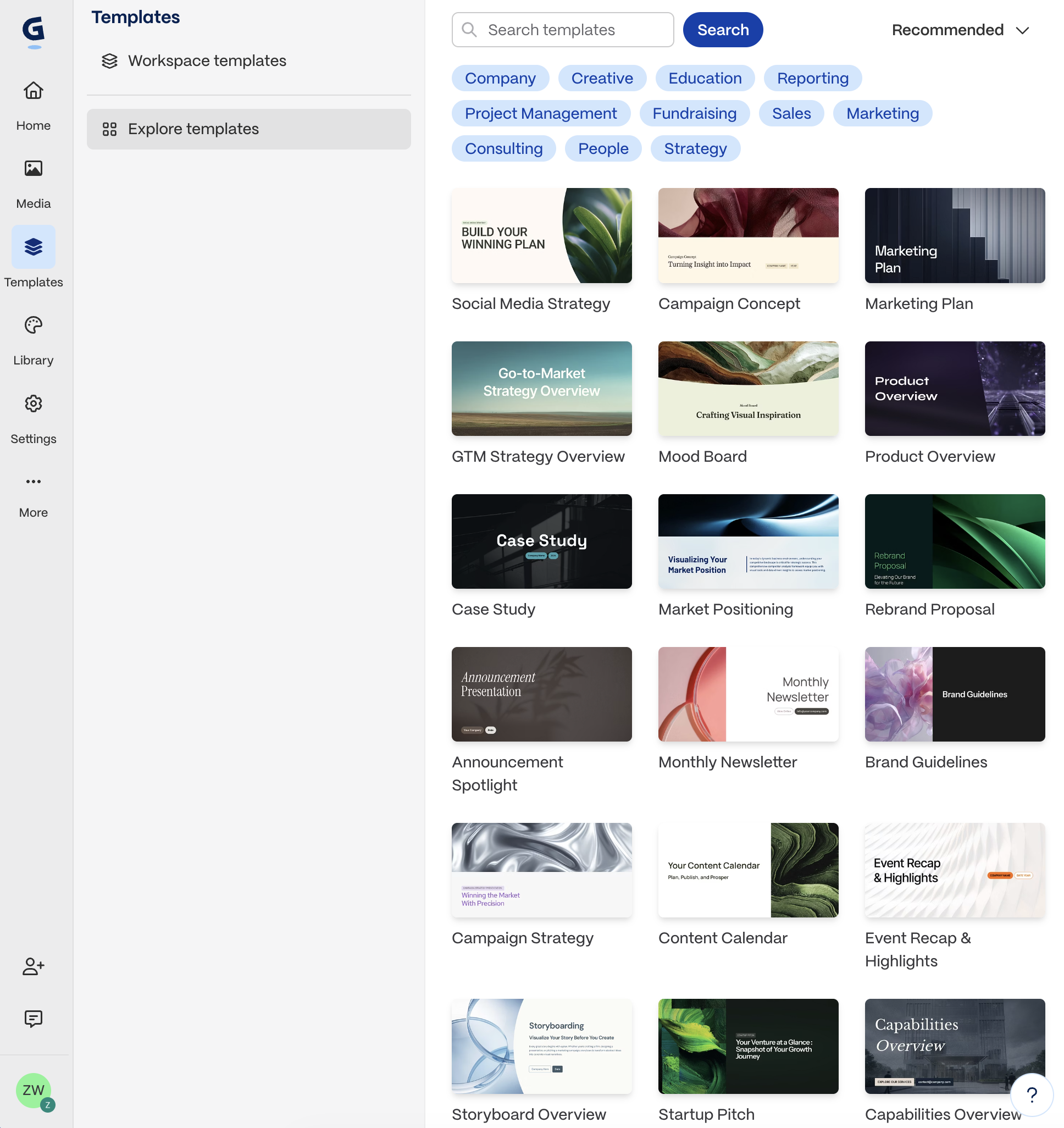
Gamma's AI focuses on content structure, not visual styling. Tell it your topic, audience, and objective, and Gamma generates a complete narrative — the actual words on each slide, organized into a logical argument with supporting points, data placeholders, and a clear flow from introduction to conclusion.
Slidesgo gives you beautiful empty containers. Gamma fills them with intelligent content.
This distinction matters most for people who struggle with what to say, not how it should look. If you know your content and just need a visual container, Slidesgo is fine. If you are staring at a blank prompt wondering how to structure a board presentation or a product launch deck, Gamma's content generation is genuinely helpful.
Gamma's presentations are web-native — they look like modern web pages with card-based layouts, embedded media, and responsive design. They are designed for sharing via link, not for downloading as PowerPoint files.
The PPTX export is Gamma's weakness. Web-native layouts do not map cleanly to fixed-dimension slides. Interactive elements vanish. Nested content collapses. If your workflow requires a .pptx file, Gamma creates work rather than saves it.
Where Slidesgo is better: File format compatibility. Slidesgo templates are PowerPoint and Google Slides files from the start. They open perfectly in both applications, every time. Gamma's exports are unpredictable — sometimes acceptable, sometimes requiring significant reformatting. If you need a file, not a link, Slidesgo is more reliable. For a deeper look at Gamma's limitations and other options, see our guide to the best Gamma AI alternatives.
Pricing: Free (limited AI credits). Plus: $10/month. Pro: $20/month.
Best for: Founders building pitch narratives, executives preparing strategy presentations, and anyone who needs help structuring their argument — not just designing their slides.

SlidesMania occupies a unique niche: free, creative, education-focused presentation templates designed specifically for teachers, students, and trainers. Every template is free for both personal and commercial use.
SlidesMania's templates are designed with classrooms in mind. Interactive quiz templates, lesson plan structures, gamified learning slides, virtual escape rooms, and student portfolio formats — none of which exist in Slidesgo's library in the same depth.
The visual style is also distinct. Where Slidesgo leans toward corporate and professional aesthetics, SlidesMania embraces color, illustration, and playfulness. Templates often include hand-drawn elements, bold typography, and creative layouts that engage younger audiences.
Like Slides Carnival, SlidesMania has no download limits and no attribution requirements. Every template is available for Google Slides and PowerPoint.
Where Slidesgo is better: Professional contexts. SlidesMania's playful design language is perfect for K-12 classrooms but inappropriate for board meetings, client presentations, or investor pitches. Slidesgo's library covers both professional and creative styles. SlidesMania is almost exclusively creative and educational.
Pricing: 100% free. No premium tier. Optional donations accepted.
Best for: K-12 teachers, university instructors, corporate trainers, and homeschool parents who need engaging, visually stimulating presentation templates designed for learning environments.
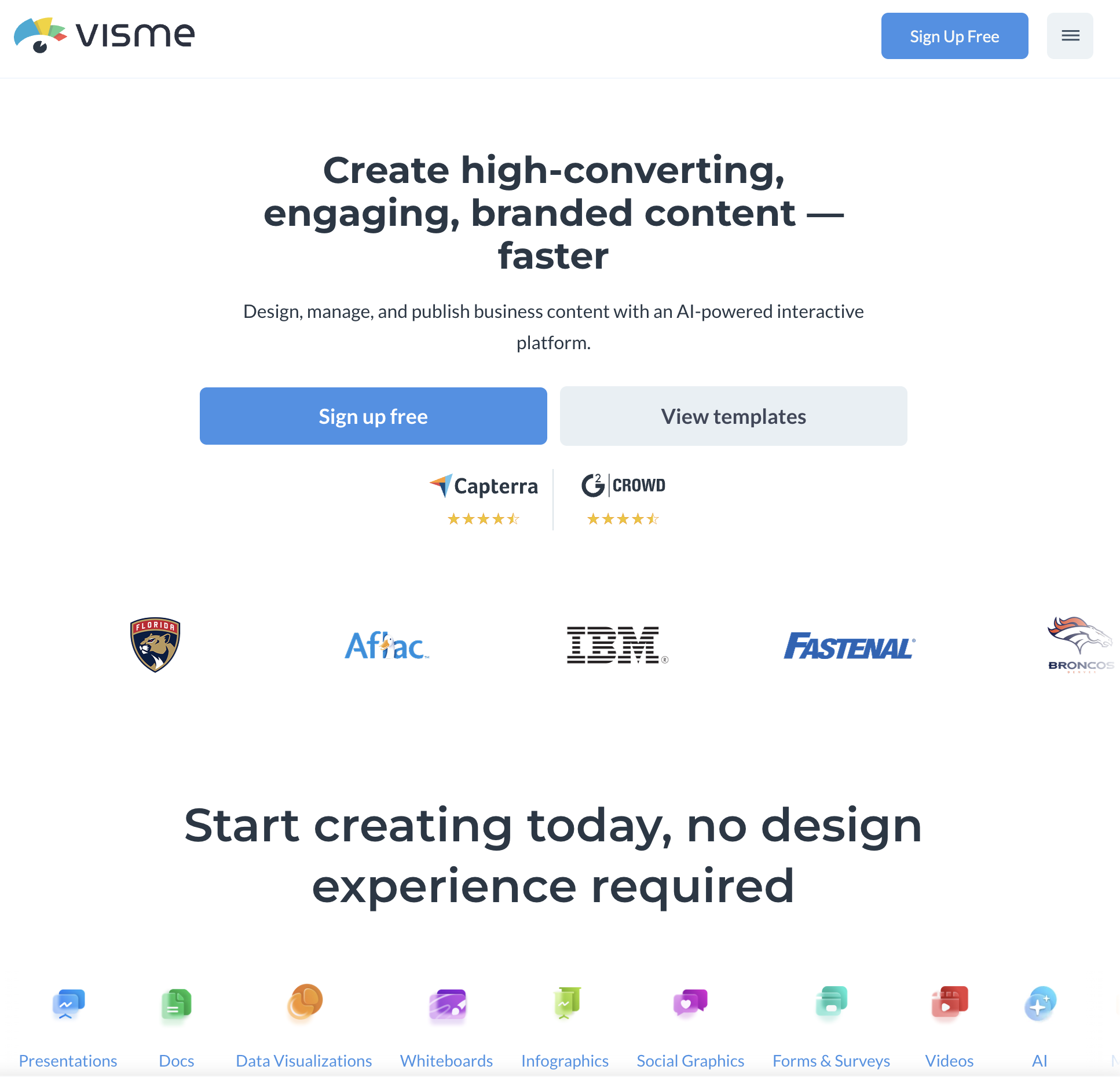
Visme is a visual content platform that combines presentation creation with infographic design, data visualization, and interactive content. Its presentation tool includes features that dedicated slide tools typically lack: animated charts, interactive data widgets, embedded maps, and conditional content.
Slidesgo templates include chart placeholders — empty chart shapes where you are expected to rebuild your data visualizations from scratch. Visme includes a full data visualization engine built into the presentation editor. Import data from a spreadsheet, connect to a live data source, or enter values manually, and Visme generates animated, interactive charts that are part of the presentation — not static images pasted onto slides.
Visme also offers "data widgets" — pre-built visual components (progress bars, counters, comparison gauges, radial charts) that update dynamically. For data-heavy presentations (quarterly reports, research findings, market analysis), these components save hours compared to building the same visualizations in PowerPoint.
The presentation export options include PPTX, PDF, HTML, and video — giving you more flexibility than Slidesgo's download-and-edit approach. The PPTX export is mid-tier: functional but without interactive elements.
Where Slidesgo is better: Simplicity. Visme's feature depth creates complexity. The editor has a steeper learning curve than downloading a Slidesgo template and editing it in familiar PowerPoint or Google Slides. If you just need a clean deck and already know how to use PowerPoint, Slidesgo's workflow is faster.
Pricing: Free (limited features). Starter: $12.25/month (annual). Pro: $24.75/month (annual). Visme for Teams: Custom pricing.
Best for: Data analysts, researchers, and marketing teams who build data-heavy presentations regularly. Anyone whose slides need charts and data visualizations beyond what PowerPoint's built-in chart tools provide.
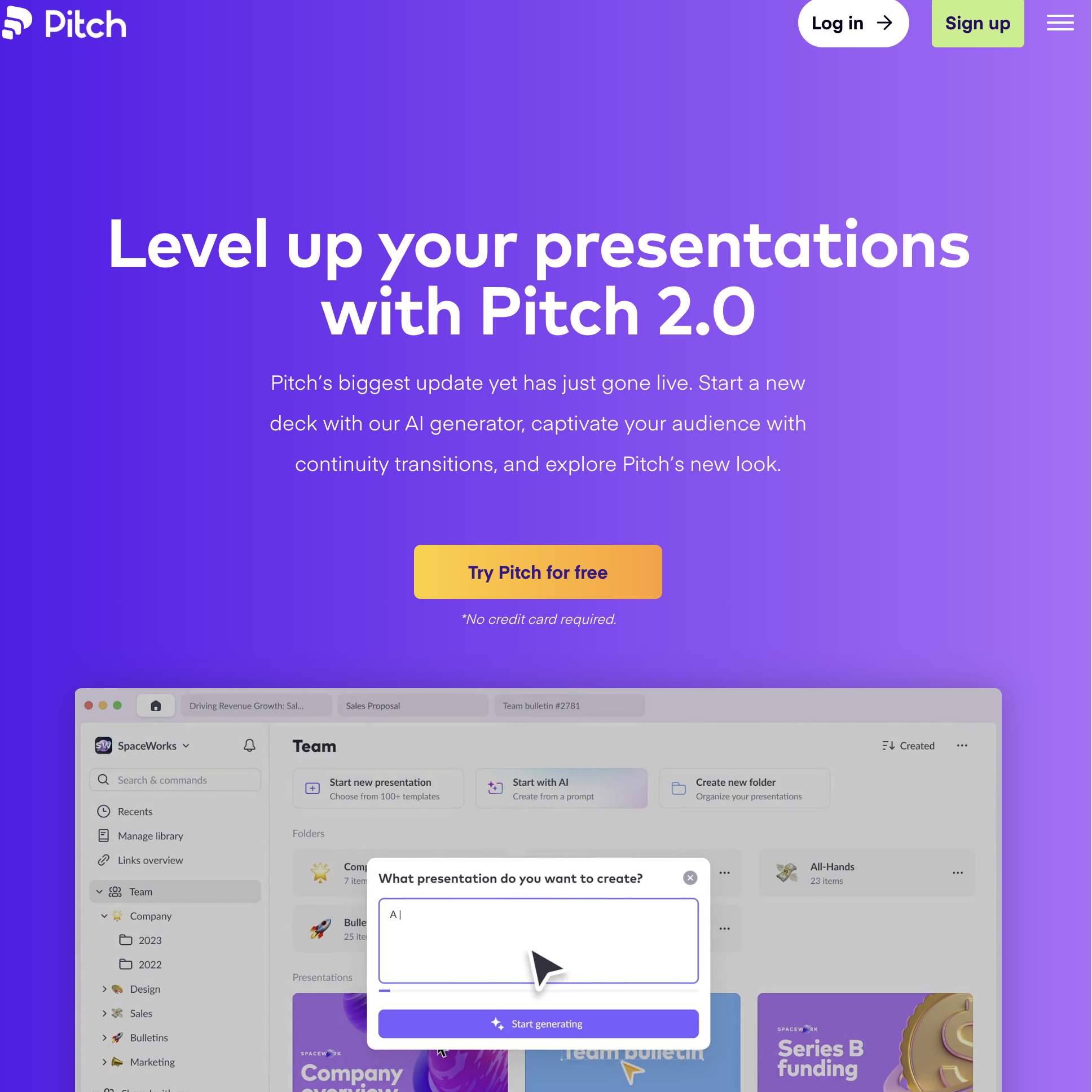
Pitch is a modern presentation platform built for collaborative teams. Real-time editing, shared template libraries, version history, status workflows, and granular permissions — it brings the collaboration features of Google Docs to presentation creation.
Slidesgo is a template download site — there is no collaboration layer. You download a file, edit it locally, and share it via email or cloud storage. Pitch provides the workspace around the presentation: multiple people editing simultaneously, commenting on specific slides, tracking changes across versions, and maintaining a team-wide template library that ensures every deck starts on-brand.
Pitch also includes AI generation and a curated template library, so it competes with Slidesgo on templates while adding everything Slidesgo lacks: editing, collaboration, and workflow management.
The PPTX export is strong. Pitch uses traditional slide dimensions internally (16:9), so the PowerPoint conversion is straightforward and reliable. What you see in Pitch is close to what opens in PowerPoint.
Where Slidesgo is better: For solo users, Slidesgo is simpler. Pitch's value is proportional to team size — a solo freelancer downloading one template per week gets little benefit from collaboration features, shared libraries, and version control. Slidesgo is also cheaper ($3/month vs Pitch's $22/user/month for teams).
Pricing: Free (unlimited presentations, up to 2 collaborators). Pro: $22/user/month (annual). Enterprise: Custom.
Best for: Agencies, consulting firms, and startup teams where 2-10 people contribute to presentations. Organizations that need brand-consistent decks across departments with centralized template management. For related team collaboration workflows, see our guide on how to create a Kanban board to manage presentation projects.