
Oops! Something went wrong while submitting the form.
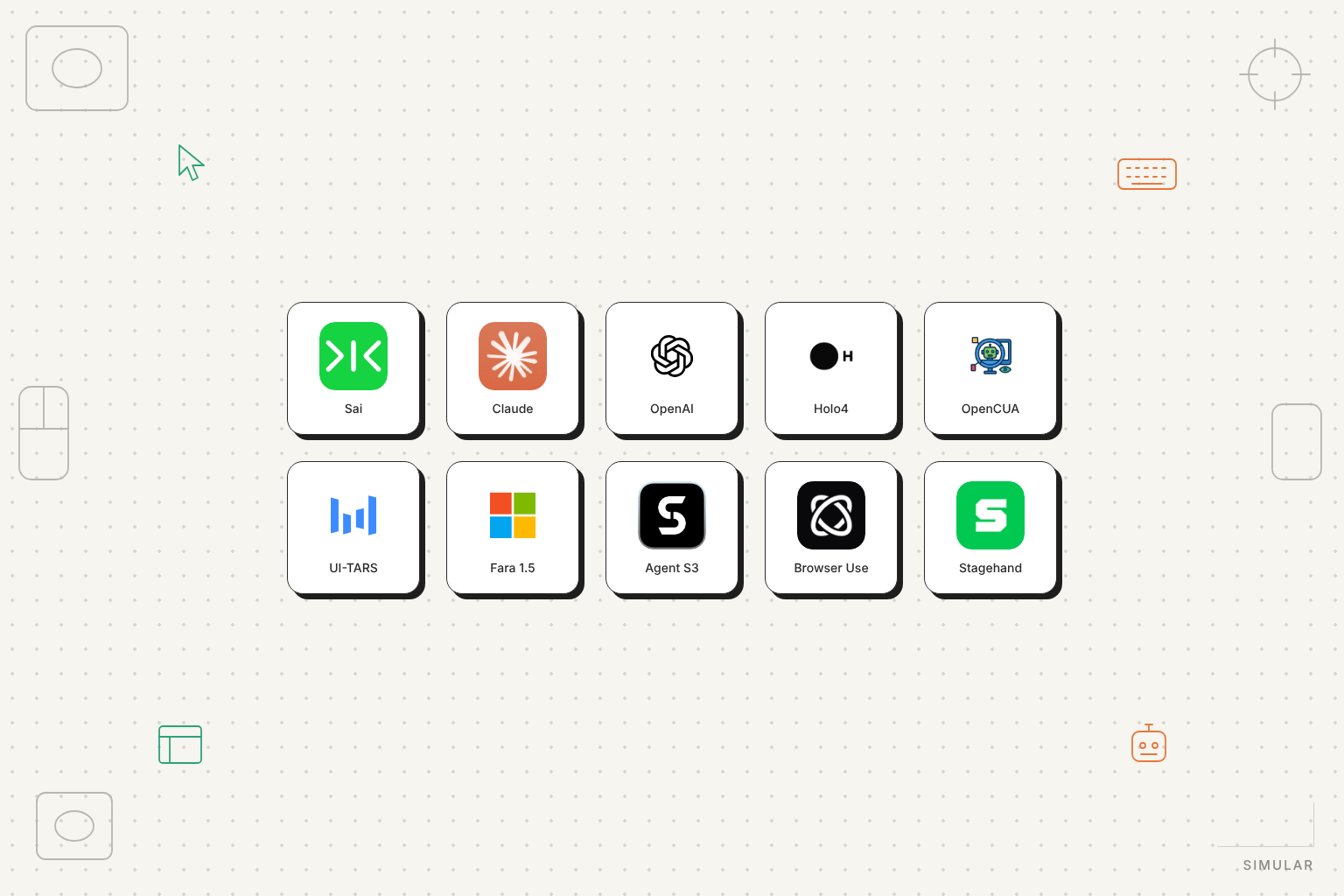
The best Gemini Computer Use alternative depends on what you are replacing. If you want to keep your own screenshot-to-action loop and swap the model, the direct substitutes are Anthropic's Claude computer-use toolset and OpenAI's computer tool, with H Company's Holo4, OpenCUA and ByteDance's UI-TARS as open-weight models you can self-host. If you want to stop building the loop altogether and hand the whole task to an agent that comes with its own computer, Sai by Simular is the only option on this list that does that for desktop applications as well as the browser. And if your agent only ever touches web pages, Browser Use and Stagehand let you keep a browser-only architecture (see our Browserbase alternatives guide for the browser-infrastructure layer), including the option of still calling Gemini underneath.
The reason this question comes up in late 2026 is that Google changed the product. The standalone Gemini 2.5 Computer Use model that launched in October 2025 was shut down on 28 July 2026; computer use is now a built-in tool of the Gemini 3.x Flash family, still labelled Preview, and Google still does not host the browser or virtual machine your agent runs in. This guide compares ten Gemini Computer Use alternatives on what they are (model, framework or managed agent), scope (browser, desktop, mobile), who provides the computer, pricing, licence, vendor-reported benchmarks and human-in-the-loop controls. Every figure was read from the vendor's own documentation, pricing page or model card on 12 October 2026; where a vendor does not publish a number we say so.
Gemini Computer Use is a tool in the Gemini API that lets a Gemini model control a user interface from screenshots; it is one of several computer use APIs now available to developers. Your application sends a screenshot and a goal; the model returns a function call such as click, type, scroll, drag_and_drop or navigate, with coordinates normalised to a 0 to 999 grid and an intent string explaining the step; your code executes the action in a browser or desktop you provide, takes a new screenshot and sends it back. The loop repeats until the task is done, an error occurs, a safety decision requires confirmation, or the user stops it. Google does not provide the environment: its reference implementation drives Playwright locally or a Browserbase session, and its documentation recommends running the agent in a sandbox such as Docker.
Three things changed between the October 2025 launch and today. First, the model. gemini-2.5-computer-use-preview-10-2025, built on Gemini 2.5 Pro, was retired on 28 July 2026 and Google's deprecation page points to gemini-3.8-flash as the replacement; the Computer Use guide now recommends 3.8 Flash, with gemini-3.5-flash-lite as the low-cost option and gemini-3-flash-preview still listed. Second, the scope. The 2025 launch post said the model was "primarily optimized for web browsers" and "not yet optimized for desktop OS-level control"; since the Gemini 3.5 Flash update on 24 June 2026 the tool offers browser, mobile (Android) and desktop environments with separate action sets, and the desktop caveat has been removed from the docs. Third, the safety surface: seven configurable safety-policy categories (financial transactions, sensitive data modification, communication tools, account creation, data modification, consent management, legal terms), a per-step safety_decision that can require end-user confirmation, and opt-in prompt-injection detection on screenshots for 3.5 Flash-Lite and later.
What has not changed is the division of labour. The tool is still Preview ("may contain errors and security vulnerabilities" in Google's words), the action set differs between older and newer models so a loop written against the 2.5 model needs model-specific handling, and the computer is yours to supply, secure and pay for. Pricing is per model token with no separate tool charge: 3.8 Flash is $0.75 per million input tokens and $3.75 per million output tokens through 31 December 2026, rising to $1.50 and $7.50 from 1 January 2027; 3.5 Flash-Lite is $0.30 and $2.50. On benchmarks, Google's Gemini 3.8 Flash model card reports 59.0% on OSWorld-2.0 (partial score) against 75.4% for Claude Opus 5, and the OSWorld-Verified leaderboard carries no submission from Google at all; the only Gemini-based entries are third-party agents built on Gemini Pro models.
Reading the developer forums, the comparison articles and Google's own changelog, the reasons cluster into five. The first is the migration itself: a loop built on the 2.5 preview model stopped working in July, and if you have to rewrite the action handling anyway, it is a natural moment to compare. The second is scope. Teams whose agent must open a desktop application, a file dialog or a terminal found the 2025 model explicitly browser-first, and while the 2026 tool adds a desktop environment, Google publishes no desktop benchmark for it and ships no desktop reference implementation. The third is the computer problem: Google hands you a model and leaves you to run Playwright, a VM fleet, session persistence, logins and the approval UI. The fourth is reliability on long tasks; on the one desktop benchmark Google does publish, its best Flash model trails the leading models by around 16 points. The fifth is Preview status and the model churn that comes with it; three computer-use-capable Gemini models have been launched, deprecated or rerouted in the last twelve months.
Each alternative below solves some of these and not others. The first question to ask yourself is whether you want a different model for the loop you already own, or whether you want to stop owning the loop.
We compared ten options on type (model-level action predictor, open-source framework, browser-agent platform or managed agent), scope (browser, desktop operating systems, mobile), who provides the computer, pricing as published, open-source status and licence, the vendor's own latest benchmark claim, human-in-the-loop controls, and one limitation the vendor itself states. Figures come from official documentation, pricing pages, model cards and GitHub READMEs on 12 October 2026. Benchmark numbers are vendor-reported and come from different harnesses and different versions of OSWorld, so we quote them with their version and source and do not rank on them. Simular publishes this guide and lists Sai first because it is the only option that replaces the whole stack rather than one layer; the remaining nine are ordered from most direct model-for-model substitute to most different architecture. Nothing here is sponsored.

Website: platform.simular.ai. Type: Managed, task-level computer-use agent with its own cloud computer. Scope: Full computer: desktop applications, browsers, files and terminals on a Windows or Linux cloud machine Simular hosts, or your own Mac or Windows device. Pricing: Explore free (pooled Windows cloud computer, credits refreshed daily); Pay as you go $50 per month for 50,000 credits, computer billed only while running, up to five cloud computers at once; Sai Unlimited $500 per month with an always-on computer; Enterprise custom. Open source: No; the research framework underneath, Agent S, is Apache-2.0 (entry 8).
Every other option in this list gives you a model, a framework or a browser and leaves you to assemble the agent. Sai inverts that. You send one request, POST /v1/agents/message, with the task in plain language and an optional machine; the agent plans, looks at the screen, clicks and types, recovers from mistakes and returns a result, and your code reads progress and the final answer from GET /v1/agents/events. There is no screenshot loop to write, no coordinate scaling, no Playwright fleet, and no separate decision about which Gemini Flash model to pin this quarter. The computer comes with the API: a dedicated Windows or Linux desktop per session on the paid plans, a pooled one on the free plan, and your own Mac or Windows machine if the work has to happen where your data already is. That last point is the one Gemini's architecture cannot match today: Google's reference agent supports only browser environments, and its desktop environment ships with no sample code and no published desktop benchmark.
Human-in-the-loop is a first-class state rather than a recommendation. When the agent hits a login, a password or a phone verification it never types them; it raises a needs_approval event with an approval link and waits for a person. The same mechanism covers commands and other sensitive actions, which you answer over POST /v1/agents/approve. Developers who want it inside a coding agent get the same capability through the MCP server, npx -y @simular-ai/sai-mcp, in Claude Code, Codex and Cursor. Reliability is published rather than implied: on OSWorld 2.1 Simular reports a 77.3% partial score at $14.34 per task with trajectories public. That is a vendor figure like every number in this guide, but it is a task-level completion rate with a cost attached, which neither Google nor any open-weight model here publishes for a full agent.
usage.costUsd in every events response.computer_use tool call: you cannot bring your own loop or swap in a different model.Agent builders who were using Gemini Computer Use as one tool in a larger agent and would rather call "do this on a computer" than maintain the control loop, and any team whose tasks leave the browser.
Website: platform.claude.com. Type: Model-level computer-use toolset in the Messages API and Agent SDK. Scope: Any desktop OS or browser you implement handlers for; Anthropic's reference environment is Linux in Docker. Pricing: Per model token with no tool surcharge: Claude Opus 5.5 $4 input / $20 output per million tokens, Sonnet 5.5 $2 / $10, Haiku 5.5 $0.10 / $0.50. Open source: No; the quickstart demo is public.
If what you want is the same shape as Gemini Computer Use with a stronger model behind it, this is the closest match. The current tool is computer_toolset_20260801, a set of seventeen member tools (screenshot, left click, type, zoom and so on) that needs no beta header and is supported on Fable, Mythos, Opus, Sonnet and Haiku 5-series models; the older computer_20251124 and computer_20250124 versions are still accepted for earlier models. The loop is the one you already know: screenshot in, action out, you execute it. Anthropic's published number is the highest vendor-reported desktop score in this list, 81.8% partial on OSWorld 2.1 for Opus 5.5 (80.7% for Fable 5.1, 74.0% for Opus 5), and the docs are unusually candid about failure modes: Claude "might make mistakes or hallucinate when outputting specific coordinates", latency "might be too slow", and the guidance is not to use it for tasks "requiring perfect precision or sensitive user information without human oversight". Safety consists of prompt-injection classifiers on tool results plus the instruction to obtain confirmation before consequential actions; there is no equivalent of Gemini's named policy categories, so you write that logic yourself.
Teams with an existing Gemini loop who need better desktop accuracy and are prepared to keep operating the environment.
Website: developers.openai.com. Type: Model-level computer tool; OpenAI now recommends a code-execution pattern instead. Scope: Browser or desktop VM that you run. Pricing: GPT-6 Astra $10 / $50 per million tokens, GPT-6.1 Sol $2 / $10, GPT-6 Luna $0.10 / $0.50; fast mode doubles the rate. Open source: No.
OpenAI's history here mirrors Google's. The original computer-use-preview model (March 2025) was shut down on 23 July 2026, five days before Gemini 2.5 Computer Use; the Operator product closed in August 2025 and its successor, ChatGPT agent, has since been folded into ChatGPT Work. What remains for developers is the computer tool on GPT-6 Astra, 6.1 Sol and 6 Luna, which works like Gemini's (structured mouse and keyboard actions, you execute them in PyAutoGUI or Playwright), plus a newer recommendation: let the model write short PyAutoGUI or Playwright scripts and run them through a function tool, which OpenAI says is now the preferred approach for Astra. OpenAI reports 72.6% partial on OSWorld 2.0 for Astra (offline subset, roughly 40 minutes per task) against 65.7% for Sol, and notes that its safety checks "can sometimes slow, pause, or stop legitimate work". As with Gemini and Claude, the environment is yours.
Teams standardised on the OpenAI stack who want the model to write automation code rather than emit one click at a time.
Website: hcompany.ai. Type: Open-weight computer-use models (Holo4 27B dense, 35B-A3B mixture of experts) with a hosted inference API and the Surfer agent harness. Scope: Desktop, web and Android. Pricing: API at $0.40 input / $3.00 output per million tokens for 27B and $0.30 / $2.00 for 35B-A3B; the 35B-A3B weights are free. Open source: 35B-A3B weights Apache-2.0; the 27B licence is not stated.
Holo4, released on 28 September 2026, is the strongest case for replacing Gemini with a model you can run yourself. H Company reports 85.2% on OSWorld for the 27B model at $0.08 per task and 80.8% at $0.05 for the 35B-A3B, both on its own harness, and is honest that on the newer OSWorld 2.0 the 27B scores 61.7% against 81.8% for Claude Opus 5.5: in its words, "on long workflows it trails the strongest closed models". For short and medium tasks, though, a model that costs a tenth of Flash per output token and can be self-hosted under Apache-2.0 is hard to argue with. Like Gemini, Holo4 is only the model; you bring the environment and the loop, and H documents no human-in-the-loop mechanism.
Teams that want to own the model as well as the loop, and whose tasks are short enough that a 27B model holds up.
Website: github.com/xlang-ai/OpenCUA. Type: Open computer-use foundation models (7B, 32B, 72B, Qwen-based) plus the AgentNet dataset and tooling. Scope: Desktop: Windows, macOS and Ubuntu. Pricing: Free; you pay for GPUs. Open source: MIT for models, data, tools and code.
OpenCUA comes from the same group that maintains OSWorld, and it is the cleanest answer to the "gemini computer use alternatives github" search: everything, including the training data, is MIT-licensed. The 72B model scores 45.0% on OSWorld-Verified at 100 steps (mean of three runs), with 34.8% for 32B and 26.6% for 7B, which is well below the closed models but on a benchmark you can reproduce. Serving is via vLLM, with a documented quirk (the models use 1D RoPE, so the default Transformers and vLLM classes must not be used) and training code still marked to do. No safety mechanism is documented; this is research infrastructure, not a product.
Research teams and companies with strict licensing needs who want to fine-tune their own desktop agent.
Website: github.com/bytedance/UI-TARS. Type: End-to-end GUI agent model family with the UI-TARS Desktop application. Scope: Desktop (local computer and browser) and mobile. Pricing: UI-TARS-1.5-7B weights are free; larger 1.5 models are by research request; UI-TARS-2 weights are not public. Open source: Apache-2.0 for the code and the 7B model.
UI-TARS is the model Agent S3 recommends as its grounding component, and on its own it is a complete agent: UI-TARS Desktop wraps it in an app that controls your local machine. The published numbers are 42.5% on OSWorld for UI-TARS-1.5 (100 steps) and 47.5% for UI-TARS-2 in its September 2025 technical report, with a strong 88.2% on Online-Mind2Web and 73.3% on AndroidWorld. The catch is release cadence: there has been no new open model since April 2025, UI-TARS-2's weights remain closed, and nothing in the official repositories describes a human-in-the-loop or approval mechanism.
Developers who want a local, free grounding model for their own agent, or a desktop app to experiment with.
Website: github.com/microsoft/fara. Type: Open small web-agent models (4B, 9B, 27B, released 22 July 2026) with the Magentic-UI (MagenticLite) human-in-the-loop app alongside. Scope: Browser only. Open source: MIT.
Fara is the browser-only counterpart to OpenCUA: small, MIT-licensed and trained for live websites through Playwright. Fara 1.5-27B reports 89.3% on WebVoyager and 72.3% on Online-Mind2Web; the 9B scores 86.6% and 63.4%. What distinguishes it from the other open models is a built-in notion of "Critical Points": the model stops before entering personal information, making purchases, sending messages, submitting applications or signing in, which is the closest open-weight equivalent to Gemini's safety-policy categories. Microsoft labels it a research preview, English-only, to be run sandboxed and kept away from regulated domains.
Teams whose Gemini use was purely browser-based and who want a small model they can host themselves.
Website: github.com/simular-ai/agent-s. Type: Open-source agent framework that combines any planner LLM with a grounding model into a computer-use agent. Scope: Desktop: macOS, Windows and Linux, single monitor. Pricing: Free; you pay the model providers. Open source: Apache-2.0, pip install gui-agents.
Agent S3 is the open research framework behind Sai, and the right pick if you want Sai's approach without Sai's hosting. It runs on your machine, plans with a model of your choice (OpenAI, Anthropic, Gemini, OpenRouter or vLLM; the README recommends GPT-5), grounds clicks with a self-hosted UI-TARS-1.5-7B, and executes Python to control the computer. At release it reported 62.6% on OSWorld-Verified alone and 69.9% with its Behavior Best-of-N technique (GPT-5, 100 steps), later 66% and 72.6%, which Simular describes as the first result past the 72.36% human baseline on that benchmark. The trade-off is operational: there is no approval gate, the local coding environment is off by default because it executes arbitrary Python and Bash, and the README's own warning is "use with care".
Developers who want to own the whole desktop agent and are comfortable operating it.
Website: browser-use.com. Type: MIT-licensed Python browser-agent library plus Browser Use Cloud with hosted browsers and its own models. Scope: Browser only. Pricing: Cloud browsers $0.02 per browser-hour; the BU 2.0 model $0.60 / $3.50 per million tokens; bring-your-own-key at the provider rate plus a 0.2x orchestration fee; a small one-time free credit. Open source: MIT.
Browser Use is what many Gemini Computer Use projects were really building: a browser agent. Instead of raw coordinates it works from the DOM and screenshots, is model-agnostic (its wrappers cover OpenAI, Anthropic, Google and local Ollama models, with its own BU 2.0 recommended), and the cloud adds browsers, proxies and a hosted agent API. Its headline benchmark is 97% on Online-Mind2Web for the bu-max model via the Cloud API (Claude-judged, 291 of 300 tasks), and 63.3% on its own BU Bench for the open library with BU 2.0. Limitations are the usual browser ones: no guarantee on CAPTCHAs, and degraded reliability on canvas-only interfaces, cross-origin iframes and pages with thousands of elements.
computer_use tool.Teams replacing a browser-scoped Gemini loop with a mature open framework.
Website: stagehand.dev. Type: MIT-licensed browser-automation SDK (act, extract, observe, agent) with Browserbase as managed browser infrastructure. Scope: Browser only. Pricing: Browserbase free plan (one browser-hour, 3 concurrent), Developer $20 per month (100 hours, 25 concurrent), Startup $99 (500 hours, 100 concurrent); model tokens billed separately. Open source: Stagehand MIT.
Google's own Computer Use demo is hosted by Browserbase, and Stagehand's agent({ mode: "cua" }) accepts Gemini, Claude and OpenAI computer-use models behind one interface. That makes it the least disruptive alternative on the list: you can move your loop into Stagehand today, keep Gemini 3.8 Flash as the backend while it suits you, and change one model string later. Stagehand adds things Gemini's raw tool lacks, including observe(), which returns selectors so credentials never reach the model, a maxSteps guard (default 20) and a hybrid mode that mixes DOM actions with computer-use actions. The documentation is clear about the edges: CUA mode has no variables, streaming or structured output, the default viewport is 1288 by 711 and "other viewport sizes may reduce performance", and the OpenAI entry in its model list still references the retired preview model.
observe() and step limits built in.Teams that want to hedge: keep Gemini for now, but stop coding directly against its tool schema.