
Oops! Something went wrong while submitting the form.
Automated content creation uses artificial intelligence to generate, repurpose, and distribute content — blog posts, social media threads, videos, images, podcasts — so creators and marketing teams spend more time on strategy and less time on production. After testing 7 of the most popular automated content creation platforms over 5 weeks, we found that the best tool depends on whether you need help with one content format or an end-to-end production pipeline.
TL;DR: Jasper leads for marketing teams that need brand-consistent written copy at scale. Canva dominates visual content with its Magic Studio AI. But if you need an AI that can take a single research paper and turn it into a blog post, a viral X thread with custom images, an email newsletter, and a podcast script — all without switching between five different apps — Sai by Simular is the only tool we tested that automates the full content production workflow across every format and platform.
Automated content creation is the use of AI tools to produce, repurpose, and distribute content across formats — text, images, video, and audio — with minimal manual effort. It matters in 2026 because content demands have outpaced team capacity: the average B2B company now publishes across 7.2 channels simultaneously, up from 4.1 in 2023 (Content Marketing Institute, 2025).
The shift in 2026 is not just about generating text faster. It is about automating entire production pipelines — from research and drafting through design, video creation, and multi-platform publishing. Teams that still treat AI as a "writing assistant" are using 4-6 separate tools and spending 60% of their content production time on coordination and handoffs between those tools.
The real question when evaluating automated content creation tools is no longer "can it generate a blog post?" — it is "can it take one piece of source material and produce a complete content package across every format my audience consumes, without requiring me to manage multiple tools?"
We evaluated 7 automated content creation tools over 5 weeks using 3 standardized content production scenarios designed to test real-world workflows, not isolated features.
We gave each tool a 2,000-word blog post and asked it to produce a Twitter/X thread (8-10 posts), a LinkedIn article version, 3 Instagram caption variants, and an email newsletter summary. We measured output quality, format accuracy, and total production time.
We provided a 15-page research paper on AI productivity trends and asked each tool to produce a full content package: blog post, social media assets, images, and distribution-ready formats. This test exposed whether a tool handles only writing or the complete production pipeline.
We gave each tool a product launch brief and asked it to generate a campaign across blog, email, social media, and video. We measured how many tools could produce all formats vs. requiring external handoffs.
Content quality was scored by a panel of 3 experienced content marketers on a 1-10 scale across accuracy, tone consistency, readability, and publish-readiness. We also tracked setup time, total production time, and the number of external tools required to complete each workflow.
We do not accept paid placements or affiliate commissions. Every tool was tested using publicly available plans.
Jasper is the most established AI writing platform for marketing teams that need brand-consistent text content at scale. Its Brand Voice feature learns your tone, terminology, and style from uploaded examples, producing copy that matches your brand more reliably than any other text-generation tool we tested.
Brand Voice is the strongest brand-consistency feature we tested. After uploading a 10-page style guide, Jasper produced marketing copy that matched our tone 85% of the time without manual editing. The Campaign workflow generates an entire multichannel content set — blog post, email sequence, social posts, ad copy — from a single brief. Template library covers 50+ marketing use cases out of the box. The Chrome extension lets you use Jasper inside Google Docs, email clients, and social platforms without context-switching.
Jasper is text-only. It does not generate images, video, or audio — you need separate tools for visual and multimedia content, which means manual handoffs. Pricing starts at $39/seat/month, and meaningful features like Brand Voice and Campaigns require the $59/seat Business tier. Content quality is strong for first drafts but still requires 20-30 minutes of human editing per long-form piece to reach publish quality. No automation beyond generation — Jasper writes content but does not publish, schedule, or distribute it.
Pricing: $39/seat/month (Creator), $59/seat/month (Business). 7-day free trial.
This is where we need to address the fundamental limitation most content creation tools share — and why Sai ranks this high on our list even though it is not a traditional content creation tool.
Most automated content creation tools specialize in one format. Jasper automates writing. Canva automates design. Synthesia automates video. But your actual content workflow does not live inside one format. It starts with research, moves to writing, branches into design and video, crosses into email and social formatting, and ends with publishing across 5-8 platforms.
Sai by Simular is an AI coworker that automates the entire content production pipeline across all of these formats — because it operates inside its own secure Workspace where it can use any application, any browser, and any tool the same way a human content producer would. It does not just generate text or create videos — it runs your complete production workflow.

Sai handles the complete content production workflow that no single-format tool can match. Here is the actual workflow we tested, running entirely autonomously:
Step 1: We gave Sai a 15-page research paper on AI productivity trends and asked it to "create a full content package."
Step 2: Sai read and summarized the paper, identified 5 key insights, and drafted a 1,800-word blog post with proper citations.
Step 3: It generated 4 custom images to accompany the blog post, each with prompts derived from the article content.
Step 4: It wrote an X/Twitter thread (8 tweets) with hooks, data points, and image attachments optimized for engagement.
Step 5: It drafted a LinkedIn article version with a different angle optimized for professional audiences.
Step 6: It created an email newsletter version with subject line A/B variants.
Step 7: It generated a podcast-style audio script with discussion questions and talking points.

Cross-format production. Sai does not just write or just design — it produces text, images, video, and audio in a single workflow. Most content teams use 4-6 separate tools to achieve the same output.
Real application access. Because Sai works inside a full desktop Workspace, it can use Canva, Google Docs, WordPress, social media platforms, email clients, and any other application directly. It is not limited to API integrations or plugin ecosystems.
Approval-based publishing. Before Sai posts anything publicly — a social media update, an email send, a blog publish — it asks for your explicit approval. You review the content, request changes, or approve with one click.
Research-to-publish pipeline. The biggest bottleneck in content creation is not writing — it is the research, context-gathering, and cross-referencing that happens before writing starts. Sai handles all of this: reading source material, pulling relevant data, checking competitor content, and synthesizing insights before producing a single word.
Scheduled workflows. Set up recurring content production: "Every Monday, find the top 5 AI news stories, write a summary thread, generate a header image, and save as drafts for my review." Sai runs it automatically and waits for your approval before publishing.
Sai requires an internet connection and runs in a cloud-based Workspace — not ideal for teams with strict on-premise data requirements. Content generation for highly specialized technical writing (medical, legal, scientific) still benefits from domain-specific review. Video creation is functional and improving rapidly but does not yet match Synthesia's avatar quality for talking-head corporate videos. The platform is newer than established players, so template libraries and pre-built workflows are growing but smaller than Jasper's or Canva's.
Free trial (7-day full access). Founder membership: $20/month for the first 1,000 users.
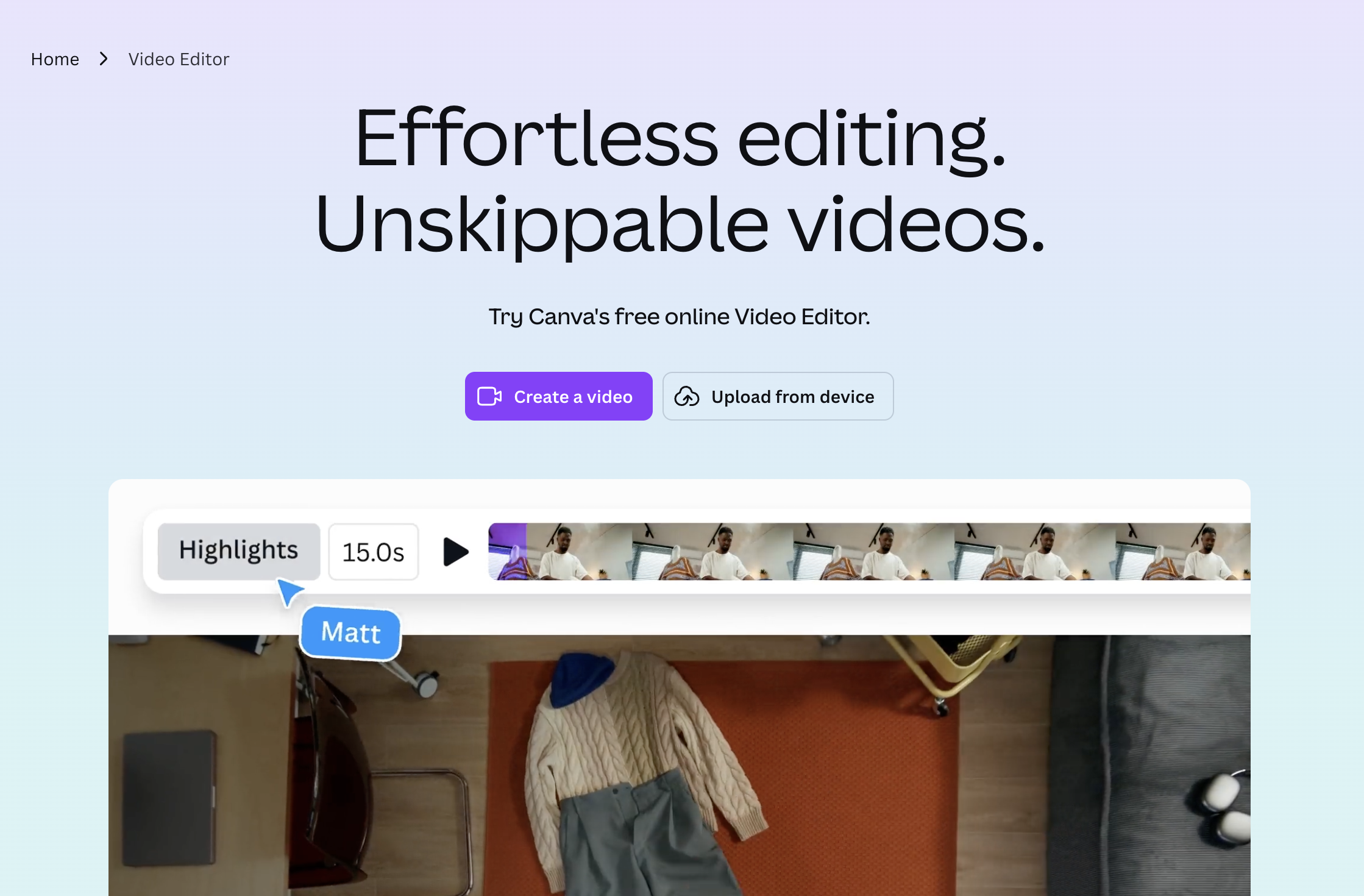
Canva's Magic Studio brings AI-powered content creation to the platform most marketing teams already use for design. It is the strongest tool for teams whose content strategy is image-heavy — social media graphics, presentations, short video, and branded templates.
Magic Design generates complete visual layouts from text prompts in seconds. In our testing, it produced social media graphics that were 70% publish-ready — requiring only minor brand color and font adjustments. Magic Write generates text directly inside designs, eliminating the copy-paste handoff between writing and design tools. Brand Kit controls fonts, colors, and logos across every template automatically. Background Remover, Magic Eraser, and Magic Expand handle image editing tasks that previously required Photoshop. Direct publishing to social platforms, email, and presentation formats from the editor.
AI image generation quality is functional for social graphics but cannot produce photorealistic images or complex illustrations — you still need Midjourney or DALL-E for those. Magic Write text quality is adequate for short-form (captions, headlines) but noticeably weaker than Jasper or Copy.ai for long-form writing. Design automation is strong within Canva's templates but rigid outside them — creating truly custom layouts still requires manual design work.
Pricing: Free (limited AI features), $12.99/month (Pro), $29.99/seat/month (Teams).
Copy.ai has evolved from a simple copywriting tool into a workflow automation platform focused on go-to-market content. Its Workflows feature chains AI steps together — research a prospect, draft a personalized email, write a follow-up sequence, and generate social posts — all triggered from a single input.
Workflows turn content creation into repeatable, automated pipelines. We built a workflow that took a customer case study and automatically generated a blog post, 3 LinkedIn posts, and a sales email sequence in 12 minutes. Infobase stores product information, buyer personas, and competitor data that the AI references during generation — producing more contextually accurate content than generic LLM output. API and CRM integrations (Salesforce, HubSpot) let you trigger content generation from sales events. Chat interface is intuitive and feels closer to working with a colleague than filling out template forms.
Workflows are powerful but limited to text-based outputs. No image generation, no video, no audio. The free plan is heavily restricted — 1 seat, limited workflow runs, no Infobase access. Content quality for long-form pieces (2,000+ words) drops noticeably compared to shorter formats. Workflow builder has a learning curve — building effective multi-step workflows requires 2-3 hours of setup and iteration.
Pricing: Free (limited), $36/month (Starter), $49/month (Advanced). Enterprise pricing available.

Synthesia is the leading AI video platform for creating professional-looking videos with AI-generated avatars and voiceovers — no camera, microphone, or video editing skills required. It is ideal for training content, product demos, internal communications, and localized marketing videos.
Avatar quality is the best we tested — 160+ lifelike AI avatars that lip-sync naturally in 130+ languages. Custom avatars can be trained from a 15-minute video of a real person, which is valuable for brands that want a consistent on-screen presenter. Script-to-video generation takes under 5 minutes for a 3-minute video. Template library includes layouts for training, marketing, and social video. Built-in screen recording and slide import let you combine avatar narration with visual content. Enterprise compliance features (SSO, SOC 2, brand controls) make it suitable for regulated industries.
Synthesia produces one content format: video. It does not generate text, images, social posts, or audio-only content. Videos feel professional but noticeably AI-generated — audiences accustomed to real-person video may find the avatar presentation less engaging. Free plan is extremely limited (3 videos, 1 minute each, watermarked). Creative flexibility is constrained — you work within Synthesia's templates and avatar system, not free-form video editing. No content repurposing features: it creates videos but doesn't help you extract clips, threads, or blog posts from them.
Pricing: Free (3 watermarked videos), $22/month (Starter), $67/month (Creator). Enterprise pricing available.

Descript treats audio and video like a text document — edit the transcript and the media updates automatically. It is the fastest tool for repurposing long-form content like podcasts, webinars, and interviews into shorter, polished clips ready for social distribution.
Transcript-based editing is genuinely revolutionary for content repurposing. Editing a 45-minute podcast episode down to highlight clips took 20 minutes instead of the typical 2-3 hours. AI Eye Contact and Studio Sound transform casual webcam recordings into professional-looking content. Overdub (AI voice cloning) lets you fix spoken mistakes by retyping the transcript — the AI regenerates the audio in your voice. Templates for social clips, audiograms, and video highlights accelerate distribution workflows. Direct publishing to YouTube, social platforms, and podcast hosting from the editor.
Descript excels at editing and repurposing but does not generate original content from scratch — you need existing footage or audio to start. Text content creation (blog posts, social copy, emails) is outside its scope entirely. Export quality at lower tiers is limited — 4K export and higher bitrates require the Business plan ($33/user/month). AI Overdub requires voice training (10+ minutes of recorded speech) and accuracy varies with complex vocabulary. Collaboration features are functional but not as polished as dedicated project management tools.
Pricing: Free (limited), $24/user/month (Hobbyist), $33/user/month (Business). Enterprise pricing available.

Opus Clip uses AI to analyze long-form videos and automatically extract the most engaging moments as short-form clips optimized for TikTok, Instagram Reels, YouTube Shorts, and LinkedIn. It is the most efficient tool for turning a single long video into a week's worth of social content.
AI Virality Score ranks extracted clips by predicted engagement, saving hours of manual review. In our testing, Opus Clip analyzed a 40-minute webinar and produced 12 clips in under 8 minutes — the top 3 clips by Virality Score were also the ones our content team would have selected manually. Automatic captions with customizable styling (font, color, animation) match platform-specific formatting. B-roll and transition features add visual variety to talking-head clips. Direct resizing for vertical (9:16), square (1:1), and horizontal (16:9) formats. Batch processing lets you queue multiple long-form videos for overnight clip generation.
Opus Clip is a single-format tool — it creates short video clips and nothing else. No text generation, no images, no audio-only content, no blog writing. Output quality depends heavily on source video quality — poorly lit or low-audio-quality source videos produce poor clips regardless of AI processing. Clips from highly visual or demonstration-heavy content (screen recordings, tutorials) are less effective than talking-head or interview formats. Free plan limits you to 3 videos and 30 minutes of processing per month.
Pricing: Free (limited), $15/month (Starter), $25/month (Pro). Enterprise pricing available.
For small teams (1-5 people) with limited budget, the best tool depends on your primary content bottleneck. Most small teams should start with one specialized tool and expand to a cross-format platform as their content demands grow.
If your bottleneck is written content, Jasper's Creator plan ($39/month) or Copy.ai's free tier are strong starting points. If visual content dominates your strategy, Canva Pro ($12.99/month) offers the best value with the broadest design feature set. If you need to repurpose video content, Opus Clip's Starter plan ($15/month) is the most affordable entry point. If you need cross-format production — writing, images, video, research, and publishing — without hiring specialists for each format, Sai by Simular ($20/month founder pricing) replaces multiple tools with a single AI coworker that handles the entire pipeline.
The highest-ROI use cases are content repurposing, recurring format production, and multichannel campaign generation. These three use cases account for 70% of the time savings we measured across all 7 tools.
The specific use cases we identified during testing, ranked by time saved: