
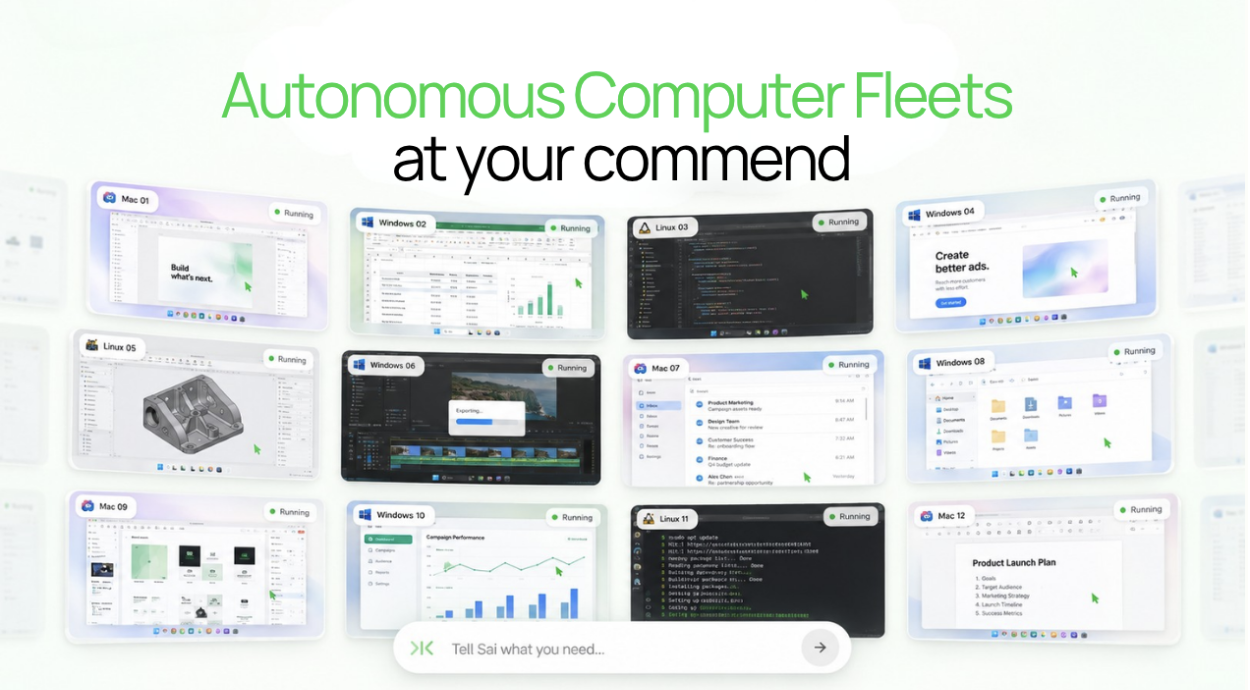
什么是“机器人秘书”?一种能够操控多个自主运行计算机的计算机代理程序。
November 19, 2026
Short answer: Claude Code has two official ways to keep working away from your desk. Remote Control lets you steer a session that runs on your own machine from your phone or a browser, but that machine has to stay on. Cloud sessions run on Anthropic's infrastructure and keep going after you close your laptop; claude --cloud sends a task there and claude --teleport brings it back to your terminal. Neither gives Claude Code a desktop you can watch or a browser signed in to your accounts. For that, connect Claude Code to a cloud computer such as Simular Box through one remote MCP server.
"Claude Code remote" covers three different needs: steering a session from your phone, keeping a task running with the laptop shut, and giving Claude Code a machine with a screen. This guide takes each in turn, using Anthropic's documentation as of November 19, 2026.
Four ways to keep Claude Code working
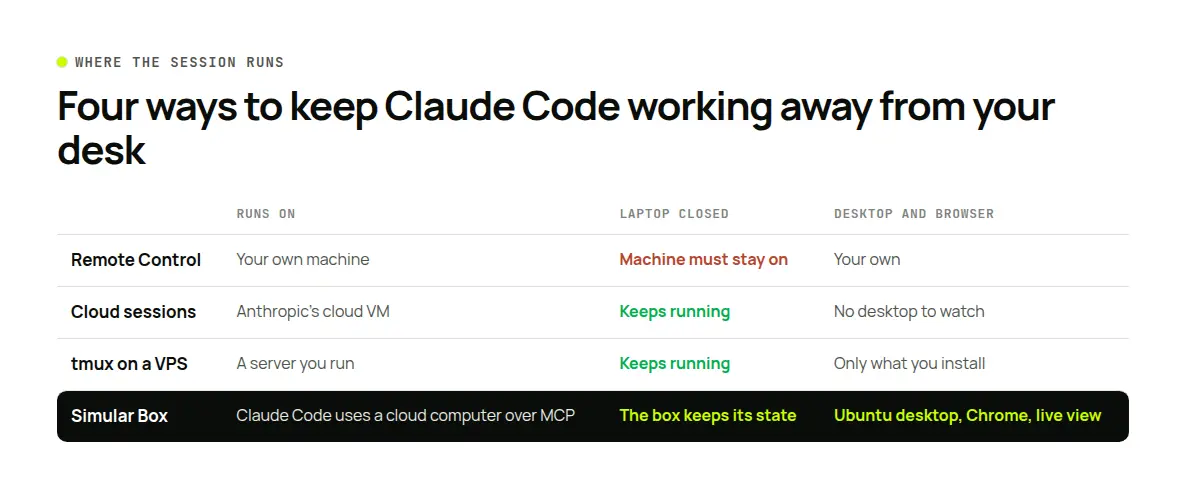
| Way | Claude Code runs on | Laptop closed | Desktop and browser | Cost |
|---|---|---|---|---|
| Remote Control | Your own machine | Machine must stay on | Yours | Included in Pro, Max, Ultra, Team, Enterprise |
Cloud sessions (--cloud) | Anthropic's cloud VM | Keeps running | No desktop to watch | Counts toward your plan's usage; no separate VM charge |
| tmux on your own server | A VPS you run | Keeps running | Only what you install | Your server bill |
| Simular Box | Wherever you run Claude Code; it uses the box over MCP | The box keeps its files and logins | Ubuntu desktop with Chrome, live view | $5 free credit; from $19 a month |
Remote Control: steer a local session from your phone
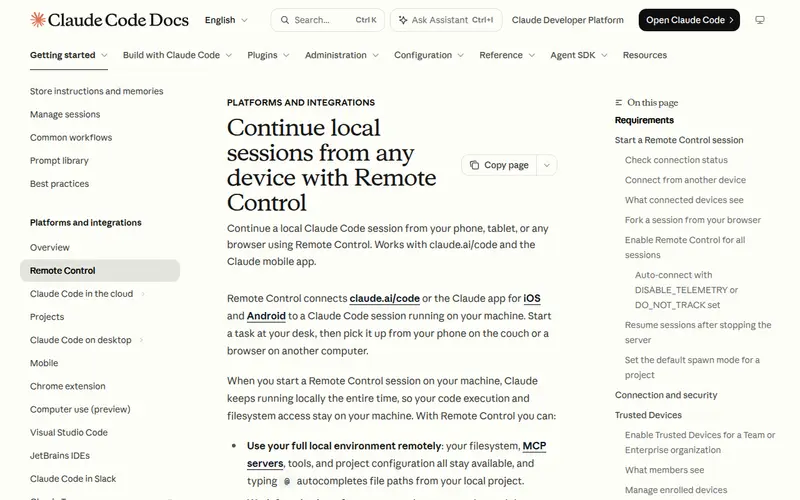
Remote Control connects claude.ai/code or the Claude app for iOS and Android to a Claude Code session running on your machine. Your files, MCP servers and project settings stay local; the phone or browser is a window into that session.
Three ways to start it:
claude remote-controlstarts a server that waits for connections and shows a URL; press the spacebar for a QR code to scan with your phone.claude --remote-control(or--rc) starts a normal interactive session that you can also drive remotely./remote-control(or/rc) inside a running session carries the current conversation over. It also works in the Desktop app's Code tab and the VS Code extension.
What you can do from the phone: send messages, attach photos and files, and follow subagents' progress. The conversation stays in sync across terminal, browser and phone, and push notifications can tell you when Claude needs you.
Requirements and limits:
- Pro, Max, Ultra, Team or Enterprise plan, signed in through claude.ai. API keys are not supported, and neither are Amazon Bedrock, Google Cloud's Agent Platform or Microsoft Foundry. On Team and Enterprise an owner turns it on.
- The
claudeprocess must keep running. If your laptop sleeps or the network drops, the session reconnects when the machine is back; in server mode Claude Code gives up after roughly 10 minutes offline. - One remote session per interactive process; use server mode for several.
Best for: carrying on work you started at your desk, from the couch or a train, while the computer stays on at home or the office.
Cloud sessions: keep working with the laptop closed
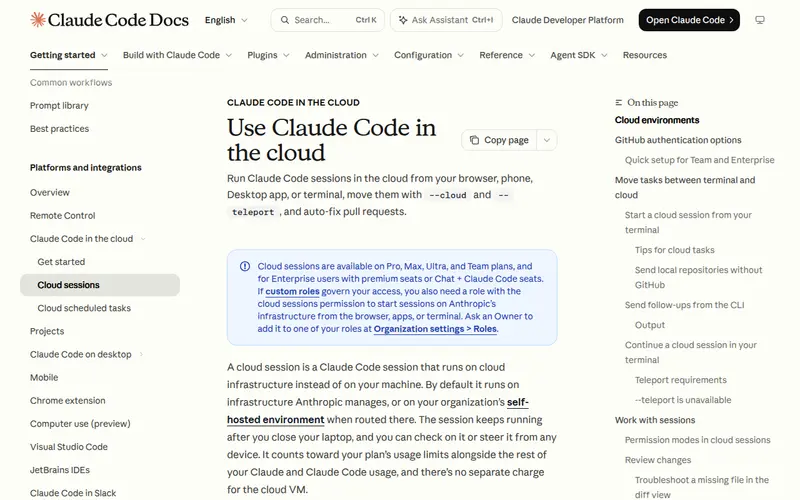
Cloud sessions run Claude Code in a VM on Anthropic's infrastructure. Anthropic's docs say the session "keeps running after you close your laptop", and you check on it from any device, including the Claude mobile app.
Where you start one: claude.ai/code in the browser, a Cloud environment in the Desktop app, or the terminal:
claude --cloud "Fix the flaky test in auth.spec.ts"--cloud clones your repository's GitHub remote at the current branch, so push first. Each --cloud command starts its own session, so you can run several in parallel. The older --remote spelling still works as an alias.
Bringing work back: claude --teleport opens a picker of cloud sessions and pulls one into your terminal; /teleport or /tp does the same inside a session. From the CLI the handoff is one-way, cloud to terminal; the Desktop app can send a local session to the cloud from its Open in menu. To steer a running cloud session from a script, claude -p "your message" --cloud <session-id> queues a follow-up.
What to know:
- Available on Pro, Max, Ultra and Team, and for Enterprise users with eligible seats.
- Usage counts toward your plan's limits; there is no separate charge for the VM.
- Sessions need GitHub access to clone and push; your first environment starts with Limited network access.
- A cloud session is a terminal in a VM. It has no desktop for you to watch and none of your browser logins.
Remote Control vs cloud sessions, in one line: Remote Control runs on your machine and you reach it from elsewhere; a cloud session runs on Anthropic's machine and you check in on it.
Best for: coding tasks you can hand off and review later as a branch or pull request.
Your own server: tmux and SSH
The do-it-yourself route is Claude Code on a VPS inside tmux, reached over SSH from a laptop or a phone terminal app. The session survives when you disconnect, and Anthropic's Remote Control docs suggest exactly this for remote machines: start claude inside tmux or screen so it keeps running after SSH drops. Add Remote Control on top and you can steer the server session from the Claude app.
Trade-offs: you choose the hardware and network, and you maintain the server, its updates and its secrets. There is no desktop unless you install and secure one yourself.
Best for: developers who want full control of the machine and are comfortable running a server.
Give Claude Code a cloud computer with a screen
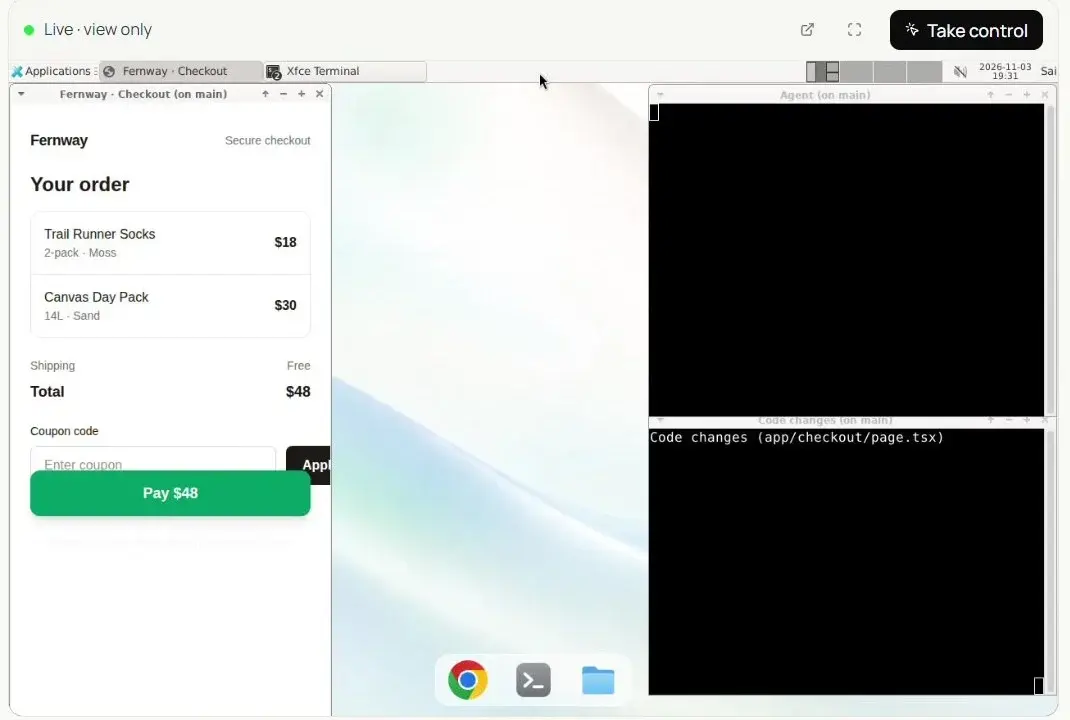
The three options above move where Claude Code runs. Some tasks need something else: a computer with a screen. Checking a page in a real Chrome, signing in to a staging site, clicking through an admin panel or reading a dashboard all need a desktop and a browser.
Simular Box gives Claude Code one: a cloud Ubuntu desktop with Chrome and a shell, added as one remote MCP server. Claude Code stays where you run it, on your laptop or a server, and uses the box for screen work.
- It keeps state. Chrome sign-ins, files and installed tools stay on the box between sessions.
- You can watch. The live view at box.simular.ai/box shows the screen; take control for a password or a 2FA code and hand it back.
- It works headless.
claude -pcan use box tools when you allow them for the run; see Headless agents. - Other agents share it. Codex, Cursor or ChatGPT can take turns on the same box and pick up the work; see Claude Code and Codex together.
Setup is in the box docs for Claude Code. For a worked example, read Claude Code browser testing and our guide to Claude Code with a remote MCP server.
If you would rather not run Claude Code at all
Sai by Simular can run Claude Code tasks on its own computer and check the result on screen, so you hand over the task instead of a session. Read the announcement for what it covers.
Which should you use?
- You started at your desk and want to keep going from your phone: Remote Control.
- You want a coding task to finish while your laptop is shut: a cloud session with
--cloud, then--teleportto review. - You need your own network, hardware or tools: Claude Code in
tmuxon your own server. - The task needs a browser, logins or a desktop you can watch: connect Simular Box, alongside any of the above.
FAQ
Can Claude Code keep running when my laptop is closed?
Yes, in a cloud session: start it at claude.ai/code, in the Desktop app, or with claude --cloud "task". Remote Control sessions stop when your machine sleeps and reconnect when it wakes.
What is the difference between Claude Code Remote Control and cloud sessions?
Remote Control runs Claude Code on your own machine and lets you steer it from a phone or browser. A cloud session runs on Anthropic's infrastructure and keeps going without your machine.
What does claude --teleport do?
It pulls a cloud session into your terminal so you can continue locally. Run it alone for a picker or with a session ID; /teleport does the same inside Claude Code.
Can I use Claude Code from my phone?
Yes. Start Remote Control with claude remote-control or /rc and open the session in the Claude app, or start and follow cloud sessions in the app.
Does Remote Control work with an API key?
No. Anthropic's docs say it needs a claude.ai subscription sign-in; API keys and third-party providers such as Bedrock are not supported.
Does Claude Code in the cloud have a browser or a desktop?
A cloud session is a terminal in a VM, with no desktop to watch and none of your logins. To give Claude Code a desktop with Chrome, connect a cloud computer such as Simular Box over MCP.
How do I keep Claude Code running on a server?
Run it inside tmux or screen on the server, so it survives when SSH disconnects; add Remote Control to steer it from your phone.
Sources
- Anthropic: Remote Control · Use Claude Code in the cloud
- Simular: box MCP docs: Claude Code · Headless agents
- All checked November 19, 2026.
