Oops! Something went wrong while submitting the form.
How to clean Salesforce deals via Google Sheets guide
Automate Salesforce opportunity cleanup from Google Sheets using an AI computer agent that clicks, verifies, and deletes so your reps skip admin.
Advanced computer use agent
Production-grade reliability
Transparent Execution
Why Google Sheets & Salesforce
Every sales leader knows this scene: end of quarter, a forecast full of ghosts. Stale opportunities linger in Salesforce, padding pipeline reports and confusing every revenue meeting. Reps promise to clean things up “later,” but later never comes.
Learning how to delete an opportunity in Salesforce isn’t about button clicks; it’s about data trust. When dead deals stay open, marketing campaigns misfire, capacity plans skew, and your Google Sheets summaries stop matching what’s really happening on the floor.
This is where delegation matters. Instead of asking your highest-paid closers to hunt down old records, you can:
Have an AI computer agent read a curated Google Sheets list, open each Salesforce opportunity, confirm status, and delete it with an audit trail. In 400–500 clicks a human would dread, the agent simply executes. You get cleaner forecasts, faster decisions, and a team focused on winning deals—not tidying databases.
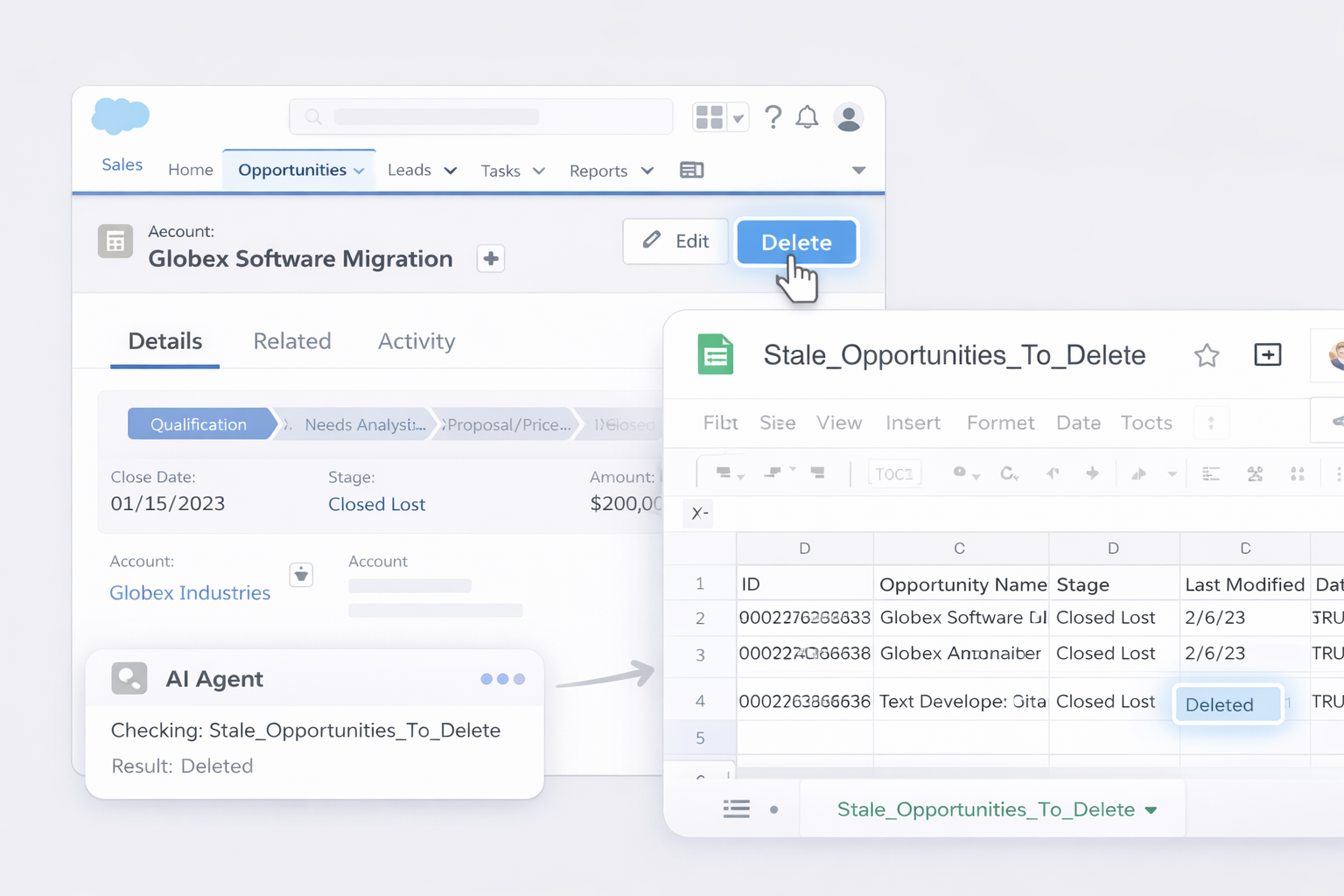
The Google Sheet containing opportunities to delete.
High-level task description you’d provide:
Open the Google Sheet Stale_Opportunities_To_Delete.
For each row where Delete = TRUE, open the Salesforce link or search by Opportunity ID.
Verify Stage and dates match the row (to prevent mismatches).
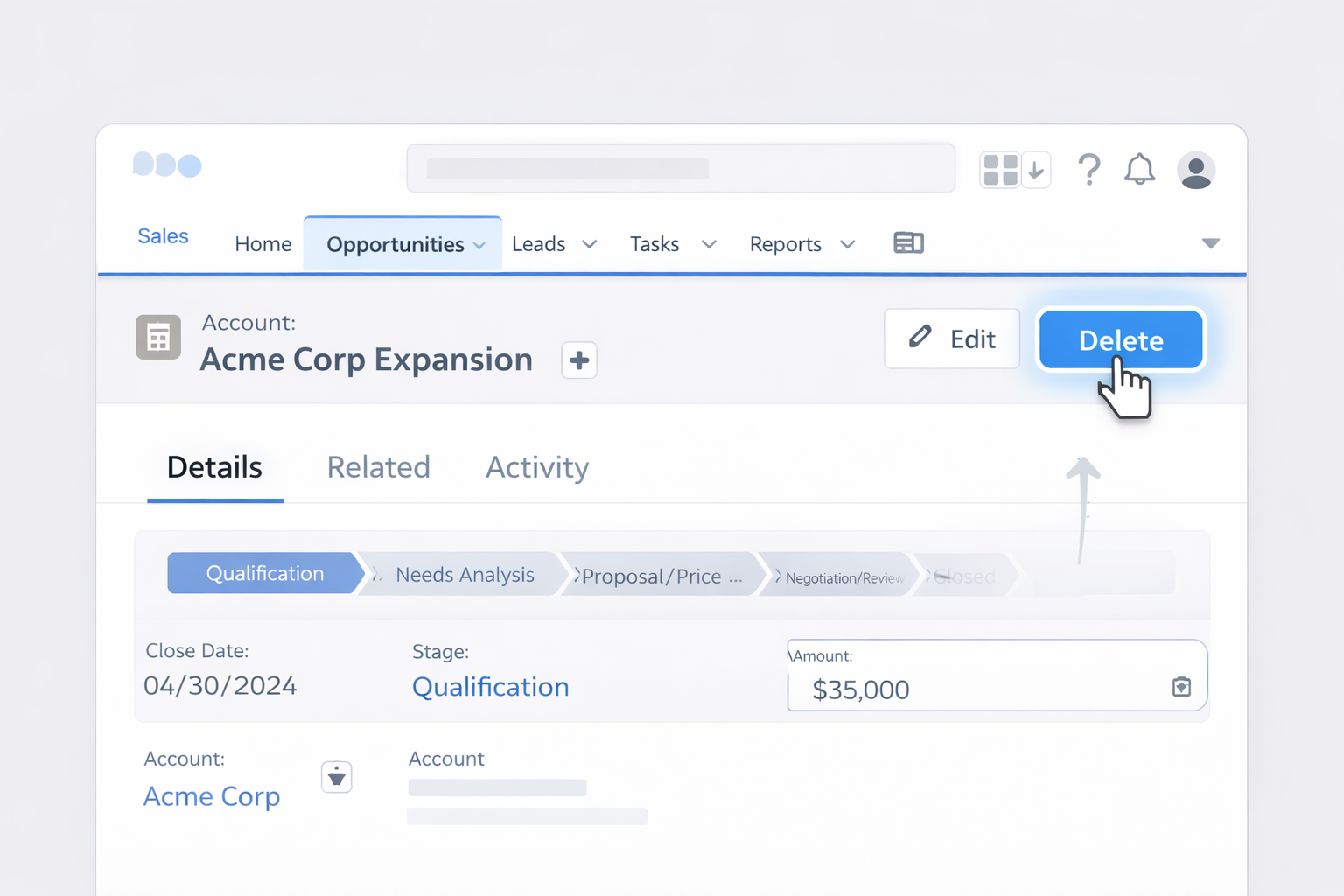
Click Delete, confirm in the dialog.
Log the result (Deleted / Skipped) into a Status column in Sheets.
Run the agent in “dry run” mode first, watching every step (Simular’s transparent execution lets you inspect and tweak actions).
Pros
Mimics a real user across browser and Sheets.
No need for APIs or custom integrations.
Transparent logs: every click and delete is inspectable.
Cons
Requires careful onboarding and clear instructions.
You still need governance around which records the agent is allowed to touch.
3.2 Agent as a production job with webhooks
Once you trust the workflow, move it into your production rhythm.
Use a webhook or scheduler in your existing pipeline (or a cron job) to trigger the Simular agent nightly.
The agent:
Opens the latest Google Sheets view of deals marked for deletion.
Cleans Salesforce using the same steps.
Writes a summary sheet: number deleted, skipped, or failed.
Your RevOps team reviews the summary on Monday instead of spending hours of manual cleanup.
Pros
Production-grade reliability across thousands of steps.
Perfect for agencies managing many client orgs or fast-scaling sales teams.
Cons
Requires initial setup time.
You should still keep safeguards (e.g., only delete if Stage = Closed Lost and older than X days).
3.3 Agent as safety-first assistant
You can also flip the script: instead of auto-deleting, the agent prepares everything and lets a human click once.
The agent compiles a new Google Sheet from Salesforce listing suggested deletions (based on rules you define).
Sales leaders review and approve.
A second agent run performs the actual deletes only on Approved = TRUE rows.
This gives you:
AI speed for discovery and preparation.
Human judgment at final decision points.
By starting with the manual methods, layering no-code tools, and then handing the keystrokes to an AI computer agent, you turn “how to delete an opportunity in Salesforce” from a chore into a controlled, scalable workflow that your team barely has to think about.
Automate Salesforce deletes via AI computer agents
Train Simular agent
Install Sai on your Mac, open your Salesforce org and Google Sheets cleanup list, then record a run where the agent reads rows and deletes the matching opportunities safely.
Refine & test agent
Use Simular’s transparent execution to replay the workflow on a small test list, adjust steps where the agent hesitates, and confirm each Salesforce delete is logged back to Google Sheets.
Delegate SFDC ops
Once the Simular AI agent runs clean on tests, schedule it or trigger via webhook so it handles ongoing Salesforce opportunity deletions sourced from Google Sheets at scale.
Learn how to automate Google Sheets
Use Google Sheets as a review hub to list Salesforce opportunities flagged for deletion, capture owner sign-off, and pass clean delete instructions to your ops team.
In Salesforce, delete opportunities safely from list views or records, using filters and permissions to control which deals are removed and moved to the Recycle Bin.