Oops! Something went wrong while submitting the form.
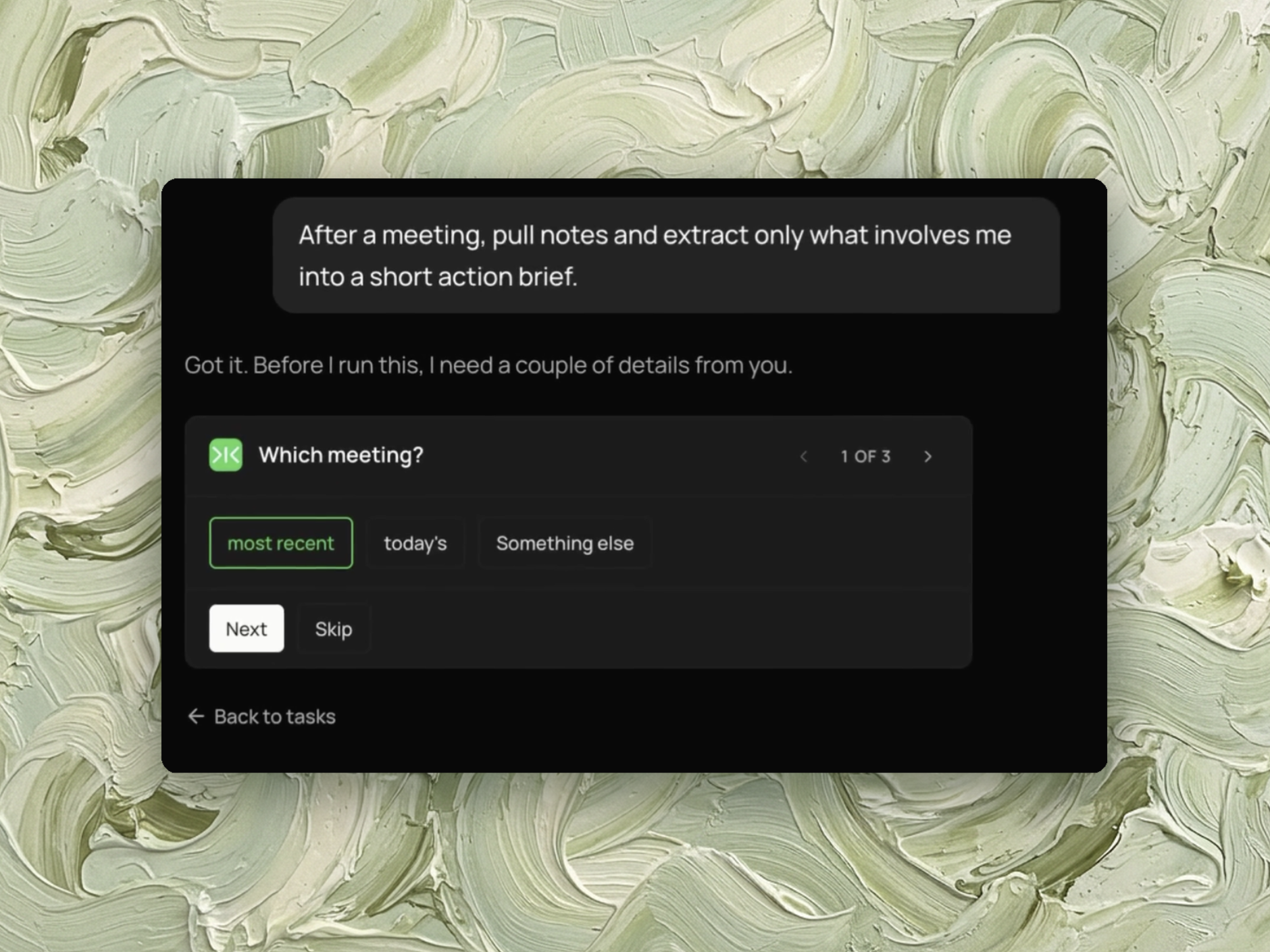
Sai reads the notes and transcript from your last meeting and extracts your action items with owners and due dates, the decisions made, open questions, and anything blocking you. Under 200 words, action items first, delivered by email or Slack DM. If the meeting has no notes, it says so instead of returning an empty summary.


The recording is a real session. The sheet on the right is what it produced.
Sai opens each profile, pulls the signal, and writes the row, live, in a real browser.

Eight columns, sorted by score, with a source link behind every claim.
A meeting with notes or a transcript in Granola, or an attached recording in Google Calendar. An email address or Slack DM to receive the brief.
A brief under 200 words: your action items with owners and due dates first, then decisions, open questions, and anything you are blocked on. Plus a note on which meeting the notes came from and any gaps in the source material.
About one and a half minutes. The recorded run took 20 steps and 1m 22s, which included checking two meetings — the most recent one had no notes, so it fell back to the most recent one that did. The brief it produced was 163 words.
Run it at the end of each day across that day's meetings, or trigger it after a specific recurring meeting.
Otter, Fireflies, Fathom, tl;dv and Granola record meetings, transcribe them, separate speakers and generate a summary with action items. Google Meet's Gemini notes, Zoom's AI Companion and Teams Copilot do the same inside the meeting platform itself, included with the subscription.
This is a solved step. Recording and transcription are not what is missing after a meeting.
This task does not record anything. It reads notes and transcripts those tools have already produced. Granola is a source it reads from, not a competitor.
A generated summary covers the meeting. It lists every action item, every decision and every topic, for every attendee.
A one-hour meeting with five people compresses to a few hundred words, of which the portion involving you may be two lines. The compression is real, and the reading is still required — the summary has to be read through to find which parts apply to you.
The question after a meeting is usually narrower than what the summary answers. Not what was discussed, but what you now have to do.
This task extracts four things, all scoped to you:
Action items belonging to other people are left out unless you are waiting on them.
The last category has no equivalent in a generated summary. A summary lists "Sarah to send the API spec" and "you to build the integration" as two separate items. That you cannot start the second until the first arrives is visible in the meeting and absent from the list.
The brief is sent by email or Slack DM, under 200 words, action items first.
The word limit is what makes it readable on a phone between meetings. A summary that requires opening a notes app is read later or not at all.
The example run produced a 163-word brief with the subject line "GTM Weekly — your items (Aug 26)", opening directly with the action items section.
Run it at the end of the day across that day's meetings, or attach it to a specific recurring meeting.
Because it reports which meeting the notes came from, a run over a day with an unrecorded meeting will say which one was skipped rather than quietly omitting it.
For what happens to those action items afterwards, task management covers the tracking side, and email management applies the same ownership question to an inbox.