Oops! Something went wrong while submitting the form.
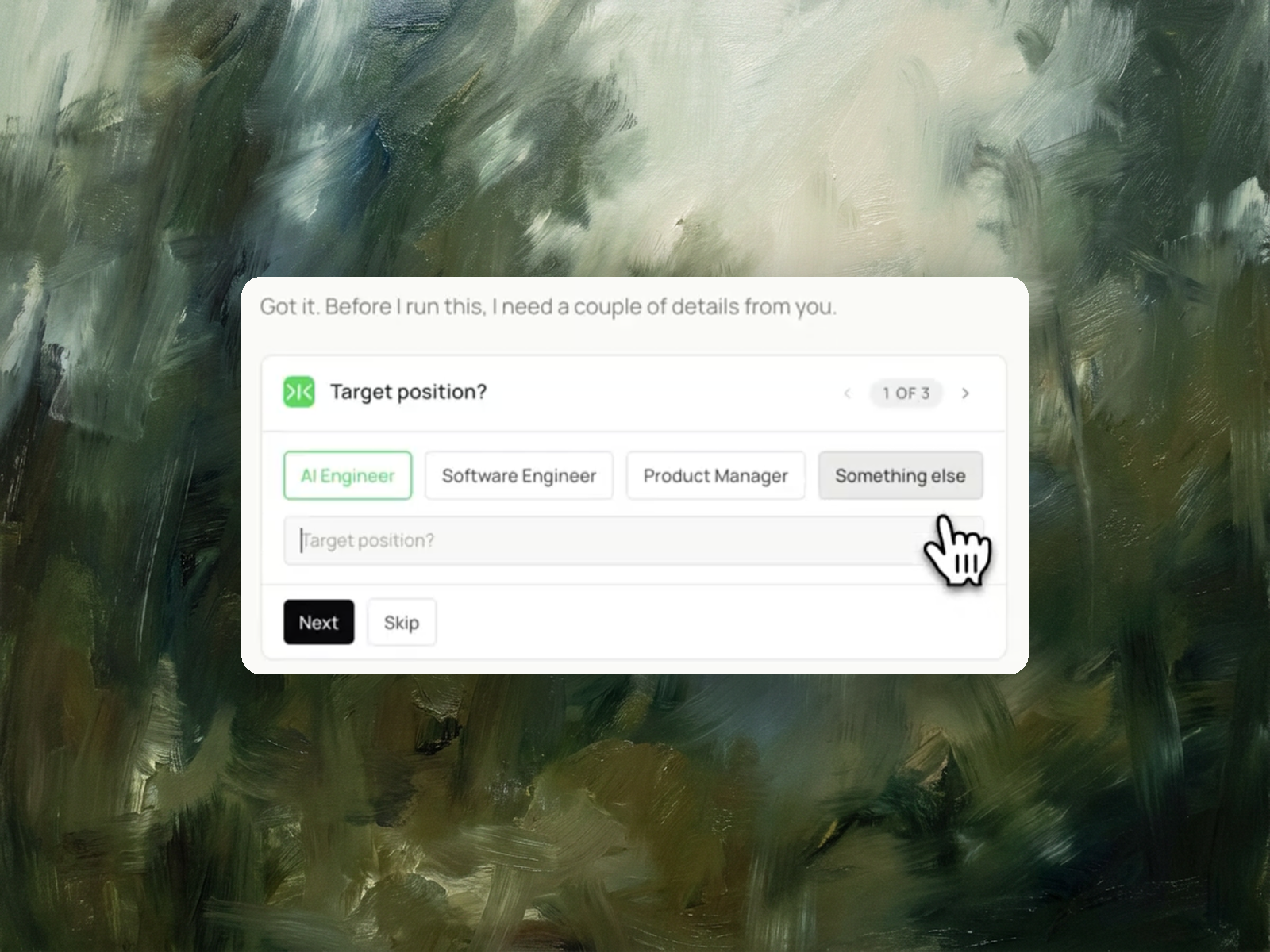
Setting one up takes twenty minutes. Knowing which parts are doing the work is the harder part. Here's the full setup, what to fix first, and how Sai reads your profile back to you and drafts the rewrites.

The recording is a real session. The sheet on the right is what it produced.
Sai opens each profile, pulls the signal, and writes the row, live, in a real browser.
Eight columns, sorted by score, with a source link behind every claim.
A LinkedIn account you're already signed into, and a link to a job description you'd like to be a match for.
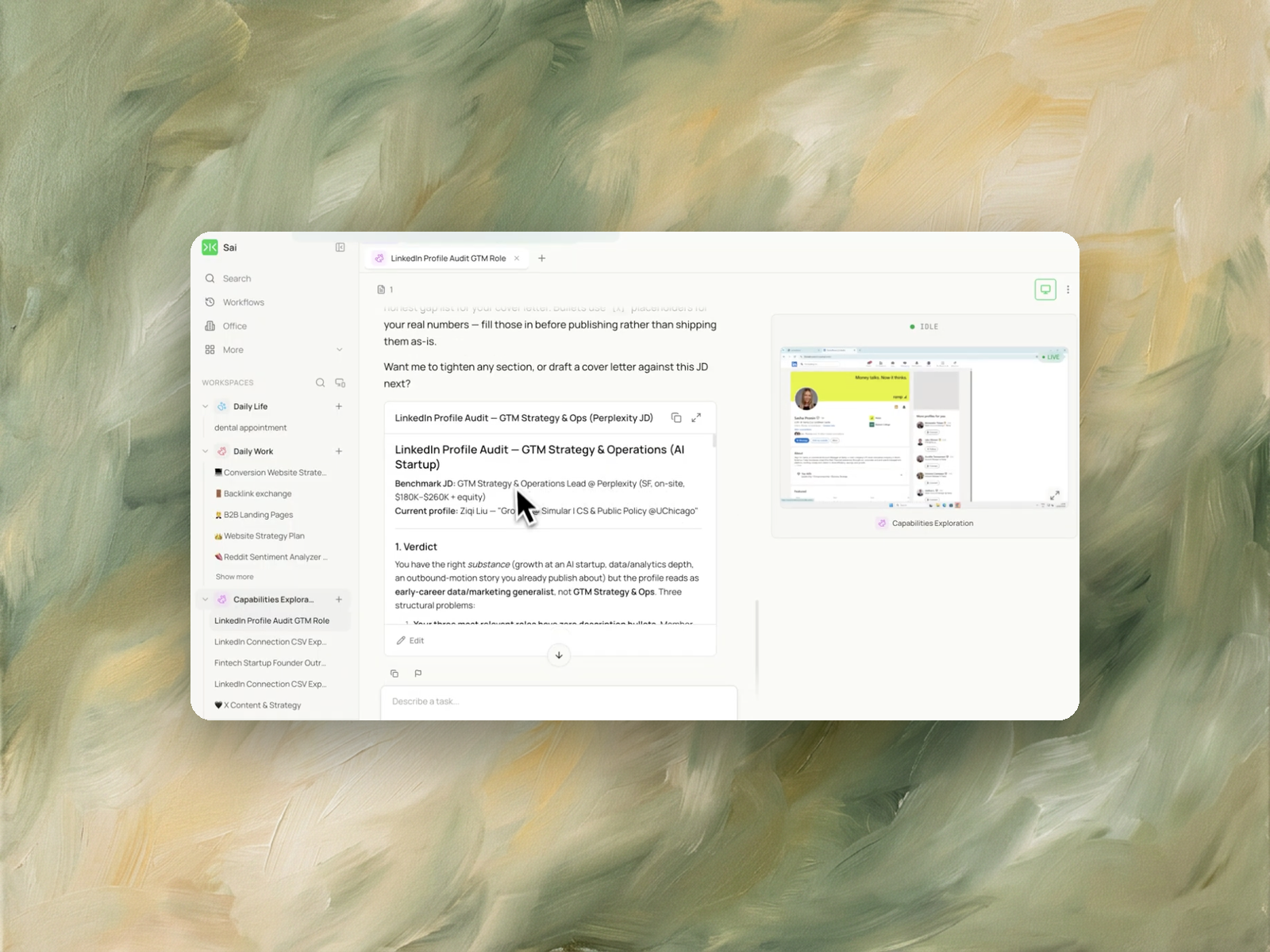
A written audit with a verdict on how your profile currently reads, the structural problems holding it back, and drafted replacements for your headline, About section, and experience bullets.
About 8 minutes.
Re-run whenever you've made changes or you're aiming at a different kind of role.
Go to linkedin.com, sign up with your email, and LinkedIn walks you through the first few fields. The whole thing takes about twenty minutes.
The sections that matter, in the order recruiters actually read them:
LinkedIn's own guidance is that a complete profile increases how discoverable you are in search. That's the floor, not the goal — complete is the minimum requirement for being found at all.
Because complete and effective are different standards, and most setup guides stop at the first one.
Here's the specific trap. LinkedIn generates your headline automatically from your most recent position, so unless you rewrote it, yours currently reads something like "Software Engineer at Acme." That's not wrong — it's just the default, and it's identical to thousands of other people's. The single most visible piece of text on your profile is filled with autogenerated filler.
The same pattern repeats further down. Experience entries with a title and dates but no bullets. An About section that describes your history instead of your direction. Skills you added three years ago for a job you no longer want.
None of this shows up as an error. The profile looks finished. It just doesn't read like anyone in particular.
The headline, because it's autogenerated and it's the most visible thing you have.
LinkedIn writes it for you from your most recent job title, so unless you changed it, yours reads like a job title rather than a positioning statement. It appears next to your name in every search result, every connection request, and every comment you leave. Nothing else on your profile gets seen that often, which makes it the highest-return edit available to you.
A useful test: read your headline out loud and ask whether it says anything a hundred other people with the same job title couldn't also say. If it doesn't, it's still the default in spirit even if you technically typed it yourself.
After the headline, work down in this order:
Once those are in place, the question stops being "is my profile complete" and becomes "is my profile right for the job I want" — which is a different exercise, and the one covered in LinkedIn profile optimization.
Specific rather than complete.
The most common failure isn't a missing section, it's a profile written so generally that it could belong to anyone in the same job family. Generic reads as unremarkable, and unremarkable is invisible in a list of thirty search results.
Specificity comes from three places: the actual work you did rather than the responsibilities you held, the direction you're heading rather than the path you took, and plain language rather than the phrases everyone else uses. "Passionate about leveraging data to drive impact" is a sentence with no information in it. What you built last quarter is information.
The hard part is that you can't see this in your own profile. You wrote every line, so every line reads as obvious and specific to you. This is why having something read it back to you is worth more than another checklist.
A written document with a verdict, the structural problems, and drafted replacements.
The verdict comes first and it's blunt. In the example run, the profile belonged to someone with genuinely relevant experience, but it read as an early-career generalist rather than the strategy and operations lead they were aiming to be. That gap between what you've done and how it reads is the whole problem, and it's very hard to see from the inside.
Then it names the structural issues specifically — three most relevant roles have no description bullets, headline doesn't contain the target function, and so on. Then it drafts the fixes: a new headline, a rewritten About section, and experience bullets built from your real history.
Where a bullet needs a number Sai doesn't have, it leaves a bracketed placeholder rather than inventing one. Fill those in before publishing.