Bypassing 2FA Logins – Seamless Auth for Secure Workflows
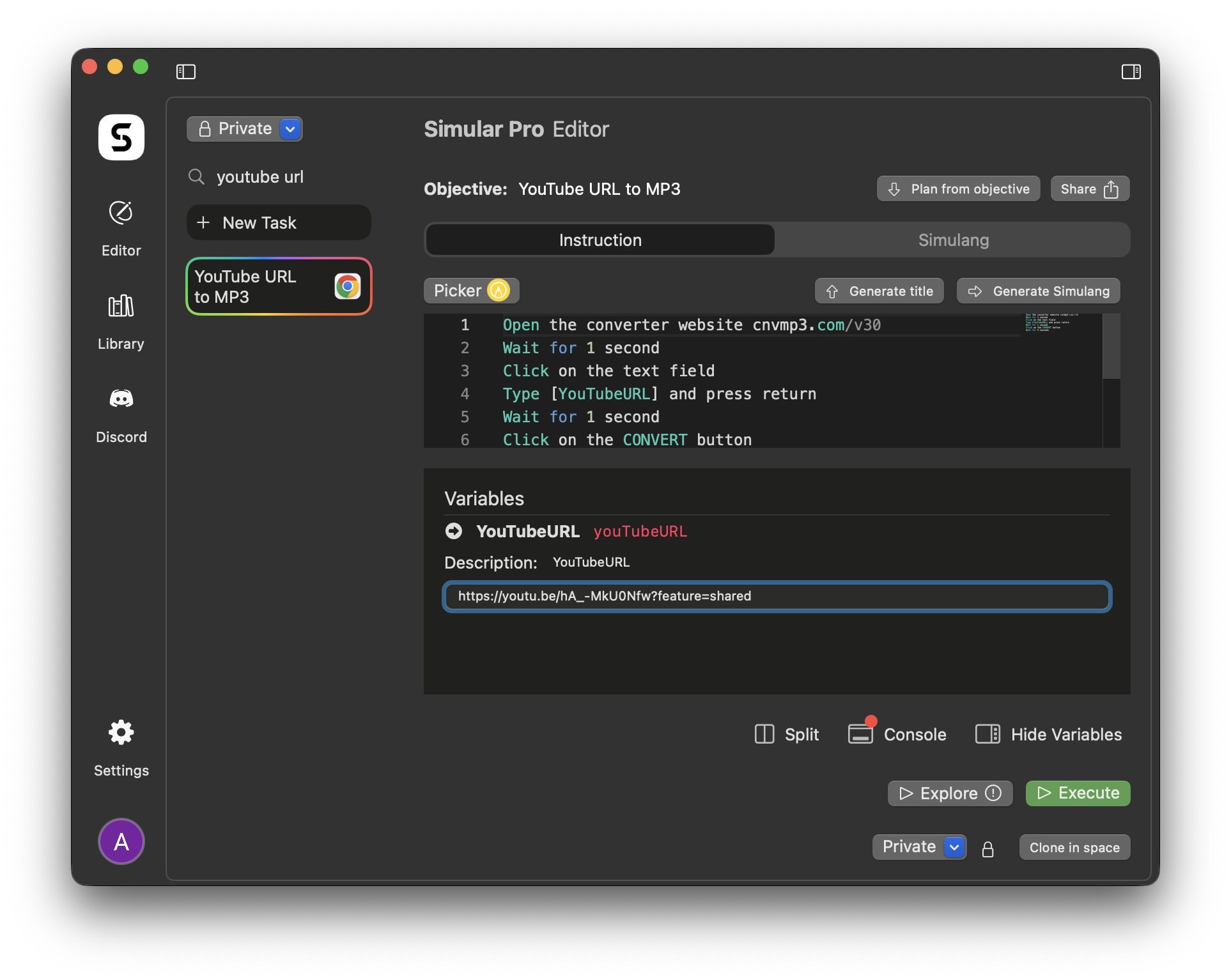
This Simular workflow enables automation across services protected by two-factor authentication. By using pre-stored backup codes or device-prompt logic, it allows login without requiring real-time user input.
How It Works
1. Login Page Navigation
Simular opens the login page and enters credentials using type.
2. 2FA Prompt Handling
When prompted for a second factor, the workflow either inputs a stored backup code or clicks a "Continue on this device" prompt using the accessibility tree.
3. Login Verification
Simular waits for the post-login redirect or page content change to confirm authentication.
4. Workflow Continuation
Once logged in, the main task (scraping, sending, downloading) resumes automatically.
5. Optional Account Rotation
The workflow can rotate credentials across multiple logins to increase throughput.
Benefits
- Fully Automated Logins – No manual code entry required.
- Compatible with Secure Sites – Works even without official APIs.
- Reliable – Bypasses failed logins using fallback logic.
- Repeatable – Ideal for batch processing or regular jobs.
Problems This Workflow Solves
- Blocked Automation – Gets past security gates that break bots.
- Session Expiry – Automatically reauthenticates when needed.
- Manual Code Delays – No need for SMS or app verification.
Tech Stack
- Simular Pro – Tab-based login automation
- Target Websites – Any service protected by 2FA
- Stored Backup Codes / Device Logic – Auth bypass method
- Session Tracking – Optional for scale workflows
사용할 준비가 되셨나요?
비슷한 방식의 컴퓨터?
기억을 공유하고 정리하고 작업을 개인화하세요.
Check our latest User Cases
More