])

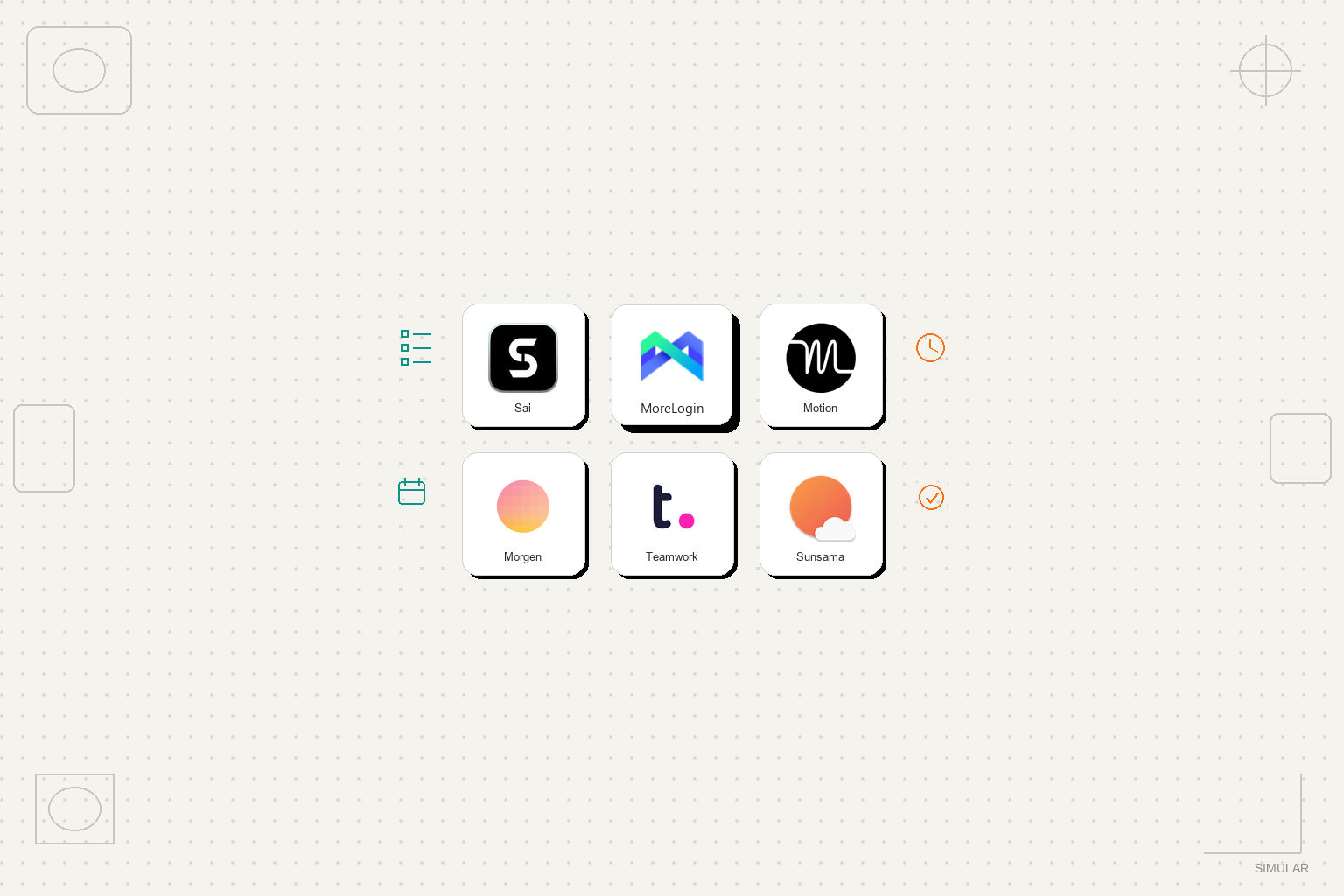
Top 5 best ai task manager alternatives for agencies

火曜日の夜11時47分、私が一緒に仕事をしているある創業者は、ようやくノートパソコンを閉じた。彼女のCRMは半分しか更新されておらず、キャンペーンレポートは複数のタブに散らばり、顧客に約束した「簡単な」フォローアップはまだ下書きのままだった。彼女はやる気がなかったわけではない。クリック作業に溺れていたのだ。

ビジネス、代理店、または収益チームを運営しているなら、おそらくその気持ちがわかるでしょう。プロジェクトボード、色分けされたカレンダー、さらには最新の最高のAIタスクマネージャーアプリまで試したことがあるはずです。それらは、あなたが 作業を把握し、 時にはより賢くスケジュールするのに役立ちます。しかし、タスクは依然として、あなたが現れて完了させるのを待っているのです。

そこで現代のAIタスクマネージャーの出番です。MotionのAIスケジューラー(https://www.usemotion.com/blog/ai-task-manager)、Morgenのフレームベースプランナー(https://www.morgen.so/blog-posts/best-ai-task-management-tools)、およびKuseがレビューした実行重視のプラットフォーム(https://www.kuse.ai/blog/workflows-productivity/i-tested-the-14-best-ai-task-managers-of-2026)は、静的なToDoリストの域を超えています。作業負荷を分析し、タスクを自動的に優先順位付けし、会議や締め切りに合わせて現実的なカレンダーを作成します。利点は、認知負荷が軽減され、集中力が高まることです。欠点は、それらのほとんどが依然としてブラウザ内で動作し、調整していることです。 あなたが作業する「タイミング」を 調整しているだけで、実際にツールにログインしたり、スプレッドシートを更新したり、ファイルを移動したりするわけではありません。そのギャップこそが、多くのチームがより深く、自律的な代替手段を探し始める理由です。

How we evaluated

誇大広告と本当に役立つツールを区別するため、私たちは最高のAIタスクマネージャープラットフォームとその主要な代替案を、デモデータではなく実際の代理店やGTM(Go-to-Market)のワークフローを使用して評価しました。

私たちは、各オプションがどれだけあなたを 仕事を委任する のに役立つか、単に整理するだけでなく、という点に焦点を当てました。私たちのテストプロセスには以下が含まれます。

  • 実地設定
    • トライアルアカウントを作成し、Google Workspace、CRM、広告プラットフォーム、クラウドストレージなどの実際のツールと連携します。
    • 既存のシステムから進行中のプロジェクト、案件、キャンペーンをインポートします。
  • 実行能力の深さ
    • その製品がタスク管理(リスト、カレンダー、リマインダー)のみを行うのか、それともエージェントとして実際に作業を実行できるのかを確認します。
    • 動作可能か検証します デスクトップ環境 (アプリ、ファイル、ターミナル)か、それとも ブラウザのみの ワークフローか。
  • 評価項目
    • 使いやすさ: 忙しい創業者やアカウントマネージャーが、30~60分以内に生産的になれるか?
    • 価格: そのモデルは、小規模チームや代理店にとって透明性があり、拡張可能か?
    • 自律性: そのツールは単に提案やスケジュール設定をするだけなのか、それとも絶え間ない監視なしに多段階のワークフローを実行できるのか?
    • 最適な対象: 具体的にどのようなICP(理想的な顧客層)に最適か(個人コンサルタント、営業チーム、代理店、オペレーションリーダーなど)?
    • デスクトップタスク: 人間のようにクリック、入力、GUI操作ができるのか、それともSaaS APIやウェブUIに限定されるのか?

各プラットフォームで、「リードを50件調査してCRMで情報を充実させる」「週次パフォーマンスレポートを作成する」「プロジェクトファイルを整理し直す」といった具体的なシナリオを実行し、エージェントが成功した点、失敗した点、あるいは人間の手厚い介入が必要だった点を記録しました。

Comparison Summary

ProductStarting Pricing*Key AdvantagesAutonomous?Ideal ForDesktop Tasks?
Simular ProContact sales / early accessFull computer-use agent across desktop, browser, and cloud; production-grade reliability; transparent, inspectable actions.Yes – high autonomy with guardrailsAgencies, GTM & RevOps teams, founders needing an always-on AI co-worker.Yes – full desktop automation
MotionFrom $19/month individualAI auto-scheduling, calendar integration, strong for personal productivity and team task orchestration.No – assists with planningBusy professionals and teams wanting hands-off scheduling.No – browser & calendar layer only
MorgenFrom $15/month individualApprove-first AI planning, Frames for ideal weeks, great for ADHD-friendly structure.No – human-in-the-loop plannerConsultants, freelancers, knowledge workers juggling many calendars.No – focuses on calendar & tasks
TeamworkAIVaries by Teamwork planAI inside full PM suite: planning, summaries, workload insights for client projects.Partial – automates updates & insightsAgencies and service teams managing client projects at scale.No – operates within web app
SunsamaFrom $20/monthGuided daily planning, light AI, strong focus on reflection and realistic workloads.No – planning assistantLeaders & ICs wanting calm, intentional daily planning.No – calendar/task orchestration only

1. Simular Pro:タスクリストから真のAI共同作業者へ

ほとんどの「最高のAIタスクマネージャー」ツールは、カレンダーを管理すると謳っています。Simular Proはさらに一歩進んで、仮想コンピューター上で実際に作業を行うAI共同作業者を提供します。

Simularのエージェント(通称Sai)は、プライベートなクラウドベースのデスクトップ上で、集中力のあるチームメイトのように動作します。マウスを動かし、CRMに入力し、スプレッドシートを開き、スクリプトを実行し、APIを呼び出し、さらにはターミナルや開発ツールでも作業します。そのすべてのステップを見ることができます。すべてのアクションは読み取り可能で、検査可能で、変更可能です。ブラックボックスのような魔法ではなく、透明性の高い実行です。

内部では、Simularは大規模言語モデルとシンボリックコントローラー、強化学習を組み合わせており、 非常に高性能なエージェント を提供します。これにより、デスクトップ環境で人間ができることのほぼすべてを自動化できます。つまり、次のことが可能です。

  • 営業業務:リードの発見、レコードの充実化、CRMの更新、アウトリーチの作成、ブラウザおよびデスクトップアプリを横断した結果の記録。
  • マーケティング:チャネルレポートの取得、SheetsやExcelでのデータ正規化、資料作成、広告プラットフォームへのアセットアップロード。
  • 運用:請求書の照合、ファイルシステムのクリーンアップ、レガシーデスクトップツールとクラウドシステム間のデータ移動。

重要なことに、Simular Proは本番環境レベルの信頼性を考慮して設計されています。数千ものステップを持つワークフローを連結でき、ノートパソコンがシャットダウンしていても、常時稼働のリモートデスクトップ上でエージェントが作業を継続することを信頼できます。ガードレール機能により、Saiは一括削除やメール送信のような元に戻せないアクションの前に、あなたと再確認します。事業主、代理店、GTMリーダーにとって、Simularは単なるプランナーではありません。クリックに飽きることのないフルタイムのデジタルオペレーターを雇うことに最も近い存在です。

2. Motion:カレンダーの自動操縦

もしあなたの主な悩み事が 利用シーン 業務を遂行する上で、Motionは最も強力なAIタスクマネージャーの候補の一つです。タスク、会議、締め切りを取り込み、優先度の高い作業が実際に収まるようにカレンダーを自動的に再調整します。

メリット

  • 一日を通して継続的にスケジュールを再調整する、優れたAIによる自動スケジュール調整機能(https://www.usemotion.com/blog/ai-task-manager)。
  • 個人およびチーム向けの高度なカレンダー連携と堅牢なタスク表示。
  • 日々の計画決定を任せたい創業者やマネージャーに最適。

デメリット

  • オーケストレーション層に位置するため、CRMへのログインやファイルの更新は行いません。
  • チームが明確な手動計画を好む場合、複雑なスケジュールは不透明に感じられることがあります。
  • スケジュールされた各タスクの実行は、最終的にあなたやチームに委ねられます。

料金
Motionの料金は、約 $19/month 個人向けで、チームプランはユーザーごとに設定されています。エージェンシーや小規模チームにとっては、一般的なカレンダーからの魅力的なアップグレードとなりますが、自律的な同僚ではなく、超高性能なスケジューラーと考えるべきです。

3. Morgen: 人間参加型AIプランニング

Morgenは、最高のAIタスクマネージャー分野においてMotionとは逆のアプローチをとっています。完全な自動操縦ではなく、AIが提案する内容を 承認して からカレンダーに反映させます。

その際立った特徴は フレーム です。これは、1週間の過ごし方(午前中は集中作業、昼食後はクライアント業務、一日の終わりには事務作業など)を表現する再利用可能なブロックです。MorgenのAIプランナーは、これらのフレームにタスクを提案し(https://www.morgen.so/blog-posts/best-ai-task-management-tools)、ユーザーはそれを受け入れたり、調整したり、拒否したりできます。

長所

  • 承認を優先するAIプランニングで、ユーザーのコントロール感を尊重します。
  • ADHDの方や、マイクロマネジメントなしで構造を必要とする多忙なナレッジワーカーに最適です。
  • 仕事、プライベート、クライアントアカウントなど、複数のカレンダーを強力にサポートします。

短所

  • 実行を目的としたものではありません。タスクはあくまで提案であり、カレンダーのエントリに過ぎません。
  • 大規模チーム向けのコラボレーション機能は限定的です。
  • デスクトップ優先の体験。モバイルは本格的なプランニングよりも確認に適しています。

Pricing
Morgen’s individual plans start around $15/month, with team seats available. It’s ideal if you want a calmer, more intentional planning experience — but you’ll still be the one actually doing the clicks.

4. TeamworkAI: AI Inside a Full PM Suite

For agencies that already live in a project management platform, TeamworkAI is worth a serious look. It layers AI onto Teamwork.com’s project and resource management features, so your “best ai task manager” is effectively embedded into your client delivery stack.

TeamworkAI helps you auto-generate task lists from briefs, summarize updates, surface at-risk work, and balance workloads across your team (https://www.teamwork.com/blog/ai-task-manager). It doesn’t pretend to be a robot operator — instead, it gives you sharper insight and faster coordination.

Pros

  • Natively integrated with project plans, time tracking, and client workspaces.
  • Strong for cross-project visibility and resourcing in multi-client agencies.
  • Automates status updates, summaries, and prioritization rather than raw execution.

Cons

  • Confined to the Teamwork environment; won’t act across your desktop or third-party tools by itself.
  • Best value if you’re already committed to Teamwork as your PM hub.
  • Still primarily orchestrates humans, not autonomous agents.

Pricing
TeamworkAI pricing depends on your underlying Teamwork plan. For growing agencies, it can be a compelling “all-in-one” move, but it’s closer to an intelligent control tower than a computer-using assistant like Simular.

5. Sunsama: The Reflective Planner with a Touch of AI

Not every leader wants a hyper-automated life. Sunsama — a Wirecutter favorite — uses just a dash of AI to support a very human workflow: you sit down each morning, intentionally choose what matters, and let Sunsama arrange it across your day.

It pulls tasks from tools like email, Trello, and Jira, then helps you estimate durations and timebox realistically (https://www.nytimes.com/wirecutter/reviews/best-ai-scheduling-apps/). AI assists with duration estimates and slotting, but the app’s real magic is forcing you to confront reality: there are only so many hours.

Pros

  • Calming, reflection-focused flow that encourages realistic commitments.
  • Integrates with a wide range of tools for a unified daily view.
  • Great if you want to think better about priorities, not just automate them.

Cons

  • Minimal autonomy — almost everything is human-driven by design.
  • Not ideal if you’re trying to offload grunt work at scale.
  • Suited to individuals and small teams, less so for large agency ops.

Pricing
Sunsama is priced around $20/month, with annual discounts. Think of it as a premium daily planning ritual, not an execution engine.

6. How These Alternatives Fit Together

If you map these tools, a pattern emerges:

  • Motion and Morgen specialize in when work happens — calendar intelligence.
  • TeamworkAI specializes in what gets done across projects — coordination intelligence.
  • Sunsama specializes in how you decide — reflective, human-first planning.
  • Simular Pro specializes in actually doing the work — execution intelligence across desktop, browser, and cloud.

There are other worthy options — ClickUp Brain, Reclaim.ai, Akiflow, Trevor AI, Notion AI — each adding smart planning or content generation inside their own ecosystems. But most of them still assume a human will ultimately click, drag, and type everything into place.

For business owners, agencies, and revenue teams, that’s the crux: do you want smarter lists, smarter schedules, or a computer agent that takes whole workflows off your plate?

The alternatives in this guide can absolutely make you more organized and less overwhelmed. Yet if your real bottleneck is execution — updating CRMs, generating reports, wrangling files, handling repetitive browser and desktop tasks — Simular Pro stands out as the best ai task manager alternative precisely because it stops treating you as the bottleneck. It becomes an always-on AI co-worker you can trust with real work.

If you’re ready to move from “planned” to “actually done,” it’s worth seeing what a full computer-use agent can do in your stack.

Stop doing repetitive tasks. Let Sai handle them for you.

Sai is your AI computer use agent — it operates your apps, automates your workflows, and gets work done while you focus on what matters.

Try Sai

よくある質問

})