
Oops! Something went wrong while submitting the form.
Most founders don’t notice the moment their calendar quietly takes over their company. One day you’re close to customers, writing copy and closing deals. The next, you’re trapped in tabs and tools, approving invoices, chasing leads in the CRM, and nudging your team about yet another overdue task.
That’s exactly the knot best ai workflow automation tools promise to untangle. At their core, these platforms connect the systems you already live in—CRMs, project boards, inboxes, spreadsheets—and add a layer of intelligence on top. Instead of just moving data from A to B, modern AI workflows can read unstructured text, classify requests, draft responses, and decide what should happen next. As writers like Melissa Reeve have warned in pieces such as “Why automating a broken workflow with AI is a trap”, the goal isn’t to simply pave over the old cow paths of your process. It’s to redesign how work flows through your business. The best tools help you do exactly that, but they come with trade-offs: no-code builders like those reviewed by Airtable in its “15 best AI workflow automation tools for 2026” are easy to start with but often stay inside the browser, while more advanced agent platforms can feel opaque or brittle if they rely only on LLM reasoning. Choosing the right alternative means balancing reach (desktop vs browser), autonomy vs control, price vs scale, and above all, whether the tool actually fixes the system instead of just speeding up busywork.
In this guide, we’ll zoom in on five best ai workflow automation alternatives that are worth a serious look if you’re a business owner, agency operator, sales leader, or marketer who’s ready to delegate real computer work—not just simple triggers and zaps. We’ll start with a computer-use agent that behaves like an always-on teammate, then contrast it with popular no-code and low-code platforms you’ve probably already heard of. By the end, you’ll have a clear sense of which option fits your stack today—and which one can grow into the backbone of your automation strategy over the next few years.
To separate genuinely useful best ai workflow automation tools from shiny dashboards, we evaluate each platform hands-on using real-world workflows from agencies, founders, sales teams, and marketing ops. Our testing focuses on four pillars:
Each candidate runs through repeatable scenarios: lead research and enrichment, content ops, reporting, and back-office admin. We score reliability (how often runs succeed without babysitting), observability (can you see and debug what happened?), and how much net time a typical knowledge worker actually gets back after setup.
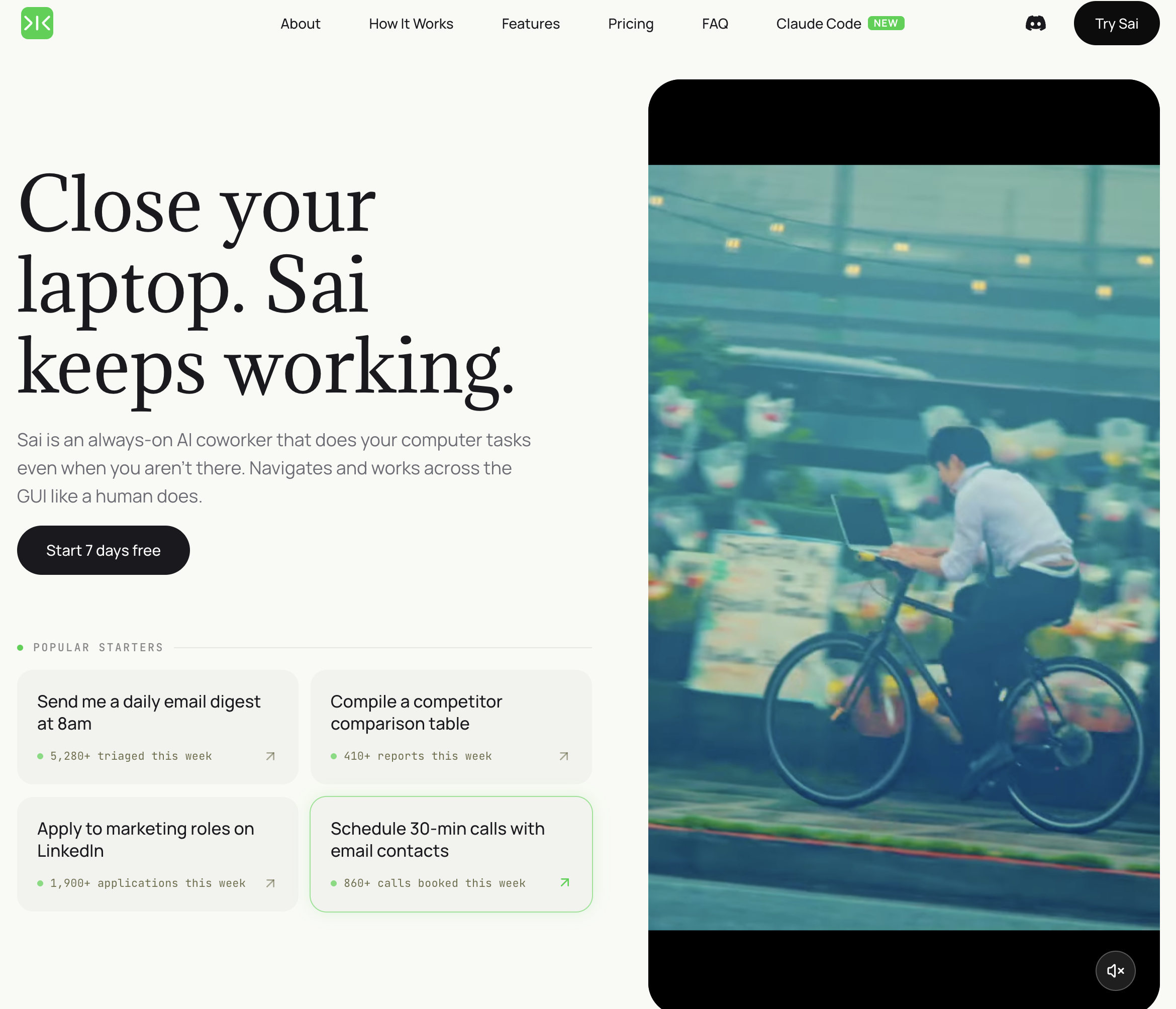
Pricing: Free tier available; Pro from $20/month Platform: Desktop AI agent (Windows/Mac) Best for: SMBs with workflows that touch applications without APIs — legacy software, browser-based tools, desktop apps
Sai takes a fundamentally different approach to automation. Instead of connecting to apps through APIs, it operates your computer directly — clicking buttons, typing text, reading screens, and navigating between applications the way a human assistant would. This means it can automate workflows that no other tool on this list can touch.
What Sai does that other tools do not:
Limitations: Requires your computer to be running during workflow execution. Workflow speed depends on application load times (clicking through a slow web app takes longer than an API call). Not ideal for high-frequency automations that need to run thousands of times per hour — API-based tools are faster for that use case.
Who should pick Sai: SMBs whose daily workflows involve applications that do not have Zapier integrations or APIs — legacy CRMs, industry-specific software, browser-based tools, local files. If you have ever said "I wish I could automate this but there is no integration for it," Sai is built for that exact problem.
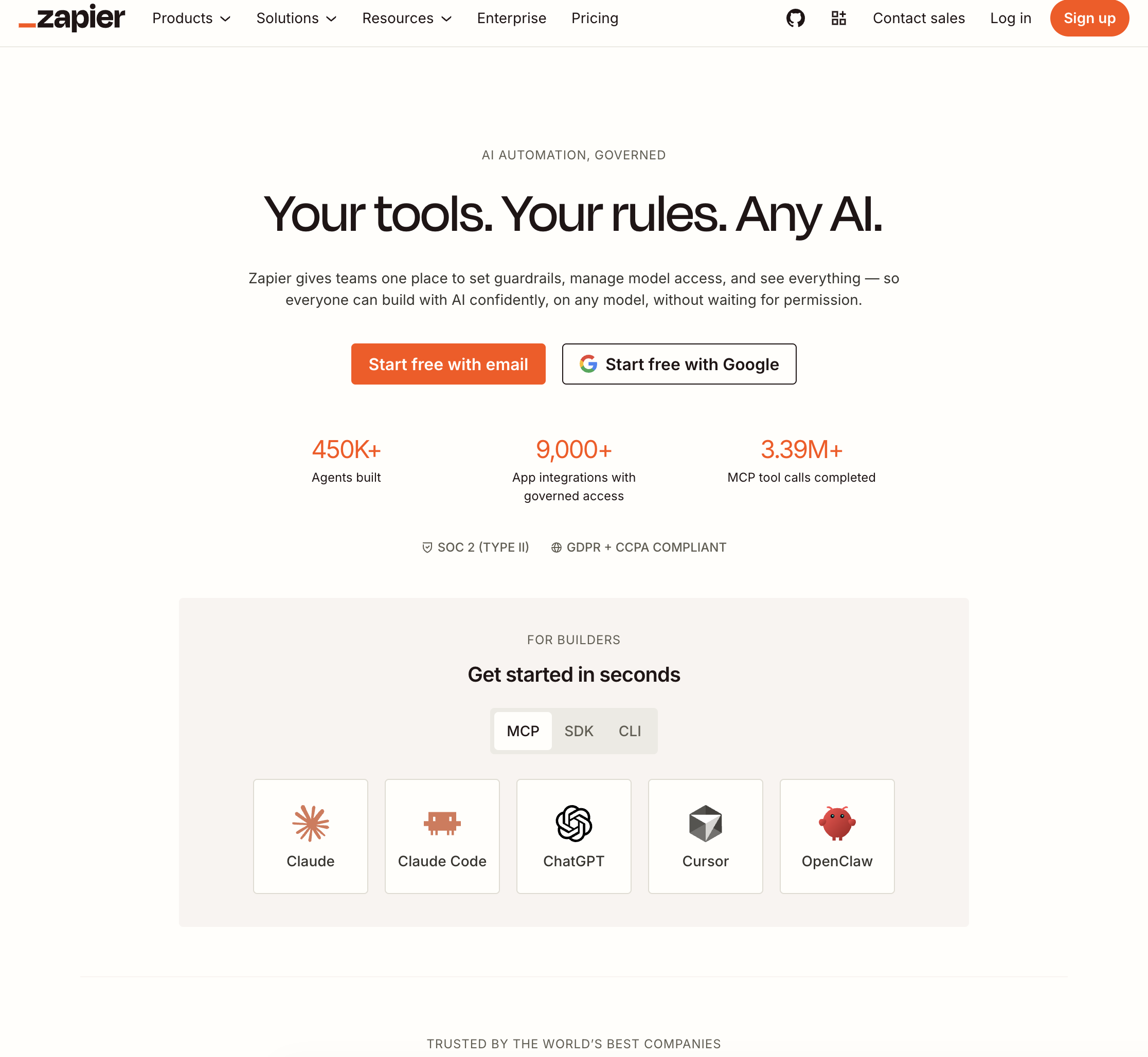
Pricing: Free (100 tasks/month); Starter from $29.99/month Platform: Cloud-based Best for: Teams that need simple, reliable connections between popular SaaS applications
Zapier is the default choice for SaaS-to-SaaS automation, with over 7,000 app integrations and a no-code builder that non-technical users can operate. For workflows that move data between standard cloud apps — CRM to email, form to spreadsheet, Slack notification to task manager — Zapier is fast, reliable, and well-documented.
Key strengths:
Limitations: Zapier can only automate apps that have official integrations — if your tool is not in their library, you are stuck. Complex multi-step workflows with conditional logic can become expensive (task-based pricing adds up). Cannot interact with desktop applications, local files, or browser-based tools that lack APIs. AI capabilities are limited to basic text formatting and simple AI-powered steps.
Who should pick Zapier: SMBs running an all-cloud, all-SaaS stack where every tool has a Zapier integration. If your workflows are "when X happens in App A, do Y in App B" and both apps are in Zapier's library, it is the fastest path to automation.
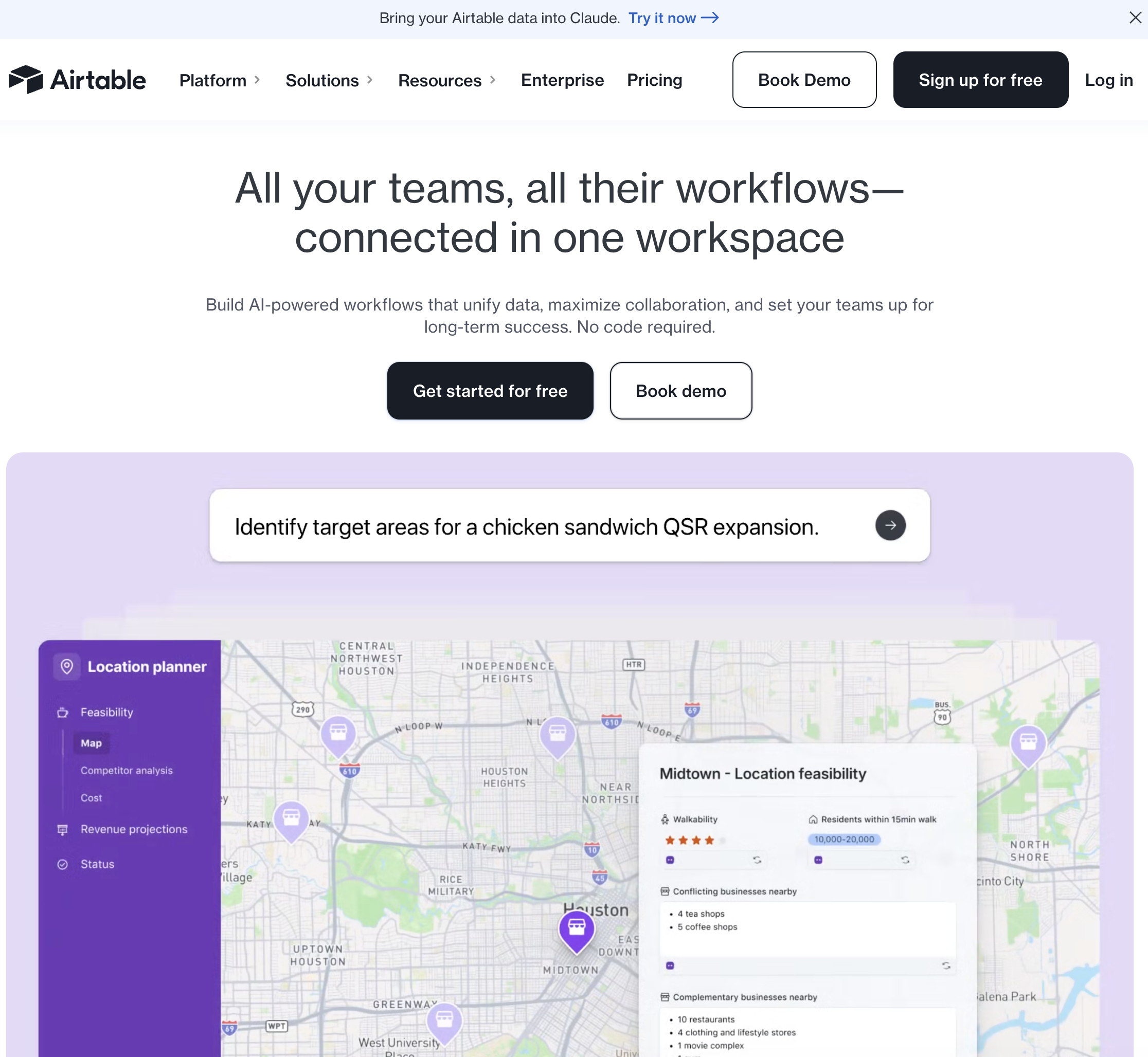
Pricing: Free tier; Team from $20/seat/month Platform: Cloud-based Best for: Teams that need to automate workflows around a central database — project management, inventory, content calendars
Airtable is primarily a database and project management tool, but its built-in automation engine makes it a capable workflow automation platform for data-centric processes. If your workflows revolve around managing, updating, and routing records in a structured database, Airtable handles both the data storage and the automation logic.
Key strengths:
Limitations: Automation capabilities are limited to actions within Airtable and a small set of external integrations (Slack, email, webhooks). For complex multi-app workflows, you will still need Zapier or another connector tool. The free tier limits automation runs. As your database grows, Airtable can become slow and expensive — enterprise teams often migrate to purpose-built databases.
Who should pick Airtable: Teams whose core workflow revolves around managing structured records — content calendars, project trackers, CRM-style pipelines, inventory management — and want automation built into their data layer rather than bolted on through an external tool.
Pricing: Free tier available; Pro from $49/month Platform: Cloud-based workflow builder Best for: Technical users who want to embed AI reasoning steps into custom automation workflows
Gumloop is a visual workflow builder designed specifically for AI-powered automation. While Zapier connects SaaS apps through APIs, Gumloop lets you chain together AI model calls, web scraping, data transformation, and API actions into custom pipelines.
Key strengths:
Limitations: Requires technical thinking to design effective workflows. The visual builder is powerful but has a learning curve — this is not a "describe it in plain English" tool. Workflow reliability depends on the stability of external data sources (websites change, APIs break). Debugging complex pipelines can be time-consuming. No desktop application automation — cloud and API-based only.
Who should pick Gumloop: Growth engineers, RevOps teams, and technical founders who want maximum flexibility in building AI-powered automation pipelines. If you think in terms of "data in → transform → enrich → output" and want AI at every step, Gumloop delivers.
Pricing: Included with Microsoft 365; standalone from $15/user/month Platform: Cloud-based + desktop flows (RPA) Best for: Organizations using Microsoft 365 that want automation tightly integrated with Outlook, Teams, SharePoint, and Excel
Power Automate is Microsoft's automation platform, offering both cloud-based workflows (connecting Microsoft and third-party services) and desktop flows (robotic process automation for legacy applications). For teams already paying for Microsoft 365, the core automation features come included.
Key strengths:
Limitations: The interface is complex — non-technical users often find Power Automate harder to learn than Zapier. Desktop flows (RPA) are brittle and break when application UIs change. Pricing can be confusing — some features require premium connectors at additional cost. Third-party integration library is smaller than Zapier's. Mac support for desktop flows is limited.
Who should pick Power Automate: Organizations already invested in Microsoft 365 that want automation without adding another vendor. The included-with-365 pricing makes it effectively free for basic automations. Desktop flows add value for teams with legacy Windows applications.
Beyond these five, there’s a long tail of best ai workflow automation contenders: Vellum AI for sophisticated no-code and SDK-based LLM orchestration; n8n for open-source, low-code builders; Workato and Tray.io for enterprise iPaaS use cases; and vertical tools like HubSpot, ClickUp, and Notion that bake automation directly into their core products.
The pattern across all of them is clear: most tools excel either at connecting SaaS or at structuring data and processes. Very few step into the role of an actual computer co-worker. That’s where Simular stands out. By giving you an always-on, private cloud desktop and an agent that uses it like a human—with transparent logs, guardrails, and research-grade reliability—you can finally offload the drudgery that lives between your apps, not just inside them.
If your next quarter depends on squeezing more out of the same headcount, the smartest move is usually a hybrid: keep your favorite SaaS automations, but upgrade the "last mile" of work to an autonomous computer-use agent. That’s exactly what Simular Pro was built for.
Try Simular and see what happens when you stop paving the cow paths—and let an AI teammate help you redraw the map.
Sai is an AI agent that runs directly on your computer — no API connectors, no browser extensions, no iPaaS subscriptions. Three capabilities make it uniquely suited for SMB workflow automation: