
Oops! Something went wrong while submitting the form.
The first time you try to run serious outbound on LinkedIn, it feels like stepping onto a treadmill that never stops. Profile views, connection requests, follow ups, inbox triage, CRM updates – by Wednesday you are already three days behind. That is usually the moment founders, SDRs, and agency owners start googling best AI for LinkedIn outreach and fall into a sea of look alike tools.
When people say best AI for LinkedIn outreach, what they really mean is a stack that can reliably find the right buyers, open conversations without sounding robotic, and keep your account safe while it does the boring parts for you. Modern platforms like Overloop’s LinkedIn suite (https://overloop.com/blog/linkedin-outreach-tools), Botdog (https://www.botdog.co/), and Skrapp’s LinkedIn AI tools (https://skrapp.io/blog/21-best-linkedin-ai-tools-for-2026) go beyond simple mail merge. They layer in AI lead scoring, cloud based automation, and safety rails to randomize timing and stay under daily limits, so you can focus on high intent replies instead of spreadsheets.
In this guide we will treat best ai for linkedin outreach as a workflow problem, not just a messaging problem. We will look at how different tools handle prospecting, personalization, sequencing, and the unglamorous admin work behind the scenes, then zoom out to see where desktop grade computer agents fit alongside LinkedIn first platforms.
We tested best ai for linkedin outreach tools the same way a real outbound team would: under pressure, with imperfect data, and a strict do not embarrass the brand rule.
Testing methods
Evaluation dimensions
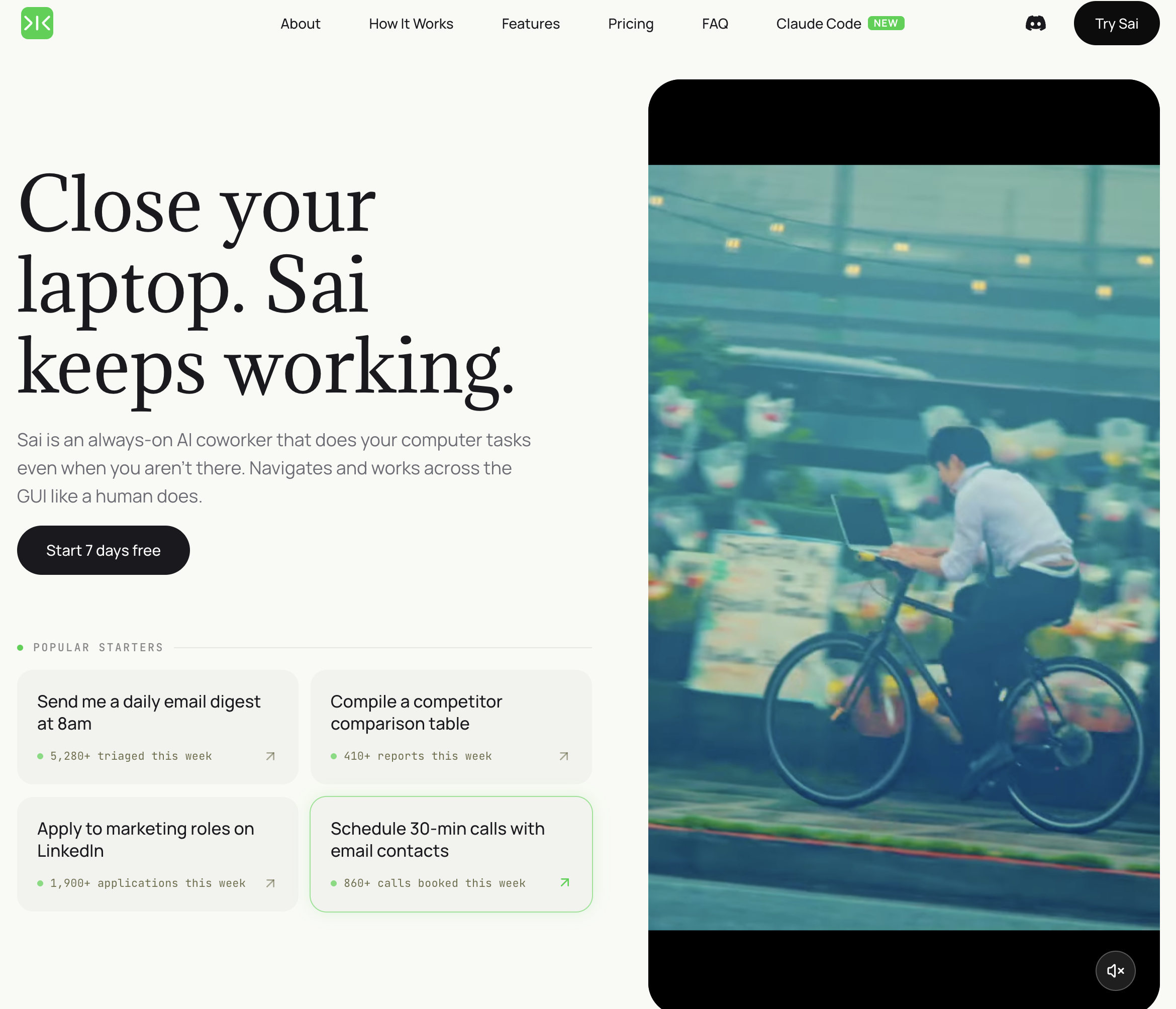
Pricing: Free tier available; Pro from $20/month Platform: Desktop agent (Windows/Mac) — no browser extension needed Best for: SDRs who want one tool to handle prospect research, message writing, sending, and CRM sync
Sai is not a LinkedIn automation extension. It is a desktop AI agent that operates your computer the way a human assistant would — opening LinkedIn in a real browser, researching each prospect, writing personalized messages, and managing follow-up sequences across LinkedIn, email, and Google Sheets.
What Sai does that other tools do not:
Limitations: Requires your computer to be running during outreach execution. Not a cloud-based "set it and forget it" tool — though workflows can be scheduled to run at specific times.
Who should pick Sai: SDRs doing 50+ personalized outreach touches per week who are tired of spending more time researching prospects than actually talking to them. If you want an AI assistant that does the full prep work, not just the sending, Sai is the only tool on this list that covers the complete workflow.
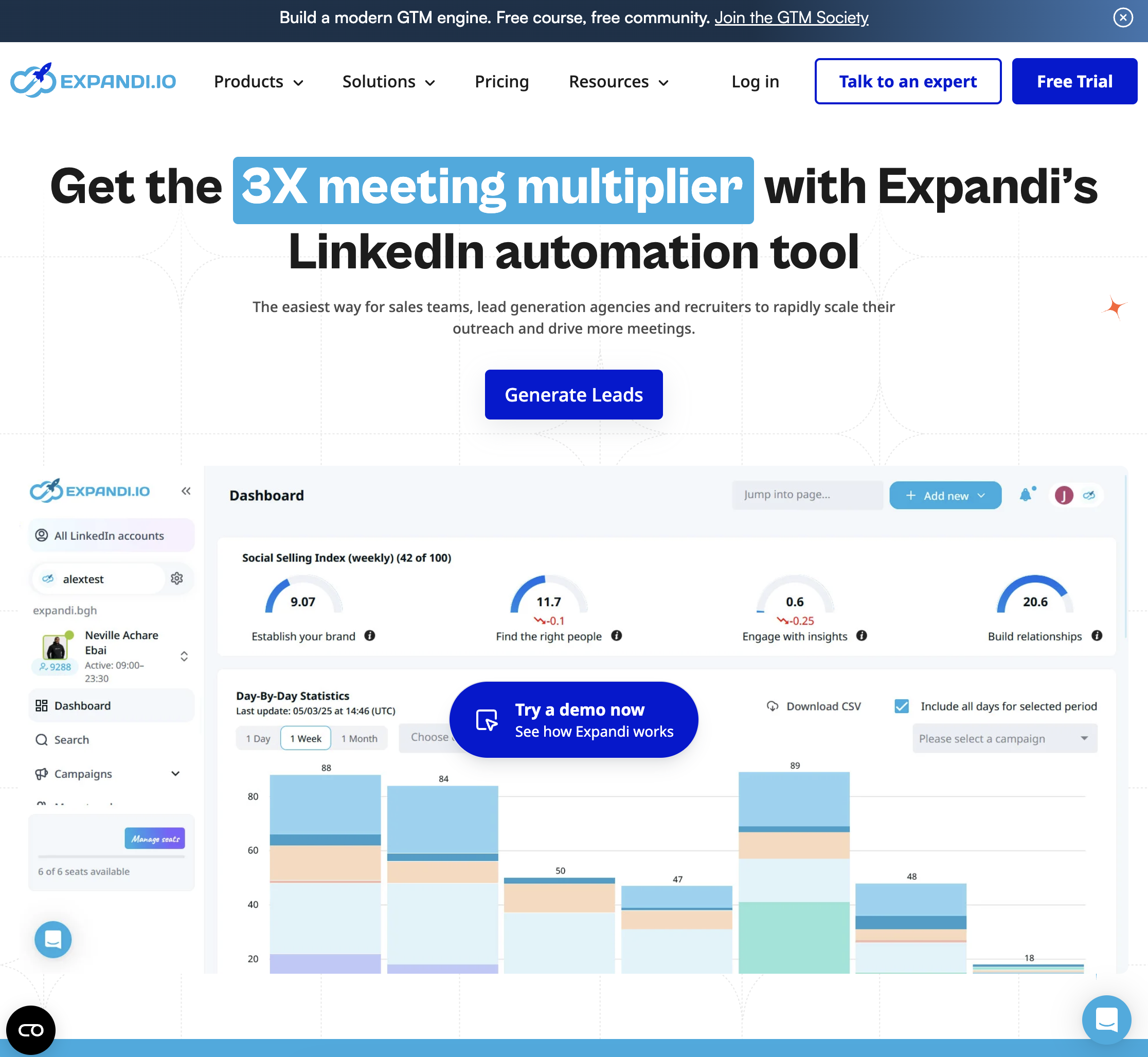
Pricing: From $99/seat/month Platform: Cloud-based (dedicated IP address) Best for: Sales teams running LinkedIn + email sequences with conditional branching
Expandi is one of the most established LinkedIn automation platforms, used by agencies and sales teams who need high-volume outreach with smart sequencing. It runs in the cloud with a dedicated IP address, which reduces the account safety risks that browser extension tools face.
Key strengths:
Limitations: At $99/seat/month, it is one of the more expensive tools on this list. Message personalization is template-based — you define variables and variants, but the tool does not research each prospect individually. Campaign setup requires more manual effort compared to agent-based tools.
Who should pick Expandi: Established sales teams and agencies that need reliable, high-volume multichannel sequences with detailed analytics. If you already know your ICP and have your messaging templates dialed in, Expandi executes at scale.
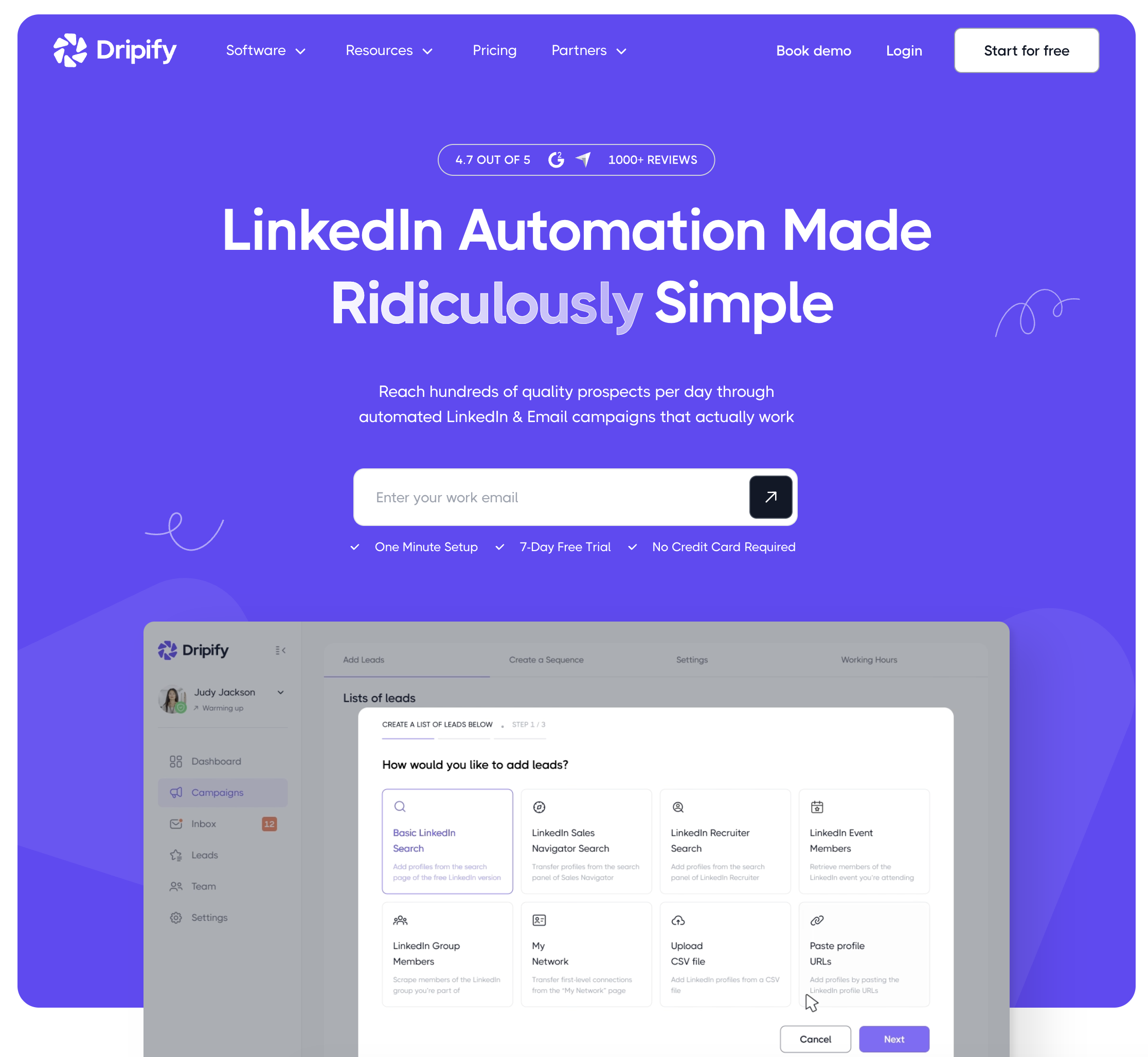
Pricing: From $39/month Platform: Cloud-based Best for: Solo SDRs or small teams wanting basic LinkedIn automation without complexity
Dripify is the entry-level option on this list. It focuses on doing one thing simply: running LinkedIn drip sequences — send connection request, wait, send follow-up, wait, send second follow-up. No frills, no complex conditional logic.
Key strengths:
Limitations: Personalization is purely template-based ({first_name}, {company_name}). No AI-generated messages, no prospect research, no email integration within the platform. Conditional branching is limited compared to Expandi. You will eventually outgrow it if your outreach strategy becomes more sophisticated.
Who should pick Dripify: SDRs who are just getting started with LinkedIn automation and want a low-risk, low-cost way to test whether automated outreach works for their ICP. A solid starting point, but most teams graduate to more capable tools within 6-12 months.
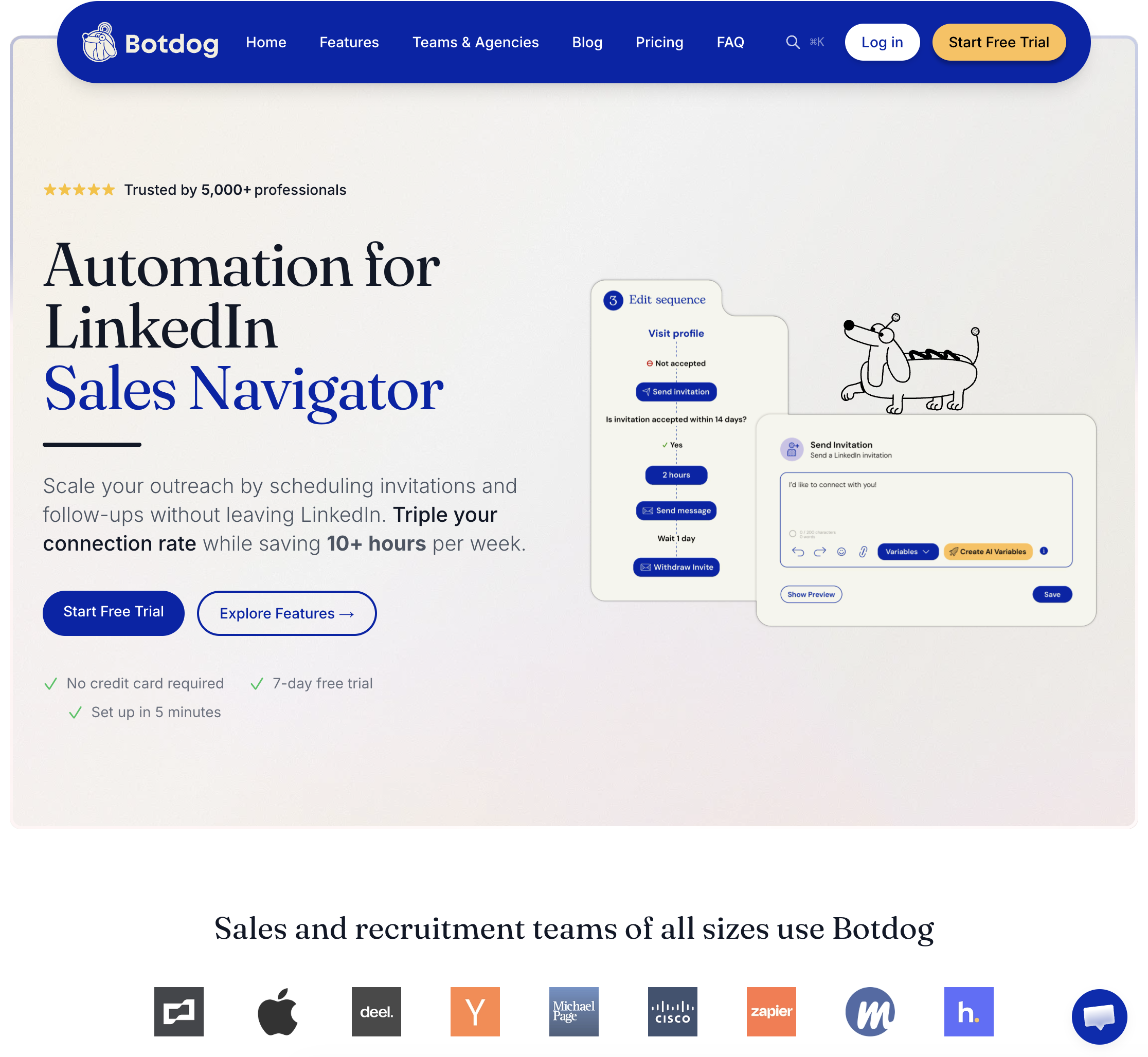
Pricing: From $69/account/month Platform: Cloud-based Best for: Teams that prioritize LinkedIn account safety and need a shared inbox for response management
Botdog positions itself as the "safe" LinkedIn automation tool. It operates through dedicated browser instances in the cloud, mimicking human behavior patterns to minimize the risk of LinkedIn account restrictions.
Key strengths:
Limitations: No deep AI-powered personalization — message customization is template-based with variables. Pricing per account (not per seat) can get expensive for teams managing multiple LinkedIn accounts. Limited integration ecosystem compared to Expandi.
Who should pick Botdog: Teams where LinkedIn account safety is the primary concern — for example, SDRs using personal accounts (not company-provisioned) who cannot afford a restriction. The shared inbox feature also makes it a strong choice for teams where multiple people need to manage responses.
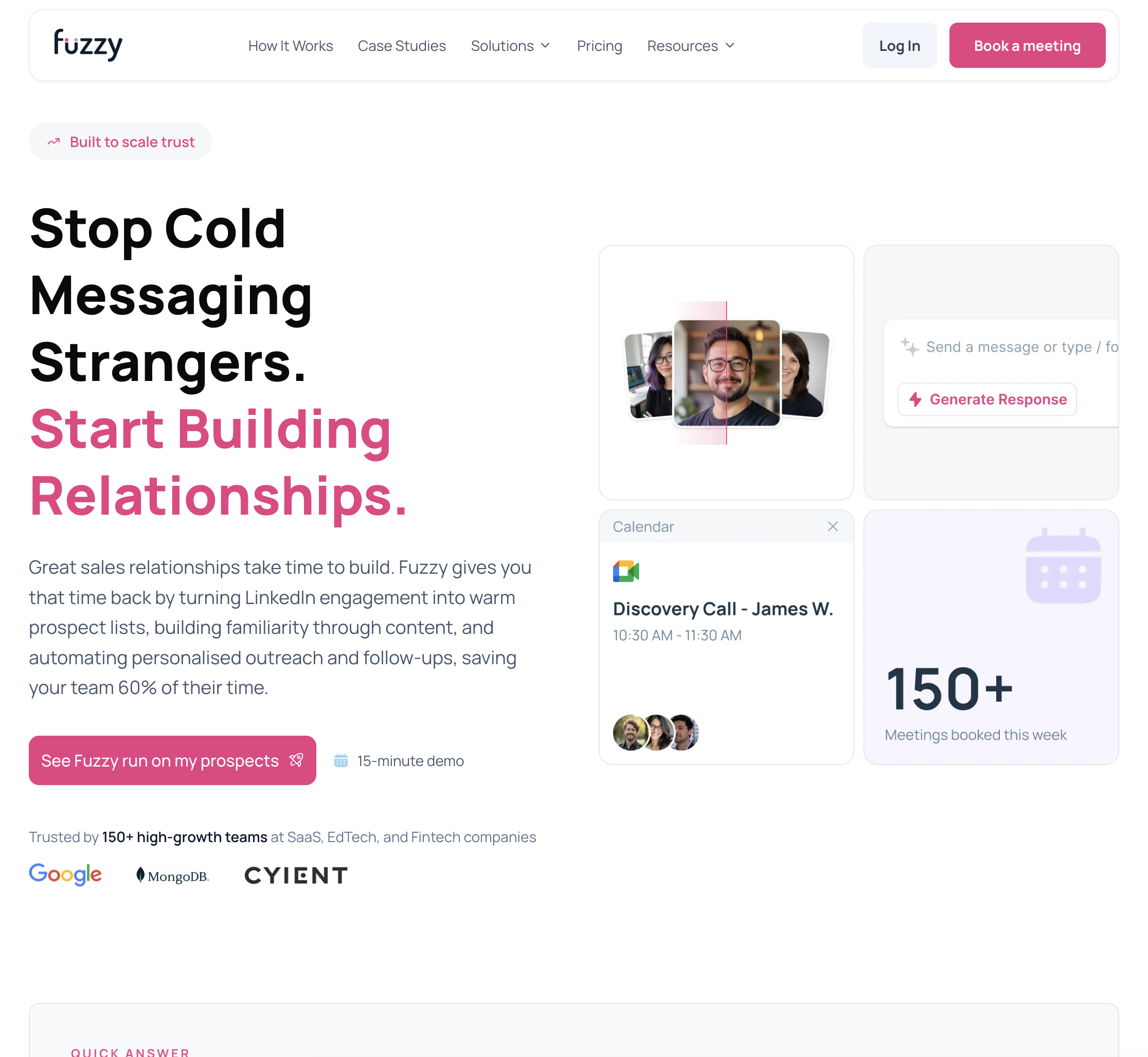
Pricing: Contact for pricing Platform: Cloud-based Best for: SDRs who want to target prospects based on competitor product usage or buying signals
Fuzzy takes a different approach from the other tools on this list. Instead of starting with LinkedIn search filters, Fuzzy identifies prospects based on intent signals — specifically, which competitor products they are already using or evaluating.
Key strengths:
Limitations: Pricing is not publicly listed, which makes it hard to compare value against other tools. The intent data accuracy depends on the competitor products you are targeting — coverage varies by industry. Less established than tools like Expandi or Dripify, with a smaller user community and fewer integration options.
Who should pick Fuzzy: SDRs in competitive markets where knowing what tools a prospect already uses is a genuine advantage. If your sales pitch depends on displacement (switching from competitor X to your product), Fuzzy's targeting approach gives you a conversation starter that generic outreach cannot match.
Sai is an AI agent that runs directly on your computer — no browser extensions, no cloud proxies, no API access to LinkedIn. Three capabilities make it uniquely suited for LinkedIn outreach: