Oops! Something went wrong while submitting the form.
Super Intelligence for Small Business: The 7 Highest-ROI Workflows
What does super intelligence mean for a small business?
For a small business, super intelligence (SI) means software that does repetitive computer work for you: it opens the apps, clicks through the screens and hands back the finished result. You describe the task in plain language; no code or API integration is needed.
The opportunity is time. Sales reps spend only 40% of their time selling, according to Salesforce's 2026 State of Sales. Simular estimates the average office worker spends more than five hours a day on mouse-and-keyboard work like copying cells and retyping forms (Simular).
How we evaluated
The Core Economics: SI Agent vs. Virtual Assistant vs. Traditional RPA
Before evaluating specific workflows, small business leaders must understand the structural cost and operational trade-offs between traditional outsourcing, legacy robotic process automation (RPA), and modern computer-use SI agents:
2 to 4 weeks of manual training, SOP creation, and shadowing.
1 to 3 months of developer workflow mapping and scripting.
Instant setup; natural language task delegation in minutes.
Fragility & Maintenance
Subject to turnover, sick leave, timezone lag, and human error.
Extremely brittle; breaks whenever a web portal updates its CSS/HTML.
Self-healing multimodal vision grounded by accessibility trees.
System Adaptability
Can operate any screen, but requires continuous managerial oversight.
Strictly limited to pre-programmed, rigid deterministic rules.
Combines cognitive reasoning with native desktop/web execution.
Availability & Scalability
40 hours/week; scaling requires hiring and training additional headcount.
24/7 server automation, but changes require technical consultants.
24/7 always-on private cloud machine; scales instantly with workload.
Comparison Summary
The 7 highest-ROI super intelligence workflows for small business
The best first workflows repeat at least weekly, span several tools, and follow the same rules each time. Each one below ends with a human approval point.
1. Competitor and supplier price monitoring
Who it's for: retailers, distributors, e-commerce brands.
Manual cost: someone opens 10–20 sites each week and copies prices into a sheet.
What the agent does: on a schedule, opens each catalog, applies the site's own filters, records price and stock, and updates a Google Sheet. It flags changes above a threshold you set, such as 10%.
Human check: you decide whether to reprice. Respect each site's terms of use.
2. Invoice reconciliation and expense auditing
Who it's for: owners, bookkeepers, finance leads.
Manual cost: month-end downloads from email, Stripe or PayPal, matched by hand against QuickBooks or Xero.
What the agent does: collects receipts, reads line items and tax from PDFs, matches transaction IDs to bank records, and lists missing or duplicate invoices. Simular cites "upload my invoices to QuickBooks every day" as a typical repeated task, with 90%+ token savings on reruns (Simular).
Human check: your accountant reviews the exception list. See Sai for Finance.
3. Lead research and CRM hygiene
Who it's for: founders and small sales teams.
Manual cost: reps enrich thin inbound leads by hand, part of why selling gets only 40% of their time (Salesforce).
What the agent does: researches each account on company websites and public directories, records headcount and decision-makers, and types the results into HubSpot or Salesforce through the normal web interface.
Human check: a rep reviews before outreach. See Sai for Sales.
Who it's for: agencies, accounting firms, consultancies.
Manual cost: each new client means folders in Google Drive, a project in Asana or Monday.com, a first invoice and a welcome email.
What the agent does: creates the folders and project board from your template and drafts the invoice and welcome email.
Human check: you approve the invoice and email before they go out; Sai's guardrails pause before irreversible actions (Sai for Teams).
6. Vendor proposal and RFP comparison
Who it's for: anyone buying software, insurance or services.
Manual cost: reading several long PDFs with different pricing models.
What the agent does: extracts comparable terms (setup fees, SLAs, penalties), normalizes pricing and builds a comparison table with gaps flagged.
Human check: you negotiate and sign.
7. Meeting prep briefings
Who it's for: owners and account managers.
Manual cost: digging through email, chat and the CRM before each call.
What the agent does: each morning, checks the calendar, pulls recent history for each meeting and writes a one-page brief. See Sai for Executives & Operations.
Human check: none needed; it's read-only.
Which tools run these workflows? 5 options compared
1. Sai by Simular: best for multi-app work without APIs.
Sai is a robosecretary that works in browsers, desktop apps, file systems and terminals on a cloud computer or your own Mac or Windows machine (Sai pricing FAQ). Simular reports a 73.0% partial score on OSWorld 2.0, a benchmark of long real-world tasks. Repeated tasks are compiled into code, so reruns use 90%+ fewer tokens. Sai for Teams lists SOC 2 Type II, HIPAA, zero data retention, bring-your-own-key encryption, and guardrails that pause before irreversible actions. Trade-off: long tasks remain hard for every agent; review outputs while you build trust.
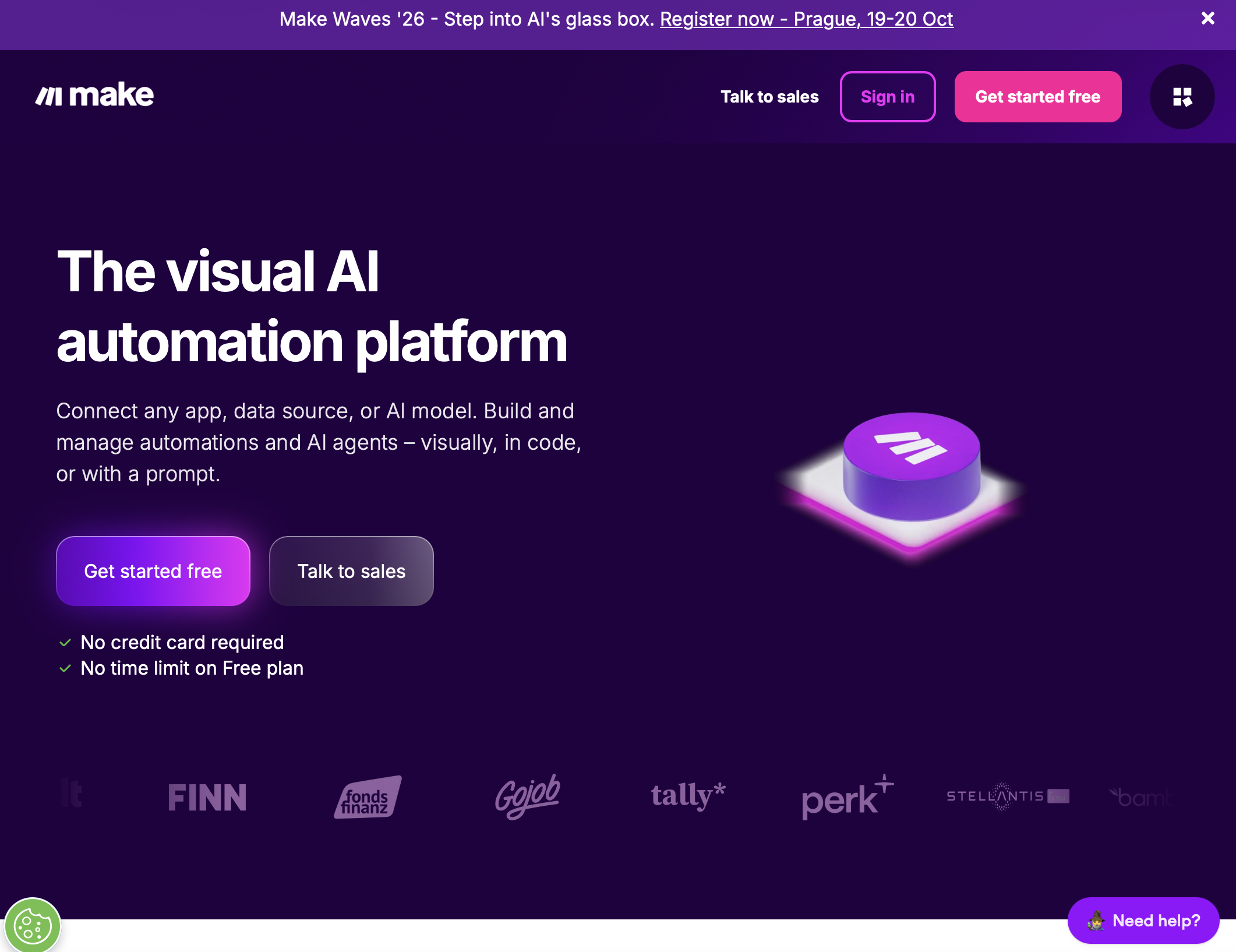
2. Make: best for clean SaaS-to-SaaS automation.
Make connects apps through modules on a visual canvas and bills per credit, where each module action usually costs one. It now includes Make AI Agents (beta) on all plans. Trade-off: every step needs an app module or API; it can't operate a portal or desktop app that has neither.
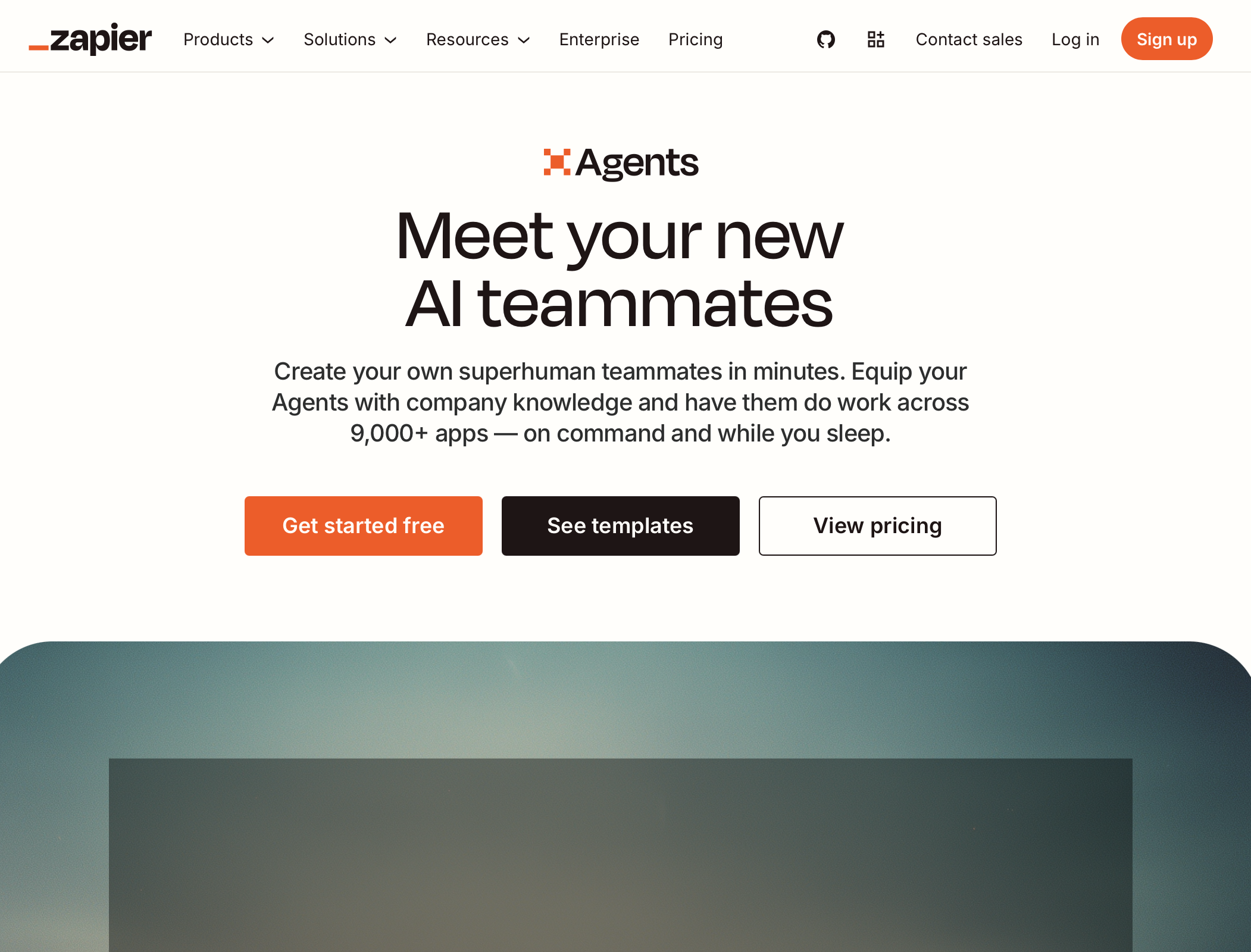
3. Zapier Agents: best for event-driven tasks across popular apps.
Formerly Zapier Central, Zapier Agents are AI teammates that work across 9,000+ apps, run on command or in the background, and can work in the browser through a Chrome extension. Trade-off: strongest where a Zapier integration exists; task-based pricing grows with volume.
4. Power Automate desktop: best for stable Windows routines.
Power Automate for desktop records and replays desktop and web steps using UI elements, images and coordinates. Unattended flows run in their own RDP session on a signed-out machine with the Process plan (Microsoft Learn). Trade-off: Microsoft notes screen resolution differences can break element detection; flows need upkeep when apps change.
5. Lindy: best for inbox and calendar work.
Lindy calls itself an AI employee that connects to 1,000+ tools, runs scheduled tasks and records meetings. Browser automation is available on Pro and higher. Trade-off: centered on communication and connected apps rather than full desktop control.
How to get started: a 3-step playbook
List your browser chores. Find tasks that happen at least three times a week, move data between tabs or apps, and follow the same rules each time.
Set safe boundaries. Run the agent on a dedicated cloud computer, not your personal laptop. Require approval for payments, customer emails and deletions.
Turn a working task into a routine. Once a task succeeds a few times, schedule it. Sai reruns learned routines as code, so repeat runs get cheaper and more reliable (Sai pricing FAQ).