Oops! Something went wrong while submitting the form.
Project Management Tools for Small Business in 2026: 7 Platforms Tested for Team Agility, Workflow Efficiency & Autonomous Execution
When small business owners, startup founders, agency principals, and operations leaders search for the best project management tools for small business in 2026 (frequently evaluated alongside project management software for small teams, small business task management tools, or SMB work management platforms), they confront a major operational paradox: the burden of project management admin.
In a small business with 5 to 50 employees, every minute spent organizing work is a minute not spent shipping products, serving paying clients, or generating revenue. Yet traditional project management software often exacerbates administrative overhead instead of eliminating it:
The "Status Update Tax": Team members spend hours every week manually creating cards, dragging tickets across Kanban columns, logging subtasks, typing status reports, and pinging colleagues on Slack to ask "Did this get done?"
Feature Bloat & Steep Learning Curves: Enterprise-heavy suites (like Jira or legacy Microsoft Project) impose rigid enterprise hierarchies, complex permission schemes, and mandatory custom field configurations that overwhelm small, fast-moving teams.
Information Fragmentation & The Multi-Tool Chaos: Small businesses end up using one tool for tasks, another for company docs and SOPs (Google Docs or Notion), a third for client time tracking and invoices, and a fourth for team chat. As a result, critical context slips through the cracks.
Zero Execution Power: Every traditional project management tool is fundamentally passive—it is an empty database that waits for humans to type updates into it. It can tell you a task is overdue, but it cannot log into your billing portal, extract a vendor report, verify an invoice, or update your CRM.
In 2026, the small business project management landscape has consolidated around specific operational archetypes:
Agile Visual Work OS & Custom Workflows: Highly flexible, color-coded visual boards that adapt to diverse operational departments (e.g., monday.com).
All-in-One Connected Productivity Workspaces: Unifying tasks, docs, whiteboards, goals, and team chat under a single roof (e.g., ClickUp).
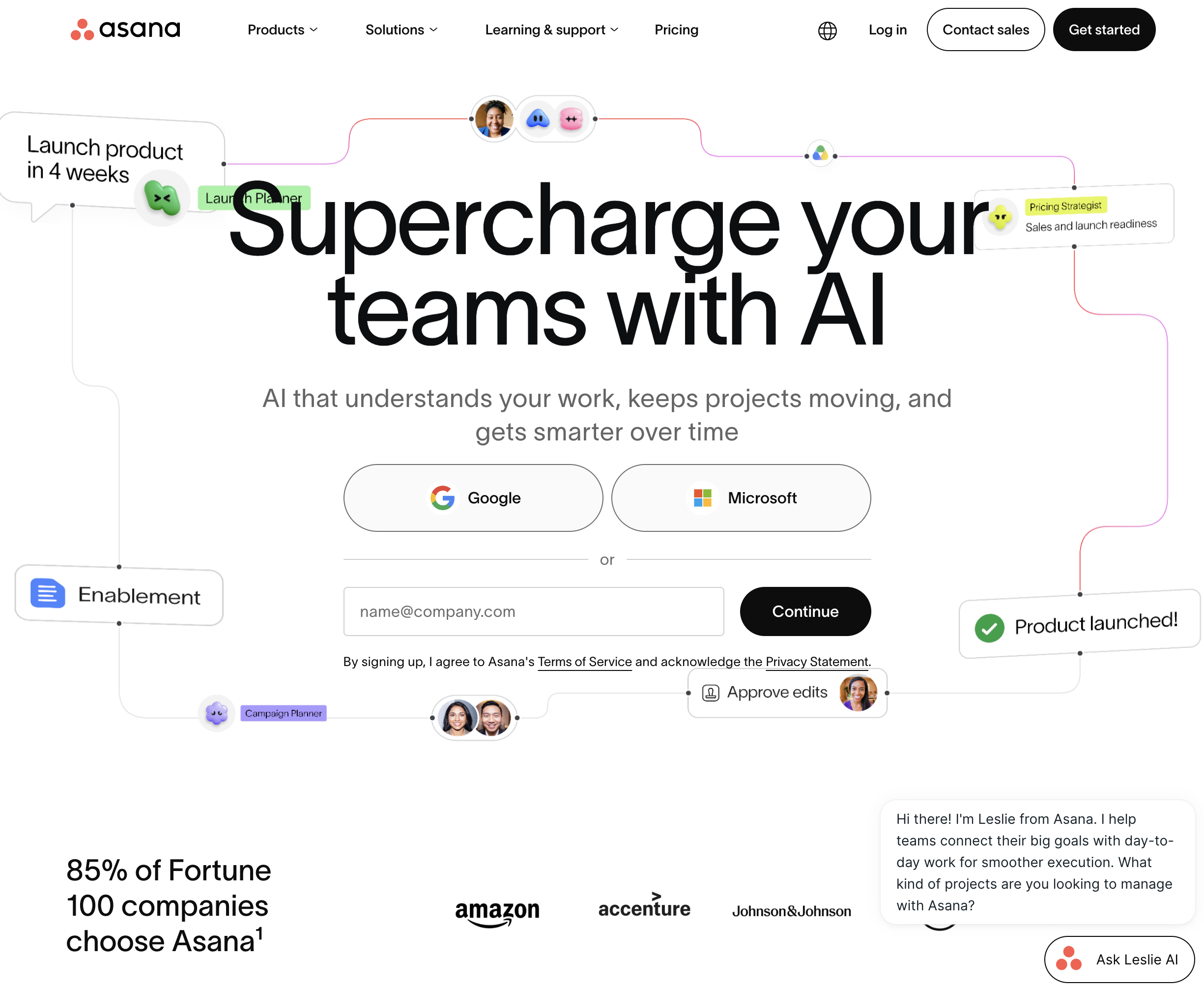
Structured Task & Cross-Team Workflow Trackers: Clean, timeline-driven work management built for intuitive team adoption (e.g., Asana).
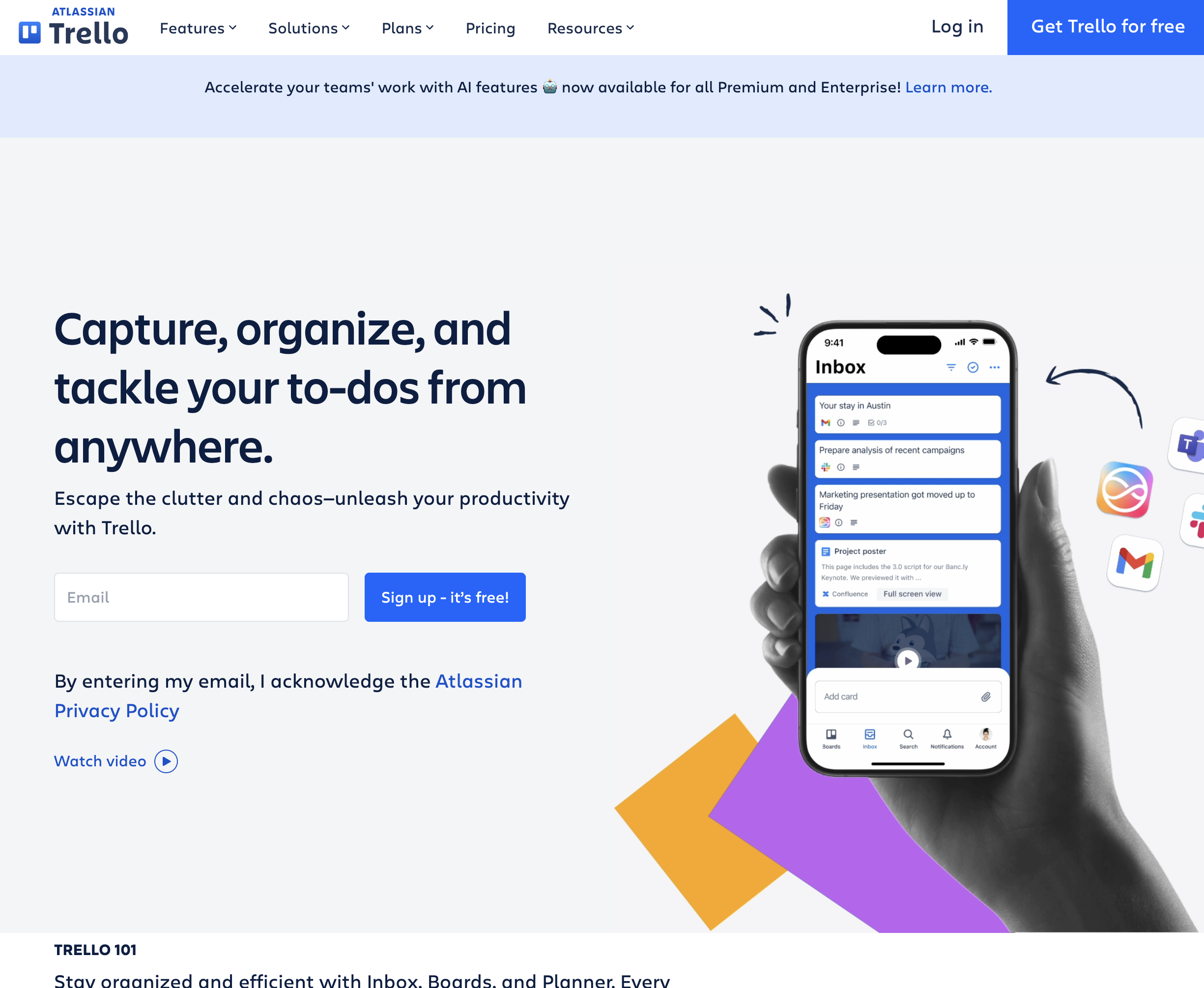
Minimalist Kanban Boards: Lightweight visual card boards designed for simplicity and immediate adoption without training (e.g., Trello).
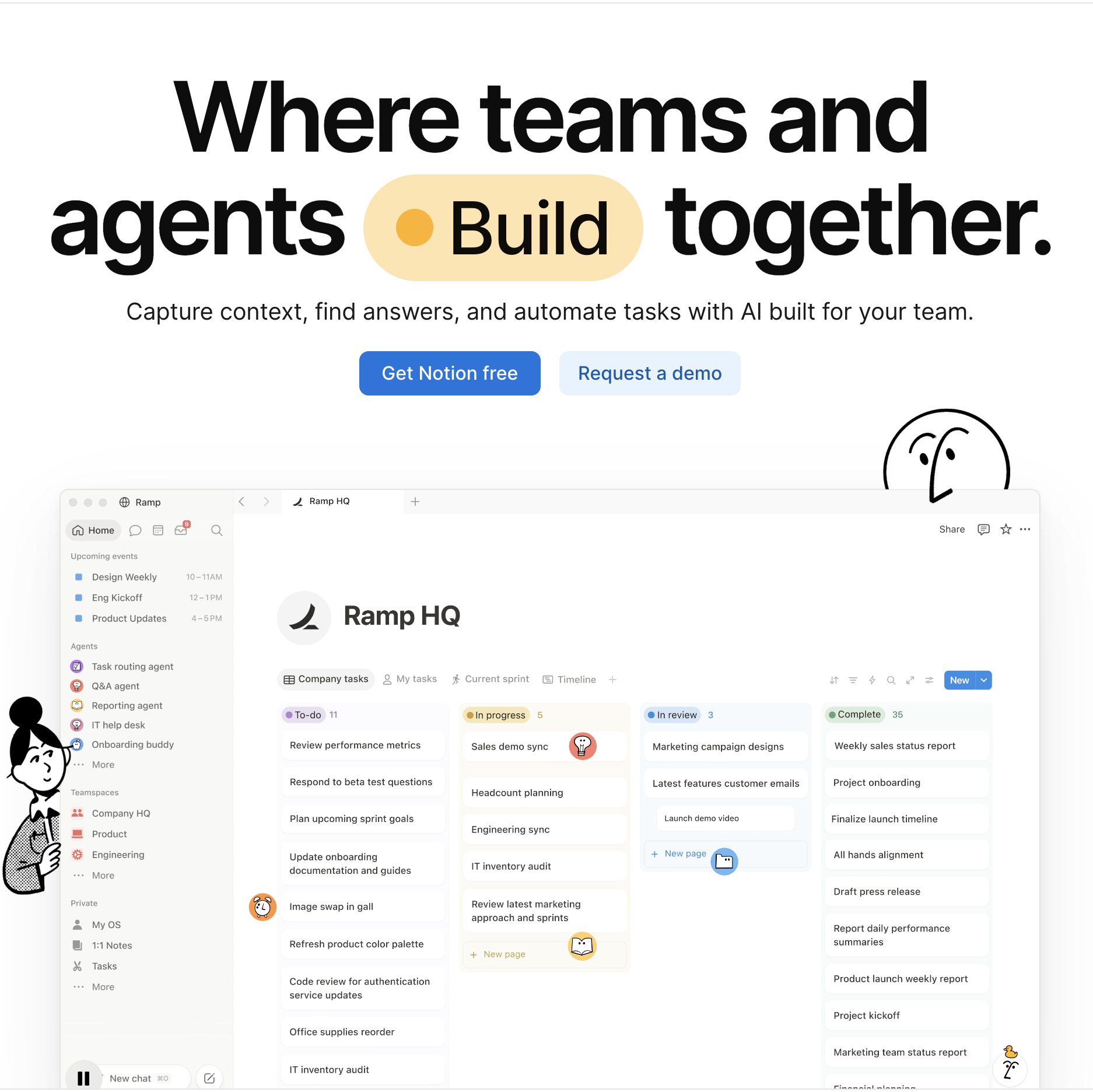
Connected Company Wikis & Knowledge-Centric Workspaces: Integrating living documentation, databases, and project tasks into an all-in-one company brain (e.g., Notion).
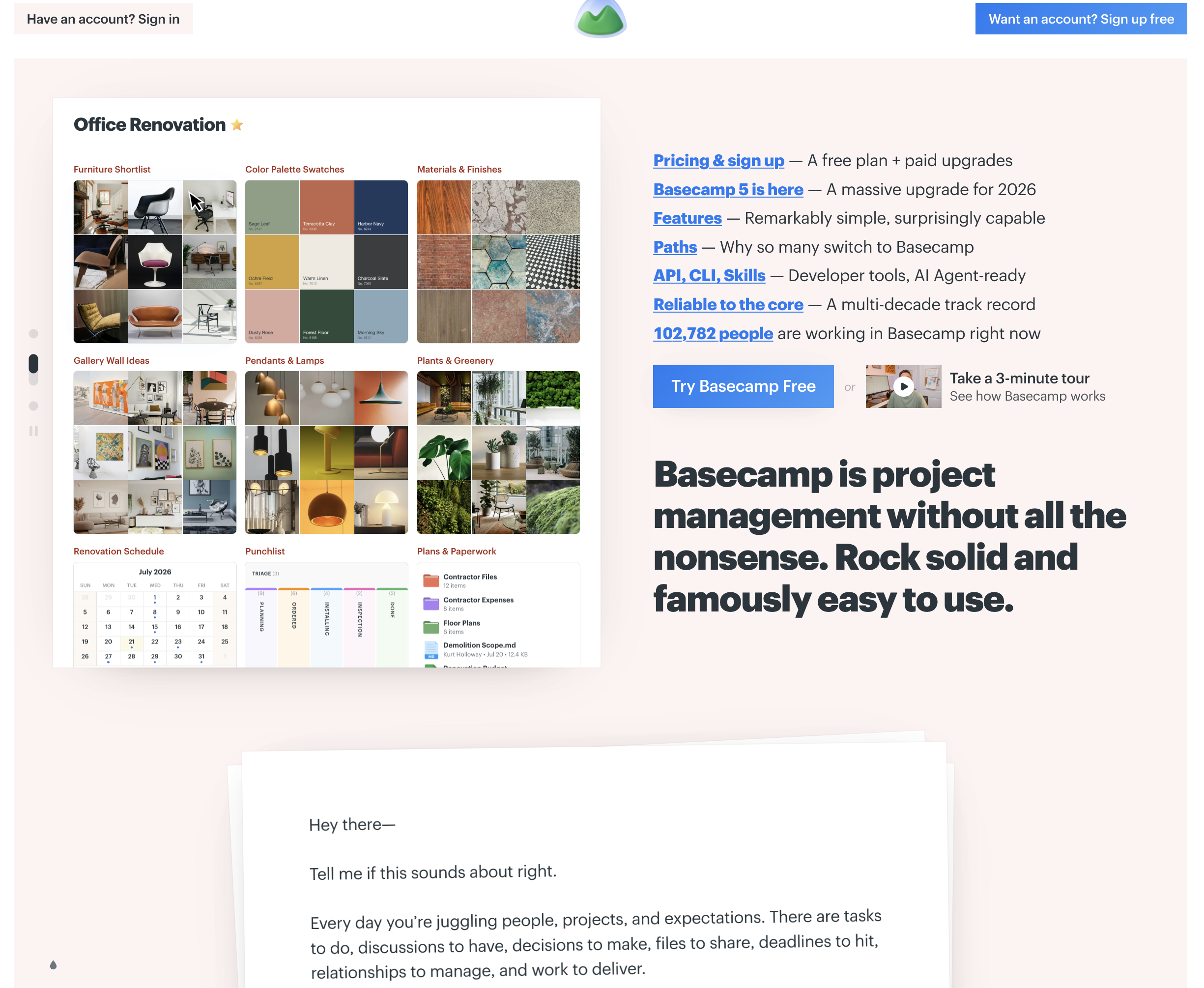
All-in-One Client Delivery & Team Communication Suites: Dedicated, focused workspaces with built-in chat, message boards, to-dos, and client access (e.g., Basecamp).
Autonomous Screen-Action Computer-Use Coworkers (like Sai): The frontier of modern business operations—an autonomous AI coworker that breaks out of passive task tracking, actively operating your web apps, desktop software, and spreadsheets to execute the actual work behind your project tickets with zero human babysitting.
This guide benchmarks the top seven project management platforms for small businesses in 2026 across these operational paradigms, evaluating how each tool delivers immediate team adoption, cross-functional clarity, and measurable return on investment.
How we evaluated
To deliver an objective, actionable assessment for small business decision-makers, our evaluation framework analyzed each platform across five standardized operational criteria:
Ease of Onboarding & Team Adoption: How quickly can a non-technical small business team become productive? Does the software require weeks of setup and consulting, or can employees intuitively manage tasks from day one?
Visual Flexibility & Multiple Work Views: Does the platform accommodate different working styles across departments—such as Kanban boards for creative teams, Gantt timelines for construction/event planning, table spreadsheets for operations, and calendar views for marketing?
Collaboration, Communication & Client Guest Access: Can team members communicate directly on tasks without switching to external email threads? Does the platform offer free or affordable guest permissions for external clients and freelance contractors?
Total Cost of Ownership & Small Business Pricing Transparency: We analyzed true small business costs: per-user fees, minimum seat thresholds, module add-on charges, and whether free or entry-tier plans offer genuine long-term utility for growing teams.
Operational Execution & Workflow Automation: Does the tool merely record status updates, or does it actively reduce manual busywork—automating recurring assignments, syncing data across tools, and executing screen-level tasks autonomously?
#1 on OSWorld Benchmark; operates browser and desktop apps via virtual mouse/keyboard; executes the actual work behind project tickets (auditing, data entry, reports); updates PM tools automatically; self-healing replays; zero-trust security
Designed for cognitive, multi-step screen execution rather than serving as an inert static visual Kanban board
Free tier available; Pro at $50/mo; Ultimate at $500/mo; Custom Enterprise
Opinionated, noise-free design; flat-rate pricing option ($299/mo for unlimited users); unites message boards, to-dos, group chat, schedule, and doc storage; seamless client access
Deliberately lacks traditional Gantt charts, subtask nesting, Kanban agility, custom fields, and complex sprint management
Basecamp per-user at $15/user/mo; Basecamp Pro Unlimited at flat $299/mo (unlimited users & 5TB storage)
Detailed Platform Reviews
1. Sai (by Simular) — Best for Autonomous End-to-End Task Execution & Operational Delegation
Best For: Small business founders, operations directors, and lean teams who don't just want another passive dashboard telling them work is overdue, but need an autonomous digital coworker to execute the actual operational work behind project tickets.
Traditional project management software has a fundamental operational limitation: it is entirely passive. You can spend hours setting up beautiful Kanban boards in monday.com or Asana, but a human still has to manually log into your vendor portals, download invoice PDFs, extract numbers, clean CSV spreadsheets, update QuickBooks, and paste status updates into tickets. Sai changes this dynamic completely by serving as an autonomous screen-action computer-use coworker.
Ranked #1 on the global OSWorld benchmark, Sai is an autonomous AI coworker equipped with its own virtual mouse, keyboard, browser, and terminal. Instead of simply tracking what needs to be done, Sai reads your project assignments and directly operates the relevant web applications, desktop programs, and internal portals to complete the work autonomously.
How Sai Transforms Small Business Project Management:
Autonomous Project Execution: Assign Sai a task such as "Audit our top 15 vendor invoices against Stripe payout logs, reconcile discrepancies in Google Sheets, and update the Asana task with the summary report." Sai autonomously opens the browser, logs into portals, downloads files, extracts data, verifies calculations, and posts completion links directly back to your project board.
Dual-Engine Architecture (Instant Linux Sandbox + Persistent Cloud Desktop VM): Computationally heavy tasks—such as processing massive CSV spreadsheets, running Python scripts to clean financial ledgers, converting batches of PDFs, or web scraping—run in an ultra-fast, isolated Linux sandbox. When interactive browser navigation, authenticated portals, or native desktop software are required, Sai seamlessly drives a dedicated cloud VM.
Self-Healing Replay Workflows: When vendor dashboards, SaaS tools, or internal portals change their layout or move buttons, traditional automation tools (like Zapier or legacy RPA) break immediately. Sai uses visual-language model (VLM) grounding and semantic intent reconciliation to automatically detect relocated interface elements, adapt its click path, and heal the workflow without human intervention.
Unstructured Document & File Intelligence: Small business projects frequently stall because team members must manually review messy PDF contracts, utility bills, receipts, or client intake forms. Sai inspects and extracts clean structured data from documents natively, filing files into cloud drives and updating your project databases.
Zero-Trust Security & Mobile Asynchronous Delegation: Small businesses can safely delegate tasks requiring corporate credentials. Sai’s isolated credential gate ensures master passwords and two-factor authentication tokens are never exposed in plaintext LLM contexts. Founders and managers can assign complex project tasks on the fly directly via Telegram or SMS while on the go.
Specialized B2B Team & Department Solutions:
Learn how Sai for Small Businesses allows lean operations teams to execute complex back-office workflows without hiring extra administrative staff.
Explore how Sai for Enterprise provides dedicated execution clusters, compliance auditing, and multi-user project orchestration.
Discover tailored execution workflows designed specifically for Operations, Sales, and Marketing.
Pricing & Tiers:
Free Tier: Complimentary daily computer time to experience autonomous screen-action task execution.
Pro ($50/mo): Ideal for small business founders and operations leads automating recurring weekly reporting, data entry, and research.
Ultimate ($500/mo): Built for growing businesses executing high-volume operational workflows, multi-portal reconciliations, and document pipelines.
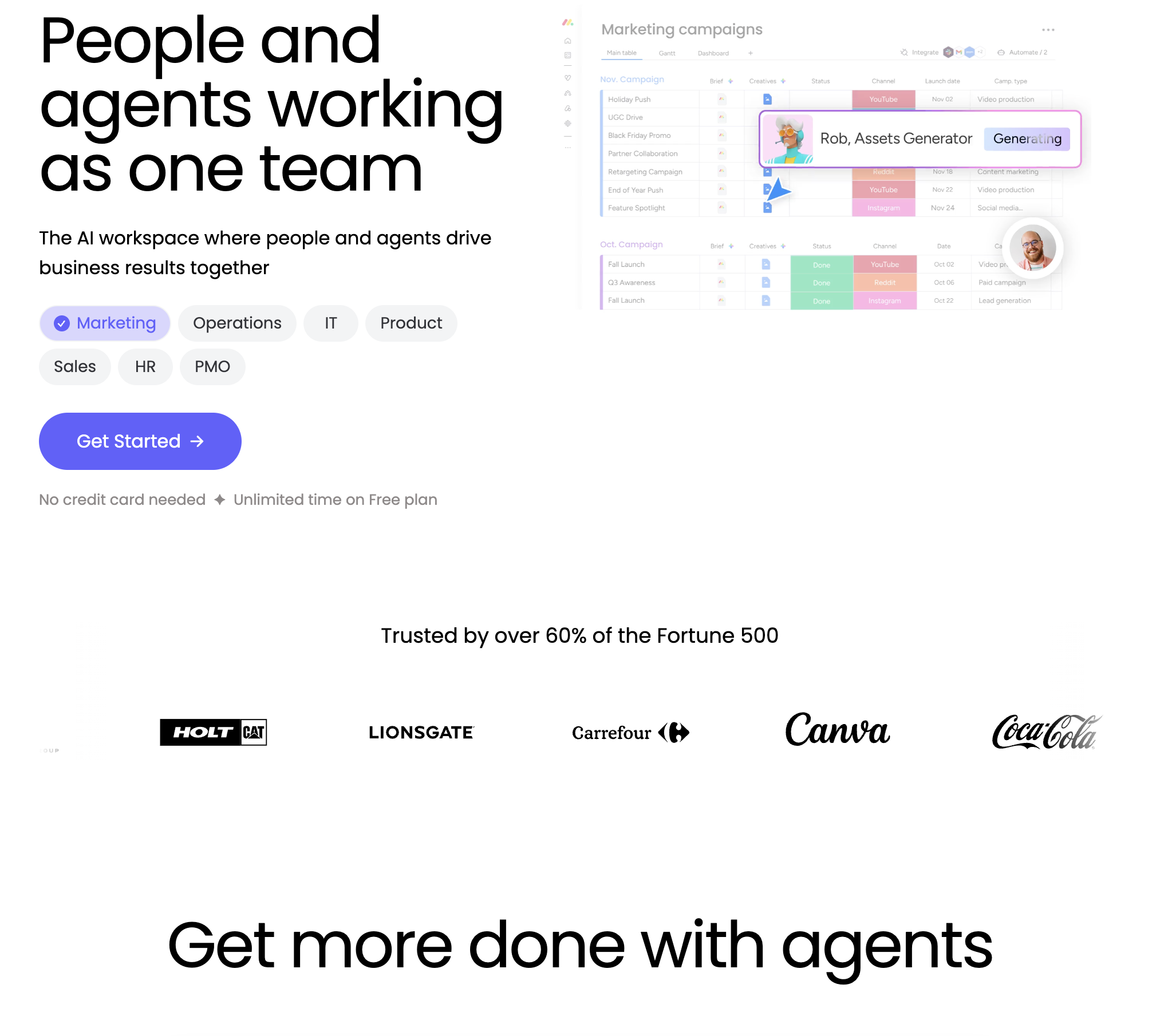
2. monday.com — Best for Visual Work Management, Custom Workflows & Cross-Department Operations
Best For: Growing small businesses, marketing agencies, and operations teams seeking an intuitive, highly visual Work OS that unites project tracking, team workflows, and cross-department collaboration on customizable visual boards.
monday.com has established itself as one of the most popular project management platforms for small businesses due to its vibrant, color-coded visual board architecture. Designed with a clean "no-code" philosophy, monday.com allows non-technical team members to customize workflows, track deadlines, and visualize workloads without specialized training.
In-Depth Feature Analysis:
Customizable Visual Boards & Columns: Organize projects using customizable columns (Status, People, Date, Timeline, Numbers, Dropdowns, Tags, and Files), providing instant visual clarity on who is doing what and when it is due.
Multiple Operational Views: Switch between Table, Kanban, Gantt Timeline, Calendar, Workload, and Map views with a single click, allowing creative teams to use Kanban while operations directors monitor timeline milestones.
Plain-Language Recipe Automations: Build powerful automated rules using plain English conditional sentences (e.g., "When a status changes to 'Ready for Review', notify the Creative Director, set due date to 2 days, and move item to Client Approval group").
200+ SaaS Integrations: Connects seamlessly with Slack, Google Workspace, Microsoft Teams, Zoom, HubSpot, and Dropbox, centralizing team notifications and task updates.
Operational Limitations:
Mandatory 3-Seat Minimum: Even solo founders or 2-person partnerships must pay for a minimum of 3 user seats, increasing the entry cost for micro-businesses.
Monthly Automation Action Limits: Standard plans enforce a cap of 250 automation actions per month, which small businesses running active workflows can exhaust quickly, forcing an upgrade to the Pro plan ($19/seat/mo).
Pricing Structure:
Free Plan: Up to 2 seats with basic board functionality and up to 3 boards.
3. ClickUp — Best for All-in-One Productivity, Feature Breadth & Budget-Conscious Teams
Best For: Agile startups, digital agencies, tech teams, and multidisciplinary small businesses that want maximum functionality—tasks, docs, whiteboards, goals, and chat—at an affordable per-user cost.
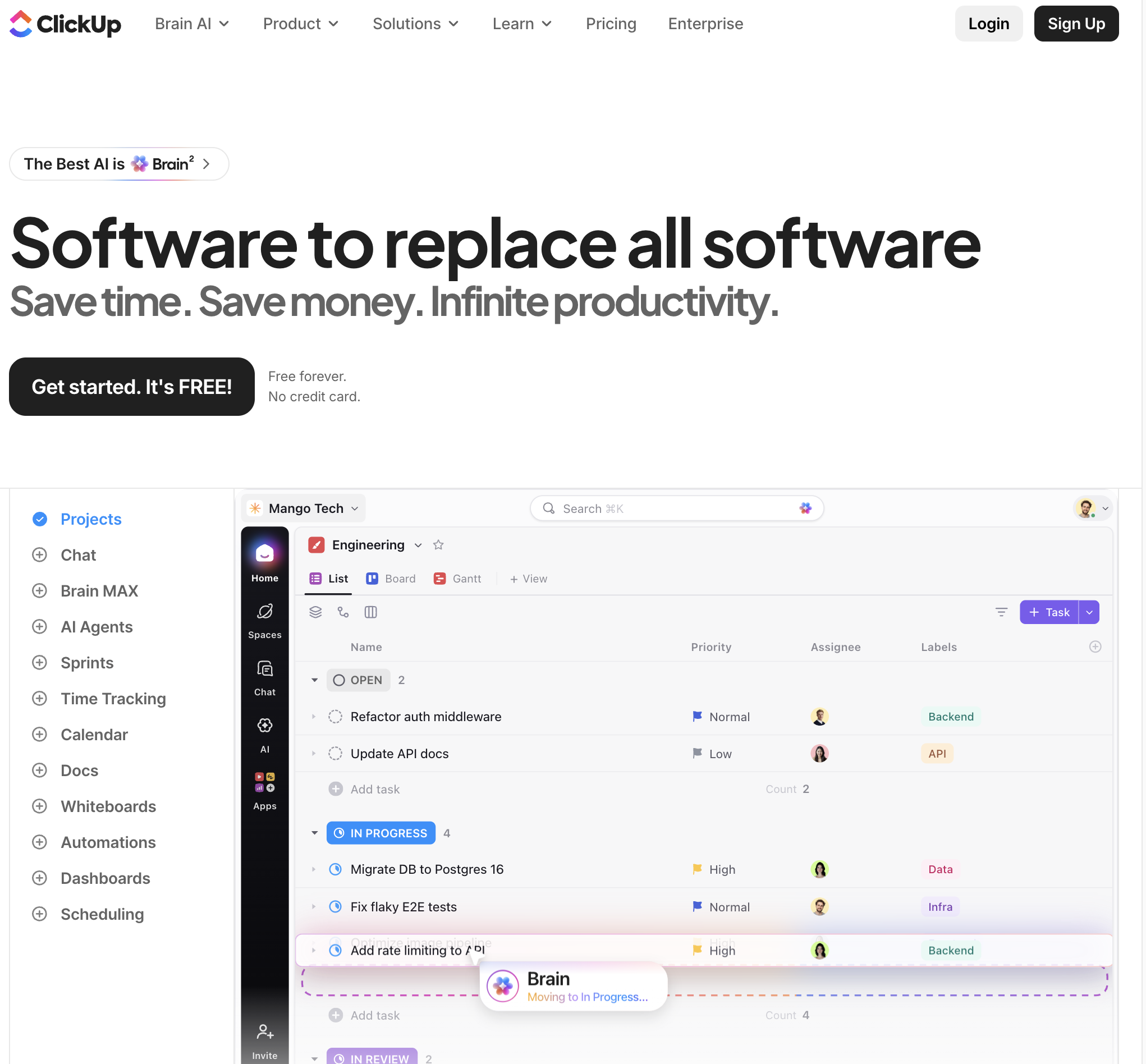
ClickUp has branded itself as the "one app to replace them all." Designed to combat SaaS sprawl, ClickUp consolidates project management, document collaboration, real-time chat, goal tracking, and custom databases into a single, modular hierarchy. For small businesses seeking maximum software utility on a lean budget, ClickUp delivers an impressive feature-to-dollar ratio.
In-Depth Feature Analysis:
Modular Organizational Hierarchy: Structures small business work through a logical hierarchy (Workspaces > Spaces > Folders > Lists > Tasks > Subtasks), allowing different teams (e.g., Marketing, Sales, Engineering) to maintain customized spaces while rolling up into company-wide dashboards.
15+ Flexible Project Views: Toggle between List, Board, Gantt, Box, Calendar, Activity, Timeline, Mind Map, and Table views, catering to diverse working styles across departments.
Connected Docs & Collaborative Wikis: Create rich, nested company SOPs, project briefs, and client documentation directly inside tasks, eliminating the need for a separate Google Docs or Notion subscription.
ClickUp Brain (Integrated AI): Embedded AI assistant that answers questions across your workspace, summarizes long task comment threads, auto-generates project standups, and drafts task action items.
Operational Limitations:
Steep Learning Curve: Because ClickUp includes an overwhelming number of features, views, and settings, non-technical small business teams can experience configuration paralysis without strict workspace guidelines.
Occasional Performance Sluggishness: In very large workspaces with thousands of nested tasks and custom fields, users occasionally report interface lag and slower load times.
Pricing Structure:
Free Forever Plan: Generous free plan with unlimited tasks, unlimited members, and 100MB cloud storage.
4. Asana — Best for Structured Task Management, Cross-Team Workflows & Process Consistency
Best For: Professional services, corporate consulting firms, marketing teams, and established small businesses that prioritize structured task clarity, cross-team accountability, and enterprise-grade process reliability over infinite customization.
Asana is widely recognized for its polished user experience, structural discipline, and powerful cross-team coordination capabilities. Rather than offering overwhelming customization, Asana focuses on helping teams coordinate complex, multi-step workflows with minimal friction.
In-Depth Feature Analysis:
Multi-Homing Tasks Across Projects: One of Asana’s most powerful unique features; a single task can live simultaneously in multiple projects (e.g., a "Product Launch" task can appear in the Marketing board, the Design queue, and the Executive Overview) without duplicating data.
Visual Workflow Builder: Intuitive visual designer that allows small business managers to standardize processes—automatically routing intake form requests to designated team members, setting deadlines, and triggering approval stages.
Timeline & Dynamic Dependency Tracking: Robust Gantt-style timeline view that visually maps out task dependencies, automatically shifting dependent task dates when earlier project milestones are delayed.
Portfolios & Executive Workload Management: Advanced management features on higher tiers that give business owners an executive view of all active company projects and real-time team capacity to prevent burnout.
Operational Limitations:
Higher Price Point: Asana’s Starter plan ($10.99/user/mo) and Advanced plan ($24.99/user/mo) are significantly more expensive per seat than ClickUp or Trello, which can strain tight small business budgets.
Key Features Locked in High Tiers: Essential small business capabilities—such as advanced timeline dependencies, workload management, and complex approval workflows—are restricted to the Advanced tier.
Pricing Structure:
Personal Free Plan: Up to 10 team members with basic list, board, and calendar views.
Enterprise / Enterprise+: Custom quotes with audit logs, data loss prevention, and custom SAML SSO.
5. Trello — Best for Minimalist Visual Kanban, Solopreneurs & Zero-Training Adoption
Best For: Solopreneurs, micro-teams, creative freelancers, and small businesses seeking an ultra-simple, visual Kanban board that requires zero employee training and can be launched in five minutes.
Trello pioneered the digital Kanban board and remains the standard for simple, visual task tracking. Owned by Atlassian, Trello organizes projects into intuitive Boards, Lists, and Cards. For small businesses that find tools like ClickUp or Jira needlessly complex, Trello provides an approachable, clutter-free alternative.
In-Depth Feature Analysis:
Intuitive Visual Kanban Interface: Drag-and-drop cards between lists (e.g., "Backlog," "In Progress," "Under Review," "Done") with satisfying simplicity; attach files, set due dates, add color-coded labels, and create subtask checklists within each card.
Butler No-Code Automation: Built-in automation engine that executes rule-based triggers, calendar commands, and custom card buttons (e.g., "When a card is moved to 'Done', check all items on checklist, remove all members, and post a Slack update").
Extensive Power-Ups Ecosystem: Connect external tools (Google Drive, Slack, GitHub, Mailchimp) directly into cards, turning a lightweight board into a specialized small business hub without adding interface clutter.
Highly Functional Free Plan: Trello’s free tier allows unlimited cards, unlimited members, and up to 10 workspace boards, making it one of the most accessible free tools for cash-strapped startups.
Operational Limitations:
Lacks Native Project Depth: Trello struggles with complex, multi-stage projects requiring parent-child task hierarchies, Gantt dependencies, critical path analysis, and deep budget tracking.
Board Proliferation: As a small business grows, managing dozens of disconnected Trello boards across multiple departments can become chaotic without higher-tier workspace views.
Pricing Structure:
Free Plan: Unlimited cards, up to 10 boards per workspace, unlimited Power-Ups, 250 Butler automation runs/mo.
6. Notion — Best for Connected Knowledge Bases, Product Roadmaps & Document-Centric Teams
Best For: Startups, digital product teams, design studios, and modern small businesses that want their project management, company wiki, meeting notes, and SOPs living in a single, deeply connected workspace.
Notion is a flexible all-in-one workspace that blends documents, relational databases, company wikis, and task management. Instead of treating project management as a rigid, isolated checklist, Notion allows small businesses to connect their project tasks directly to living company knowledge—such as strategy documents, client briefs, and standard operating procedures (SOPs).
In-Depth Feature Analysis:
Connected Relational Databases: Build custom project trackers with rich properties (Status, Assignee, Priority, Formula, Rollup, Dates); toggle the same database between Table, Board, List, Calendar, Timeline (Gantt), and Gallery views instantly.
Living Documentation Alongside Tasks: Unlike traditional task managers that offer tiny comment boxes, every Notion task card is a full-featured collaborative document where teams can embed Figma designs, Loom videos, code snippets, and live spreadsheets.
Custom Company Wikis & SOP Hubs: Unify your small business's handbook, onboarding guides, client deliverables, and product roadmaps under a single, searchable company brain.
Notion AI Integration: Native AI features that summarize meeting notes, autofill database properties, draft project action items, and allow team members to ask questions directly across company documentation.
Operational Limitations:
Requires Manual System Design: Notion is a modular toolkit rather than a ready-to-use project manager out of the box; teams must either spend hours designing custom database schemas or rely on pre-built third-party templates.
Lacks Built-in Operational Automations: Lacks out-of-the-box resource capacity management, automated timesheets, and advanced cross-platform screen execution without third-party integrations.
Pricing Structure:
Free Plan: Unlimited blocks for individuals; collaborative workspace trial for teams with basic page history.
Plus ($10/user/mo billed annually): Unlimited blocks for teams, unlimited file uploads, 30-day page history, up to 100 guests.
Business ($15/user/mo billed annually): SAML SSO, private teamspaces, bulk PDF exports, 90-day page history.
Enterprise: Custom enterprise pricing; audit logs, customer success manager, dedicated security controls. Notion AI add-on available at $8–$10/user/mo.
7. Basecamp — Best for Focused Client Delivery, Team Communication & Predictable Flat-Rate Pricing
Best For: Remote design agencies, consultancies, professional service firms, and small businesses looking for a calm, distraction-free project hub combining client portals, to-dos, and team messaging with zero per-user pricing penalties.
Basecamp has championed a calm, opinionated approach to project management and team collaboration for over two decades. Rather than bombarding users with infinite customization, complex Gantt dependencies, and micro-management metrics, Basecamp bundles the essential tools every project needs into an organized, noise-free space.
In-Depth Feature Analysis:
The Six Core Project Tools in One Place: Every Basecamp project comes equipped with six essential tools:
Message Board: Replaces messy email threads with organized project announcements and discussions.
To-Dos: Clear task lists with assignees, due dates, and notes.
Campfire: Casual, real-time team chat built right into the project context.
Schedule: Integrated project calendar tracking deadlines and milestone events.
Docs & Files: Centralized storage for images, PDFs, spreadsheets, and shared copy.
Automatic Check-ins: Automated recurring standup questions (e.g., "What did you work on today?").
Exceptional Client Access & Boundaries: Seamlessly invite external clients into projects with total privacy control—toggle individual messages, files, or to-dos between internal team-only visibility and client-facing views with a single click.
Predictable Flat-Rate Pro Pricing ($299/mo Unlimited): One of the best pricing models in SaaS for growing teams; pay a single flat monthly fee for unlimited team members, eliminating the fear of ballooning per-seat software costs as your company hires.
"Hill Charts" Visual Progress Tracking: Replaces vague percentage bars with visual Hill Charts that distinguish between the exploratory phase of solving a problem ("figuring it out") and the execution phase ("getting it done").
Operational Limitations:
Deliberately Rigid Feature Set: Basecamp rejects traditional Gantt charts, subtask nesting, Kanban board agility, custom database fields, and complex sprint velocity metrics by design.
No Native Time Tracking or Invoicing: Billable agencies must use external integrations (such as Harvest or Toggl) to track billable hours and invoice clients.
Pricing Structure:
Basecamp Per-User ($15/user/mo): Ideal for small startups; pay only for active team members on a monthly basis.
Basecamp Pro Unlimited ($299/mo billed annually or $349/mo month-to-month): Flat-rate pricing for unlimited users, 5TB file storage, 1:1 onboarding support, and priority 24/7/365 customer support.
Stop doing repetitive tasks. Let Sai handle them for you.
Sai is your AI computer use agent — it operates your apps, automates your workflows, and gets work done while you focus on what matters.