Oops! Something went wrong while submitting the form.
Best Document Management Software in 2026: Tested for Operations, Knowledge & Autonomous Workflows
When evaluating document management software (often searched as document software management), operations leaders and business teams in 2026 are confronting a fundamental structural shift. For two decades, document management meant buying a digital filing cabinet—a centralized cloud repository where employees manually upload PDFs, name files, sort folders, tag metadata, and email approval links.
Today, manual filing is the bottleneck. The operational question is no longer just where documents live, but who or what does the operational work inside and around them. Modern businesses are evaluating whether a document management system merely stores static files, organizes dynamic team knowledge, or autonomously executes the cross-application workflows that documents trigger—such as extracting invoice data, reconciling ERP records, verifying contract terms, and filing compliance paperwork across legacy portals.
This guide evaluates the top document management platforms across three distinct, parallel operational paradigms:
Autonomous Document Operations & Screen Action: Systems that execute end-to-end tasks across files, desktops, and web software.
Dynamic Knowledge & Connected Workspaces: Platforms built for real-time team documentation, collaborative authoring, and connected databases.
Enterprise Repositories & Compliance Vaults: Traditional systems engineered for high-volume cloud storage, retention policies, and formal regulatory governance.
How we evaluated
When choosing across these platforms, use the following operational framework:
If your primary need is internal knowledge & team process wikis:
Choose Notion. Its relational databases, flexible block editor, and AI search make it the premier choice for company playbooks and project documentation.
If your bottleneck is manual operational work triggered by documents:
Choose Sai. Don't hire additional administrative staff to re-type data from PDFs into accounting software or state portals. Sai’s OSWorld #1 ranked autonomous computer agent reads documents and executes the cross-application steps directly on screen.
If you need centralized enterprise file compliance & M365 collaboration:
Choose Microsoft SharePoint (for Microsoft-first shops) or Box (for multi-cloud, highly regulated compliance vaults).
If your documents are customer-facing sales agreements & contracts:
Choose PandaDoc for integrated CPQ tables, live document analytics, and legally binding eSignatures.
Specialized in sales agreements and contracts; not built for general team documentation or back-office operational tasks
Essentials at $19/user/mo; Business at $49/user/mo
DocuWare
Traditional Document Routing & AP Automation
Intelligent indexing OCR for invoices; structured approval routing; legacy ERP connector support
Dated interface; lengthy deployment cycles; high consulting setup costs
Quote-based enterprise pricing (tiered by volume & users)
Detailed Reviews: The Top Document Management Platforms
1. Sai (by Simular) — Best for Autonomous Document Operations & Cross-Application Execution
Best For: Operations managers, revops teams, SMBs, and enterprise finance units seeking an autonomous (robo)secretary that doesn't just store documents, but executes the actual operational tasks they dictate across desktop and web software.
While traditional systems act as passive storage shelves, Sai represents the third generation: an autonomous computer-use agent that takes over the human screenwork associated with documents. Ranked #1 on the global OSWorld benchmark, Sai controls mouse, keyboard, terminal, and browser interfaces to turn static documents into completed business outcomes.
Why Sai Redefines Document Management:
Autonomous Cross-Application Execution: When a supplier invoice arrives, traditional software holds the PDF while a human types numbers into QuickBooks, NetSuite, or a bank portal. Sai opens the document, parses unstructured data in an isolated sandbox, switches windows to the target desktop or SaaS accounting software, inputs values, verifies totals, and saves confirmation receipts.
Dual-Engine Processing (Fast Sandbox + Full OS Workspace): Pure visual AI is too slow for parsing 50-page contracts, while pure code cannot interact with legacy software. Sai pairs an instant Linux sandbox (for regex parsing, PDF conversions, and data transformations) with a persistent dedicated desktop workspace (for GUI entry and legacy portal navigation).
Self-Healing Replays for Recurring Batches: If an enterprise processes hundreds of shipping manifests or tax forms weekly, Sai compiles the workflow into a deterministic, self-healing skill. When a government or vendor portal redesigns its layout, Sai automatically detects the visual shift and self-repairs its navigation script.
Zero-Trust Credential Security: Documents frequently require authenticating into banking, government, or payroll portals. Sai’s isolated credential gate allows human users to securely authorize logins and two-factor OTPs without exposing plaintext secrets to LLM context windows.
Asynchronous Mobile Delegation: Team members can forward receipts, invoices, or contracts to Sai via Telegram or SMS. Sai processes the file, reports progress with interactive cards, requests approval for irreversible disbursements, and deposits processed deliverables in cloud storage.
B2B Team & Enterprise Solutions:
Learn how Sai for Teams coordinates document operations across distributed departments.
Free Tier: Daily complimentary computer time to test automated document workflows.
Pro Tier ($50/mo): Ideal for individual professionals handling recurring document preparation and filings.
Ultimate Tier ($500/mo): Built for high-volume operational batches with dedicated machine infrastructure.
Enterprise: Custom dedicated clusters, private runner deployment, and enterprise SLAs.
2. Notion — Best for Dynamic Team Knowledge, Internal Wikis & Process Tracking
Best For: Product teams, startups, agencies, and modern business units wanting a collaborative, modular workspace where team knowledge, project tracking, and living documents coexist.
Notion has transformed how organizations write and organize internal information. Unlike conventional document management tools that store static Word or PDF files, Notion treats documentation as flexible, living blocks connected through relational databases.
Where Notion Excels:
Relational Databases & Metadata Views: Notion allows teams to organize documents inside structured databases that can be filtered as Kanban boards, calendars, Gantt timelines, or lists.
Living Process Wikis: Standard Operating Procedures (SOPs), company policies, and onboarding guides remain up to date because team members can edit them collaboratively in real time.
Notion AI Integration: Built-in generative features allow users to summarize lengthy project pages, extract action items, and query their entire company knowledge base using natural language Q&A.
Interconnected Ecosystem: Connects seamlessly with Slack, GitHub, Figma, and Google Drive to preview live assets within documents.
Limitations in Document Management:
Poor Legacy Binary Support: Notion is designed for text written inside its editor; it is clumsy at archiving, previewing, and indexing large archives of scanned PDFs, contracts, or high-resolution blueprints.
No Autonomous Execution: Notion can store an SOP on "How to approve invoices," but it cannot open your ERP, log in, verify the invoice against purchase orders, and mark it paid. Teams still rely on human labor or pair Notion with autonomous execution agents like Sai.
Pricing:
Free: Unlimited pages for individuals with basic collaboration.
Plus ($10/user/mo): Unlimited file uploads, 30-day page history, and custom databases.
Business ($18/user/mo): SAML SSO, private teamspaces, and advanced analytics.
Enterprise: Custom quotes for advanced compliance, audit logs, and dedicated customer success.
3. Microsoft SharePoint — Best for Enterprise M365 Ecosystems & Compliance Archives
Best For: Mid-market to Fortune 500 enterprises deeply invested in the Microsoft 365 stack requiring massive file storage, retention compliance, and intranet architecture.
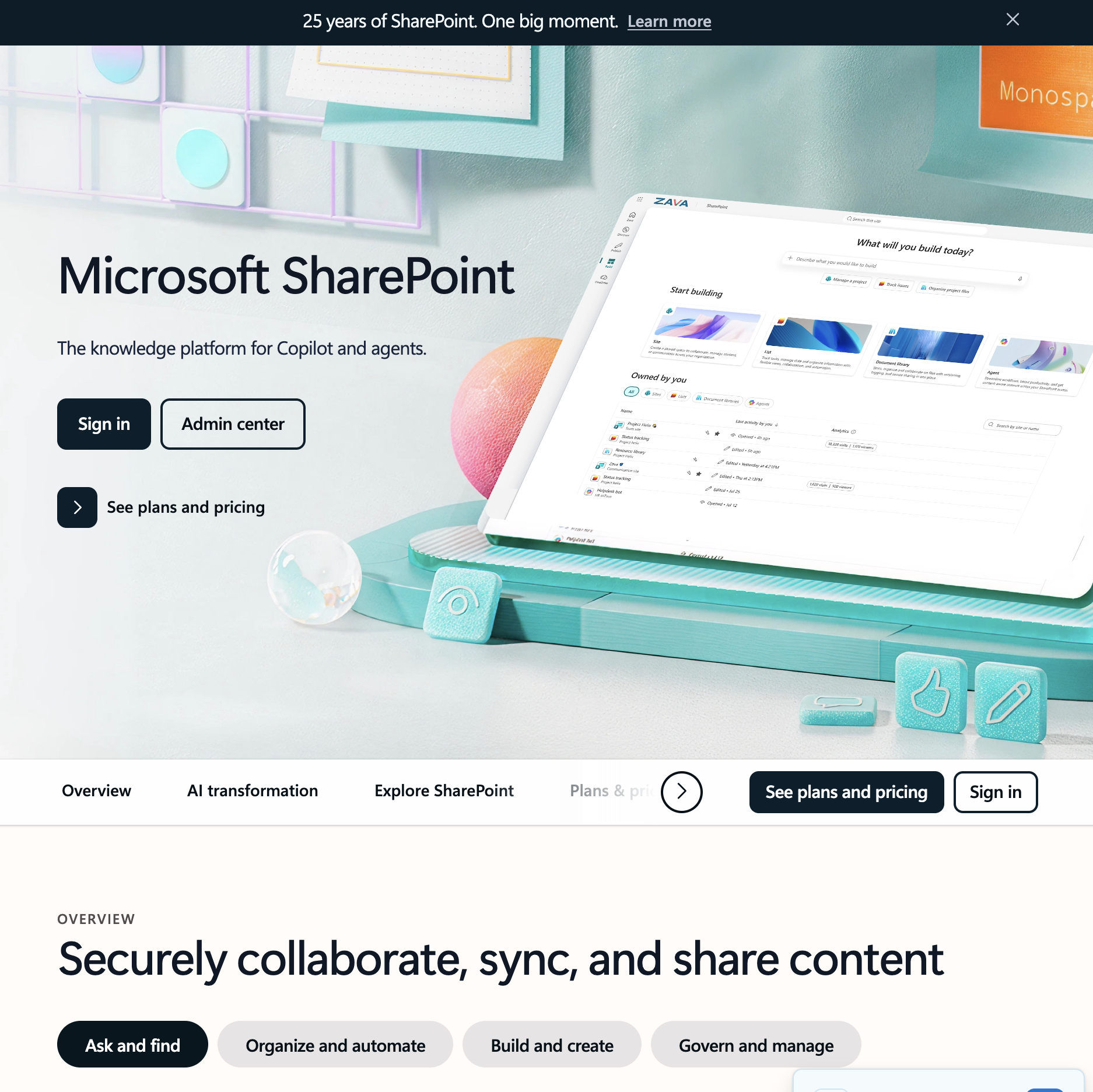
Microsoft SharePoint remains the foundational backbone of enterprise content management. Paired with OneDrive and Microsoft Teams, it powers file storage for hundreds of millions of corporate users worldwide.
Where SharePoint Excels:
Unrivaled Office 365 Co-Authoring: Native, frictionless real-time editing within Word, Excel, and PowerPoint across desktop, mobile, and web applications.
Enterprise Security & Governance: Advanced Data Loss Prevention (DLP), multi-year automated retention tags, legal holds, and sensitivity labeling configured across Azure Active Directory (Entra ID).
Extensible Enterprise Search: Microsoft Graph indexes document metadata across emails, chats, and libraries, enabling unified enterprise search across corporate silos.
Limitations:
Heavyweight Administration: Configuring permissions, site collections, and metadata taxonomies often demands dedicated SharePoint administrators and expensive IT consulting.
Clunky for Agile Documentation: As a collaborative knowledge base, SharePoint pages feel rigid compared to modern tools like Notion.
Pricing:
Typically licensed as part of Microsoft 365 Business Basic ($6/user/mo), Business Standard ($12.50/user/mo), or standalone SharePoint Plan 1 ($5/user/mo).
4. Box (with Box AI) — Best for Bank-Grade Cloud Security & External Client Portals
Best For: Healthcare, financial services, legal firms, and regulated enterprises requiring rock-solid data governance and secure external document sharing.
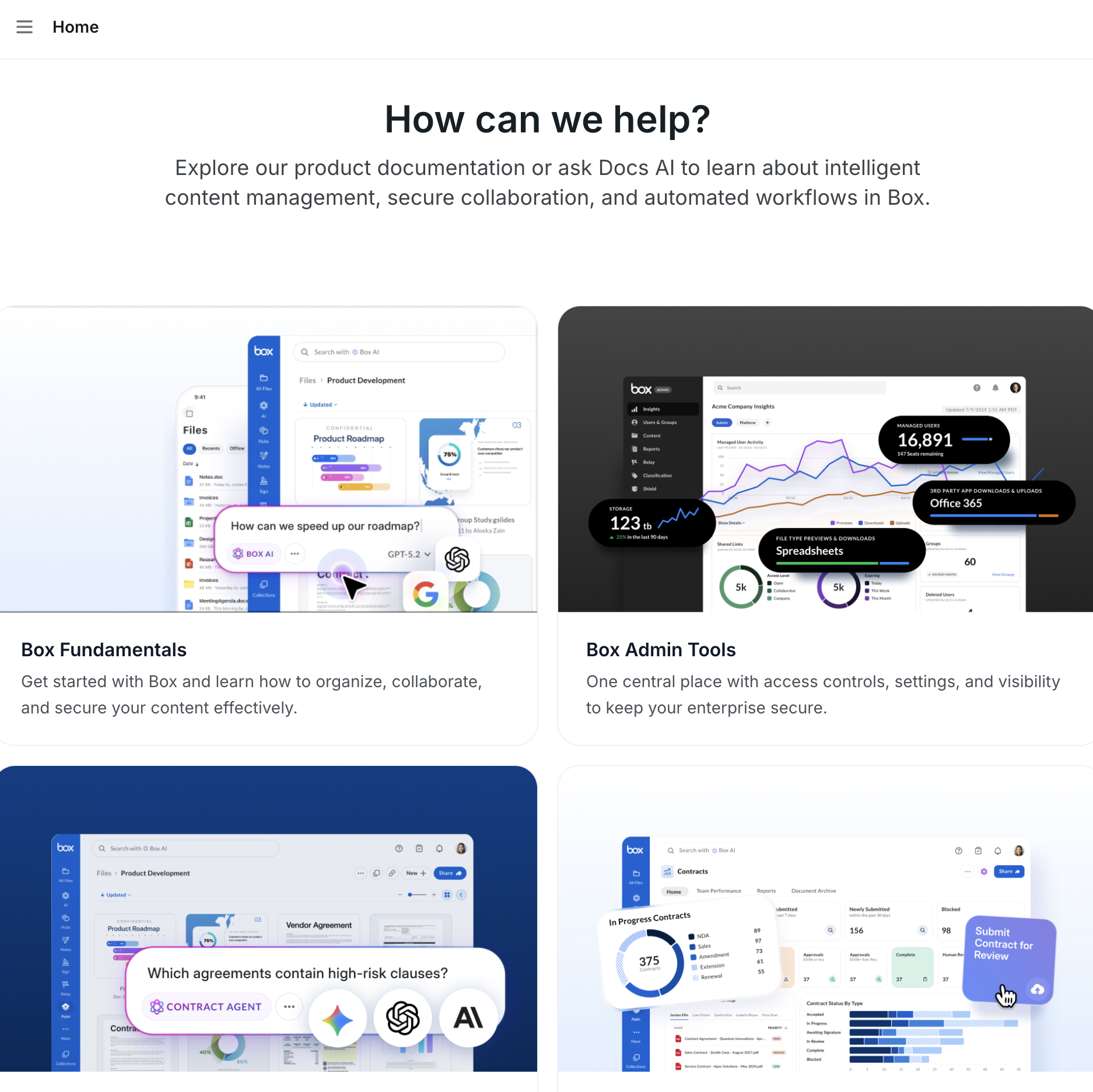
Box has positioned itself as the "Content Cloud"—a vendor-neutral, ultra-secure repository designed to centralize unstructured data across Salesforce, Google Workspace, Microsoft 365, and Slack.
Where Box Excels:
Stringent Regulatory Compliance: Native support for HIPAA, FINRA, FedRAMP, and GxP guidelines, backed by Box KeySafe for customer-managed encryption keys.
Box AI Document Intelligence: Allows enterprise users to ask natural-language questions directly to dense financial reports, legal filings, and clinical summaries stored in Box.
Granular External Sharing: Seven distinct permission levels ensure sensitive financial and legal documents can be shared externally with watermarking and download restrictions.
Limitations:
Passive Data Silo: While Box AI can summarize a contract, it does not interact with external operational software to reconcile terms or process payments.
Pricing:
Business ($15/user/mo, min 3 users): Unlimited storage, 5GB file upload limit.
Business Plus ($25/user/mo): Enhanced external collaboration and custom metadata.
5. PandaDoc — Best for Proposals, Contracts & Transactional eSignatures
Best For: Sales teams, revops managers, and legal departments that need to generate, send, negotiate, and sign revenue-generating documents.
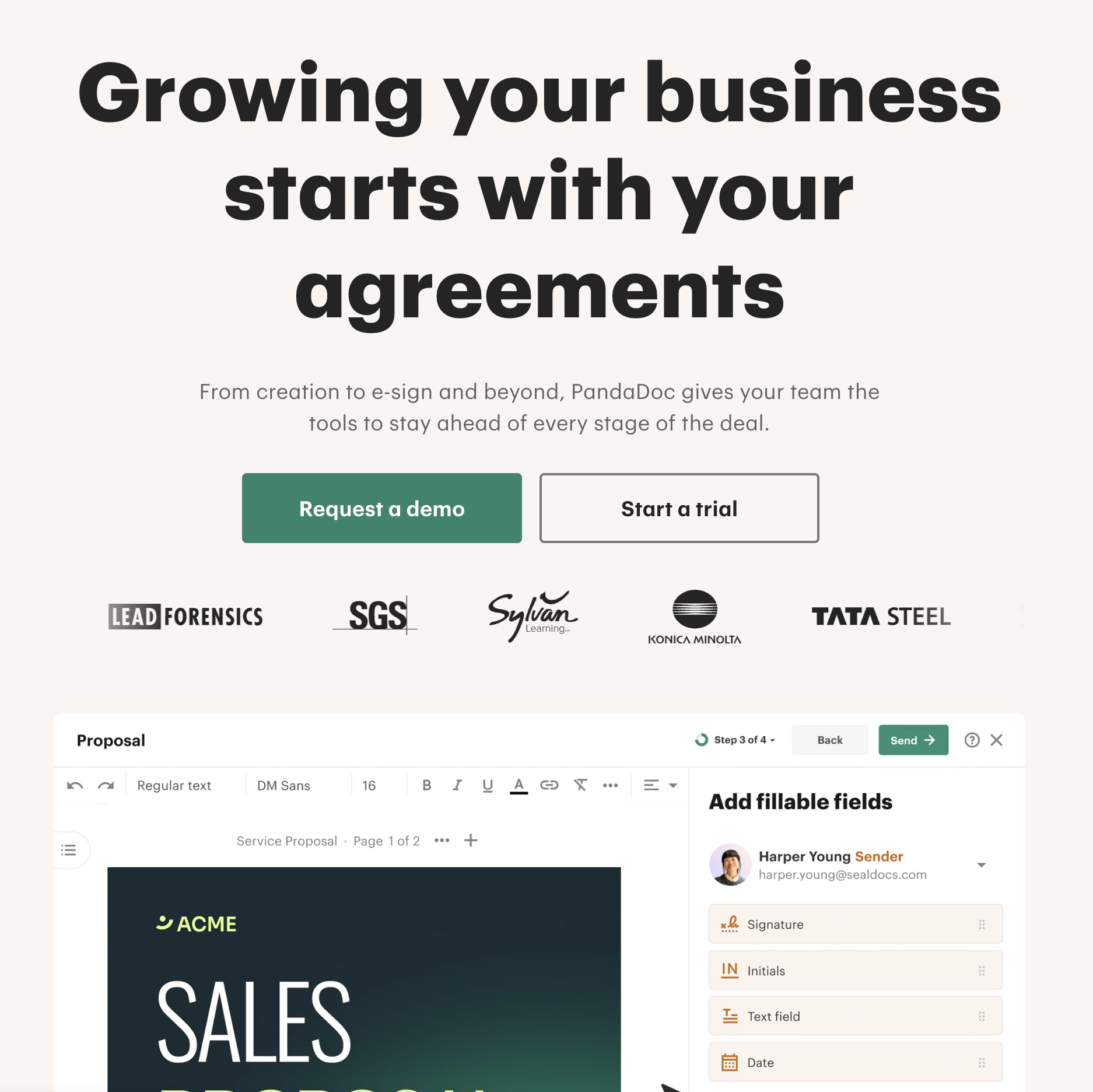
PandaDoc focuses on the transactional lifecycle of documents: quotes, proposals, MSAs, and invoices. Rather than archiving static knowledge, it accelerates deal velocity.
Where PandaDoc Excels:
Interactive Deal Proposals: Includes product catalogs, dynamic pricing calculation tables, and media embeds directly within client-facing quotes.
Native Legal eSignatures: Legally binding, ESIGN and UETA-compliant signatures with automated audit logs and tracking.
Real-Time Viewing Analytics: Alerts sales reps the exact moment a prospect opens a proposal and tracks how many minutes they spend on each page.
Limitations:
Single-Purpose Utility: Exceptional for transactional client documents, but unsuitable as an internal knowledge wiki or general company filing repository.
Business ($49/user/mo): CRM integrations, product catalog, custom workflows.
Enterprise: Custom pricing for Salesforce CPQ integration and API volume.
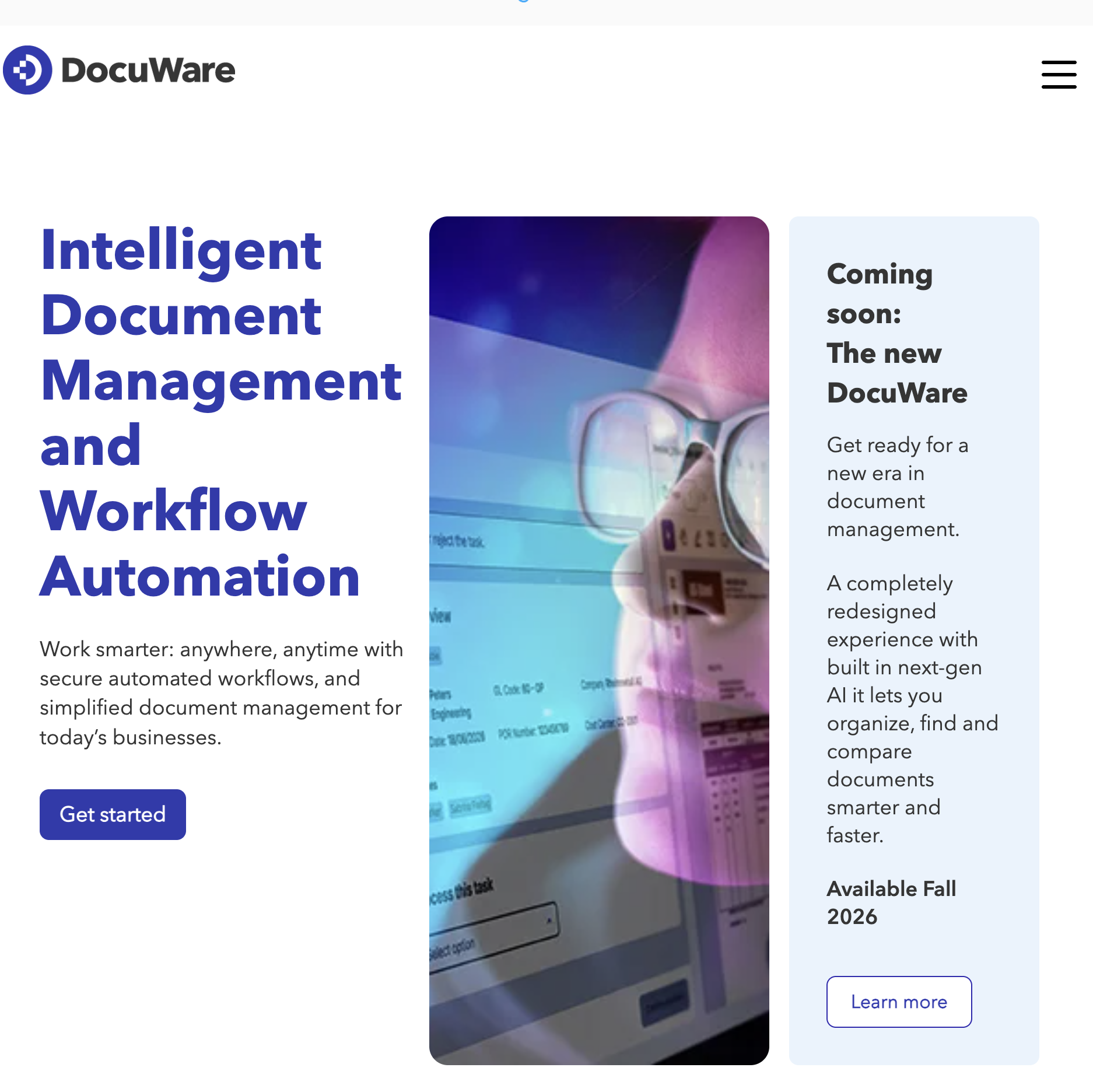
6. DocuWare — Best for Traditional Accounts Payable & Legacy Document Routing
Best For: Established mid-market companies and finance departments seeking on-premises or cloud-based document capture and structured accounting workflows.
DocuWare is a classic enterprise document management system known for its Intelligent Indexing OCR engine, which extracts key metadata fields from scanned paper and digital invoices.
Where DocuWare Excels:
Automated Invoice Matching: Accurately recognizes vendor names, invoice numbers, line items, and totals to match against purchase orders.
Structured Multi-Level Approvals: Configurable routing rules ensure invoices over specific thresholds automatically trigger department head sign-offs.
ERP Integration: Established connectors to SAP, Microsoft Dynamics, Sage, and QuickBooks.
Limitations:
High Setup & Maintenance Costs: Often sold through reseller partners with significant onboarding and configuration fees.
Inflexible to Dynamic Workflows: Cannot easily pivot to handle modern browser tasks, social media verification, or ad-hoc operational requests outside predefined document pathways.
Pricing:
Custom annual licensing based on storage capacity, user seats, and on-premises vs. cloud deployment.
Stop doing repetitive tasks. Let Sai handle them for you.
Sai is your AI computer use agent — it operates your apps, automates your workflows, and gets work done while you focus on what matters.