Oops! Something went wrong while submitting the form.
Best Digital Workspace Software in 2026: 8 Platforms Tested for Collaboration & Autonomous Execution
When IT directors, operations leaders, and distributed enterprise teams search for the best digital workspace software (frequently benchmarked alongside digital workplace platforms, virtual workspace software, or hybrid work hubs), they are confronting a major operational challenge in 2026: workplace fragmentation and coordination fatigue.
For the past decade, the transition to remote and hybrid operations produced a runaway proliferation of single-purpose SaaS applications. A typical enterprise knowledge worker toggles between 12 and 18 different tools daily—managing task dependencies in Asana or ClickUp, discussing deliverables across dozens of Slack or Teams channels, documenting procedures in Notion, storing assets across Google Drive or SharePoint, and tracking customer status in CRMs. Instead of fostering streamlined agility, this fragmentation has created continuous context-switching, siloed data silos, and hours lost to manual status reporting.
In 2026, the definition of an effective digital workspace has fundamentally evolved. Teams no longer settle for static virtual office canvases or passive intranet document repositories that simply centralize links. Modern organizations evaluate whether a digital workspace can unify cross-platform knowledge, maintain enterprise-grade access governance, and autonomously execute cross-application screen actions—such as reading project updates across native desktop apps, reconciling customer tickets, preparing executive briefing packs, and executing administrative workflows without human babysitting.
This guide benchmarks the top eight digital workspace platforms in 2026 across four distinct operational paradigms:
Autonomous Screen-Action & Autonomous Coworker Workspaces: Next-generation digital workspaces where AI agents directly operate desktop and web environments to execute administrative tasks, research, and data reconciliation.
Modular Knowledge Bases & Project Collaboration Hubs: Flexible relational databases and document editors designed for cross-functional wiki management and sprint tracking.
All-in-One Work Management & Process Coordination Platforms: Highly customizable workflow engines built to unify task tracking, time logging, and resource scheduling under a single roof.
How we evaluated
To provide an objective, data-backed evaluation for enterprise buyers, our testing framework assessed each digital workspace platform across five standardized operational benchmarks:
Cross-Application Context Unification: We evaluated how effectively each platform consolidates fragmented knowledge. Does the workspace provide unified, real-time search across disparate documentation, chat histories, code repositories, and external databases, or does it merely function as an isolated island?
Workflow Autonomy & Screen Execution: We tested whether the platform bridges the gap between seeing work and doing work. Does it force human operators to manually copy-paste data between tools, or can autonomous agents interact with desktop and web user interfaces to complete operational workflows without supervision?
Collaboration Friction & Real-Time Co-Authoring: We benchmarked multi-user latency, simultaneous document editing stability, in-line comment resolution, and asynchronous handoff mechanisms across distributed time zones.
Enterprise Governance, Security & Zero-Trust Access: We examined how granularly permissions, guest access controls, role-based access management (RBAC), and credential handling are isolated—ensuring confidential enterprise data and client files are protected.
Ecosystem Extensibility & Total Cost of Ownership: We analyzed integration catalogs, native API rate limits, administrative maintenance overhead, and total licensing costs when consolidating redundant SaaS tools.
Comparison Summary
Platform
Operational Paradigm
Key Strengths
Primary Bottleneck
Starting Pricing
Sai (by Simular)
Autonomous Screen-Action & Coworker Workspace
#1 on OSWorld Benchmark; operates desktop and web environments; dual-engine architecture (instant sandbox + persistent desktop); executes end-to-end multi-app tasks; zero-trust credential isolation
Engineered for active operational execution across software rather than serving as a passive internal chat room or basic static document canvas
Free tier available; Pro at $50/mo; Ultimate at $500/mo; Custom Enterprise
Google Workspace
Cloud-Native Real-Time Collaboration Suite
Frictionless real-time document co-authoring; industry-leading search via Drive; Gemini AI integration; ubiquitous adoption
Free tier; Team at $20/seat/mo; Business at $45/seat/mo
Slack (Salesforce)
Real-Time Asynchronous Messaging & App OS
Dominant business communication standard; 2,600+ app integrations; native Slack Canvases and Huddles
Information overload in large channels; rapid conversational decay makes tracking structured projects difficult
Free tier; Pro at $7.25/user/mo; Business+ at $12.50/user/mo
Detailed Platform Reviews
1. Sai (by Simular) — Best for Autonomous Multi-App Execution & Virtual Coworker Operations
Best For: Operations managers, founders, departmental leads, and enterprise commercial units seeking an autonomous (robo)secretary that doesn't just display tasks on a kanban board, but actively navigates desktop and web software to execute multi-step workflows without human babysitting.
Conventional digital workspace platforms act as passive digital filing cabinets. They require human knowledge workers to spend hours manually typing updates, uploading files, and copy-pasting information across disparate software tools. Saitransforms the digital workspace from a passive repository into an active, autonomous execution environment.
Ranked #1 on the global OSWorld benchmark, Sai acts as a virtual coworker equipped with its own virtual mouse, keyboard, browser, and terminal. Instead of simply notifying a team member that an invoice has arrived or a customer record needs updating, Sai can visually open your desktop accounting software, cross-reference invoice items against your web CRM, verify payment statuses, file receipts into your cloud storage, and draft a confirmation message—all completed autonomously.
How Sai Redefines Digital Workspace Software:
Cross-App Screen Action (Browser, Terminal, and Native Desktop Apps): Unlike browser-only extensions or rigid Zapier webhooks, Sai operates across the entire computing stack. It seamlessly navigates native desktop applications (Excel, specialized ERPs, legacy accounting tools) alongside modern cloud web apps (Salesforce, HubSpot, Jira, Google Docs).
Dual-Engine Architecture (Instant Sandbox + Persistent Desktop): Heavy computational tasks—such as parsing thousands of lines of CSV data, converting file formats, running enrichment scripts, or scraping public web signals—execute instantly inside a lightweight Linux sandbox. When interactive actions, multi-tab web research, or authenticated native software operations are required, Sai seamlessly drives a dedicated cloud desktop VM with visual element grounding.
Unified Knowledge Synthesis: Sai doesn't just store documents; it synthesizes intelligence across disparate files, spreadsheets, and databases to prepare executive-ready briefs, market analyses, and operational reports with full source attribution.
Zero-Trust Credential Security: Enterprise workspaces require interacting with mission-critical systems containing sensitive client data. Sai’s isolated credential gate ensures master passwords and two-factor authentication tokens are typed securely without exposing plaintext credentials to LLM context windows.
Asynchronous Mobile Delegation: Distributed team leaders can delegate operational workflows directly via Telegram or SMS and receive completed, verified deliverables on mobile, eliminating the need to be tethered to a physical workstation.
Specialized B2B Team & Department Solutions:
Learn how Sai for Small Businesses allows lean operations to scale administrative throughput without hiring additional back-office staff.
Explore how Sai for Enterprise delivers dedicated private cloud clusters, custom compliance controls, and auditable multi-user workflow orchestration.
Discover tailored vertical workflows designed specifically for Operations, Marketing, and Sales.
Pricing & Tiers:
Free Tier: Complimentary daily computer time to experience autonomous screen-action workflows.
Pro ($50/mo): Ideal for founders, independent operators, and project managers running automated multi-app tasks.
Ultimate ($500/mo): Engineered for power teams managing high-volume recurring data workflows and pipeline execution.
Enterprise: Custom dedicated clusters, private runner deployment, and enterprise SLAs.
2. Google Workspace — Best for Cloud-Native Real-Time Document Collaboration
Best For: Distributed, fast-moving teams that prioritize seamless multi-user document co-authoring and reliable cloud storage.
Google Workspace (formerly G Suite) remains the gold standard for frictionless cloud-native collaboration. Its core suite—comprising Docs, Sheets, Slides, Drive, Gmail, and Meet—powers real-time teamwork across millions of global organizations.
Key Strengths:
Zero-Latency Real-Time Co-Authoring: Multiple users can edit documents, spreadsheets, and presentations simultaneously with minimal lag and conflict-free version tracking.
Frictionless Sharing & Permissions: Industry-leading link sharing, team drives, and granular access controls for internal and external collaborators.
Gemini AI Integration: Embedded generative AI assists with email drafting, spreadsheet formula creation, and meeting summaries directly inside the native apps.
Limitations:
Passive Document Storage: Google Workspace stores documents, but cannot autonomously interact with external software or execute cross-app operational workflows.
Limited Structured Project Tracking: Lacks built-in visual kanban boards, Gantt timelines, or relational workflow dependencies without third-party add-ons.
Pricing:
Business Starter ($6/user/mo): Custom business email, 30 GB storage per user.
Business Standard ($12/user/mo): 2 TB pooled storage, 150-participant video meetings with recording.
Business Plus ($18/user/mo): 5 TB storage, advanced security and eDiscovery.
3. Microsoft 365 — Best for Enterprise Security & Deep Office Software Integration
Best For: Large enterprise organizations and IT departments requiring rigorous compliance controls, robust security, and advanced desktop Office applications.
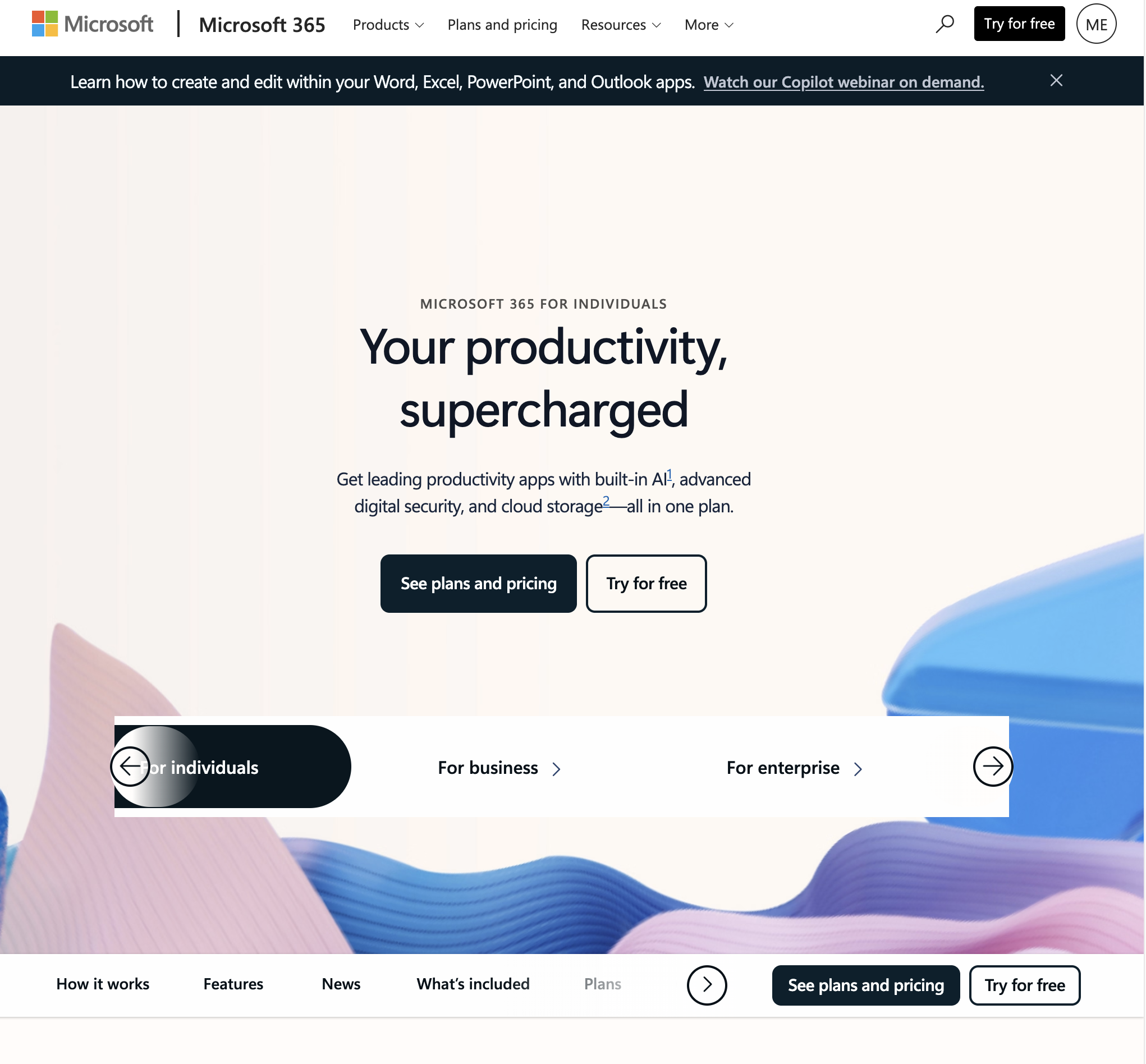
Microsoft 365 offers an extensive enterprise digital workplace suite, combining desktop powerhouses (Word, Excel, PowerPoint) with enterprise collaboration hubs (Microsoft Teams, SharePoint, OneDrive).
Key Strengths:
Advanced Desktop Software: Unrivaled analytical depth and macro capabilities in desktop Excel and Word for complex modeling.
Enterprise Compliance & Identity: Industry-leading security architecture managed via Microsoft Entra ID (Azure AD), with robust data loss prevention (DLP) and conditional access policies.
Microsoft Copilot: Deep organizational AI grounding that synthesizes intelligence across emails, Teams chats, meetings, and SharePoint libraries.
Limitations:
High Administrative Complexity: Configuring enterprise tenants and security policies demands specialized IT administrators.
Software Bloat & Inconsistent UX: Navigating between web, desktop, and mobile versions can introduce visual and functional inconsistencies.
Pricing:
Business Basic ($6/user/mo): Web and mobile apps only.
Business Standard ($12.50/user/mo): Full desktop apps included.
Business Premium ($22/user/mo): Advanced cyberthreat protection and device management.
4. Notion — Best for Modular Wikis & Connected Knowledge Architecture
Best For: Tech startups, product teams, and agile agencies seeking a flexible, block-based workspace for project wikis and documentation.
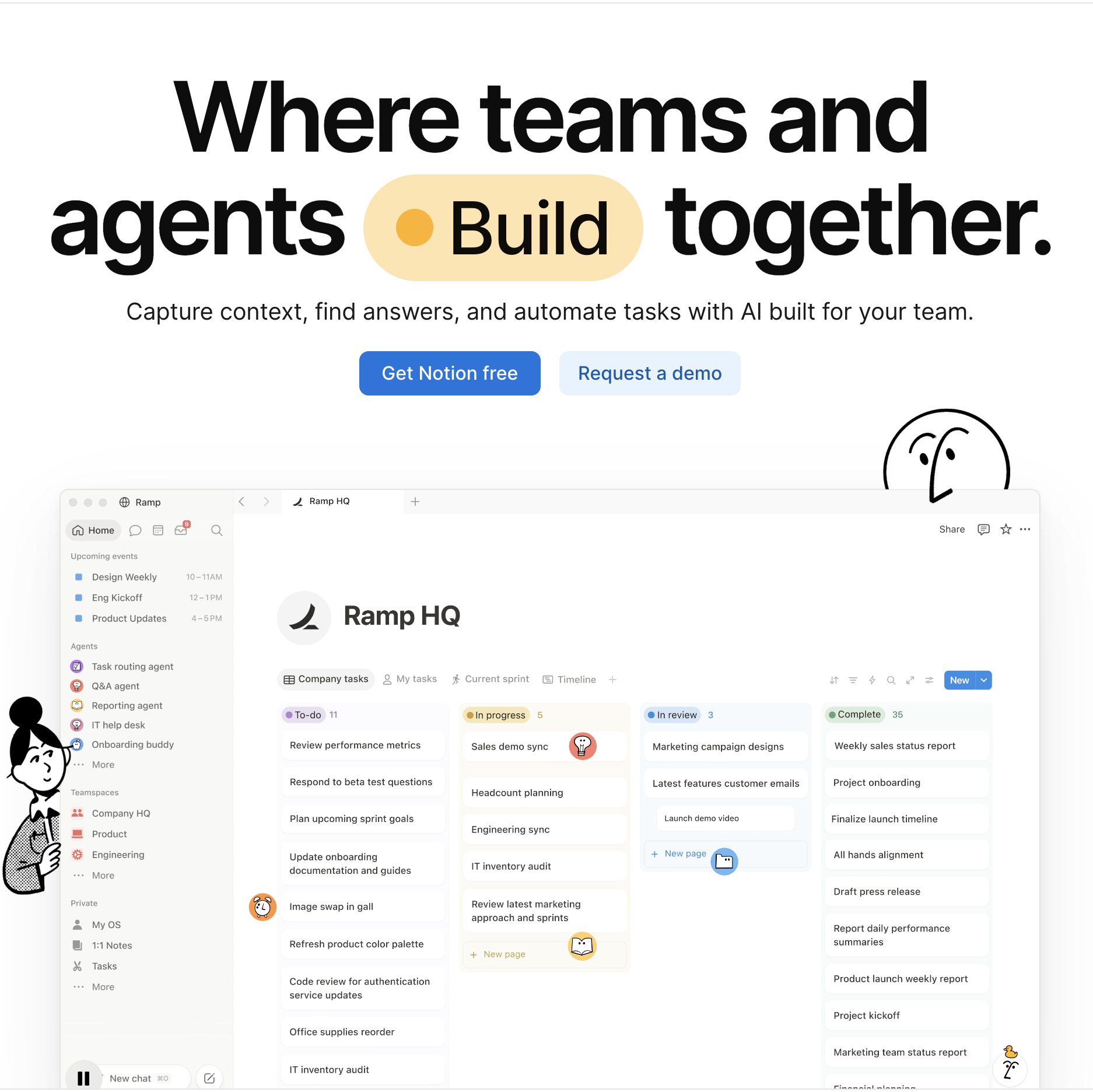
Notion provides a modular, LEGO-like digital workspace where teams build interconnected company wikis, project roadmaps, and custom document repositories within a single canvas.
Key Strengths:
Relational Database Flexibility: Link projects to tasks, meeting notes, and team members with dynamic views (kanban, table, calendar, timeline).
Notion AI Connected Search: Allows knowledge workers to query across their entire workspace, connected Slack channels, and Google Drive docs to find immediate answers.
Clean Block-Based Formatting: Intuitive drag-and-drop authoring makes building internal portals and documentation straightforward.
Limitations:
Manual Curation Burden: Workspaces easily become cluttered and outdated if teams do not dedicate continuous manual effort to wiki hygiene.
No Direct System Execution: Cannot independently navigate external software, log into third-party portals, or run terminal commands like Sai.
Pricing:
Free: Collaborative workspace for individuals and small teams.
Plus ($10/user/mo): Unlimited blocks, file uploads, and custom integrations.
Business ($15/user/mo): SAML SSO, private teamspaces, and advanced analytics.
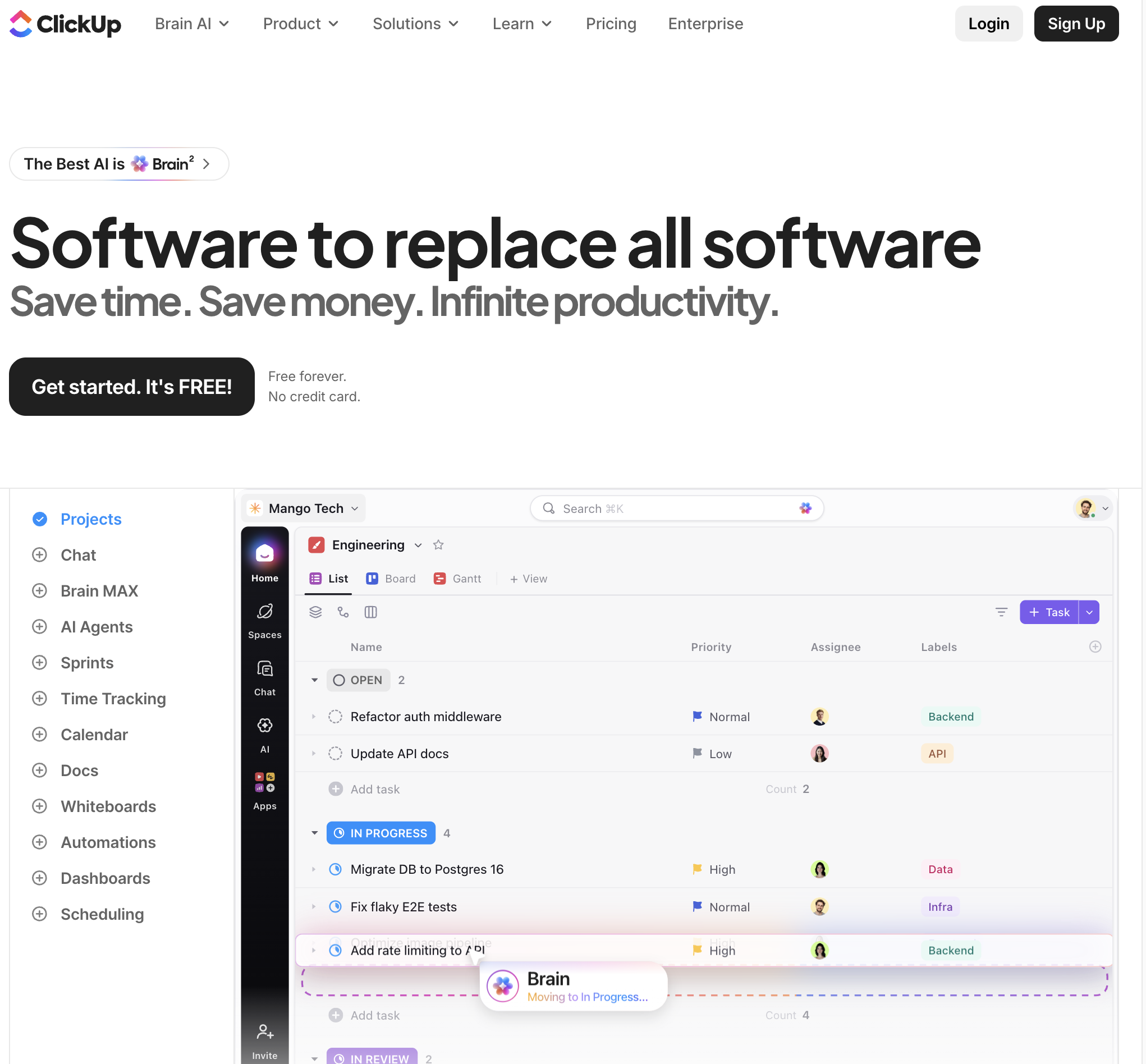
5. ClickUp — Best for All-in-One Work Management & Process Customization
Best For: Operations teams and growing agencies seeking to consolidate task tracking, time logging, whiteboards, and goal management into a single platform.
ClickUp positions itself as the "one app to replace them all," providing an extensive suite of project management tools, document editors, and visual collaboration spaces.
Key Strengths:
Feature Density: Unifies task checklists, Gantt timelines, mind maps, workload views, and native time tracking within a unified interface.
Customizable Automation Engine: Built-in rules engine automates status transitions, field assignments, and cross-list syncing.
ClickUp Brain: Embedded AI helps summarize comment threads, generate project plans, and autofill task descriptions.
Limitations:
Steep Learning Curve: High feature density can lead to configuration fatigue and onboarding challenges for non-technical team members.
Occasional Performance Lag: Heavy database views with complex nested relationships can experience visual latency.
Pricing:
Free Forever: Core task management with 100 MB storage.
Unlimited ($7/user/mo): Unlimited storage, integrations, and dashboard widgets.
Business ($12/user/mo): Advanced time tracking, custom exporting, and workload management.
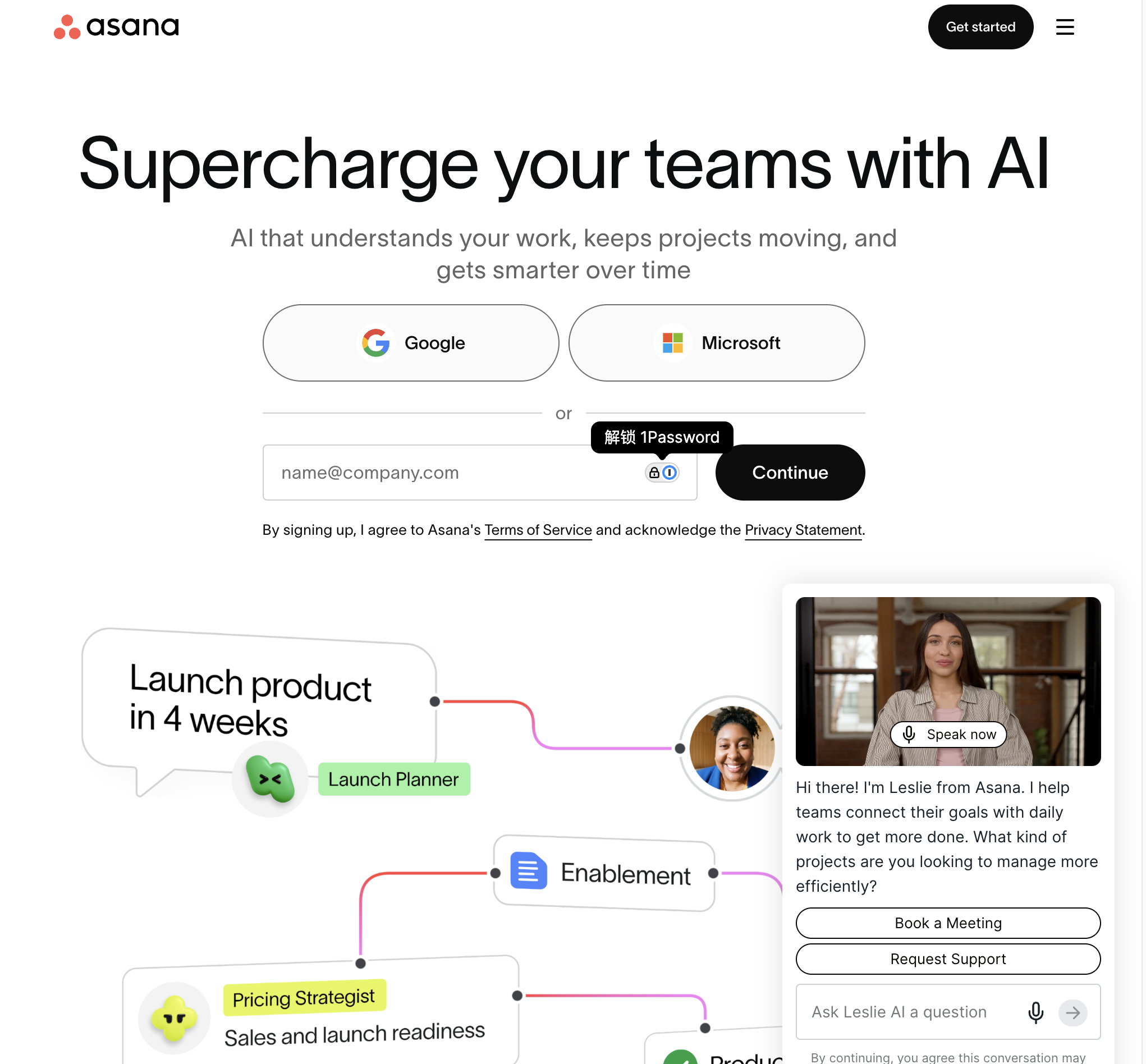
6. Asana — Best for Enterprise Work Coordination & Strategic Goal Tracking
Best For: Mid-market and enterprise organizations that require structured project governance, cross-functional dependencies, and executive portfolio visibility.
Asana is renowned for its clean interface and structured approach to project tracking, helping distributed teams coordinate work from daily tasks to strategic corporate objectives.
Key Strengths:
Visual Work Mapping: Highly intuitive timeline and dependency tracking makes identifying project bottlenecks straightforward.
Executive Portfolios & Goals: Connects individual team tasks directly to high-level company OKRs and departmental milestones.
Asana Intelligence: Automates project status reporting, summarizes comment threads, and identifies project delivery risks.
Limitations:
Lightweight Document Co-Authoring: Focuses primarily on task tracking; requires external tools like Google Docs or Notion for in-depth documentation.
Higher Price Point: Advanced automation and portfolio features are reserved for higher pricing tiers.
Pricing:
Personal (Free): Up to 10 teammates with basic project views.
Starter ($10.99/user/mo): Workflow builder, timeline views, and advanced search.
Advanced ($24.99/user/mo): Portfolios, workload tracking, and universal goal management.
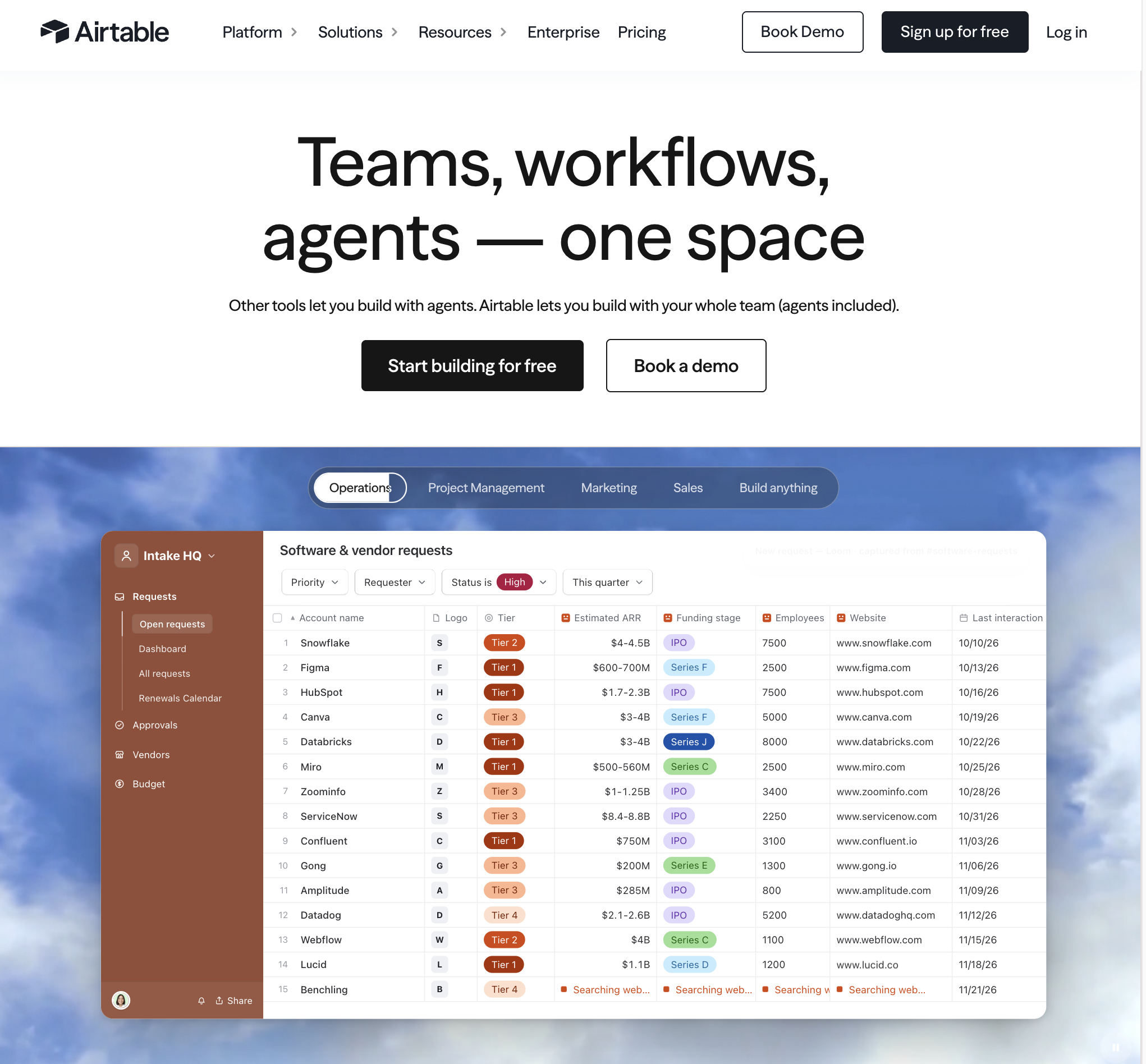
7. Airtable — Best for Relational Workflows & Custom Business Apps
Best For: Operations architects and RevOps leaders who want to build custom relational databases and no-code business applications.
Airtable combines the simplicity of a spreadsheet with the computational power of a relational database, enabling teams to build tailored workflow applications without writing code.
Key Strengths:
Relational Data Modeling: Easily links data across multiple tables (e.g., customers, projects, contracts, and revenue metrics).
Interface Designer: Allows non-technical builders to design custom web portals and dashboards tailored to specific departmental roles.
Extensive Automation Ecosystem: Native scripts, webhooks, and third-party integrations trigger complex data cascades.
Limitations:
Strict Record Limitations: Higher tiers impose strict record limits per base, requiring careful data archiving strategies.
Technical Architecture Overhead: Requires thoughtful initial design; unstructured bases quickly become difficult to maintain.
Pricing:
Free: Up to 1,000 records per base.
Team ($20/seat/mo): 50,000 records per base and custom extensions.
Business ($45/seat/mo): 125,000 records per base, advanced admin controls, and Salesforce syncing.
8. Slack (Salesforce) — Best for Real-Time Asynchronous Messaging & Tool Orchestration
Best For: Distributed, high-velocity teams prioritizing fast, asynchronous conversational communication and centralizing software alerts.
Slack serves as the central communication nervous system for modern knowledge work, offering organized channel discussions, instant audio/video huddles, and deep software integrations.
Key Strengths:
App Integration Ecosystem: Connects with over 2,600 business applications, allowing team members to receive notifications and take quick actions without leaving chat.
Slack Canvases & Lists: Embedded collaborative documents and lightweight task lists directly within channels.
Slack AI: Generates instant channel catch-ups, thread summaries, and semantic search answers across conversational archives.
Limitations:
Communication Sprawl: Rapidly moving channels and notification volume can cause critical strategic decisions to become buried.
Not a Complete Project Workspace: Requires pairing with dedicated documentation and project management software.
Pricing:
Free: 90-day message history.
Pro ($7.25/user/mo): Unlimited message history, integrations, and external Slack Connect channels.
Business+ ($12.50/user/mo): SAML-based SSO, 99.99% uptime SLA, and compliance exports.
Stop doing repetitive tasks. Let Sai handle them for you.
Sai is your AI computer use agent — it operates your apps, automates your workflows, and gets work done while you focus on what matters.