Oops! Something went wrong while submitting the form.
Best CRM for Sales Reps in 2026: 8 Tools Tested for Rep Adoption, Pipeline Velocity & Autonomous Execution
When CROs, sales operations leads, and account executives search for the best CRM for sales reps (frequently searched as sales rep CRM, CRM software for sales reps, or easy CRM for sales teams), they confront a long-standing paradox in sales technology: sales reps hate using most CRMs.
According to enterprise productivity studies, quota-carrying sales reps spend less than 28% of their work week actually selling. The remaining 72% is consumed by administrative friction: manually logging meeting notes, updating deal stage dropdowns, copy-pasting contact details from LinkedIn, fixing duplicate entries, and completing compliance fields mandated by management. When a CRM feels like a surveillance tool or a burdensome data-entry ledger, rep adoption plummets, records decay, pipeline forecasts become unreliable, and deals slip through the cracks.
In 2026, the CRM landscape has shifted dramatically from passive databases into active, intelligent execution hubs. The market has divided into distinct operational architectures:
Visual pipeline and SMB acceleration CRMs designed for intuitive deal dragging and minimal administrative friction (e.g., Pipedrive, Close, Freshsales).
Ecosystem-native inside sales CRMs that embed directly into daily rep communication environments like Google Workspace (e.g., Copper).
Enterprise revenue platforms offering deep customization, extensive app marketplaces, and complex forecasting engines (e.g., Salesforce, HubSpot).
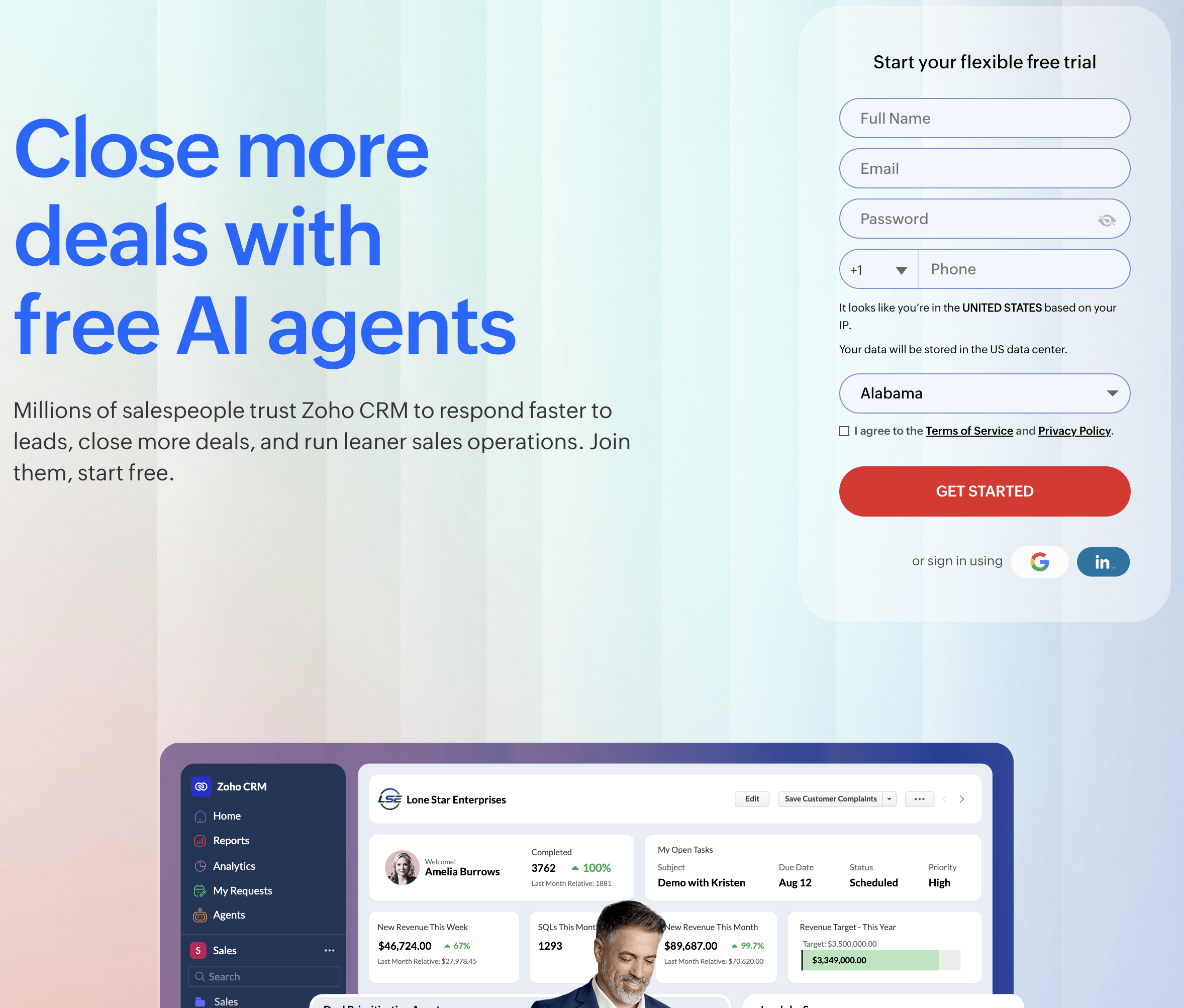
All-in-one business operating suites bundling sales, finance, and support into modular workspaces (e.g., Zoho CRM).
Autonomous screen-action computer-use agents (like Sai) that fundamentally dismantle the rep data-entry burden—operating existing CRM interfaces, web browsers, and desktop software directly to research accounts, reconcile duplicates, log activities, and advance deals with zero human babysitting.
This guide benchmarks the top eight CRMs for sales reps in 2026 across these operational paradigms, evaluating how each platform balances rep usability, administrative overhead, and revenue execution.
How we evaluated
To deliver an objective, rep-first benchmark for revenue leaders, our testing framework assessed each CRM platform across five standardized operational criteria:
Rep Adoption & Interface Velocity: We measured how quickly a sales rep can execute daily actions: finding a contact, creating a deal, logging a conversation, and advancing pipeline stages. Does the software require navigating multi-tab form mazes, or can reps update deals in seconds via intuitive visual interfaces?
Automated Activity Capture: We evaluated zero-click background tracking. Does the platform automatically log sent emails, calendar meetings, prospect opens, and phone call recordings into the contact timeline, or does it demand manual data re-entry?
Native Calling, Messaging & Cadence Execution: We benchmarked communication tools directly inside the CRM. Does the platform offer a built-in power dialer with local presence, SMS messaging, email sequencing, and meeting scheduler links without requiring expensive third-party integrations?
Workflow Autonomy & Screen-Action Execution: We scored how much administrative toil remains on the rep's shoulders. Can an autonomous agent operate the CRM UI directly—performing deep background account research, verifying contact details, reconciling duplicate leads, and updating pipeline hygiene on the rep’s behalf?
Total Cost of Ownership & Admin Overhead: We analyzed the true operating cost: baseline per-user pricing, steep tier upgrade jumps when unlocking essential workflow automation, mandatory implementation consulting, and the RevOps administrative hours required to maintain system stability.
#1 on OSWorld Benchmark; operates browser and native desktop CRM software; conducts background account research across live web and social sources; reconciles duplicate CRM contacts and logs timeline activity; drafts contextual outreach with zero human babysitting
Engineered as an autonomous coworker executing workflows across existing tools rather than functioning as a passive database storage bucket
Free tier available; Pro at $50/mo; Ultimate at $500/mo; Custom Enterprise
Zia AI conversational assistant; deep integration with 45+ Zoho ecosystem apps; highly affordable enterprise-grade features
Interface can feel cluttered and disjointed; customer support quality varies; requires extensive setup to optimize rep workflows
Standard at $14/user/mo; Professional at $23/user/mo; Enterprise at $40/user/mo; Ultimate at $52/user/mo
Detailed Platform Reviews
1. Sai (by Simular) — Best for Autonomous End-to-End CRM Hygiene & Screen-Action Execution
Best For: Revenue operations leaders, sales directors, founders, and quota-carrying account executives who want to eliminate the soul-crushing burden of manual CRM data entry by deploying an autonomous (robo)secretary that investigates accounts, cleanses contact records, and executes CRM updates directly on the computer screen.
Traditional CRMs suffer from a fatal design assumption: they require a human being to sit in front of a keyboard and manually feed them data. When sales reps skip logging a phone call or leave custom fields blank, the CRM deteriorates into an unreliable data graveyard. Sai transforms how sales teams interact with customer data through autonomous computer-use execution.
Ranked #1 on the global OSWorld benchmark, Sai acts as a virtual coworker equipped with its own virtual mouse, keyboard, browser, and terminal. Instead of replacing your CRM, Sai sits on top of your existing software stack—operating Salesforce, HubSpot, Pipedrive, or Close just like a dedicated sales operations specialist.
How Sai Solves the Sales Rep CRM Dilemma:
Zero-Touch Background Prospect Research: When a new lead enters your pipeline, Sai doesn't wait for a rep to manually investigate. It opens a browser, navigates to the prospect’s company website, reviews recent product announcements, inspects active job boards to map tech stack tooling, and verifies executive roles on LinkedIn.
Cross-App Screen Action Across Web and Native Desktop CRMs: Sai operates software through visual element recognition and OS-level keyboard/mouse control. It logs into your CRM, searches for existing account records to prevent duplicate creation, updates deal amounts, adjusts stage dropdowns, and logs detailed, factual conversation notes into activity timelines.
Dual-Engine Architecture (Instant Sandbox + Persistent Cloud Desktop VM): Heavy computational data processing—such as parsing massive CSV lead lists, deduplicating databases via Python scripts, or validating email MX records—executes in an ultra-fast Linux sandbox. When interactive browser navigation, multi-factor authenticated portals, or native desktop CRM applications are required, Sai seamlessly drives a dedicated cloud desktop VM.
Contextual, Signal-Driven Outreach Preparation: Rather than leaving reps with blank email templates, Sai synthesizes its live web research into hyper-relevant, signal-grounded email drafts and meeting briefs, allowing reps to focus 100% of their energy on speaking with qualified buyers.
Zero-Trust Security & Mobile Delegation: Sales executives and reps can delegate repetitive data cleansing tasks or pipeline audits directly from mobile messaging apps (Telegram, SMS). Sai’s isolated credential architecture ensures passwords and two-factor tokens are never exposed in LLM context windows, maintaining complete enterprise data security.
Specialized B2B Team & Department Solutions:
Learn how Sai for Small Businesses gives lean sales teams enterprise-grade CRM automation without hiring expensive administrative staff.
Explore how Sai for Enterprise provides dedicated execution clusters, enterprise-grade data governance, and scalable multi-user pipeline orchestration.
Discover tailored vertical workflows designed specifically for Sales, Marketing, and Operations.
Pricing & Tiers:
Free Tier: Complimentary daily computer time to experience autonomous screen-action CRM workflows.
Pro ($50/mo): Ideal for individual account executives, founders, and SDRs managing automated account research and CRM hygiene.
Ultimate ($500/mo): Tailored for high-growth sales teams running high-volume recurring enrichment, pipeline reconciliation, and multi-app workflows.
2. HubSpot Sales Hub — Best for All-in-One Commercial Alignment & Intuitive Rep Usability
Best For: Growing SMBs, mid-market B2B teams, and commercial organizations seeking an intuitive CRM with exceptional rep adoption that seamlessly bridges marketing, sales, and customer service.
HubSpot Sales Hub has earned an industry-leading reputation for rep adoption. Unlike clunky legacy CRMs built on database tables, HubSpot was engineered with a modern, consumer-grade user experience that sales reps genuinely enjoy using on a daily basis.
In-Depth Feature Analysis:
Intuitive Visual Pipeline Management: Clean drag-and-drop deal boards allow reps to visualize deal progression across customizable pipeline stages with instant deal-value rollups.
Automated Interaction Logging: Automatically tracks email opens, clicks, website page visits, and scheduled meetings directly from Gmail or Outlook without requiring manual rep input.
Sales Automation & Sequences: Allows reps to enroll prospects in multi-step follow-up sequences combining personalized email templates, automated task reminders, and LinkedIn touchpoints.
Native Document Tracking & Meeting Scheduler: Reps can share trackable sales proposals and embed personalized calendar scheduling links directly into email signatures.
Operational Limitations:
Steep Tier Upgrade Pricing: While the Starter tier is affordable ($15/seat/mo), unlocking advanced workflow automation, predictive lead scoring, and custom reporting requires jumping to Professional ($90/seat/mo) or Enterprise ($150/seat/mo).
Marketing Contact Overage Fees: If your organization connects HubSpot Sales with HubSpot Marketing, storing large contact databases triggers significant marketing contact surcharges.
Pricing Structure:
Free Tools: Basic contact management, deal pipelines, and email tracking.
Sales Hub Starter ($15/seat/mo): Basic automation, simple sequences, and standard deal pipelines.
Sales Hub Professional ($90/seat/mo): Advanced sequences, e-signatures, sales analytics, and phone dialer.
Sales Hub Enterprise ($150/seat/mo): Advanced permissions, predictive lead scoring, and custom conversation intelligence.
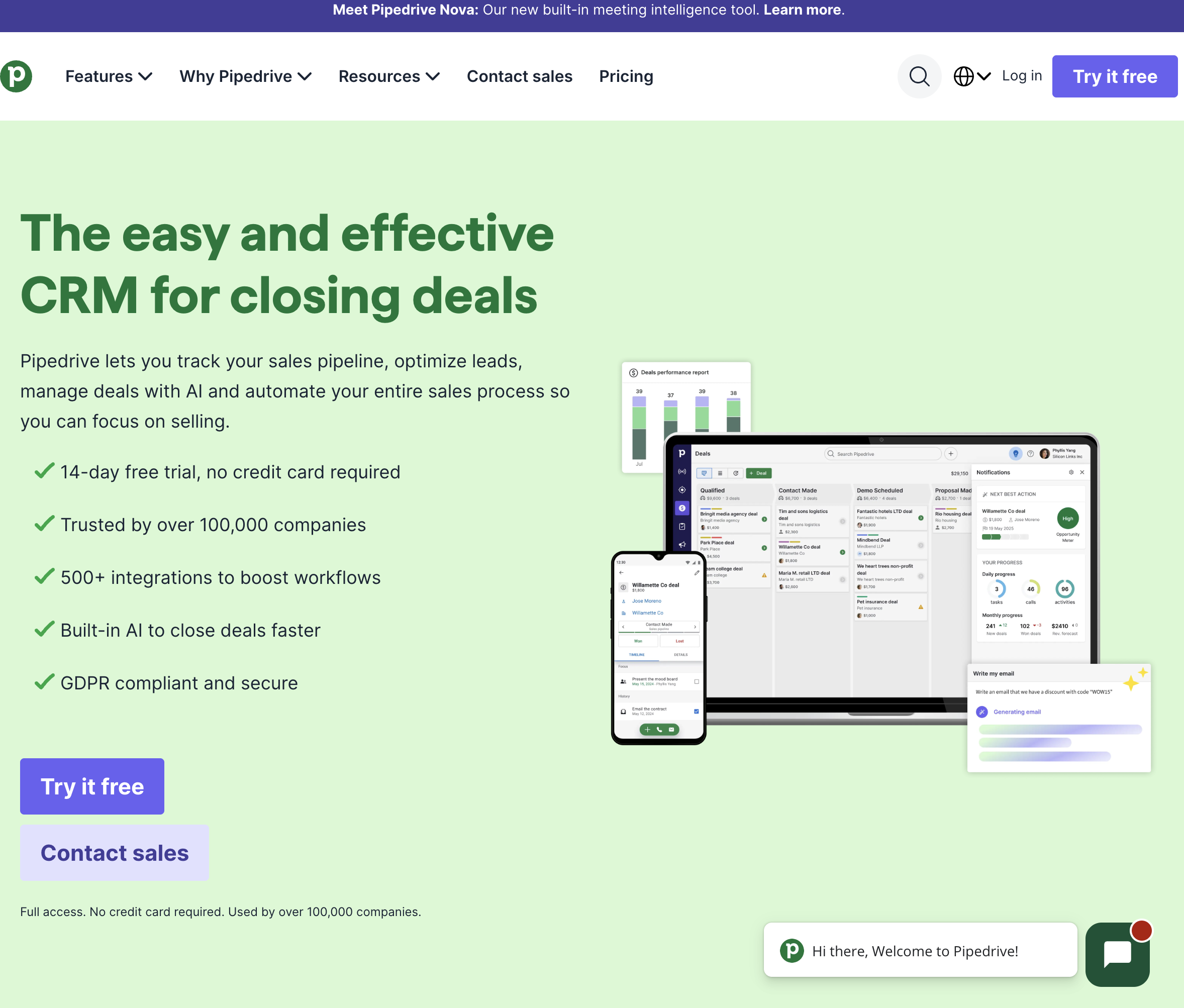
3. Pipedrive — Best for Activity-Based Selling & Visual Pipeline Tracking
Best For: Sales-focused SMBs, startup founders, and agile sales reps who want a lightweight, visually focused CRM built entirely around driving daily sales activities.
Pipedrive was created by salespeople for salespeople. Founded on the philosophy of "activity-based selling," Pipedrive operates on the principle that reps cannot control sales outcomes directly, but they can control the proactive activities (calls, emails, meetings) that produce those outcomes.
In-Depth Feature Analysis:
Pioneering Kanban Pipeline Interface: Highly customizable visual deal stages allow reps to move opportunities forward with smooth drag-and-drop simplicity, keeping current pipeline health front and center.
Activity Reminders & Prompts: Whenever an activity is completed, Pipedrive automatically prompts the rep to schedule the next follow-up action, eliminating neglected or stalled deals.
Smart Contact Data Enrichment: Automatically gathers social profile data and public company information based on a contact’s email address with a single click.
Smart Docs & Proposal Automation: Enables reps to generate trackable sales quotes, contracts, and proposals from CRM records and collect legally binding e-signatures.
Operational Limitations:
Limited Inbound Marketing Automation: Pipedrive is purely an outbound sales tool; it lacks the native email marketing and content management capabilities found in HubSpot.
Native Telephony Requires Higher Tiers: Built-in phone calling and call recording are not included in the baseline Essential plan and require upgrading to Professional.
Advanced ($29/user/mo): Full email synchronization, automated workflow builder, group emailing.
Professional ($49/user/mo): Integrated calling, revenue forecasting, custom reporting dashboards.
Power ($64/user/mo): Project planning, phone support, advanced user permission tiers.
4. Close — Best for High-Velocity Inside Sales & Built-In Telephony Cadences
Best For: High-velocity inside sales teams, SaaS SDR/AE pods, and remote sales reps who spend their entire day cold calling, emailing, and texting prospects directly from their CRM.
Close is engineered specifically for speed and communication velocity. Unlike traditional CRMs that treat calls and SMS as secondary add-ons, Close builds its entire platform around an integrated communication engine, allowing reps to make hundreds of calls and send sequences without ever touching external software.
In-Depth Feature Analysis:
High-Velocity Power & Predictive Dialers: Integrated cloud telephony includes power dialing (calling down a lead list automatically) and predictive dialing (calling multiple numbers simultaneously and connecting reps only when a live human answers).
Two-Way SMS & WhatsApp Messaging: Reps can send and receive text messages directly within contact timelines, boosting response rates for quick follow-ups and meeting confirmations.
Multichannel Workflows & Sequences: Create automated sequences that combine email cadences, automated SMS triggers, and manual phone call tasks in a single rep cockpit.
Leaderboards & Real-Time Sales Coaching: Real-time sales leaderboards track call duration, talk-to-listen ratios, and pipeline movement, with live whisper and barge modes for sales managers.
Operational Limitations:
Higher Starting Cost Per Seat: With plans starting at $49/mo (Solo) and $59/user/mo (Basic), Close carries a higher barrier to entry for early-stage or part-time sales teams.
Inside Sales Specialization: Close is optimized for high-volume inside sales; it lacks features designed for complex enterprise field sales or multi-layered account hierarchies.
Pricing Structure:
Solo ($49/mo): 1 user, basic calling and SMS, standard pipeline management.
Basic ($59/user/mo): Up to 3 users, power dialer, custom fields, email tracking.
Professional ($99/user/mo): Up to 10 users, automated email sequences, bulk calling, call recording.
Enterprise ($139/user/mo): Predictive dialer, custom role permissions, dedicated account manager.
5. Salesforce Sales Cloud — Best for Enterprise Customization & Complex Territory Governance
Best For: Large enterprise sales organizations, multi-division corporate enterprises, and complex revenue teams requiring infinite architectural customization, granular security compliance, and global territory management.
Salesforce Sales Cloud remains the global benchmark for enterprise customer relationship management. Deployed by the vast majority of the Fortune 500, Salesforce provides unparalleled data modeling flexibility, deep partner integrations, and comprehensive governance controls.
In-Depth Feature Analysis:
Infinite Data Modeling & Object Customization: Create custom objects, complex validation rules, multi-tiered page layouts, and automated process flows tailored to any business model.
Enterprise Territory & Hierarchy Governance: Dynamically assign accounts, leads, and quotas across global regions, industry verticals, and multi-tier channel partner networks.
Einstein AI Predictive Intelligence: Provides automated opportunity scoring, deal health inspection, conversation insights, and next-best-action guidance directly within rep records.
Vast AppExchange Ecosystem: Access thousands of pre-built third-party applications, telephony connectors, and specialized industry plugins to extend CRM capabilities.
Operational Limitations:
Severe Rep Administrative Fatigue: Salesforce is notorious among sales reps for its complex, multi-field interfaces that require significant administrative time to keep up to date.
High Total Cost of Ownership: Requires ongoing enterprise investments, implementation consulting, and full-time dedicated certified Salesforce administrators to maintain.
Pricing Structure:
Starter Suite ($25/user/mo): Basic sales and marketing tools for small teams.
Pro Suite ($100/user/mo): Enhanced automation, custom sales processes.
6. Freshsales — Best for AI-Assisted Deal Insights & Agile Value
Best For: Fast-growing SMBs, technology startups, and mid-market sales teams seeking modern AI contact scoring, built-in communication tools, and rapid time-to-value at competitive pricing.
Freshsales (part of the Freshworks software suite) delivers a feature-rich, intuitive sales CRM designed to compete directly with HubSpot and Salesforce while maintaining an accessible pricing model.
In-Depth Feature Analysis:
Freddy AI Predictive Insights: Uses machine learning to score contacts and deals based on engagement velocity, predicting which deals are most likely to close and flagging stalled pipeline risks.
Built-in Cloud Telephony & Call Recording: Reps can make inbound and outbound calls, buy local phone numbers, record conversations, and mask caller ID directly within the CRM without third-party dialers.
Visual Multi-Currency Pipeline Boards: Easily manage multiple sales pipelines across different regions, product lines, and currencies with customizable stages and drag-and-drop mechanics.
Automated Sales Sequences & Plays: Build automated multi-touch cadences combining email steps, call reminders, and automated field update actions.
Operational Limitations:
Smaller Integration Marketplace: While Freshworks offers key native integrations, its third-party app marketplace is smaller than that of Salesforce or HubSpot.
Advanced Workflows Require Pro Plan: Advanced workflow triggers, sales sequences, and AI deal insights require upgrading to the Pro plan ($39/user/mo).
Pricing Structure:
Free Plan: Up to 3 users with basic contact management and phone support.
7. Copper — Best for Google Workspace Teams & Zero-Friction Inbox Workflow
Best For: Digital agencies, creative studios, venture consultancies, and modern B2B teams that run their entire business on Google Workspace and want a CRM that lives entirely inside Gmail.
Copper is the only CRM officially recommended by Google. Engineered specifically for teams living in Google Workspace, Copper embeds directly into Gmail and Google Calendar, eliminating the friction of switching back and forth between an email client and a separate CRM window.
In-Depth Feature Analysis:
Native Gmail Chrome Extension: Reps can view contact history, add new leads, update deal values, and log tasks directly within the right-hand panel of their Gmail inbox.
Automated Data Scraping from Email Headers: Automatically captures contact names, email addresses, phone numbers, and company affiliations from incoming email signatures with zero manual typing.
Google Calendar Meeting Sync: Automatically links calendar meetings with the corresponding CRM contact, company, and deal records, keeping interaction timelines accurate.
Google Drive File Linking: Seamlessly attach Google Docs, Sheets, and Slides to deal records with automated file permission inheritance.
Operational Limitations:
Google Workspace Lock-In: Copper is built exclusively for Google Workspace; teams using Microsoft 365, Outlook, or native desktop email clients cannot use the platform.
Limited High-Volume Outbound Tools: Lacks integrated cold calling power dialers and high-volume multi-inbox cold email infrastructure.
Pricing Structure:
Starter ($9/user/mo): Up to 3 users, basic contact management, Google Workspace integration.
Professional ($59/user/mo): 15,000 contacts, advanced workflow automations, email templates.
Business ($99/user/mo): Unlimited contacts, advanced reporting, custom permissions.
8. Zoho CRM — Best for Modular Scalability & Ecosystem-Wide Business Integration
Best For: Value-conscious businesses and mid-market organizations seeking a highly customizable, enterprise-grade CRM that integrates seamlessly with a broad suite of finance, marketing, and support applications.
Zoho CRM is renowned for offering exceptional feature depth at a fraction of the cost of legacy enterprise platforms. As the flagship product of the Zoho One business operating system, it provides seamless connectivity across 45+ integrated business applications.
In-Depth Feature Analysis:
Zia AI Conversational Sales Assistant: Zia uses AI to predict deal win probability, detect pipeline anomalies, suggest the optimal time of day to contact a prospect, and extract data from emails.
Canvas Visual Customization Studio: Allows administrators to completely redesign CRM screen layouts with a drag-and-drop designer, creating a clean, personalized interface for sales reps.
Omnichannel Communication Center: Unifies email, telephony, live website chat, social media interactions, and customer support tickets into a single contact timeline.
Blueprint Guided Process Enforcement: Visual process builder guides sales reps step-by-step through mandatory sales stages, ensuring consistent deal qualification and compliance.
Operational Limitations:
Interface Complexity & Clutter: The sheer breadth of features and configuration settings can make the interface feel overwhelming and cluttered for new sales reps.
Support & Customization Overhead: Tailoring Zoho CRM to match a team's workflow often requires significant upfront configuration and technical customization.
Pricing Structure:
Standard ($14/user/mo): Multiple pipelines, automated workflows, custom dashboards.
Professional ($23/user/mo): Built-in telephony, Blueprint process management, inventory management.
Enterprise ($40/user/mo): Zia AI assistant, Canvas custom layouts, multi-user portals.