
Oops! Something went wrong while submitting the form.
For developers, computer use is an API pattern in which a model operates a computer for your application: you send a goal, and the system returns either the next mouse and keyboard action or a finished result from a real or virtual desktop. It lets your code automate software that has no API, from legacy desktop apps to vendor portals, without writing selectors for every screen. New to the concept? Start with our pillar guide, what is computer use.
Every computer use stack has three layers, and the tools below differ in how many of them they hand you: the model that decides the next action, the computer (a VM, container or cloud browser) where actions run, and the harness that loops screenshots and actions, retries failures and asks for approval. Model-level tools give you only the first layer. Infrastructure providers give you the second. Managed agent APIs give you all three.
To give engineering leads and platform teams an objective, actionable comparison, we assessed each tool across five standardized criteria:
How it works: The Simular Platform API sends a task to Sai, Simular's computer-use agent, and streams progress over Server-Sent Events. POST /v1/agents/message with wait: false returns a sessionId; GET /v1/agents/events streams narration and results until the session goes idle; a data-approval-request event pauses sensitive actions until you call POST /v1/agents/approve or a person opens the approvalUrl. Under the hood, Sai orchestrates frontier and specialist models, plans in Simulang code, and replays solved procedures as self-healing code.
Capability boundary: Desktop apps, browsers, file systems and terminals on Simular's cloud computers or a registered Mac or Windows machine. Simular reports a 73.0% partial score on OSWorld 2.0 at $15.70 per task, ahead of Claude Opus 5 Max Thinking (70.6%, $23.70) and GPT-5.6 Sol Max (62.6%, $26.62), with 28.25% full-task success (Simular). The @simular-ai/sai-mcp server plugs Sai into Claude Code, Codex and Cursor, and Sai can run Claude Code sessions on a cloud desktop.
Licensing: Closed service; model-agnostic, including your own key, open-weight or on-prem models. Built on Simular's open-source Agent S research.
Pricing: Free plan with a pooled Windows cloud computer; $50/month pay-as-you-go; $500/month unlimited (pricing). Keys start with sapi_.
Best for: Developers who want finished desktop and browser tasks without building VM fleets, retries or approval flows, and who run the same workflows repeatedly.
Limitations: You don't control each low-level action; 60 messages per hour per user and 25 MB per upload by default (API reference).
How it works: Send screenshots plus the computer_toolset_20260801 definition through the Messages API; Claude returns one of 17 actions (screenshot, left_click, type, zoom and more). Your agent loop executes the action, captures the result and repeats. A Docker reference implementation with a virtual X11 display gets you started.
Capability boundary: Any environment your harness exposes. Supported on Claude Opus 4.8, 5 and 5.5, Sonnet 5 and 5.5, Fable 5/5.1 and Mythos 5/5.1, via the Claude API, Vertex AI and Bedrock; zero-data-retention eligible (Anthropic docs).
Licensing: Closed model, open reference harness.
Pricing: Per-token API rates; each step includes a screenshot, so long tasks cost more.
Best for: Teams building their own agent product who need full control over each action.
Limitations: You build sandboxing, recovery, credentials, approvals and audit. Anthropic advises a low-privilege VM, a domain allowlist and human confirmation for consequential actions.
How it works: The Responses API offers two modes: the computer tool returns structured mouse and keyboard actions, or the model writes Playwright or PyAutoGUI code that drives the interface. OpenAI recommends GPT-6 Astra for the code-execution path.
Capability boundary: Browser environments (Playwright samples) and desktop environments (PyAutoGUI samples) that you provide.
Licensing: Closed.
Pricing: Per-token API rates.
Best for: Developers who prefer generated automation code that can be reviewed and rerun.
Limitations: You maintain the runtime, screenshot capture, state and safety controls. Older tutorials referencing Operator are out of date: it shut down on August 31, 2025.
How it works: Gemini returns actions on a normalized 0–999 coordinate grid; your client executes them. Gemini 3.8 Flash is recommended, and computer use became built into Gemini 3.5 Flash in June 2026.
Capability boundary: Browser, Android and desktop environments you implement; Docker reference included (Gemini docs).
Licensing: Closed.
Pricing: Per-token Gemini API rates.
Best for: Mobile app testing and Android automation alongside web tasks.
Limitations: Preview status; built-in confirmations cover purchases, sensitive data, communications, account creation and legal agreements, and prompt-injection detection is opt-in.
How it works: The Foundry computer use tool proposes clicks, typing and scrolling from screenshots; your app executes them and returns the new screen. Responses can include pending_safety_checks that must be acknowledged before you continue.
Capability boundary: Browser and desktop applications, using the computer-use-preview model in East US 2, Sweden Central and South India.
Licensing: Closed.
Pricing: Azure usage-based.
Best for: Teams already building agents on Azure and Foundry Agent Service.
Limitations: Preview without an SLA; Microsoft says to run it only in sandboxed VMs without sensitive data.
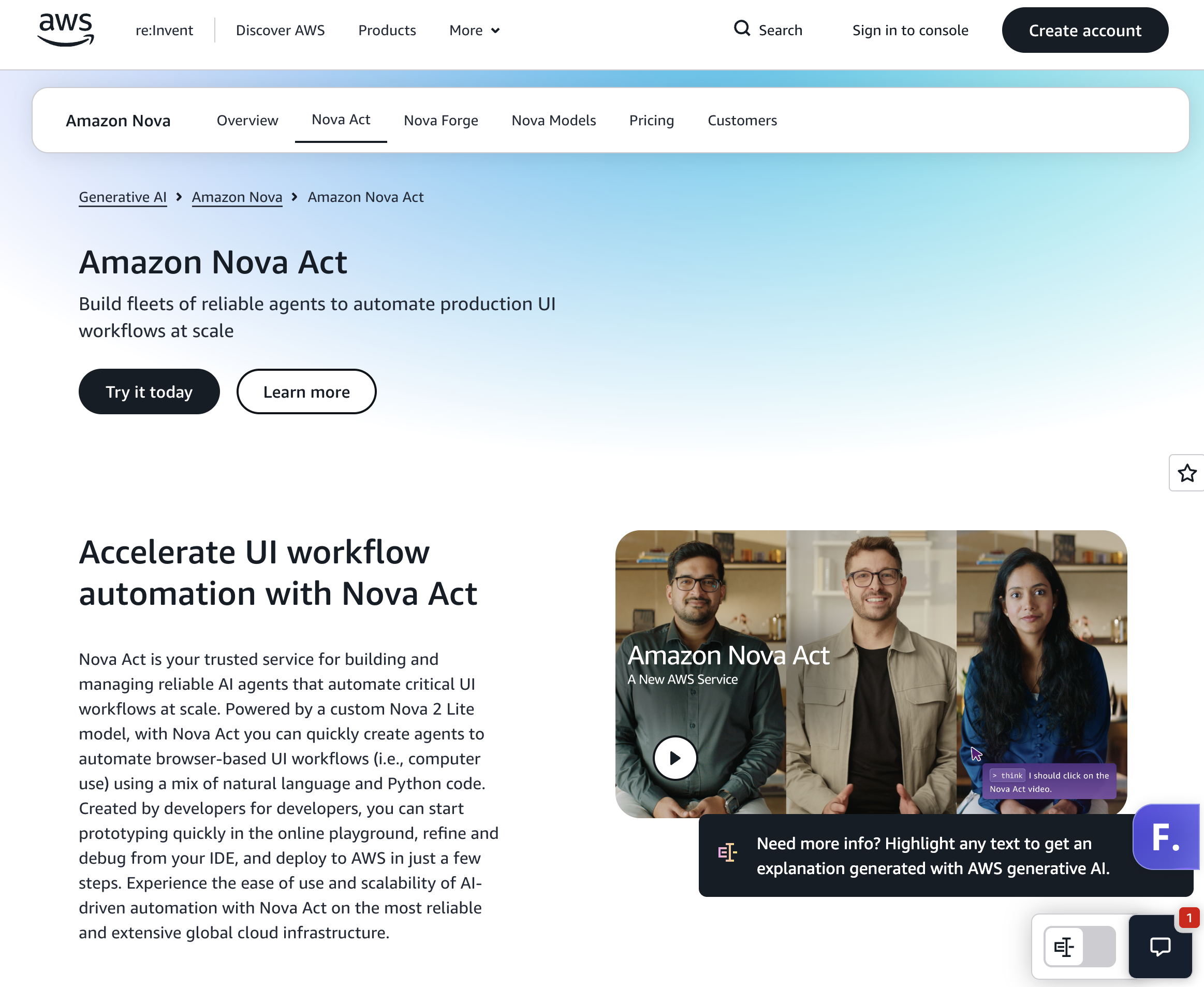
How it works: Combine natural-language steps with Python in the Nova Act SDK, test in the playground or your IDE, then deploy to Bedrock AgentCore Runtime. Generally available since December 2, 2025.
Capability boundary: Browser workflows such as QA, form filling and extraction; tools and MCP integrations in preview.
Licensing: Closed service, open-source SDK.
Pricing: $4.75 per agent hour of active work; human-wait time excluded (Classmethod).
Best for: AWS-native teams automating web workflows at scale.
Limitations: Browser only; launched in US East (N. Virginia).
How it works: An MIT-licensed Python library connects any LLM to a browser; Browser Use Cloud adds hosted agents and remote browsers from $0.02/hour (Browser Use).
Capability boundary: Browser tasks only. On BU Bench V1, Claude Fable 5 with the library scored 80.0% and Browser Use Cloud 78.0% (benchmark).
Licensing: MIT; 117k GitHub stars reported.
Pricing: Library free; cloud agents cost model price +20% plus browser time.
Best for: Web agents on any model with code you can inspect.
Limitations: No desktop apps, file dialogs or OS-level tasks.
How it works: Browserbase runs headless browsers for Playwright, Puppeteer, Selenium and its open-source Stagehand AI framework, with session recording and observability (pricing).
Capability boundary: Cloud browser sessions; agent logic is yours or Stagehand's.
Licensing: Closed infrastructure, open-source Stagehand.
Pricing: Free (3 concurrent browsers); Developer $20/month (25 concurrent, 100 browser hours); Startup $99/month (100 concurrent).
Best for: High-concurrency browser automation.
Limitations: Browser only.
How it works: AI-driven browser automation with CAPTCHA solving and two-factor authentication support, built to replace brittle scrapers; 23.1k GitHub stars (Skyvern).
Capability boundary: Web portals and form-heavy sites.
Licensing: Open-source core plus cloud.
Pricing: Free 5,000 credits; Hobby $29/month; Pro $149/month; Enterprise with SOC 2 and HIPAA.
Best for: Portal automation such as insurance, procurement and government forms.
Limitations: Browser only.
How it works: Persistent cloud computers with a desktop, terminal and file system, managed through REST, SDKs, CLI or MCP, plus SSH (Orgo).
Capability boundary: Linux on all plans, Windows on Scale, Mac in closed beta; bring your own model and loop.
Licensing: Closed.
Pricing: Hacker $29/month (1 computer); Startup $99/month (4); Scale $399/month (16).
Best for: Pairing a model-level tool with hosted desktops.
Limitations: Infrastructure only; reliability depends on your harness.
How it works: Cua provides open-source infrastructure to train and evaluate agents that control full desktops.
Capability boundary: macOS, Linux and Windows sandboxes.
Licensing: Open source.
Pricing: Free to self-host.
Best for: Local development, evaluation and research.
Limitations: You operate everything.
How it works: Agent S (pip install gui-agents) pairs a main model from OpenAI, Anthropic, Gemini or others with a grounding model such as UI-TARS, served via Hugging Face endpoints or vLLM.
Capability boundary: Linux, macOS and Windows. Agent S3 reported 72.6% on OSWorld 1.0 with best-of-N, above the 72.36% human baseline (Simular); UI-TARS-2 reports 47.5% on OSWorld and 73.3% on AndroidWorld (arXiv).
Licensing: Apache-2.0.
Pricing: Free; you pay model and GPU costs.
Best for: Research, on-prem and air-gapped deployments.
Limitations: No managed infrastructure or approvals; move to the Simular Platform API for production.
For benchmark detail, see the 8 best computer use APIs. Start building: get a free Simular Platform API key.