Oops! Something went wrong while submitting the form.
Best Business Automation Software in 2026: 8 Platforms Tested for Workflow Integration, RPA & Autonomous Execution
When COOs, CTOs, and operations leaders evaluate business automation software (frequently benchmarked as business process automation software, workflow automation tools, or digital process automation), they confront a major operational shift in 2026: the limitations of brittle, trigger-action API chains.
For over a decade, businesses automated workflows using standard iPaaS (Integration Platform as a Service) plumbing: when an event occurred in App A (e.g., a new Shopify order), send a webhook to App B (e.g., Slack) and append a row to App C (e.g., Google Sheets). While trigger-action builders revolutionized linear integrations, modern business operations are rarely linear. Real-world workflows require human-like judgment, visual document understanding, cross-application navigation, legacy portal data entry, and multi-step exception handling.
When an API endpoint changes, an authenticated portal requires two-factor verification, or an internal enterprise application lacks public webhooks altogether, traditional iPaaS chains break silently. Meanwhile, legacy Robotic Process Automation (RPA) suites demand specialized developer centers of excellence, rigid screen coordinate scripting, and exorbitant enterprise licensing fees that price out agile operations teams.
In 2026, the business process automation ecosystem has fractured into distinct technological paradigms:
No-code/low-code API orchestration platforms connecting thousands of modern cloud SaaS tools (e.g., Zapier, Make).
Work management automation engines unifying project tracking with automated process rules (e.g., monday.com).
Enterprise Robotic Process Automation (RPA) suites built for high-compliance mainframe and desktop robotic execution (e.g., UiPath).
Cloud-native robotic process automation embedded into enterprise Microsoft ecosystems (e.g., Microsoft Power Automate).
Specialized marketing and transactional business automation platforms managing cross-channel customer lifecycles (e.g., ActiveCampaign, HubSpot Operations Hub).
Autonomous screen-action computer-use agents (like Sai) that fundamentally replace brittle API connectors and rigid RPA coordinate scripts—operating web browsers, native desktop apps, and command terminals with human-grade visual cognition and zero human babysitting.
This guide benchmarks the top eight business automation platforms in 2026 across these operational paradigms, evaluating how each platform performs on workflow reliability, integration depth, and return on investment.
How we evaluated
To deliver an objective, data-backed evaluation for enterprise decision-makers, our testing framework evaluated each business automation platform across five standardized operational criteria:
Integration Scope & Flexibility: We analyzed how easily the platform bridges disparate applications. Does it rely strictly on pre-built API connectors, or can it interact directly with custom internal dashboards, legacy desktop software, and authenticated web portals lacking public APIs?
Workflow Reliability & Error Handling: We evaluated how systems handle runtime anomalies. When a target website updates its DOM structure or an API payload schema changes, does the workflow crash and trigger alert fatigue, or can the engine autonomously adapt and self-heal?
Cognitive Reasoning & Visual Document Processing: We benchmarked the platform’s ability to process unstructured business artifacts—such as parsing scanned PDF vendor invoices, verifying state corporate filings, and extracting key data points from messy spreadsheets without custom regex programming.
Total Cost of Ownership & Task Consumption Economics: We evaluated pricing transparency and operational scalability: per-task execution fees, tier jump penalties, mandatory enterprise consulting retainers, and the hidden engineering hours required to maintain automation workflows.
Security Architecture & Credential Vaulting: We examined how platforms handle enterprise authentication. Are master passwords and two-factor tokens safeguarded inside zero-trust credential vaults, and can workflows be delegated seamlessly across mobile channels (Telegram, SMS) with human-in-the-loop approvals?
Comparison Summary
Platform
Operational Paradigm
Key Strengths
Primary Bottleneck
Starting Pricing
Sai (by Simular)
Autonomous Screen-Action & Computer-Use Coworker
#1 on OSWorld Benchmark; operates browser and native desktop applications via virtual mouse and keyboard; executes end-to-end multi-app workflows without APIs; features self-healing replay and zero-trust credential isolation
Engineered for complex, multi-step cognitive screen execution rather than serving as a millisecond-latency database webhook pipe
Free tier available; Pro at $50/mo; Ultimate at $500/mo; Custom Enterprise
Vast library of 7,000+ pre-built SaaS app connectors; highly accessible drag-and-drop trigger-action builder; Zapier Central AI agents; Tables and Interfaces
High task-based pricing at scale; completely blind to native desktop apps and legacy software lacking public APIs
Free plan; Professional at $19.99/mo (750 tasks); Team at $69/mo; Enterprise custom
Infinite visual canvas with complex branching routers, error handlers, and array iterators; highly cost-effective operation credit model compared to Zapier
Steeper technical learning curve; debugging nested JSON payloads requires data architecture knowledge; no screen-level UI interaction
Free plan (1,000 ops); Core at $9/mo (10k ops); Pro at $16/mo; Teams at $29/mo; Enterprise custom
Industry standard for enterprise legacy modernization; unattended robot execution; optical character recognition (Document Understanding); advanced governance
Extremely high licensing and implementation costs; scripts break easily with minor UI changes; requires dedicated RPA engineering teams
Free Community edition; Pro starts at ~$420/mo; Enterprise typically $15,000–$50,000+/year
Industry-leading visual email and messaging journey builder; advanced conditional branching based on buyer engagement; native lightweight sales CRM
Pricing scales rapidly as contact database expands; limited to marketing and customer engagement workflows (not general business operations)
Starter at $15/mo; Plus at $49/mo; Pro at $79/mo; Enterprise at $145/mo (scales with contact tiers)
Detailed Platform Reviews
1. Sai (by Simular) — Best for Autonomous End-to-End Business Execution & Screen-Action Operations
Best For: COOs, operations directors, founders, and departmental leaders who need an autonomous (robo)secretary that doesn't just pass JSON webhooks between modern SaaS tools, but actively operates web browsers, native desktop applications, internal portals, and file systems with human-grade visual cognition and zero human babysitting.
Traditional business automation software operates under a major operational constraint: if an application doesn't offer a clean, documented public API, it cannot be automated without writing fragile screen-scraping code. Sai eliminates this barrier through autonomous computer-use execution.
Ranked #1 on the global OSWorld benchmark, Sai is an autonomous AI coworker equipped with its own virtual mouse, keyboard, browser, and terminal. Instead of relying on rigid, pre-built API connectors, Sai interacts with software through visual element perception and OS-level keyboard/mouse control—operating web apps, native desktop software (Notepad, Excel, native CRM clients), and terminal utilities exactly like a skilled operations specialist.
How Sai Transforms Business Automation:
No-API Cross-App Execution: Many critical business workflows depend on legacy ERPs, internal company dashboards, or government compliance portals that lack public webhooks. Sai logs into these portals, navigates multi-step form screens, verifies field labels using visual grounding, and executes end-to-end data transfer without requiring API development.
Dual-Engine Architecture (Instant Linux Sandbox + Persistent Desktop VM): Computationally heavy tasks—such as processing massive CSV spreadsheets, running Python data transformations, converting document formats, or executing terminal scripts—run in an ultra-fast, isolated Linux sandbox. When interactive browser navigation, visual verification, authenticated portals, or native desktop applications are required, Sai seamlessly drives a dedicated cloud desktop VM.
Self-Healing Replay Workflows: When a website layout changes or a button moves slightly, traditional RPA bots crash and fail. Sai uses visual-language grounding and semantic intent reconciliation to automatically detect the relocated element, adapt its execution path, and self-heal the workflow without human intervention.
Unstructured Document & Artifact Intelligence: Sai natively inspects, reads, and analyzes complex business artifacts—including multi-page PDF vendor invoices, SEC filings, scanned receipts, and custom spreadsheets—extracting clean structured data and updating downstream systems automatically.
Zero-Trust Security & Multi-Channel Mobile Delegation: Enterprise operations require handling sensitive credentials securely. Sai’s isolated credential gate ensures master passwords and two-factor tokens are never exposed in plaintext LLM contexts. Operations leaders can assign recurring operational audits or trigger complex back-office workflows directly from Telegram or SMS while on the move.
Specialized B2B Team & Department Solutions:
Learn how Sai for Small Businesses allows lean operations teams to automate complex back-office workflows without enterprise IT overhead.
Explore how Sai for Enterprise provides dedicated execution clusters, enterprise compliance controls, and scalable multi-user pipeline orchestration.
Discover tailored vertical workflows designed specifically for Operations, Sales, and Marketing.
Pricing & Tiers:
Free Tier: Complimentary daily computer time to experience autonomous screen-action business automation.
Pro ($50/mo): Ideal for founders and operations managers running regular automated data reconciliations, reporting, and research.
Ultimate ($500/mo): Engineered for high-growth operations teams managing high-volume recurring workflows, multi-app reconciliations, and document pipelines.
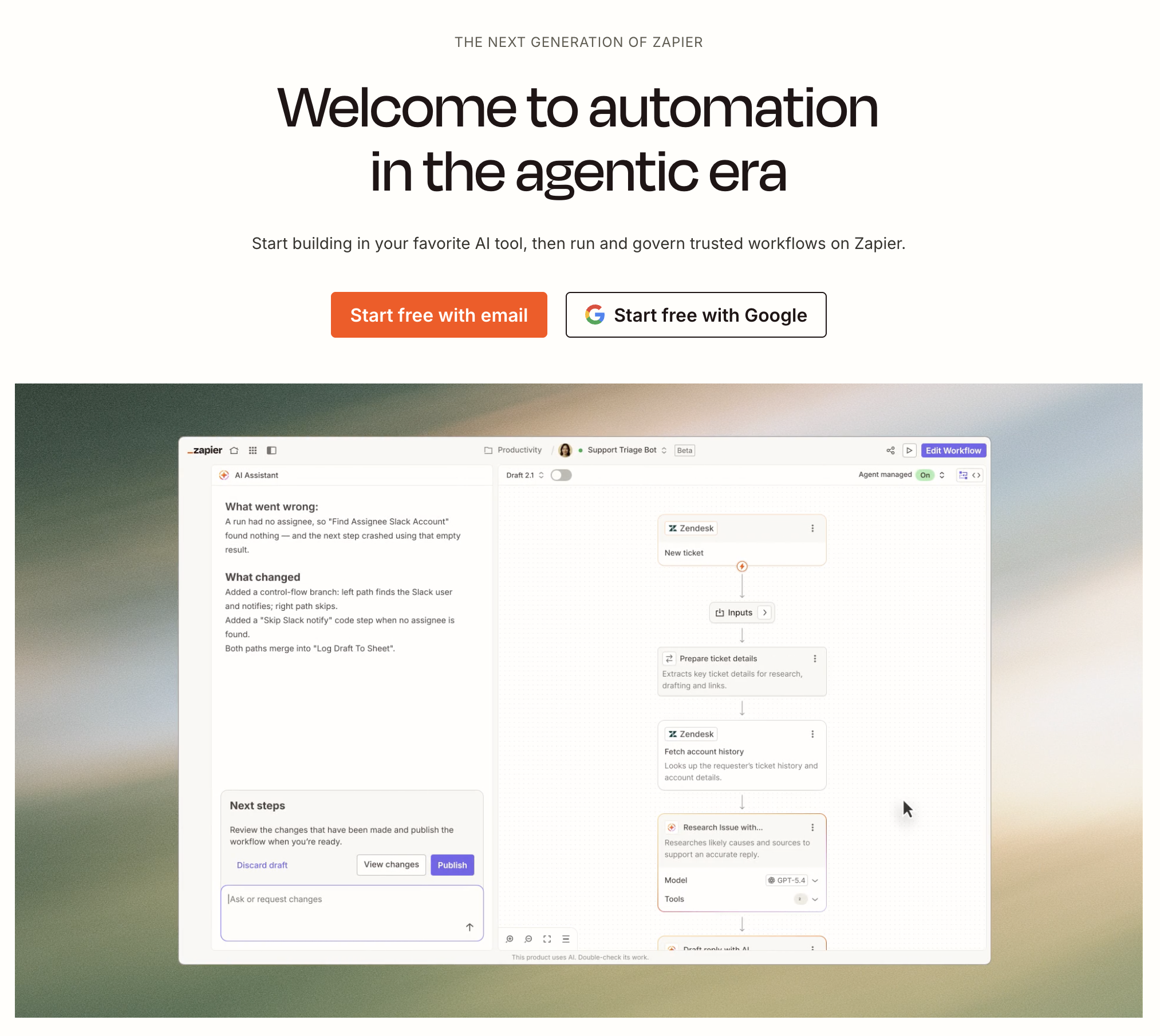
2. Zapier — Best for No-Code Cloud iPaaS & Extensive SaaS App Connectivity
Best For: Small-to-medium businesses, non-technical marketing and sales teams, and agile operations professionals seeking the fastest way to connect standard modern cloud SaaS applications without writing code.
Zapier is the undisputed category leader in cloud-to-cloud iPaaS automation. With an ecosystem spanning more than 7,000 pre-built application integrations, Zapier provides a standardized, accessible trigger-action framework ("Zaps") that allows anyone to automate simple linear tasks within minutes.
In-Depth Feature Analysis:
Massive 7,000+ Pre-Built App Ecosystem: Virtually every mainstream SaaS tool—from Slack and Google Sheets to Airtable and HubSpot—features an official, maintained Zapier connector.
Zapier Central & AI Copilot: Users can describe desired automations in natural language, and Zapier's AI Copilot automatically configures triggers, field mappings, and filters.
Zapier Tables & Interfaces: Enables users to build lightweight relational databases and custom client-facing web forms directly inside Zapier, reducing reliance on third-party database tools.
Multi-Step Zaps & Paths: Advanced plans support multi-branch conditional logic ("Paths") to route data dynamically based on specific transaction values or customer tiers.
Operational Limitations:
High Task-Based Pricing at Scale: Zapier bills primarily on task execution volume. High-velocity operations (such as syncing thousands of e-commerce orders daily) can result in exorbitant monthly invoices.
Completely Blind to Desktop Software: Zapier is restricted strictly to cloud APIs; it cannot interact with native desktop applications, internal company portals without public webhooks, or websites requiring manual visual interaction.
Pricing Structure:
Free Plan: 100 tasks per month with single-step Zaps.
Professional ($19.99/mo billed annually): 750 tasks per month, multi-step Zaps, unlimited Zaps, and conditional paths.
Team ($69/mo billed annually): 2,000 tasks per month, shared workspaces, and team folder governance.
Enterprise: Custom volume pricing with SAML SSO, dedicated account management, and enterprise data retention.
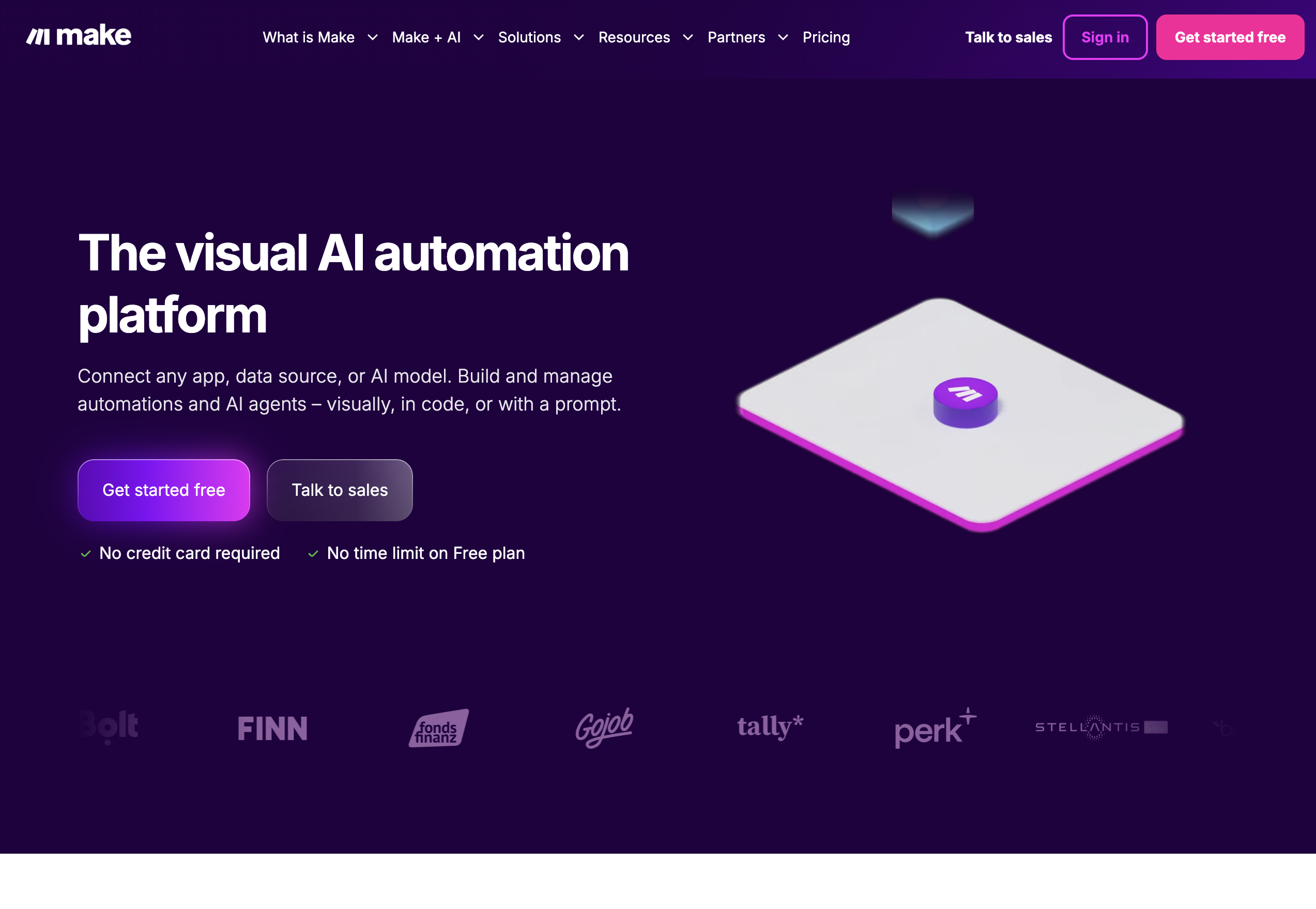
3. Make (formerly Integromat) — Best for Complex Visual Orchestration & Low-Cost High-Volume Automation
Best For: Technical operations specialists, RevOps engineers, and digital agencies requiring an infinite visual canvas to orchestrate complex, multi-branch data transformations at a fraction of Zapier's cost.
Make has established itself as the preferred developer-friendly alternative to Zapier. Known for its interactive visual canvas, Make allows operations teams to design, test, and debug sophisticated multi-step workflows featuring nested JSON arrays, iterators, aggregators, and granular error-handling directives.
In-Depth Feature Analysis:
Interactive Visual Canvas: Workflows ("Scenarios") are mapped out on an intuitive, flowchart-style visual board, allowing users to watch data packets traverse modules in real time during testing.
Advanced Data Manipulation & Iterators: Built-in array aggregators, iterators, text parsers, and math functions make it easy to manipulate complex, nested data structures without external code.
Robust Error Handling Directives: Configure granular fallback routes (e.g., Resume, Ignore, Rollback, Commit) when an API endpoint returns a 4xx or 5xx status code, preventing entire operational pipelines from crashing.
Superior Operation Economics: Make charges based on "operations" (individual module actions), offering significantly higher volume allowances per dollar than Zapier.
Operational Limitations:
Steeper Technical Learning Curve: Users must understand foundational data architecture concepts (JSON objects, arrays, webhooks, regex) to build complex scenarios effectively.
No Native Desktop or Screen Interaction: Like Zapier, Make operates purely at the cloud API level; it cannot operate native desktop applications or scrape dynamic web portals lacking API endpoints.
Pricing Structure:
Free Plan: 1,000 operations per month, 2 active scenarios.
Core ($9/mo billed annually): 10,000 operations per month, unlimited active scenarios.
Teams ($29/mo billed annually): Team roles, execution prioritization, shared scenario management.
Enterprise: Custom high-volume packages with dedicated infrastructure and enterprise compliance.
4. UiPath — Best for Enterprise Robotic Process Automation (RPA) & Legacy Mainframe Automation
Best For: Fortune 500 enterprises, banking institutions, healthcare organizations, and government agencies that require industrial-strength RPA to automate repetitive data entry across legacy desktop software, mainframes, and virtualized Citrix environments.
UiPath is the global benchmark for enterprise Robotic Process Automation (RPA). Built to bridge modern cloud systems with legacy on-premise infrastructure, UiPath utilizes software robots that emulate human keyboard and mouse actions across desktop operating systems and virtual machines.
In-Depth Feature Analysis:
Attended & Unattended Robot Execution: Run "attended" bots that assist human workers on demand, or deploy "unattended" bots that execute scheduled, high-volume batch processing on headless virtual machines.
UiPath Document Understanding: Enterprise-grade optical character recognition (OCR) and machine learning models automatically classify, extract, and validate data from complex structured and semi-structured documents (e.g., invoices, bills of lading, medical claims).
Process Mining & Task Mining: Analyzes enterprise business software logs and employee desktop activity to identify operational bottlenecks and automatically recommend high-ROI automation candidates.
Orchestrator Central Governance: Enterprise management portal that controls bot deployment, queue management, credential storage, role-based access control, and compliance auditing across thousands of distributed machines.
Operational Limitations:
High Total Cost of Ownership: UiPath is strictly an enterprise-grade platform with significant software licensing fees and mandatory implementation consulting retainers that price out SMBs.
Maintenance Fragility: Traditional RPA scripts depend on static UI selectors and window coordinates; minor application updates or layout redesigns often break automation scripts, requiring ongoing maintenance by specialized RPA engineers.
Pricing Structure:
Community Edition: Free tier for developers, students, and small business exploration.
Automation Cloud Pro (starts at ~$420/mo): Cloud orchestrator, Studio web and desktop builders, and unattended robot capacity.
Enterprise: Custom annual contracts (typically ranging from $15,000 to $50,000+ per year based on robot counts, OCR volume, and governance add-ons).
5. Microsoft Power Automate — Best for Enterprise Microsoft 365 Ecosystems & Hybrid Cloud-Desktop Flows
Best For: Enterprise IT departments, corporate operations teams, and businesses deeply standardized on Microsoft 365, Windows, and Azure seeking a unified platform combining cloud iPaaS flows with desktop RPA.
Microsoft Power Automate (formerly Microsoft Flow) is Microsoft’s unified process automation platform. Operating as a core pillar of the Microsoft Power Platform, it combines cloud-based API integrations with local Windows desktop automation (Power Automate Desktop), making it a formidable hybrid solution for enterprise Windows environments.
In-Depth Feature Analysis:
Unified Cloud & Desktop Flows: Build cloud-to-cloud API flows connecting Outlook, SharePoint, and Teams, alongside desktop RPA flows that automate legacy on-premise Windows software through screen recording and UI automation.
Deep Microsoft 365 & Dataverse Integration: Seamlessly triggers workflows based on Microsoft Teams messages, Excel table edits, Outlook emails, and Microsoft Dataverse business logic with zero-friction authentication.
AI Builder & Document Processing: Low-code AI capability enabling operations teams to train custom models for invoice processing, receipt scanning, sentiment classification, and identity document verification.
Process Advisor & Process Mining: Visualizes real-world business process maps using enterprise event logs, highlighting operational inefficiencies and recommending automated optimizations.
Operational Limitations:
Complex Multi-Tiered Licensing: Microsoft's licensing model for Power Automate can be notoriously convoluted, with separate pricing tiers for per-user licenses, per-process (bot) licenses, and AI Builder service credits.
Premium Connector Paywalls: Essential non-Microsoft connectors (e.g., Salesforce, Jira, HTTP webhooks) are classified as "Premium" and require paid license upgrades beyond the standard free Microsoft 365 entitlement.
Pricing Structure:
Included with Microsoft 365: Basic cloud flows with standard Microsoft connectors.
Power Automate Premium ($15/user/mo): Allows users to run cloud flows, attended desktop RPA flows, and access premium connectors.
Power Automate Process ($150/bot/mo): Unattended automation capacity for a single dedicated bot or departmental business flow.
6. monday.com — Best for Collaborative Team Workflows & Human-in-the-Loop Process Management
Best For: Cross-functional project teams, creative agencies, and operations departments that want to coordinate human work and automated handoffs within a single intuitive, visual work management platform.
monday.com (via monday work management) approaches business automation from a collaborative work perspective. Rather than building isolated backend data pipes, monday.com embeds automated triggers directly into customizable team project boards, creating automated operational transparency across marketing, HR, operations, and sales.
In-Depth Feature Analysis:
Human-Readable Recipe-Based Automations: Configure powerful operational rules using simple, plain-language recipes (e.g., "When a project status changes to Ready for Review, notify the design lead and move the item to the QA board").
Visual Column & Board Triggers: Automatically update status badges, recalculate project budgets, assign team owners, and adjust target deadlines based on completed checklist items.
Multi-Board Data Synchronization: Automatically mirror item data across multiple departmental boards, ensuring executive summary dashboards stay synchronized with tactical team boards.
Extensive Pre-Built Integration Library: Connects seamlessly with Slack, Google Drive, Microsoft Teams, Zoom, and Zendesk to trigger cross-app notifications and task assignments.
Operational Limitations:
Monthly Action Consumption Caps: Each plan tier enforces strict monthly automation action limits (e.g., 250 actions/mo on Standard; 25,000 actions/mo on Pro), making it unsuitable for high-velocity, transaction-level data piping.
Not Designed for Complex Backend Logic: Cannot execute custom code transformations, query external SQL databases, or interact with native desktop interfaces.
Pricing Structure:
Free Plan: Up to 2 seats with basic board management.
Standard ($12/seat/mo billed annually): 250 automation actions per month, timeline and Gantt views.
Pro ($19/seat/mo billed annually): 25,000 automation actions per month, formula columns, time tracking.
Enterprise: Custom volume allowances with enterprise governance, audit logs, and dedicated customer success.
7. HubSpot Operations Hub — Best for Revenue Operations & Bidirectional CRM Data Synchronization
Best For: High-growth B2B organizations, commercial RevOps teams, and scale-ups using the HubSpot CRM platform that require automated data quality hygiene, bidirectional data syncing, and custom business logic.
HubSpot Operations Hub is designed specifically to resolve data fragmentation between marketing, sales, and customer service. By uniting automated data synchronization with custom programmable automation, Operations Hub ensures commercial data remains accurate, clean, and actionable.
In-Depth Feature Analysis:
Two-Way Real-Time Data Sync: Proprietary data synchronization engine that continuously syncs customer records bidirectionally between HubSpot and 100+ external SaaS tools (e.g., Salesforce, NetSuite, Zendesk, Stripe) without requiring manual data mapping.
Automated Data Quality & Deduplication: Employs machine learning algorithms to automatically clean formatting issues (e.g., capitalizing names, standardizing phone numbers) and detect duplicate contact and company records.
Programmable Automation (Custom JavaScript & Python): Write custom Node.js or Python code blocks directly inside HubSpot workflows to execute complex business logic, query external private databases, or enrich records via third-party APIs.
Custom Webhook Triggers: Send real-time webhook payloads to external systems or listen for inbound webhooks to trigger sophisticated internal marketing and sales cadences.
Operational Limitations:
Significant Price Jump for Advanced Features: While basic data sync is included in lower tiers, unlocking programmable custom code actions and webhook triggers requires jumping to the Professional tier ($720/mo).
Tied to the HubSpot Ecosystem: Operations Hub is primarily designed to serve as the operational backbone for teams already committed to the broader HubSpot CRM platform.
Pricing Structure:
Free Tools: Basic two-way data sync for standard fields.
Starter ($15/mo): Custom field mappings, basic data curation.
Professional ($720/mo): Programmable automation (custom code actions), automated data quality management, custom webhooks.
Enterprise ($2,000/mo): Advanced data datasets, multi-portal governance, enterprise calculation limits.
8. ActiveCampaign — Best for Customer Lifecycle Orchestration & Multi-Channel Engagement
Best For: E-commerce businesses, digital marketing agencies, and customer-focused SMBs seeking sophisticated visual customer journey automation that connects email, SMS, website tracking, and lightweight sales CRM pipeline stages.
ActiveCampaign specializes in customer lifecycle automation. By combining a flexible visual automation builder with advanced customer behavioral tracking, ActiveCampaign allows operations and marketing teams to automate highly personalized customer journeys across email, SMS, and direct web touchpoints.
In-Depth Feature Analysis:
Visual Multi-Channel Journey Builder: Create complex customer onboarding, lead nurturing, and retention workflows with branching "if/then" conditional logic, wait timers, and goal achievement milestones.
Predictive Sending & Content Personalization: Uses machine learning to calculate the exact time of day each individual contact is most likely to open an email, automatically scheduling message delivery to maximize engagement.
Integrated Behavioral Web Tracking: Tracks prospect and customer page visits, form submissions, and purchase activity, automatically triggering operational workflows or alerting sales reps when a buyer exhibits high buying intent.
Built-in Lightweight Sales CRM: Connects marketing automation directly with automated sales pipeline stages, automatically creating deals, assigning leads to reps, and triggering follow-up tasks based on customer behavior.
Operational Limitations:
Contact-Tier Pricing Model: Pricing scales dynamically based on the total number of contacts stored in your database, which can become costly for high-volume B2C businesses.
Specialized Operational Scope: Engineered specifically for customer lifecycle and marketing automation; lacks capabilities for automating general back-office finance, HR, or desktop IT workflows.
Pricing Structure:
Starter ($15/mo for 1,000 contacts): Email marketing, basic multi-step automations.
Plus ($49/mo for 1,000 contacts): Integrated sales CRM, landing pages, conditional content.
Pro ($79/mo for 1,000 contacts): Predictive sending, split automations, attribution reporting.