Oops! Something went wrong while submitting the form.
9 Best PDF Editors in 2026: Tested on Real Business Workflows
If you are looking to edit, convert, fill, and process documents without Adobe Acrobat’s steep monthly subscription, intrusive Creative Cloud background daemons, and manual repetitive labor, the best tool depends on your operational need:
For autonomous end-to-end PDF processing without manual clicking: Sai is the category-defining robosecretary. Running autonomous cloud computers, Sai uses multimodal vision (#1 on OSWorld) to extract data from scanned PDFs, fill dynamic government/vendor forms, cross-check spreadsheets, and file documents across internal software with zero human babysitting.
For the legacy feature standard:Adobe Acrobat Pro remains the traditional benchmark for advanced pre-press print production and complex XFA form authoring, despite high subscription costs ($19.99–$29.99/mo).
For enterprise volume deployments:Foxit PDF Editor and Nitro PDF Pro offer robust desktop editing, enterprise admin consoles, and perpetual/volume licensing alternatives to Acrobat.
For completely free, zero-bloat daily utility:PDFgear provides 100% free desktop editing, conversion, and local AI summarization without paywalls or watermarks.
For modern UI and integrated AI reading:UPDF and Wondershare PDFelement deliver polished, cross-platform editing with generative AI document interaction.
For fast, browser-based one-off tasks:Smallpdf and Sejda PDF allow instant cloud editing, compression, and signing without desktop software installation.
The PDF Dilemma in 2026: Manual Editing vs. Autonomous Execution
For thirty years, PDF software was designed around a single interaction model: a human operator opening one document at a time, moving a mouse cursor, and typing characters into fields.
In 2026, business teams face a fundamental bifurcation in document technology:
Software Class
Core Mechanism
Ideal Use Case
Operational Bottleneck
1. Traditional Desktop Editors (Adobe Acrobat, Foxit, Nitro)
Native OS rendering, vector manipulation, local OCR engines, and manual cursor editing.
Detailed typographical design, legal redaction, and complex print pre-flight checks.
Requires 100% human labor; zero native autonomous execution for recurring document pipelines.
2. Cloud & Hybrid Web Editors (Smallpdf, Sejda, UPDF)
Browser-based canvas rendering, serverless file conversions, and modern generative AI chat.
Quick one-off edits, contract signing, and summarization of long whitepapers.
Security concerns over uploading confidential corporate data to public web converters.
Multimodal vision reasoning, autonomous cloud computers, and direct interface interaction.
Batch form filling, cross-referencing PDFs with ERP/CRM software, and multi-step data pipelines.
Designed for operational throughput and repetitive screen tasks rather than manual graphic typography.
How we evaluated
Most online PDF editor reviews focus exclusively on basic text reflow, markup annotations, and digital signatures on single-page documents. In modern enterprise environments, however, knowledge workers in operations, finance, and sales handle hundreds of invoices, contracts, receipts, and government filings every week.
To determine the best PDF editors and Adobe Acrobat alternatives in 2026, we evaluated platforms across six critical operational criteria:
Text & Layout Fidelity: Does editing text preserve original font typography, kerning, and nested paragraph alignment, or does it scramble underlying document layouts?
OCR Precision & Data Extraction: How effectively does the platform recognize text in degraded scans, receipts, and complex multi-column tables?
Batch & Automated Workflow Capability: Can the tool process 50+ documents simultaneously (renaming, flattening, stamping, extracting data), or must every action be clicked manually?
Licensing Transparency & Total Cost of Ownership: Does the vendor trap teams in recurring annual contracts with punitive cancellation penalties, or offer perpetual, consumption-based, or accessible tiers?
Cross-System Integration & E-Signatures: Does the platform support legally binding electronic signatures, audit trails, and seamless file handoffs to cloud storage?
Local & Cloud Security Governance: Does the software comply with SOC2, GDPR, and HIPAA standards, providing robust document redaction and local execution options for sensitive payloads?
Automating high-volume PDF form filling, data extraction, and cross-system filing.
Adobe Acrobat Pro
Pre-press & XFA Form Authoring
Desktop (Win/Mac) + Cloud
$19.99/mo (Annual) or $29.99/mo (Month-to-month)
Legacy enterprises requiring proprietary Adobe forms and complex print workflows.
Foxit PDF Editor
Direct Enterprise Acrobat Competitor
Desktop, Cloud & Mobile
$10.99/mo or $159 perpetual license
Corporate IT departments seeking feature parity with Acrobat at lower TCO.
Nitro PDF Pro
Team Collaboration & MS Office Integration
Desktop (Win/Mac)
$14.99/user/mo or ~$179 one-time perpetual
Companies wanting perpetual licensing and tight Windows desktop workflows.
PDFgear
100% Free Complete PDF Utility
Desktop (Win/Mac/iOS)
Completely Free ($0)
Individual operators and bootstrapped teams wanting full editing with zero subscriptions.
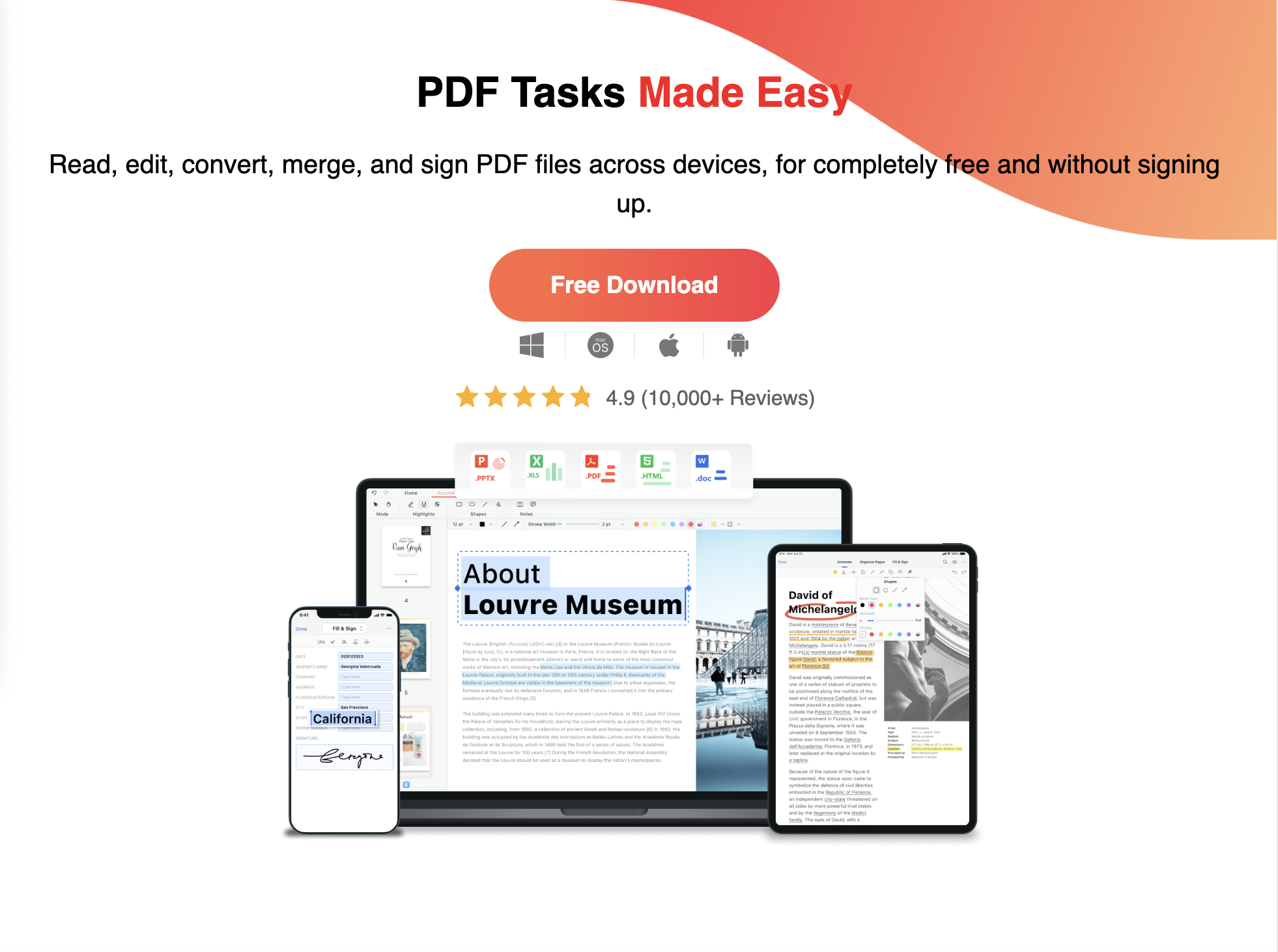
UPDF
Modern Cross-Platform UI & AI Assistant
Win, Mac, iOS, Android
$29.99/year or $59.99 lifetime license
Prosumers and students seeking a slick, fast reading and annotation interface.
Smallpdf
Instant Browser-Based Utilities
Web + Lightweight Mobile
Free basic tier / $9/mo (Pro)
Quick ad-hoc conversions, compression, and simple contract signing.
Sejda PDF
Flexible Web & Desktop Hybrid Utility
Web + Desktop
Free tier (3 tasks/day) / $7.50/mo
Casual business users who need occasional form editing without commitments.
DocuSign
Enterprise Legal E-Signature Standard
Cloud SaaS & Mobile
$10/mo (Personal) to $40/user/mo (Business Pro)
Strictly regulated contract signing, compliance envelopes, and identity verification.
Comparison: 9 Best PDF Editors in 2026
1. Sai — Best for Autonomous End-to-End PDF Workflows Without Manual Labor
Pricing:Free plan ($0, credits refreshed daily); Pay as you go starts at $50/month (includes 50,000 credits, dedicated Windows or Linux cloud computers, ability to run up to 5 cloud computers simultaneously, and BYOD device connection); Sai Unlimited at $500/month (includes an always-on cloud computer for continuous background workflows); Custom Enterprise plans.
Sai redefines document processing. It is not another static PDF viewer where a human must painstakingly click through page after page. Built for ambitious multitaskers, Sai is your first robosecretary—running autonomous cloud computers equipped with visual recognition, browser navigation, terminal execution, and desktop software integration.
Ranked #1 on the globally recognized OSWorld benchmark for autonomous computer use, Sai visually inspects PDF documents exactly like an experienced human operator. When an operations or finance team receives complex batches of incoming documents—such as multi-vendor invoices, customs declarations, or vendor registration forms—Sai opens the files, reads structured tables and fine print, cross-references internal databases or spreadsheets, and types the data directly into internal ERPs, web portals, or accounting systems without requiring custom API engineering.
Key Strengths
End-to-End Execution: Goes far beyond highlighting and typing—Sai handles the entire lifecycle: downloading attachments, renaming files, extracting data, filling forms, and filing records.
Multimodal Vision (#1 OSWorld): Accurately parses chaotic receipts, handwritten notes, skewed scans, and complex tables without OCR template breakdown.
Zero API or Integration Overhead: Interacts with native desktop accounting software, proprietary government portals, and legacy systems that have no API endpoints.
Multi-Channel Delegation: Forward a PDF via Telegram or chat with a brief instruction ("extract line items and add to our Q3 reconciliation sheet"), and Sai executes the task in an isolated cloud workspace.
Key Limitations
Not a Vector Graphic Typography Editor: If you need to manually adjust individual font kerning, bezier curves, or pre-press color separations for commercial offset printing, a dedicated desktop layout tool like Acrobat Pro is required.
2. Adobe Acrobat Pro — The Traditional Enterprise Standard for Advanced Print & XFA
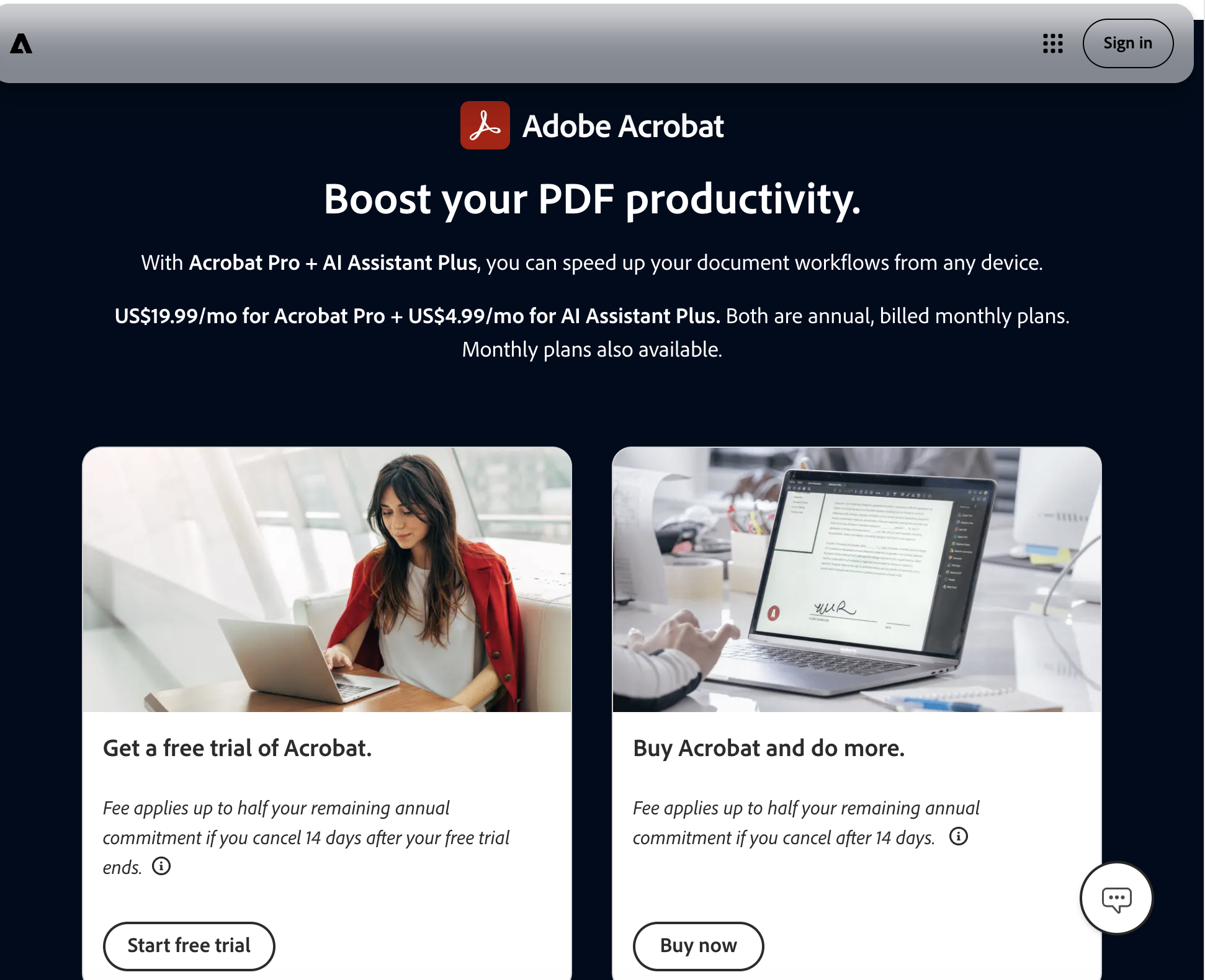
Pricing: Acrobat Pro costs $19.99/month on an annual commitment, or $29.99/month on a month-to-month plan. Acrobat Standard (Windows-only) costs $12.99/month on an annual commitment.
Adobe Acrobat Pro remains the ubiquitous incumbent against which all other PDF tools are measured. For specialized corporate environments requiring advanced print production tools (preflighting, CMYK color separation, PDF/X compliance) or organizations maintaining legacy Adobe LiveCycle/XFA dynamic XML forms, Acrobat Pro remains an indispensable technical utility.
Acrobat provides comprehensive text reflow, robust document comparison tools, certified digital signatures, and extensive Bates numbering features for legal discovery. However, for general business editing, its high recurring subscription cost and heavy system footprint represent unnecessary overhead.
Key Strengths
Gold Standard Formatting Fidelity: Flawless rendering of complex vector graphics, transparency layers, and embedded font subsets.
Broad Ecosystem Integration: Deep hooks into Adobe Creative Cloud, Microsoft 365, and Adobe Acrobat Sign.
Key Limitations
Prohibitive Subscription Cost: $240+ per seat annually with punitive early termination fees on annual plans.
Heavy Desktop Bloat: Multiple background verification daemons consume substantial memory and CPU overhead.
3. Foxit PDF Editor — Best Direct Enterprise Acrobat Competitor
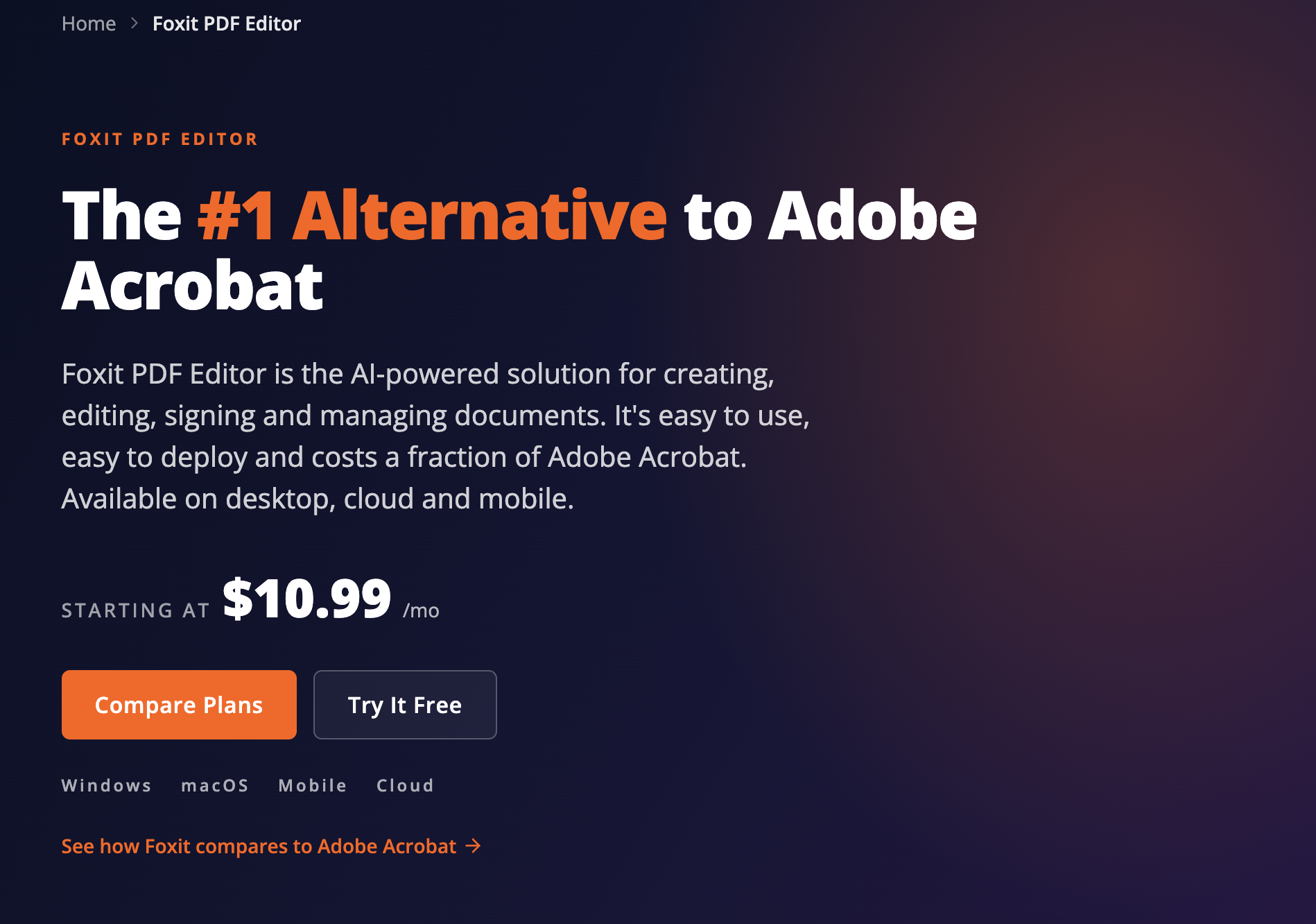
Pricing: Foxit PDF Editor Cloud/Desktop starts at $10.99/month (or $129.99/year). A perpetual one-time license for Foxit PDF Editor is available around $159–$179.
For enterprise IT leaders seeking a feature-for-feature replacement for Adobe Acrobat across hundreds of corporate seats, Foxit PDF Editor (formerly Foxit PhantomPDF) is the primary challenger. Foxit offers a familiar Microsoft Office ribbon interface, outstanding rendering speed, and a significantly lighter system resource footprint than Adobe.
Foxit excels in enterprise deployment environments, offering MSI installer packages, Group Policy (GPO) templates, Microsoft Intune compatibility, and volume licensing models that provide significant cost savings compared to Adobe Enterprise Agreements.
Key Strengths
Near-Total Acrobat Feature Parity: Full text editing, OCR, form design, document comparison, redaction, and portfolio generation.
Perpetual Licensing Options: Rare among enterprise vendors, Foxit still offers one-time purchase licenses for desktop seats.
Fast Rendering Engine: Opens massive, multi-gigabyte technical blueprints and manuals noticeably faster than Acrobat.
Key Limitations
Aggressive Upselling: Frequent in-app prompts encouraging users to upgrade to premium cloud e-sign modules.
Interface Clutter: The dense ribbon interface can feel overwhelming for non-technical users seeking quick edits.
4. Nitro PDF Pro — Best for Team Collaboration & Microsoft Office Integration
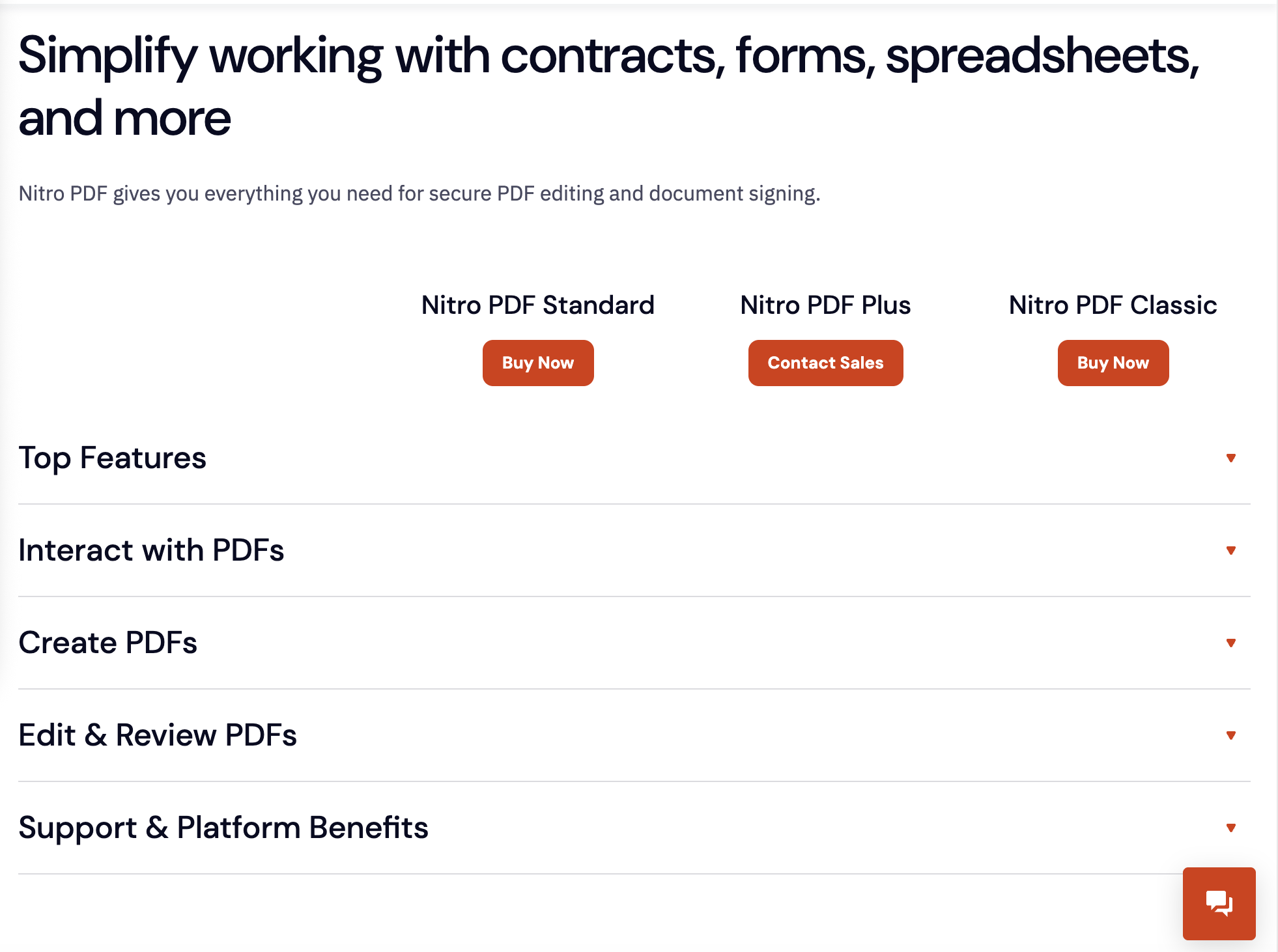
Pricing: Nitro PDF Pro subscription starts at $14.99/user/month (billed annually). One-time perpetual licenses are available for individual desktop users at ~$179.
Nitro PDF Pro is built specifically for corporate knowledge workers who live inside Microsoft Outlook, Word, Excel, and PowerPoint. Its user interface is styled to mirror modern Microsoft 365 applications, virtually eliminating employee training requirements during company-wide rollouts.
Nitro includes Nitro Sign for legally binding electronic signatures, robust document conversion tools, and comprehensive collaboration workflows that allow multiple reviewers to mark up drafts simultaneously. It is widely adopted by legal, banking, and consulting firms looking to break free from Adobe’s enterprise pricing.
Key Strengths
Familiar Office UX: Clean, intuitive Microsoft-style ribbon interface that business teams adopt instantly.
Robust MS Office Conversion: Exceptional fidelity when exporting complex PDF tables back into native Microsoft Excel spreadsheets.
Bundled E-Signatures: Nitro Sign integration allows quick contract routing without requiring separate DocuSign licenses.
Key Limitations
Mac Feature Parity Lag: The macOS edition (formerly PDFpen) still lacks several advanced features available in the Windows build.
Enterprise Focus: Volume discount tiers require minimum seat thresholds that leave smaller teams paying standard retail rates.
5. PDFgear — Best Completely Free PDF Editor with Zero Paywalls
Pricing: 100% Free ($0). No subscription, no feature paywalls, no trial watermarks, and no mandatory account registration.
PDFgearhas disrupted the PDF utility market by offering a fully functional desktop editor across Windows, macOS, and iOS completely free of charge. Unlike "freemium" tools that limit users to 3 pages or slap large watermarks on exported files, PDFgear provides complete text editing, page extraction, conversion, form filling, and digital signing with zero commercial gates.
PDFgear also integrates local AI-assisted document interaction, allowing users to chat with multi-hundred-page research papers and contracts to extract summaries and citations without sending data to external cloud servers.
Key Strengths
Truly Free: Zero cost, no hidden paywalls, no watermarks, and no credit card required.
Full Desktop Editing: Modify original text, change fonts, insert images, and reorder pages directly.
Integrated AI Copilot: Quickly summarize, extract key findings, and query long documents at zero cost.
Key Limitations
No Enterprise Administration: Lacks centralized user management, SSO, and compliance audit consoles for large corporate deployments.
Emerging Platform: Smaller developer ecosystem compared to thirty-year veterans like Adobe and Foxit.
6. UPDF — Best Modern Cross-Platform PDF Editor with AI Assistant
Pricing: UPDF Pro annual plan is priced at $29.99/year; a Perpetual Lifetime License is available for $59.99 (one-time purchase). The AI add-on is available for ~$5–$8/month.
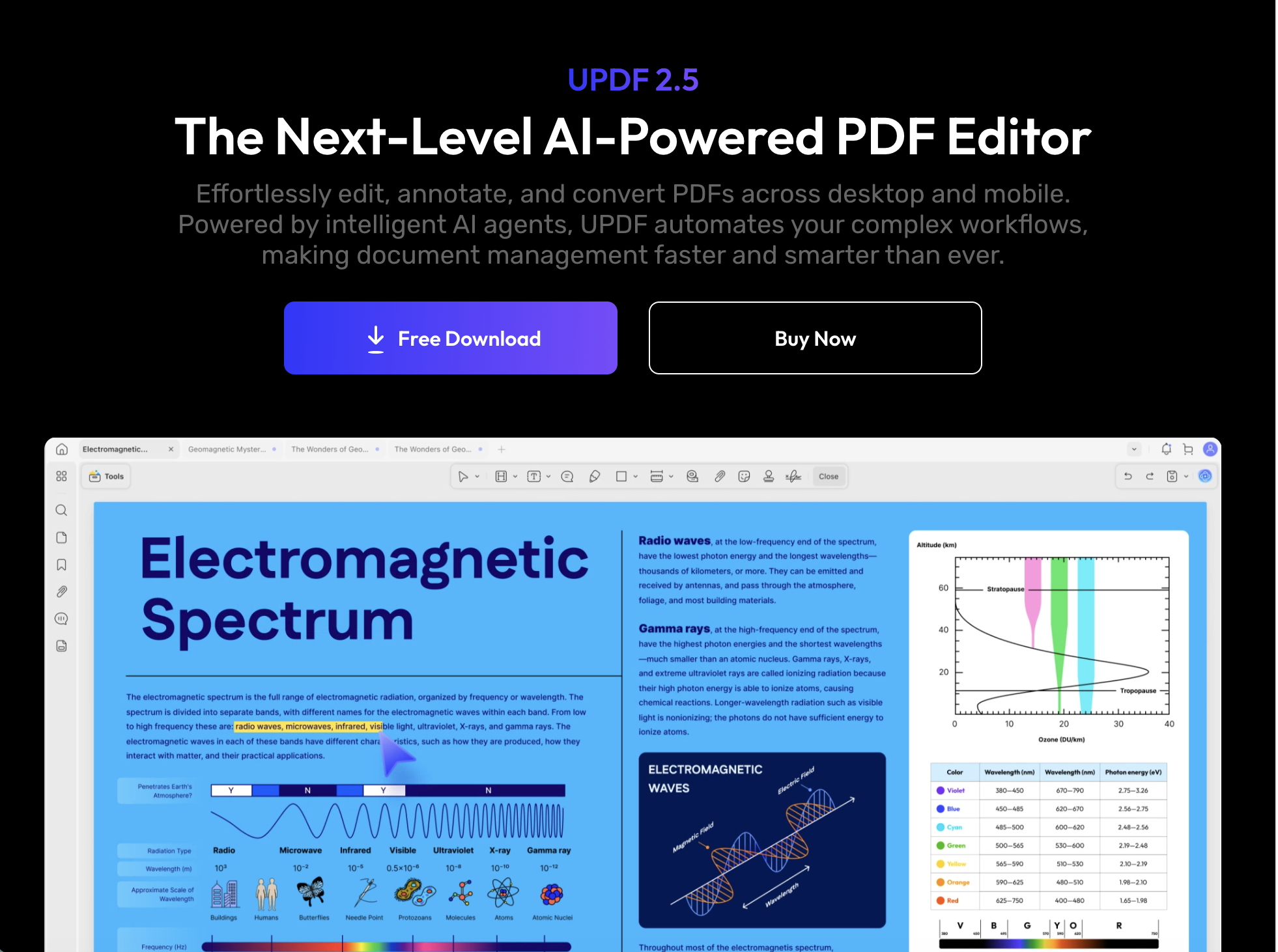
UPDF is a breath of fresh air in a category dominated by dated, enterprise-heavy interfaces. Featuring a sleek, minimalist aesthetic optimized for macOS, Windows, iOS, and Android, UPDF is designed for prosumers, consultants, and modern digital teams who value speed and aesthetic elegance.
UPDF combines high-speed reading, smooth page navigation, and crisp annotation tools with powerful generative AI capabilities that can translate, summarize, and explain complex academic or legal texts in seconds.
Key Strengths
Beautiful, Modern Interface: Fast, lightweight, and visually superior to legacy enterprise tools.
Single License for All Platforms: One purchase covers Windows, Mac, iPhone, iPad, and Android devices.
High-Value Pricing: Lifetime perpetual license for under $60 represents exceptional value compared to Adobe subscriptions.
Key Limitations
AI Features Require Add-On: Deep generative AI document querying requires an ongoing cloud subscription.
Lacks Niche Pre-Press Tools: Does not support specialized print shop pre-flighting or advanced CMYK color profiles.
7. Smallpdf — Best Lightweight Browser-Based Utility
Pricing: Free basic web tier (with daily usage limits); Smallpdf Pro starts at $9/user/month (billed annually) for unlimited document processing.
Smallpdf pioneered the concept of simple, web-based PDF utility modules. Rather than forcing users to download and configure a heavy desktop software package, Smallpdf provides a suite of 20+ specialized web tools: compress PDF, convert to Word, merge pages, protect with passwords, and sign contracts.
For distributed teams and mobile workers who only need to combine a few slides, compress a contract below an email attachment limit, or sign an agreement once a week, Smallpdf offers frictionless accessibility from any browser.
Key Strengths
Instant Web Access: Works on Chromebooks, tablets, Linux, and locked-down corporate laptops without software installation.
Modular, Task-Specific Tools: Clean, single-purpose web cards for compression, conversion, splitting, and signing.
Cloud Drive Integrations: Direct import and export hooks into Google Drive and Dropbox.
Key Limitations
Limited In-Depth Editing: Modifying existing complex typography and layout structures in the browser is clunky compared to native desktop editors.
Confidential Data Transmission: Requires uploading corporate files to cloud servers, which may violate strict internal compliance guidelines.
8. Sejda PDF — Best Web & Desktop Hybrid for Low-Volume Tasks
Pricing: Free tier allows up to 3 tasks per day on documents up to 200 pages / 50MB. Sejda Web + Desktop Pro is priced at $7.50/month (annual commitment) or $5 for a 7-day pass.
Sejda PDF occupies a unique niche by offering both a browser-based web editor and an offline desktop application that shares the exact same clean interface. This hybrid model allows privacy-conscious users to execute sensitive document tasks locally on their own computer while maintaining the simplicity of a web app.
Sejda is renowned for its straightforward inline text editing, allowing users to click directly into any paragraph on a PDF and edit words as if they were working in a standard text processor.
Key Strengths
Offline Desktop Privacy: The Sejda Desktop app processes documents entirely on your local machine with zero cloud transmission.
Flexible Short-Term Pricing: Offers weekly passes ($5) and monthly passes with no recurring subscription traps.
Generous Free Daily Tier: 3 free tasks per day is sufficient for occasional home office and small business tasks.
Key Limitations
Strict File Size Limits: Free tier is capped at 50MB and 200 pages per document.
Basic Batch Capabilities: Not designed for enterprise-scale automated document ingestion pipelines.
9. DocuSign — The Enterprise Gold Standard for Legally Binding Signatures
Pricing: Personal plan starts at $10/month (5 envelopes/mo); Standard plan at $25/user/month; Business Pro at $40/user/month. Custom enterprise tiers available.
While not a general-purpose text editor for altering paragraphs or modifying layout margins, DocuSign must be included in any evaluation of PDF software because contract execution and signature routing represent over 60% of commercial PDF interactions. When enterprise organizations in sales and legal evaluate alternatives to Adobe Acrobat, they are often seeking an electronic signature infrastructure that carries global legal enforceability.
DocuSign provides ironclad certificate-based audit trails, mobile signing experiences, recipient identity verification, and deep bidirectional integrations into Salesforce, Workday, and Microsoft SharePoint.
Key Strengths
Global Legal Enforceability: Compliant with ESIGN Act, UETA, eIDAS, and strict international legal frameworks.
High Cost per Envelope: Overages and volume consumption tiers can become extremely expensive at scale.
In-Depth Workflow Scenarios Across 5 Business Functions
To understand how modern document tools transform business velocity, consider how leading organizations handle five everyday operational scenarios:
Scenario 1: Accounts Payable Invoice Processing
The Legacy Manual Approach: AP clerks download 150 supplier PDF invoices from email, open each in Adobe Acrobat, manually highlight invoice numbers and totals, type the figures into SAP or NetSuite, and manually save the PDF into a SharePoint folder structure.
The Autonomous Solution: For finance and accounting teams, Sai can be tasked to monitor an inbox, open incoming invoices inside an isolated cloud computer, extract line items with multimodal vision, verify calculations against purchase orders, and input the records directly into the accounting system unattended.
Scenario 2: High-Volume Sales Order & Contract Execution
The Legacy Manual Approach: Sales reps generate PDF quotes, send them through manual email attachments, chase signatures, and manually re-enter buyer details into Salesforce upon signature receipt.
The Modern Solution: For sales and revenue teams, combining a dedicated signing platform (DocuSign or Nitro Sign) with Sai allows automatic contract preparation, buyer notification, and automated CRM field updating the moment the signed PDF returns.
The Legacy Manual Approach: Legal teams manually draw black boxes over sensitive PII in Acrobat, risking incomplete metadata sanitization where text remains copyable beneath graphical overlays.
The Secure Solution: Tools like Foxit PDF Editor and Adobe Acrobat Pro provide certified true redaction engines that permanently scrub underlying vector paths, text characters, and EXIF metadata before public filing.
Scenario 4: Multi-Store Retail Inventory & Vendor Form Submission
The Legacy Manual Approach: Retail managers must fill out dozens of dynamic state tax exemption PDFs and supplier credit applications every month, typing identical company details into poorly designed PDF forms.
The Autonomous Solution: For modern SMBs and e-commerce operators, Sai can ingest standard company profiles and autonomously navigate and fill dynamic PDF forms, checkboxes, and signature fields in minutes, running up to 5 cloud instances simultaneously on the $50/mo plan.
The Legacy Manual Approach: Employees independently purchase various consumer PDF web subscriptions, creating shadow IT risks and exposing confidential corporate IP to unvetted cloud OCR converters.
The Enterprise Solution: For enterprise organizations, centralized deployment of Foxit or Nitro with enterprise SSO, paired with Sai for autonomous document workflows, establishes clear audit logs and prevents corporate data leakage.
Stop doing repetitive tasks. Let Sai handle them for you.
Sai is your AI computer use agent — it operates your apps, automates your workflows, and gets work done while you focus on what matters.