Oops! Something went wrong while submitting the form.
Best AI Summary Tools in 2026: 8 Platforms Tested for Synthesis, Cross-App Context & Autonomous Execution
When knowledge workers, corporate executives, and research teams search for the best AI summary tools (often queried as AI summarizer tools, AI text summarizers, or AI meeting summary software), they are confronting an undeniable productivity bottleneck in 2026: information volume has expanded exponentially, while reading bandwidth remains strictly finite.
Every working day, professionals are flooded with 80-page financial filings, lengthy legal agreements, 60-minute Zoom recording transcripts, complex technical documentation, and fragmented Slack discussion threads. In response, early-generation AI summarizers offered isolated, copy-paste text compression—reducing 1,000 words to 200 words while stripping away critical numerical nuances, actionable commitments, and organizational context.
In 2026, passive paragraph condensation is obsolete. Modern knowledge organizations no longer settle for generic bullet points generated in a siloed web chat window. Today, commercial buyers evaluate whether an AI summary platform can ingest multi-modal inputs (audio meetings, dense PDF tables, video presentations, and live web research), synthesize cross-functional context, and autonomously execute downstream screen actions—such as logging action items directly into Jira or Asana, filing synthesized briefing dossiers into corporate Google Drive folders, or drafting contextual executive emails without human babysitting.
This guide benchmarks the top eight AI summary platforms in 2026 across four distinct operational paradigms:
Autonomous Screen-Action & Multi-Source Synthesis Agents: AI coworkers that read dense multi-format documents, attend meetings, synthesize cross-application context, and execute resulting tasks across desktop and web software.
Audio & Meeting Intelligence Specialists: Dedicated platforms that record, transcribe, summarize, and extract action items from internal team conferences.
Document & Dense PDF Intelligence Readers: Tools engineered for parsing academic papers, financial prospectuses, and legal filings with precise citations.
General-Purpose Conversational LLM Cockpits: Broad frontier AI reasoning assistants used for ad-hoc drafting, rewriting, and text extraction.
How we evaluated
To cut through vendor marketing claims, our testing framework evaluated all eight AI summarization platforms across five standardized, real-world operational benchmarks:
Synthesis Fidelity & Hallucination Resistance: We tested each platform against dense 100-page corporate financial prospectuses and contentious multi-speaker meeting recordings. We audited whether summaries preserved exact financial metrics, contractual conditions, and attribution without hallucinating consensus.
Multi-Modal Ingestion Breadth: We measured how seamlessly each tool handles diverse business formats—including spoken audio recordings, video lectures, scanned OCR PDFs, complex nested spreadsheets, and live web domains.
Contextual Density & Source Attribution: We scored whether summaries provide verifiable anchor citations (exact PDF page numbers, audio timestamps, or source spreadsheet cells) allowing human reviewers to cross-check claims with a single click.
Downstream Workflow Autonomy: We evaluated what happens after the summary is generated. Does the platform leave the user with static text that requires manual copy-pasting, or can it autonomously open project management boards, update CRM fields, and create formatted deliverables?
Enterprise Security & Zero-Trust Privacy: We examined enterprise data governance, ensuring corporate transcripts and proprietary documents are not utilized for third-party model training, and verifying zero-trust credential evaluation for authenticated portal access.
#1 on OSWorld Benchmark; operates desktop and browser apps; ingests multi-format documents, videos, and live pages; synthesizes cross-app context; executes resulting tasks in Jira, CRMs, and email with zero manual babysitting
Built for deep end-to-end task execution and synthesized intelligence rather than functioning as a lightweight 1-click single-sentence paraphraser
Free tier available; Pro at $50/mo; Ultimate at $500/mo; Custom Enterprise
Notion AI
Connected Workspace & Internal Wiki Summarizer
Native synthesis across all connected Notion databases, meeting notes, project docs, and Slack channels; 1-click database autofill
Walled garden limitation; cannot independently browse live websites or control external desktop software
$10/user/month add-on to existing paid Notion workspace plans
Deep native integrations with 40+ platforms; conversation sentiment tracking; customizable topic and keyword trackers
Confined strictly to audio/video recordings; cannot analyze spreadsheets, regulatory filings, or software user interfaces
Free tier (limited transcription); Pro at $18/seat/mo; Business at $29/seat/mo
Claude (Anthropic)
Long-Context Frontier Reasoning Engine
Massive 200k+ token context window; exceptional nuance in legal and literary synthesis; high adherence to complex formatting prompts
Passive web chat interface; requires manual file uploads; does not autonomously operate desktop CRMs or local files out of the box
Free tier available; Claude Pro at $20/month; Team at $30/user/mo
QuillBot
Text Summarizer & Paraphrasing Utility
Simple slider controls for summary length; bullet-point vs. paragraph toggles; affordable consumer pricing
Basic text compression only; struggles with multi-speaker audio, complex financial math, or enterprise business files
Free basic version; Premium at $19.95/month (or $8.33/mo billed annually)
Perplexity AI
Conversational Search Engine & Research Synthesizer
Real-time web crawling; verified source footnotes; excellent for synthesizing breaking news, market events, and public topics
Optimized for public internet research rather than private corporate enterprise software and internal workflow execution
Free standard search; Perplexity Pro at $20/month
Detailed Platform Reviews
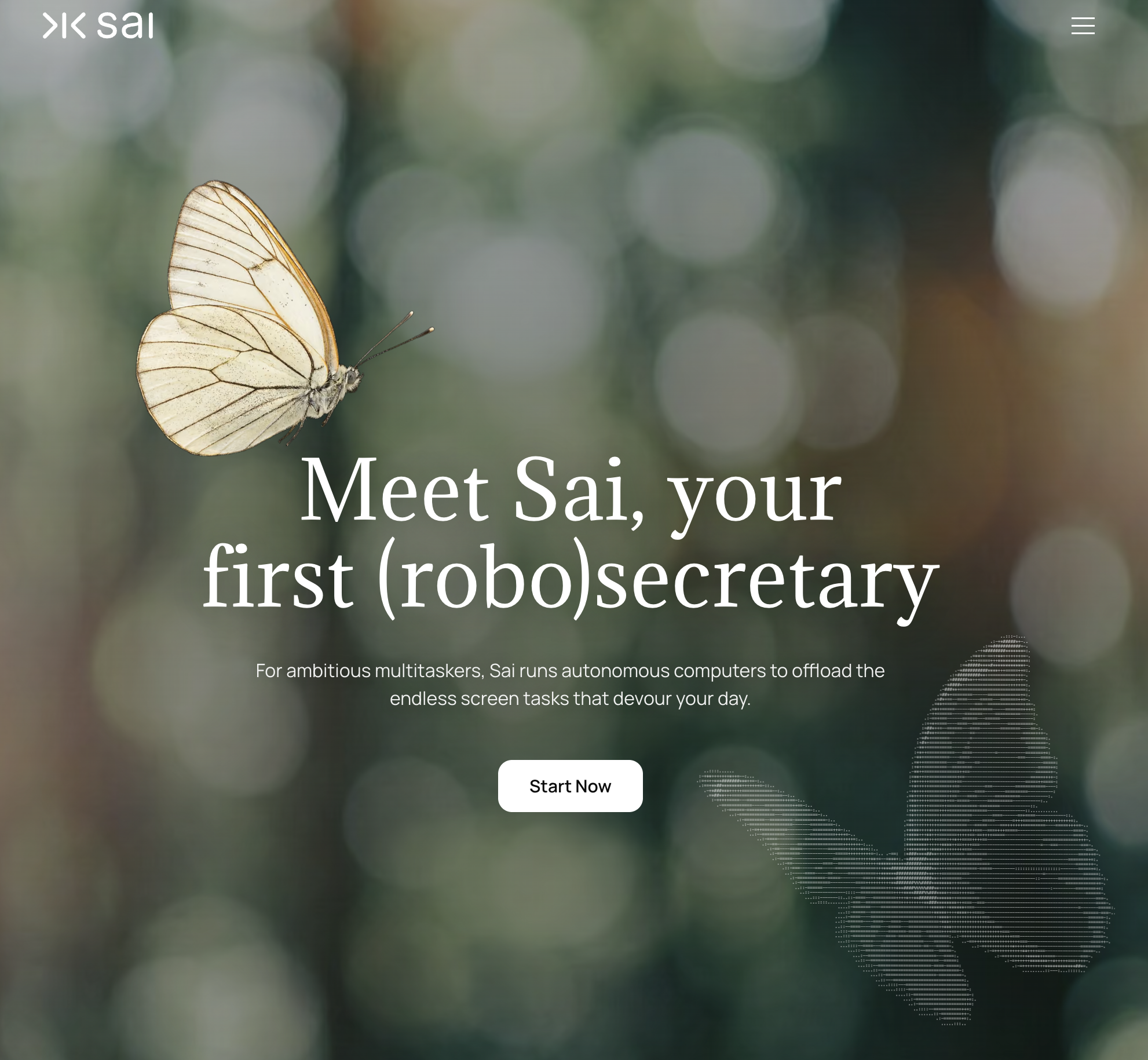
1. Sai (by Simular) — Best for Autonomous Multi-Source Synthesis & Cross-App Execution
Best For: Corporate executives, research leads, project managers, and operational teams seeking an autonomous (robo)secretary that doesn't just shorten text in a chat window, but ingests multi-modal business materials, synthesizes cross-platform context, and autonomously completes resulting action items across software environments.
Traditional AI summarization tools treat synthesis as an isolated, dead-end calculation. They take an article or transcript, output five bullet points, and leave the human operator to manually distribute the findings. Sai approaches synthesis from an entirely different operational foundation: autonomous computer-use execution.
Ranked #1 on the global OSWorld benchmark, Sai acts as a virtual coworker equipped with its own virtual mouse, keyboard, browser, and terminal. When assigned a synthesis task, Sai can watch a recorded product launch video, read an associated 50-page financial PDF prospectus, inspect active customer discussions across web forums, log into your team's project management software (such as Jira, Linear, or Asana), create structured action tickets, and draft tailored executive briefing emails—all without human babysitting.
How Sai Redefines AI Summarization:
Autonomous Multi-Source & Multi-Modal Ingestion: Sai seamlessly digests diverse input formats. It can extract key takeaways from a YouTube video or recorded webinar, parse dense data tables inside complex PDF filings, review live websites, and synthesize them into a single, cohesive strategic brief.
Cross-App Screen Action (Browser, Terminal, and Native Apps): The primary value of an executive summary is the action it demands. Unlike chat interfaces that leave data stranded in a tab, Sai directly operates your computer. It opens your desktop or web CRM, updates deal notes based on synthesized earnings calls, files formatted briefs into designated Drive folders, and triggers outbound communications automatically.
Dual-Engine Architecture (Instant Sandbox + Persistent Desktop): Heavy analytical tasks—such as batch processing dozens of research PDFs, executing Python data extraction scripts, or formatting complex markdown reports—run inside a fast, lightweight Linux sandbox. When interactive verification, video playback, or authenticated portal navigation is required, Sai switches seamlessly to a persistent cloud desktop VM with visual UI grounding.
Contextual Precision & Zero Hallucination Drift: By leveraging visual UI inspection and precise accessibility trees, Sai extracts exact numbers, contractual stipulations, and direct quotations, eliminating the high hallucination risks typical of generic text compressors.
Zero-Trust Security & Mobile Delegation: Synthesis often involves highly sensitive strategic filings, M&A memos, or unreleased product transcripts. Sai’s isolated credential gate ensures master passwords and confidential tokens are handled securely without exposing plaintext credentials to LLM conversational contexts. Executives can delegate comprehensive document reviews directly via Telegram or SMS and receive clean, formatted executive briefs on mobile.
Specialized B2B Team & Department Solutions:
Learn how Sai for Small Businesses gives lean teams an autonomous operational analyst without hiring additional research staff.
Explore how Sai for Enterprise delivers private dedicated cloud clusters, enterprise data governance, and auditable multi-user workflow management.
Discover tailored vertical workflows designed specifically for Operations, Marketing, and Sales.
Pricing & Tiers:
Free Tier: Complimentary daily computer time to experience autonomous screen-action synthesis.
Pro ($50/mo): Ideal for founders, independent consultants, and analysts needing regular automated multi-source research and document synthesis.
Ultimate ($500/mo): Engineered for high-throughput commercial teams managing continuous document processing and cross-app pipeline execution.
Enterprise: Custom dedicated clusters, private runner deployment, and enterprise SLAs.
2. Notion AI — Best for Connected Workspace & Internal Wiki Summaries
Best For: Teams already operating inside the Notion ecosystem who want instant summaries of internal meeting notes, project specs, and team documentation.
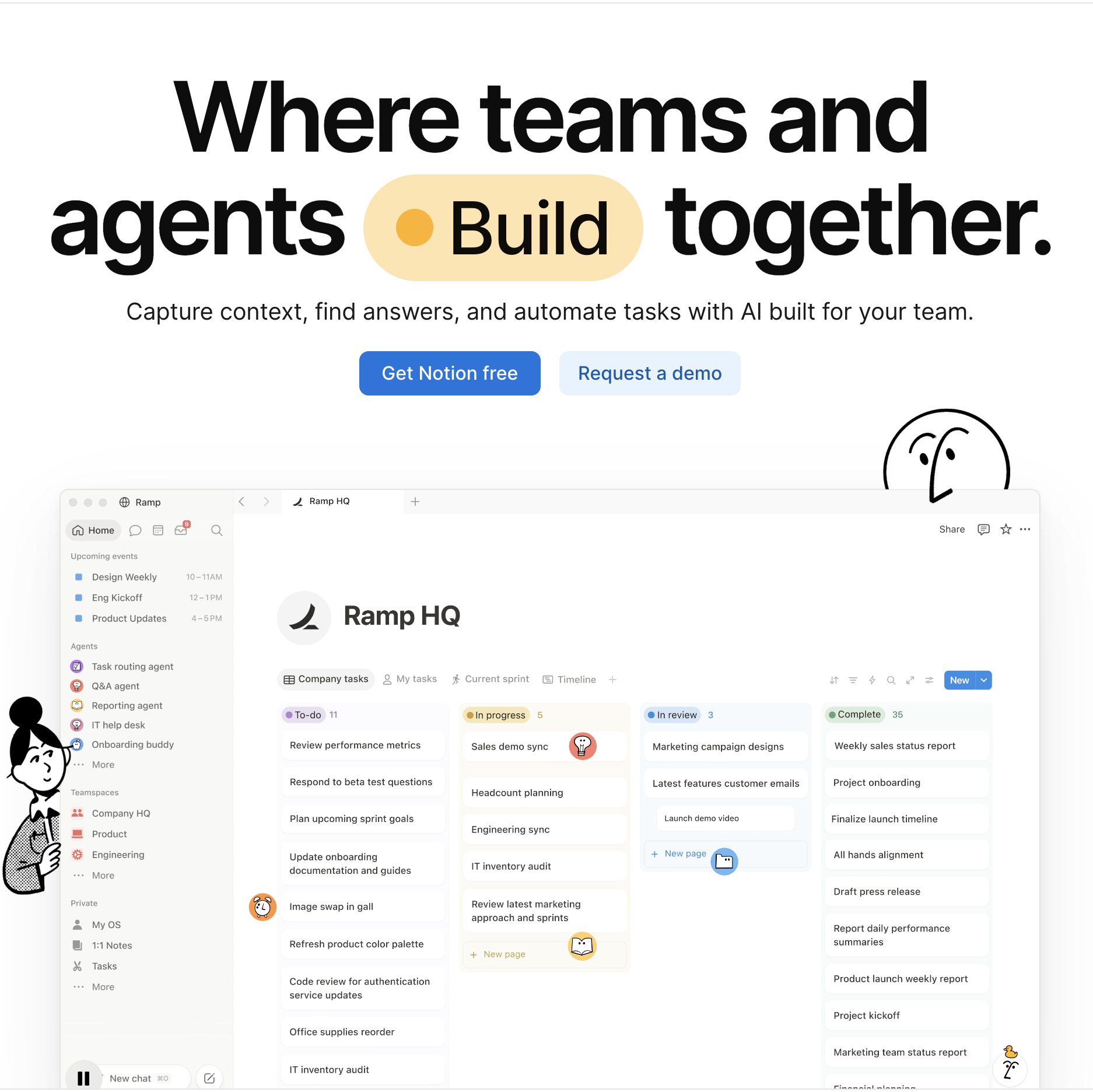
Notion AI operates natively within the Notion workspace, allowing knowledge workers to summarize meeting notes, auto-fill database properties, and extract action items directly inside their document hierarchy.
Key Strengths:
Deep Workspace Connectivity: Can query across multiple Notion team pages, databases, and connected Slack channels to synthesize organizational knowledge.
Database Autofill Properties: Automatically populates summary columns and key takeaway fields across large document databases.
Frictionless Inline Editing: Allows users to highlight any block of text and instantly request summaries, bullet points, or translation without leaving the document.
Limitations vs. Sai:
Walled Garden Confinement: Limited to data stored within Notion; cannot independently navigate live external websites, inspect video streams, or operate desktop software.
Static Output: Summarizes text inside Notion, but cannot autonomously log into third-party tools to execute resulting work.
Pricing:
Available as a $10 per user per month add-on to existing paid Notion workspace plans.
3. Otter.ai — Best for Automated Meeting Transcription & Live Notes
Best For: Distributed commercial teams, journalists, and educators requiring automatic calendar integration and real-time meeting transcription.
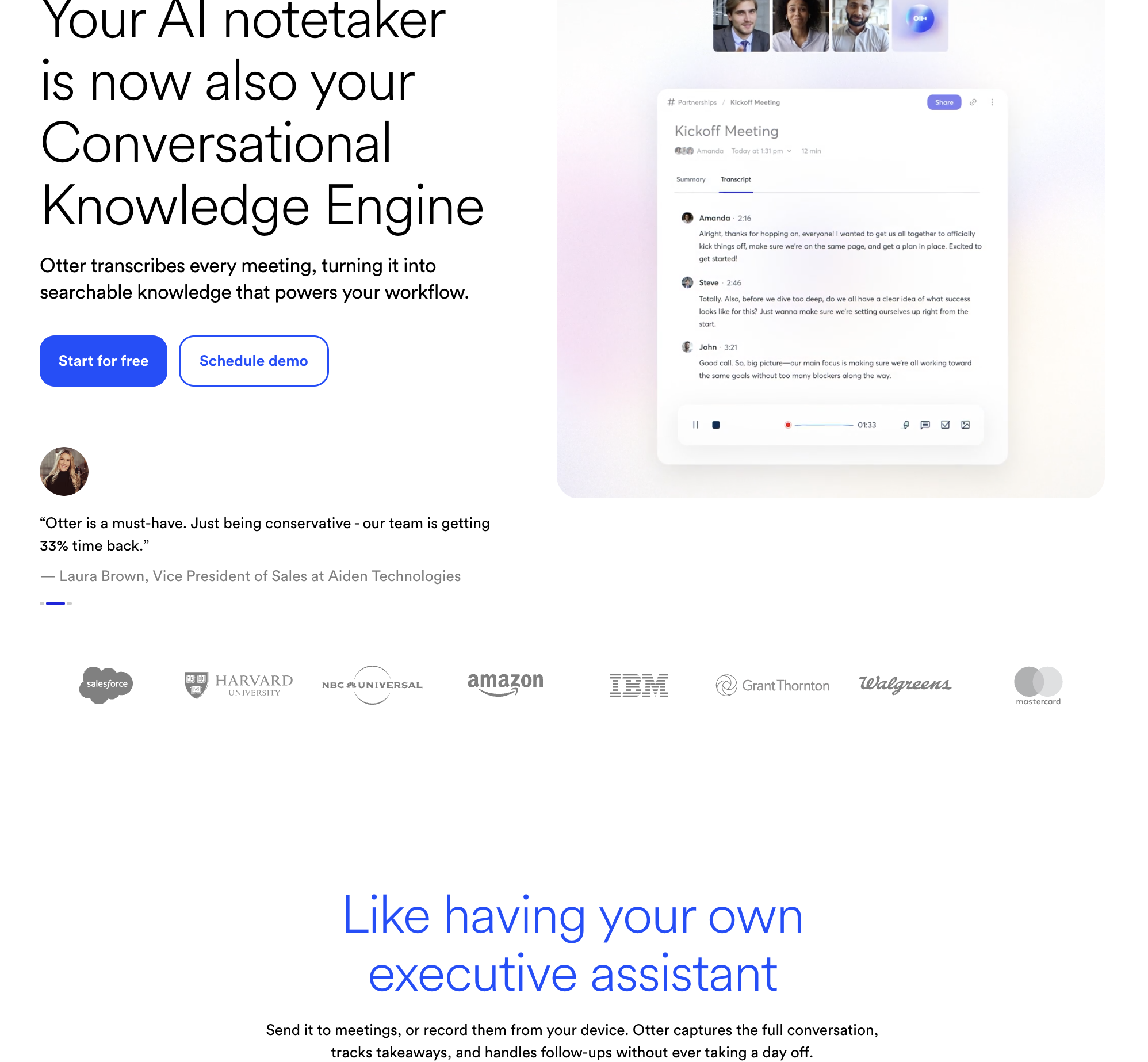
Otter.ai is a market leader in audio meeting transcription. Its virtual assistant automatically joins scheduled Zoom, Google Meet, and Microsoft Teams calls to capture dialogue, generate transcripts, and extract action items.
Automated Summary Emails: Delivers structured meeting recaps with speaker timestamps and key discussion topics to attendees post-call.
Otter AI Chat: Allows team members to query past meeting archives to clarify who agreed to specific deadlines or project deliverables.
Limitations:
Audio-Only Focus: Cannot summarize written business documentation, financial prospectuses, or complex PDF filings.
Cross-Talk Fragility: Transcription accuracy degrades in meetings with overlapping speakers or heavy technical jargon.
Pricing:
Free Tier: 300 monthly transcription minutes with 30-minute conversation limits.
Pro ($16.99/user/mo): 1,200 monthly minutes with advanced team collaboration tools.
Business ($30/user/mo): 6,000 monthly minutes, administrative controls, and usage analytics.
4. ChatPDF — Best for Conversational Document Reading & Quick PDF Summaries
Best For: Students, academic researchers, and professionals who need quick, ad-hoc Q&A access to dense PDF files without complex software setup.
ChatPDF provides an intuitive web interface for conversational document interrogation. Users upload a PDF file and immediately begin asking natural language questions to extract summaries and page-specific answers.
Key Strengths:
Zero-Friction Web Interface: Drag-and-drop document upload requires no software installation or technical onboarding.
Semantic Page Grounding: Answers include clickable page reference citations, allowing users to verify assertions against original text.
Multi-Language Support: Automatically summarizes and answers queries in over 90 languages regardless of the source PDF's original language.
Limitations:
Single-Document Scope: Primarily restricted to evaluating individual uploaded files in isolation; cannot cross-synthesize across multiple live corporate databases.
No Operational Action: Lacks workflow automation, audio support, or CRM integrations.
Pricing:
Free: Up to 2 PDFs per day (maximum 120 pages each).
Plus ($19.99/month): Unlimited PDF uploads, 2,000 pages per file, and priority support.
5. Fireflies.ai — Best for Voice Conversation Intelligence & Multi-App Sync
Best For: Sales development leaders and customer success managers seeking conversation intelligence and automated CRM meeting logging.
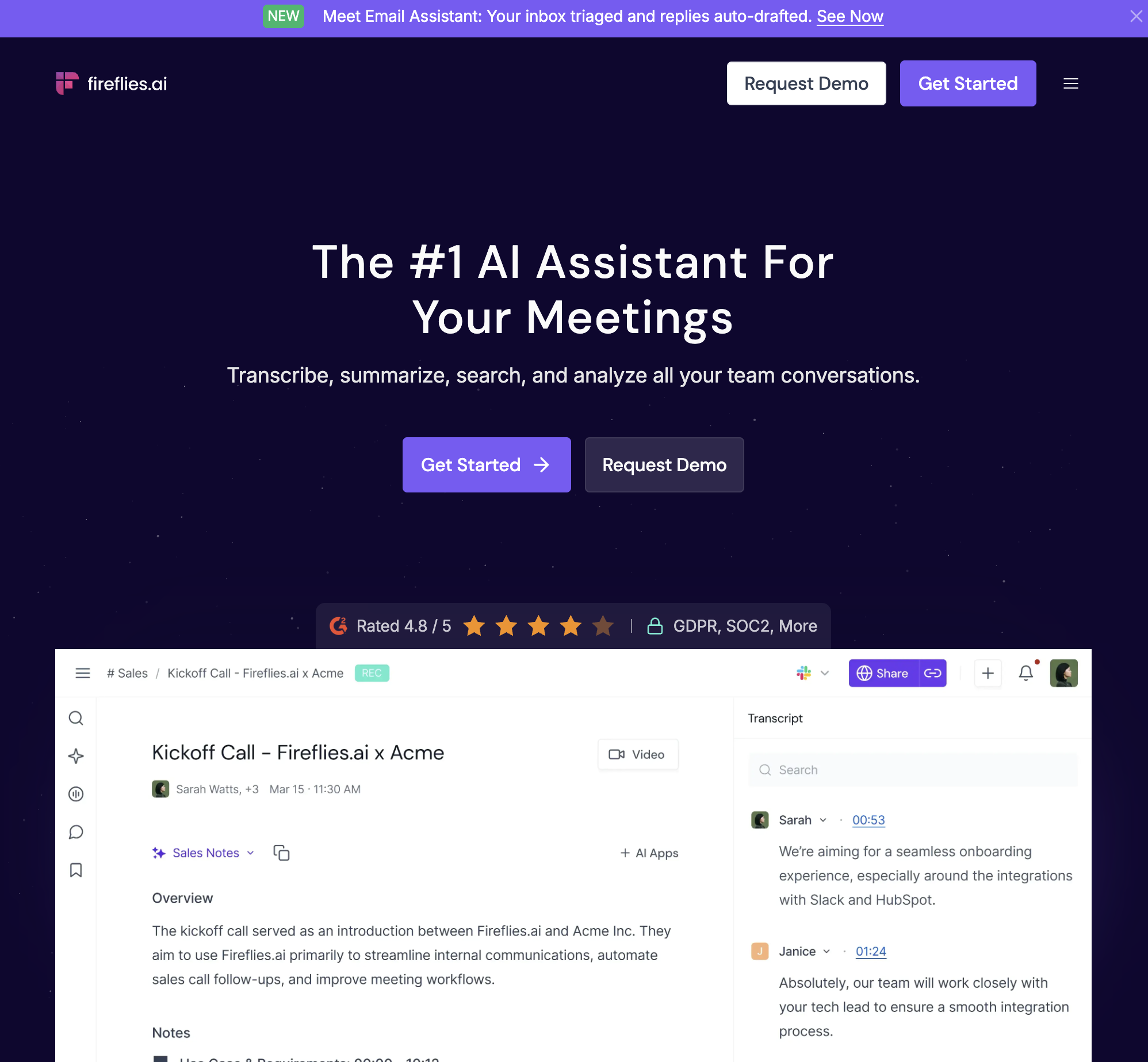
Fireflies.ai focuses on capturing, transcribing, and searching voice conversations across web conferences and telephony platforms, offering advanced conversation analytics.
Key Strengths:
Broad Telephony & Meeting Compatibility: Integrates with Zoom, Teams, Webex, Google Meet, and VOIP dialers like Aircall and RingCentral.
Native CRM Logging: Automatically logs call summaries, transcripts, and audio links into Salesforce, HubSpot, and Slack channels.
Limitations:
Limited Non-Voice Modality: Cannot parse non-verbal business materials such as technical whitepapers, SEC filings, or architectural diagrams.
Rigid Output Structure: Generates standardized meeting notes, but cannot autonomously execute custom desktop tasks based on conversational findings.
Pricing:
Free: Limited transcription credits and storage.
Pro ($18/seat/mo): Unlimited transcription, AI summaries, and integration webhooks.
Business ($29/seat/mo): Screen capture recording, conversation intelligence, and API access.
6. Claude (Anthropic) — Best for Long-Context Reasoning & Literary Synthesis
Best For: Legal teams, policy analysts, and technical writers requiring deep, nuanced synthesis of extensive written manuscripts and multi-chapter reports.
Anthropic's Claude models (particularly Claude 3.5 Sonnet and Opus) are renowned for industry-leading reading comprehension across expansive context windows exceeding 200,000 tokens.
Key Strengths:
Expansive Context Window: Comfortably ingests hundreds of pages of technical documentation, code repositories, or legal briefs in a single prompt.
Superior Nuance & Formatting Adherence: Highly reliable at following precise summary guidelines (e.g., "Summarize in 4 bullet points, capturing only regulatory liabilities").
Minimal Hallucination Drift: Strong contextual awareness prevents the model from embellishing source facts.
Limitations:
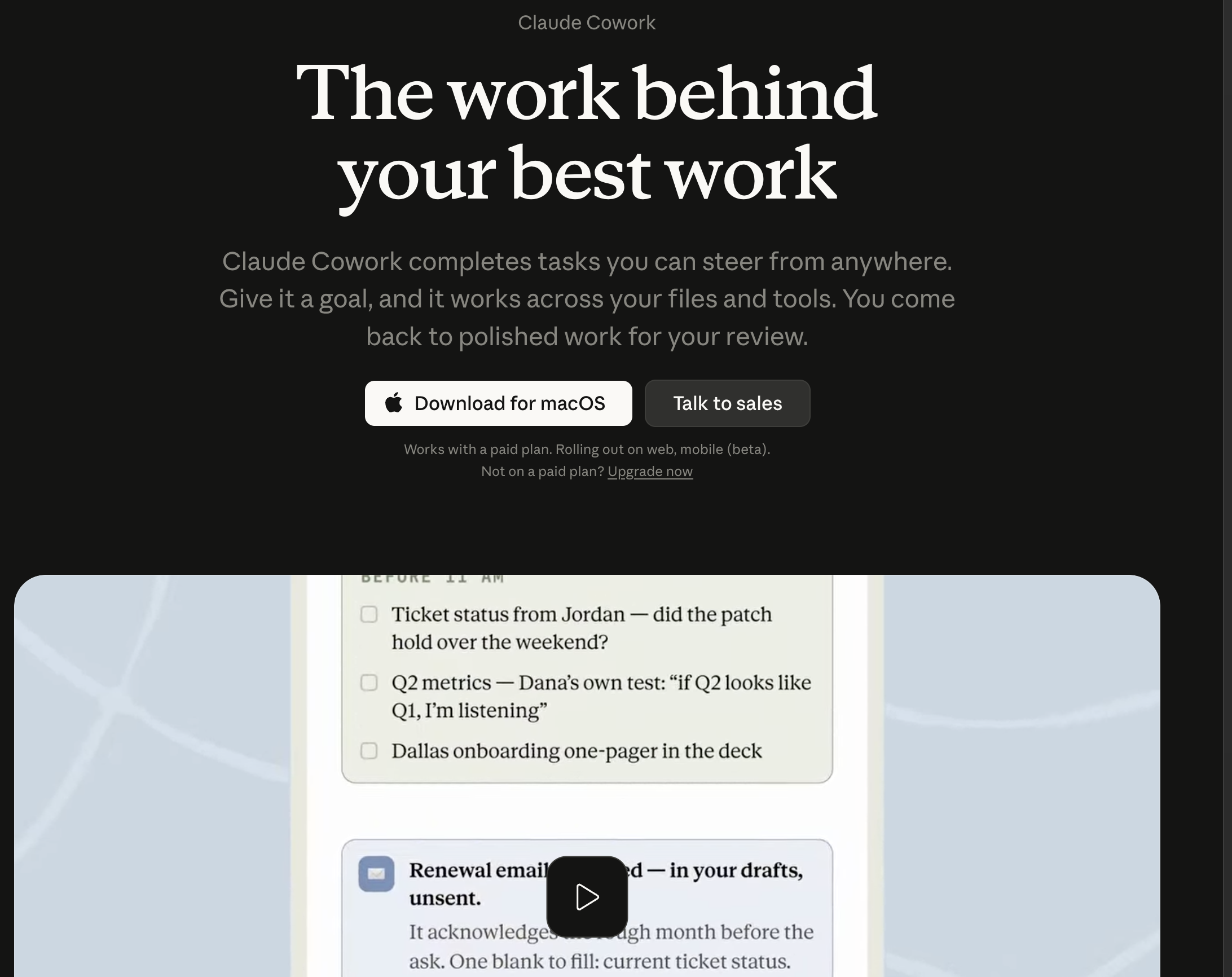
Passive Web Chat Interface: Requires users to manually upload files; cannot independently browse the live web, operate local software, or update external business CRMs out of the box.
Pricing:
Free tier available; Claude Pro costs $20 per month; Team plan at $30 per user per month.
7. QuillBot — Best for Basic Text Paraphrasing & Sentence-Level Condensation
Best For: Students, bloggers, and copywriters seeking a straightforward web tool to shorten or rephrase isolated paragraphs.
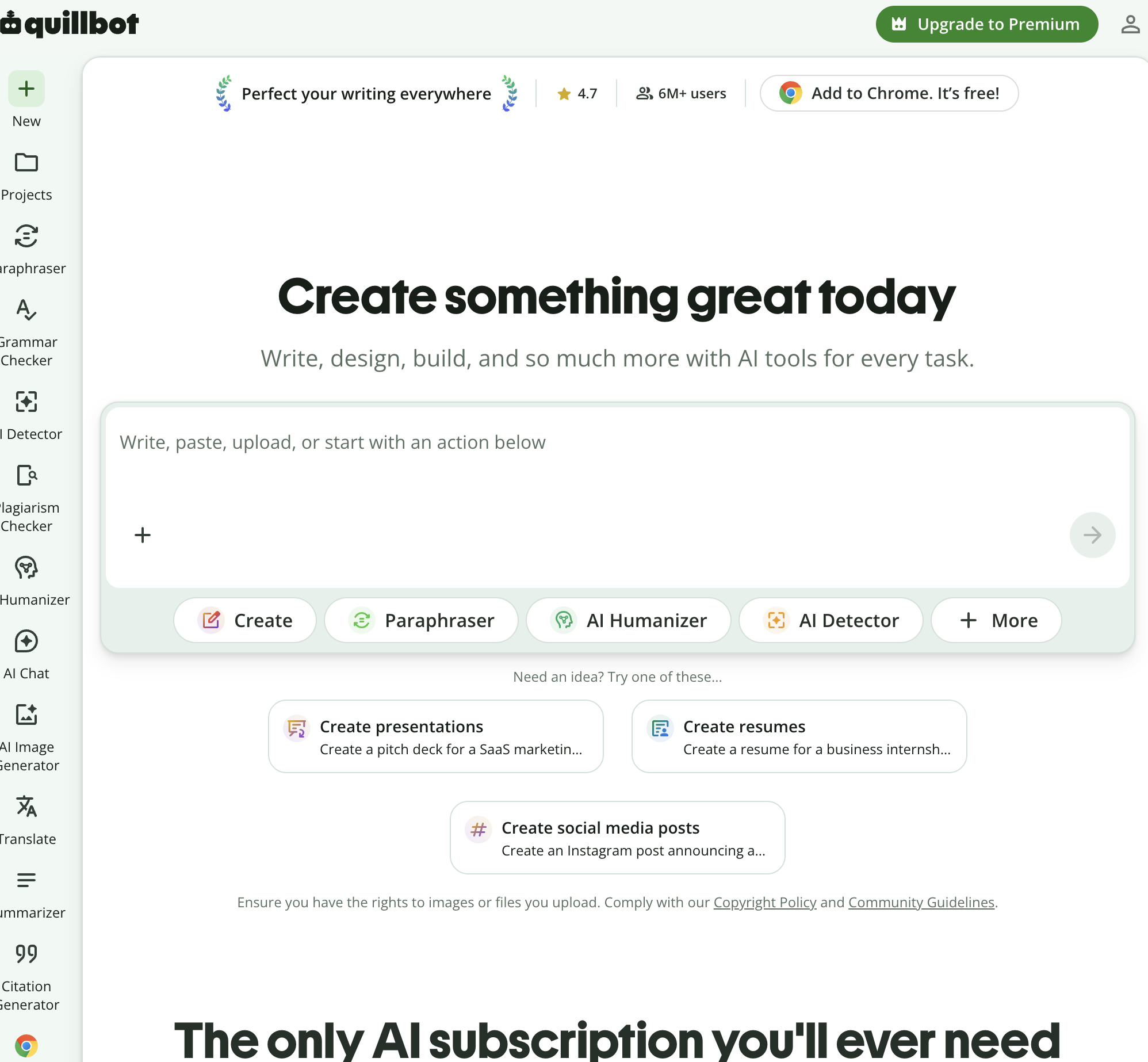
QuillBot is a widely used consumer writing utility that provides a dedicated text summarizer alongside its primary paraphrasing and grammar-checking tools.
Key Strengths:
Simple Summarizer Controls: Offers a visual slider to adjust summary length and easily toggle between key sentences and paragraph formats.
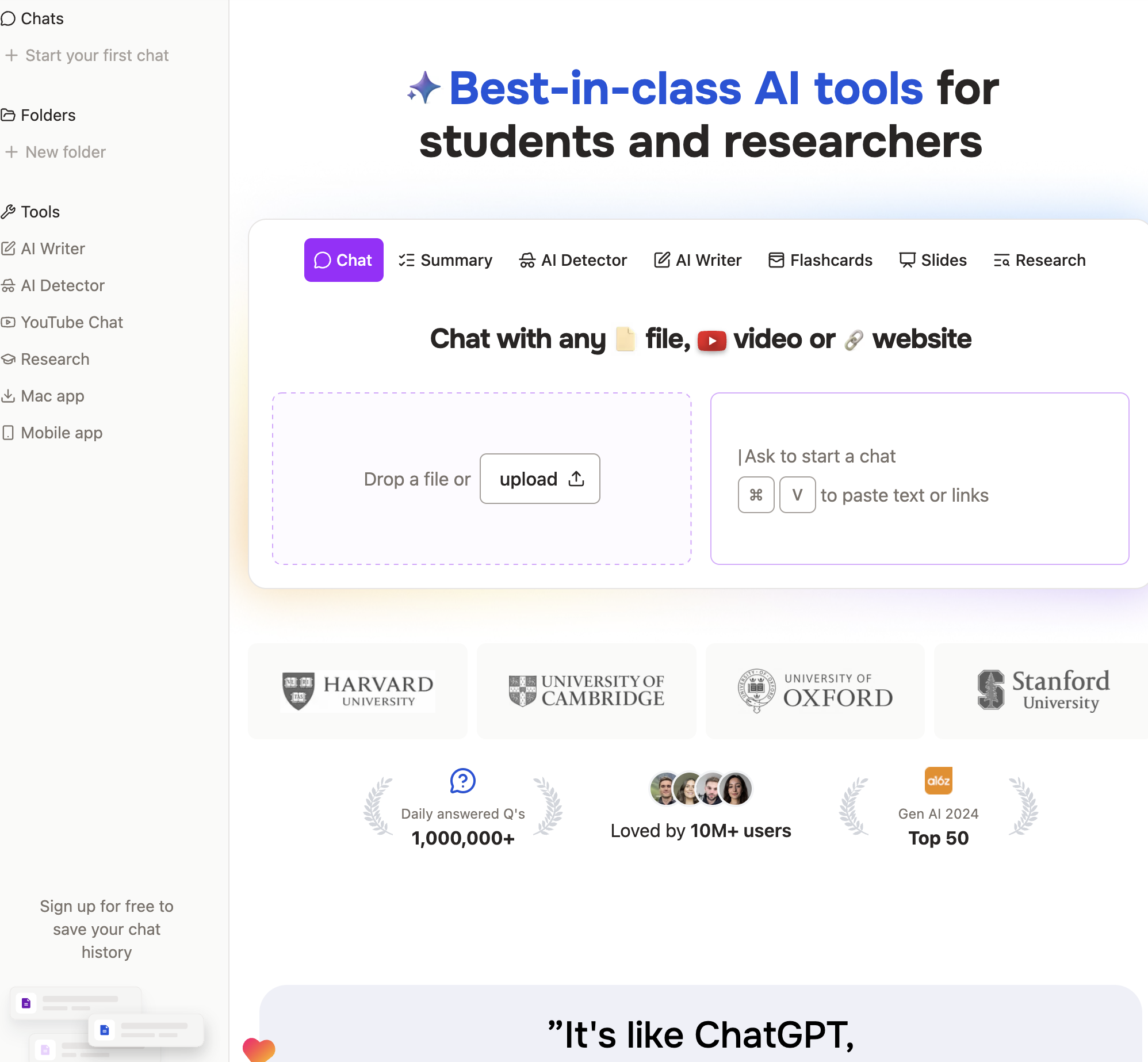
Integrated Writing Suite: Functions alongside grammar checkers, plagiarism scanners, and citation generators in a unified web cockpit.
Low Price Point: Highly budget-friendly for individual writers and students.
Limitations:
Superficial Synthesizing Depth: Condenses text based on surface-level keyword prominence rather than deep logical comprehension; struggles with complex data tables or multi-speaker audio.
8. Perplexity AI — Best for Real-Time Web Research & Public Topic Synthesis
Best For: Market researchers, journalists, and curious professionals seeking real-time synthesis of public web events with verified citations.
Perplexity AI combines conversational LLM reasoning with live web indexing, functioning as an interactive research engine that synthesizes current internet sources into structured answers.
Key Strengths:
Live Internet Grounding: Queries multiple search indexes in real time, making it ideal for synthesizing breaking industry news or emerging market trends.
Inline Academic Citations: Appends verifiable footnote citations to every claim, allowing users to inspect the underlying web sources directly.
Perplexity Pages: Formats multi-source research into clean, publishable web articles with embedded media.
Limitations:
Public Domain Bias: Optimized for publicly accessible web content rather than private internal corporate software, local desktop files, or authenticated CRMs.
Pricing:
Free basic search; Perplexity Pro costs $20 per month (includes access to Claude 3.5 Sonnet, GPT-4o, and file analysis).
Stop doing repetitive tasks. Let Sai handle them for you.
Sai is your AI computer use agent — it operates your apps, automates your workflows, and gets work done while you focus on what matters.