Oops! Something went wrong while submitting the form.
Best All-in-One Software in 2026: Platforms Tested for Business Management, Workflows & Autonomous Execution
When founders, operations directors, and department heads search for the best all-in-one software in 2026 (frequently evaluated as all-in-one business management software, all-in-one platform for small business, or all-in-one operations tools), they confront a long-standing operational dilemma: the modular suite compromise vs. SaaS fragmentation.
For years, growing organizations found themselves caught between two extremes:
The Disjointed "Best-of-Breed" Stack: Buying separate software for CRM (Salesforce/HubSpot), project management (Asana/monday.com), billing and invoicing (QuickBooks/Stripe), document collaboration (Google Workspace/Notion), and team chat (Slack). While each tool is powerful in isolation, the stack requires expensive API glue (Zapier/Make), suffers constant synchronization latency, and costs hundreds of dollars per user per month while creating siloed data islands.
The Bloated "All-in-One" Suite: Purchasing an all-in-one software bundle (like Zoho One, Bitrix24, or Odoo) to consolidate costs. While these platforms promise an all-inclusive operating system on paper, their individual modules often feel dated, clunky, and inflexible compared to modern standalone apps, forcing teams into complex multi-month ERP migrations.
In 2026, a fundamental shift has altered this landscape: autonomous computer-use agents have redefined what "all-in-one" means.
Instead of forcing your company to abandon your favorite specialized tools and migrate into a rigid, monolithic database, true all-in-one efficiency is achieved by an autonomous AI coworker (like Sai) that operates across your entire software ecosystem—navigating browsers, installed desktop applications, email clients, billing portals, and spreadsheets using human-like visual perception and keyboard/mouse actions.
Today's all-in-one software ecosystem falls into five primary categories:
Unified Commercial CRM & Customer Platforms: Inbound marketing, sales pipelines, customer service ticketing, and content hubs united around a single customer database (e.g., HubSpot Customer Platform).
Flexible All-in-One Work OS & Productivity Environments: Highly customizable workspaces combining docs, task management, team chat, and relational databases (e.g., ClickUp, monday.com).
Professional Services Automation (PSA) & Client Workspaces: End-to-end client lifecycle tools combining time tracking, project delivery, invoicing, and client portals (e.g., Scoro).
Autonomous Screen-Action Computer-Use Coworkers (like Sai): The next-generation all-in-one layer—operating as a universal digital employee across every web app, desktop tool, and legacy portal with zero human babysitting and no migration friction.
This guide benchmarks the top eight all-in-one software platforms in 2026, comparing their functional coverage, setup complexity, and operational return on investment.
How we evaluated
To provide an objective, data-backed evaluation for operations executives and business owners, our testing framework assessed each platform across five standardized operational criteria:
Functional Breadth vs. Depth: Does the platform provide genuine utility across sales, project management, financial billing, communication, and document handling, or are secondary modules merely superficial add-ons?
Implementation Friction & Migration Overhead: How long does it take for a team to become fully operational? Does deployment require specialized implementation consultants, or can teams onboard within days without technical engineering?
Workflow Automation & Cross-Module Data Fluidity: How seamlessly does data flow between modules? When a deal closes in the CRM, does the platform automatically generate project tasks, create customer invoices, and update accounting ledgers without manual export/import cycles?
Total Cost of Ownership & Seat Licensing: We analyzed true corporate costs: baseline user seat fees, mandatory minimum seat thresholds, module add-on charges, and the hidden cost of integration maintenance.
Operational Agency & Autonomous Multi-App Execution: Can the platform actively execute tasks across your digital environment—logging into vendor portals, scraping data, processing invoices, and running desktop utilities—or is it another passive database waiting for manual data entry?
#1 on OSWorld Benchmark; operates browser and desktop apps via virtual mouse/keyboard; acts as the universal all-in-one execution layer across existing software; zero migration required; self-healing replays; zero-trust security
Designed for cognitive, multi-step screen execution rather than serving as a passive static database host
Free tier available; Pro at $50/mo; Ultimate at $500/mo; Custom Enterprise
Best-in-class user interface; seamless cohesion across Marketing, Sales, Service, Content, and Commerce Hubs; native Breeze AI agents; centralized customer data
Very expensive price jumps at Professional and Enterprise tiers; focused on commercial growth rather than backend project delivery or ERP operations
Free tools available; Starter Customer Platform at $15/seat/mo; Professional bundles start at $1,170+/mo
Modular architecture with hundreds of integrated business apps (Accounting, Inventory, Manufacturing, eCommerce, CRM); open-source flexibility; full business scope
Self-hosting and custom implementation require technical IT expertise; custom modules add ongoing maintenance debt; UI consistency varies across apps
One App Free; Standard at ~$7.25–$9.10/user/mo; Custom at ~$10.90–$13.60/user/mo
Flat-rate pricing for entire teams (no per-user fees); includes CRM, project management, internal social intranet, HD video conferencing, telephony, and website builder
Dated, cluttered user interface; overwhelming number of features with inconsistent polish; customer support can be slow
Free plan; Basic at $49/mo (5 users); Standard at $99/mo (50 users); Professional at $199/mo (100 users)
Professional Services Automation (PSA) & Agency Ops
Built specifically for agencies, consultancies, and professional services; unifies project delivery, capacity planning, time tracking, retainers, and financial billing
Premium price point; 5-seat minimum; overkill for retail, e-commerce, or manufacturing businesses; rigid workflow structure
Core starts at $26/user/mo (5-seat min, $130/mo base); Pro at $63/user/mo
Detailed Platform Reviews
1. Sai (by Simular) — Best for Autonomous End-to-End Business Operations & Universal Cross-App Execution
Best For: Founders, COOs, business owners, and departmental managers who want true all-in-one operational automation without being forced to abandon their existing software stack or endure an exhausting multi-month ERP migration.
The central promise of "all-in-one software" has always been eliminating context switching and manual data transfers. But historically, achieving this required migrating your entire company into a single, closed vendor ecosystem—often trading best-of-breed specialized tools for mediocre bundled modules. Sai delivers a revolutionary alternative: an autonomous screen-action computer-use coworker that serves as your universal all-in-one operational execution layer.
Ranked #1 on the global OSWorld benchmark, Sai is an autonomous AI coworker equipped with its own virtual mouse, keyboard, browser, and terminal. Instead of forcing you to migrate databases, Sai interacts with your existing software stack visually—navigating web applications (Stripe, HubSpot, Shopify, QuickBooks), native desktop programs (Excel, legacy accounting tools, ERPs), and command terminals exactly like an elite operations manager.
How Sai Redefines All-in-One Software:
Zero-Migration All-in-One Operations: Keep the specialized tools your team loves (Slack, Notion, Salesforce, Google Workspace). Sai acts as the universal connective tissue, logging into each application, moving data seamlessly between platforms, reconciling discrepancies, and verifying numbers with zero API engineering required.
Dual-Engine Architecture (Instant Linux Sandbox + Persistent Cloud Desktop VM): Computationally heavy tasks—such as processing massive CSV spreadsheets, running Python scripts to clean financial ledgers, converting batches of PDFs, or scraping market data—execute in an ultra-fast, isolated Linux sandbox. When interactive browser navigation, authenticated portals, or native desktop software are required, Sai seamlessly drives a dedicated cloud VM.
Self-Healing Replay Workflows: When a software interface updates its layout or moves a button, traditional automation scripts break. Sai uses visual-language model (VLM) grounding and semantic intent reconciliation to automatically detect the relocated element, adapt its execution path, and self-heal the workflow without human intervention.
Unstructured Document & Artifact Intelligence: Sai natively inspects, reads, and analyzes complex business files—including multi-page PDF vendor invoices, bank statements, scanned receipts, and custom spreadsheets—extracting clean structured data and updating downstream systems automatically.
Zero-Trust Security & Mobile Asynchronous Delegation: Enterprise operations require handling sensitive corporate credentials safely. Sai’s isolated credential gate ensures master passwords and two-factor tokens are never exposed in plaintext LLM contexts. Team members can delegate recurring operational audits, weekly reporting, or billing runs directly from Telegram or SMS while traveling.
Specialized B2B Team & Department Solutions:
Learn how Sai for Small Businesses allows lean operations teams to automate complex back-office workflows without enterprise IT overhead.
Explore how Sai for Enterprise provides dedicated execution clusters, enterprise compliance controls, and scalable multi-user pipeline orchestration.
Discover tailored vertical workflows designed specifically for Operations, Sales, and Marketing.
Pricing & Tiers:
Free Tier: Complimentary daily computer time to experience autonomous screen-action business automation.
Pro ($50/mo): Ideal for founders and operations managers running regular automated data reconciliations, reporting, and research.
Ultimate ($500/mo): Engineered for high-growth operations teams managing high-volume recurring workflows, multi-app reconciliations, and document pipelines.
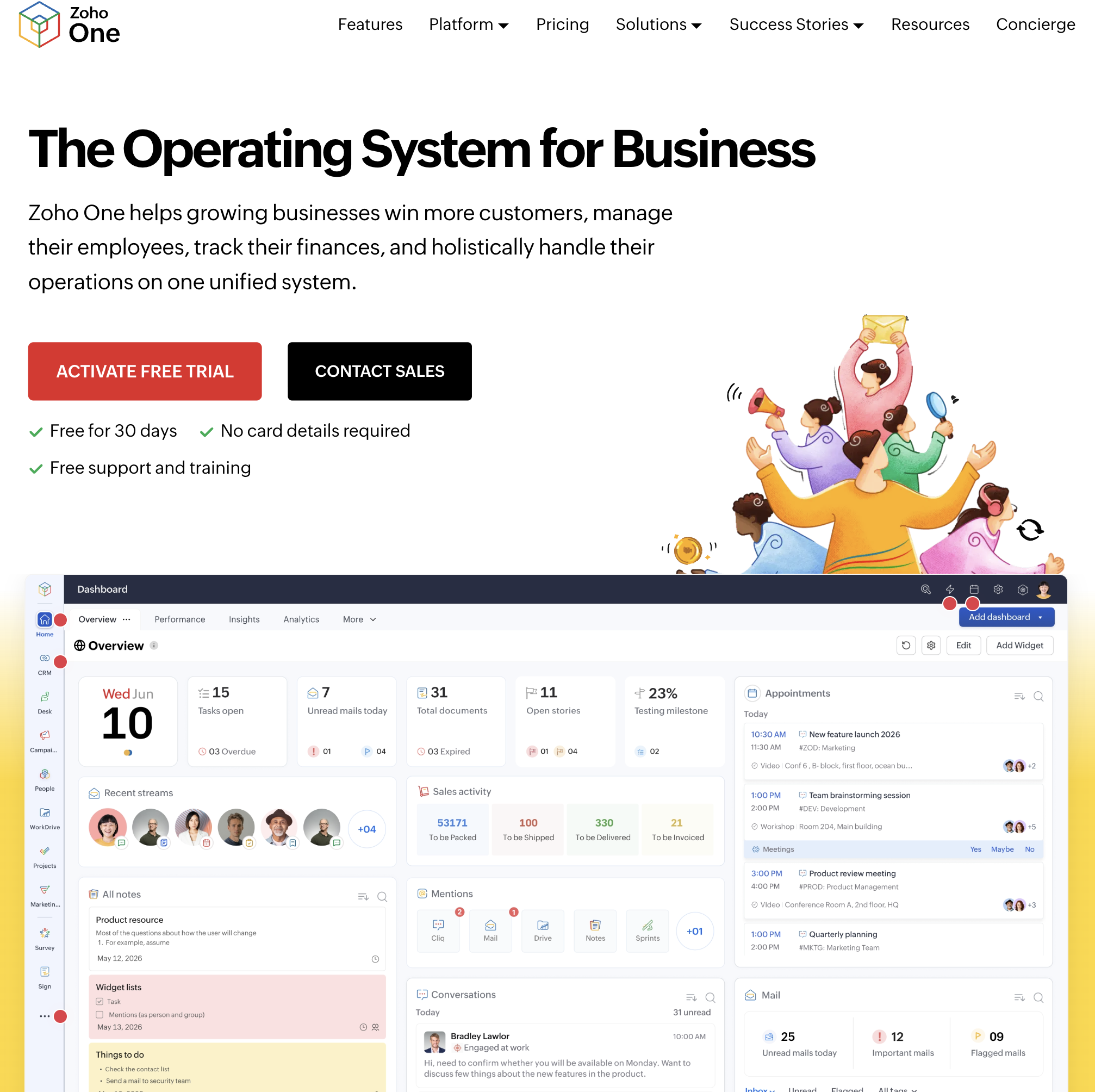
2. Zoho One — Best for All-in-One Enterprise SaaS Operating System & Maximum Cost Efficiency
Best For: Small-to-medium businesses, international operations, and budget-conscious enterprises that want a comprehensive, single-vendor operating system covering every department at an unbeatable per-employee price point.
Zoho One is the quintessential all-in-one business software suite. Dubbed the "Operating System for Business," Zoho One bundles more than 45 interconnected web and mobile applications under a single administrative umbrella, covering CRM, accounting (Zoho Books), project management (Zoho Projects), customer support (Zoho Desk), human resources (Zoho People), and team collaboration.
In-Depth Feature Analysis:
Massive 45+ Integrated App Suite: Unifies core business functions under a unified single sign-on (SSO) and shared data architecture, eliminating the need to procure disparate third-party SaaS tools.
Deep Financial & Accounting Alignment: Unlike many productivity-focused suites, Zoho One includes Zoho Books—a full-fledged double-entry accounting platform supporting invoicing, expense tracking, bank feeds, and tax compliance.
Zoho Flow & Deluge Scripting: Built-in visual workflow automation (Zoho Flow) and proprietary low-code scripting (Deluge) allow businesses to build complex automated triggers connecting CRM leads to project creation and accounting invoices.
Zia AI Assistant: Embedded artificial intelligence assistant that surfaces sales anomalies, predicts lead win rates, analyzes customer sentiment in support tickets, and answers natural language business intelligence queries.
Operational Limitations:
Steep Configuration Complexity: Setting up, customizing, and maintaining Zoho One’s vast ecosystem requires substantial time and operational expertise; smaller teams without dedicated administrators often struggle with configuration overwhelm.
Inconsistent Polish Across Modules: While flagship apps (Zoho CRM, Zoho Books) are robust, secondary tools (Zoho Projects, Zoho Cliq) can feel dated, rigid, or less intuitive than modern standalone competitors like monday.com or Slack.
Pricing Structure:
All-Employee Pricing ($37/employee/mo billed annually): Requires purchasing a license for every single employee on your payroll; delivers the lowest per-user cost for total business coverage.
Flexible User Pricing ($90/user/mo billed annually): Allows purchasing licenses only for designated employees who actively use the software, without company-wide mandates.
3. ClickUp — Best for Customizable Work OS, Task Management & Connected Productivity
Best For: Agile teams, creative agencies, software startups, and modern operations departments seeking a highly flexible, customizable all-in-one workspace uniting tasks, docs, chat, goals, and lightweight CRM.
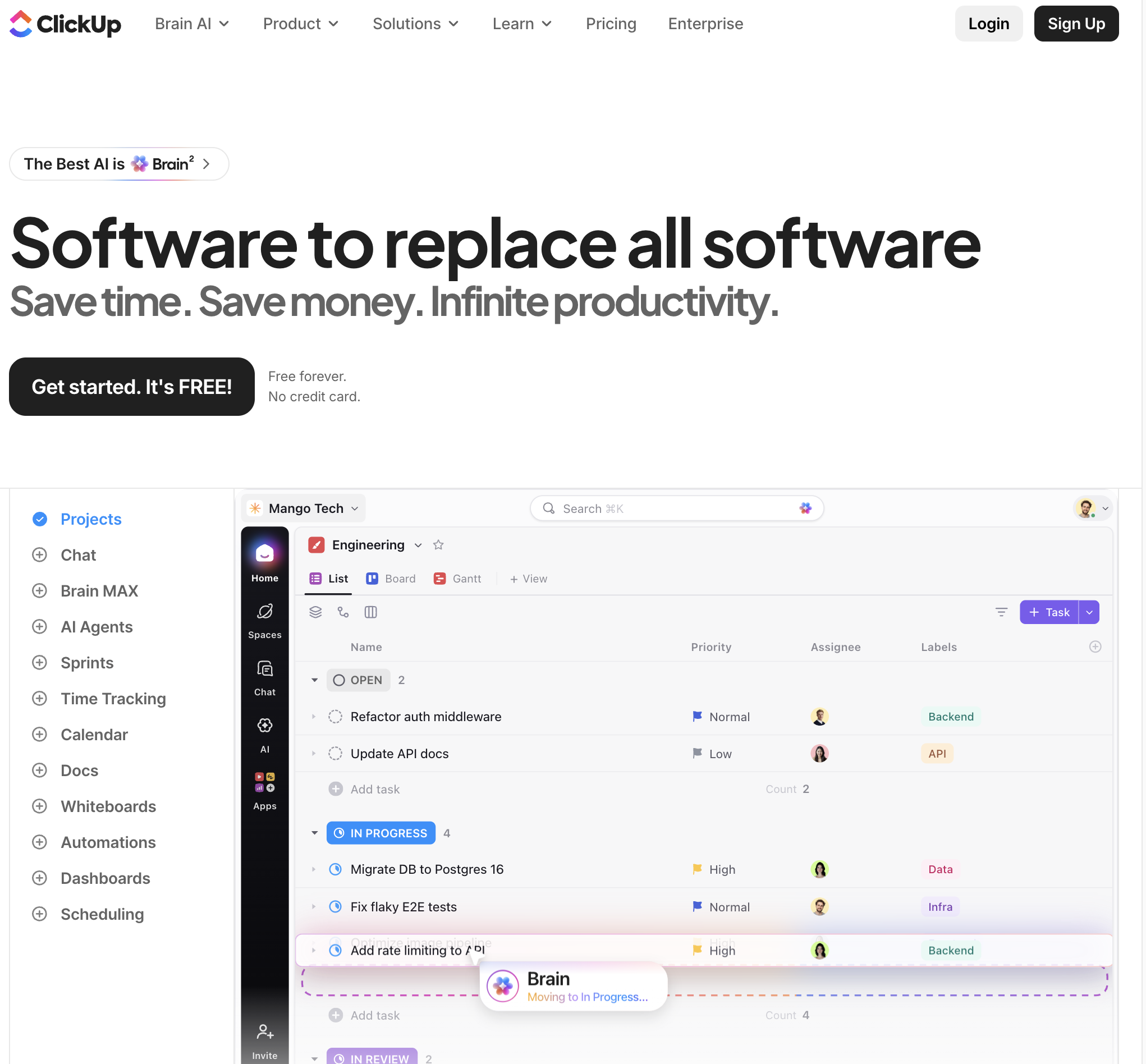
ClickUp has branded itself as the "one app to replace them all." Positioned as an all-in-one productivity and work management platform, ClickUp combines project management, document collaboration, real-time chat, goal tracking, and custom databases into a single, modular hierarchy.
In-Depth Feature Analysis:
Modular Workspace Hierarchy: Organizes company work through a clear architectural structure (Workspaces > Spaces > Folders > Lists > Tasks), allowing cross-functional departments to configure distinct views while rolling up into executive dashboards.
15+ Dynamic Project Views: Visualize work across List, Kanban Board, Gantt Chart, Calendar, Timeline, Workload, and custom Mind Maps without duplicating underlying data.
Connected Docs & Collaborative Wikis: Create rich, nested company documentation directly alongside tasks; embed live spreadsheets, assign inline action items, and link project deliverables with zero context switching.
ClickUp Brain (Integrated AI): Connects tasks, documentation, and team communications with conversational AI, enabling employees to query company wikis, auto-generate task summaries, and draft status updates automatically.
Operational Limitations:
Lacks Built-in Accounting & Invoicing: While ClickUp handles project delivery and client tracking exceptionally well, it is not an ERP; billing, double-entry accounting, and payroll require external integrations.
Performance & UI Clutter: The platform’s extreme flexibility can result in visual clutter, slow loading times in complex enterprise workspaces, and configuration fatigue for non-technical team members.
Pricing Structure:
Free Forever Plan: Generous free tier with unlimited tasks and members, with storage limits on attachments.
Business ($12/user/mo billed annually): Advanced automations, workload management, time tracking, custom exporting.
Enterprise: Custom pricing; advanced security, White Labeling, SAML SSO, enterprise API limits.
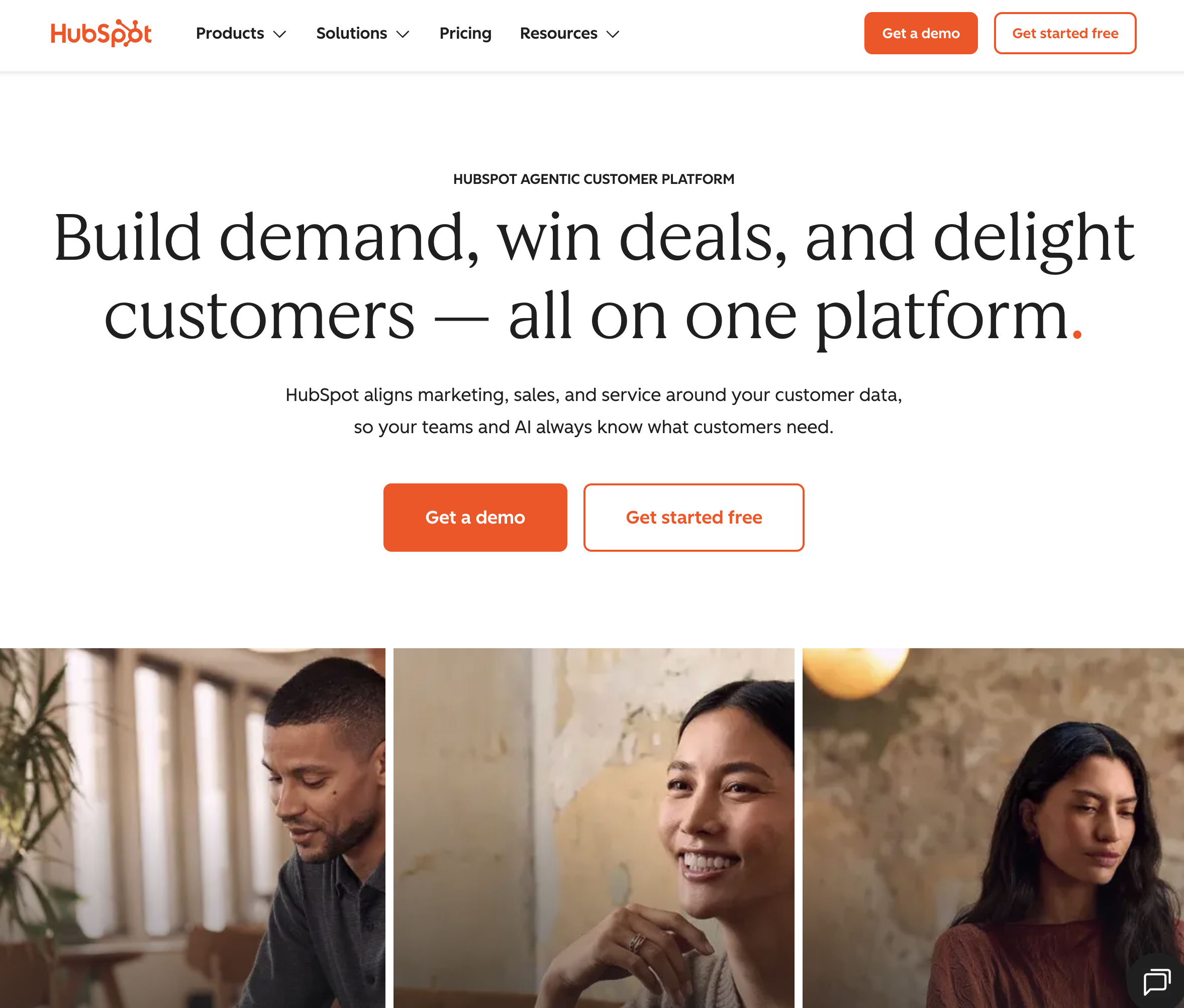
4. HubSpot Customer Platform — Best for Unified Commercial Growth, Inbound Marketing & CRM
Best For: High-growth B2B organizations, scale-ups, and commercial teams seeking an enterprise-grade all-in-one customer platform that seamlessly unites marketing, sales pipelines, customer service, and commerce around a single customer database.
HubSpot has evolved far beyond inbound marketing into a comprehensive all-in-one customer platform. Built on a single unified code base (the Smart CRM), HubSpot eliminates the architectural friction and data sync failures common in stitched-together enterprise tech stacks.
In-Depth Feature Analysis:
Unified Multi-Hub Architecture: Connects Marketing Hub (lead generation, email automation), Sales Hub (deal pipelines, call tracking), Service Hub (omnichannel ticketing, knowledge base), Content Hub (website CMS), and Commerce Hub (quotes, payments) around a centralized contact record.
Breeze AI Integration: Embedded artificial intelligence suite featuring autonomous agents (Customer Agent, Prospecting Agent, Content Agent) and Breeze Intelligence for automated contact enrichment and buyer intent detection.
Visual Workflow Builder: Industry-leading automation builder that triggers sophisticated cross-departmental actions—such as routing high-intent leads, assigning tasks to reps, triggering SMS reminders, and generating payment links.
Native Payments & Quoting (Commerce Hub): Allows B2B merchants to generate professional quotes, collect recurring subscription payments, and manage invoices directly inside CRM deal records without external payment gateways.
Operational Limitations:
Steep Price Escalation: While Starter tiers are affordable, upgrading to Professional and Enterprise tiers to unlock advanced workflows, custom reporting, and multiple pipelines represents a massive financial jump ($1,000+/mo).
Commercial Focus Only: HubSpot is engineered exclusively for customer-facing commercial operations; it does not handle internal back-office ERP functions such as complex inventory tracking, supply chain logistics, or full general ledger accounting.
Pricing Structure:
Free Tools: Basic CRM, email marketing, and ticketing.
Starter Customer Platform ($15/seat/mo): Basic marketing, sales, and service tools for small teams.
Professional Bundles: Comprehensive multi-hub access typically starting at $1,170–$1,750/month.
Enterprise Bundles: Custom enterprise pricing for large organizations requiring custom objects, advanced governance, and dedicated account management.
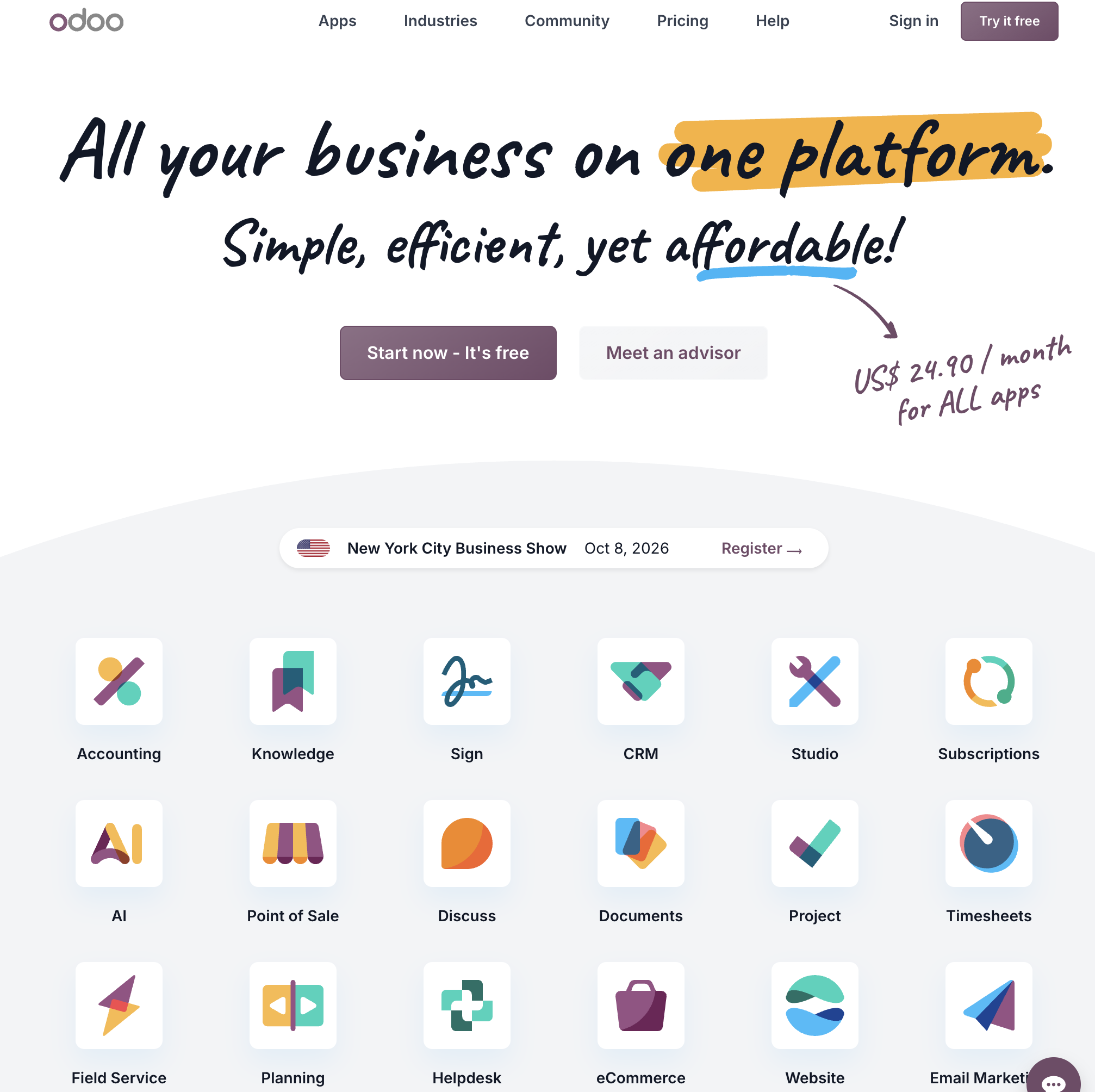
5. Odoo — Best for Modular Open-Source ERP & Scalable Business Operations
Best For: Growing manufacturing brands, retail businesses, e-commerce stores, and technical enterprises seeking a fully modular, highly customizable ERP platform where they can start small and activate additional business apps as they scale.
Odoo provides a unique, highly scalable approach to all-in-one business software. Rather than forcing companies into a rigid, all-or-nothing monolith, Odoo operates as an open-source modular ERP platform featuring thousands of community and official enterprise applications that integrate seamlessly around a unified PostgreSQL database.
In-Depth Feature Analysis:
Comprehensive Modular App Ecosystem: Features official applications covering Accounting, CRM, Sales, Point of Sale (POS), Inventory & Warehouse Management, Manufacturing (MRP), Purchase, Project Management, and e-Commerce.
True Double-Entry Accounting & Inventory: Odoo’s accounting and inventory modules are industrial-strength, supporting automated valuation, multi-warehouse tracking, serial/lot tracking, automated replenishment, and multi-currency ledgers.
Unified Single-Pricing Model: Odoo’s modern pricing structure gives users access to all official Odoo apps for a single per-user monthly fee, eliminating the historical practice of charging per application module.
Open-Source Flexibility & Customization (Odoo Studio): Developers and technical teams can inspect source code, host on-premise, or use Odoo Studio to visually drag-and-drop custom fields, build bespoke relational models, and customize business logic.
Operational Limitations:
Implementation & Maintenance Overhead: Deploying Odoo for complex manufacturing, warehouse, or accounting workflows frequently requires engaging specialized implementation partners or hiring dedicated in-house developers.
Third-Party App Store Fragmentation: Relying on community-built third-party apps can introduce version compatibility issues and migration headaches during major annual Odoo core updates.
Pricing Structure:
One App Free: Full access to a single Odoo application hosted on Odoo Online for unlimited users completely free.
Standard ($7.25–$9.10/user/mo billed annually): Unlimited access to all standard Odoo applications hosted on Odoo Online.
Custom ($10.90–$13.60/user/mo billed annually): Access to all apps, Odoo Studio customization, multi-company support, and hosting on Odoo.sh or on-premise servers.
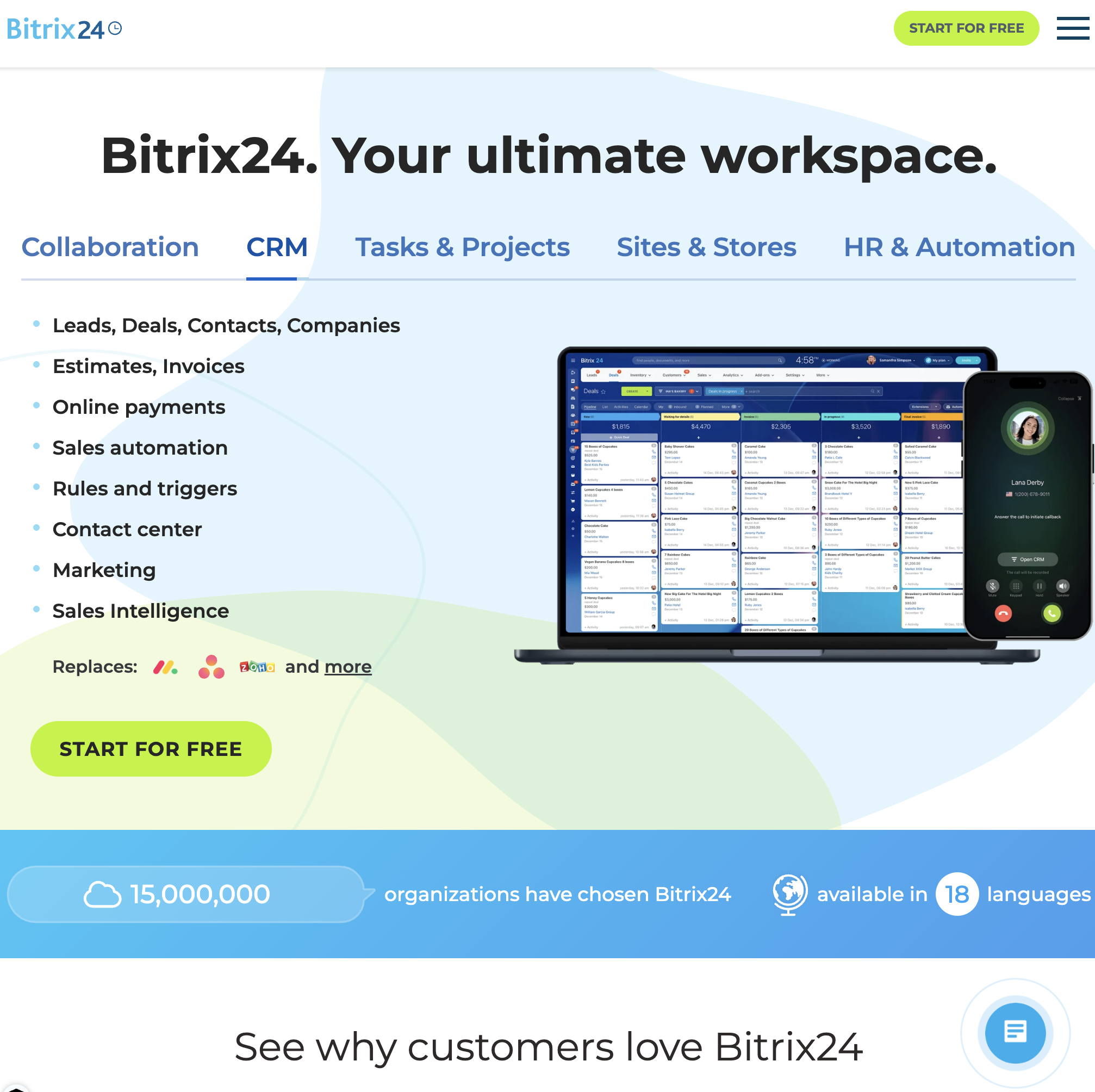
6. Bitrix24 — Best for Flat-Rate Pricing, Internal Intranet & Telephony Integration
Best For: Mid-sized companies, call centers, and distributed organizations seeking an all-in-one collaborative workspace, CRM, and communication intranet with flat-rate pricing that doesn't penalize employee headcount growth.
Bitrix24 is a veteran all-in-one business management platform renowned for its extensive feature breadth and unique flat-rate pricing model. Uniting over 35 business tools, Bitrix24 combines a full-featured CRM with project tracking, internal social feeds, HD video conferencing, cloud file storage, HR records, and built-in virtual telephony.
In-Depth Feature Analysis:
Flat-Rate Pricing Tiers: Unlike virtually all mainstream SaaS competitors that charge per user, Bitrix24 charges fixed monthly bundle rates for designated user brackets (e.g., up to 50 users for $99/mo; 100 users for $199/mo), making it exceptionally cost-effective for larger teams.
Integrated Telephony & Contact Center: Includes built-in cloud PBX telephony, call recording, automated IVR routing, and SMS messaging directly inside CRM contact records without requiring third-party VOIP integrations.
Internal Social Intranet & Collaboration: Replaces disjointed internal chat tools with an integrated social activity stream, departmental group chats, employee directories, and company-wide announcement feeds.
Robotic Process Automation (RPA): Visual workflow designer that automates recurring internal administrative processes—such as employee leave requests, expense approvals, and purchase order sign-offs.
Operational Limitations:
Cluttered, Legacy Interface: The sheer density of features makes Bitrix24’s interface feel overwhelming, dated, and visually cluttered compared to modern, minimalist alternatives.
Customer Support Response Times: Users frequently report that technical support can be slow to resolve complex ticket inquiries unless subscribed to high-tier enterprise enterprise plans.
Pricing Structure:
Free Plan: Unlimited users with basic collaboration, 5GB storage, and basic CRM.
Basic ($49/mo for 5 users billed annually): Expanded CRM, online store, and 24GB storage.
Standard ($99/mo for 50 users billed annually): Full marketing suite, document management, and 100GB storage.
Professional ($199/mo for 100 users billed annually): Advanced sales automation, HR management, and 1,024GB storage.
Enterprise (starts at $399/mo for 250 users): Custom multi-branch architecture, dedicated enterprise infrastructure.
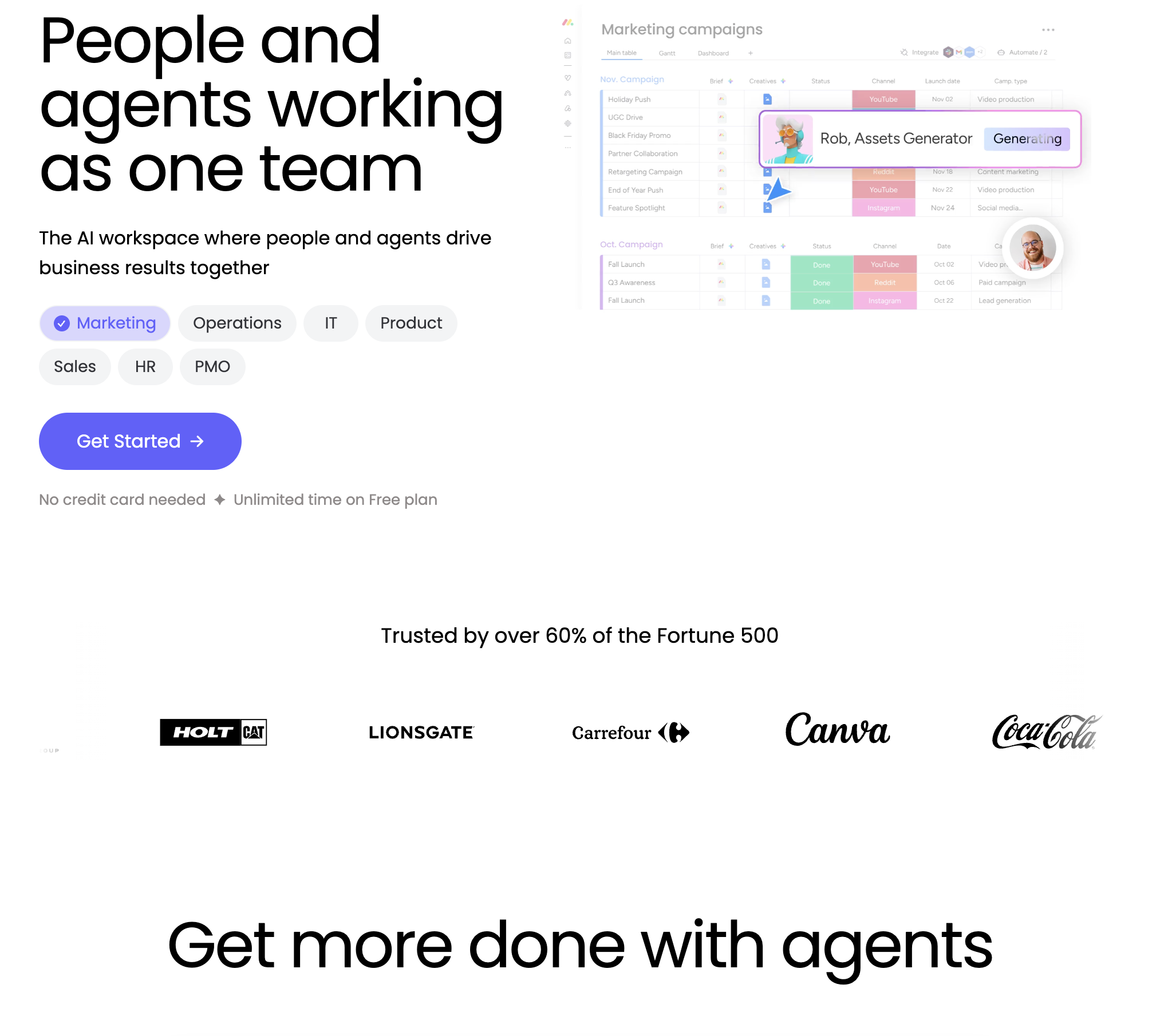
7. monday.com — Best for Visual Work Management, Cross-Department Operations & Transparency
Best For: Creative agencies, marketing departments, software teams, and cross-functional operations leaders seeking an intuitive, highly visual Work OS that unifies project management, team workflows, and CRM pipelines.
monday.com has transformed from a simple team task tracker into a comprehensive Work Operating System (Work OS). By organizing all corporate activities into customizable, color-coded visual boards, monday.com delivers unmatched transparency and collaborative clarity across disparate departments.
In-Depth Feature Analysis:
Modular Multi-Product Suite: Features dedicated specialized environments:
monday work management: Core collaborative project, portfolio, and task management.
monday sales CRM: Visual sales pipelines, lead management, and contact activity tracking.
monday dev: Agile sprint planning, product roadmapping, and bug tracking.
No-Code Recipe-Based Automations: Configure powerful operational triggers using human-readable conditional sentences (e.g., "When a project status changes to Approved, notify the billing lead, create an invoice item, and move the card to Active Client board").
Real-Time Executive Dashboards: Roll up data from dozens of individual team boards into high-level executive summary dashboards featuring real-time budget burn charts, workload capacity meters, and milestone tracking.
Extensive Integration Ecosystem: Seamlessly integrates with 200+ enterprise SaaS tools—including Slack, Google Workspace, Microsoft Teams, Jira, and Zoom—ensuring cross-app alerts stay aligned.
Operational Limitations:
Monthly Automation Action Limits: Each subscription tier enforces strict monthly automation execution caps (e.g., 250 actions/mo on Standard; 25,000 actions/mo on Pro), which can be exhausted quickly by high-volume workflows.
Requires External Accounting Tools: monday.com does not include a double-entry general ledger or native tax/invoicing engine; full financial management requires integrating with QuickBooks, Xero, or Stripe.
Pricing Structure:
Free Plan: Up to 2 seats with basic board management.
Standard ($12/seat/mo billed annually): 250 automation actions per month, timeline and Gantt views.
Pro ($19/seat/mo billed annually): 25,000 automation actions per month, formula columns, time tracking, private boards.
Enterprise: Custom volume pricing with SAML SSO, audit logs, and dedicated customer success.
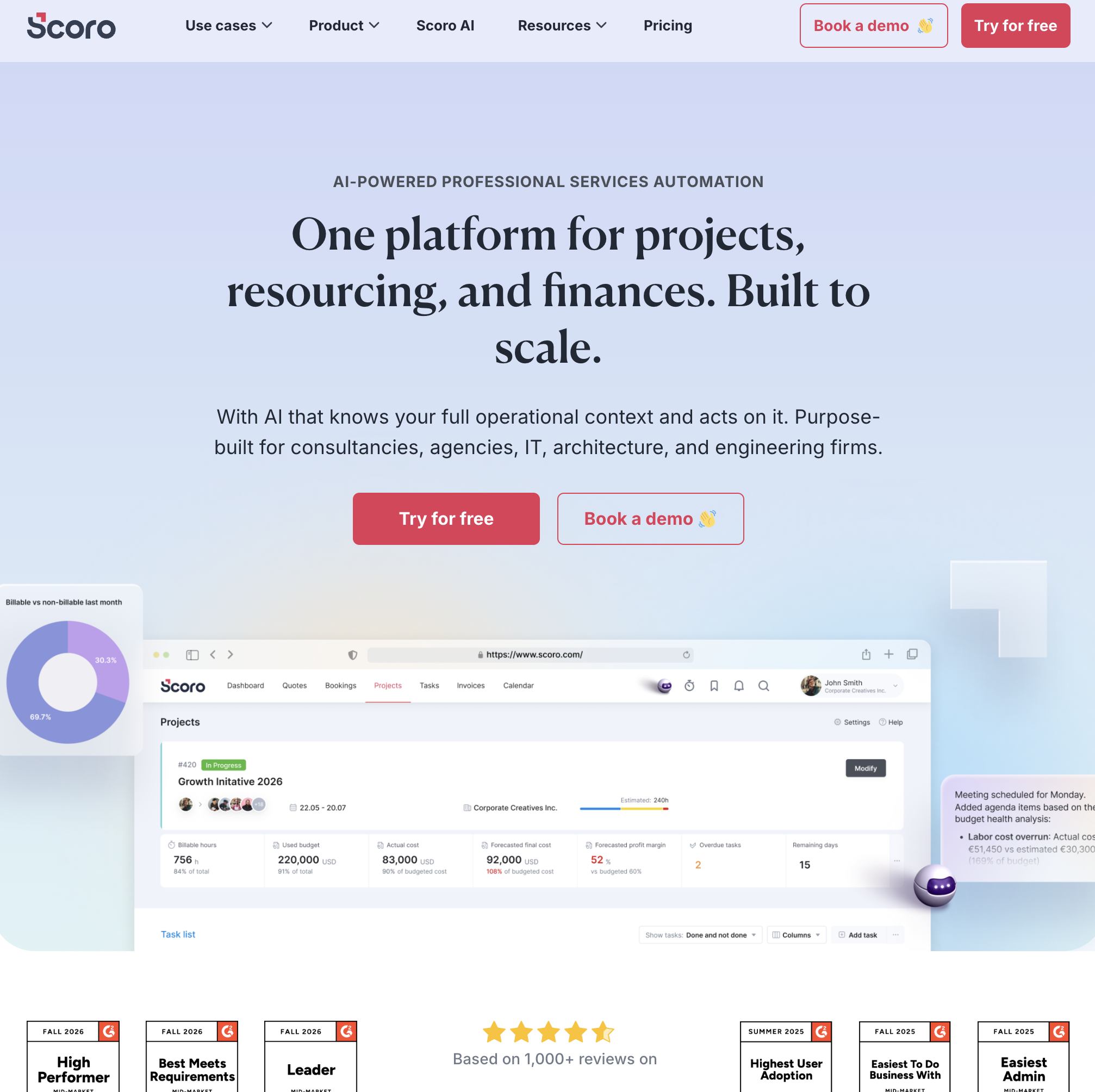
8. Scoro — Best for Professional Services Automation (PSA), Client Retainers & Agency Operations
Best For: Digital agencies, management consultancies, architecture firms, and professional service providers that need an end-to-end operational platform combining project delivery, time tracking, and financial billing.
Scoro is an enterprise-grade Professional Services Automation (PSA) platform engineered specifically for billable client businesses. Unlike generic project management tools, Scoro connects operational project delivery directly with financial profitability, tracking every billable minute from initial sales quote to final invoice reconciliation.
In-Depth Feature Analysis:
End-to-End Client Lifecycle Tracking: Manages the complete client journey in a single interface: CRM lead tracking, project quoting, team capacity scheduling, time tracking, expense logging, and automated billing.
Real-Time Profitability & Margin Intelligence: Automatically tracks project costs, staff hourly billable rates, external contractor expenses, and overhead against fixed contract budgets in real time, alerting project leads before margin erosion occurs.
Automated Retainer & Recurring Billing: Streamlines monthly recurring client retainers, automatically tracking allocated hours, rolling over unused time, and generating automated monthly invoices.
Resource & Workload Capacity Planning: Dynamic visual scheduling boards allow operations managers to balance team utilization, preventing burnout and identifying underutilized personnel weeks in advance.
Operational Limitations:
Premium Pricing Model: Scoro is positioned as a high-end PSA platform with a minimum 5-seat commitment ($130+/mo minimum entry), pricing out solo operators and micro-businesses.
Rigid Architecture for Non-Service Businesses: Built specifically around billable time, projects, and retainers; unsuited for product-based e-commerce, retail, or manufacturing companies.