Oops! Something went wrong while submitting the form.
AI for Business in 2026: 8 Platforms Tested for Enterprise ROI, Workflow Integration & Autonomous Execution
When CEOs, CTOs, and business operations leaders search for the best AI for business (frequently evaluated alongside business AI tools, enterprise AI platforms, or AI productivity software for business), they confront a fundamental evolution in corporate technology in 2026: the death of the passive chatbot prompt.
Between 2023 and 2025, enterprise AI adoption primarily revolved around generative text assistants: employees opened browser tabs, typed prompts into consumer chat windows, copied drafted emails or summaries, and pasted them back into their work applications. While this conversational phase demonstrated the creative potential of large language models, it created severe operational bottlenecks: context fragmentation, manual copy-pasting, hallucinations on private data, and zero operational execution. A chatbot can draft a contract or brainstorm a marketing campaign, but it cannot log into your billing portal, reconcile invoice discrepancies, verify state corporate filings, update your CRM, or coordinate multi-step back-office workflows.
By 2026, enterprise AI has crossed the chasm from conversational prompt-and-response into autonomous multi-app execution. Forward-thinking businesses are no longer asking "Which model writes the best paragraph?" but rather "Which AI can independently execute complete, end-to-end operational workflows across our software stack?"
The enterprise AI software landscape in 2026 has fractured into distinct operational paradigms:
Ecosystem-embedded workplace copilots deeply woven into daily office suites (e.g., Microsoft 365 Copilot, Google Workspace with Gemini).
Enterprise conversational intelligence and custom reasoning platforms designed for analytical research and proprietary knowledge base synthesis (e.g., OpenAI ChatGPT Enterprise, Anthropic Claude for Work).
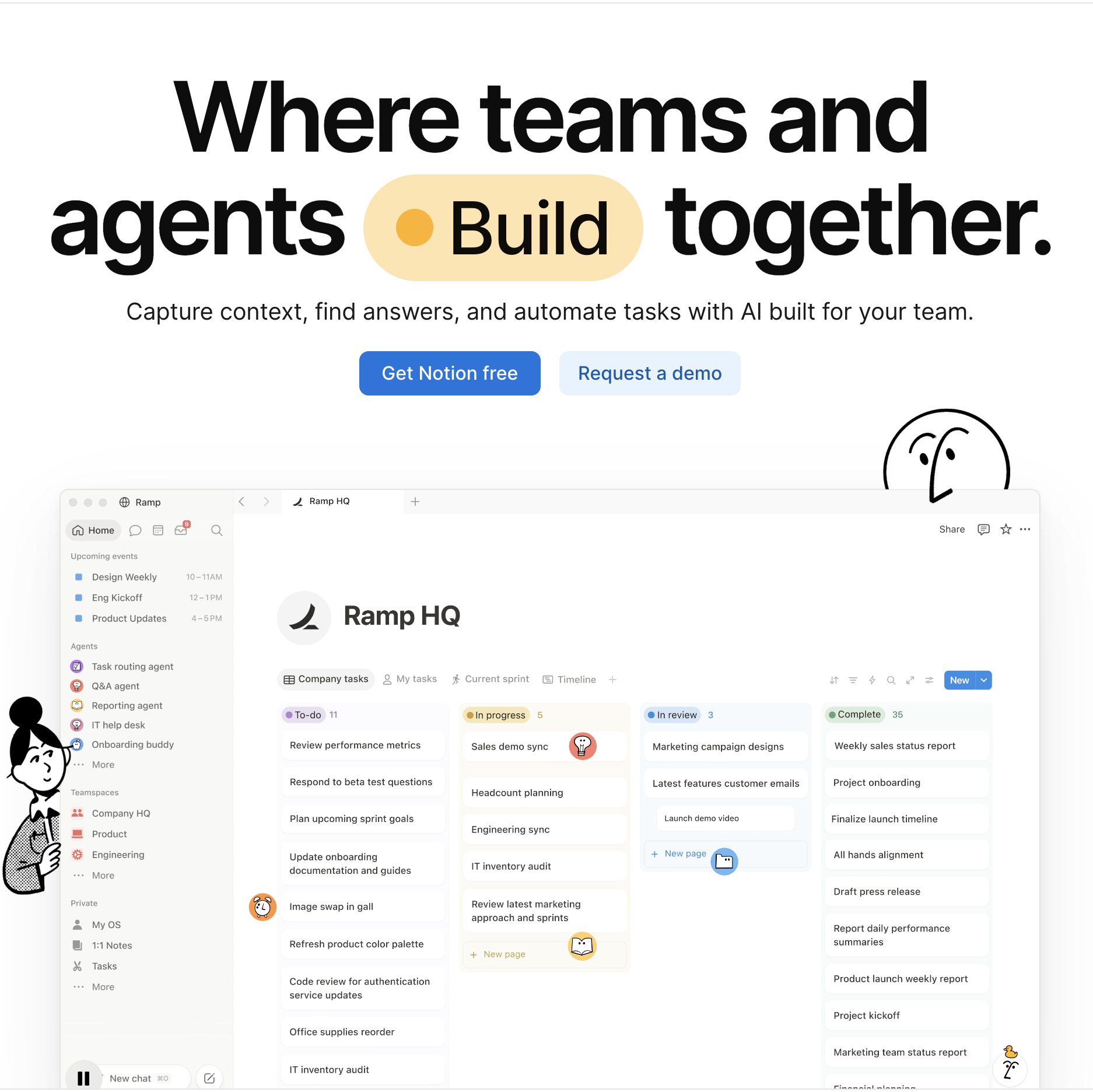
Collaborative AI knowledge bases and project engines uniting company documentation with task tracking (e.g., Notion AI).
Specialized vertical AI automation engines purpose-built for commercial sales, marketing, and customer service operations (e.g., Jasper, HubSpot Breeze AI).
Autonomous screen-action computer-use coworkers (like Sai) that fundamentally transcend passive conversational chat—operating your web browser, native desktop apps, and command terminals with human-grade visual cognition, self-healing execution, and zero human babysitting.
This comprehensive guide benchmarks the top eight AI platforms for business in 2026 across these operational paradigms, evaluating how each tool delivers measurable business ROI, enterprise security compliance, and true operational autonomy.
How we evaluated
To deliver an objective, data-backed evaluation for enterprise decision-makers, our testing framework evaluated each business AI platform across five standardized operational criteria:
Operational Autonomy & Screen Execution: We evaluated the operational boundary of each platform. Does the AI stop at generating text in a conversation window, or can an autonomous agent operate a computer—clicking buttons, navigating complex web portals, filling multi-page forms, and executing multi-step cross-app workflows without human intervention?
Deep Workplace Stack Integration: We analyzed how smoothly the platform connects with existing business tools. Does it natively embed into daily productivity environments (Microsoft 365, Google Workspace, Salesforce, Slack) or require disruptive workflow switching across isolated browser tabs?
Enterprise Data Privacy & Security Governance: We scrutinized corporate data protection architecture. Does the vendor guarantee that customer and corporate data will never be used to train foundation models? Does the platform support SOC 2 Type II, ISO 27001, GDPR, HIPAA compliance, SAML SSO, and isolated zero-trust credential vaulting?
Complex Reasoning & Multimodal Document Understanding: We benchmarked the AI's ability to analyze unstructured business artifacts—such as parsing multi-page financial PDF disclosures, auditing complex spreadsheets, interpreting technical architecture diagrams, and reconciling inconsistent invoice line items.
Total Cost of Ownership & Measurable ROI: We analyzed true corporate costs: baseline per-user licensing fees, minimum seat commitments, add-on infrastructure usage costs, and the implementation time required to deliver positive return on investment.
Comparison Summary
Platform
Operational Paradigm
Key Strengths
Primary Bottleneck
Starting Pricing
Sai (by Simular)
Autonomous Screen-Action & Computer-Use Coworker
#1 on OSWorld Benchmark; operates browser and native desktop applications via virtual mouse and keyboard; conducts multi-app workflows without APIs; features self-healing replay and zero-trust credential isolation; mobile delegation via Telegram/SMS
Engineered for multi-step autonomous screen execution rather than serving as an instant millisecond conversational chatbot widget
Free tier available; Pro at $50/mo; Ultimate at $500/mo; Custom Enterprise
Seamless integration into Word, Excel, PowerPoint, Teams, and Outlook; queries corporate Microsoft Graph data; enterprise-grade compliance and security
Requires existing Microsoft 365 commercial license; locked into Microsoft ecosystem; cannot operate external third-party software interfaces
$30/user/mo (annual commitment, add-on to M365 Business/Enterprise license)
Conversational Foundation Intelligence & Custom GPTs
State-of-the-art multimodal reasoning; unlimited high-speed GPT-4o access; custom GPT creation without code; SOC 2 Type II compliance with zero training on corporate data
Strictly conversational prompt-based interaction; cannot autonomously click or operate internal company tools; minimum seat thresholds
Custom quote (typically ~$60/user/mo with minimum seat volume commitments)
Instantly searches and synthesizes across entire corporate Notion workspace, Slack, and Google Drive; automated project status updates; inline document editing
Dependent on keeping Notion documentation up to date; cannot perform transactional actions in third-party CRMs or ERPs
Embedded Breeze Agents for automated customer support, social posting, and buyer enrichment; native alignment with CRM contact data
Locked exclusively into the HubSpot CRM ecosystem; high costs when expanding across multiple departmental hubs
Included with HubSpot paid editions; credits and premium agents scale with tier upgrades
Detailed Platform Reviews
1. Sai (by Simular) — Best for Autonomous End-to-End Business Execution & Screen-Action Operations
Best For: CEOs, COOs, business owners, and department heads who need an autonomous (robo)secretary that doesn't just chat in a browser tab, but actively operates web browsers, native desktop applications, internal company portals, and local file systems with human-grade visual cognition and zero human babysitting.
Most business AI tools stop at generating text: they draft an email, summarize a meeting, or output a Python snippet, leaving a human employee to manually copy-paste the data into target enterprise systems. Sai fundamentally transcends the conversational paradigm through autonomous computer-use execution.
Ranked #1 on the global OSWorld benchmark, Sai is an autonomous AI coworker equipped with its own virtual mouse, keyboard, browser, and terminal. Instead of requiring brittle API integrations or constant human prompting, Sai interacts with software through visual element recognition and OS-level keyboard/mouse control—operating web applications, native desktop software (Notepad, Excel, native CRM clients), and terminal utilities exactly like a skilled operations specialist.
How Sai Transforms AI for Business:
No-API Multi-App Workflow Execution: Most core business workflows depend on legacy ERPs, internal company dashboards, or government compliance portals that lack public webhooks or Zapier connectors. Sai logs into these portals, navigates multi-step form screens, verifies field labels using visual grounding, and executes end-to-end data transfer without requiring custom API engineering.
Dual-Engine Architecture (Instant Linux Sandbox + Persistent Cloud Desktop VM): Computationally heavy tasks—such as parsing massive CSV lead lists, deduplicating databases via Python scripts, running batch image processing, or converting documents—execute in an ultra-fast, isolated Linux sandbox. When interactive browser navigation, visual verification, authenticated portals, or native desktop applications are required, Sai seamlessly drives a dedicated cloud desktop VM.
Self-Healing Replay Workflows: When a website layout changes or an interface button moves slightly, traditional automation bots crash and throw errors. Sai uses visual-language model (VLM) grounding and semantic intent reconciliation to automatically detect relocated elements, adapt its execution path, and self-heal the workflow without human intervention.
Unstructured Document & Artifact Intelligence: Sai natively inspects, reads, and analyzes complex business artifacts—including multi-page PDF vendor invoices, SEC filings, scanned receipts, and custom spreadsheets—extracting clean structured data and updating downstream systems automatically.
Zero-Trust Security & Mobile Delegation: Enterprise business operations require handling sensitive corporate credentials securely. Sai’s isolated credential gate ensures master passwords and two-factor tokens are never exposed in plaintext LLM contexts. Business executives can delegate recurring operational audits or trigger complex back-office workflows directly from mobile messaging apps (Telegram, SMS) while traveling.
Specialized B2B Team & Department Solutions:
Learn how Sai for Small Businesses allows lean operations teams to maintain enterprise-grade operational velocity without hiring expensive administrative staff.
Explore how Sai for Enterprise provides dedicated execution clusters, enterprise-grade compliance governance, and scalable multi-user workflow orchestration.
Discover tailored vertical workflows designed specifically for Operations, Sales, and Marketing.
Pricing & Tiers:
Free Tier: Complimentary daily computer time to experience autonomous screen-action business workflows.
Pro ($50/mo): Ideal for founders, account executives, and operations managers running regular automated research, data reconciliation, and reporting.
Ultimate ($500/mo): Engineered for high-growth operations teams managing high-volume recurring workflows, multi-app reconciliations, and document pipelines.
2. Microsoft 365 Copilot — Best for Ecosystem-Embedded Enterprise Productivity & Document Creation
Best For: Enterprise corporations, global organizations, and mid-market companies deeply committed to the Microsoft 365 ecosystem seeking unified generative AI directly inside Word, Excel, PowerPoint, Teams, and Outlook.
Microsoft 365 Copilot represents the most seamless ecosystem integration in business AI. Operating directly inside standard enterprise software applications, Copilot leverages the Microsoft Graph to ground generative AI in your organization’s real-time emails, chats, documents, and calendar events.
In-Depth Feature Analysis:
Deep Application Embedding: Draft executive proposals in Word, build financial projection models and formulas in Excel, generate customer-ready slide presentations in PowerPoint, and summarize email threads in Outlook without leaving the application window.
Teams Meeting Intelligence: Automatically transcribes live Microsoft Teams calls, detects unresolved action items, identifies who said what, and generates comprehensive meeting recaps in real time.
Microsoft Graph Grounding: Securely queries corporate data across OneDrive, SharePoint, emails, and calendar appointments while strictly honoring user permission tiers and data security boundaries.
Enterprise-Grade Compliance: Inherits Microsoft’s comprehensive enterprise security architecture, ensuring full compliance with GDPR, HIPAA, and ISO standards with zero data leakage into public model training pools.
Operational Limitations:
Ecosystem Lock-In: Strictly restricted to the Microsoft ecosystem; cannot interact with external third-party web portals or non-Microsoft software interfaces.
High Add-On Cost: Priced at a flat $30 per user per month with an annual commitment, added on top of an existing paid Microsoft 365 commercial license, making it a substantial software investment for large headcounts.
Pricing Structure:
Copilot for Microsoft 365 ($30/user/mo billed annually): Requires an underlying Microsoft 365 Business Standard, Business Premium, E3, or E5 license.
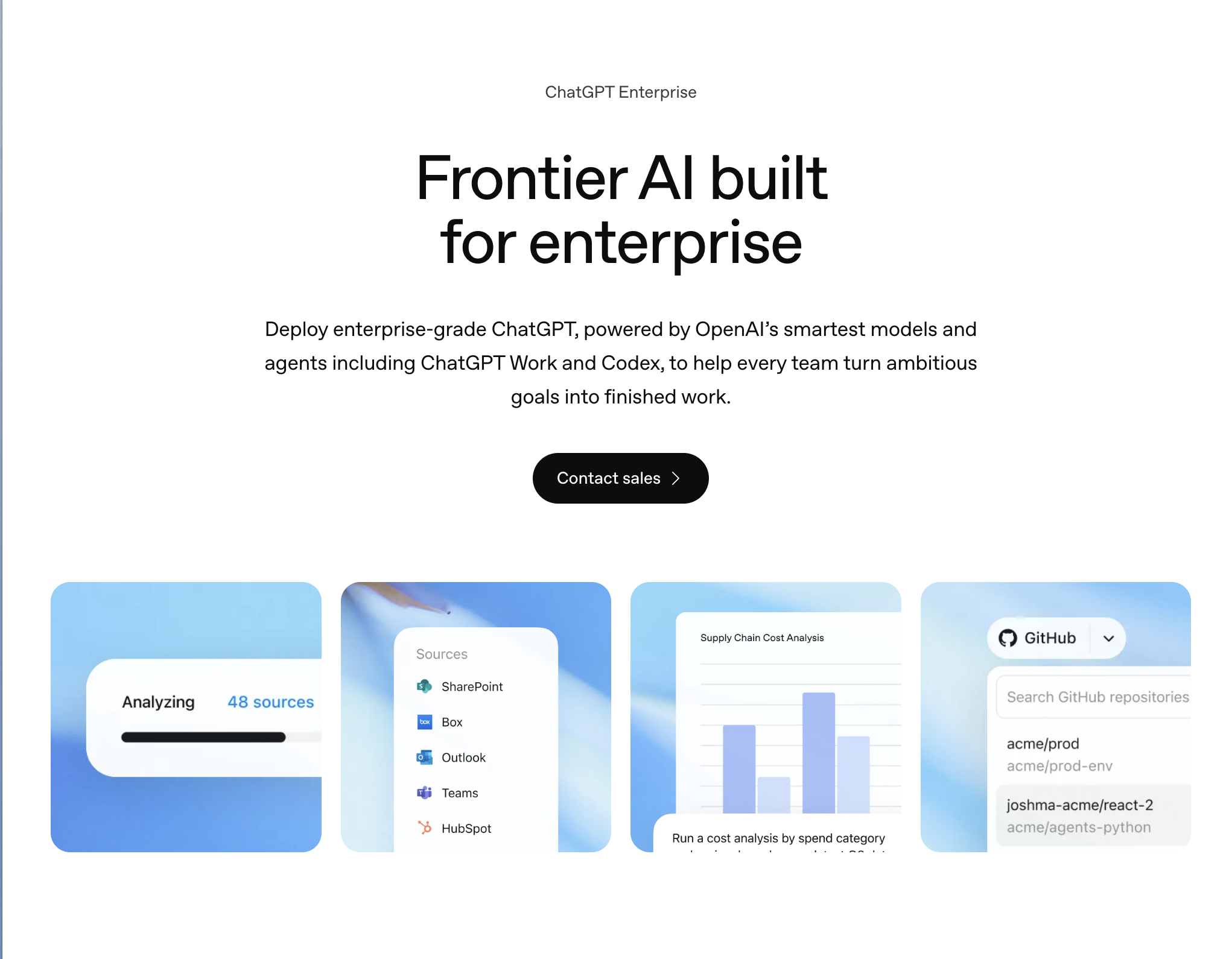
3. ChatGPT Enterprise — Best for Foundational Multi-Modal Reasoning & Custom Enterprise GPTs
Best For: Organizations seeking state-of-the-art general-purpose AI reasoning, rapid document synthesis, advanced data analysis, and the ability to build custom company GPTs without technical coding.
ChatGPT Enterprise is the enterprise-grade deployment of OpenAI’s flagship conversational platform. Built specifically to address corporate security and speed requirements, it provides unlimited high-speed access to GPT-4o with dedicated enterprise governance controls.
In-Depth Feature Analysis:
State-of-the-Art Multi-Modal Reasoning: Processes text, high-resolution imagery, and structured files with industry-leading speed, delivering nuanced strategic summaries, code generation, and qualitative business analysis.
Advanced Data Analysis (Code Interpreter): Allows non-technical business analysts to upload massive spreadsheets or CSV files, executing Python scripts in the background to clean data, identify statistical correlations, and generate downloadable charts.
No-Code Custom GPT Builder: Enables departments (HR, legal, marketing) to create shared, custom GPTs loaded with proprietary internal policy documents and specialized prompt instructions without engineering assistance.
Enterprise Privacy & Security: Full SOC 2 Type II compliance, SAML SSO, domain verification, and an ironclad guarantee that corporate inputs and outputs are never utilized to train OpenAI foundation models.
Operational Limitations:
Passive Prompt-and-Response Model: Operates strictly within a conversation chat window; it cannot independently navigate web portals, log into CRMs, or execute cross-app operational workflows without developer API engineering.
Minimum Seat Commitments: Enterprise tier sales require custom contracts with minimum seat thresholds, which can be restrictive for smaller companies.
Pricing Structure:
Team ($25–$30/user/mo): Minimum 2 seats, basic workspace admin console.
Enterprise (Custom quote): Typically ~$60/user/mo with volume commitments, custom data retention policies, and dedicated account management.
4. Claude for Work — Best for Deep Analytical Synthesis, Long-Context Reasoning & Technical Analysis
Best For: Legal teams, financial analysts, management consultancies, and engineering organizations requiring industry-leading reasoning on massive 200K+ token corporate documents and complex technical data.
Claude for Work (developed by Anthropic) has earned a premier reputation among enterprise knowledge workers for its nuanced writing style, superior reasoning capabilities, and massive context window. Powered by the Claude 3.5 Sonnet model family, Claude excels at synthesizing vast amounts of complex corporate information without hallucinations.
In-Depth Feature Analysis:
Massive 200,000-Token Context Window: Ingest entire corporate handbooks, 100-page SEC 10-K filings, complete software codebases, or complex legal contracts in a single prompt session without context truncation.
Artifacts Interactive Workspace: Displays generated code, interactive web prototypes, SVG diagrams, and long-form documents side-by-side with conversation text, allowing teams to iterate on deliverables in real time.
Nuanced, Human-Grade Writing Style: Consistently praised for producing thoughtful, natural prose that avoids the formulaic clichés common in consumer conversational AI models.
Team Projects & Knowledge Base Management: Allows departments to organize shared knowledge bases into dedicated project folders, ensuring that all team members query from the same curated corporate context.
Operational Limitations:
Purely Conversational Interface: Lacks native screen-level execution or automated multi-application navigation; cannot click through third-party web portals or execute desktop actions without external API integrations.
Fewer Native Enterprise App Connectors: While Claude offers developer APIs, its out-of-the-box pre-built connector ecosystem is smaller than Microsoft’s or Google’s native offerings.
Pricing Structure:
Team Plan ($25–$30/user/mo): Minimum 5 seats, shared team projects, 200K context window.
Enterprise Plan (Custom quote): Single sign-on (SSO), role-based access controls, enhanced rate limits, and custom data governance.
5. Google Workspace with Gemini — Best for Cloud-Native Office Collaboration & Real-Time Meeting Summaries
Best For: Modern technology startups, remote teams, and organizations operating entirely on Google Workspace seeking native generative AI embedded across Gmail, Docs, Sheets, Slides, and Google Meet.
Google Workspace with Gemini is Google’s direct enterprise counterpart to Microsoft 365 Copilot. By embedding Gemini models natively across the cloud-native Google Workspace suite, Google delivers frictionless generative assistance tailored for agile, collaborative digital teams.
In-Depth Feature Analysis:
Native Gmail & Docs Collaboration: Draft customer-facing emails, summarize dense email threads, polish business proposals, and expand bulleted outlines directly inside Docs and Gmail with one click.
Google Meet Real-Time "Take Notes for Me": Automatically joins video conferences to record real-time meeting notes, action items, and executive summaries, circulating recap documents to attendees immediately after calls conclude.
Data Organization in Google Sheets: Automatically organizes project trackers, creates categorized tables from unstructured text notes, and suggests data classifications without complex formula coding.
Cloud-Native Enterprise Security: Enterprise data remains strictly compartmentalized within your organization’s Google Workspace tenant, protected by Google’s world-class cloud infrastructure and compliance certifications.
Operational Limitations:
Ecosystem Constraint: Exclusively functional within Google Workspace; cannot assist users working in Microsoft desktop suites or native desktop applications.
Analytical Depth in Sheets: While Gemini excels at summarizing text and formatting tables, complex statistical analysis and dynamic modeling in Sheets currently lag behind Excel Copilot.
Pricing Structure:
Gemini Business ($20/user/mo billed annually): Core generative features across Workspace with monthly usage limits.
Gemini Enterprise ($30/user/mo billed annually): Full access to Gemini advanced models, translated captions in Meet, and full enterprise data governance.
6. Notion AI — Best for Connected Company Wikis, Document Management & Project Intelligence
Best For: High-growth startups, product teams, engineering squads, and modern knowledge organizations that treat Notion as their central operational wiki, project hub, and document repository.
Notion AI transforms static company documentation into an active, searchable enterprise intelligence hub. Rather than functioning as an isolated chatbot, Notion AI is embedded directly into pages, databases, and project boards, allowing teams to query corporate knowledge seamlessly.
In-Depth Feature Analysis:
Universal Knowledge Base Q&A: Team members can ask plain-language questions (e.g., "What is our parental leave policy?" or "Who owns the Q3 product roadmap?"), and Notion AI instantly synthesizes answers citing specific internal pages.
Connected Workspace Search: Expands search intelligence beyond Notion by querying connected third-party tools like Slack channels and Google Drive documents directly from the Notion interface.
Inline Writing & Editing Assistant: Highlight any paragraph to instantly fix grammar, adjust tone, translate into 15+ languages, generate bulleted executive summaries, or extract action items.
Automated Database Property Fills: Automatically populates database summary fields, tags content based on sentiment, and generates draft updates as new project cards are created.
Operational Limitations:
Documentation Hygiene Dependency: The quality and accuracy of Notion AI answers depend heavily on how diligently your team maintains up-to-date documentation inside Notion.
Lacks Transactional Execution: Cannot perform operational actions in external enterprise systems (such as updating CRM deal stages, processing payments, or submitting tax filings).
Pricing Structure:
Notion AI Add-on ($8–$10/user/mo): Available as an add-on to any Notion plan tier (Free, Plus, Business, or Enterprise).
7. Jasper — Best for Enterprise Marketing Teams, Omnichannel Campaigns & Brand Voice Consistency
Best For: Content marketing departments, advertising agencies, and corporate brand teams seeking an enterprise-grade AI marketing platform that strictly enforces brand guidelines across large-scale content production.
Jasper is engineered specifically for commercial marketing operations. Unlike general-purpose conversational models that produce generic, inconsistent copy, Jasper emphasizes brand voice enforcement, multi-channel campaign orchestration, and structured content governance.
In-Depth Feature Analysis:
Proprietary Brand Voice Architecture: Ingests your corporate style guides, brand values, tone descriptors, and product positioning catalogs to ensure all generated content adheres strictly to company guidelines.
Multi-Channel Campaign Builder: Generates an entire integrated marketing campaign (blog post, LinkedIn thought leadership, promotional email sequence, Google Ads copy, social snippets) from a single brief.
Native SEO Optimization (Surfer Integration): Analyzes top-ranking search engine results and provides real-time keyword recommendations directly inside the Jasper editor to optimize organic search performance.
Enterprise Collaborative Governance: Manage team user permissions, content review workflows, plagiarism detection, and multi-user brand catalogs in a centralized dashboard.
Operational Limitations:
Marketing-Centric Scope: Tailored exclusively for marketing, branding, and copywriting; cannot execute general back-office operational tasks, financial audits, or technical IT workflows.
Higher Price Point: Substantially more expensive per user than generic conversational AI assistants like ChatGPT Plus or Claude Pro.
Pro ($59/user/mo billed annually): Up to 5 seats, 3 brand voices, collaborative workflows.
Business (Custom quote): Unlimited brand voices, custom AI model training, dedicated customer success manager.
8. HubSpot Breeze AI — Best for Commercial RevOps, Autonomous Customer Service & Marketing Automation
Best For: B2B sales, marketing, and customer service teams running on the HubSpot customer platform seeking autonomous agents and embedded AI tools to accelerate pipeline and support resolution.
HubSpot Breeze AI represents HubSpot’s comprehensive artificial intelligence suite, unifying embedded productivity copilot features (Breeze Copilot) with autonomous execution agents (Breeze Agents) and automated contact data enrichment (Breeze Intelligence).
In-Depth Feature Analysis:
Autonomous Breeze Agents: Specialized AI agents operating autonomously within the customer platform—including the Customer Agent (resolving support tickets 24/7), Prospecting Agent (automating account research and personalized outreach), and Content Agent (drafting blog posts and case studies).
Breeze Intelligence (Unified Data Enrichment): Automatically enriches CRM contact and company records with firmographic data, technographic signals, and buyer intent indicators without external data providers.
Breeze Copilot Everywhere: Embedded contextual AI assistant that surfaces buyer interaction summaries, drafts contextual email replies, and modifies CRM deal stages directly from HubSpot mobile and desktop screens.
Native Alignment with HubSpot Customer Platform: Seamlessly leverages the full history of customer touchpoints across Marketing Hub, Sales Hub, and Service Hub with zero API integration latency.
Operational Limitations:
Ecosystem Lock-In: Exclusively valuable for organizations running their commercial operations on HubSpot; cannot manage workflows on competing platforms like Salesforce or Zendesk.
Enterprise Add-On Expenses: Advanced features, high-volume automated data enrichment credits, and dedicated autonomous agents require higher paid tiers and hub subscriptions.
Pricing Structure:
Included with HubSpot Hubs: Core copilot features included across Free, Starter, Professional, and Enterprise editions.
Breeze Intelligence & Agent Credits: Consumption credits scale based on usage and database enrichment tiers.
Stop doing repetitive tasks. Let Sai handle them for you.
Sai is your AI computer use agent — it operates your apps, automates your workflows, and gets work done while you focus on what matters.